Work Sick Ill For Sick Leave
Description

Get your form ready online
Our built-in tools help you complete, sign, share, and store your documents in one place.
Make edits, fill in missing information, and update formatting in US Legal Forms—just like you would in MS Word.
Download a copy, print it, send it by email, or mail it via USPS—whatever works best for your next step.
Sign and collect signatures with our SignNow integration. Send to multiple recipients, set reminders, and more. Go Premium to unlock E-Sign.
If this form requires notarization, complete it online through a secure video call—no need to meet a notary in person or wait for an appointment.
We protect your documents and personal data by following strict security and privacy standards.

Make edits, fill in missing information, and update formatting in US Legal Forms—just like you would in MS Word.

Download a copy, print it, send it by email, or mail it via USPS—whatever works best for your next step.

Sign and collect signatures with our SignNow integration. Send to multiple recipients, set reminders, and more. Go Premium to unlock E-Sign.

If this form requires notarization, complete it online through a secure video call—no need to meet a notary in person or wait for an appointment.

We protect your documents and personal data by following strict security and privacy standards.
Looking for another form?








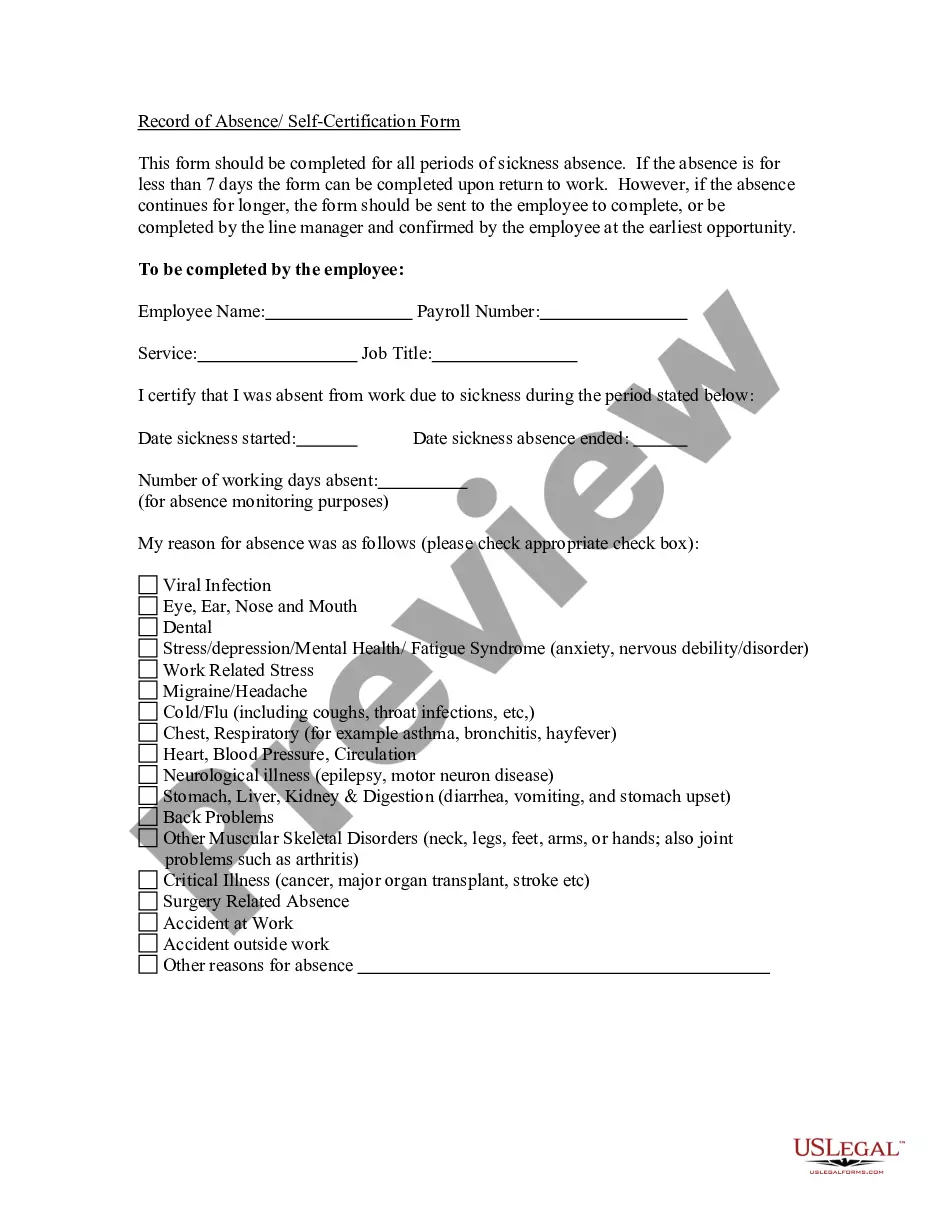
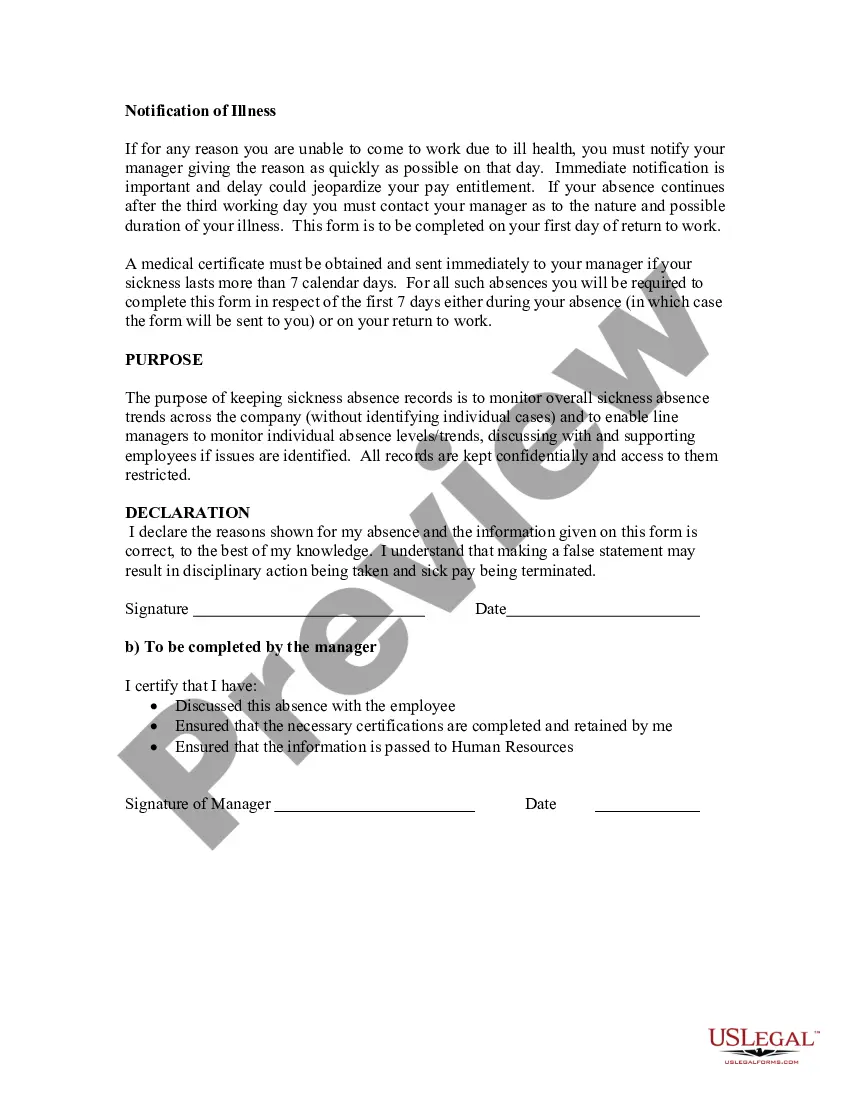
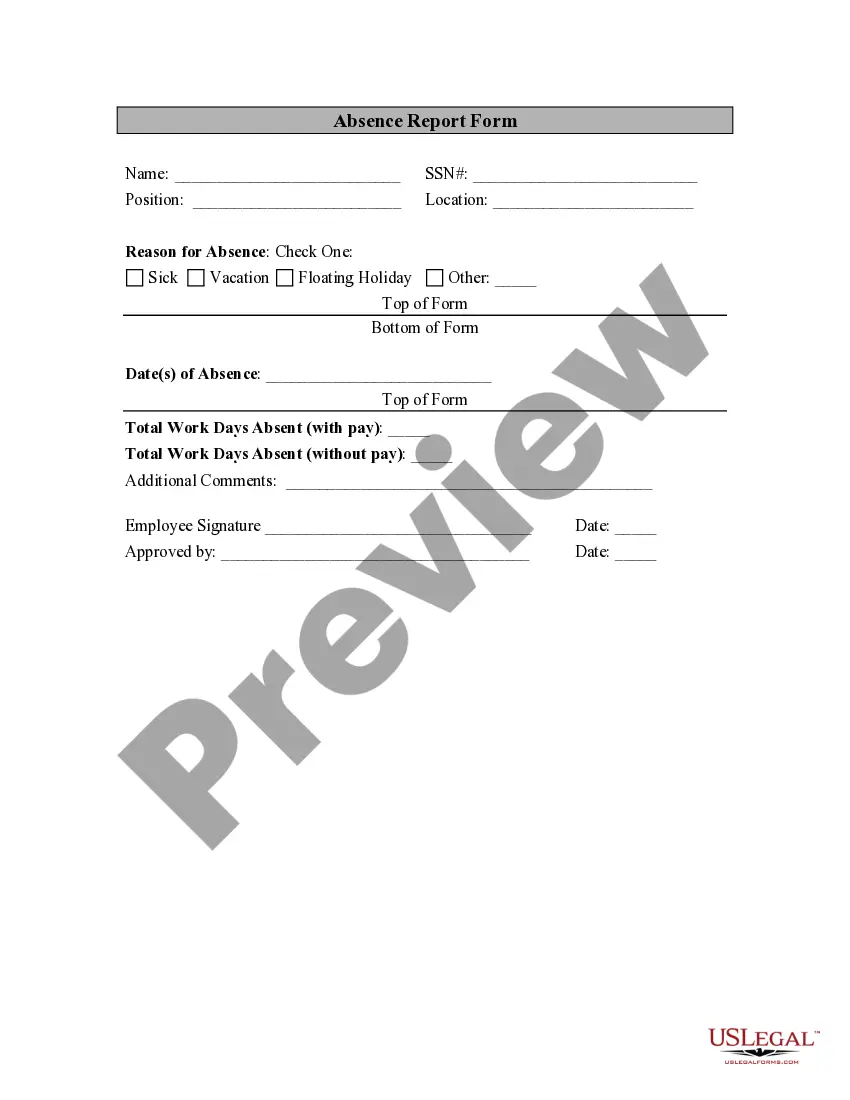
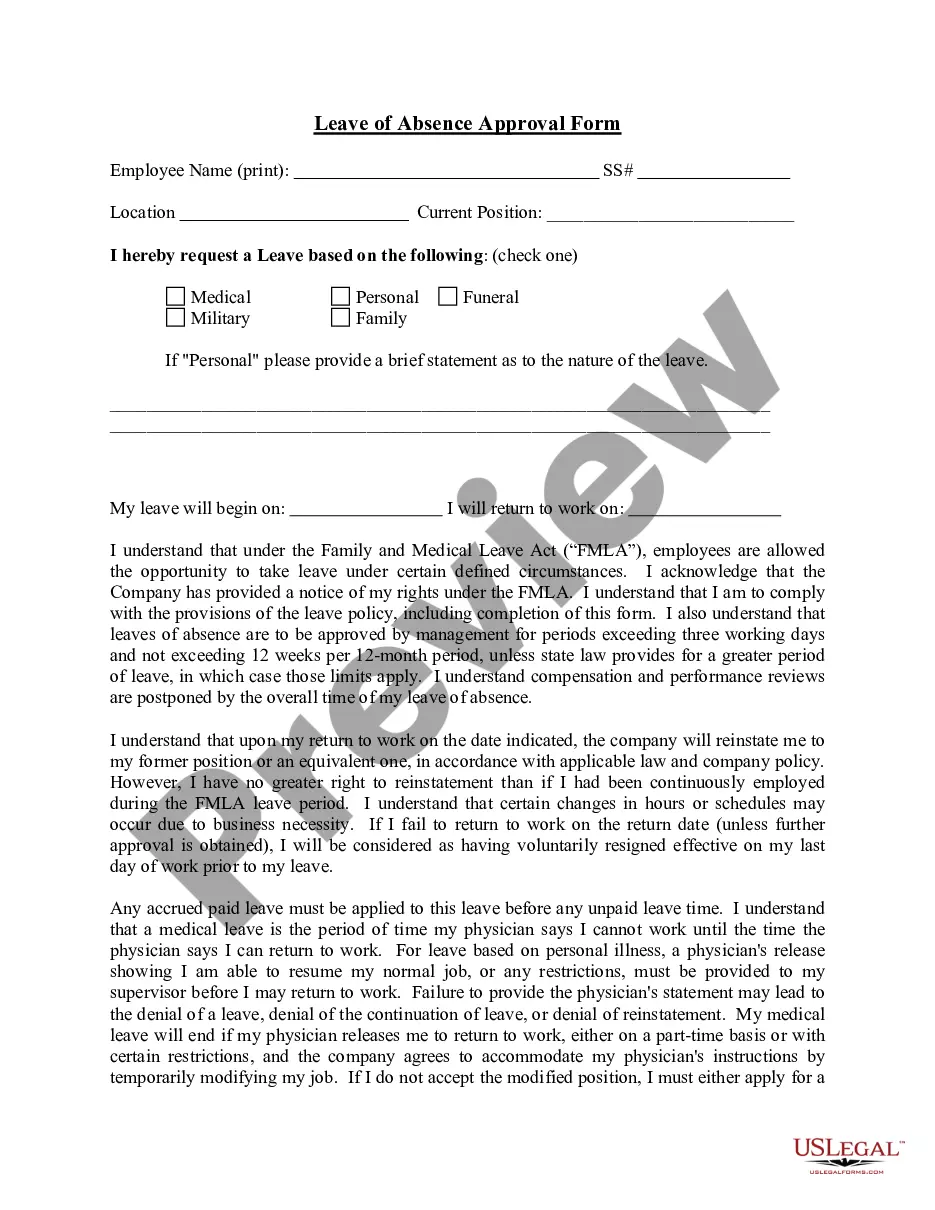
How to fill out Record Of Absence - Self-Certification Form?
Handling legal documents can be exasperating, even for the most proficient experts.
When you are looking for a Work Sick Ill For Sick Leave and lack the time to devote to finding the correct and updated version, the procedures can be stressful.
Access a valuable resource hub of articles, guides, and manuals pertinent to your circumstances and requirements.
Save time and effort in looking for the documents you need, and use US Legal Forms' sophisticated search and Review feature to locate Work Sick Ill For Sick Leave and access it.
Take advantage of the US Legal Forms online catalog, backed by 25 years of experience and reliability. Transform your daily document management into a seamless and user-friendly experience today.
- If you have a membership, sign in to your US Legal Forms account, search for the form, and retrieve it.
- Check your My documents tab to see the documents you have previously downloaded and to organize your folders as desired.
- If this is your initial experience with US Legal Forms, create an account and gain unlimited access to all the benefits of the library.
- Here are the actions to take after obtaining the form you need.
- Confirm it is the correct form by previewing it and reviewing its details.
- Verify that the sample is accepted in your state or county.
- Click Buy Now when you are prepared.
- Select a monthly subscription plan.
- Choose the format you require, and Download, complete, eSign, print, and submit your documents.
- Access state- or county-specific legal and organizational forms.
- US Legal Forms addresses any demands you might have, from personal to business paperwork, all in one location.
- Utilize advanced tools to complete and manage your Work Sick Ill For Sick Leave.
Form popularity
FAQ
What to Include in Your Sick Day Email Reason for your absence. Number of days that you will be out of the office. Whether or not you will answer urgent emails and calls. Doctor's note, if applicable. Name of the contact person who will handle your workload.
The best way to call in sick to work is informed by your circumstances and what is considered professional in your company. However, in most cases, it's advisable to ask your manager for sick leave as soon as possible, estimate when you'll be back, and provide relevant job-related information to your team.
I am writing this letter to inform you that I need to take sick leave from work. I will need to remain off work until [date]. I've included a letter from my doctor to confirm that I need to take that amount of time off to fully recover. I apologize for any inconvenience that my absence from work may cause.
I won't be able to report to work today because of [illness] and have [symptoms]. I went to the hospital and the doctor confirmed that I've got [diagnosis]. The doctor prescribed [number of days off work] since I [reason/s: need to rest, etc.].
Here are some phrases that you can use ?I'm not feeling well message? ?I'm sorry to say that I'm not feeling well today.? ?I'm afraid I won't be able to make it into work today due to illness.? ?I just wanted to let you know that I'm feeling under the weather today.?