Exit Form For Students
Description
Get your form ready online
Our built-in tools help you complete, sign, share, and store your documents in one place.
Make edits, fill in missing information, and update formatting in US Legal Forms—just like you would in MS Word.
Download a copy, print it, send it by email, or mail it via USPS—whatever works best for your next step.
Sign and collect signatures with our SignNow integration. Send to multiple recipients, set reminders, and more. Go Premium to unlock E-Sign.
If this form requires notarization, complete it online through a secure video call—no need to meet a notary in person or wait for an appointment.
We protect your documents and personal data by following strict security and privacy standards.

Make edits, fill in missing information, and update formatting in US Legal Forms—just like you would in MS Word.

Download a copy, print it, send it by email, or mail it via USPS—whatever works best for your next step.

Sign and collect signatures with our SignNow integration. Send to multiple recipients, set reminders, and more. Go Premium to unlock E-Sign.

If this form requires notarization, complete it online through a secure video call—no need to meet a notary in person or wait for an appointment.

We protect your documents and personal data by following strict security and privacy standards.
Looking for another form?


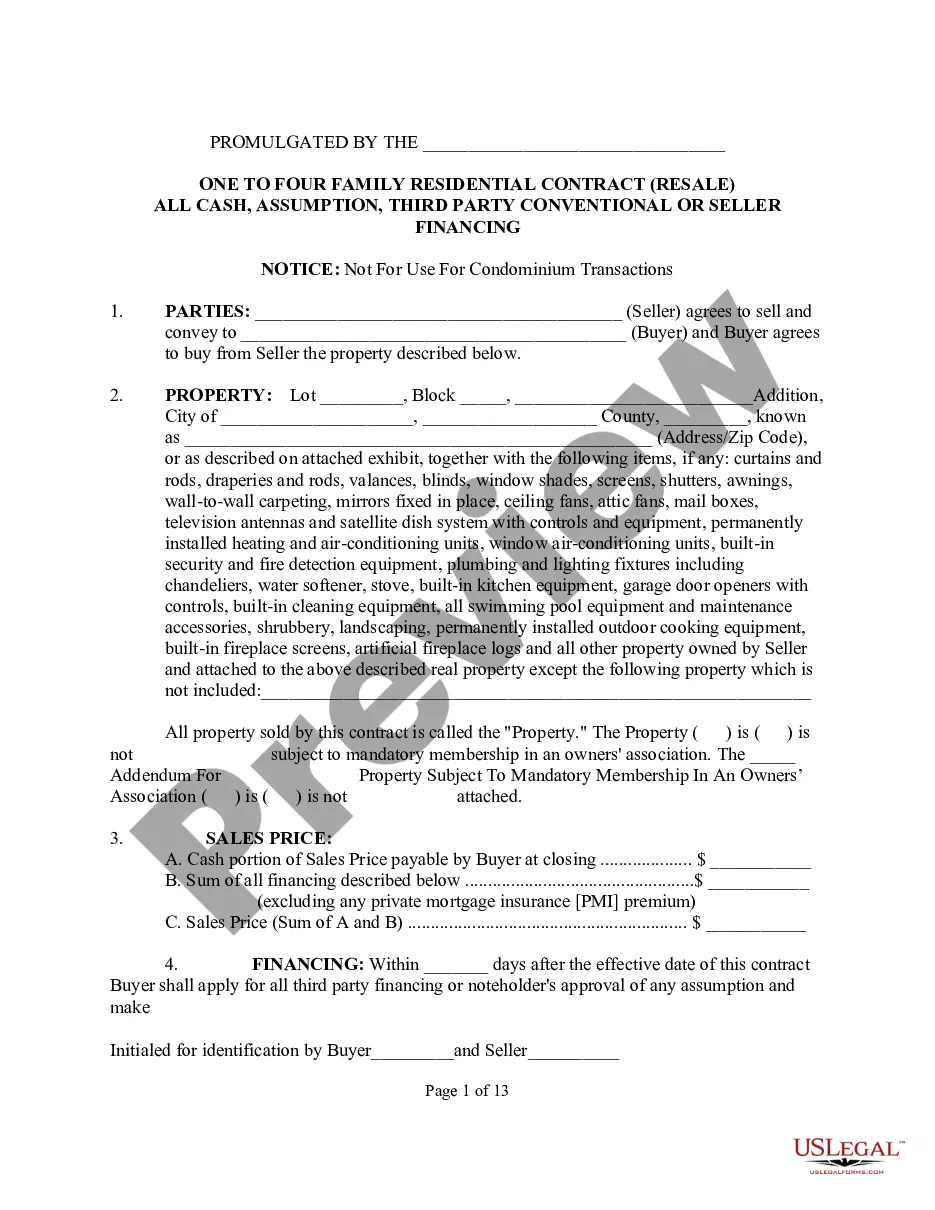





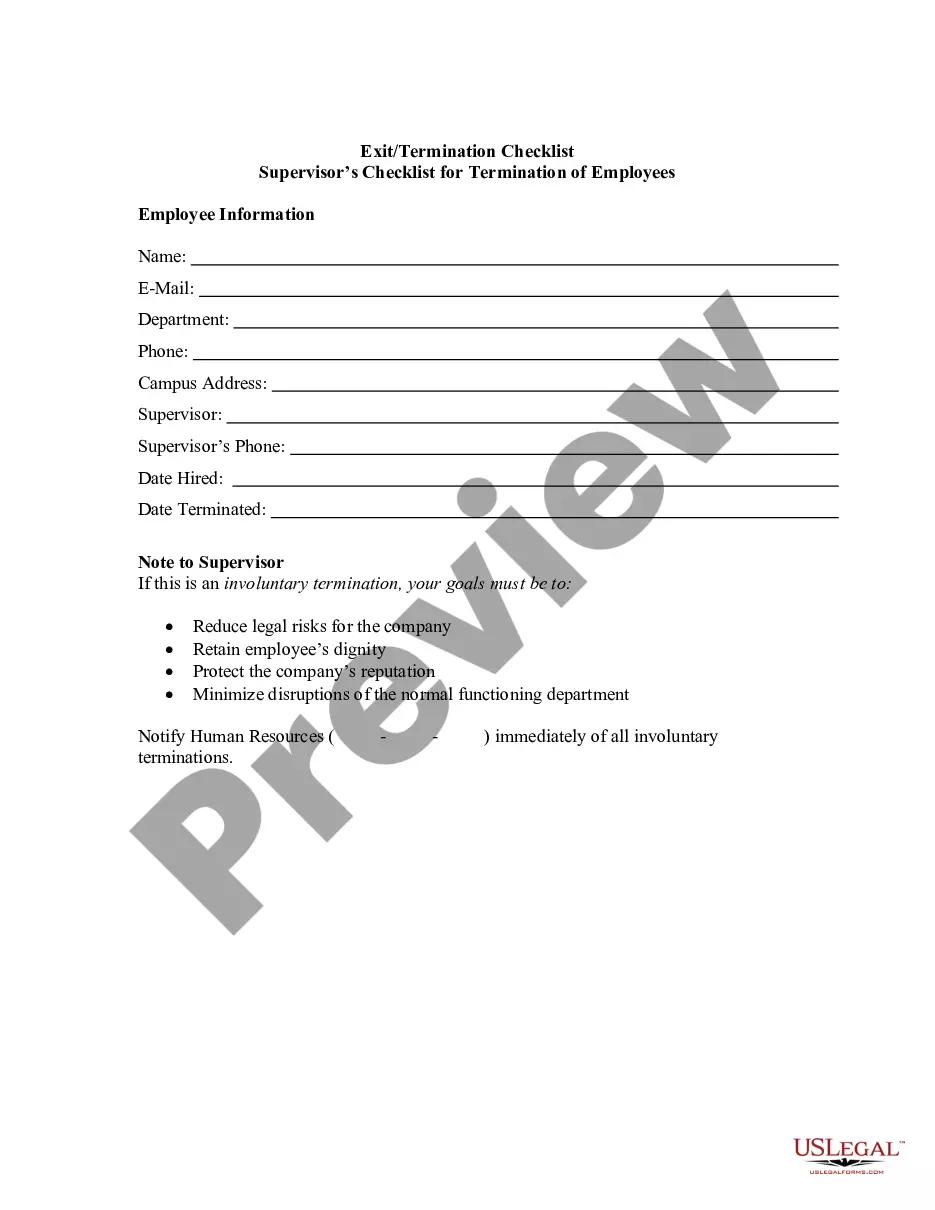
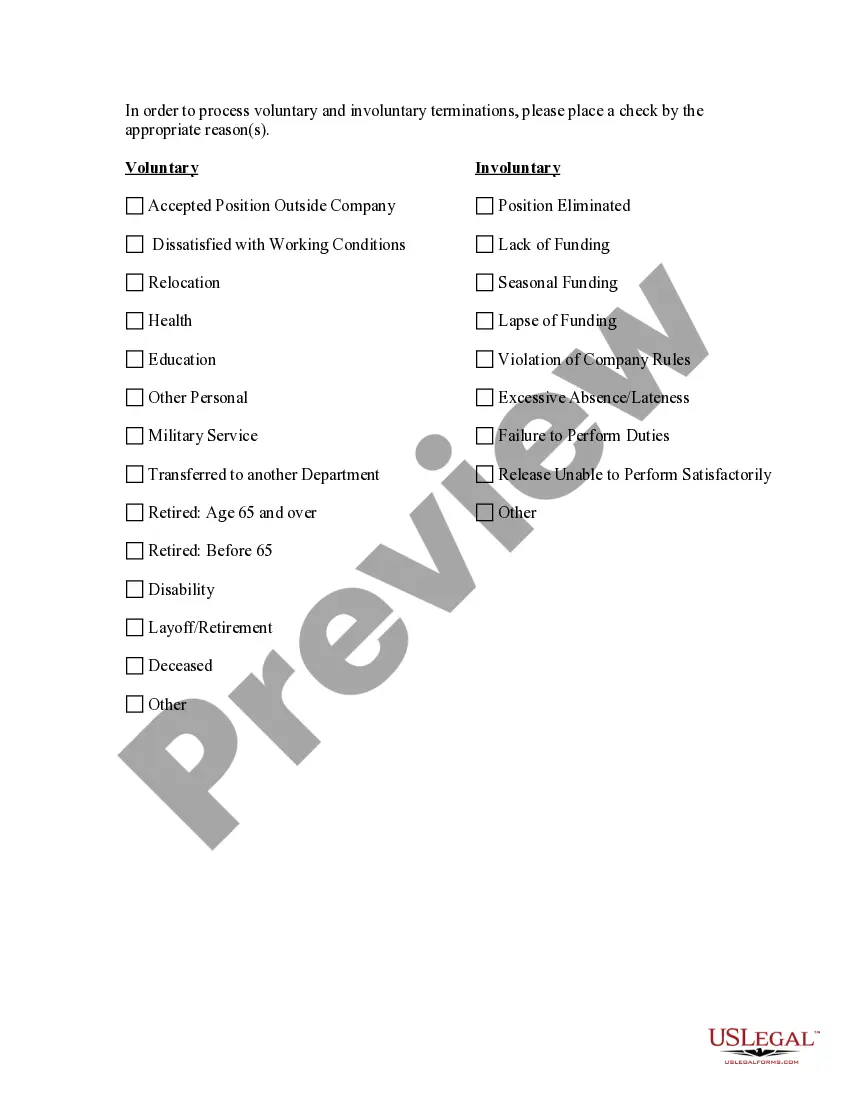
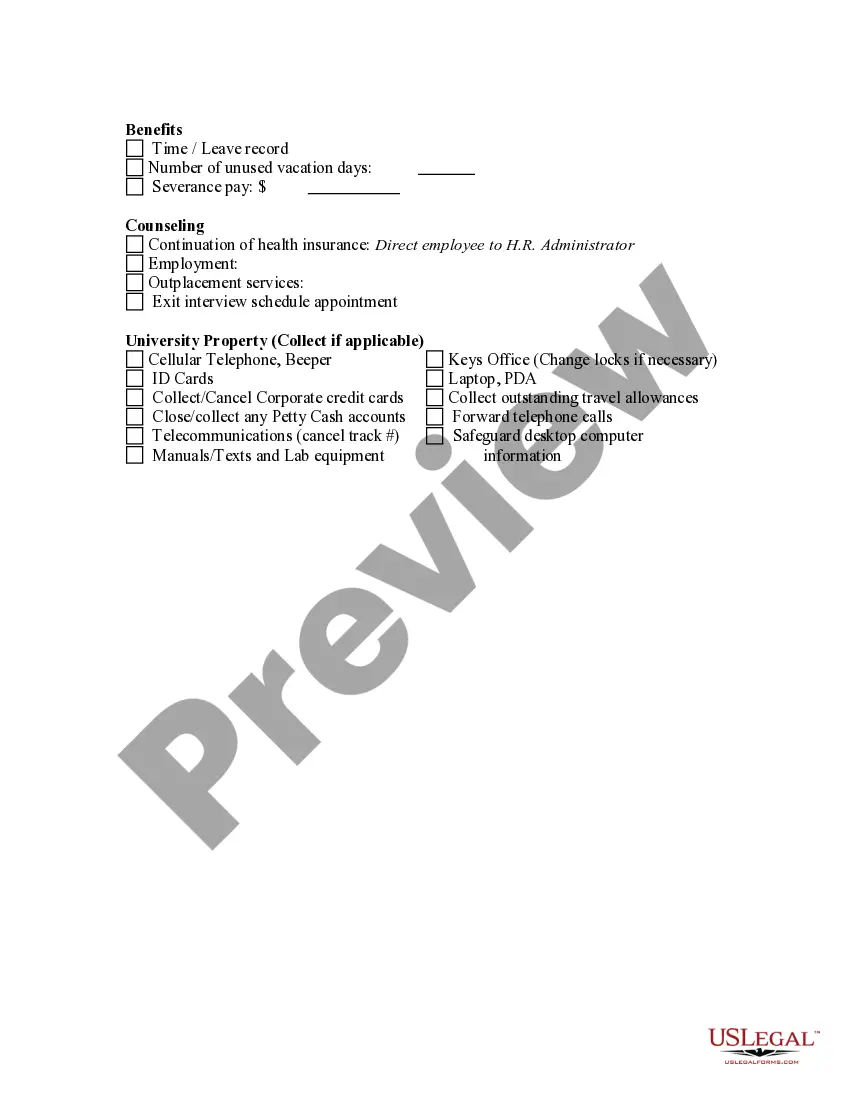
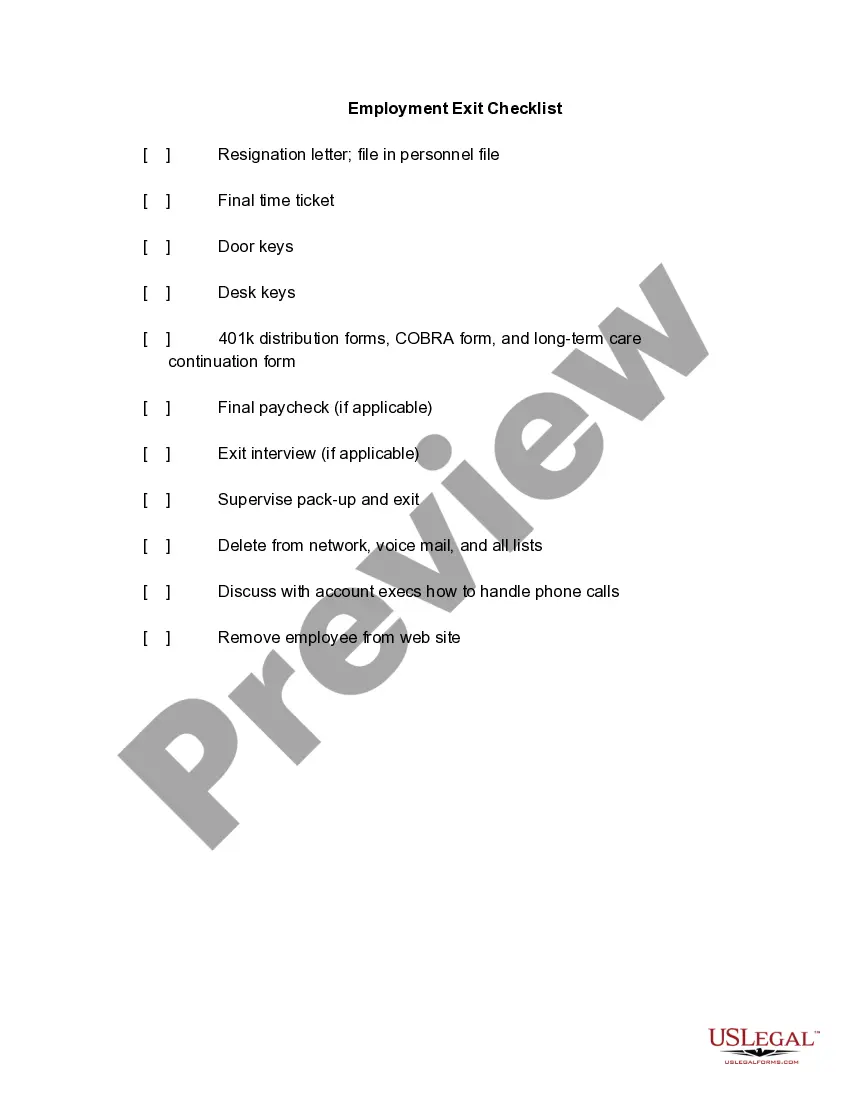
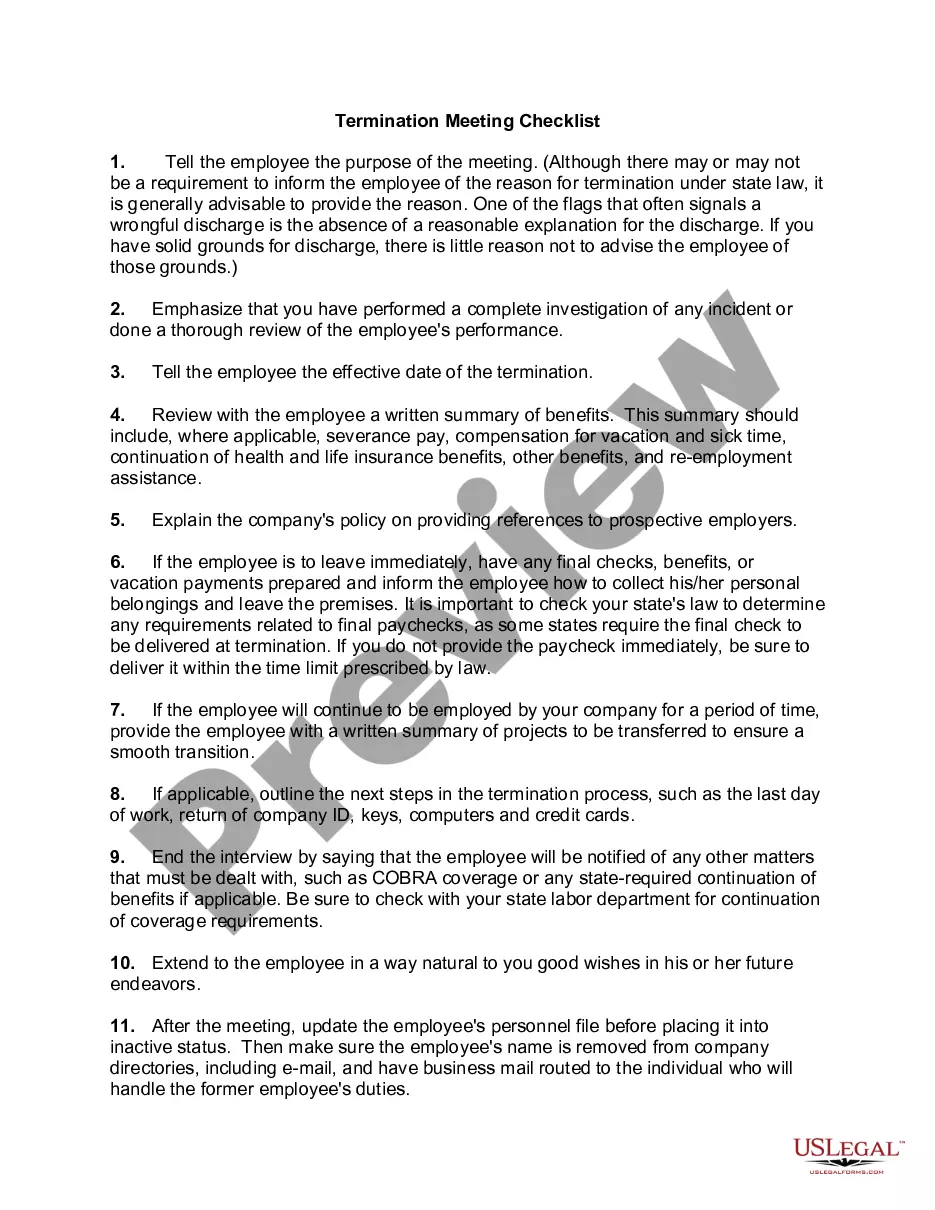
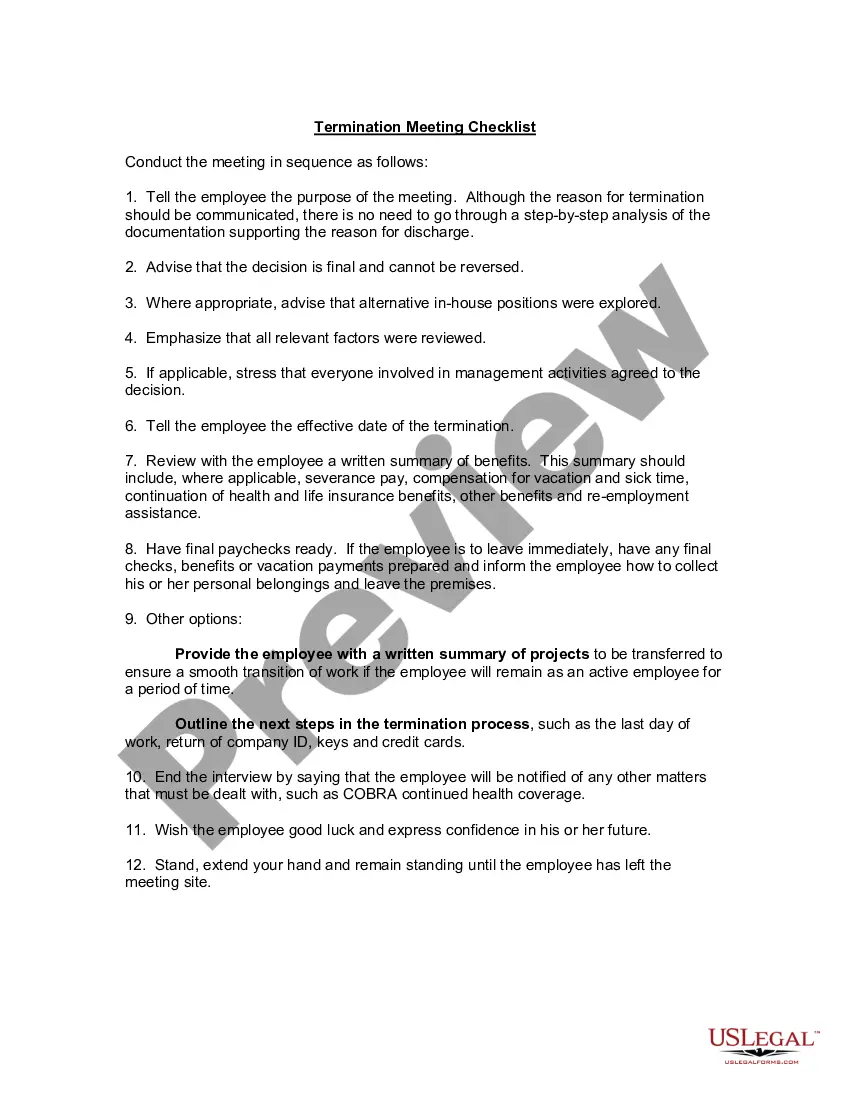
How to fill out Exit - Termination Checklist?
Engaging with legal documents and processes can be a labor-intensive addition to your daily routine.
Exit Form For Students and similar documents often require you to locate them and comprehend how to fill them out accurately.
Therefore, whether you are managing financial, legal, or personal issues, utilizing a comprehensive and user-friendly online directory of forms when needed will be very beneficial.
US Legal Forms is the premier online platform for legal templates, featuring more than 85,000 state-specific forms and a range of resources to help you complete your documents with ease.
Is this your first time using US Legal Forms? Sign up and create a free account in a few minutes to gain access to the form directory and Exit Form For Students. Then, follow the steps outlined below to finalize your form.
- Browse the collection of relevant documents available to you with just one click.
- US Legal Forms provides state- and county-specific forms accessible at any time for download.
- Safeguard your document management processes by utilizing a top-quality service that enables you to prepare any form in moments, without any extra or concealed charges.
- Just Log In to your account, locate Exit Form For Students, and download it immediately from the My documents section.
- You may also access previously saved documents.
Form popularity
FAQ
Ideally the employee would complete this in advance of the meeting, and this forms the basis of the discussion which can be explored further during the meeting.
Here are some examples of exit survey questions for employees: What was your primary reason for leaving your current position/organization? How satisfied were you with your overall experience working for this organization? Were your expectations regarding the position and the organization met during your tenure?
What should you include in an exit interview form? Questions about the reasons for departure. ... Questions about what they liked about their job. ... Questions about how you can improve your workplace. ... Questions about whether they were happy with their pay.
What accomplishment either at a job or here at school are you most proud of? What are some of your extracurricular activities? How would you say they have helped you grow as a future member of the work force? Tell me about a project that got you really excited.
Must-Ask Exit Survey Questions Why are you quitting this job? ... What made you look into a new job? ... What could have been done for you to remain employed here? ... Did you share your concerns with anyone at the company prior to leaving? ... What would you have changed about your job? ... Did you have clear goals?