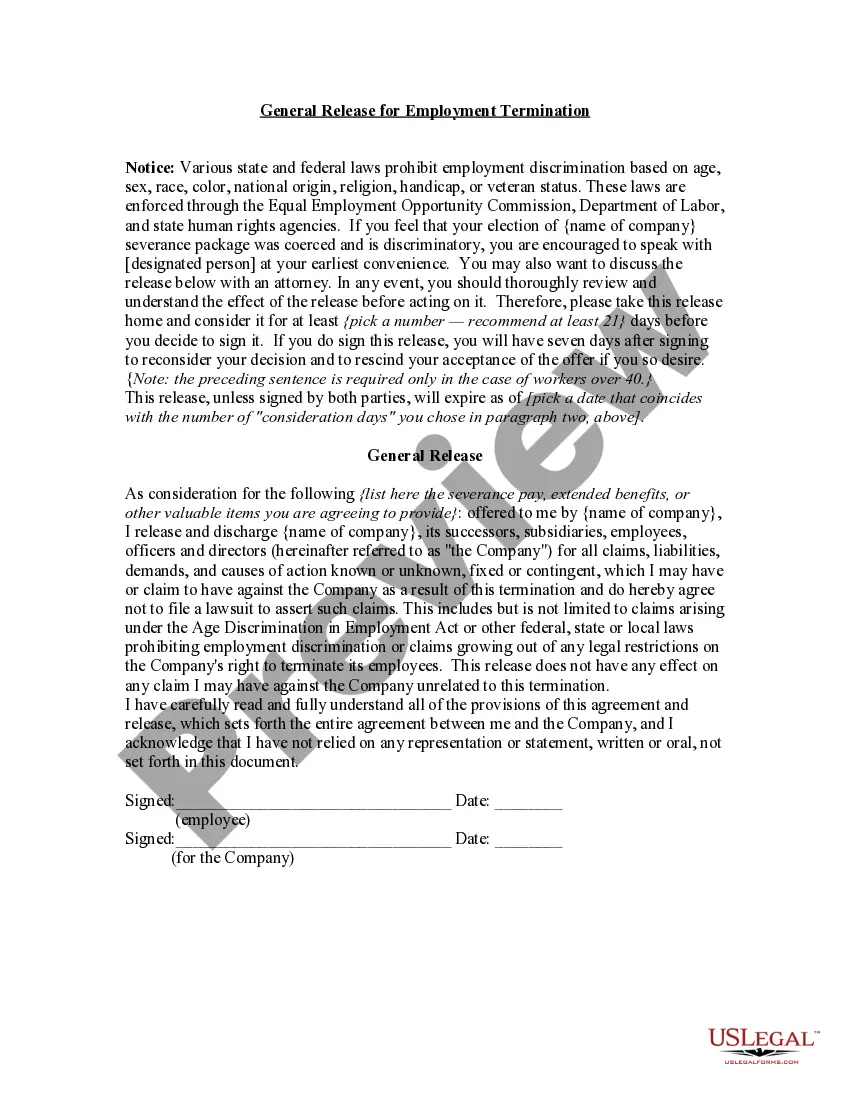
Release For Work
Description
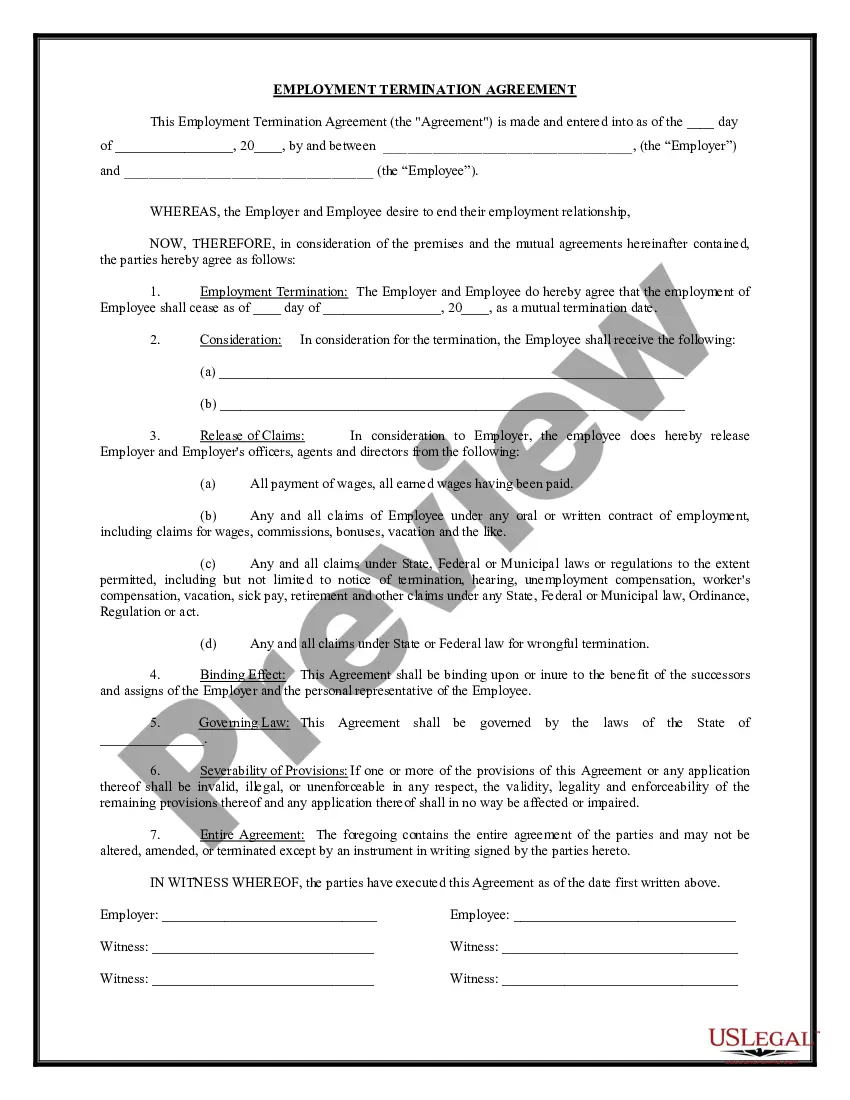
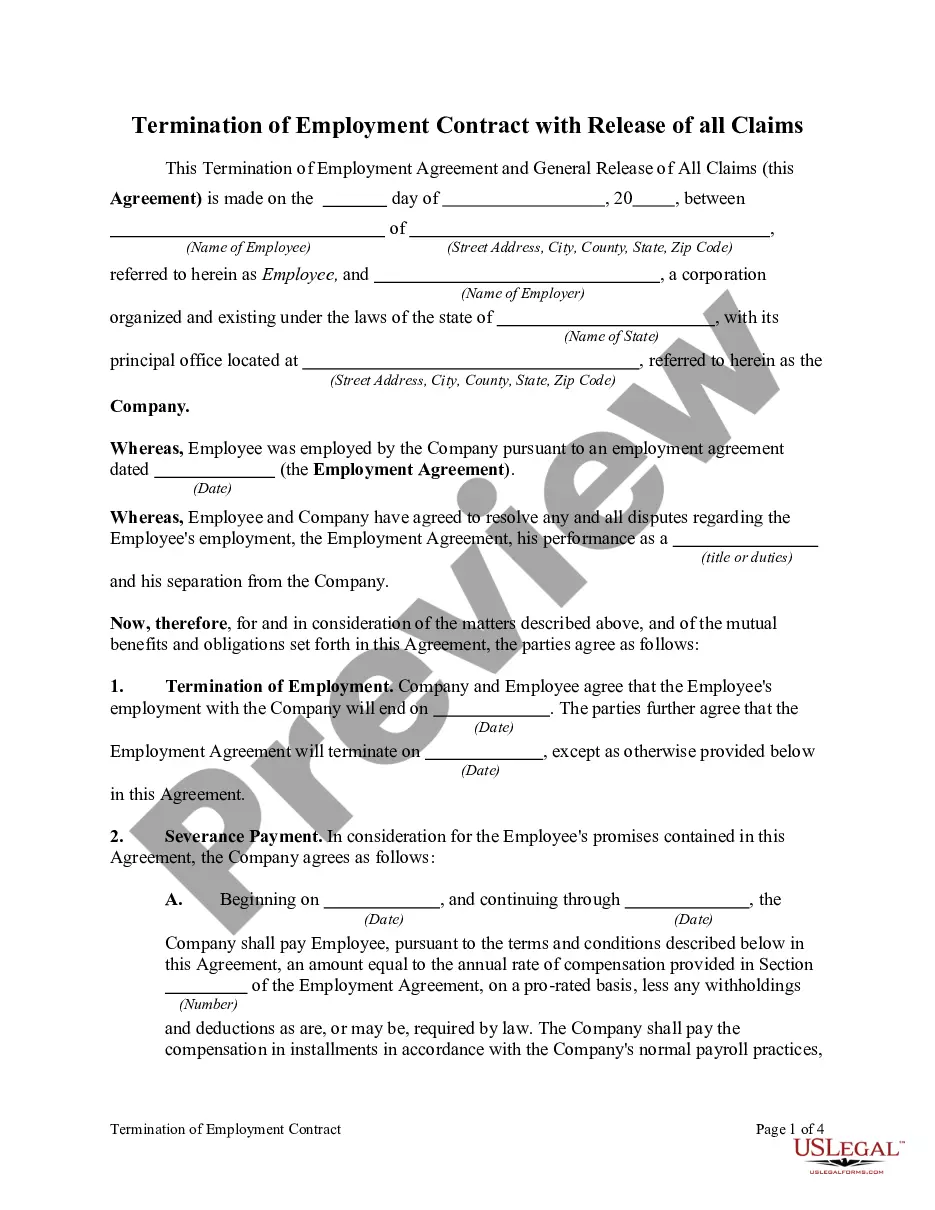
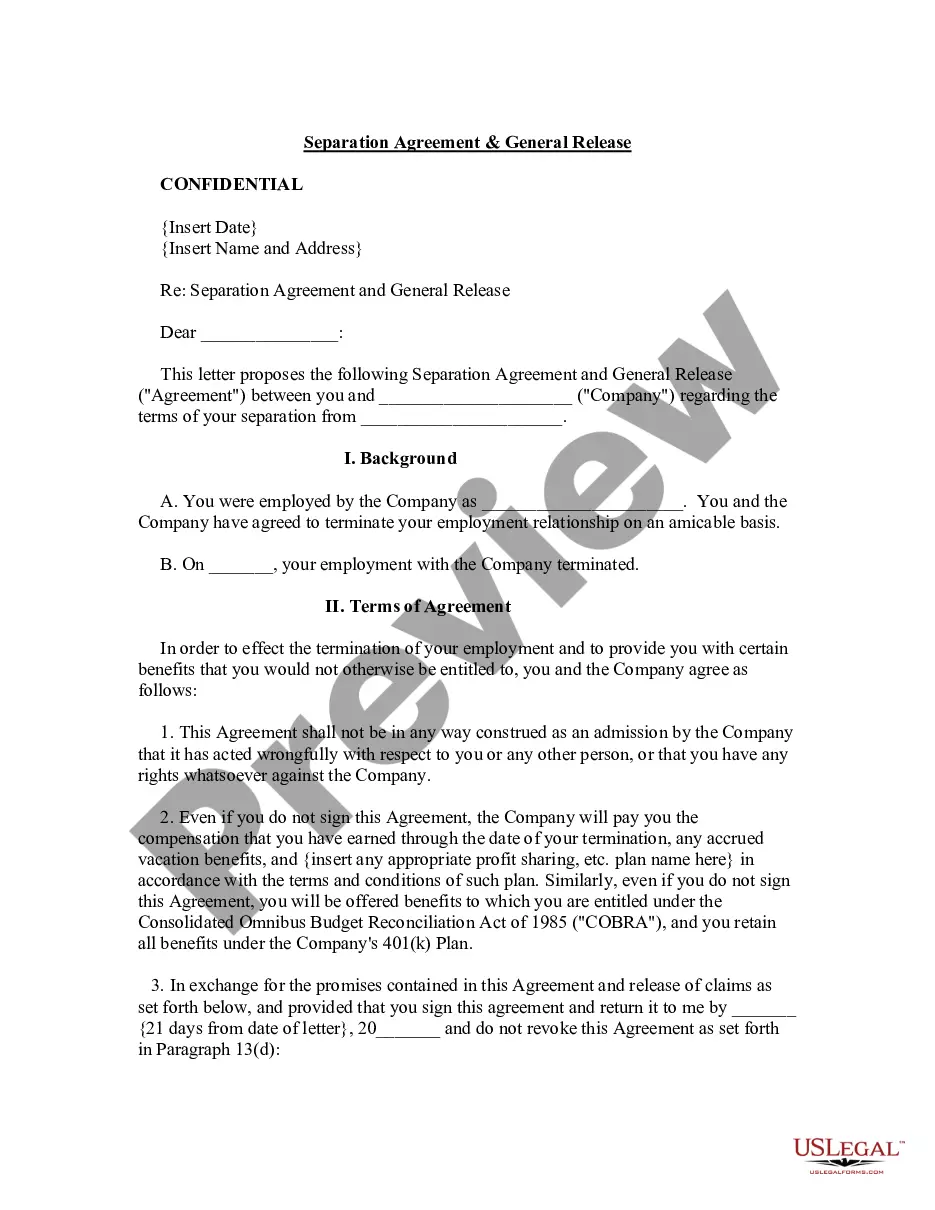
Get your form ready online
Our built-in tools help you complete, sign, share, and store your documents in one place.
Make edits, fill in missing information, and update formatting in US Legal Forms—just like you would in MS Word.
Download a copy, print it, send it by email, or mail it via USPS—whatever works best for your next step.
Sign and collect signatures with our SignNow integration. Send to multiple recipients, set reminders, and more. Go Premium to unlock E-Sign.
If this form requires notarization, complete it online through a secure video call—no need to meet a notary in person or wait for an appointment.
We protect your documents and personal data by following strict security and privacy standards.

Make edits, fill in missing information, and update formatting in US Legal Forms—just like you would in MS Word.

Download a copy, print it, send it by email, or mail it via USPS—whatever works best for your next step.

Sign and collect signatures with our SignNow integration. Send to multiple recipients, set reminders, and more. Go Premium to unlock E-Sign.

If this form requires notarization, complete it online through a secure video call—no need to meet a notary in person or wait for an appointment.

We protect your documents and personal data by following strict security and privacy standards.
Looking for another form?

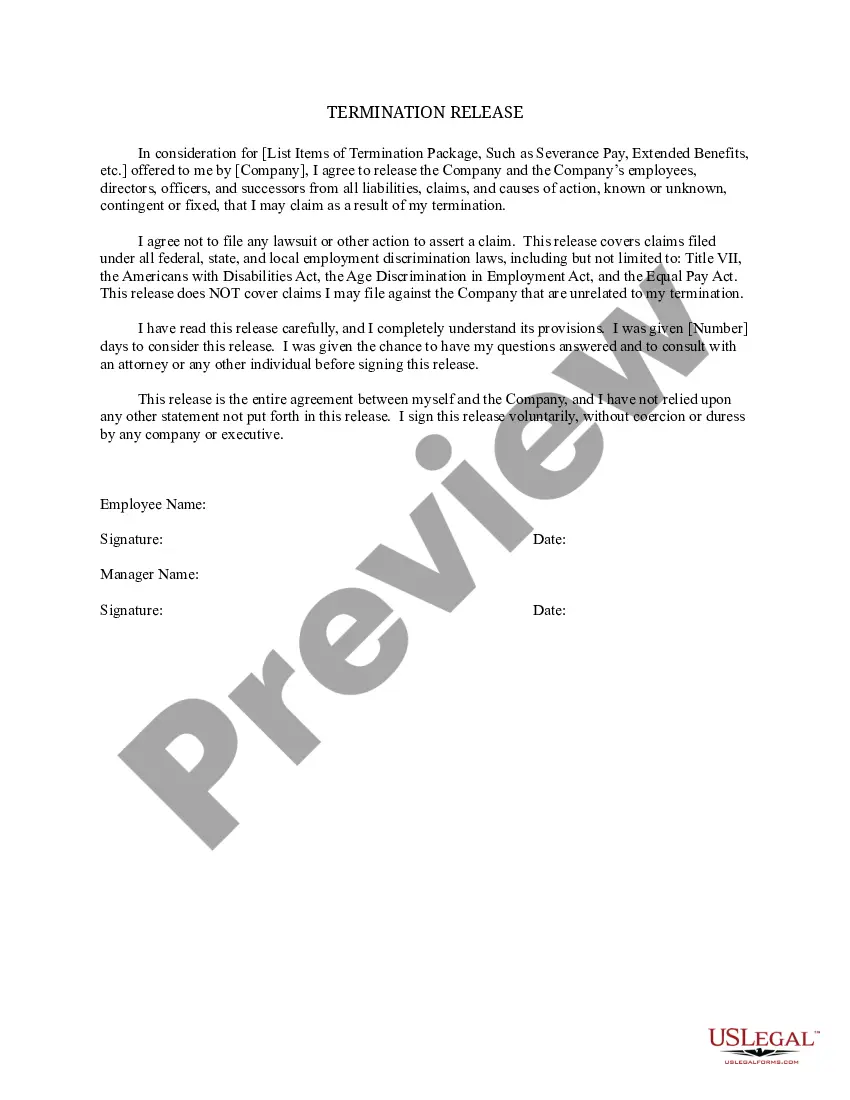
How to fill out General Release For Employment Or Job Termination?
Whether for commercial reasons or personal matters, everyone must handle legal issues at some point in their lifetime.
Completing legal documents necessitates meticulous care, starting from choosing the correct form template.
With a vast US Legal Forms catalog available, you do not need to waste time searching for the correct template online. Take advantage of the library’s straightforward navigation to find the suitable form for any situation.
- Obtain the template you require by using the search bar or browsing the catalog.
- Review the form’s details to verify it aligns with your circumstances, state, and county.
- Click on the form’s preview to review it.
- If it is the wrong document, return to the search feature to locate the Release For Work template you need.
- Acquire the file when it fits your criteria.
- If you possess a US Legal Forms account, click Log in to access previously saved documents in My documents.
- In case you don’t have an account yet, you can secure the form by clicking Buy now.
- Select the appropriate pricing option.
- Complete the registration form.
- Choose your payment method: you may use a credit card or PayPal account.
- Select the document format you desire and download the Release For Work.
- Once downloaded, you can fill out the form using editing software or print it for manual completion.
Form popularity
FAQ
How Do You Write a Release Form? The first step in writing is identifying all parties involved, including the releaser and the release. Specify the activity or event in detail, such as a photo shoot, a video production, or a performance. Clearly specify what is being released, whether liability, claims, or damages.
Employee Absence Return To Work Form This form may be used by a physician in case of an employee's absence from work due to a medical reason. It is completed by physicians to decide when an employee can return to work. This form contains the physician's name, his/her signature and employee's information.
Employment release forms are used by HR departments for a variety of purposes, from photo releases, to equipment releases, to release waivers. Explore Jotform's ready-made Employment Release Forms to create an online form for your needs in a few easy clicks!
A release form, or general release form, is a legal document that serves as consent in writing to release the legal liability of a releasee by a releasor. The document is a formal acknowledgment that, once signed, is a legal release of all a releasee obligations within an agreement.
Releases are very often used to ensure that litigation is terminated when a settlement or compromise between the plaintiff(s) and defendant(s) is reached. A general release may release any claims known or unknown that the releasor may have against the releasee.