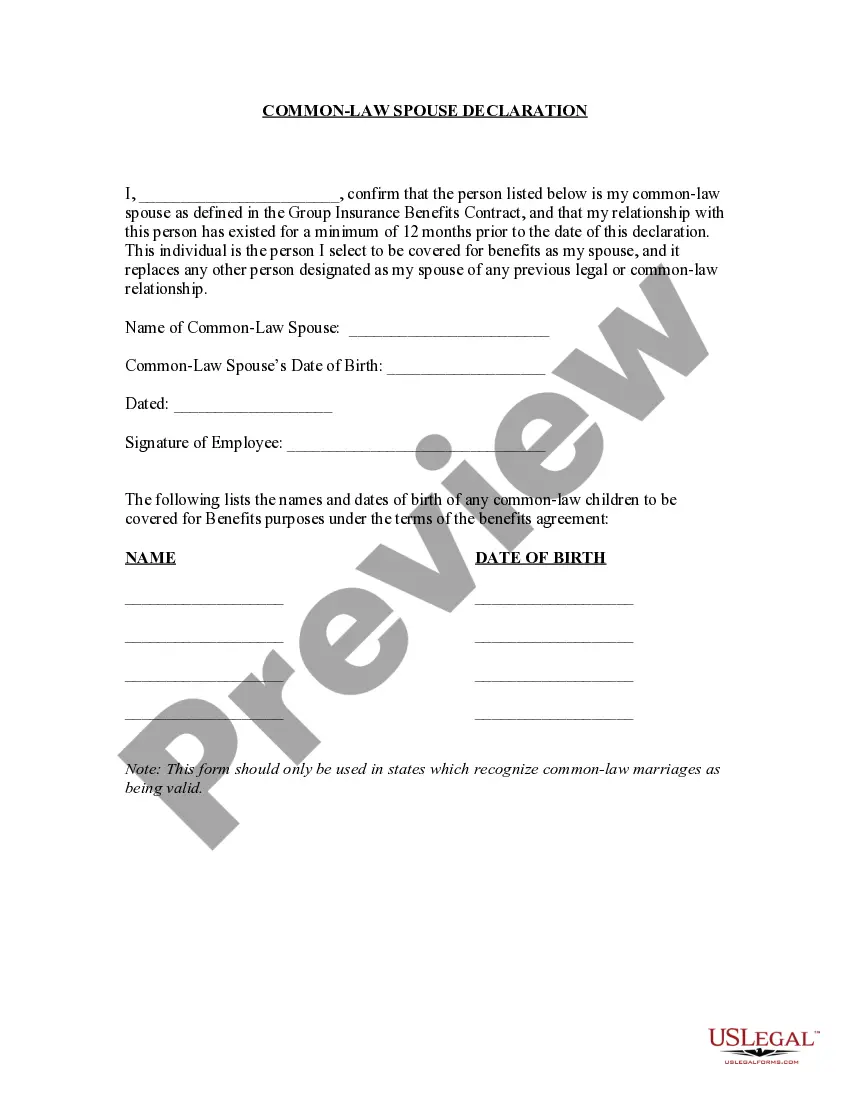
Marriage Declaration Form With Spouse
Description
Get your form ready online
Our built-in tools help you complete, sign, share, and store your documents in one place.
Make edits, fill in missing information, and update formatting in US Legal Forms—just like you would in MS Word.
Download a copy, print it, send it by email, or mail it via USPS—whatever works best for your next step.
Sign and collect signatures with our SignNow integration. Send to multiple recipients, set reminders, and more. Go Premium to unlock E-Sign.
If this form requires notarization, complete it online through a secure video call—no need to meet a notary in person or wait for an appointment.
We protect your documents and personal data by following strict security and privacy standards.

Make edits, fill in missing information, and update formatting in US Legal Forms—just like you would in MS Word.

Download a copy, print it, send it by email, or mail it via USPS—whatever works best for your next step.

Sign and collect signatures with our SignNow integration. Send to multiple recipients, set reminders, and more. Go Premium to unlock E-Sign.

If this form requires notarization, complete it online through a secure video call—no need to meet a notary in person or wait for an appointment.

We protect your documents and personal data by following strict security and privacy standards.
Looking for another form?
How to fill out Common Law Spouse Or Marriage Declaration Or Affidavit?
Regardless of whether it's for corporate reasons or personal issues, individuals eventually encounter legal matters during their lifetime.
Filling out legal documents demands meticulous focus, starting from choosing the appropriate form template.
With an extensive catalog from US Legal Forms available, you don't need to waste time searching for the right template online. Utilize the library’s easy navigation to find the suitable form for any circumstance.
- Obtain the template you require using the search bar or catalog browsing.
- Review the form’s description to confirm it aligns with your circumstances, jurisdiction, and area.
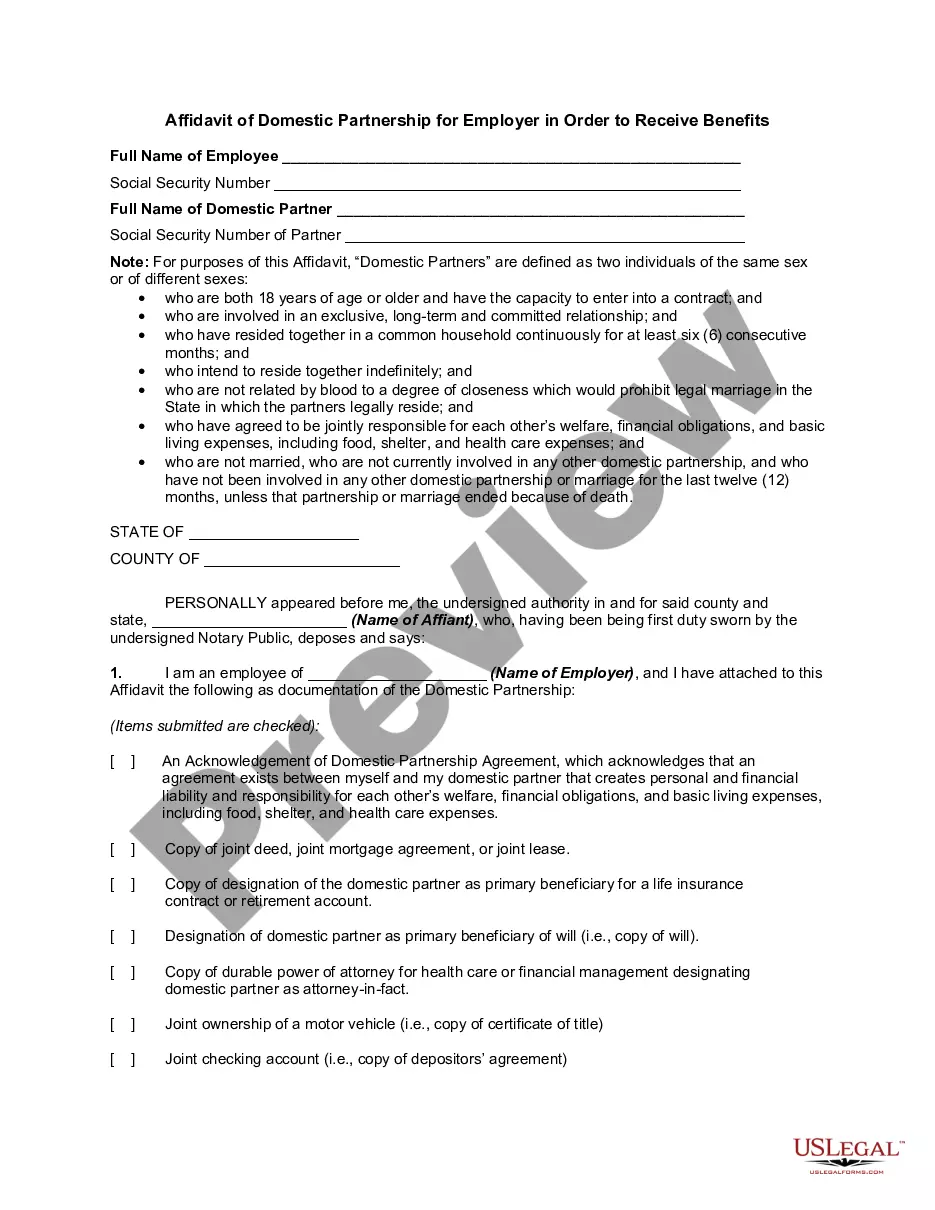
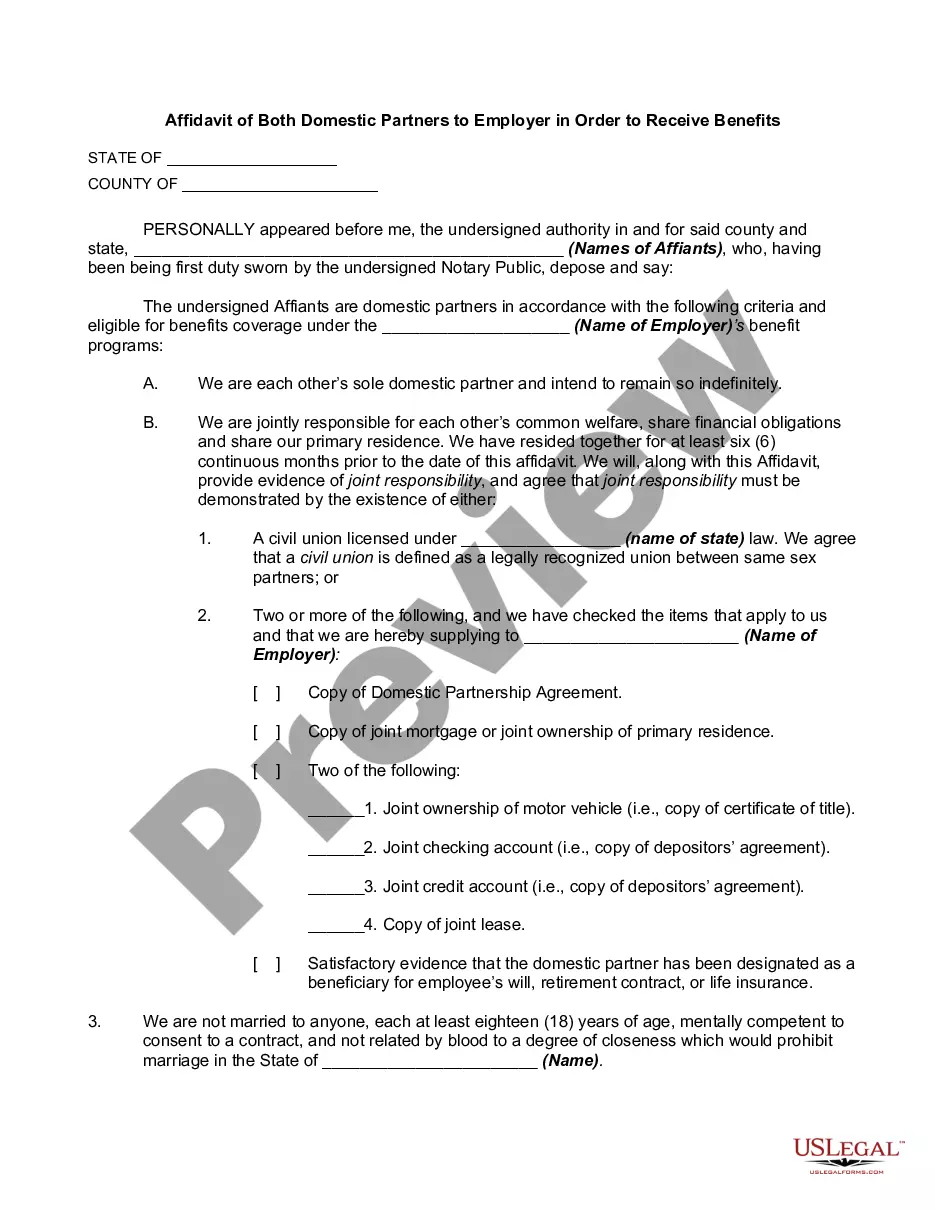
- Click on the form’s preview to examine it.
- If it is not the correct document, return to the search feature to find the Marriage Declaration Form With Spouse example you need.
- Acquire the template if it fulfills your specifications.
- If you possess a US Legal Forms account, simply click Log in to access previously saved templates in My documents.
- If you do not have an account yet, you can obtain the form by clicking Buy now.
- Select the correct pricing option.
- Complete the account registration form.
- Choose your payment method: you can use a credit card or PayPal.
- Select the document format you want and download the Marriage Declaration Form With Spouse.
- Once downloaded, you can fill out the form using editing software or print it and complete it manually.
Form popularity
FAQ
To do this they must present themselves at the county clerk's office and file a Declaration of Informal Marriage. To file a Declaration of Informal Marriage you will need to take with you the same proof of identity and age as if you were getting a marriage license, and money to pay the filing fee.
I, Shri/Shrimati/Kumari ????????? declare as under :- * (i) That I am unmarried/a widower/a widow; * (ii) That I am married and have only one spouse living; * (iii) That I have entered into or contracted a marriage with a person having a spouse living.
The United States has no national registration of marriages, foreign or domestic. U.S. states recognize marriages performed in other states and in other countries. If your marriage was legally performed in the country or state where you got married, then the marriage is recognized in the United States.
One of the ways an informal marriage is established is by registering a duly executed declaration and oath with the county of their residence. The parties must show proof of identity, be over 18 years of age and affirm that that they are not related to each other in any way.
A: Both parties must appear to apply and both will sign the certificate at that time. Q: What is the fee for a Declaration of Informal Marriage? A. There is a $36.00 fee payable only in CASH or current credit or debit card, which, if used, will add a 3% surcharge to the original fee.