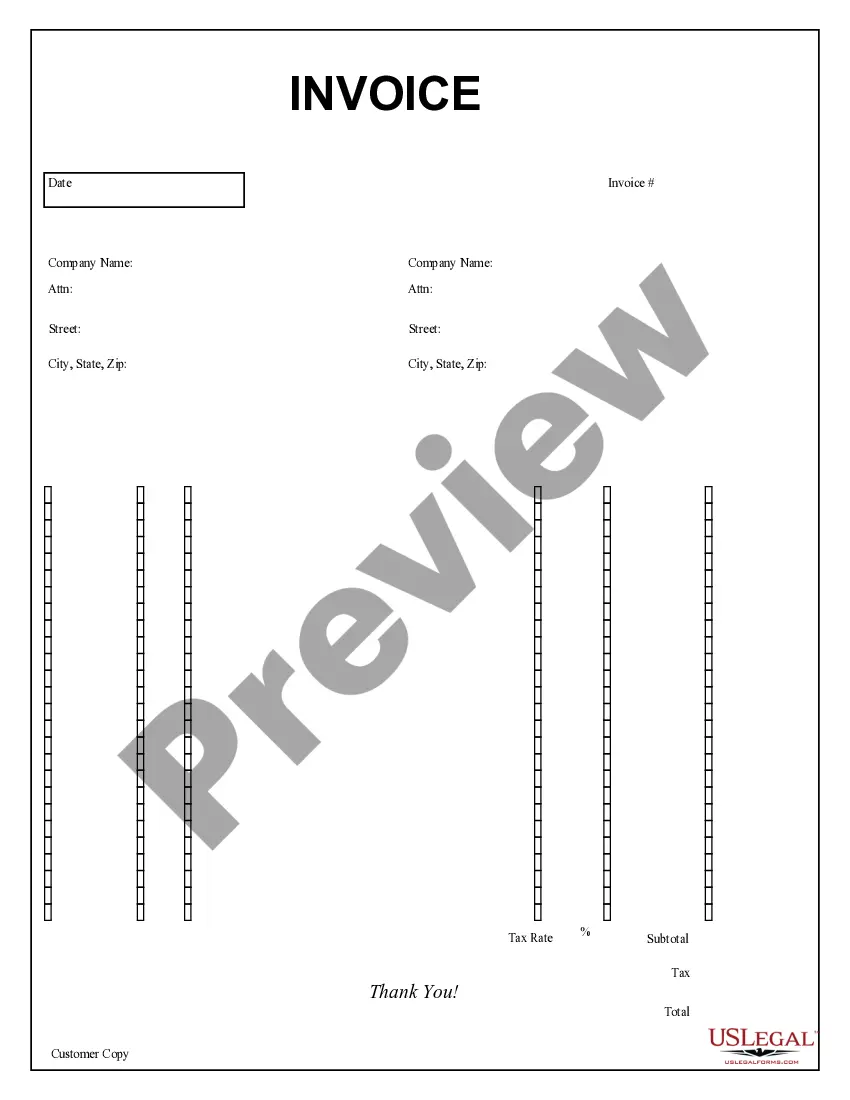
Customs Invoice For Fedex
Description




How to fill out Purchase Invoice?
The Customs Invoice For Fedex that you see on this webpage is a reusable official template designed by legal experts in accordance with federal and local regulations.
For over 25 years, US Legal Forms has offered individuals, organizations, and legal practitioners more than 85,000 authenticated, state-specific forms for any business and personal circumstance. It’s the quickest, simplest, and most dependable method to acquire the documents you require, as the service ensures bank-level data security and anti-malware safeguards.
Select the format you desire for your Customs Invoice For Fedex (PDF, DOCX, RTF) and download the sample to your device. Fill out and sign the documents. Print the template to complete it manually. Alternatively, use an online versatile PDF editor to quickly and accurately fill out and sign your form with a valid signature. Download your documents again whenever necessary. Access the My documents tab in your profile to redownload any previously acquired forms. Register for US Legal Forms to have verified legal templates for all of life’s circumstances at your fingertips.
- Look for the document you require and review it.
- Browse through the sample you searched and preview it or examine the form description to confirm it meets your needs. If it doesn’t, utilize the search feature to locate the appropriate one. Click Buy Now when you have identified the template you need.
- Register and Log In.
- Select the pricing option that works for you and create an account. Use PayPal or a credit card for a swift payment. If you already possess an account, Log In and verify your subscription to continue.
- Acquire the editable template.
Form popularity
FAQ
Without this number your customs paperwork cannot be processed. Shipper Details. Company Name, Complete Address (Address, City, State, Zip, Country), Contact Person, Phone/Fax. Consignee Details. ... Complete Product Listing. ... Number of Packages. ... Price of Goods. ... Country of Origin.
Customs documents must be securely fastened to the outside of your box.
Essential Information in a Commercial Invoice Bank Details, Shipper and Receiver Details. ... Goods Description. ... Commodity Code. ... Origin Country. ... Invoice Total Declared Value. ... Type of Export. ... Terms of Trade (Incoterms) ... Reason for export.
Steps to Generate a Shipping Invoice Download a Customizable Invoice. ... Include Information of Buyer and Seller. ... Include Shipment Information. ... Include a Customer Reference Number. ... Terms and Conditions of Payment. ... Include Item Descriptions. ... Add Quantity of Product and Measure Unit. ... Include Shipment Process.
How to fill in a commercial invoice - YouTube YouTube Start of suggested clip End of suggested clip Model number as well as the description. And don't just rely on the company's. Product code toMoreModel number as well as the description. And don't just rely on the company's. Product code to describe the goods. Remember to state the quantity.