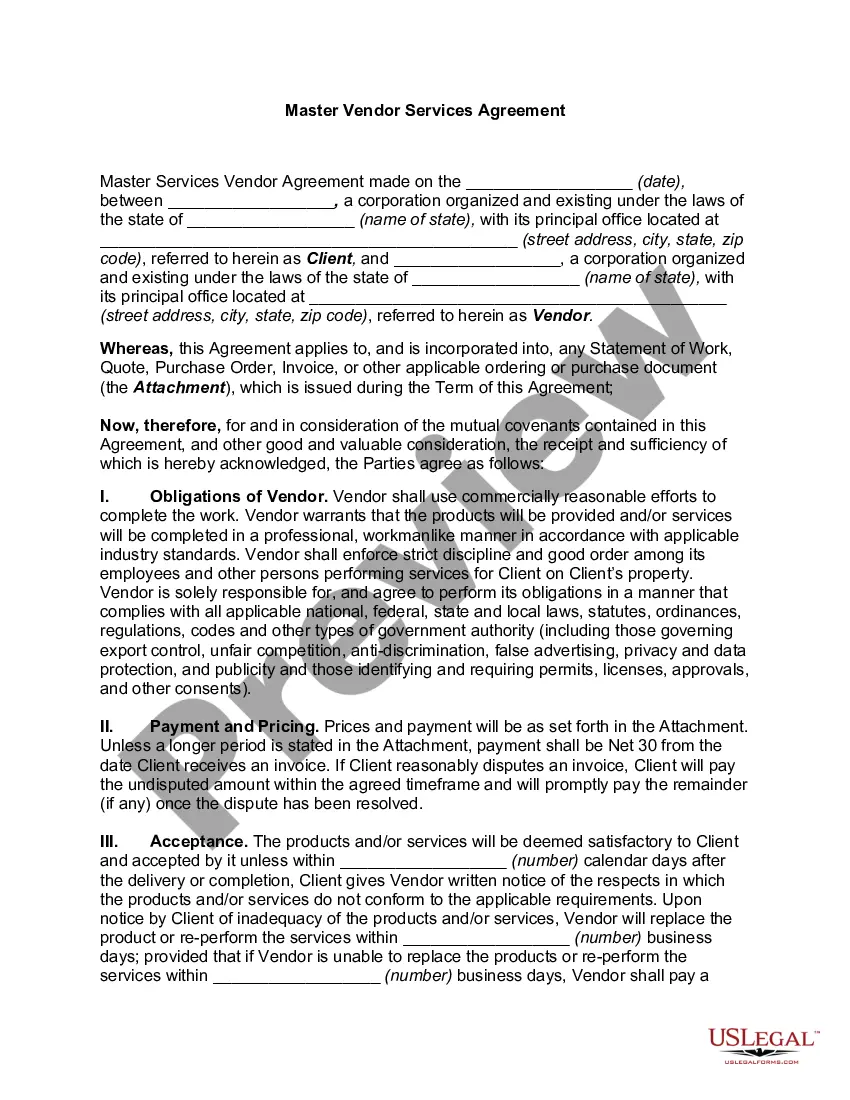
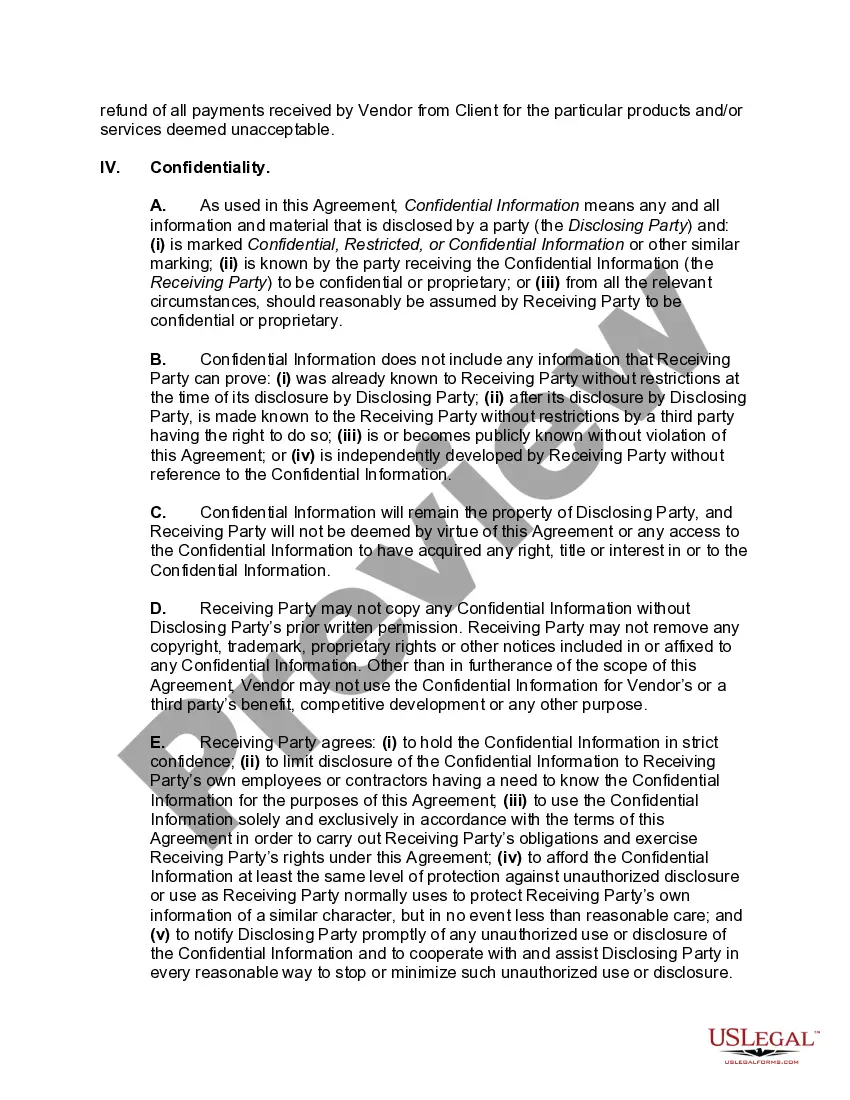
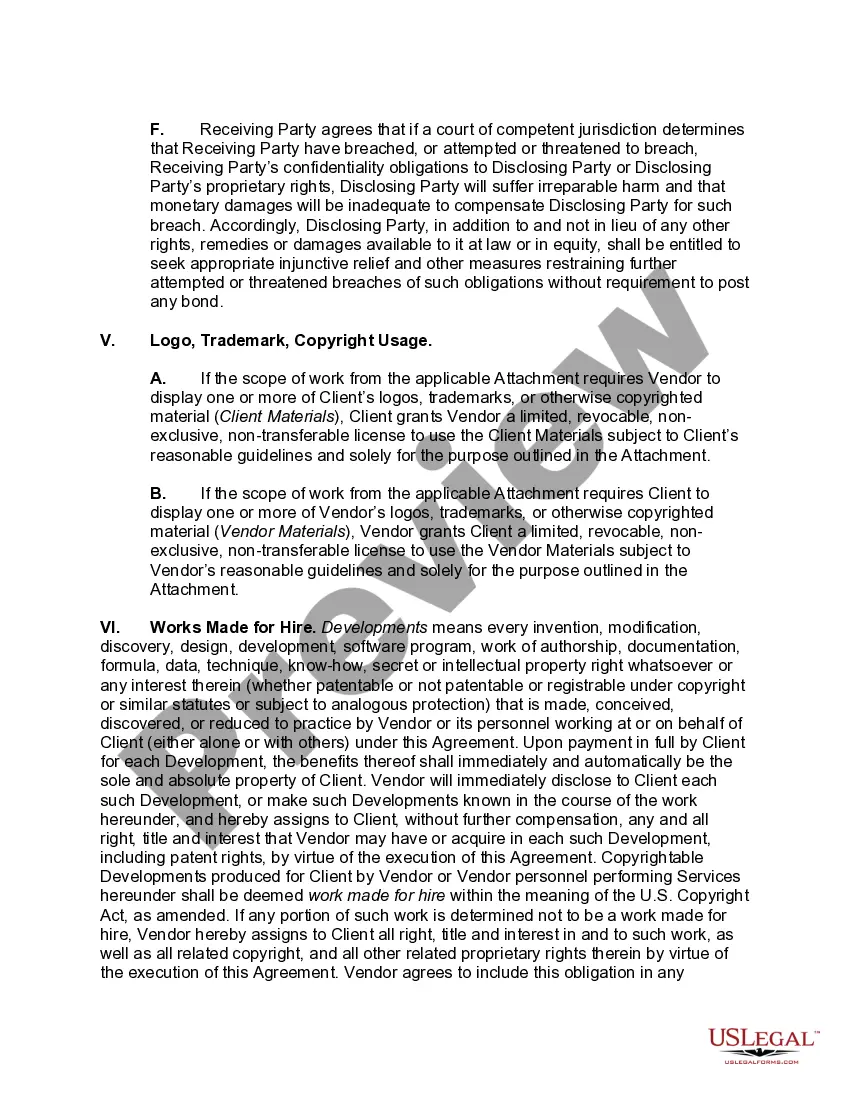
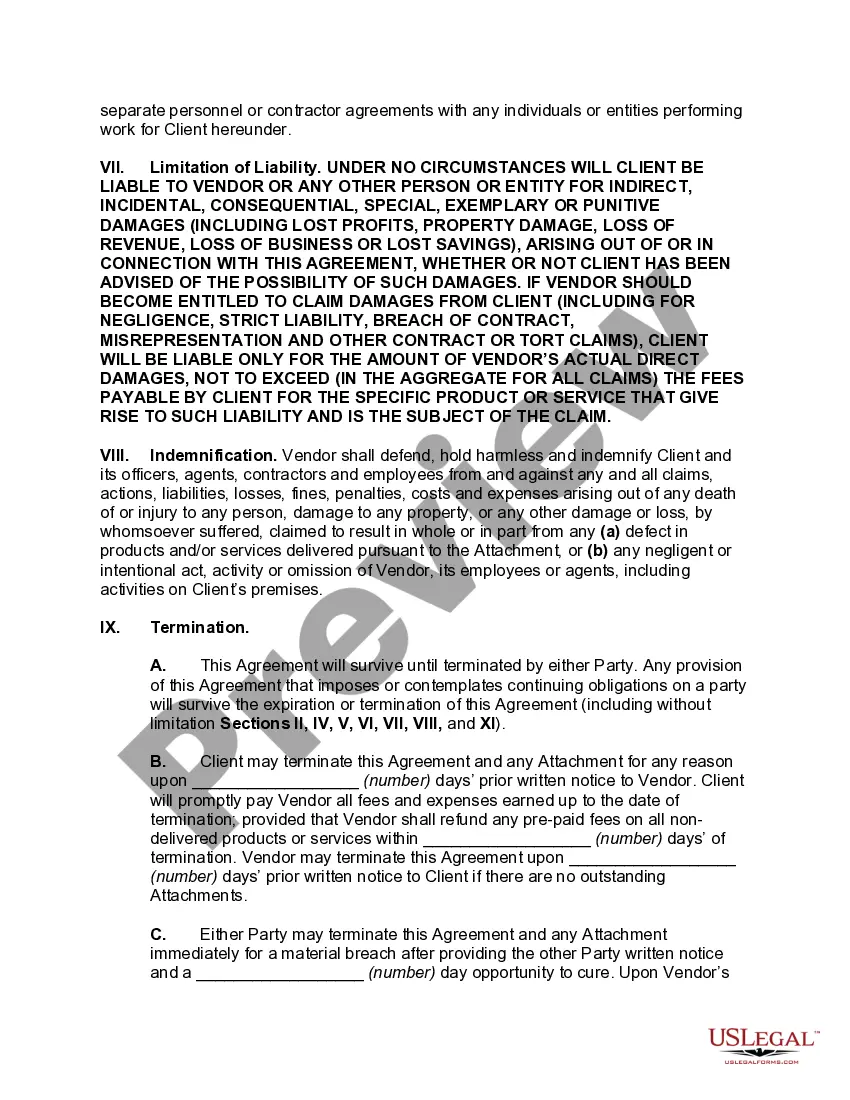
Vendor Services Agreement With Software
Description
Get your form ready online
Our built-in tools help you complete, sign, share, and store your documents in one place.
Make edits, fill in missing information, and update formatting in US Legal Forms—just like you would in MS Word.
Download a copy, print it, send it by email, or mail it via USPS—whatever works best for your next step.
Sign and collect signatures with our SignNow integration. Send to multiple recipients, set reminders, and more. Go Premium to unlock E-Sign.
If this form requires notarization, complete it online through a secure video call—no need to meet a notary in person or wait for an appointment.
We protect your documents and personal data by following strict security and privacy standards.

Make edits, fill in missing information, and update formatting in US Legal Forms—just like you would in MS Word.

Download a copy, print it, send it by email, or mail it via USPS—whatever works best for your next step.

Sign and collect signatures with our SignNow integration. Send to multiple recipients, set reminders, and more. Go Premium to unlock E-Sign.

If this form requires notarization, complete it online through a secure video call—no need to meet a notary in person or wait for an appointment.

We protect your documents and personal data by following strict security and privacy standards.
Looking for another form?










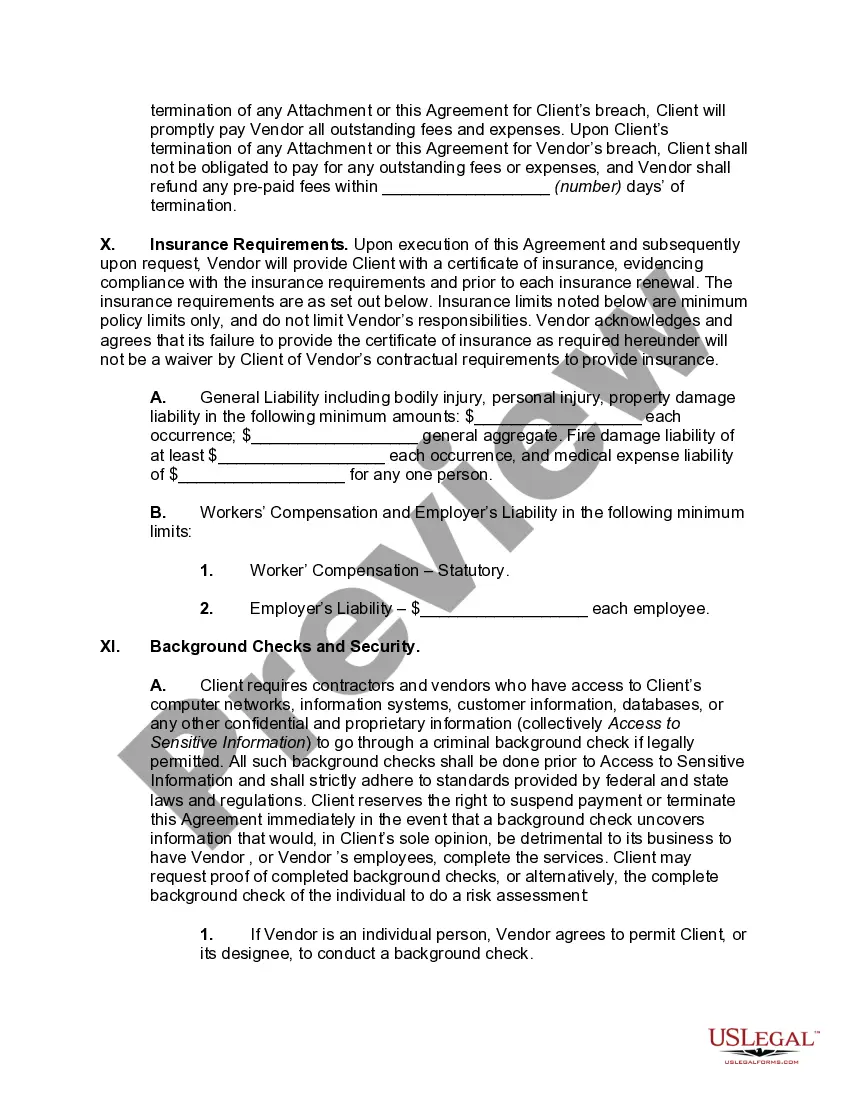
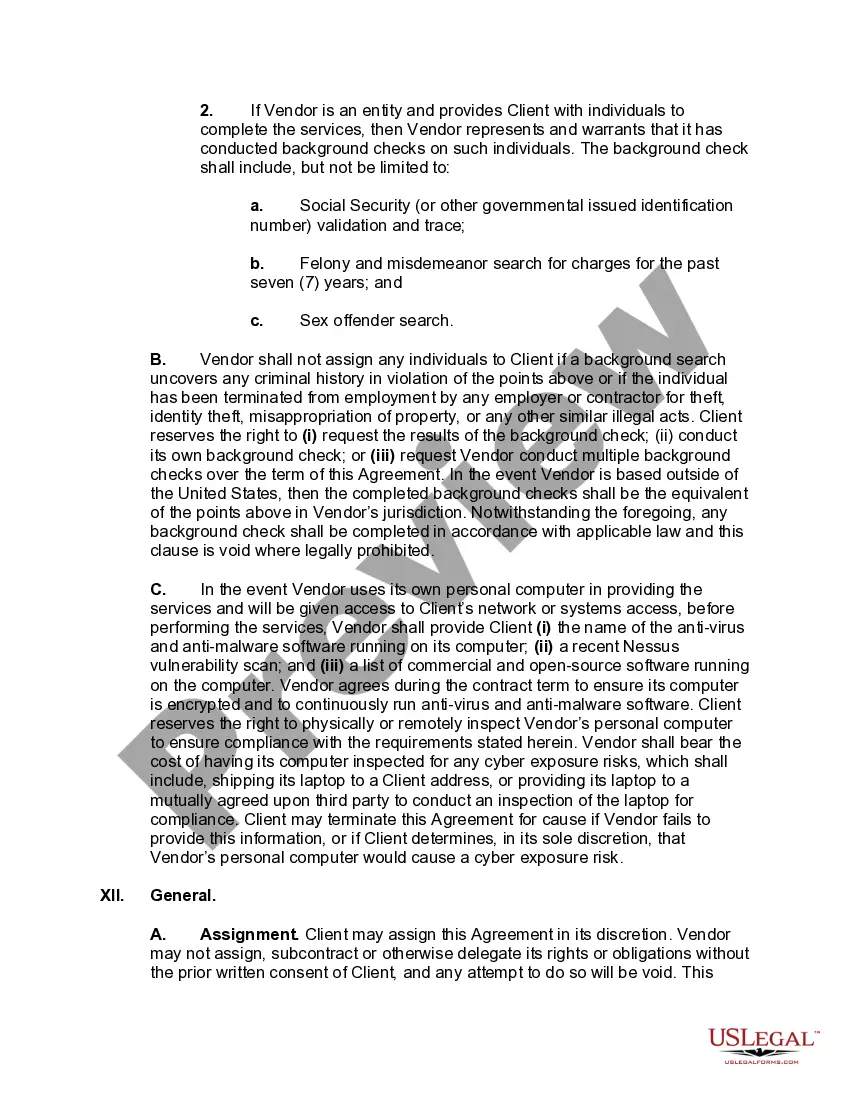
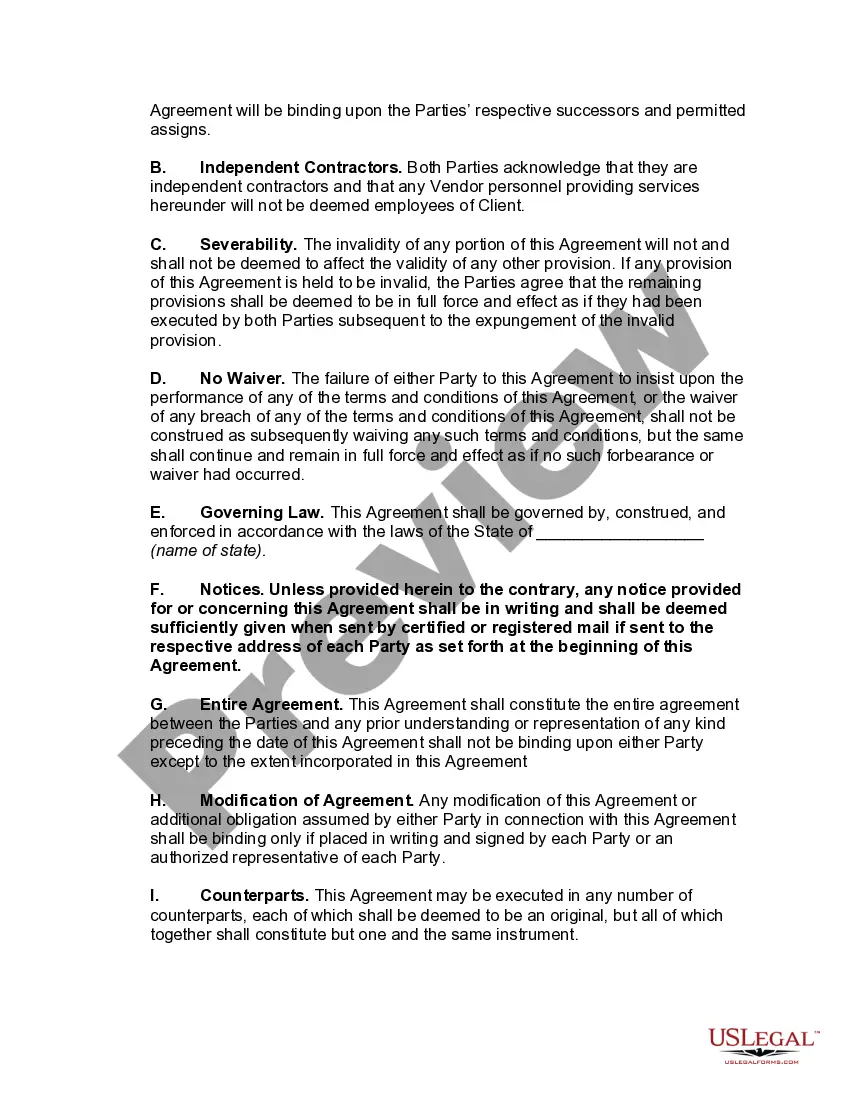
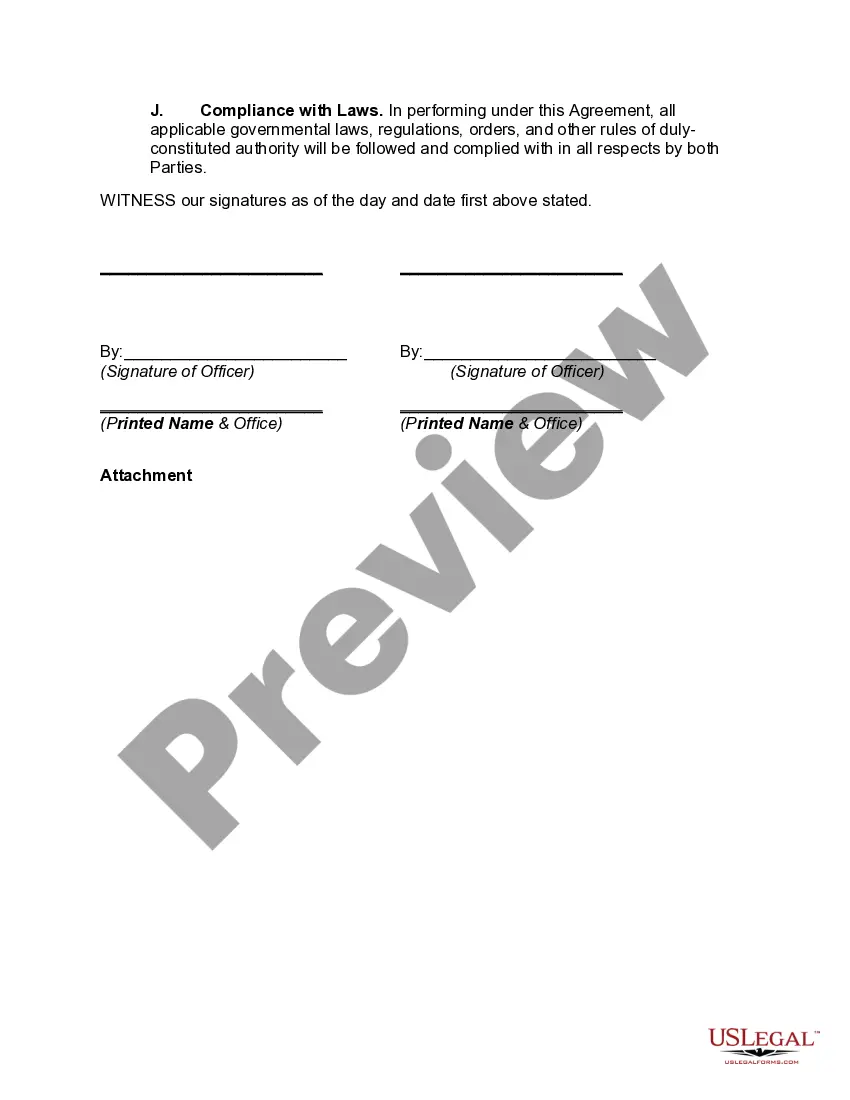
How to fill out Master Vendor Services Agreement?
Regardless of whether you frequently handle documents or occasionally need to send a legal paper, it is essential to have a reliable source where all the samples are pertinent and current.
One aspect you must consider with a Vendor Services Agreement With Software is to confirm that it is the latest version, as it determines its eligibility for submission.
If you wish to streamline your search for the most recent document samples, look for them on US Legal Forms.
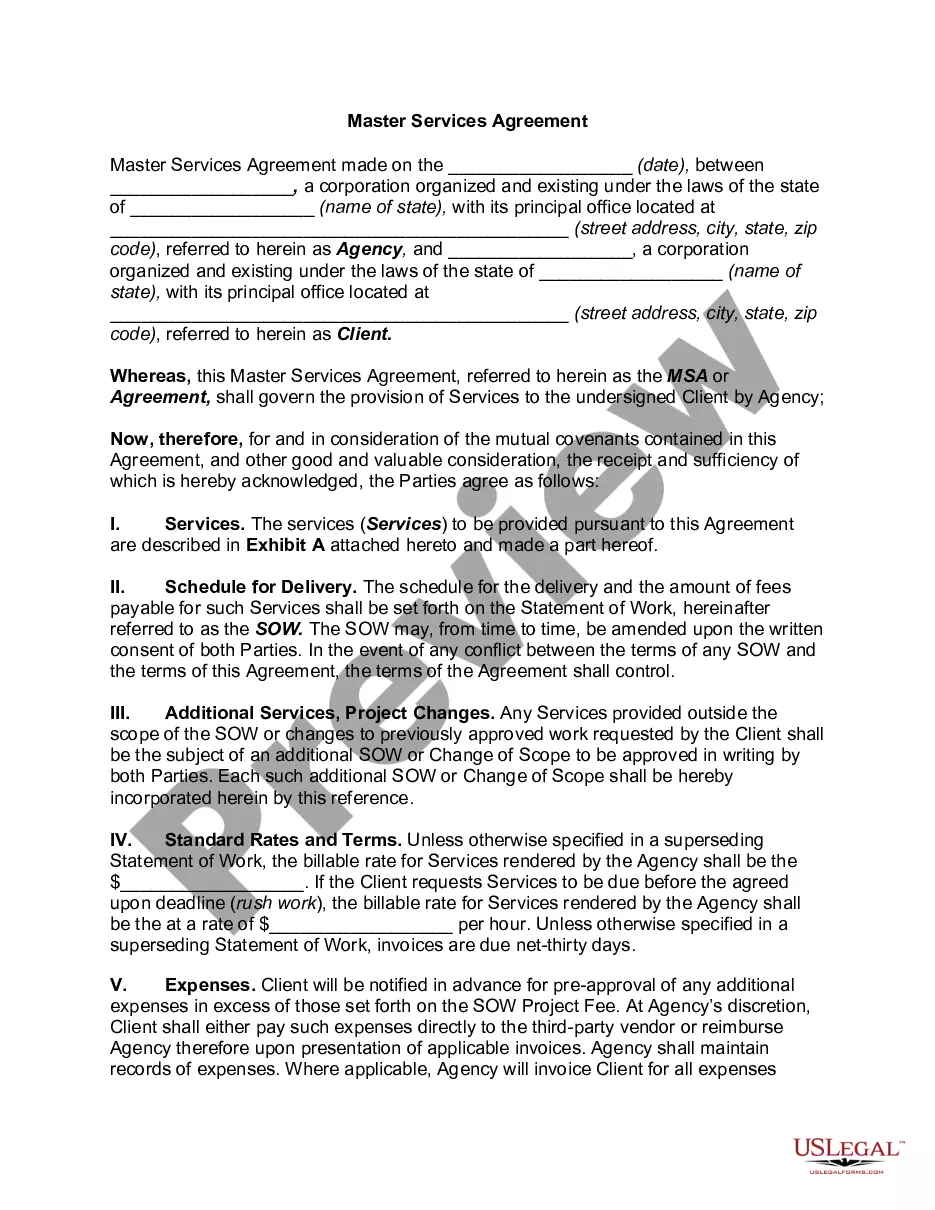
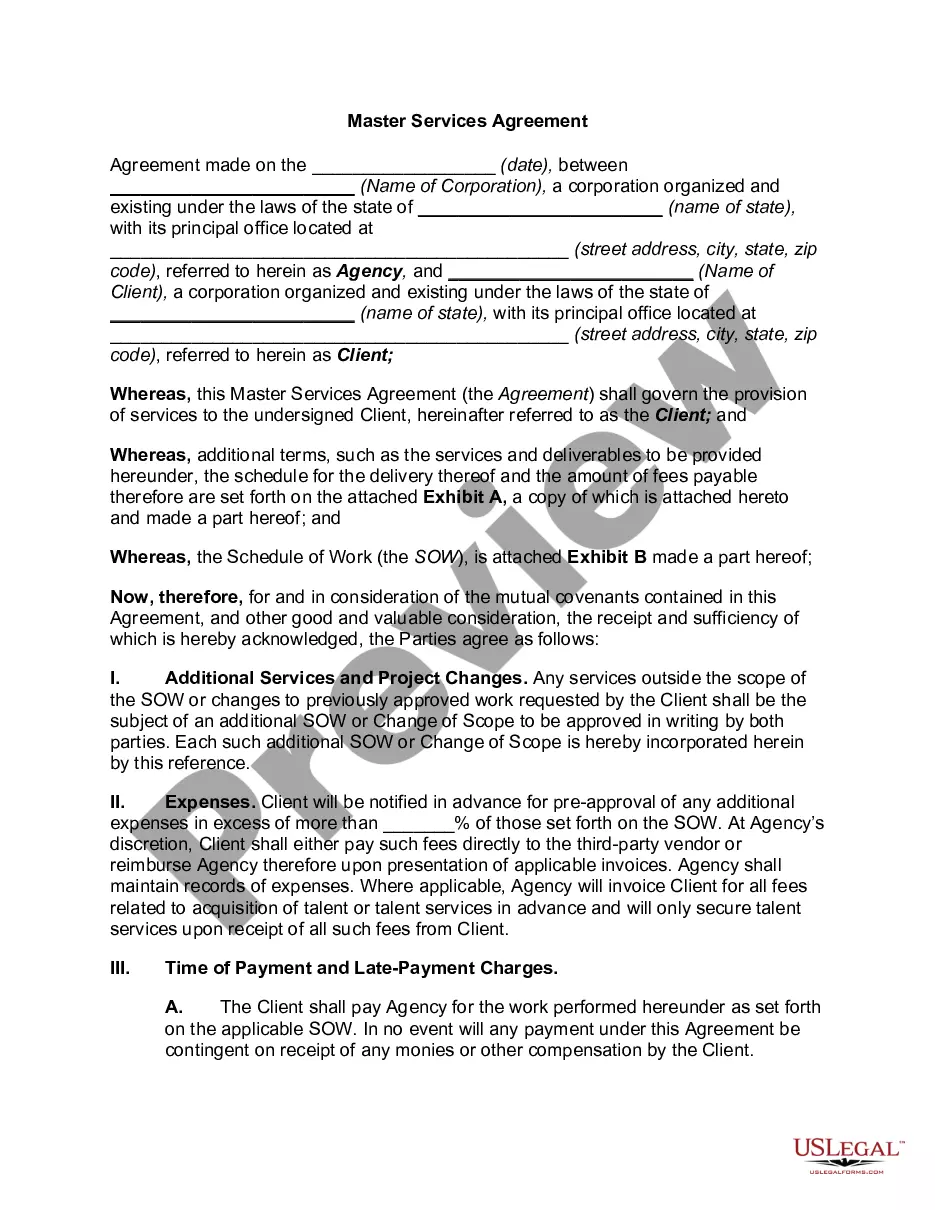
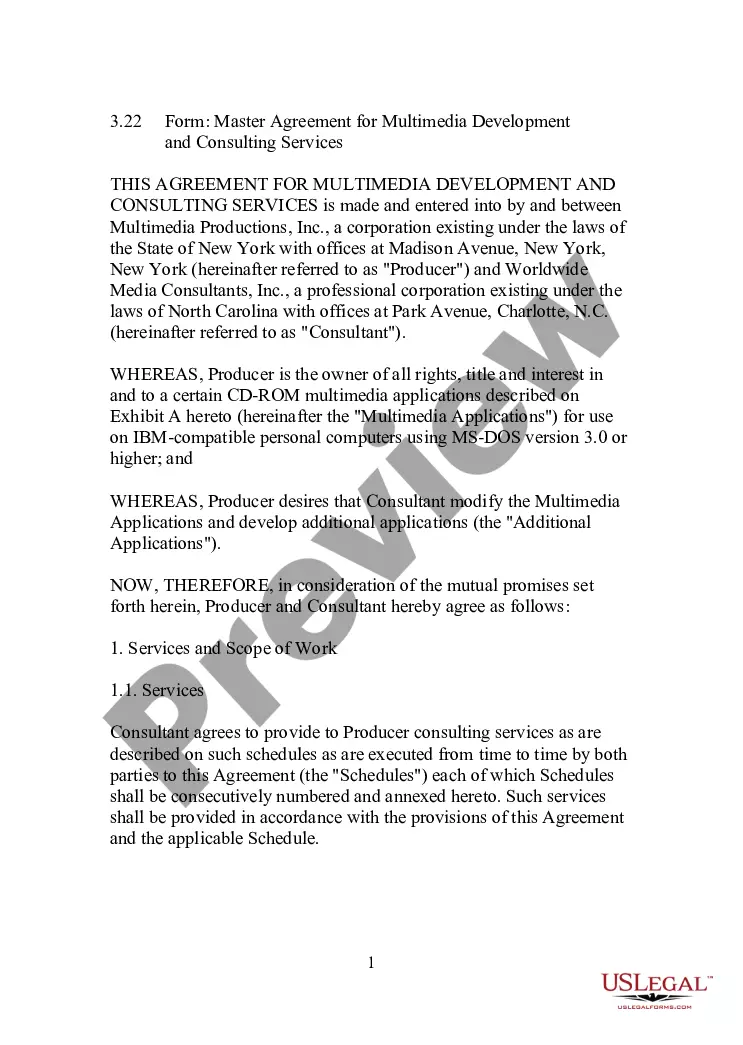
To procure a form without an account, follow these steps: Use the search bar to locate the form you seek. Review the Vendor Services Agreement With Software preview and outline to confirm it is indeed what you need. After verifying the form, simply click Buy Now. Choose a subscription plan that suits you. Create a new account or Log In to your existing one. Enter your credit card information or PayPal details to finalize the purchase. Select the document format for download and confirm your choice. Eliminate confusion when dealing with legal documents. All your templates will be organized and authenticated with a US Legal Forms account.
- US Legal Forms is a repository of legal documents that encompasses nearly every document template you might need.
- Search for the specific templates you require, assess their relevance immediately, and learn more about their application.
- With US Legal Forms, you gain access to over 85,000 form templates across a broad spectrum of fields.
- Easily locate the Vendor Services Agreement With Software examples in just a few clicks and save them in your account at any time.
- Having a US Legal Forms profile enables you to obtain all the templates you require with added ease and reduced hassle.
- Simply click Log In in the website header and navigate to the My documents section where all your necessary forms will be available.
- You won’t need to waste time either searching for the appropriate template or verifying its applicability.
Form popularity
FAQ
What to look for in vendor contractsScope. A vendor contract will describe the products or services included in the contract and how those products or services will be delivered.Timing.Price and payment.Termination.Consequences.
Creating a vendor contractStep 1: Specify business terms. The first part of each vendor contract usually outlines the business terms including:Step 2: Outline legal concepts. This section usually begins with the representations and warranties section.Step 3: Address consequences.
A Software as a Service Agreement or a Cloud Services Agreement is a licensing agreement that grants a subscriber the right to access and use hosted services. It differs from a Software License Agreement which gives the licensee the right to a copy of the licensed software.
How to Draft a Concise Software Development AgreementWork Phases. A work phase outlines when your software team will complete a body of work.Payment Times and Amounts.Intellectual Property and Moral Rights.Open-Source Software.Warranty.Developer and Client Testing.Software Installation and Integration.Ongoing Support.More items...?
Pay particular attention to ownership of data (especially for an application service provider system), requirements for additional training and support, fee-based upgrades, co-op purchasing, and options for purchasing hardware outright and negotiating only the price of the software.
