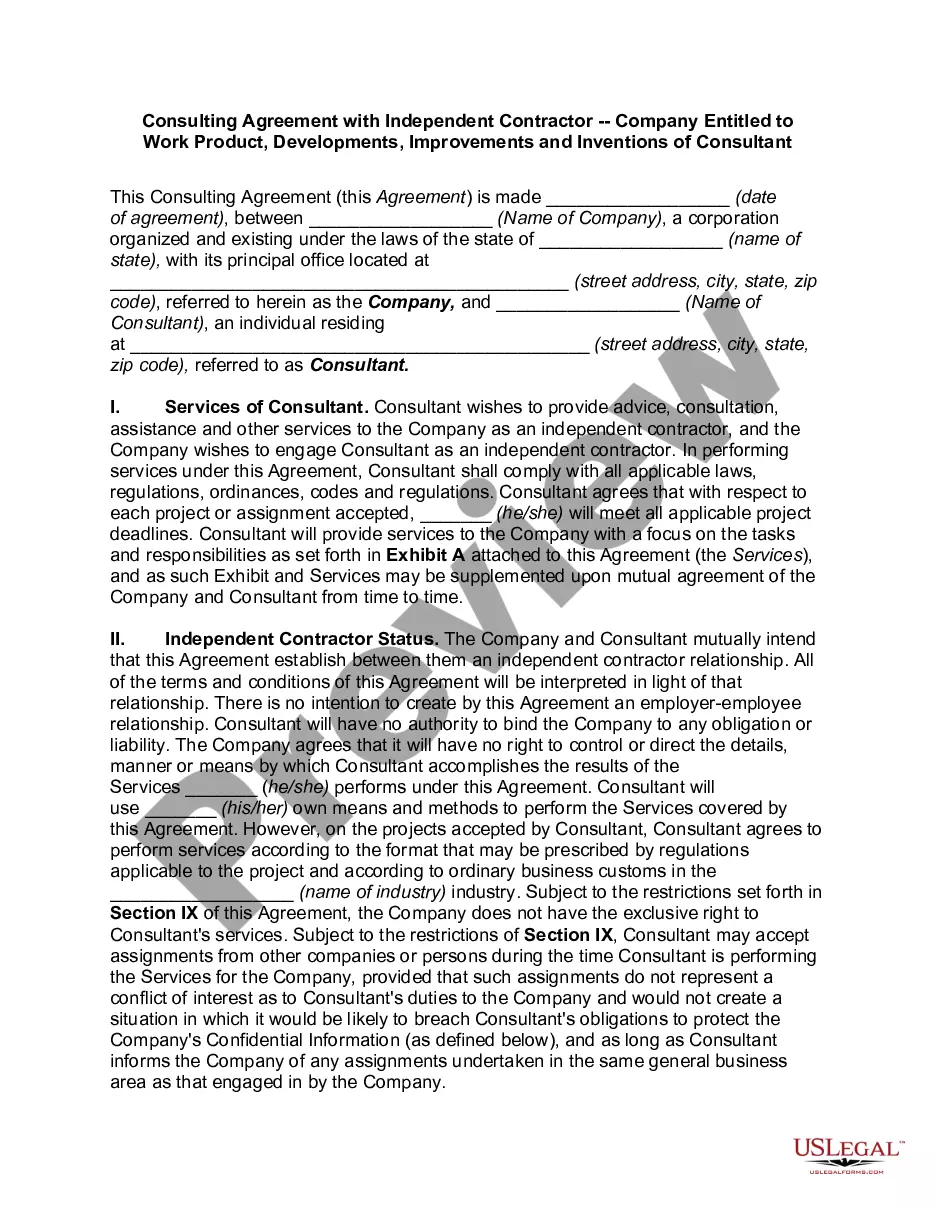
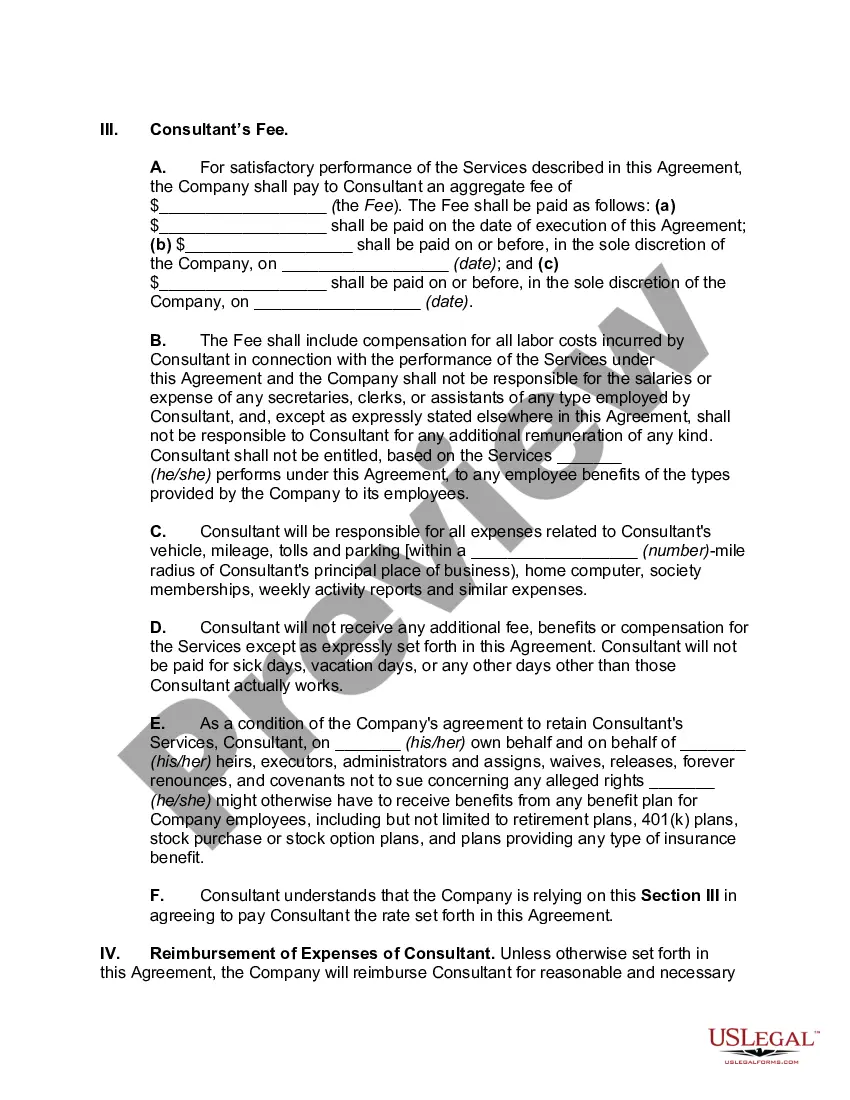
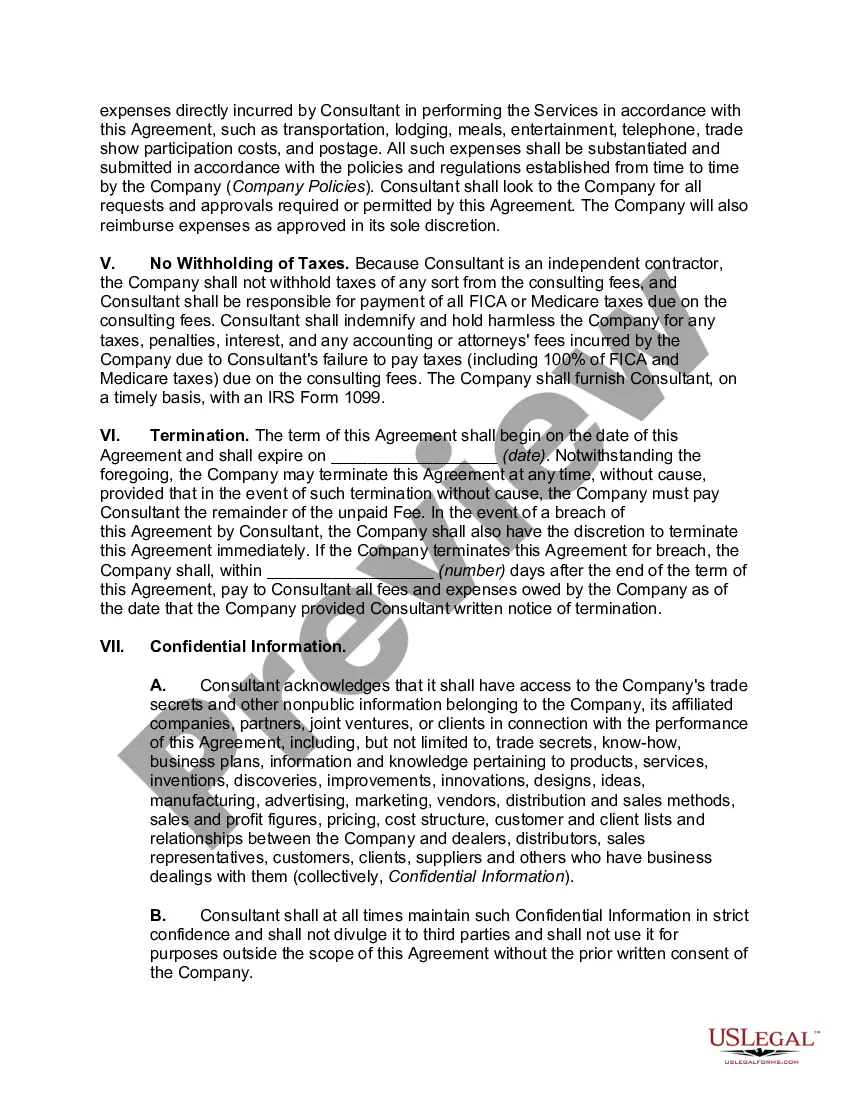
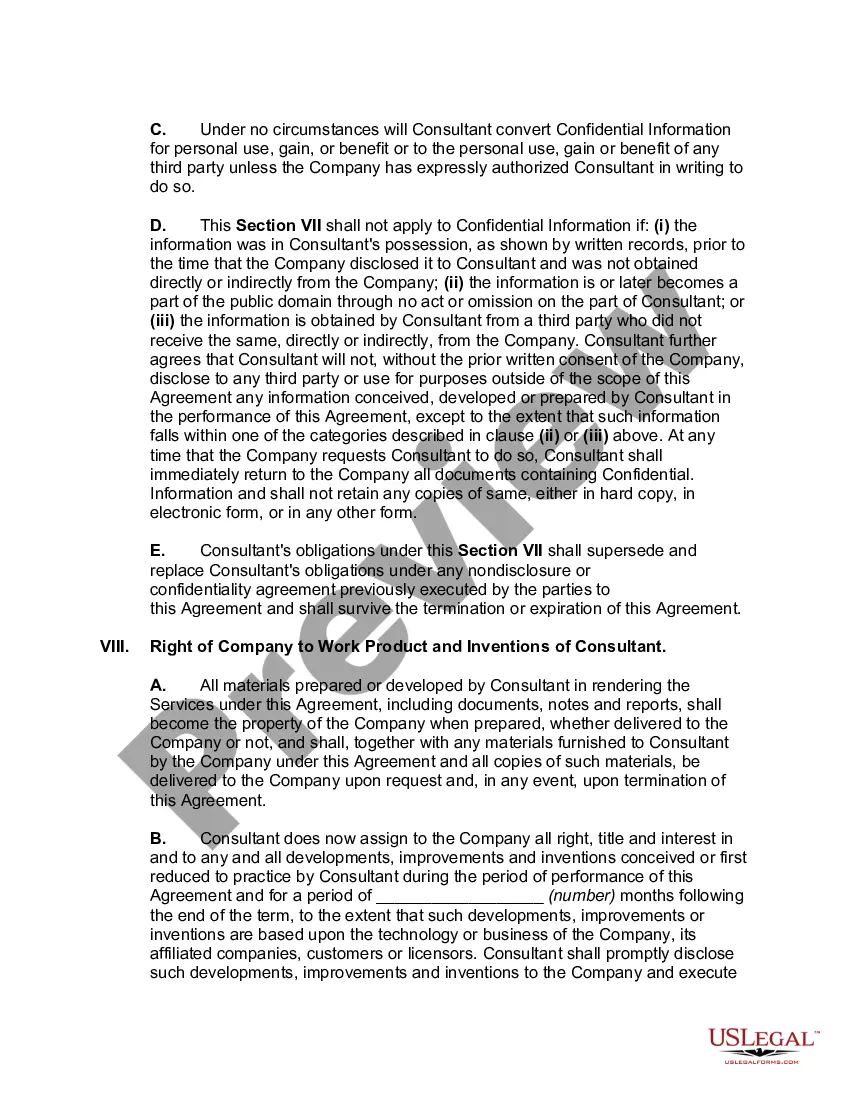
Independent Contractor Consultant With Reportable Income
Description
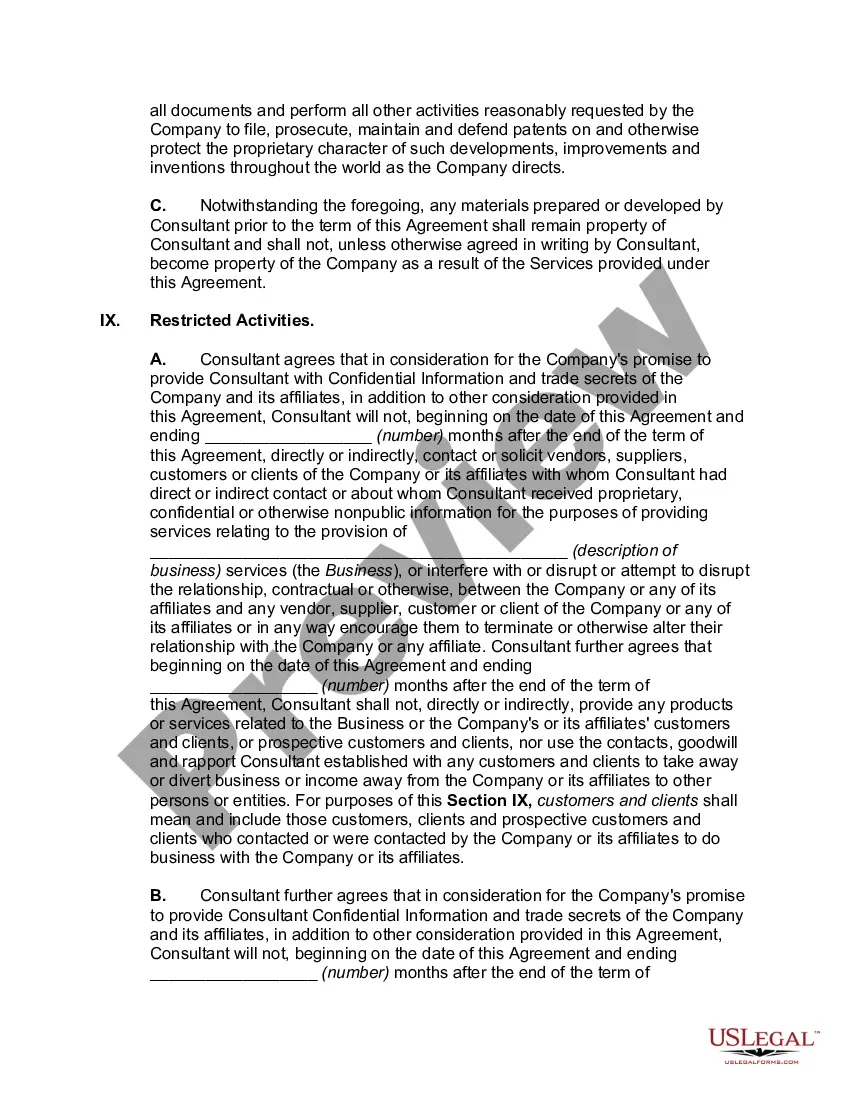
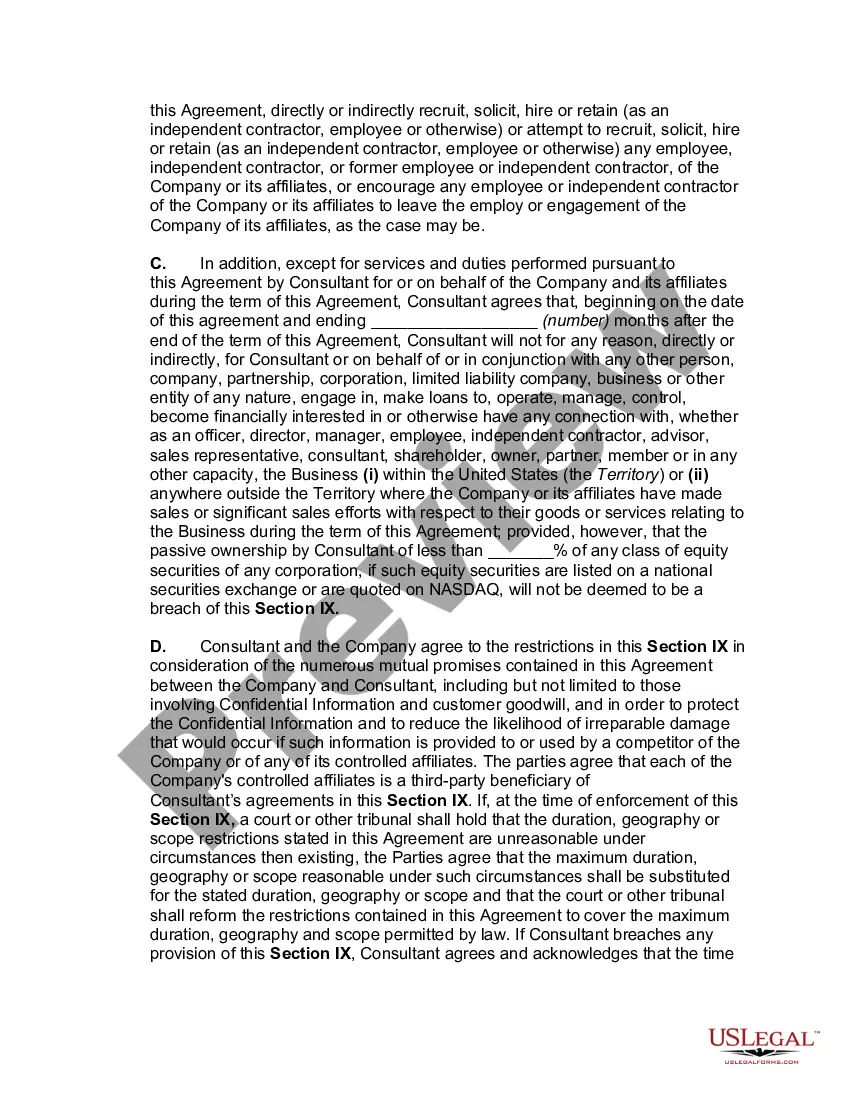
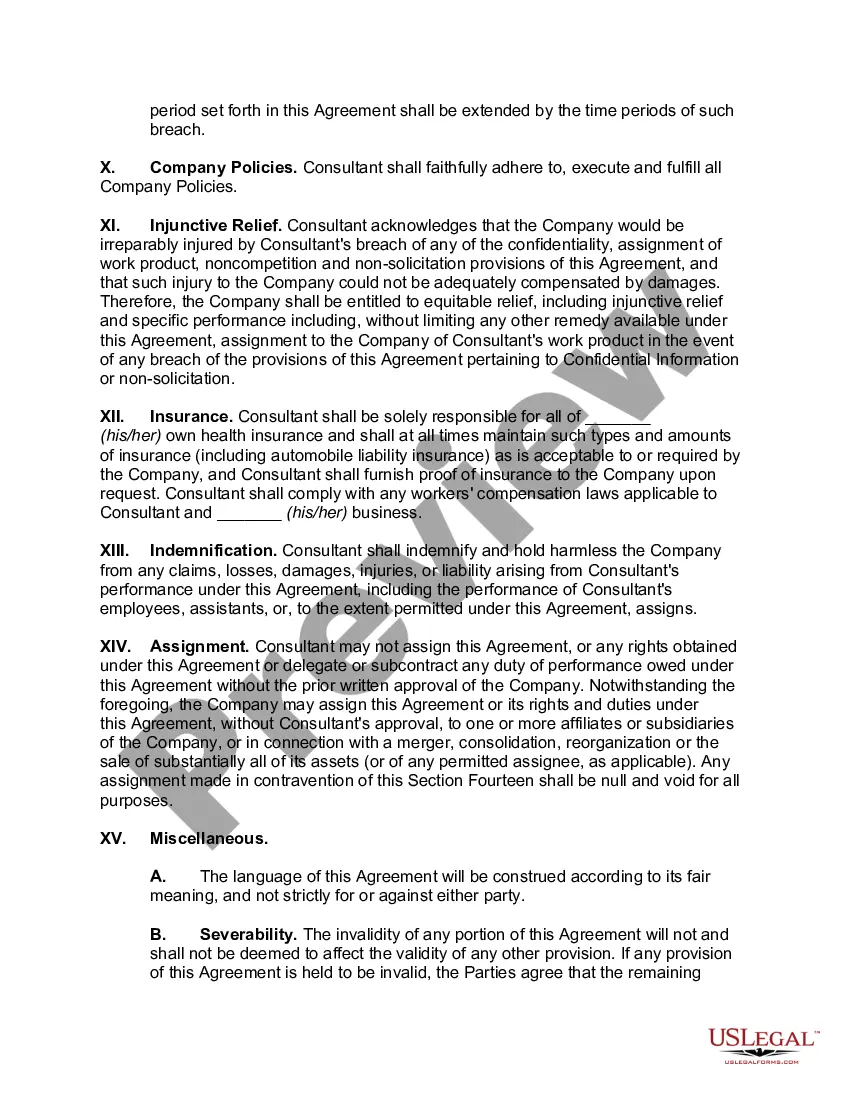
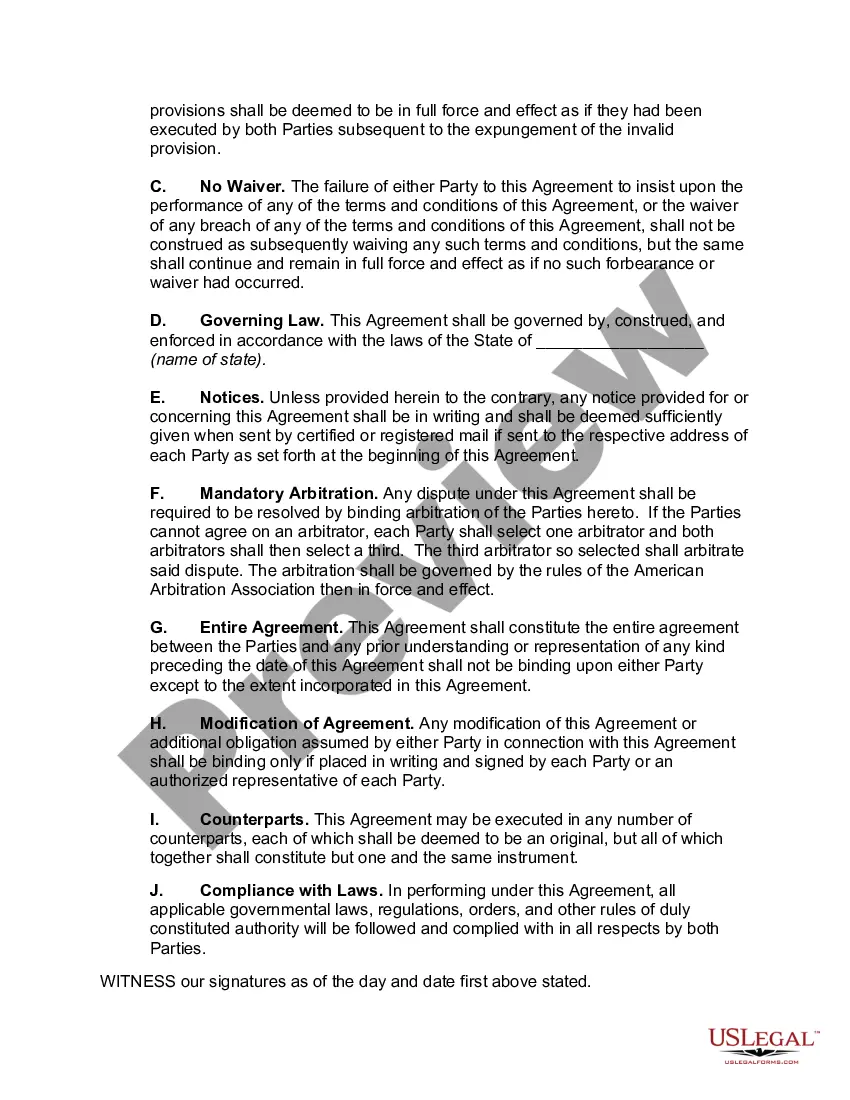

Get your form ready online
Our built-in tools help you complete, sign, share, and store your documents in one place.
Make edits, fill in missing information, and update formatting in US Legal Forms—just like you would in MS Word.
Download a copy, print it, send it by email, or mail it via USPS—whatever works best for your next step.
Sign and collect signatures with our SignNow integration. Send to multiple recipients, set reminders, and more. Go Premium to unlock E-Sign.
If this form requires notarization, complete it online through a secure video call—no need to meet a notary in person or wait for an appointment.
We protect your documents and personal data by following strict security and privacy standards.

Make edits, fill in missing information, and update formatting in US Legal Forms—just like you would in MS Word.

Download a copy, print it, send it by email, or mail it via USPS—whatever works best for your next step.

Sign and collect signatures with our SignNow integration. Send to multiple recipients, set reminders, and more. Go Premium to unlock E-Sign.

If this form requires notarization, complete it online through a secure video call—no need to meet a notary in person or wait for an appointment.

We protect your documents and personal data by following strict security and privacy standards.
Looking for another form?
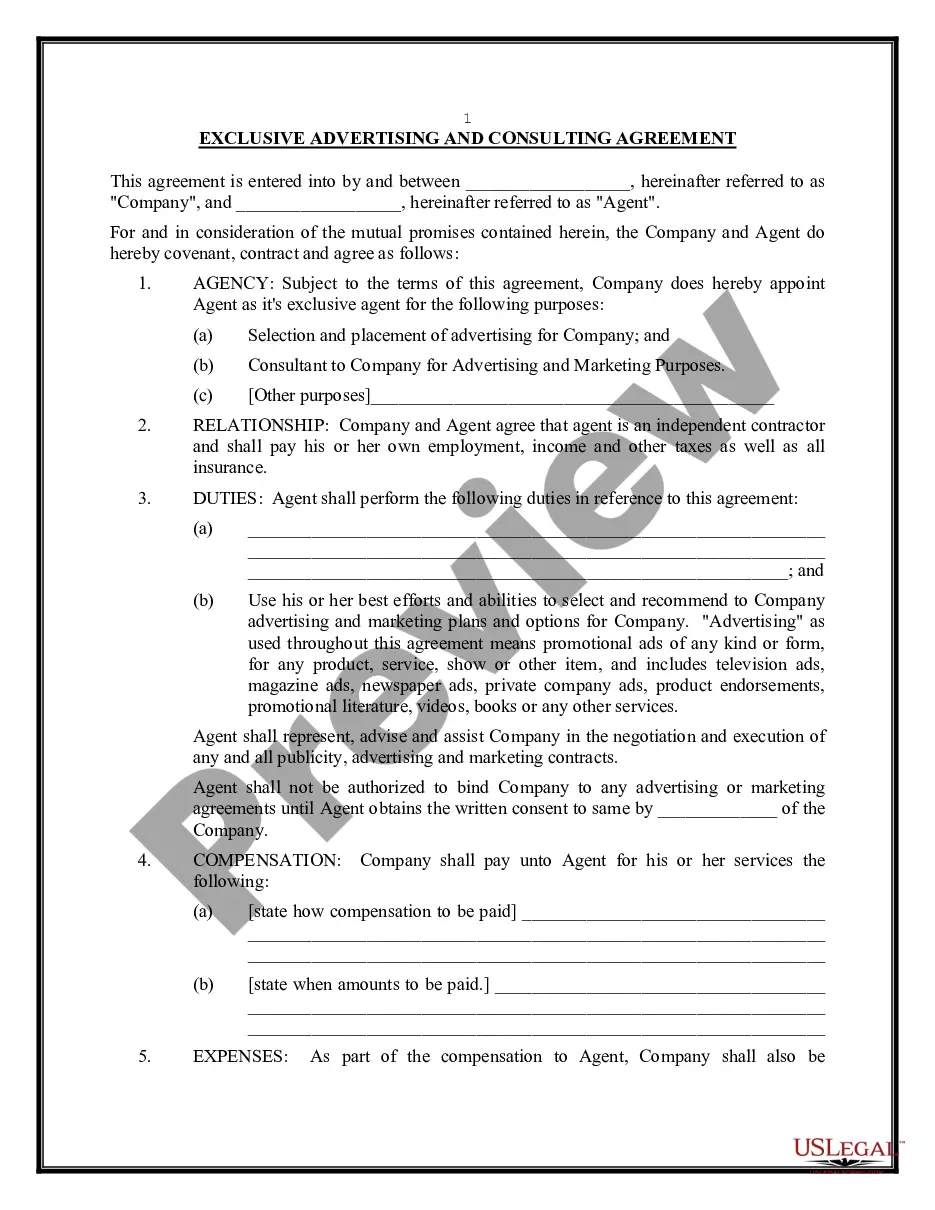


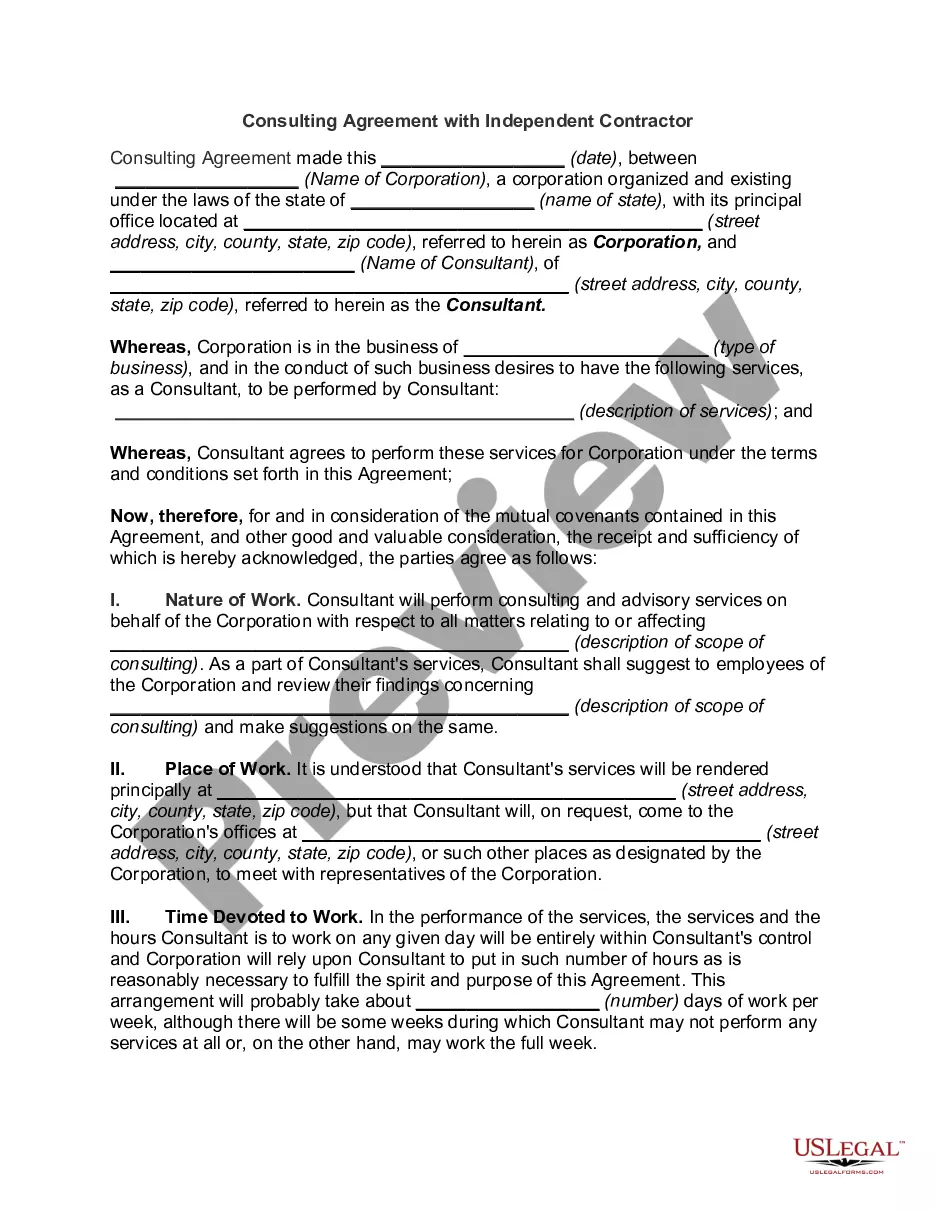
How to fill out Consulting Agreement With Independent Contractor-- Company Entitiled To Work Product, Developments, Improvements And Inventions Of Consultant?
How to obtain professional legal documents that comply with your state's regulations and create the Independent Contractor Consultant With Reportable Income without consulting an attorney.
Numerous online services provide templates to address different legal matters and formalities.
However, it might require time to determine which of the available samples satisfy both your use case and legal standards.
If you do not hold an account with US Legal Forms, please adhere to the instructions below: Explore the web page you've accessed and verify whether the form meets your requirements.
- US Legal Forms is a trustworthy platform that aids you in locating formal documents crafted according to the latest state law updates and allows you to save on legal services.
- US Legal Forms is not just a standard online library; it is a repository of over 85,000 verified templates for various business and personal situations.
- All documents are organized by category and state to facilitate a quicker and more user-friendly search process.
- It also integrates with efficient solutions for PDF editing and electronic signature, enabling users with a Premium subscription to swiftly complete their paperwork online.
- It requires minimal time and effort to acquire the necessary documentation.
- If you already possess an account, Log In and confirm that your subscription is active.
- Download the Independent Contractor Consultant With Reportable Income using the appropriate button adjacent to the file name.
Form popularity
FAQ
As a 1099 firm, you are required to provide your own subcontractors with 1099 forms when they earn more than $600 in one year. When you first hire consultants to subcontract work from you, have them fill out a W-9 tax form for your records. The W-9 provides you with all the necessary information you need to file 1099s.
Even if you don't get a 1099 from a client, report the income on Form Schedule C, along with your business expenses and carry over the net profit or loss to your From 1040 as self-employment income on line 12. If that amount is more than $400, you'll owe self-employment tax, which requires you to also file Schedule SE.
Independent contractors report their income on Schedule C (Form 1040), Profit or Loss from Business (Sole Proprietorship). Also file Schedule SE (Form 1040), Self-Employment Tax if net earnings from self-employment are $400 or more.
A: To file the Form 1099-MISC, you'll need a Form W-9 and a Tax Identification Number (TIN) for each independent contractor. The contractor provides you the Form W-9. You should have every contractor fill out this document before services are provided. This will ensure you have the information you need to file.
You must Form 1040 or Form 1040-SR as a self-employed consultant. You must attach Schedule C on which you've figured your business's net profit or loss after accounting for deductible expenses. Be sure to consult a tax attorney about any additional forms that may apply to you.