Employee Sheet Template With Lunch Break
Description

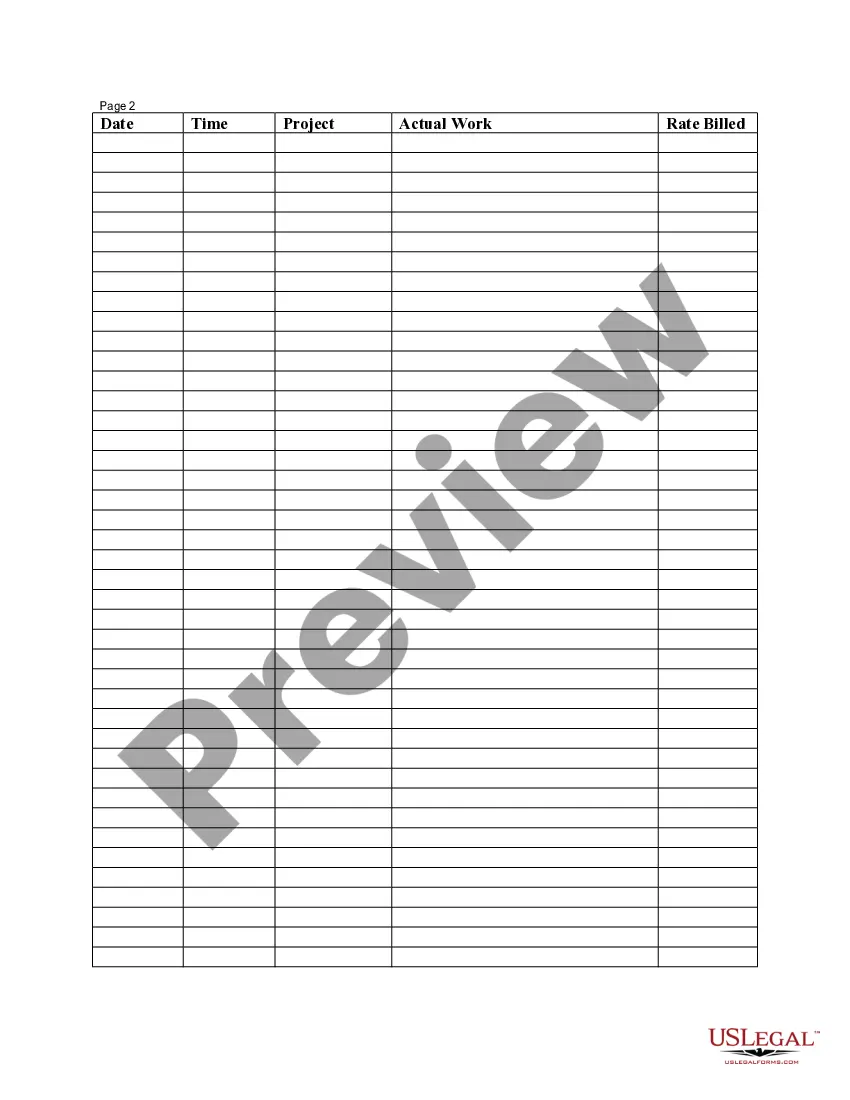
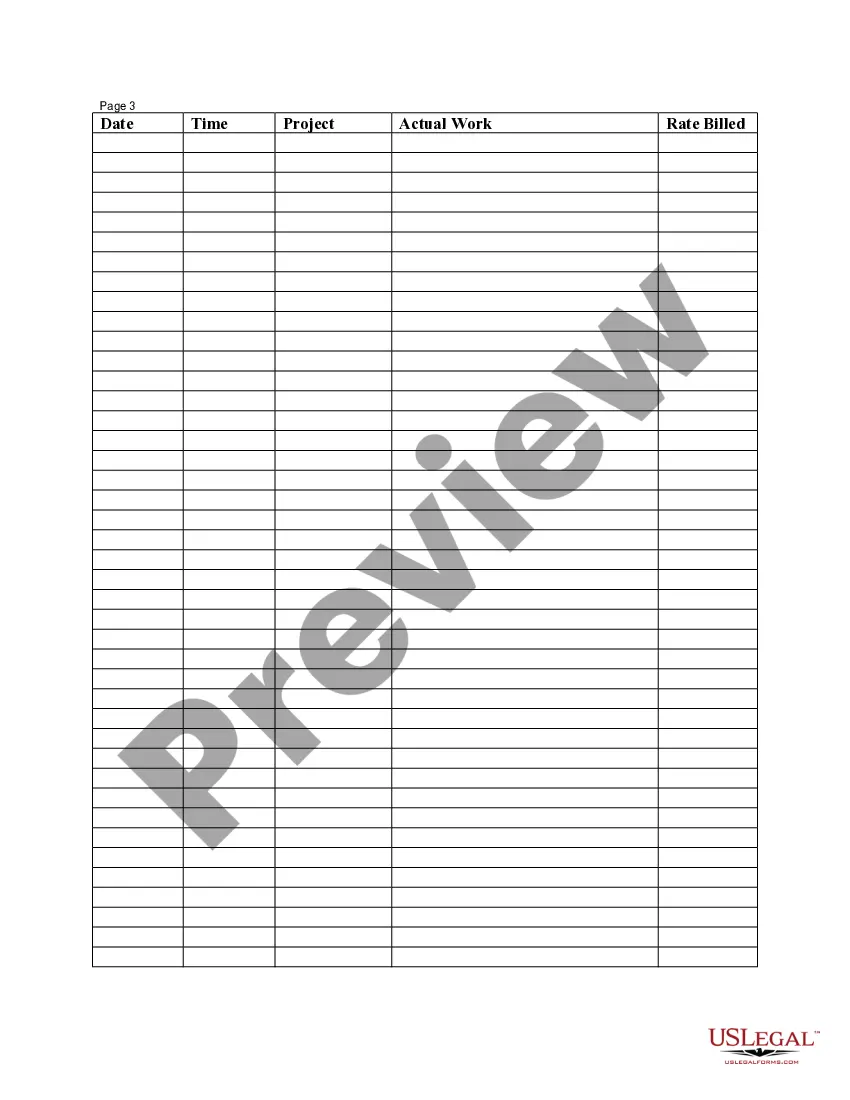


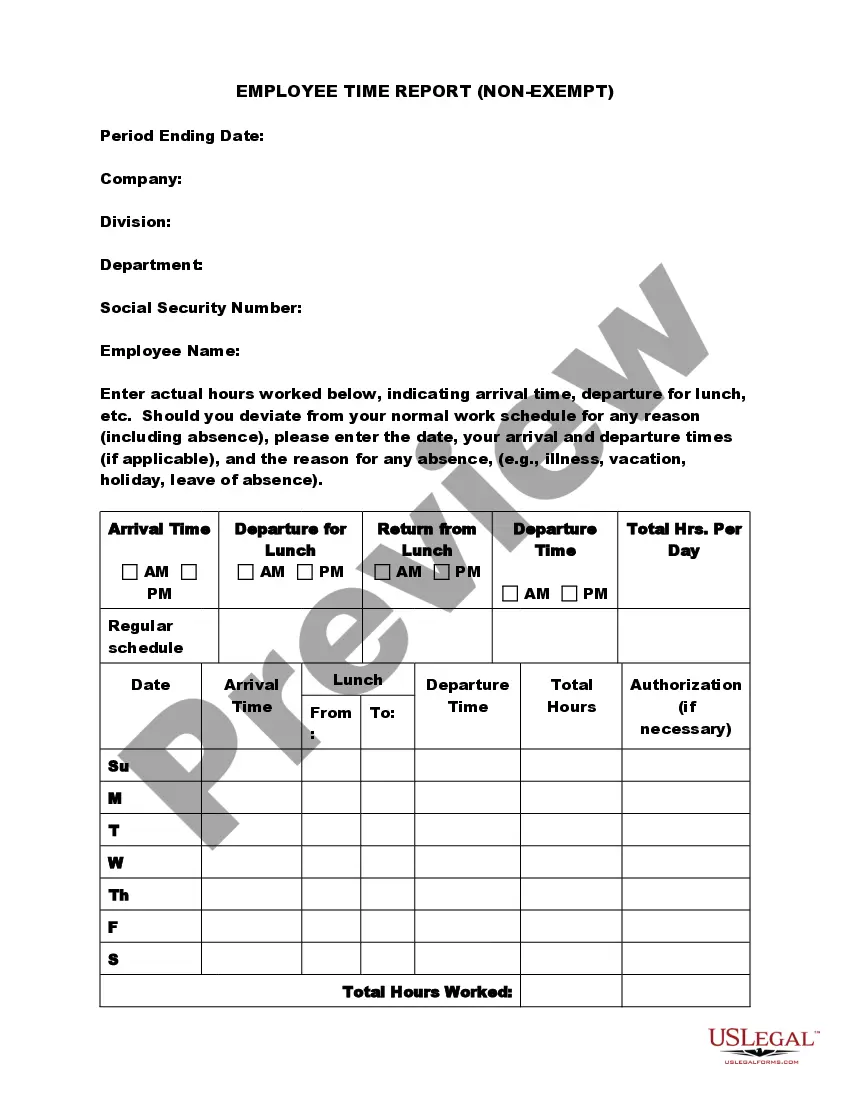
Get your form ready online
Our built-in tools help you complete, sign, share, and store your documents in one place.
Make edits, fill in missing information, and update formatting in US Legal Forms—just like you would in MS Word.
Download a copy, print it, send it by email, or mail it via USPS—whatever works best for your next step.
Sign and collect signatures with our SignNow integration. Send to multiple recipients, set reminders, and more. Go Premium to unlock E-Sign.
If this form requires notarization, complete it online through a secure video call—no need to meet a notary in person or wait for an appointment.
We protect your documents and personal data by following strict security and privacy standards.

Make edits, fill in missing information, and update formatting in US Legal Forms—just like you would in MS Word.

Download a copy, print it, send it by email, or mail it via USPS—whatever works best for your next step.

Sign and collect signatures with our SignNow integration. Send to multiple recipients, set reminders, and more. Go Premium to unlock E-Sign.

If this form requires notarization, complete it online through a secure video call—no need to meet a notary in person or wait for an appointment.

We protect your documents and personal data by following strict security and privacy standards.
Looking for another form?




How to fill out Employee Time Sheet?
Managing legal documentation and tasks can be a lengthy addition to your routine.
Employee Sheet Template With Lunch Break and similar forms often necessitate that you look for them and find the most effective way to fill them out accurately.
Thus, whether you are handling financial, legal, or personal issues, possessing a comprehensive and user-friendly online repository of forms at your disposal will be immensely beneficial.
US Legal Forms is the premier online platform for legal templates, providing over 85,000 state-specific forms and various tools to help you complete your documentation effortlessly.
Is this your first time using US Legal Forms? Sign up and create your account in just a few minutes and gain access to the form library and Employee Sheet Template With Lunch Break. Then, follow the instructions below to complete your form: Ensure you have identified the correct form using the Preview feature and reviewing the form details. Select Buy Now when you are prepared, and choose the subscription option that suits your requirements. Click Download then fill out, eSign, and print the form. US Legal Forms has 25 years of experience assisting users with their legal documentation. Obtain the form you require now and simplify any process effortlessly.
- Browse the collection of pertinent documents accessible to you with just one click.
- US Legal Forms offers you state- and county-specific forms available for download at any time.
- Protect your document management processes with a top-notch service that enables you to prepare any form in minutes without any additional or concealed charges.
- Simply Log In to your profile, find Employee Sheet Template With Lunch Break, and download it immediately from the My documents section.
- You can also retrieve previously downloaded forms.
Form popularity
FAQ
Clockify is a time tracker spreadsheet and timesheet app that helps you improve, speed up, and streamline your time tracking. You and your team simply type time in personal timesheet, which Clockify summarizes in visual reports, which you can later share and export as customizable CSV and Excel files.
An Excel timesheet template is a spreadsheet that businesses use to track employee hours and manage their payrolls. These templates allow employees to enter total hours and calculate pay easily, and are also organized and editable to suit your needs.
How to fill out a timesheet (step-by-step guide) Step 1: Enter the employee's name. ... Step 2: Add the date or date range. ... Step 3: Fill in the project and task details. ... Step 4: Add working hours for each day of the week. ... Step 5: Calculate the total hours. ... Step 6: Add notes if required. ... Step 7: Get approval. ... Daily timesheets.
Filling Out a Weekly, Bi-Weekly, or Monthly Timesheet Step 1: Write down your name and the date range. Again: it's best practice to write your full name (first and last). ... Step 2: Record your ?in? time. ... Step 3: Record your break. ... Step 4: Record your shift end time. ... Step 5: Repeat steps 2-4. ... Step 6: Total up the hours.
Here's how to make a time spreadsheet in Excel, step by step. Step 1: Create your table. First, the basics. ... Step 2: Add dates and times. ... Step 3: Add hour types. ... Step 4: Add identifying information. ... Step 5: Adding formulas. ... Step 6: Make it pretty. ... Step 7: Adding hours worked. ... Step 8: Printing.