Company Internet Email Policy With Gmail
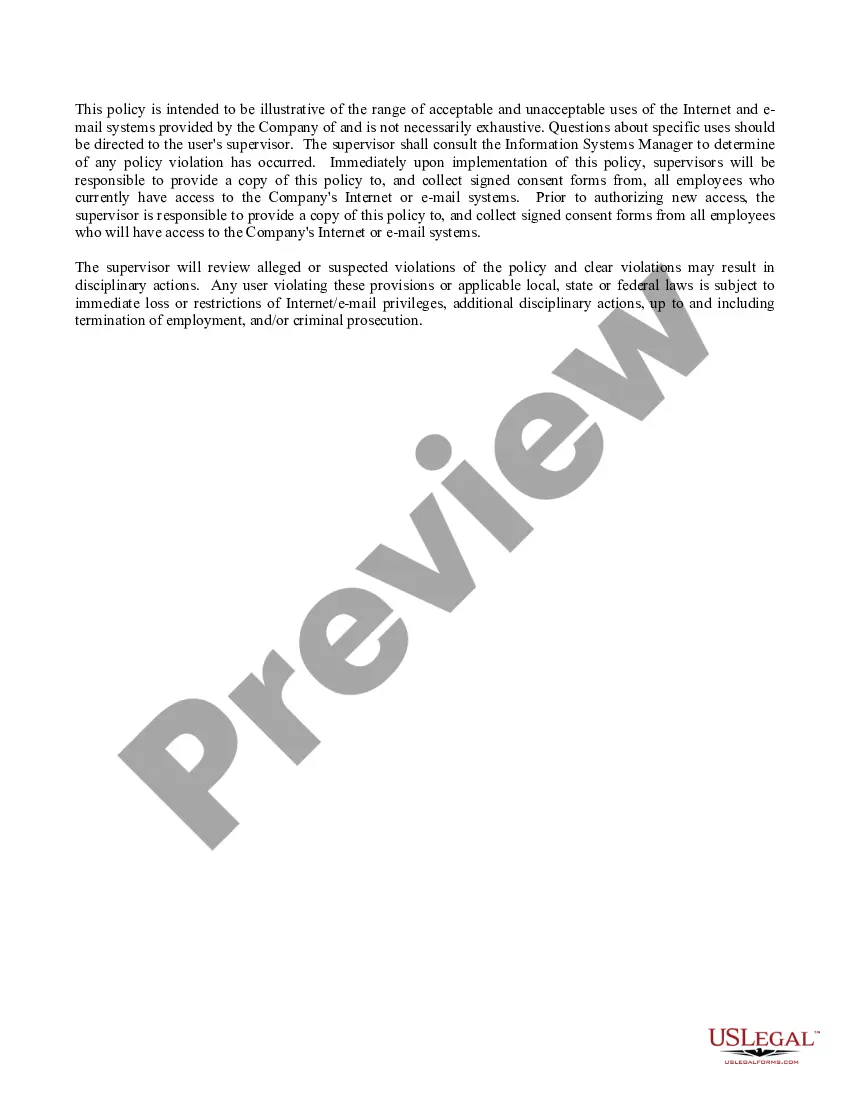
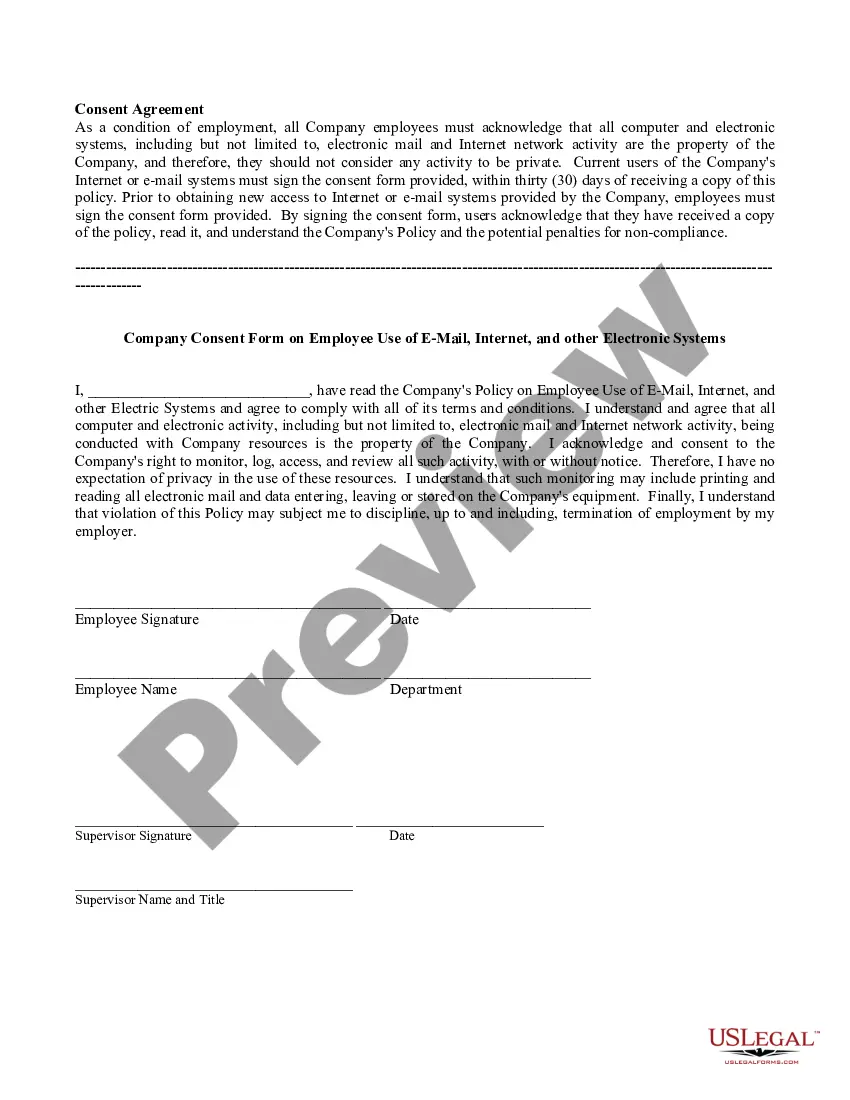
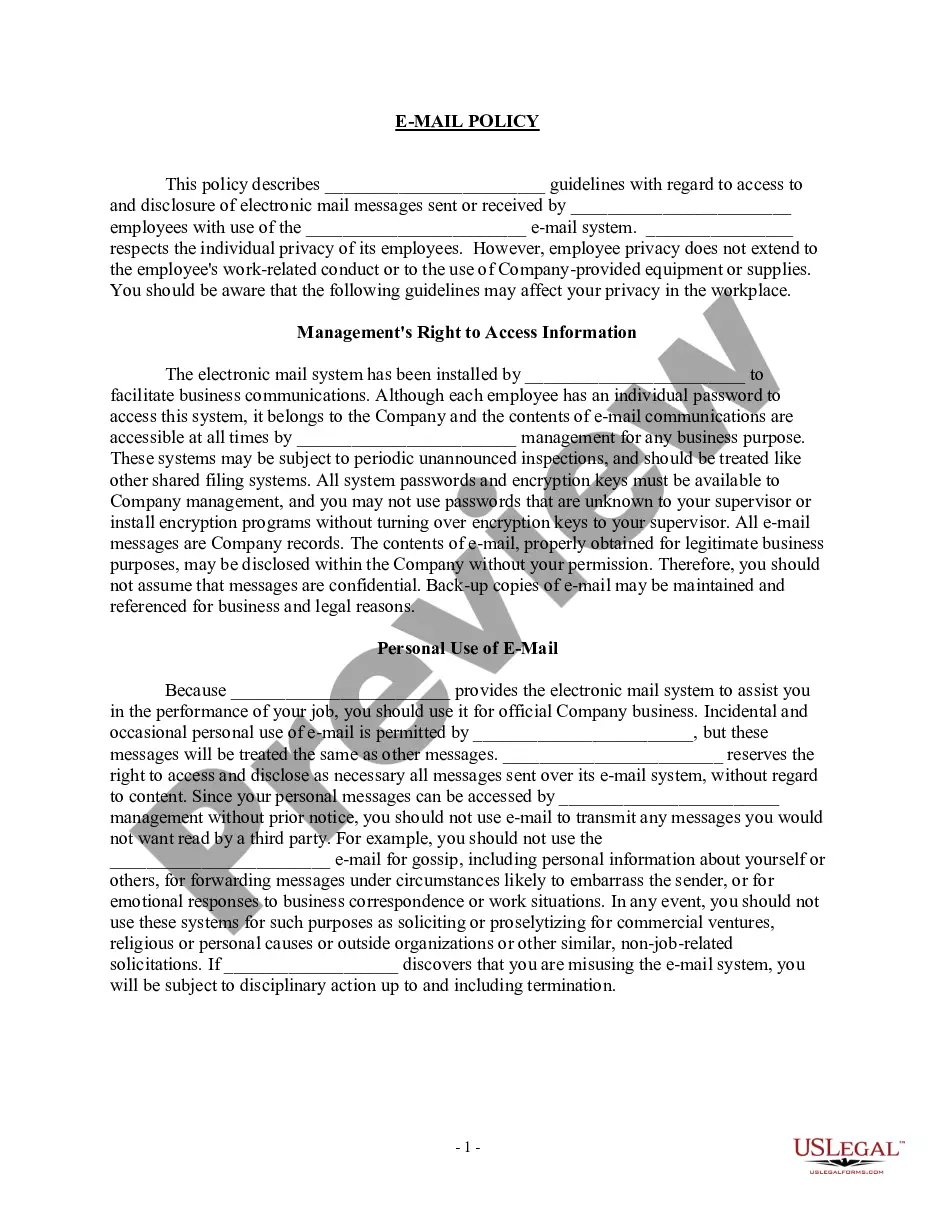
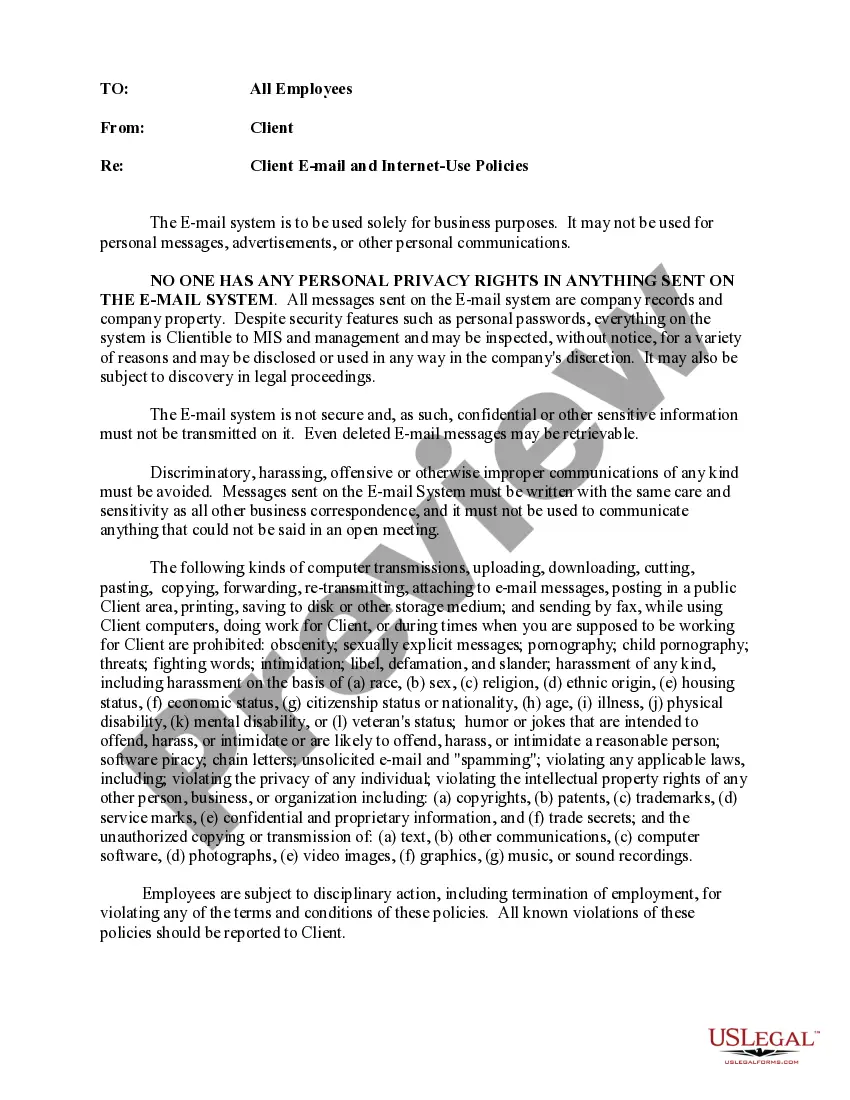
Description
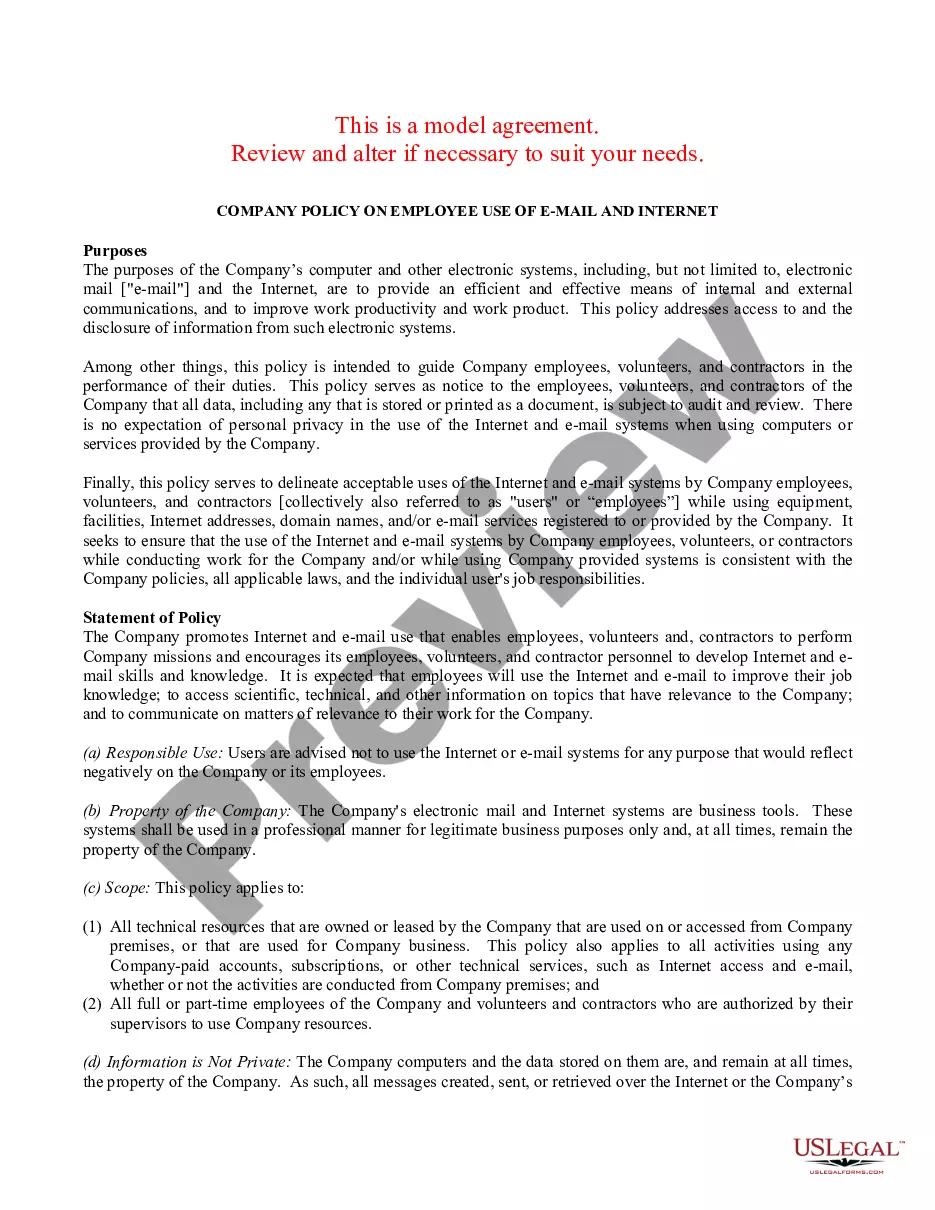
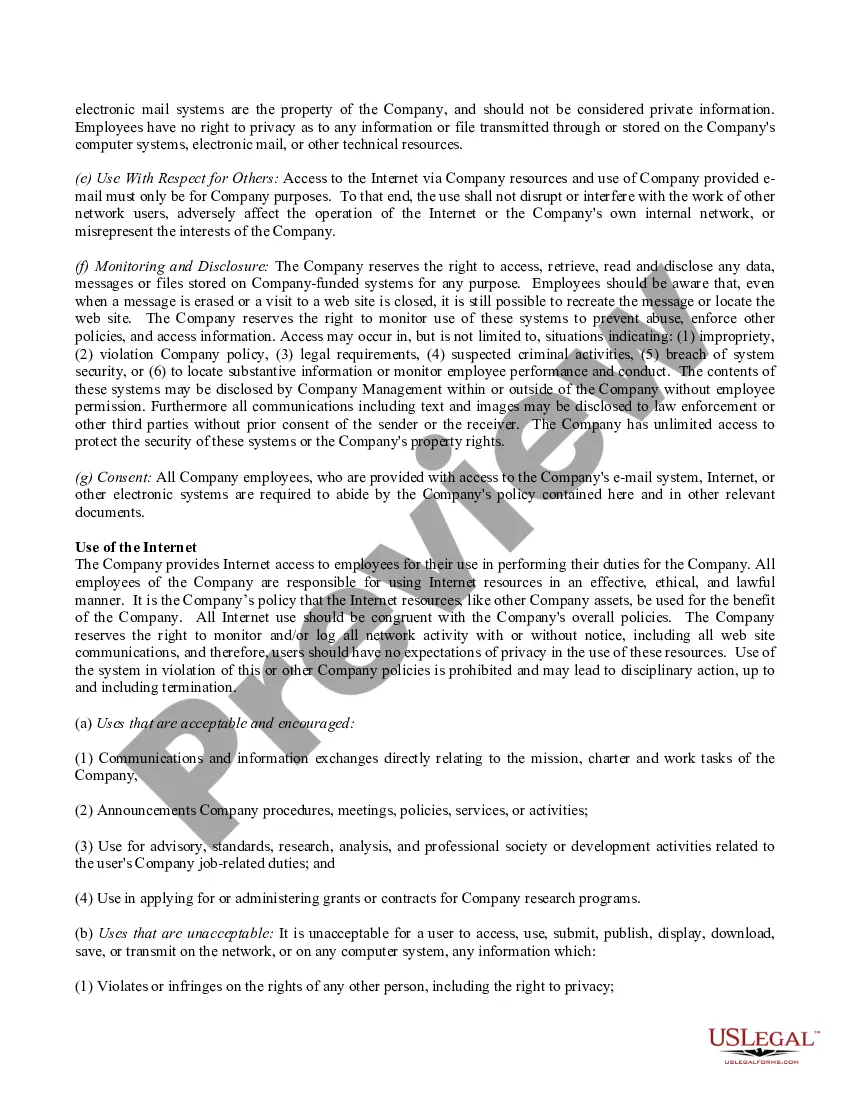
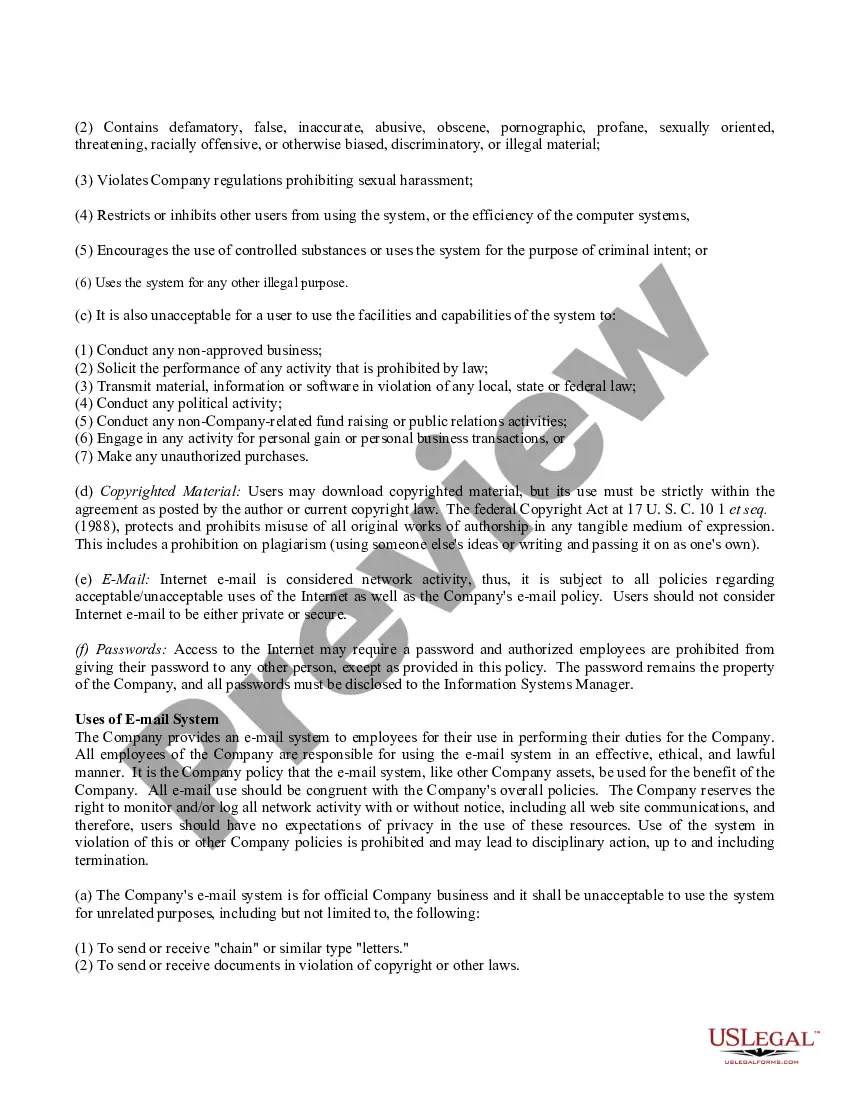
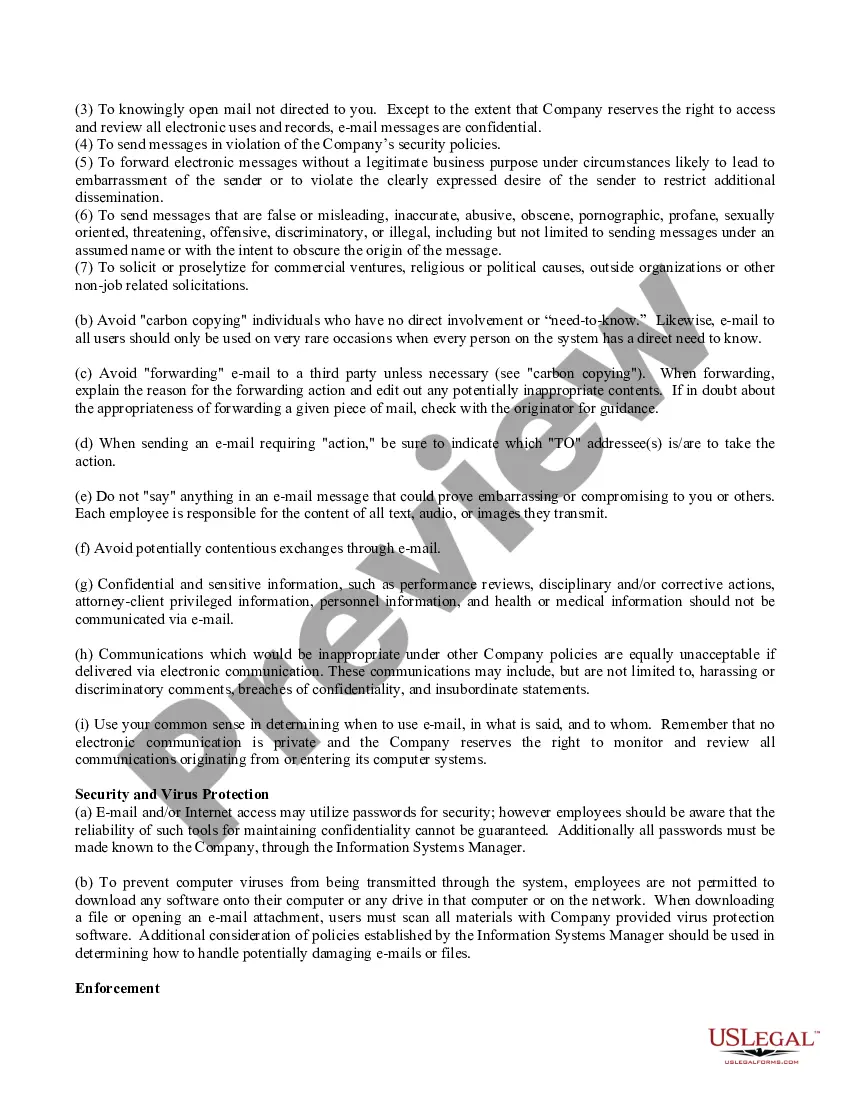

Get your form ready online
Our built-in tools help you complete, sign, share, and store your documents in one place.
Make edits, fill in missing information, and update formatting in US Legal Forms—just like you would in MS Word.
Download a copy, print it, send it by email, or mail it via USPS—whatever works best for your next step.
Sign and collect signatures with our SignNow integration. Send to multiple recipients, set reminders, and more. Go Premium to unlock E-Sign.
If this form requires notarization, complete it online through a secure video call—no need to meet a notary in person or wait for an appointment.
We protect your documents and personal data by following strict security and privacy standards.

Make edits, fill in missing information, and update formatting in US Legal Forms—just like you would in MS Word.

Download a copy, print it, send it by email, or mail it via USPS—whatever works best for your next step.

Sign and collect signatures with our SignNow integration. Send to multiple recipients, set reminders, and more. Go Premium to unlock E-Sign.

If this form requires notarization, complete it online through a secure video call—no need to meet a notary in person or wait for an appointment.

We protect your documents and personal data by following strict security and privacy standards.
Looking for another form?








How to fill out Company Internet And Email Policy - Strict?
Handling legal documents and processes can be a laborious addition to your day.
Company Internet Email Policy With Gmail and similar platforms typically necessitate that you search for them and figure out how to fill them out correctly.
Thus, whether you are managing financial, legal, or personal issues, having a comprehensive and user-friendly online directory of forms readily available will be extremely beneficial.
US Legal Forms is the leading online platform for legal templates, boasting over 85,000 state-specific forms and a range of tools to help you complete your documentation with ease.
Is this your first time using US Legal Forms? Sign up and create your account in just a few minutes, and you’ll gain access to the form catalog and Company Internet Email Policy With Gmail. Then, follow the steps outlined below to fill out your form: Ensure you have located the correct form using the Review feature and examining the form details. Select Buy Now when ready, and choose the subscription plan that best suits your requirements. Click Download, then complete, eSign, and print the document. US Legal Forms has 25 years of expertise assisting clients manage their legal documents. Locate the form you require today and streamline any procedure effortlessly.
- Explore the catalog of relevant documents accessible to you with just one click.
- US Legal Forms offers state- and county-specific forms available anytime for download.
- Protect your document management processes with a top-notch service that enables you to prepare any form in minutes without additional or undisclosed charges.
- Simply Log In to your account, locate Company Internet Email Policy With Gmail and obtain it instantly within the My documents section.
- You can also access previously saved forms.
Form popularity
FAQ
Integrating your company email with Gmail enhances your communication efficiency. You can achieve this by configuring Gmail to access your company’s email server using IMAP or POP3 settings. This integration not only streamlines your email management but also supports your company internet email policy with Gmail, ensuring that all your messages are organized and accessible in one place.
To make Gmail email HIPAA compliant, your organization must implement specific safeguards. Consider using a Business Associate Agreement (BAA) with Google, ensuring they meet HIPAA requirements. Additionally, establish a company internet email policy with Gmail that includes encryption, secure access controls, and employee training on handling sensitive information. This approach protects patient data and maintains compliance.
Linking your company email to Gmail is a straightforward process. First, access your Gmail settings and navigate to the 'Accounts and Import' tab. From there, select 'Add a mail account' and follow the prompts to enter your company email details. This integration aligns with your company internet email policy with Gmail, allowing for smooth communication within your organization.
Yes, a company email can indeed be a Gmail account, particularly when you configure it to fit your company's needs and adhere to a company internet email policy with Gmail. Businesses can opt for Google Workspace, which allows them to use Gmail with a custom domain. This approach combines the familiarity of Gmail with the professionalism of a branded email address. By doing so, companies can enhance their credibility while enjoying the benefits of Google's email platform.
Certainly, a company can use a Gmail account as part of its communication strategy, especially when supported by a strong company internet email policy with Gmail. Many small and medium-sized enterprises find Gmail's features convenient and effective for daily operations. However, it's essential to consider the security and privacy implications when using a personal Gmail account for business purposes. Implementing a structured policy can help manage these concerns effectively.
Yes, Gmail has specific rules that govern email usage, which align with a company internet email policy with Gmail. These rules include guidelines on spam, phishing, and data protection. Understanding these regulations helps ensure that your emails remain compliant and secure. It's important for organizations to familiarize themselves with these policies to protect their data and reputation.
Using Gmail for business email is widely accepted, especially when you establish a company internet email policy with Gmail. Gmail offers professional features, such as custom domains and enhanced security, making it a reliable choice. Many businesses find that Gmail's user-friendly interface and strong integration with other Google services improve productivity. Therefore, incorporating Gmail into your company's email strategy can be beneficial.