Work Sample Example
Description
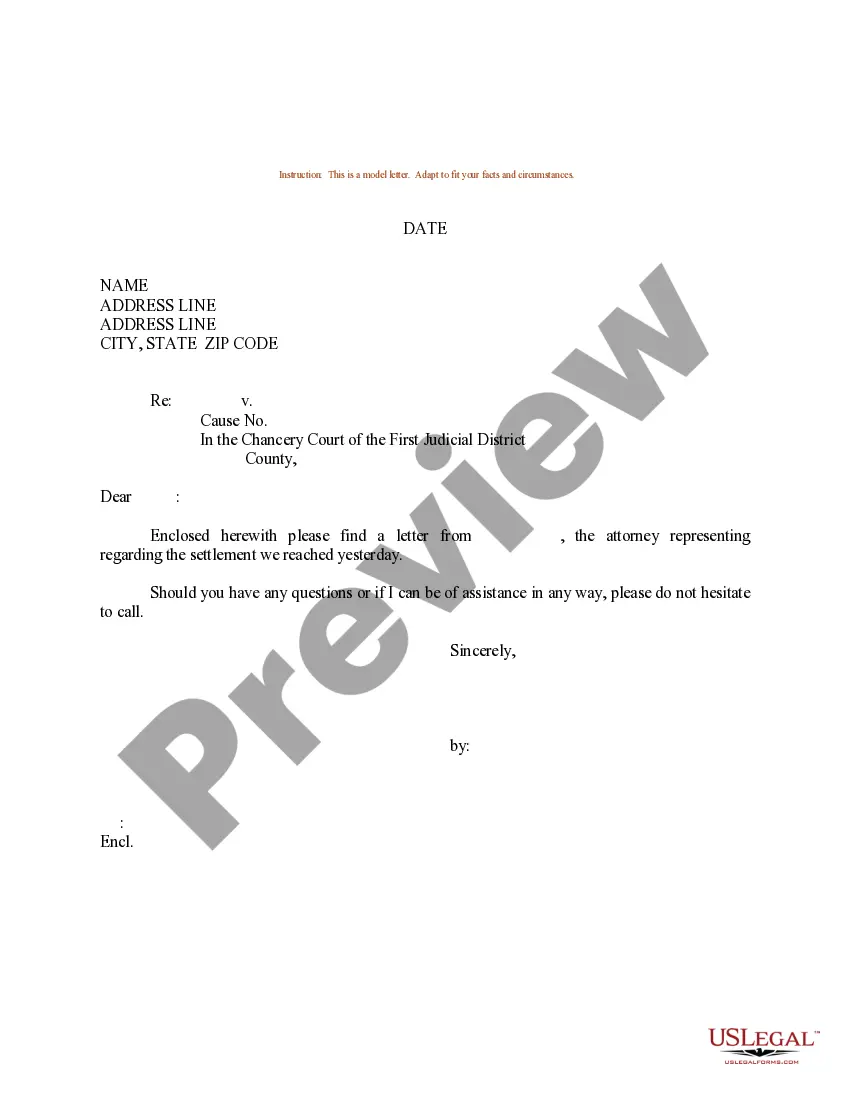
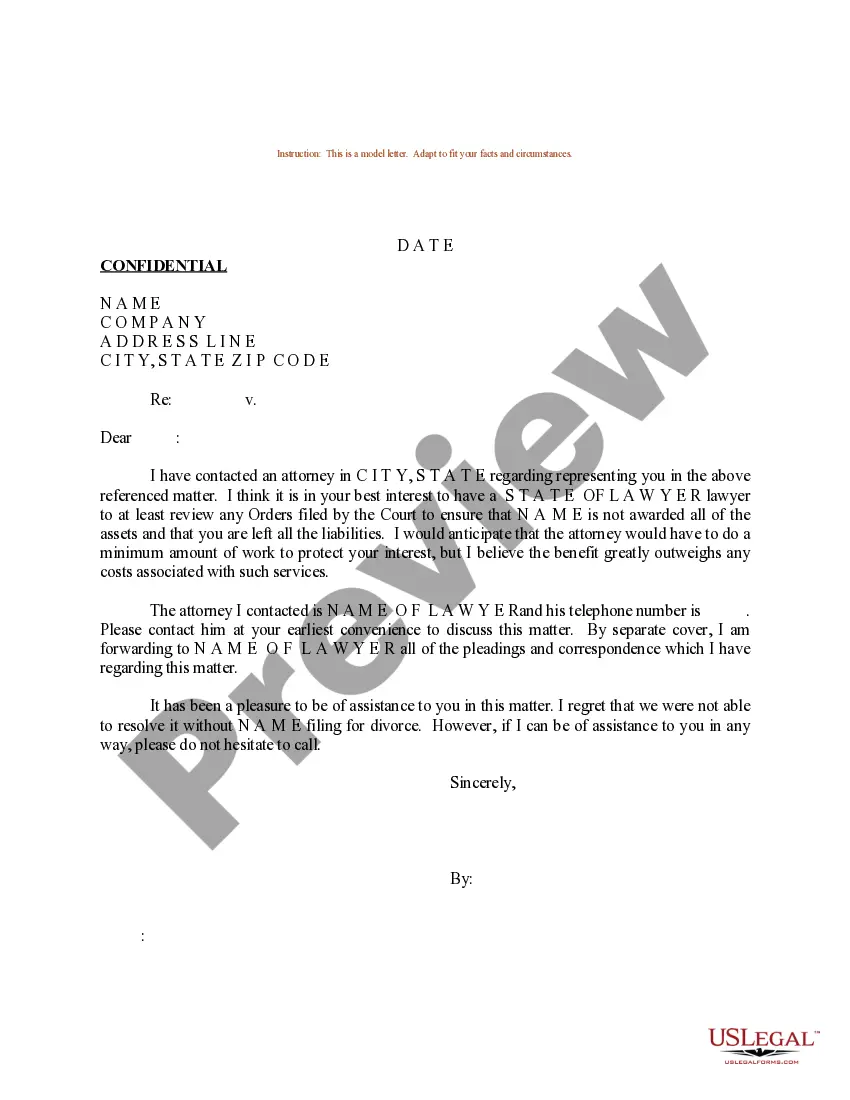
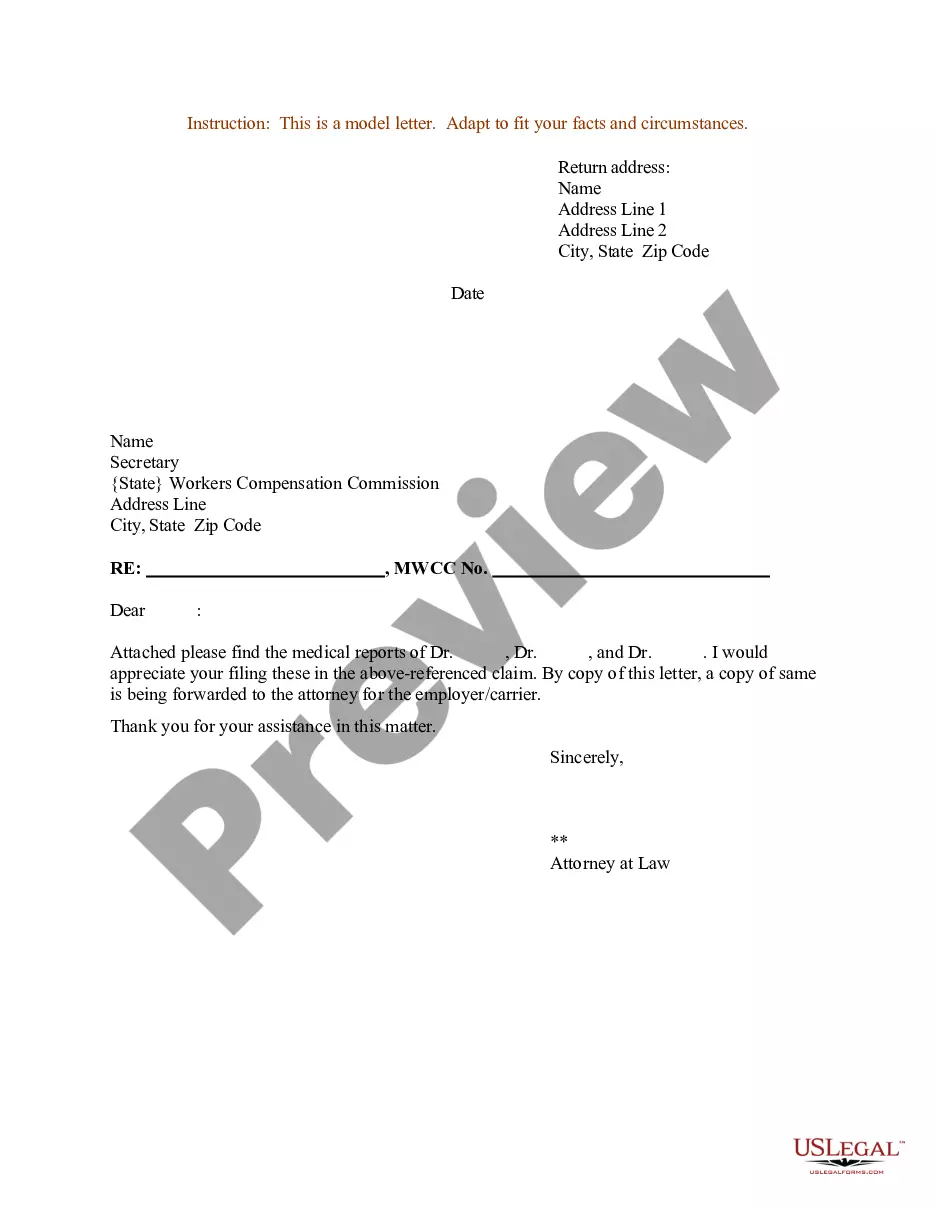
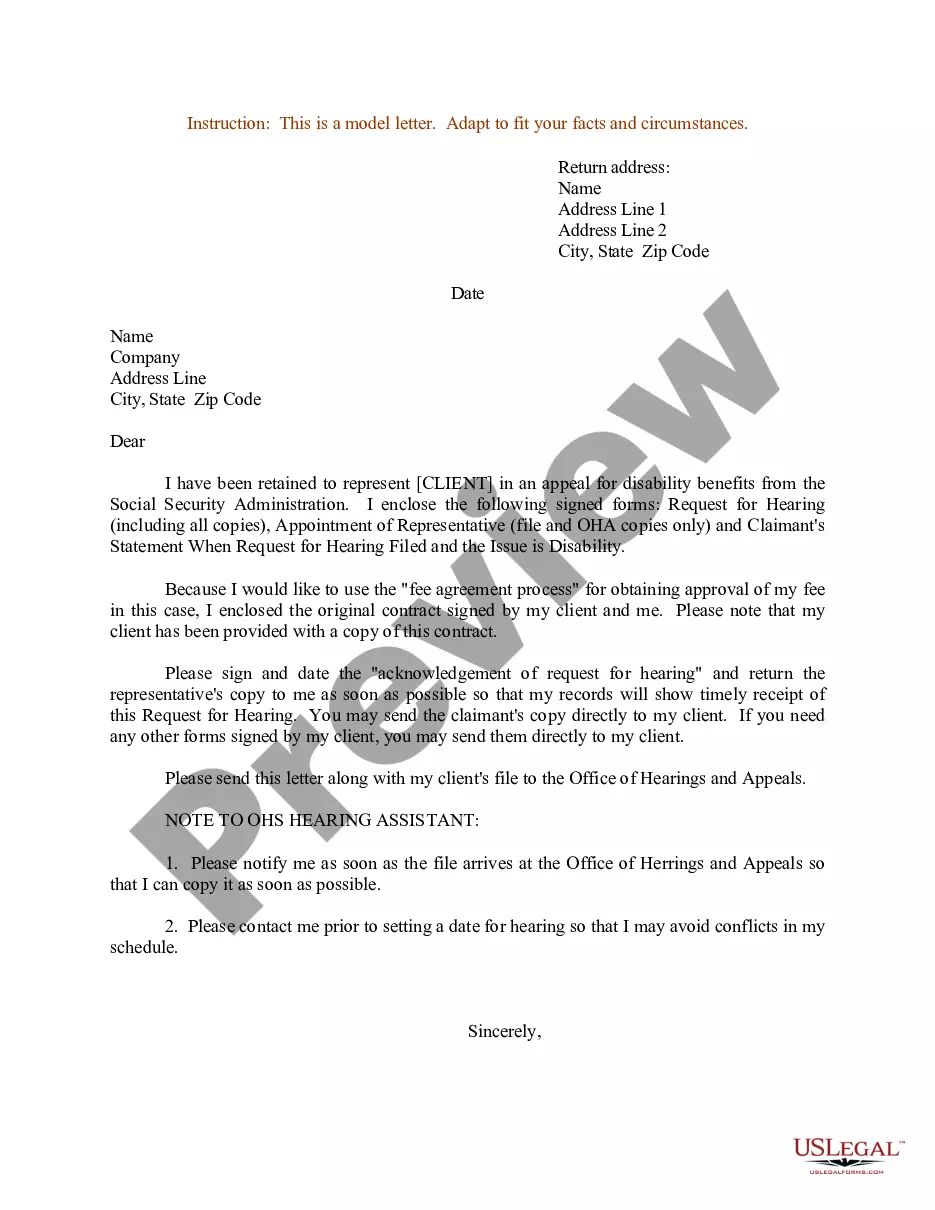
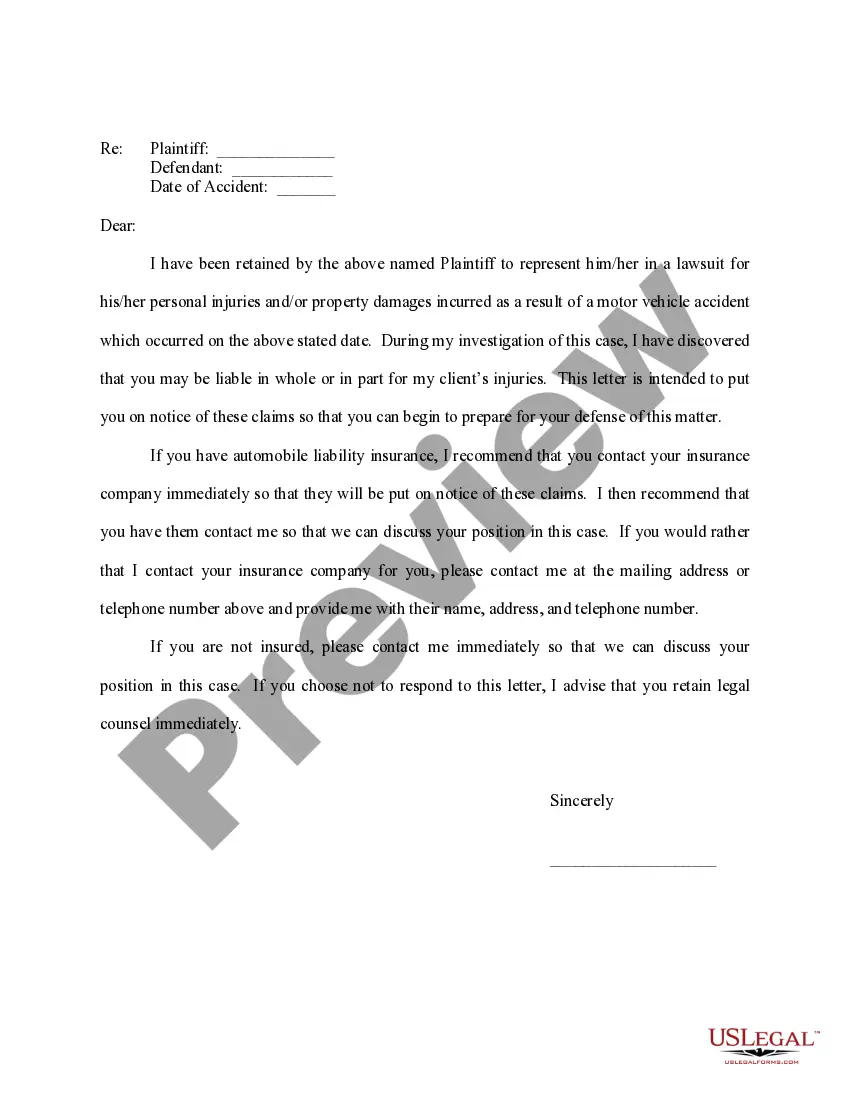
Get your form ready online
Our built-in tools help you complete, sign, share, and store your documents in one place.
Make edits, fill in missing information, and update formatting in US Legal Forms—just like you would in MS Word.
Download a copy, print it, send it by email, or mail it via USPS—whatever works best for your next step.
Sign and collect signatures with our SignNow integration. Send to multiple recipients, set reminders, and more. Go Premium to unlock E-Sign.
If this form requires notarization, complete it online through a secure video call—no need to meet a notary in person or wait for an appointment.
We protect your documents and personal data by following strict security and privacy standards.

Make edits, fill in missing information, and update formatting in US Legal Forms—just like you would in MS Word.

Download a copy, print it, send it by email, or mail it via USPS—whatever works best for your next step.

Sign and collect signatures with our SignNow integration. Send to multiple recipients, set reminders, and more. Go Premium to unlock E-Sign.

If this form requires notarization, complete it online through a secure video call—no need to meet a notary in person or wait for an appointment.

We protect your documents and personal data by following strict security and privacy standards.
Looking for another form?
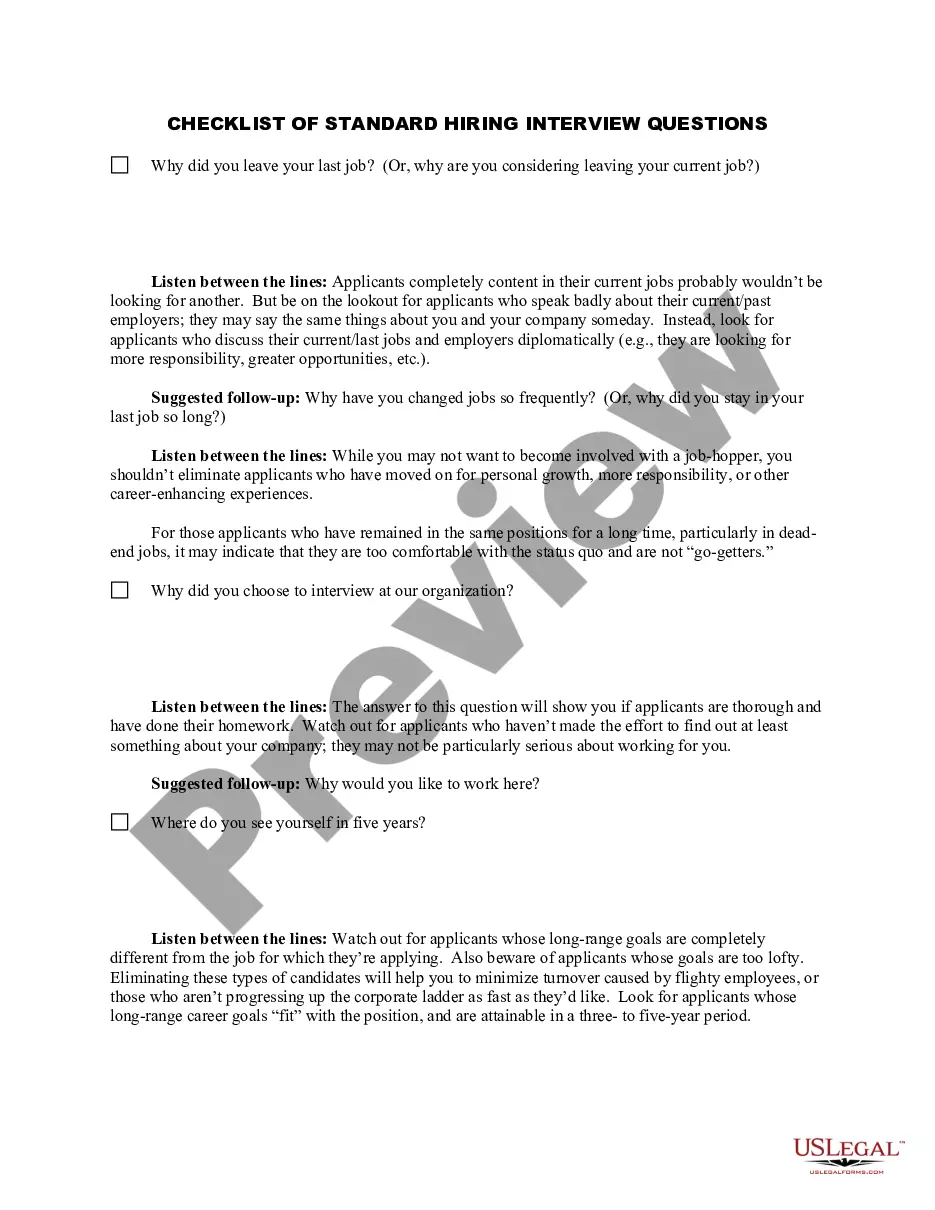
How to fill out Sample Letter For Legal Representation - Worker's Compensation?
The Work Sample Example you observe on this page is a reusable formal template created by expert attorneys in accordance with federal and local laws.
For over 25 years, US Legal Forms has supplied individuals, businesses, and lawyers with more than 85,000 validated, state-specific documents for any business and personal situation. It’s the fastest, easiest, and most trustworthy method to secure the paperwork you require, as the service ensures the utmost level of data protection and anti-malware safeguards.
Choose the format you desire for your Work Sample Example (PDF, DOCX, RTF) and save the template on your device. Complete and sign the document. Print the template to fill it out manually. Alternatively, use an online multi-functional PDF editor to swiftly and accurately fill in and sign your form with a legally-binding electronic signature. Download your documents once more. Reuse the same document whenever necessary. Access the My documents tab in your profile to redownload any previously acquired forms. Register for US Legal Forms to have verified legal templates for all of life's situations readily available.
- Browse for the document you require and examine it.
- Look through the file you searched and preview it or review the form description to confirm it meets your requirements. If it does not, utilize the search function to find the correct one. Click Buy Now once you have found the template you seek.
- Register and Log In.
- Choose the pricing option that fits you and create an account. Use PayPal or a credit card for a swift transaction. If you already possess an account, Log In and check your subscription to proceed.
- Obtain the fillable template.
Form popularity
FAQ
It should be no longer than 3-4 pages and have been researched and written by you personally;" or. "Please bring an example of your manuscript typing ability that would include Greek symbols, equations, and footnotes. Five to six pages will be enough, and it should be work that you performed yourself."
Photographs of your paintings, illustrations, sculptures, etc. Copies of blogs, newspapers, and journal articles as well as grant proposals, reports, marketing plans, etc. Other sources of work samples include hobbies, sports, scouts, hunting, fishing, crafts, volunteer work, and other interests.
How to Create the Perfect Writing Sample Step 1: Read the Job Posting. This step may seem obvious since you already read the job posting to determine that you need a writing sample. ... Step 2: Research the Company. ... Step 3: Brainstorm Ideas. ... Step 4: Choose Your Best Idea. ... Step 5: Write. ... Step 6: Edit, Edit, Edit.
Provide Context Include a brief explanation for each of your work samples. This can better help the employer understand how it relates to their open position and how you use your skills on the job. Don't feel you have to give a long-winded soliloquy for each sample.
