Enclosure Letter Example With Letterhead
Description

Get your form ready online
Our built-in tools help you complete, sign, share, and store your documents in one place.
Make edits, fill in missing information, and update formatting in US Legal Forms—just like you would in MS Word.
Download a copy, print it, send it by email, or mail it via USPS—whatever works best for your next step.
Sign and collect signatures with our SignNow integration. Send to multiple recipients, set reminders, and more. Go Premium to unlock E-Sign.
If this form requires notarization, complete it online through a secure video call—no need to meet a notary in person or wait for an appointment.
We protect your documents and personal data by following strict security and privacy standards.

Make edits, fill in missing information, and update formatting in US Legal Forms—just like you would in MS Word.

Download a copy, print it, send it by email, or mail it via USPS—whatever works best for your next step.

Sign and collect signatures with our SignNow integration. Send to multiple recipients, set reminders, and more. Go Premium to unlock E-Sign.

If this form requires notarization, complete it online through a secure video call—no need to meet a notary in person or wait for an appointment.

We protect your documents and personal data by following strict security and privacy standards.
Looking for another form?
How to fill out Sample Letter For Enclosure Of Medical Reports?
Managing legal documents can be overwhelming, even for the most seasoned experts.
When you're searching for an Enclosure Letter Example With Letterhead and lack the time to find the appropriate and current version, the processes can become stressful.
With US Legal Forms, you can.
Access a database of articles, guides, and materials pertinent to your circumstances and requirements.
Streamline your routine document management into a seamless and user-friendly experience today.
- Save time and efforts in searching for the documents you require and employ US Legal Forms' sophisticated search and Review tool to locate Enclosure Letter Example With Letterhead and obtain it.
- If you're a member, Log Into your US Legal Forms account, locate the form, and obtain it.
- Visit the My documents tab to view the documents you've previously stored and manage your folders as desired.
- If this is your first time using US Legal Forms, create an account and gain unlimited access to all the platform's advantages.
- Follow these steps after downloading your needed form.
- A comprehensive online form collection can be transformative for anyone seeking to handle these matters effectively.
- US Legal Forms is a leading provider of online legal documents, offering more than 85,000 state-specific legal forms accessible at any time.
- Utilize advanced features to fill out and manage your Enclosure Letter Example With Letterhead.
Form popularity
FAQ
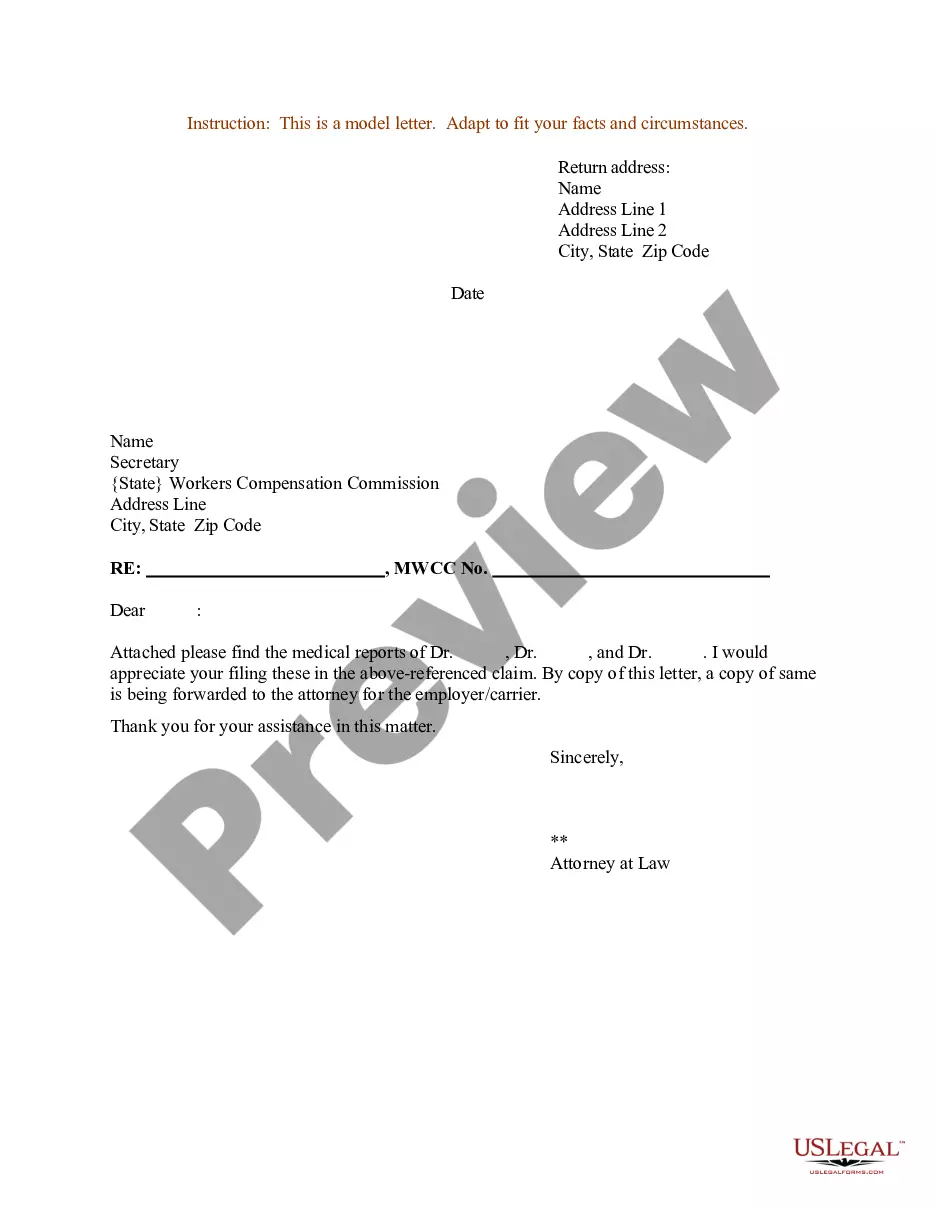
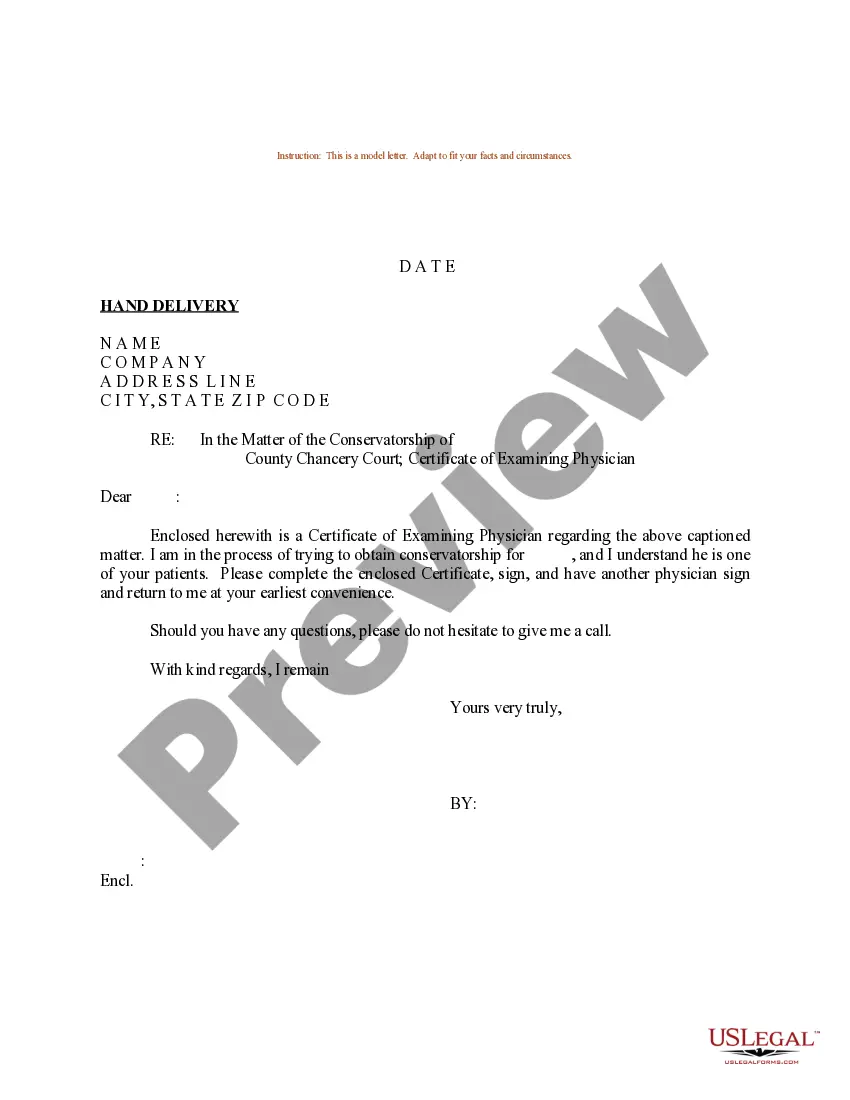
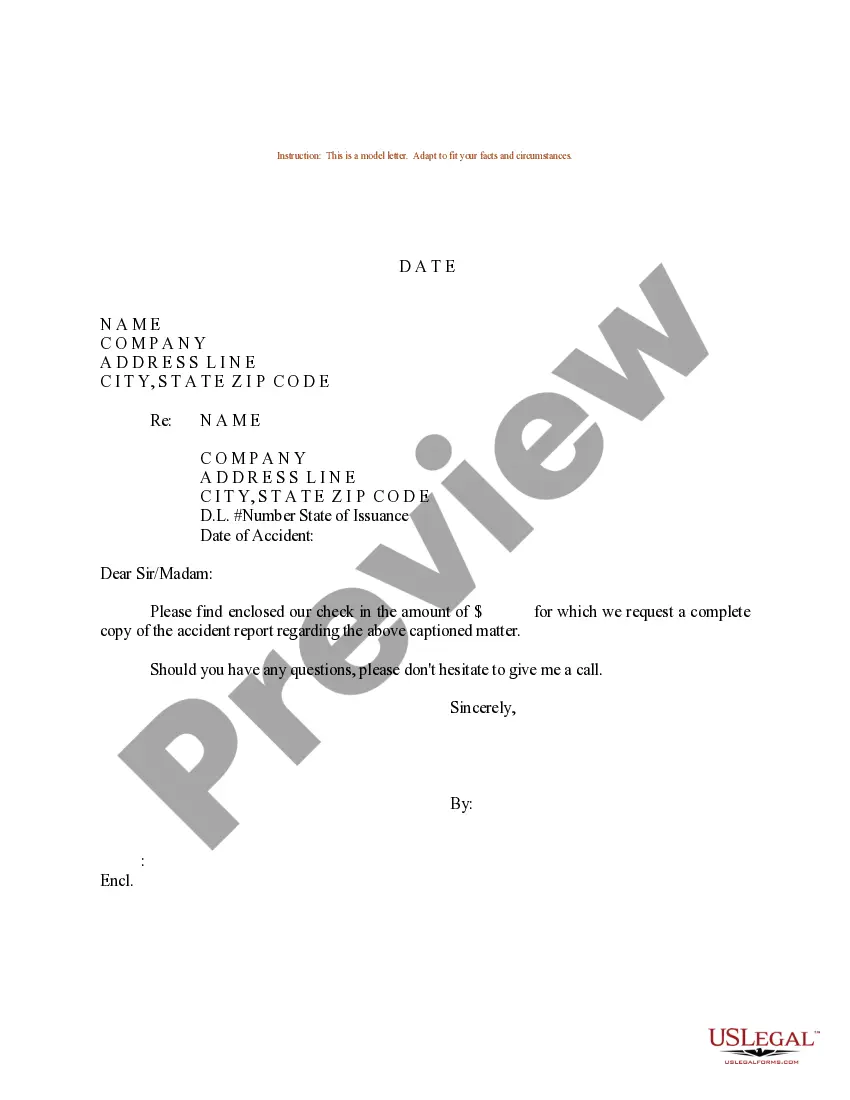
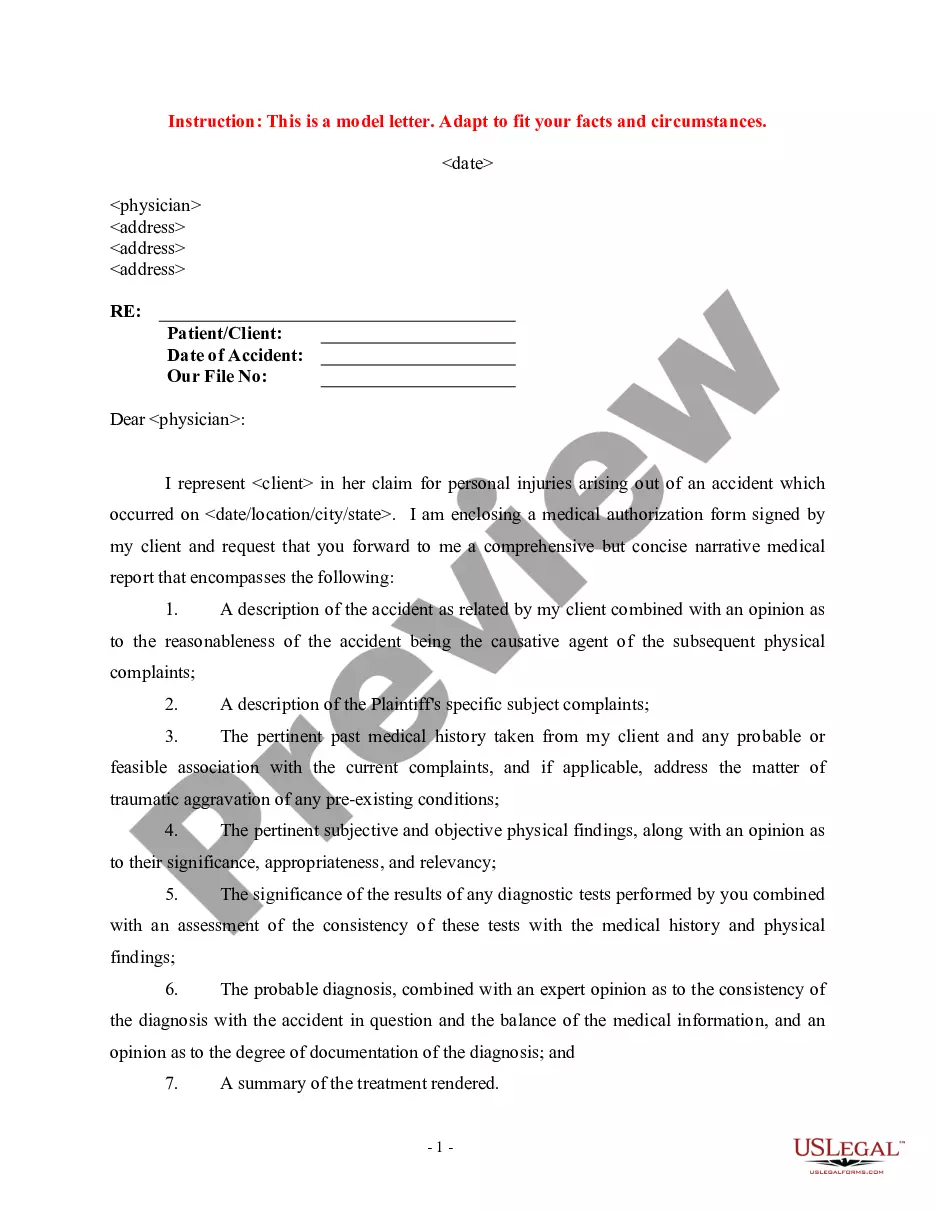
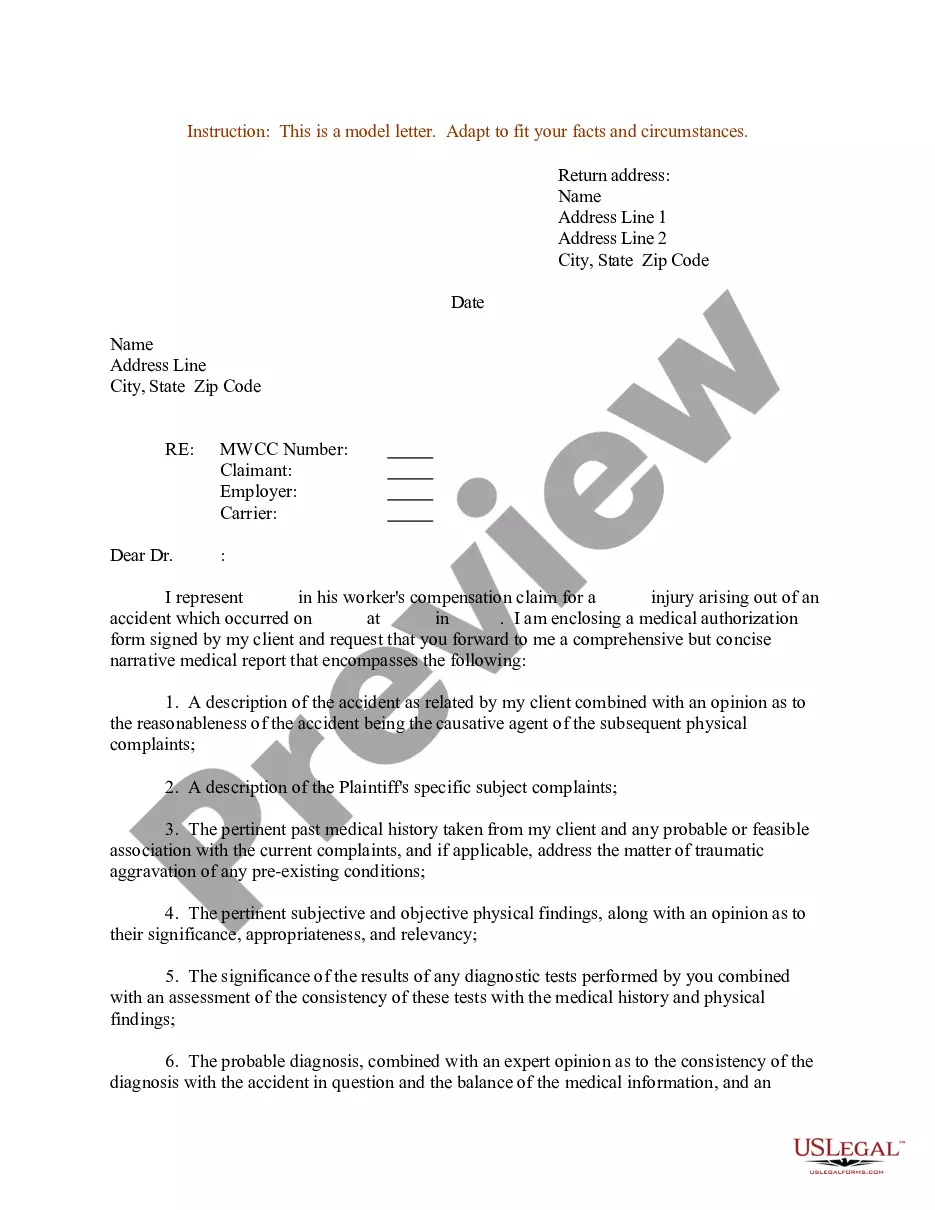
To fill up an indicated enclosure, begin by reviewing the main letter content to ensure clarity and coherence. Next, prepare your enclosure letter example with letterhead that contains your name, address, and any relevant details. Make sure to reference the enclosed documents clearly within the body of the main letter, stating what the reader can expect. By using a well-structured enclosure, you enhance the professionalism of your correspondence and provide essential information effectively.
Spacing. Letters should be single-spaced between sentences in order to maximize space on the page. Include four line breaks between the letter's closing sentence or paragraph and your printed name to leave space for your signature. Font.
In a printed letter, the CC line might go before or after the enclosures line. Whichever you choose, it needs to be below the signature line. Learn More About Enclosure Notation in a Business Letter Small Biz Ahead ? marketing ? business-lett... Small Biz Ahead ? marketing ? business-lett...
On a paper business letter, you often include the CC line underneath your signature, either above or below any enclosures line.
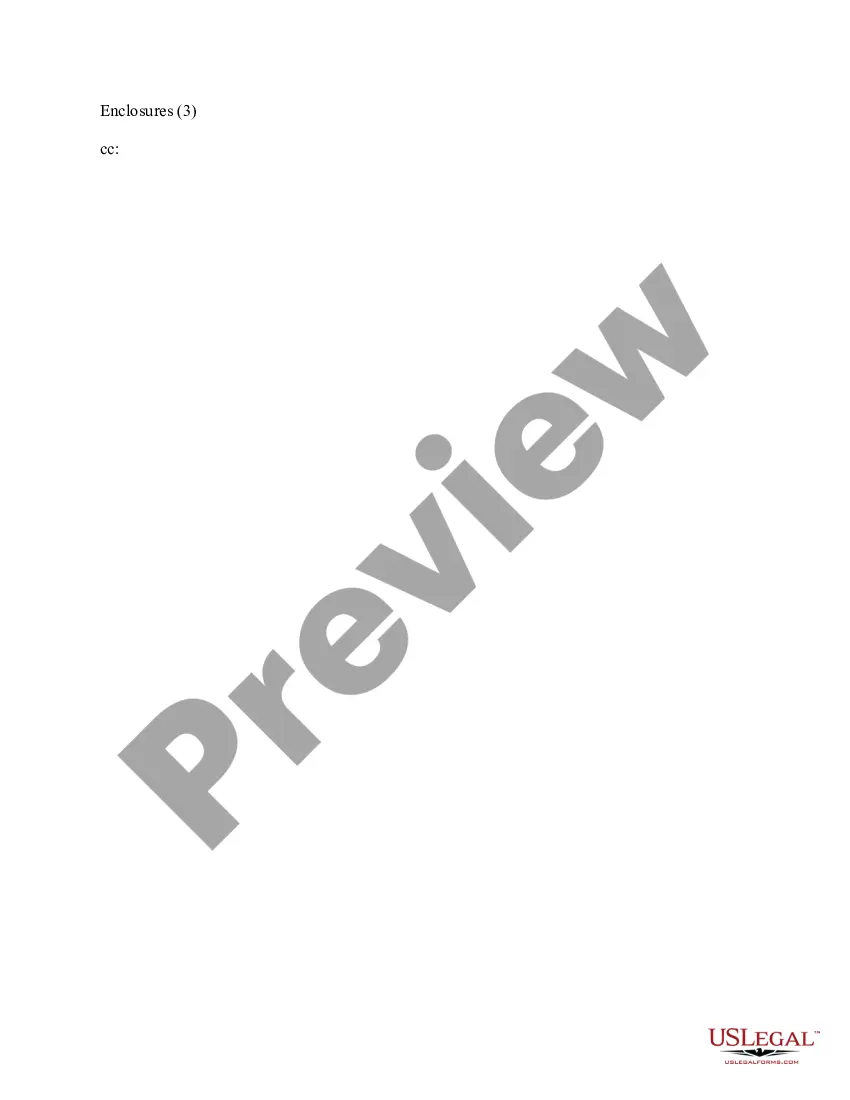
Under your name at the end of the letter, skip two lines. On the third line, write "Enclosure:" or "Enclosures:" if there are multiple documents. Skip a line after "Enclosures:" and then begin your list of enclosures.
All business letters have the following elements: Dateline: Three to six lines beneath the letterhead, flush left or right. ... Recipient address: Three to six lines below the dateline, flush left. ... Greeting or salutation: One or two lines below the last line of the recipient's address.