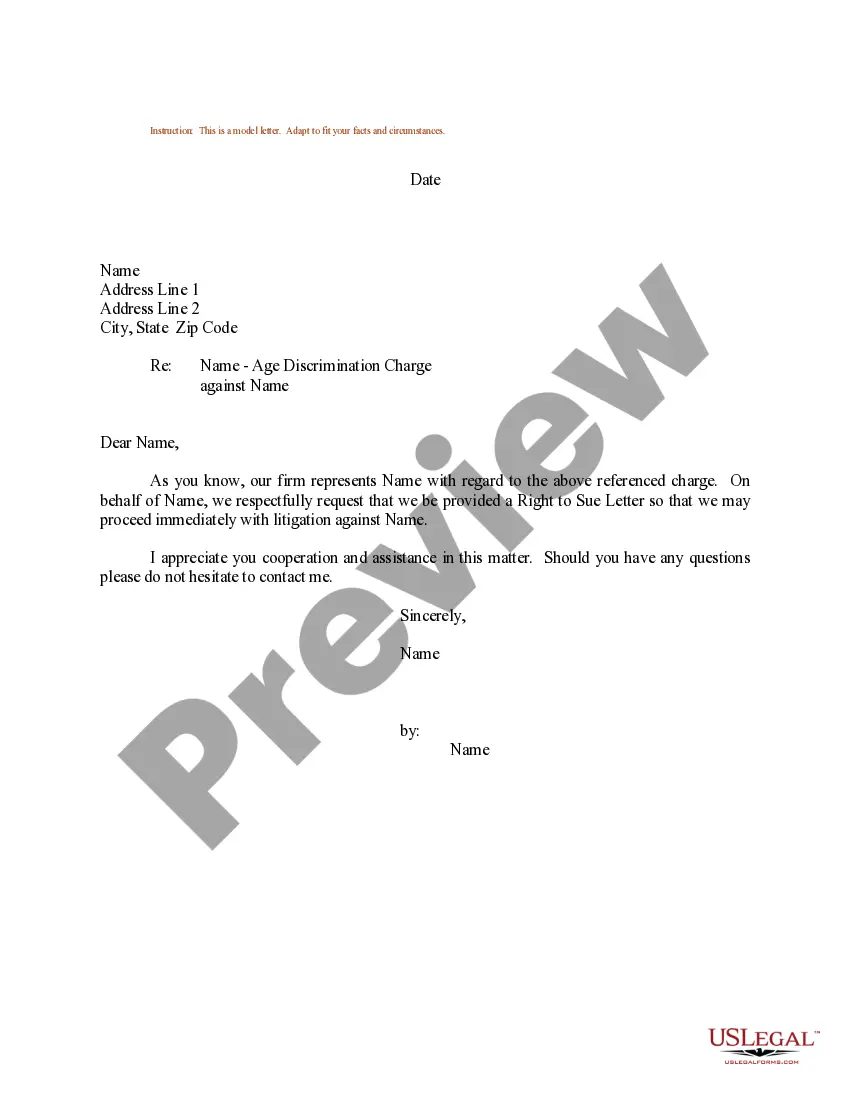
Write Letter Format
Description
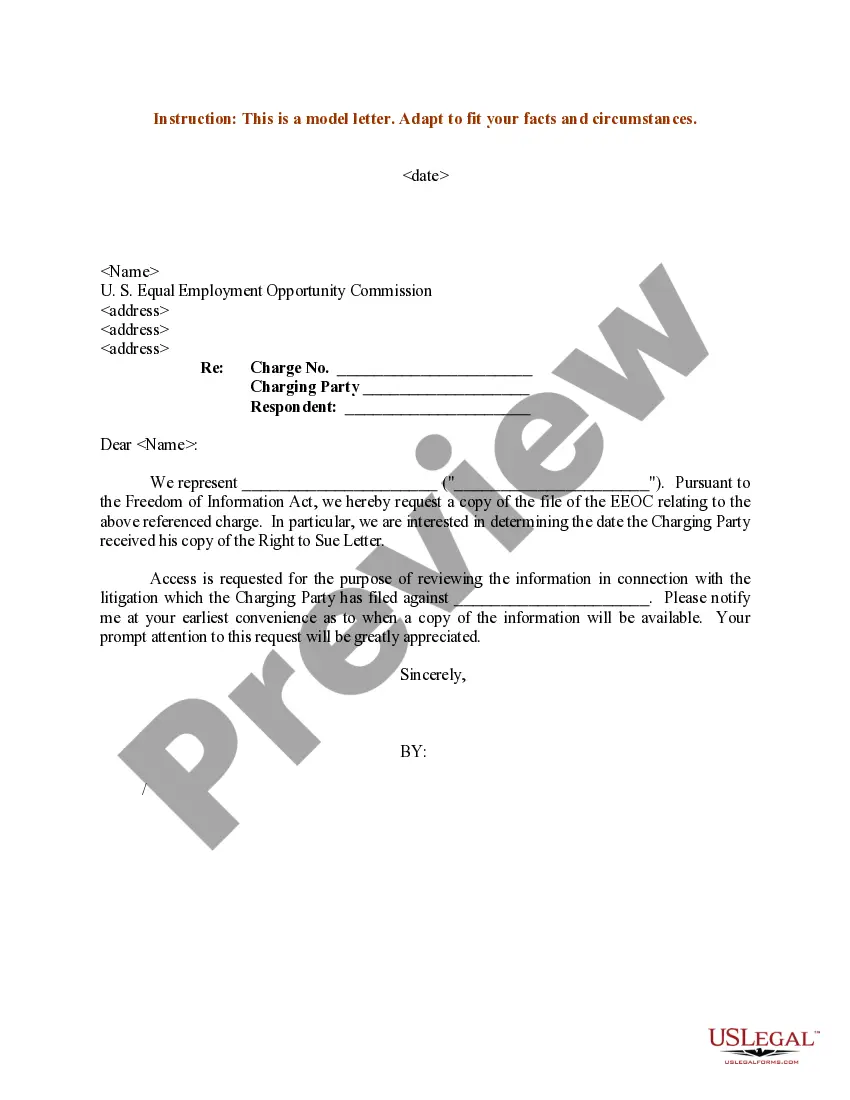
Get your form ready online
Our built-in tools help you complete, sign, share, and store your documents in one place.
Make edits, fill in missing information, and update formatting in US Legal Forms—just like you would in MS Word.
Download a copy, print it, send it by email, or mail it via USPS—whatever works best for your next step.
Sign and collect signatures with our SignNow integration. Send to multiple recipients, set reminders, and more. Go Premium to unlock E-Sign.
If this form requires notarization, complete it online through a secure video call—no need to meet a notary in person or wait for an appointment.
We protect your documents and personal data by following strict security and privacy standards.

Make edits, fill in missing information, and update formatting in US Legal Forms—just like you would in MS Word.

Download a copy, print it, send it by email, or mail it via USPS—whatever works best for your next step.

Sign and collect signatures with our SignNow integration. Send to multiple recipients, set reminders, and more. Go Premium to unlock E-Sign.

If this form requires notarization, complete it online through a secure video call—no need to meet a notary in person or wait for an appointment.

We protect your documents and personal data by following strict security and privacy standards.
Looking for another form?
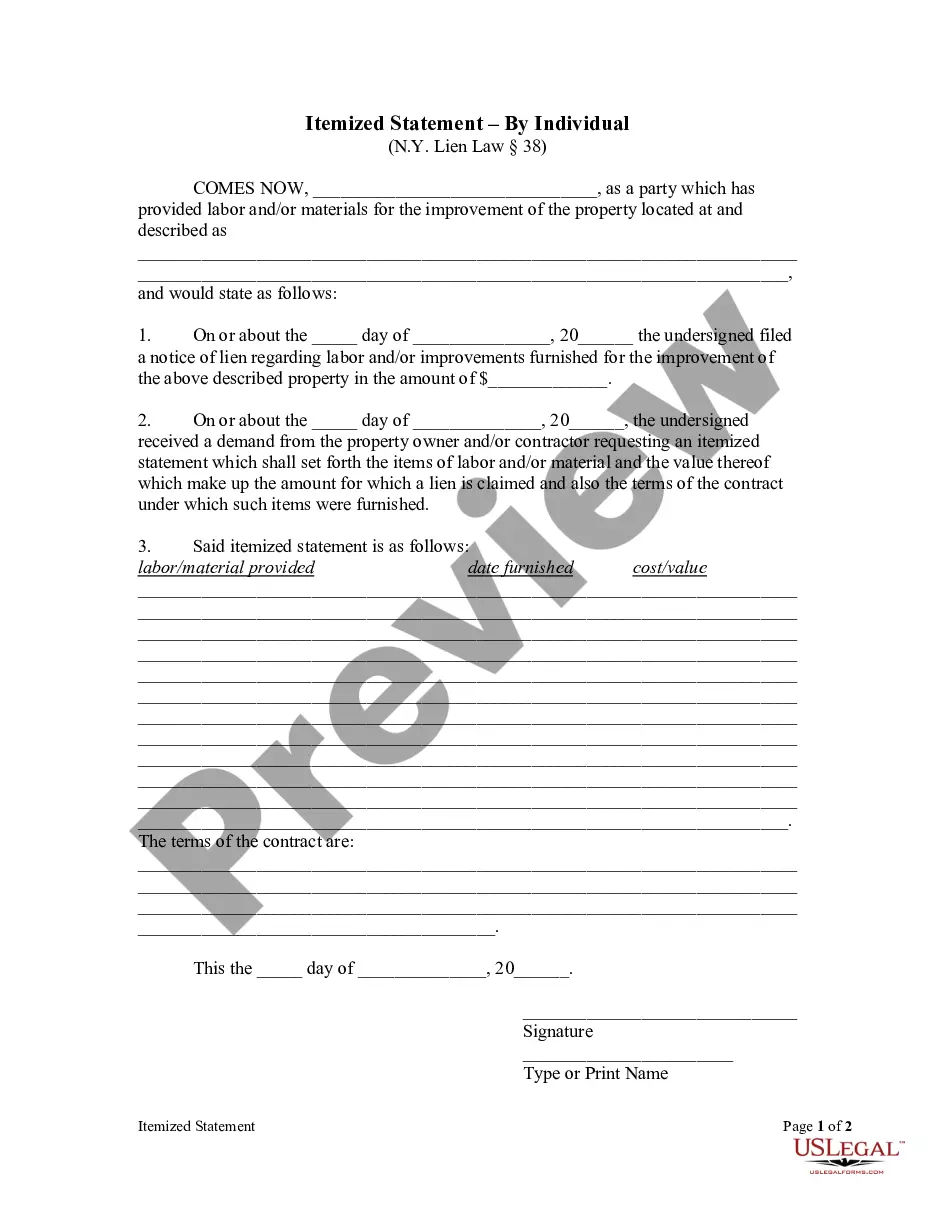
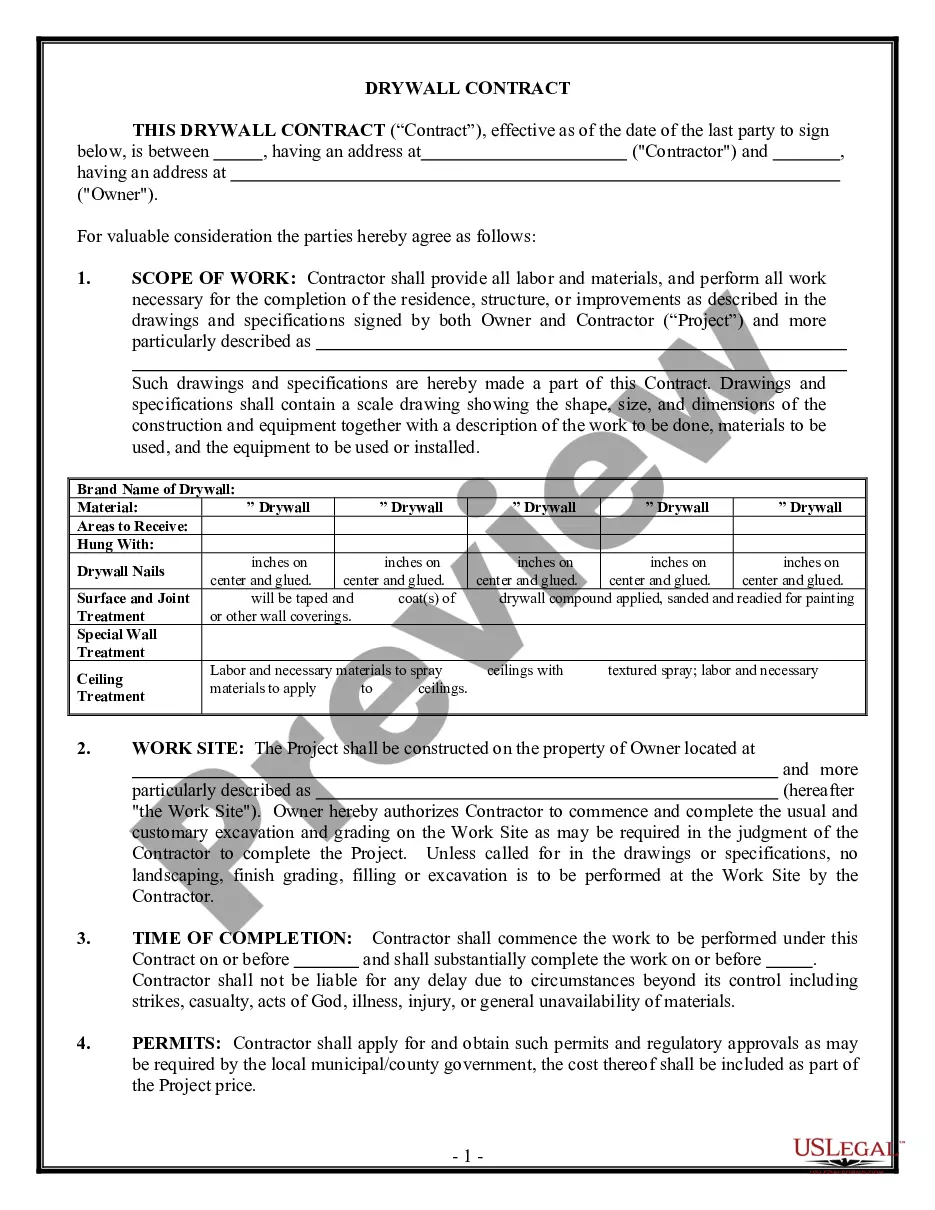
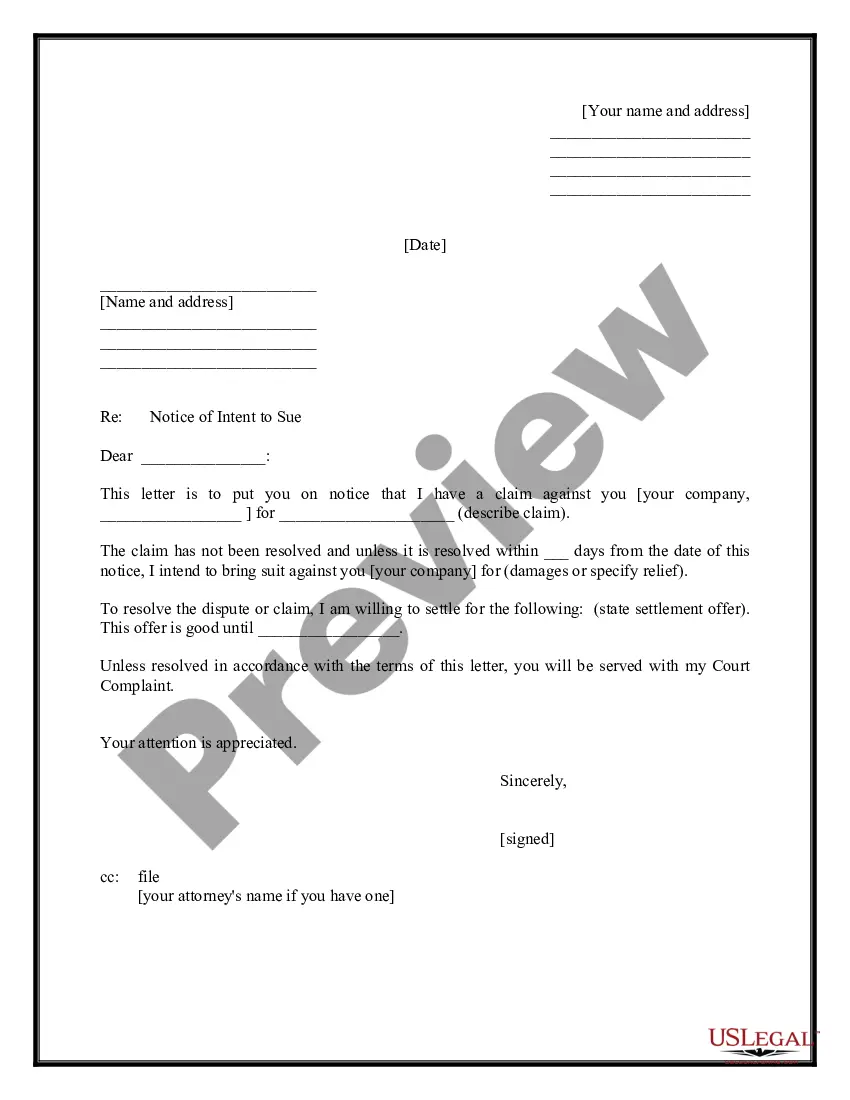
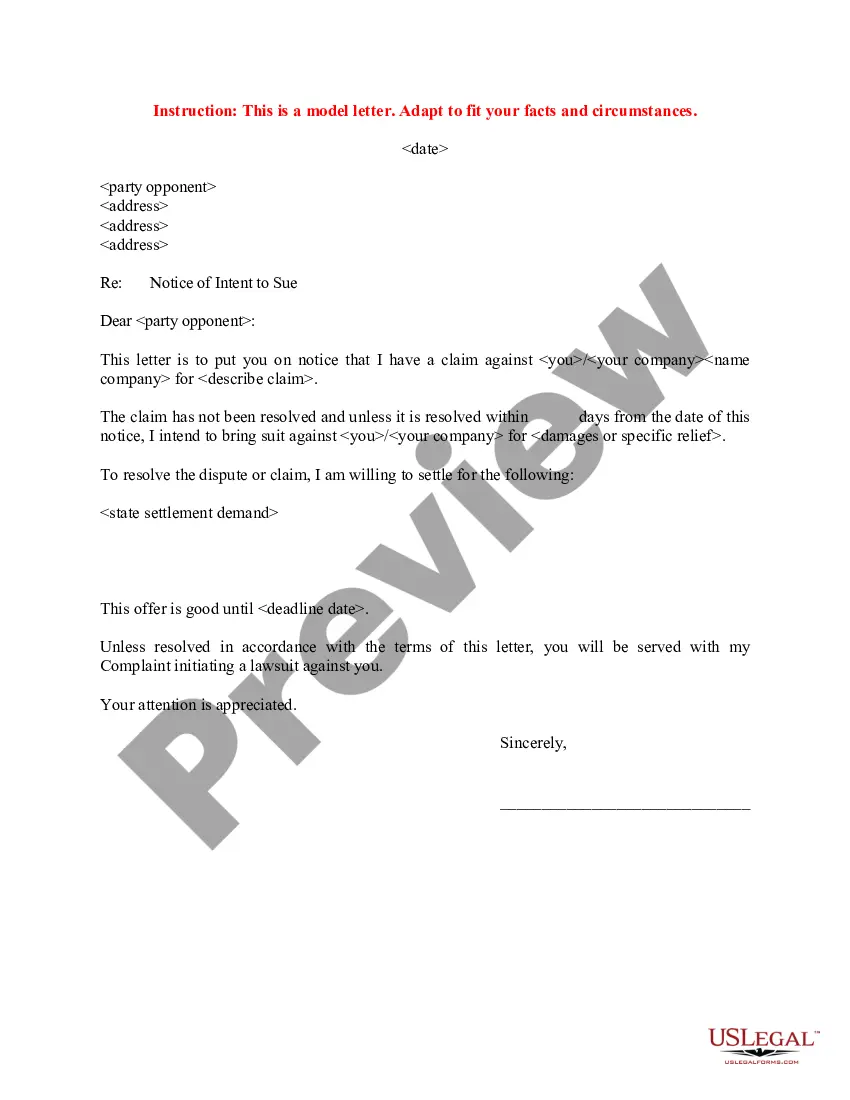
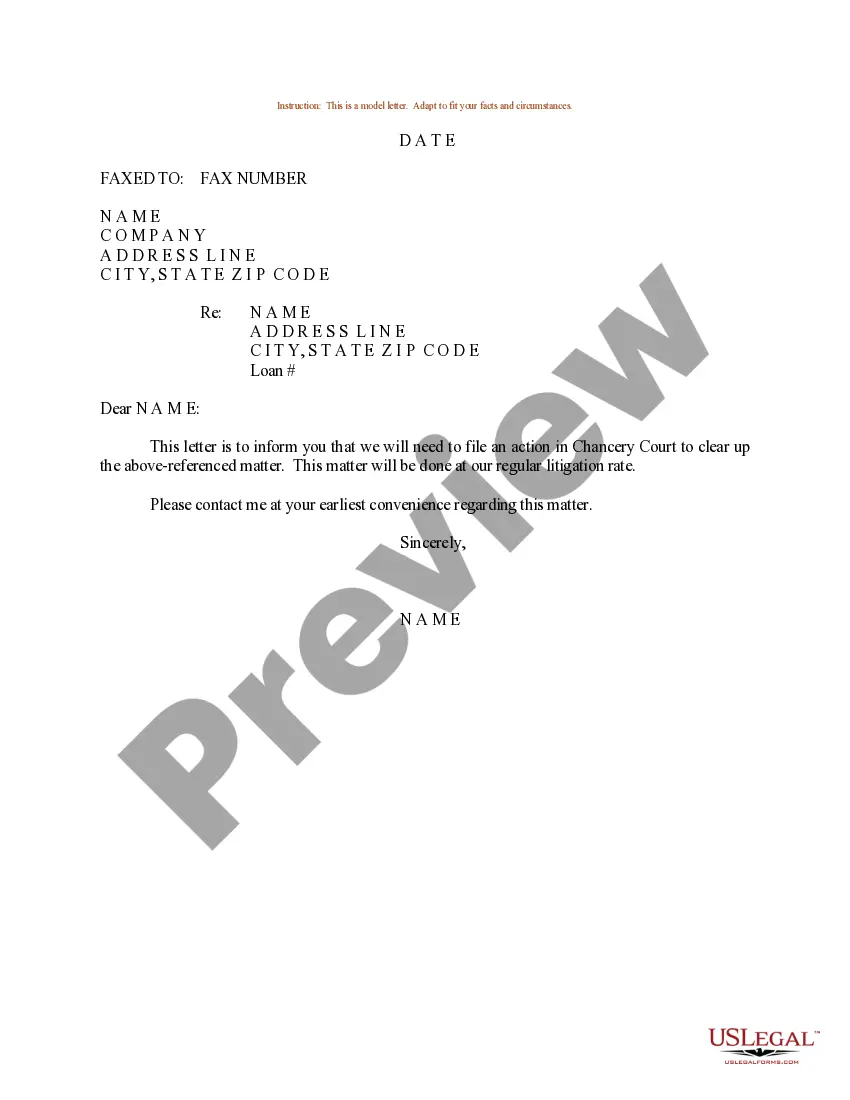
How to fill out Sample Letter For Right To Sue Letter?
Handling legal paperwork and activities can be a lengthy addition to your daily routine.
Creating Letter Format and similar forms usually necessitates that you locate them and comprehend how to fill them out efficiently.
Therefore, if you are managing financial, legal, or personal issues, having a comprehensive and accessible online repository of forms at your disposal will be tremendously beneficial.
US Legal Forms is the leading online platform for legal templates, featuring over 85,000 state-specific documents and a range of resources to help you complete your paperwork swiftly.
Is it your first experience with US Legal Forms? Sign up and establish your account in just a few minutes, and you will gain access to the form library and Letter Format. Then, follow the steps outlined below to complete your document: Ensure you have found the correct form by using the Review feature and examining the form description. Select Buy Now when ready, and choose the monthly subscription plan that fits you. Click Download then fill out, eSign, and print the form. US Legal Forms has twenty-five years of experience assisting clients in managing their legal documents. Locate the form you need today and streamline any process without breaking a sweat.
- Explore the collection of relevant documents available with a single click.
- US Legal Forms offers you state- and county-specific templates available at any time for download.
- Protect your document management processes by utilizing a reliable service that enables you to create any form within minutes without additional or hidden fees.
- Simply Log In to your account, search for Letter Format, and obtain it immediately from the My documents section.
- You can also access previously saved forms.
Form popularity
FAQ
The seven parts of a business letter are: sender's address, date, recipient address, salutation, body, closing salutation and signature. If you have documents attached with the letter, include a list of enclosures after the signature.
Simplified Format. Unlike block and modified block, simplified format does not include a salutation. The recipient's name will typically be worked into the first sentence of the letter. Also, simplified format does not include a complimentary closing.
Write your contact information and date at the top if you're using block style (see below). On a new line write a salutation, such as ?Dear Ms. Smith,? or ?To Whom It May Concern.? Write the body of your letter in a standard paragraph format. On a new line write a complimentary close, such as ?Sincerely,? or ?Best,?
How to Write a Letter?: Step-by-Step Guide Write Sender's address. ... Specify Dateline. ... Come to Recipient's address. ... Insert Greeting/Salutation. ... Include Complimentary Close. ... Write a Letter to the Editor. ... Write a Letter to your Friend.
How to write a formal letter Write your name and contact information. ... Include the date. ... Include the recipient's name and contact information. ... Write a subject line for AMS style. ... Write a salutation for block style. ... Write the body of the letter. ... Include a sign-off. ... Proofread your letter.