Motion To Extend Time To Answer
Description





Get your form ready online
Our built-in tools help you complete, sign, share, and store your documents in one place.
Make edits, fill in missing information, and update formatting in US Legal Forms—just like you would in MS Word.
Download a copy, print it, send it by email, or mail it via USPS—whatever works best for your next step.
Sign and collect signatures with our SignNow integration. Send to multiple recipients, set reminders, and more. Go Premium to unlock E-Sign.
If this form requires notarization, complete it online through a secure video call—no need to meet a notary in person or wait for an appointment.
We protect your documents and personal data by following strict security and privacy standards.

Make edits, fill in missing information, and update formatting in US Legal Forms—just like you would in MS Word.

Download a copy, print it, send it by email, or mail it via USPS—whatever works best for your next step.

Sign and collect signatures with our SignNow integration. Send to multiple recipients, set reminders, and more. Go Premium to unlock E-Sign.

If this form requires notarization, complete it online through a secure video call—no need to meet a notary in person or wait for an appointment.

We protect your documents and personal data by following strict security and privacy standards.
Looking for another form?
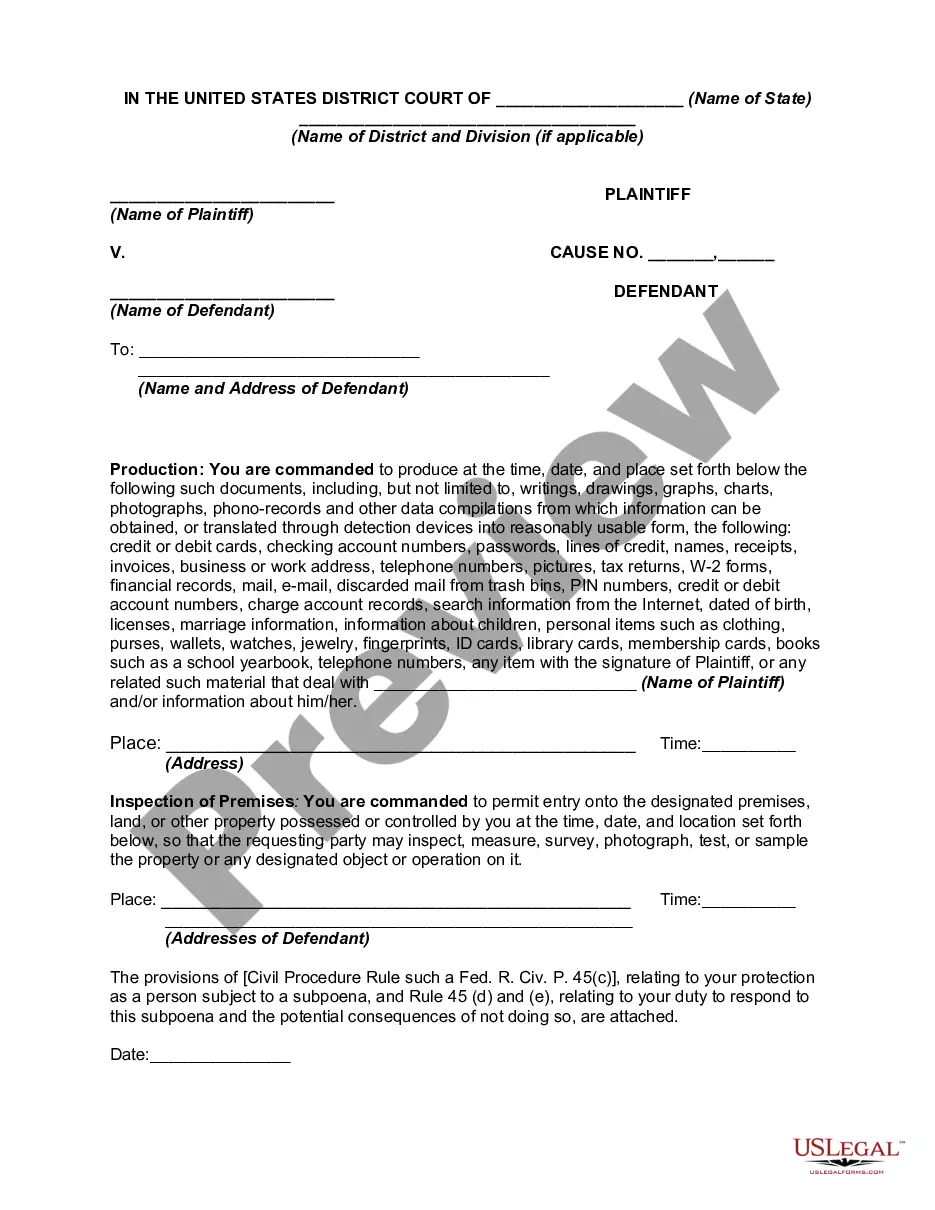
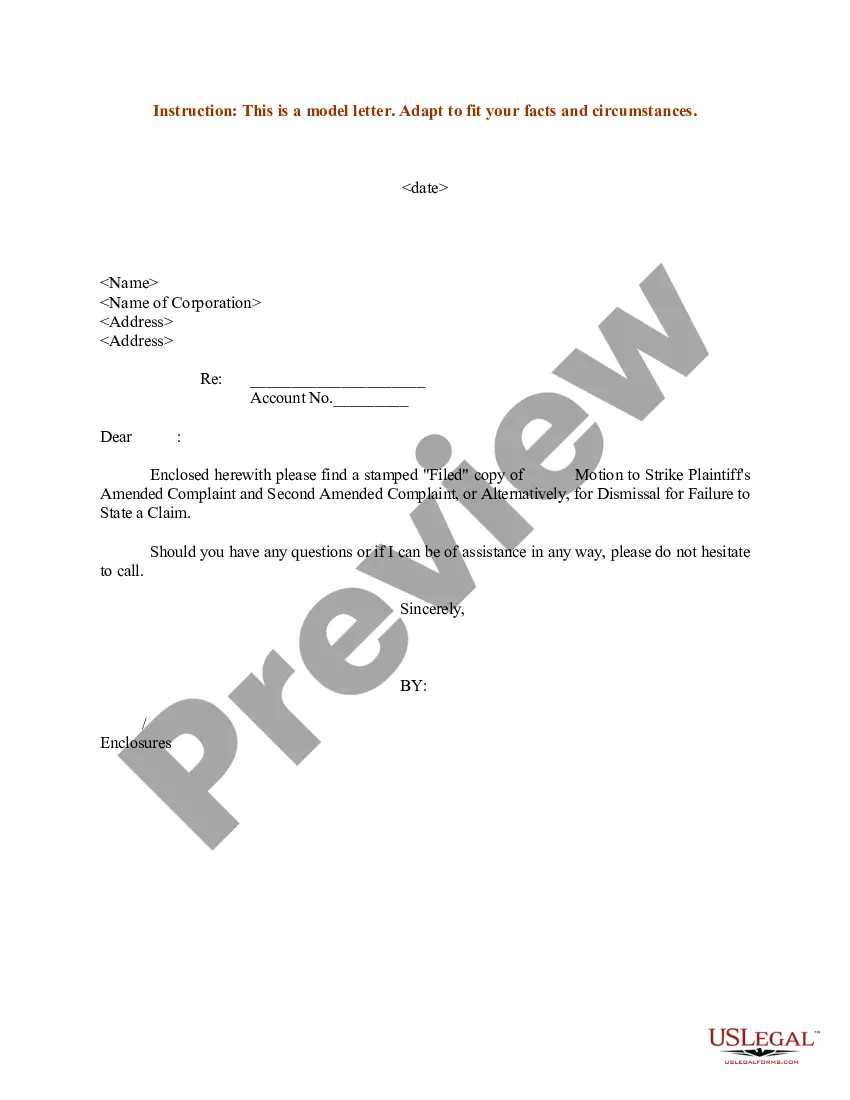
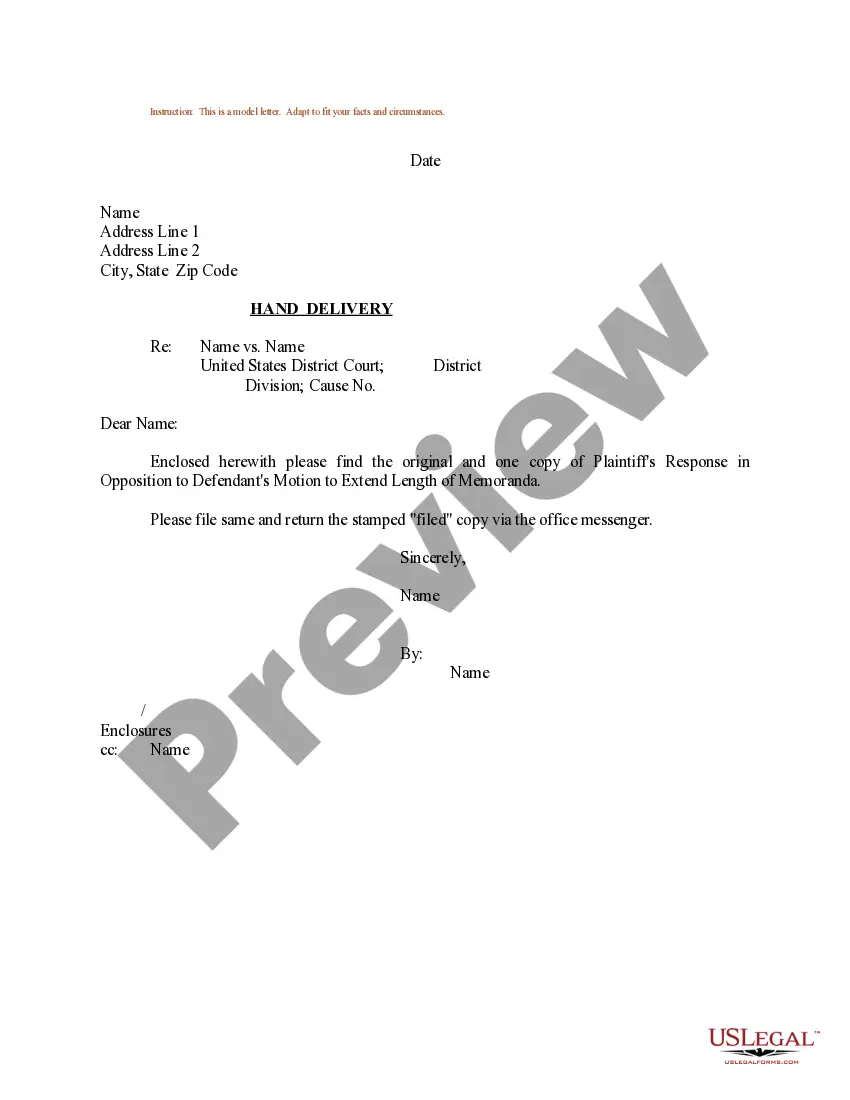
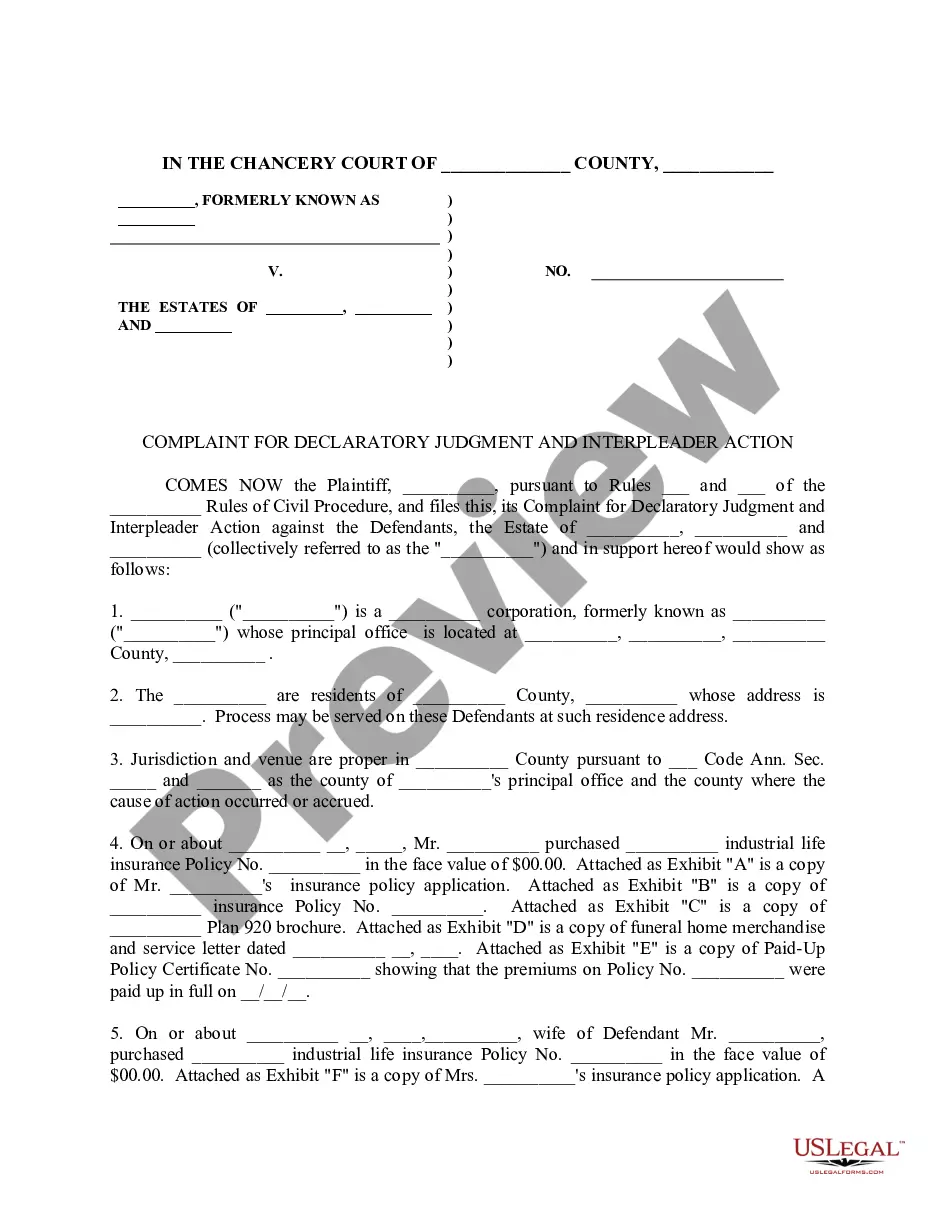
How to fill out Sample Letter For Motion To Extend Time For Service Of Process?
It’s clear that you cannot transform into a legal expert in a single night, nor can you ascertain how to swiftly construct a Motion To Extend Time To Answer without possessing a particular set of abilities.
Drafting legal paperwork is an extensive endeavor necessitating specific instruction and competencies. Thus, why not entrust the creation of the Motion To Extend Time To Answer to the experts.
With US Legal Forms, one of the most extensive libraries of legal templates, you can discover everything from court documents to templates for internal communication.
You can regain access to your forms from the My documents tab at any time.
If you’re an existing client, you can easily Log In, and locate and download the template from the same tab.
- Start your search for the form you require by utilizing the search bar located at the top of the page.
- Preview it (if this option is available) and review the accompanying description to verify if Motion To Extend Time To Answer is what you are looking for.
- If you need a different form, restart your search.
- Create a free account and choose a subscription plan to purchase the template.
- Click Buy now. After the payment is completed, you can obtain the Motion To Extend Time To Answer, fill it out, print it, and send or mail it to the designated persons or organizations.
Form popularity
FAQ
Rule 6 B pertains to the Federal Rules of Civil Procedure, providing guidelines for extending deadlines. Under this rule, a court may allow a party to file a motion for an extension of time, particularly for good cause shown. If you are facing tight deadlines, this rule could be essential in filing a 'Motion to Extend Time to Answer.' When in doubt, consider consulting resources on sites like US Legal Forms for assistance.
A motion for refers to a formal request made to the court, asking the judge to make a specific ruling or order. In the context of a 'Motion to Extend Time to Answer,' it means you are formally requesting the court to grant you additional time to respond to a legal complaint. Understanding this process helps you navigate the legal system more effectively. Utilizing platforms like US Legal Forms can streamline your filing process.
To ask the judge for an extension, you need to file a 'Motion to Extend Time to Answer' in court. This document should clearly state your reasons for requesting the extension and provide the time frame you need. After filing, ensure you serve the motion to all parties involved in the case. It’s essential to follow your jurisdiction's specific rules to avoid delays.
An example of a motion is a motion to extend time to answer, which a party files when they require more time to respond to a legal complaint. This motion is crucial for ensuring that parties have adequate time to prepare their cases. Such motions often include a clear statement of reasons and the length of extension requested.
To respond to a request for an extension of time, review the reasons provided by the other party. Consider whether granting the extension serves the interest of justice and the timeline of your case. If necessary, submit a motion to extend time to answer, explaining your rationale for accepting or denying the request.
In your written response to the court, address each point made in the opposing party's motion. Provide your arguments, evidence, and citations where necessary. If applicable, incorporate a motion to extend time to answer to request additional time for compiling an effective response.
When writing a letter to a judge requesting an extension, be respectful and concise. Clearly state the reasons for your request and include any relevant details regarding your situation. Mention a motion to extend time to answer if it’s tied to the need for more time to respond to court documents.
A motion statement should begin with a clear title identifying the motion and its purpose. Lay out the facts, applicable laws, and the specific relief you seek. If applicable, consider including a motion to extend time to answer when you require additional time to gather relevant information.
Writing a response motion involves addressing the points raised in the initial motion. Lay out your arguments logically and support them with evidence. If necessary, include a motion to extend time to answer to provide yourself with ample opportunity to respond effectively.
To craft a response to a motion to dismiss, begin by thoroughly reviewing the motion’s arguments. Clearly articulate your counterarguments, integrating relevant facts and legal precedents. Additionally, emphasize why a motion to extend time to answer is essential if you need more time to present your case properly.
