Llc For Shared Vacation Home With Family
Description
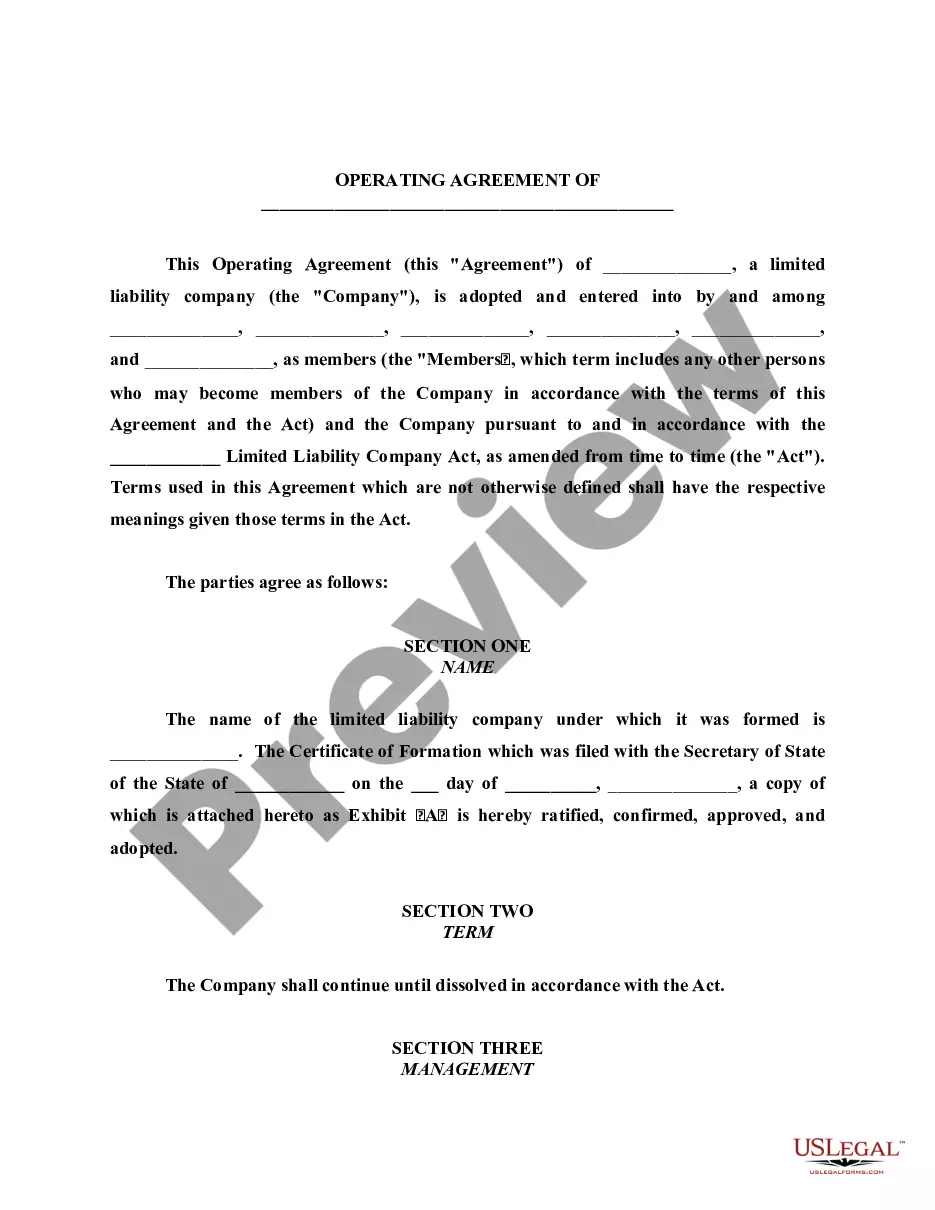
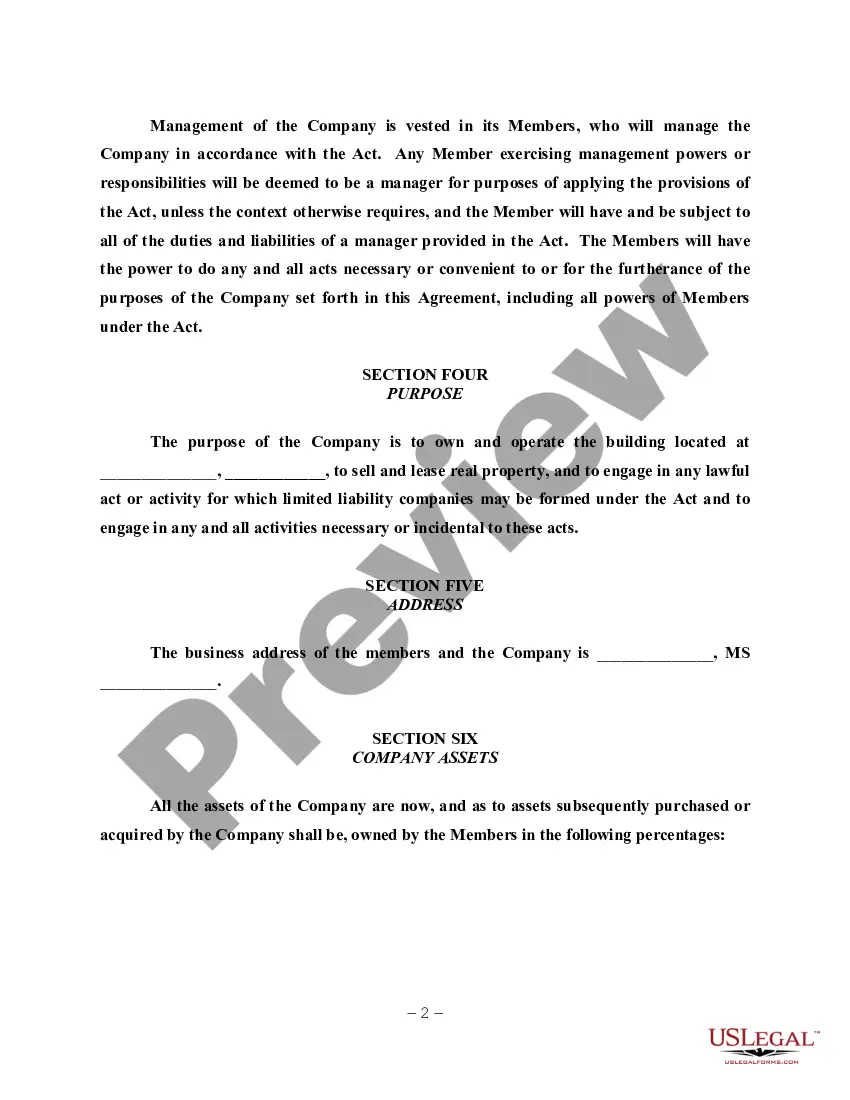
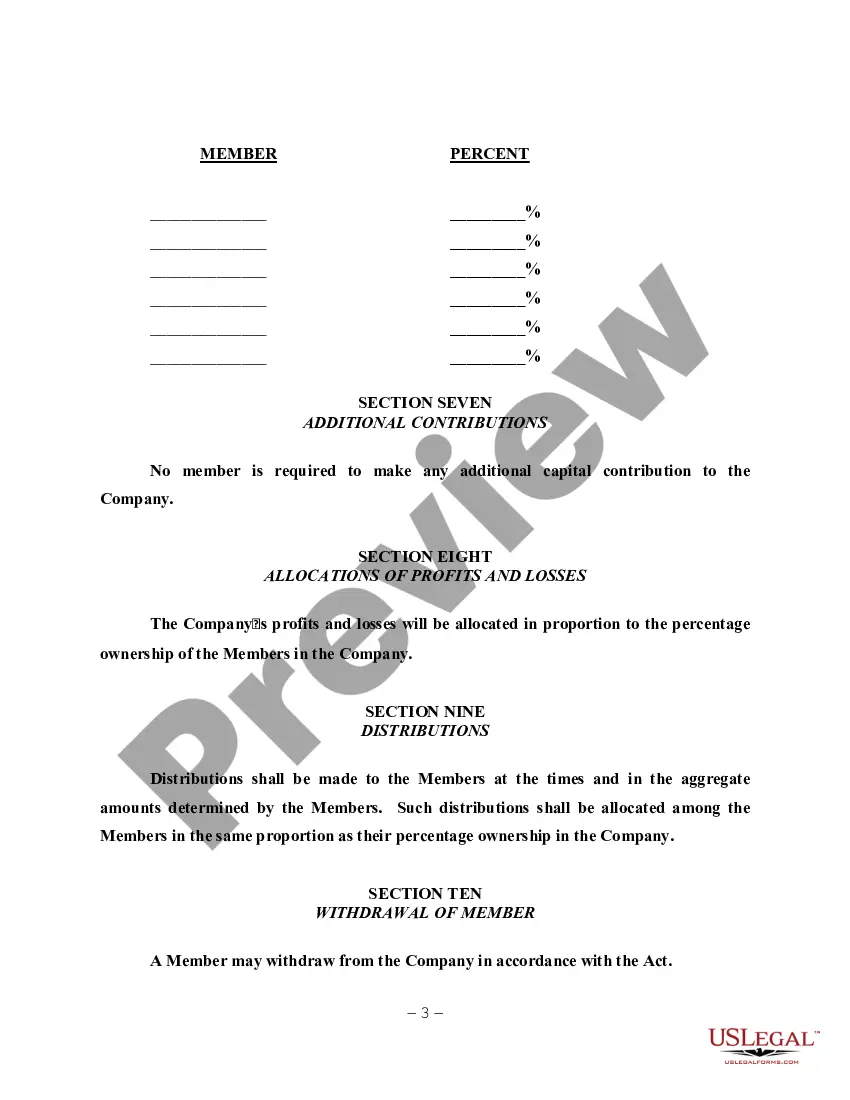
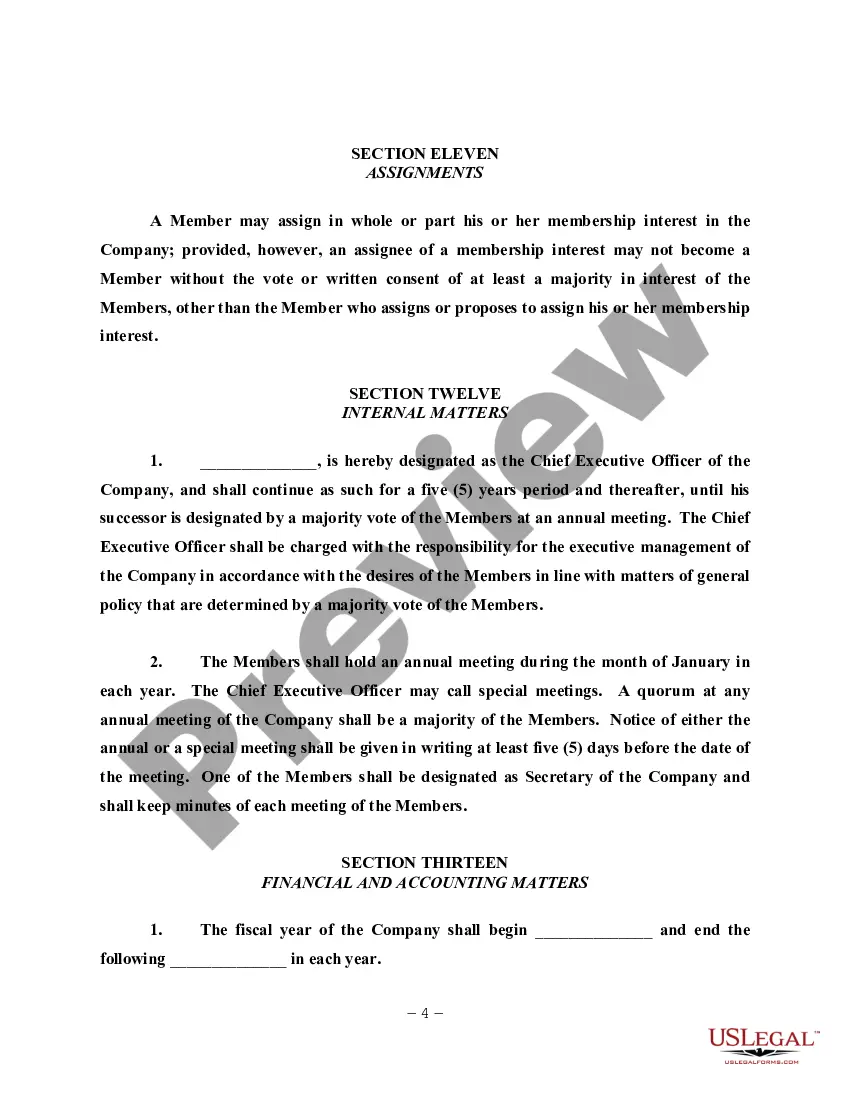
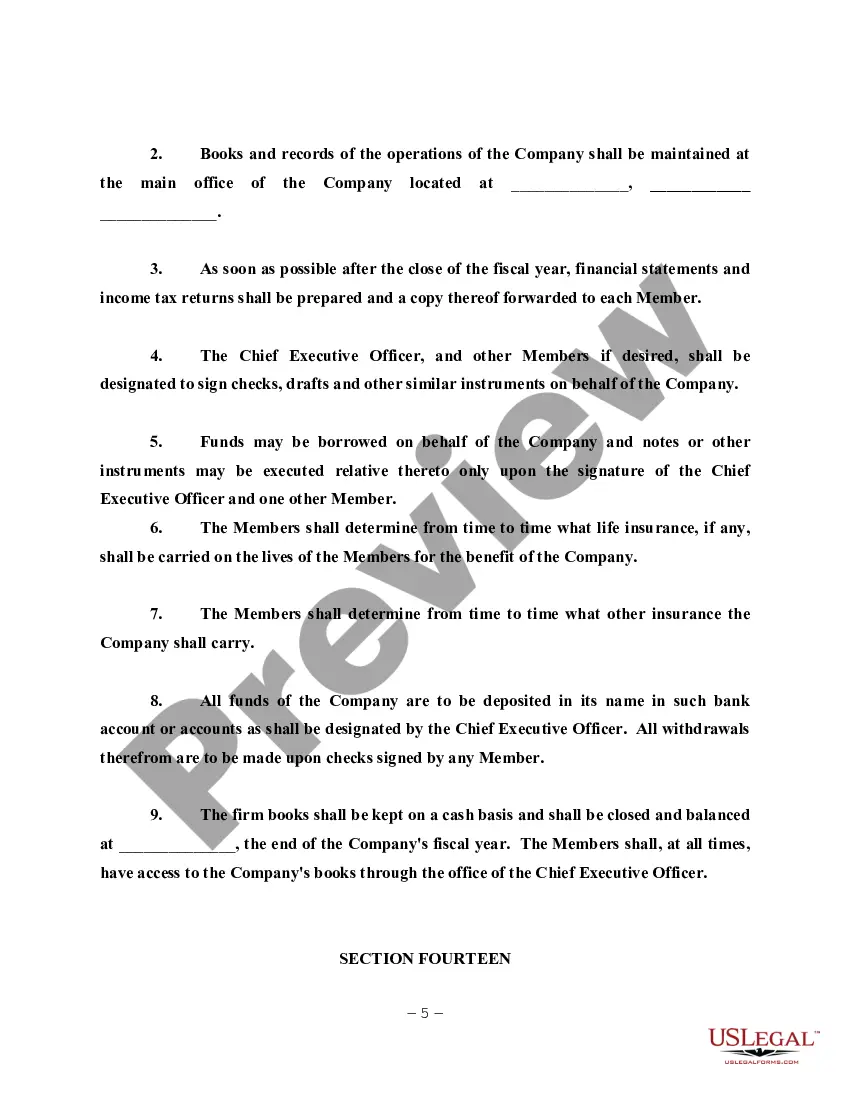
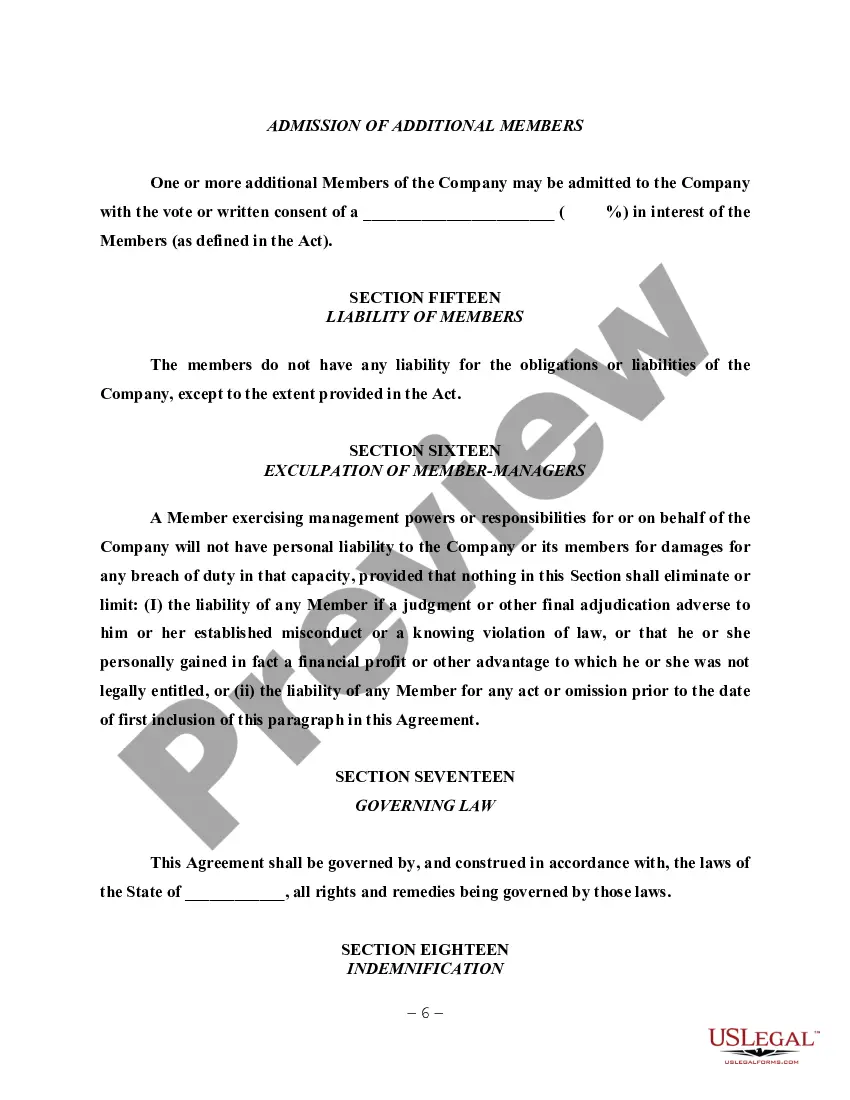
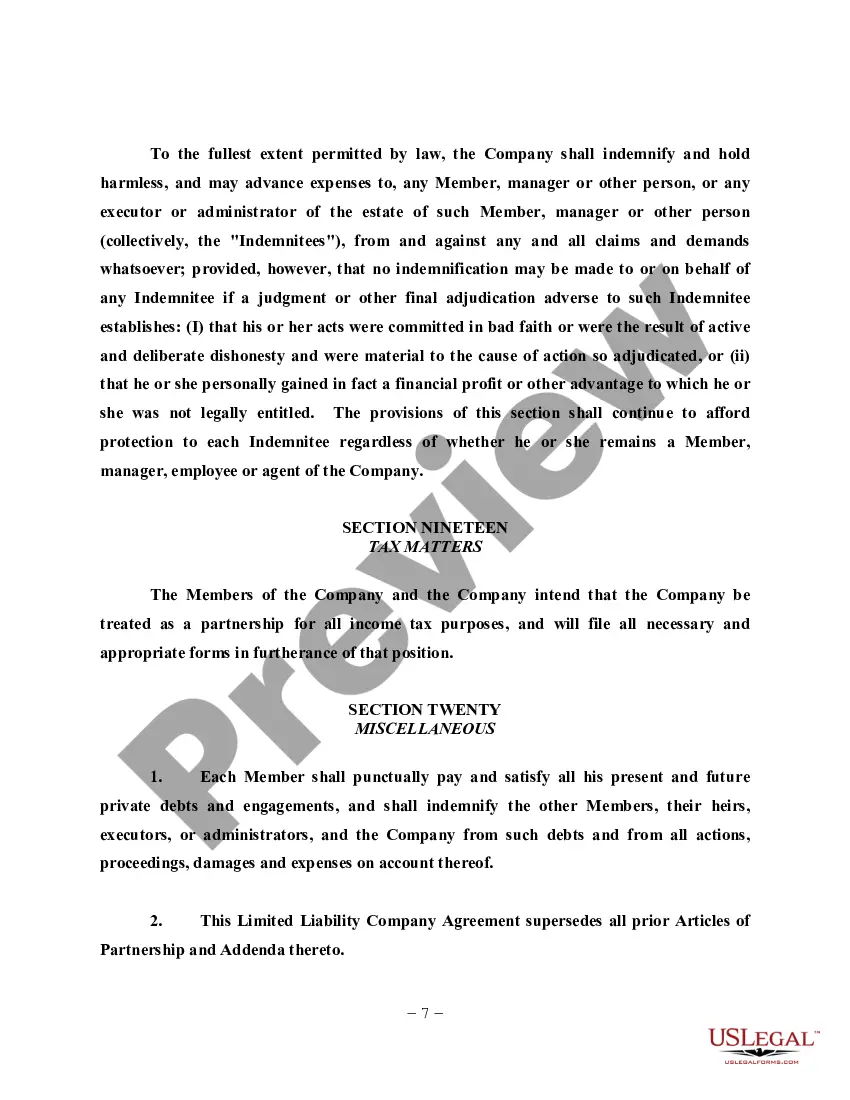
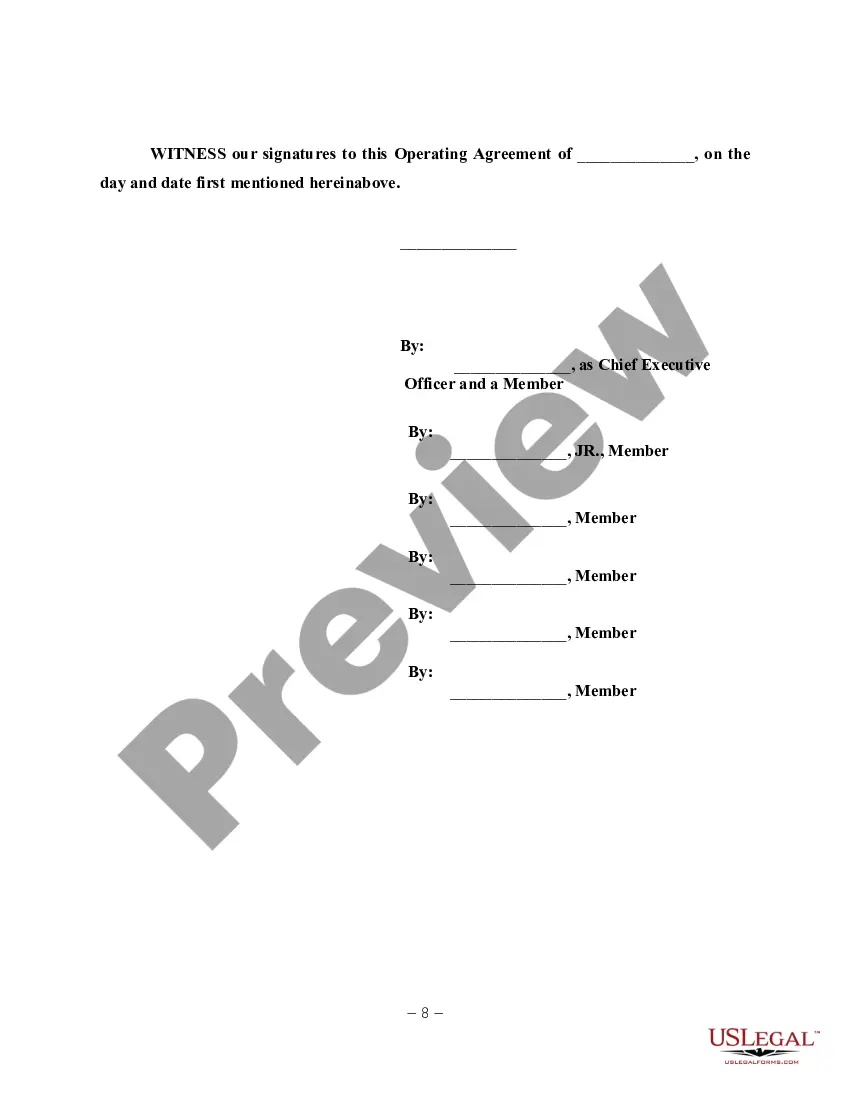
Get your form ready online
Our built-in tools help you complete, sign, share, and store your documents in one place.
Make edits, fill in missing information, and update formatting in US Legal Forms—just like you would in MS Word.
Download a copy, print it, send it by email, or mail it via USPS—whatever works best for your next step.
Sign and collect signatures with our SignNow integration. Send to multiple recipients, set reminders, and more. Go Premium to unlock E-Sign.
If this form requires notarization, complete it online through a secure video call—no need to meet a notary in person or wait for an appointment.
We protect your documents and personal data by following strict security and privacy standards.
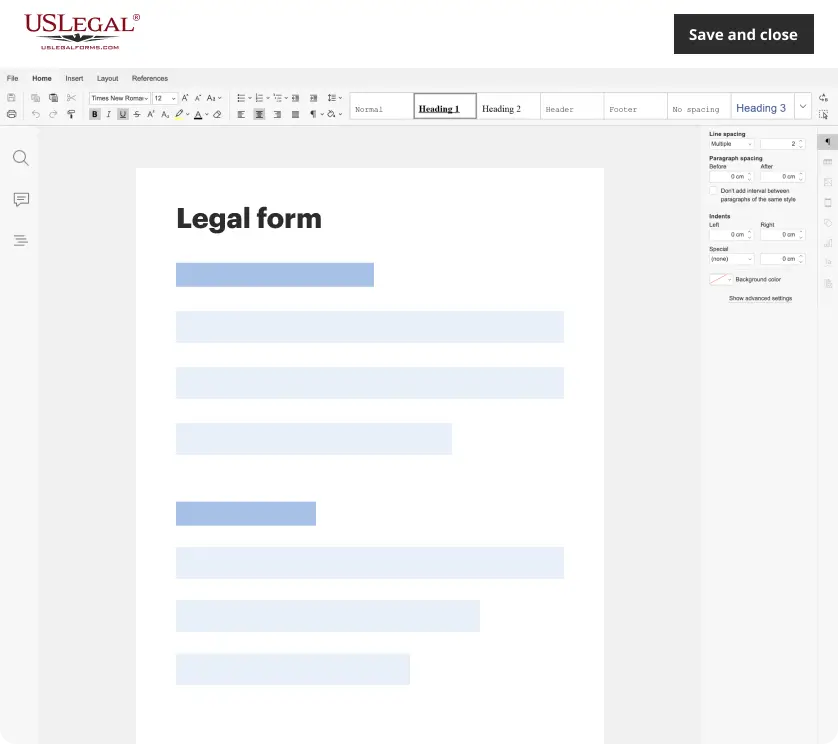
Make edits, fill in missing information, and update formatting in US Legal Forms—just like you would in MS Word.

Download a copy, print it, send it by email, or mail it via USPS—whatever works best for your next step.
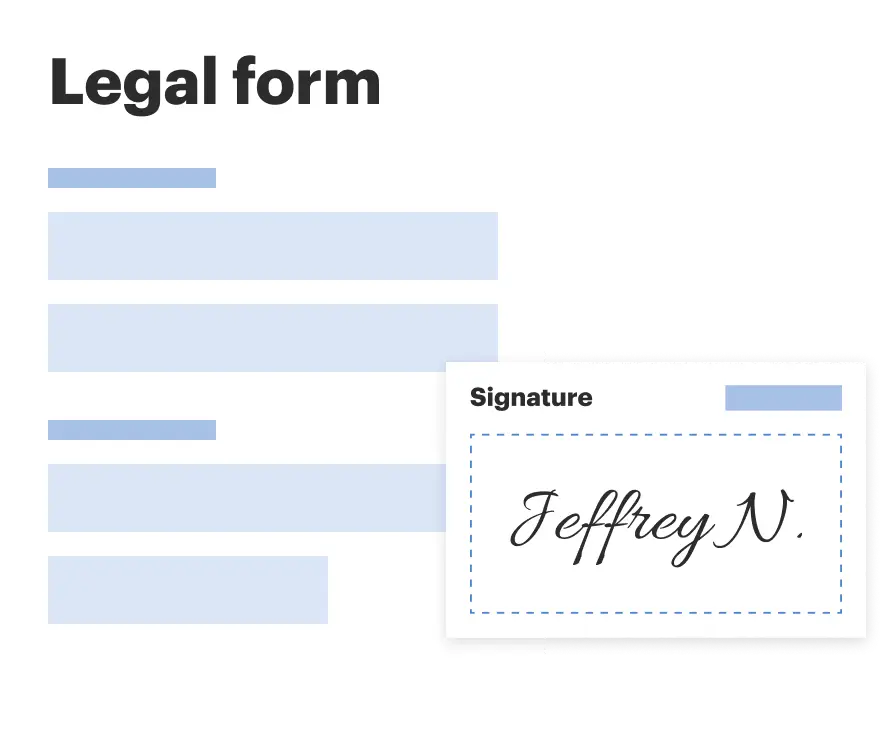
Sign and collect signatures with our SignNow integration. Send to multiple recipients, set reminders, and more. Go Premium to unlock E-Sign.

If this form requires notarization, complete it online through a secure video call—no need to meet a notary in person or wait for an appointment.

We protect your documents and personal data by following strict security and privacy standards.
Looking for another form?
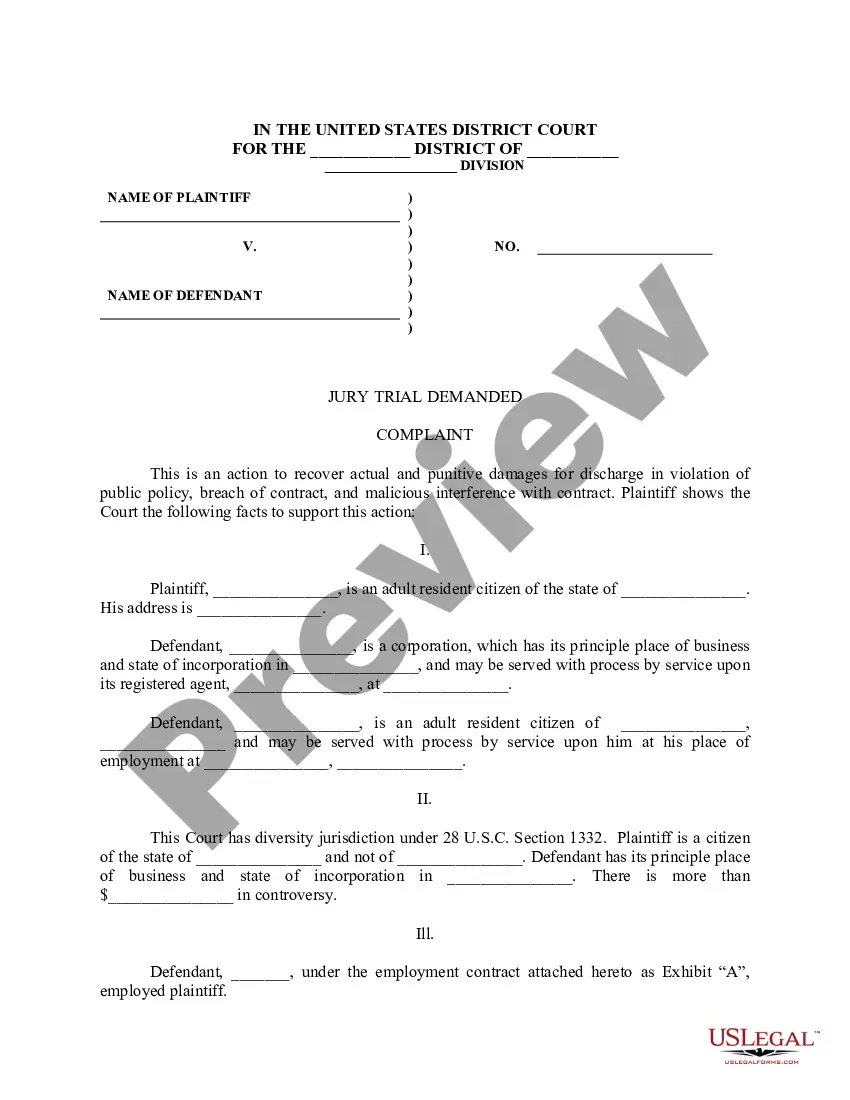
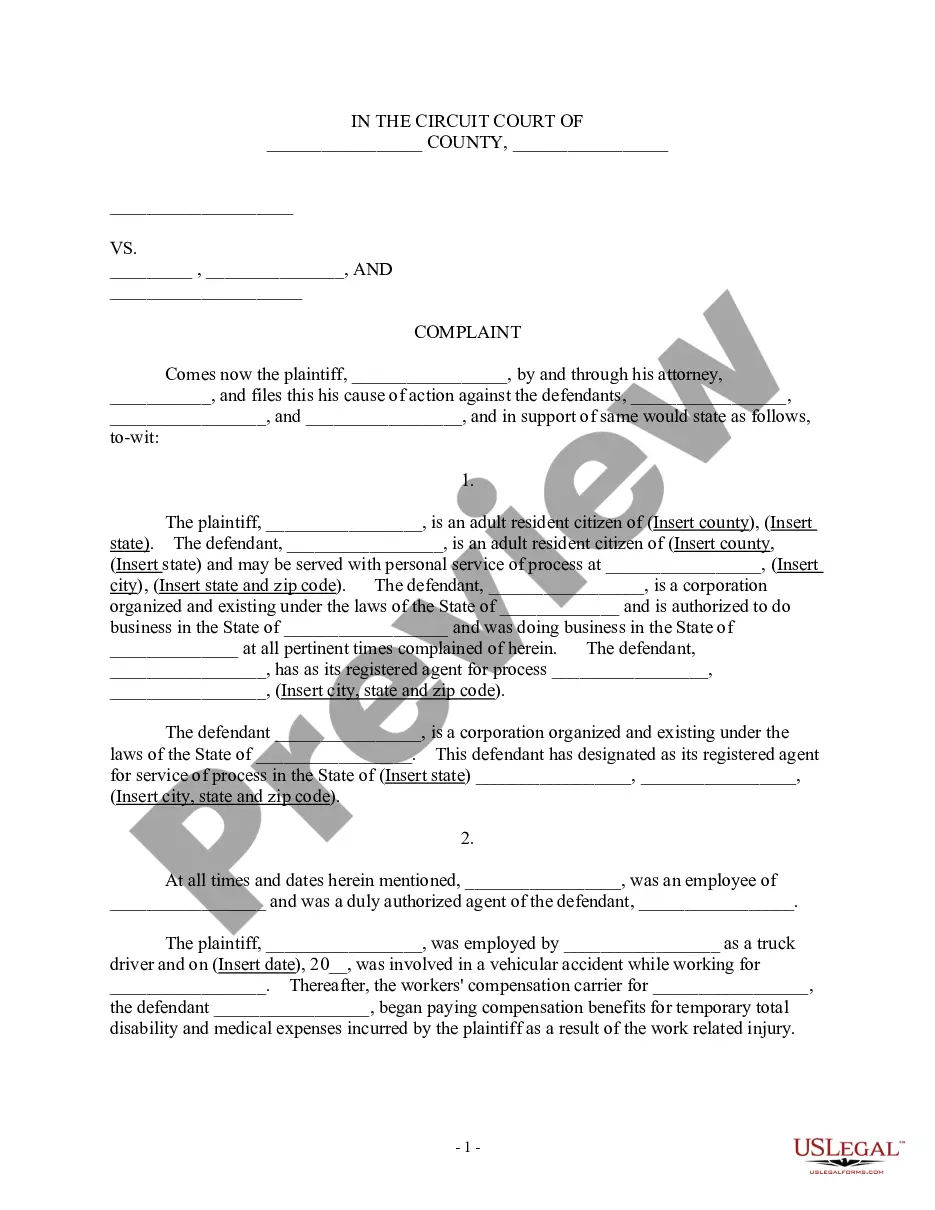
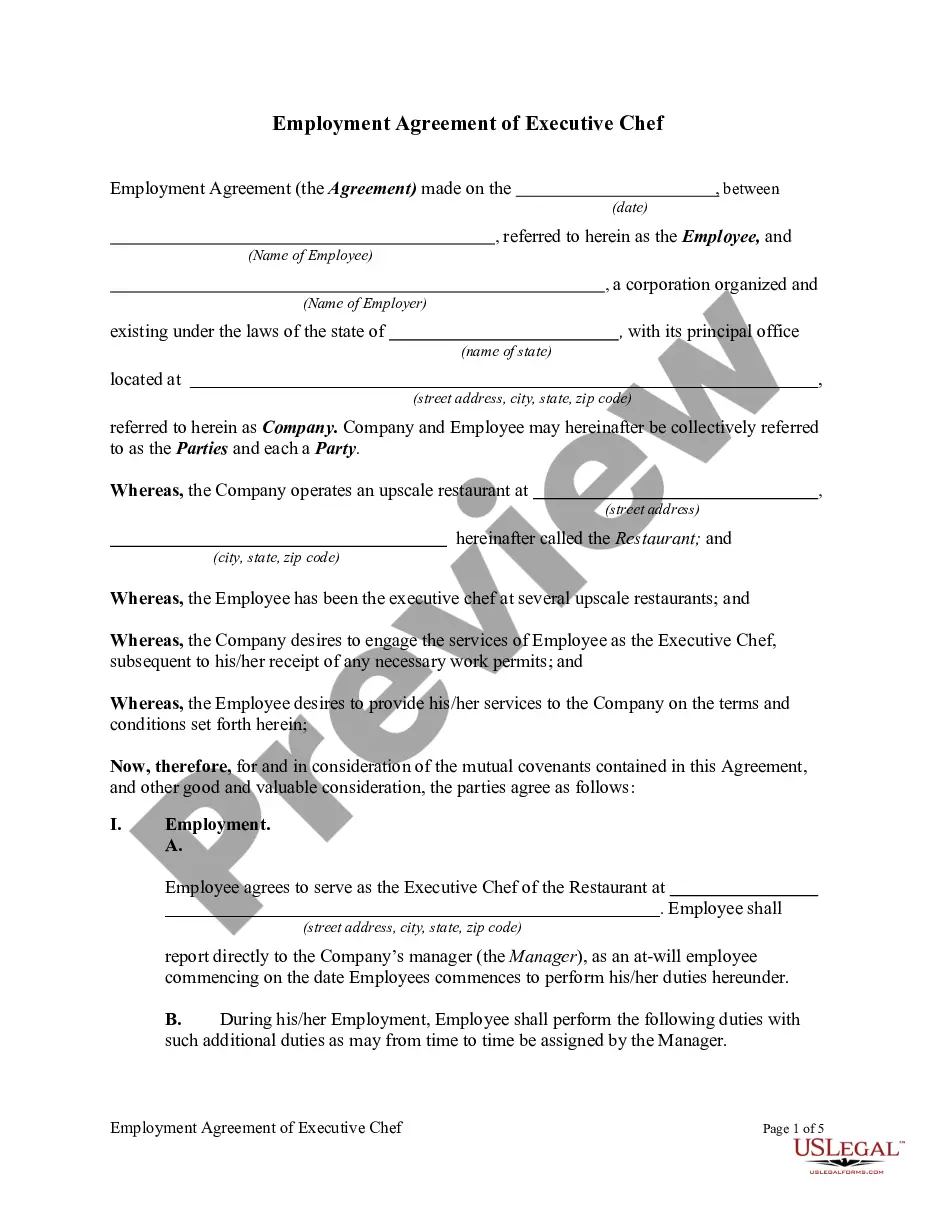
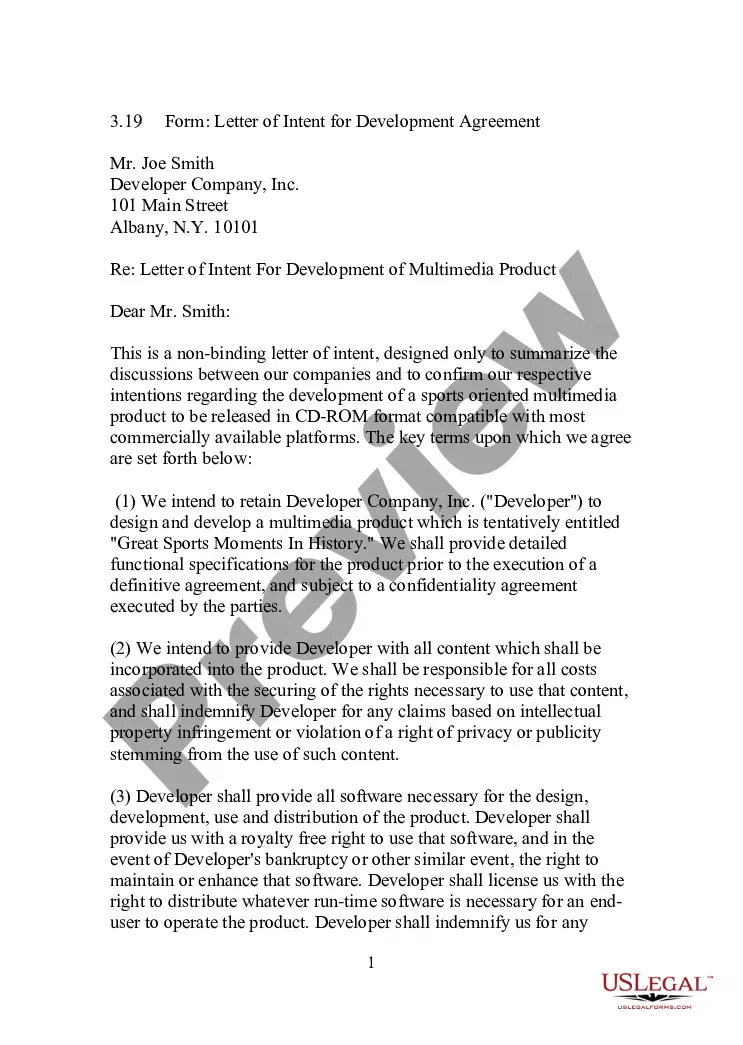
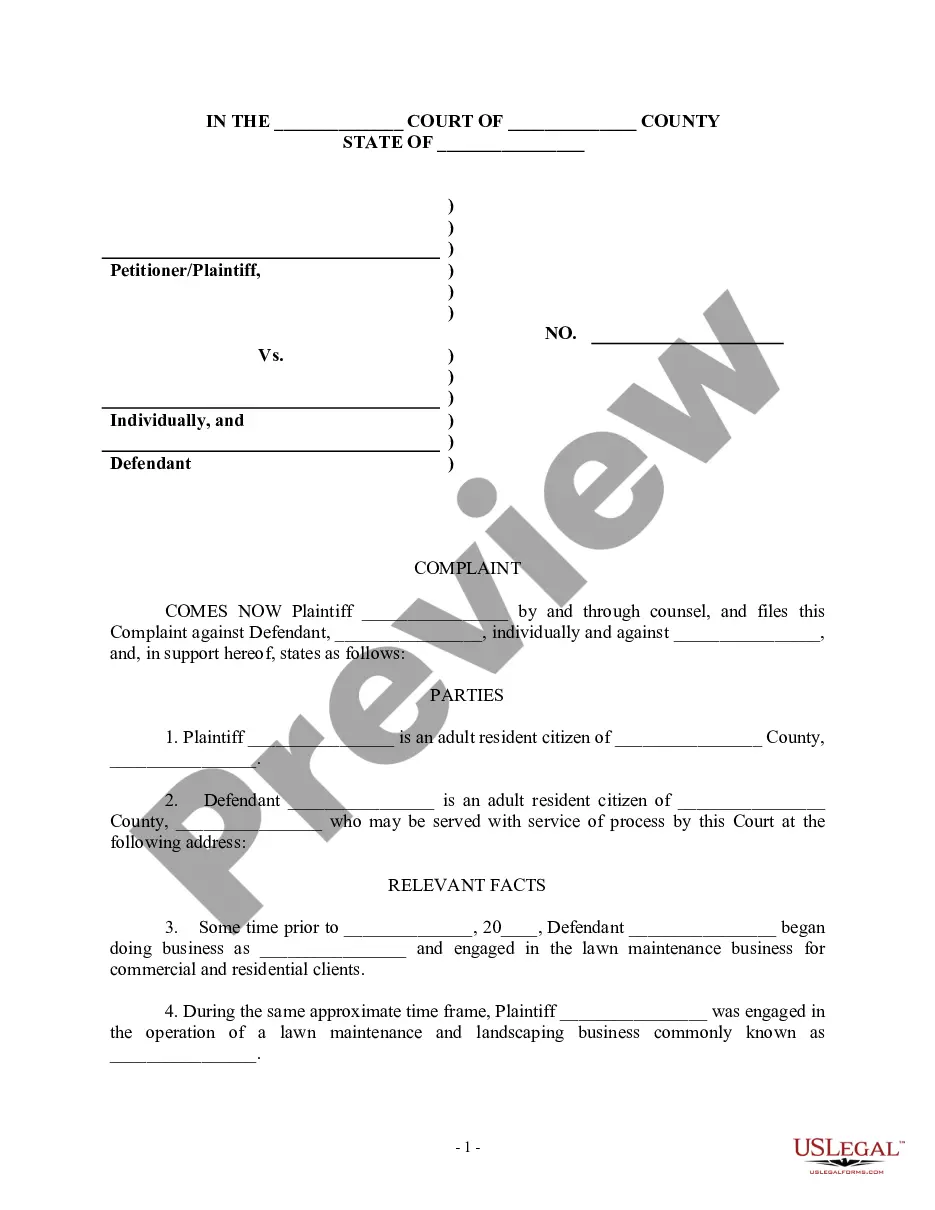
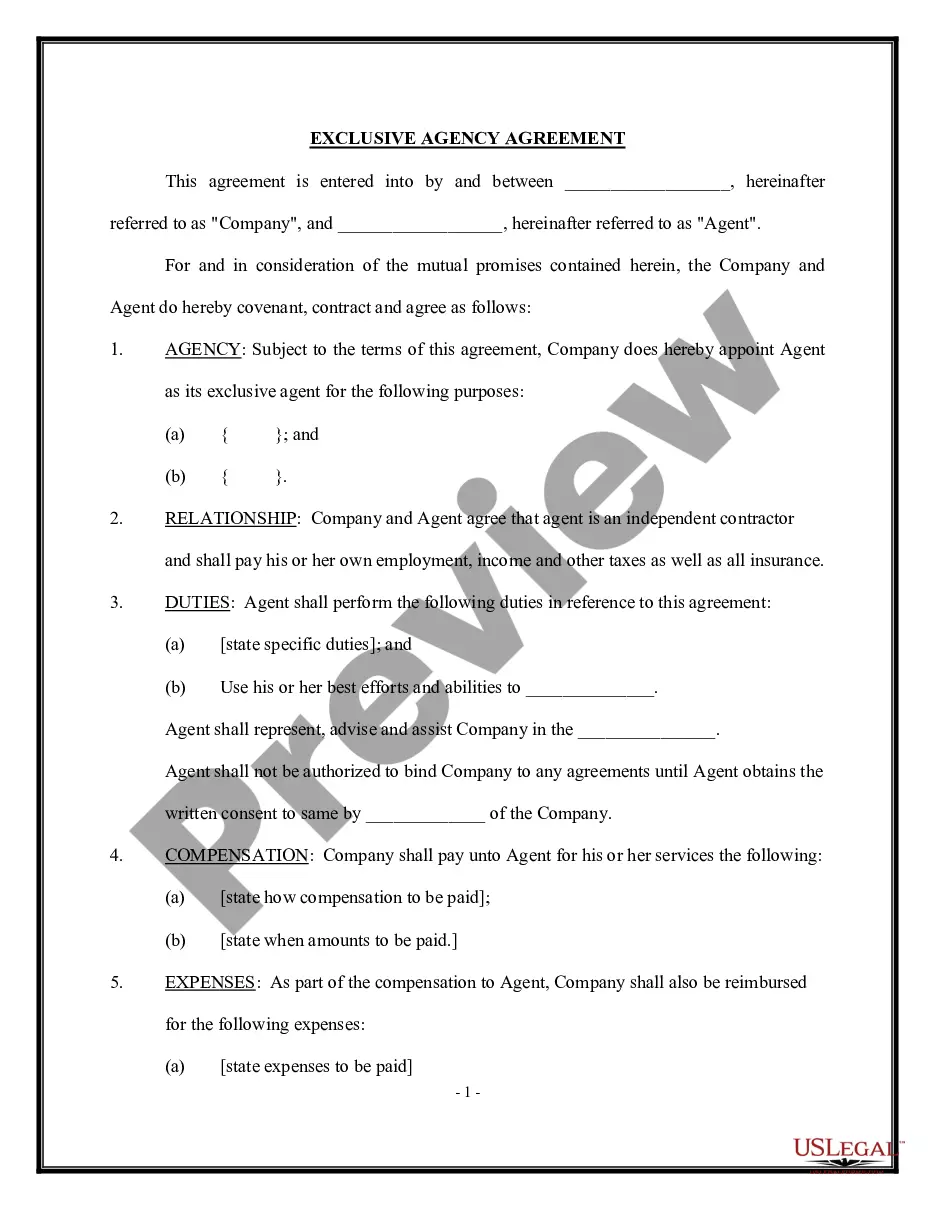
How to fill out LLC Operating Agreement For Shared Vacation Home?
Whether for commercial reasons or for private matters, everyone must handle legal issues sooner or later in their lifetime.
Filling out legal documents demands meticulous focus, starting with selecting the correct template form.
With a comprehensive catalog from US Legal Forms available, you will never have to spend time searching for the correct template online. Utilize the library’s user-friendly navigation to find the right template for any situation.
- Obtain the template you require by using the search bar or browsing the catalog.
- Examine the description of the form to ensure it corresponds with your situation, state, and locality.
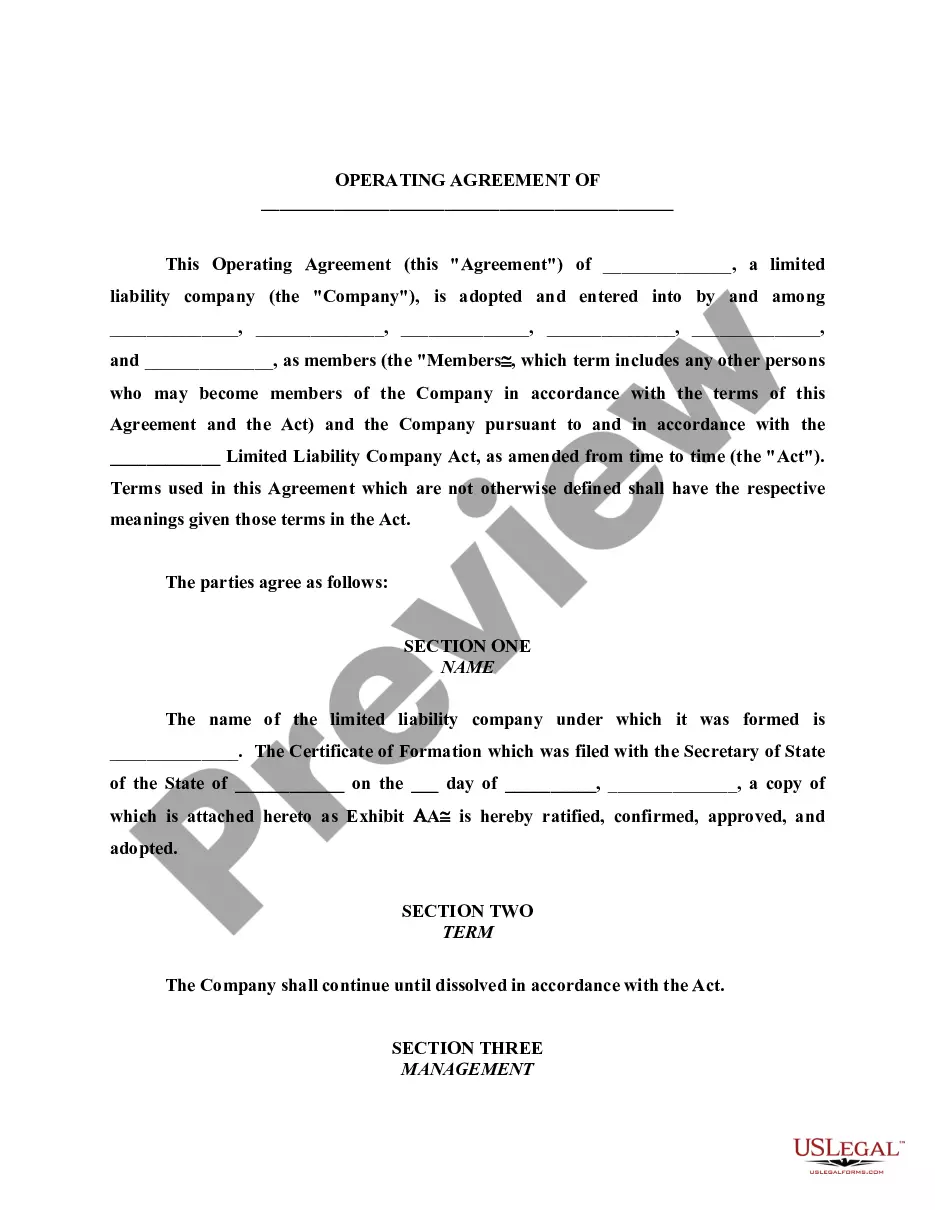
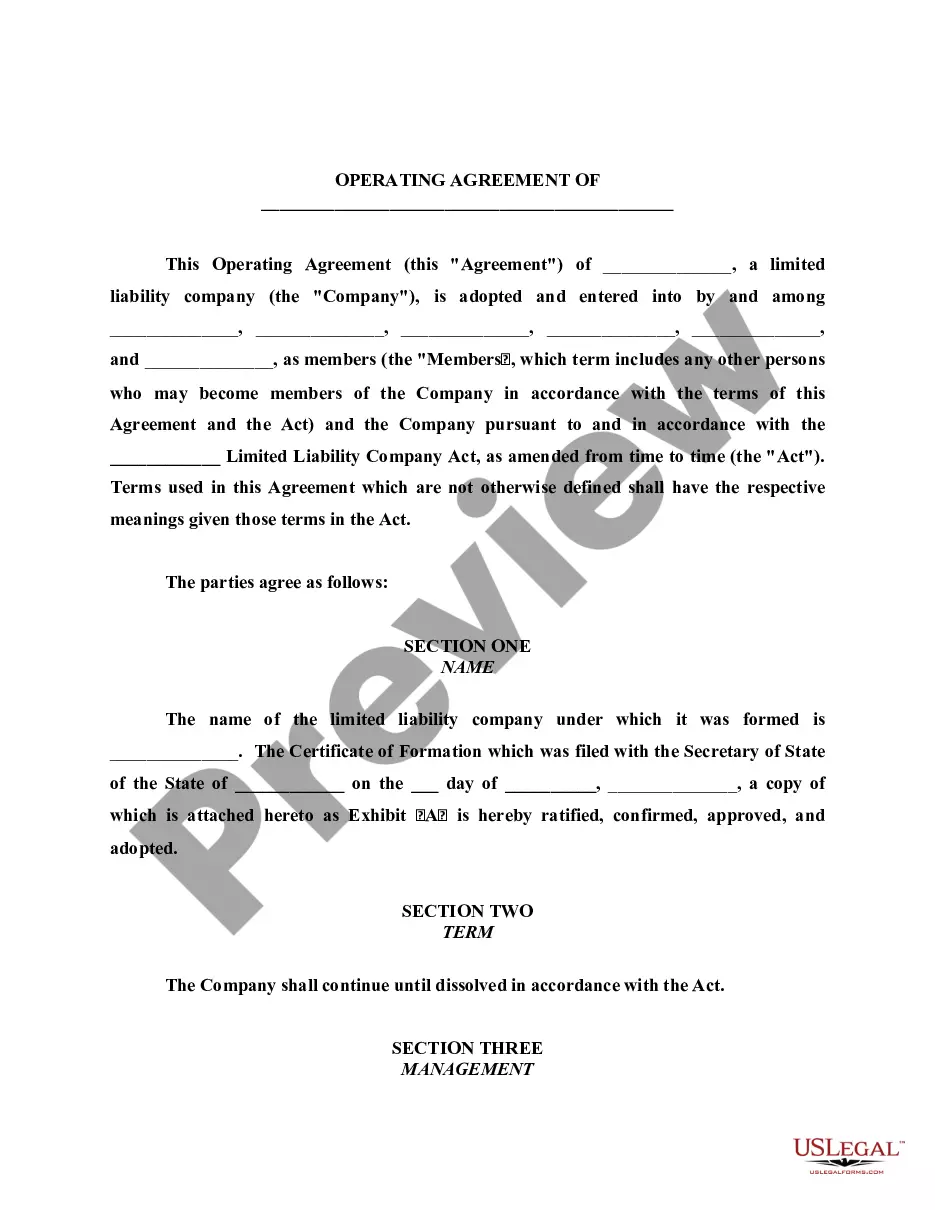
- Click on the preview of the form to inspect it.
- If it is not the correct form, return to the search option to find the sample you need for the Llc For Shared Vacation Home With Family.
- Acquire the file if it suits your requirements.
- If you have a US Legal Forms account, click Log in to access previously stored documents in My documents.
- If you haven’t created an account yet, you can obtain the form by clicking Buy now.
- Select the suitable pricing choice.
- Complete the account registration form.
- Choose your payment method: utilize a credit card or PayPal account.
- Select the file format you prefer and download the Llc For Shared Vacation Home With Family.
- Once it is downloaded, you can fill out the form using editing software or print it and fill it out by hand.
Form popularity
FAQ
There is no need for a will to be drawn up or witnessed by a solicitor. If you wish to make a will yourself, you can do so. However, you should only consider doing this if the will is going to be straightforward.
There are several legal requirements when you make a will in Rhode Island ? notarization isn't one of them. ?For a will to be legally binding in Rhode Island, it needs to be: In writing. Created by a testator (the person making the will) who is of sound mind and at least 18 years old.
If you are in possession of a will of a deceased person, you must either file it with the appropriate court or deliver it to the person named in the will as executor, as under Rhode Island law the will is to be filed within 30 days after death.
No, you are not required to use a lawyer to make a Will in Rhode Island. There are some situations, like a complex estate or difficult family relationships, where it may be beneficial to consult a lawyer.
The will must be in writing. If you make an online will, be sure to print it out. The will must be signed by the Testator in the presence of two witnesses, and. The will must be signed by the two witnesses in front of the Testator and each other.
There are several legal requirements when you make a will in Rhode Island ? notarization isn't one of them. ?For a will to be legally binding in Rhode Island, it needs to be: In writing. Created by a testator (the person making the will) who is of sound mind and at least 18 years old.
?For a will to be legally binding in Rhode Island, it needs to be: In writing. Created by a testator (the person making the will) who is of sound mind and at least 18 years old. Signed by ? and in the presence of ? two or more witnesses.
The cost of creating a will in Rhode Island can range from roughly $250 to $1000. A Rhode Island trust typically costs anywhere between $900 and $3,450. At Snug, any member can create a Power of Attorney and Health Care Directive for free. A Will costs $195 and a Trust costs $500.
Yes. You can make your own will in Rhode Island and do not need an attorney if you have a simple estate and know your wishes. Because a will is a legal document, it's important to create it correctly, conforming with state law.
Making a Will in Rhode Island Decide what property to include in your will. Decide who will inherit your property. Choose an executor to handle your estate. Choose a guardian for your children. Choose someone to manage children's property. Make your will. Sign your will in front of witnesses. Store your will safely.