Letter Template With Re
Description

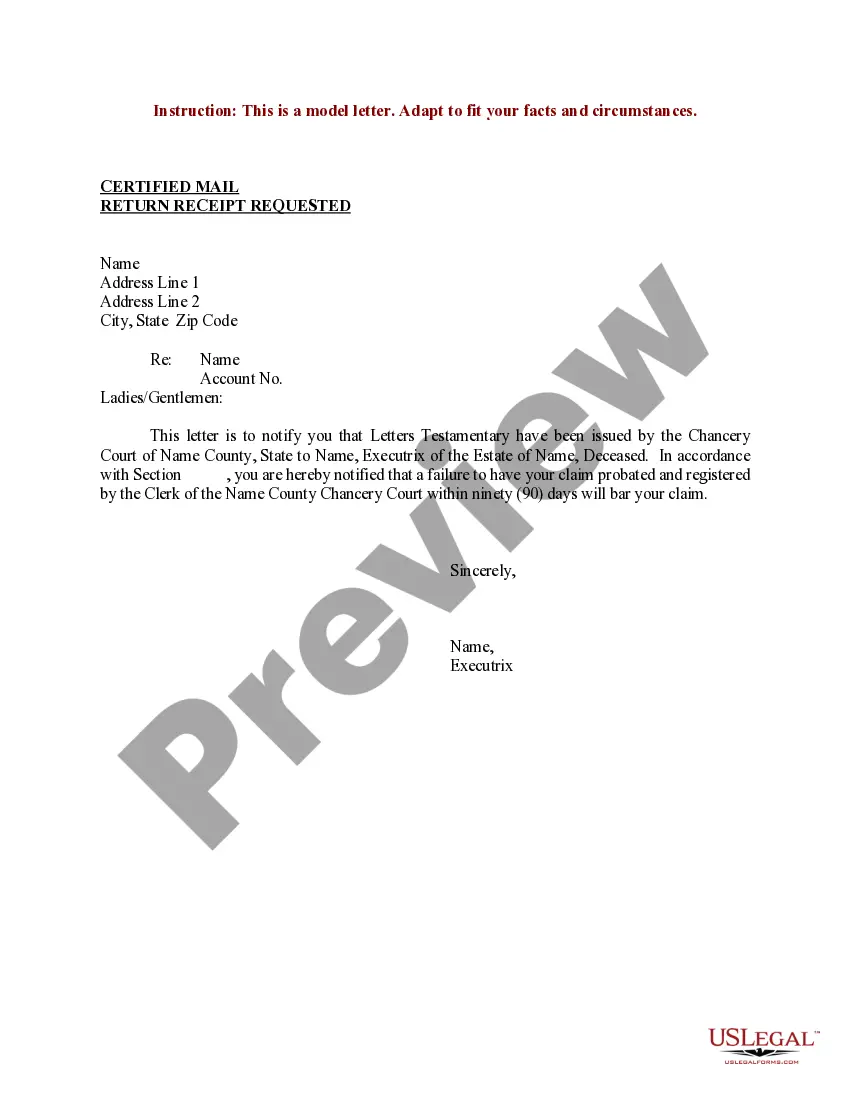
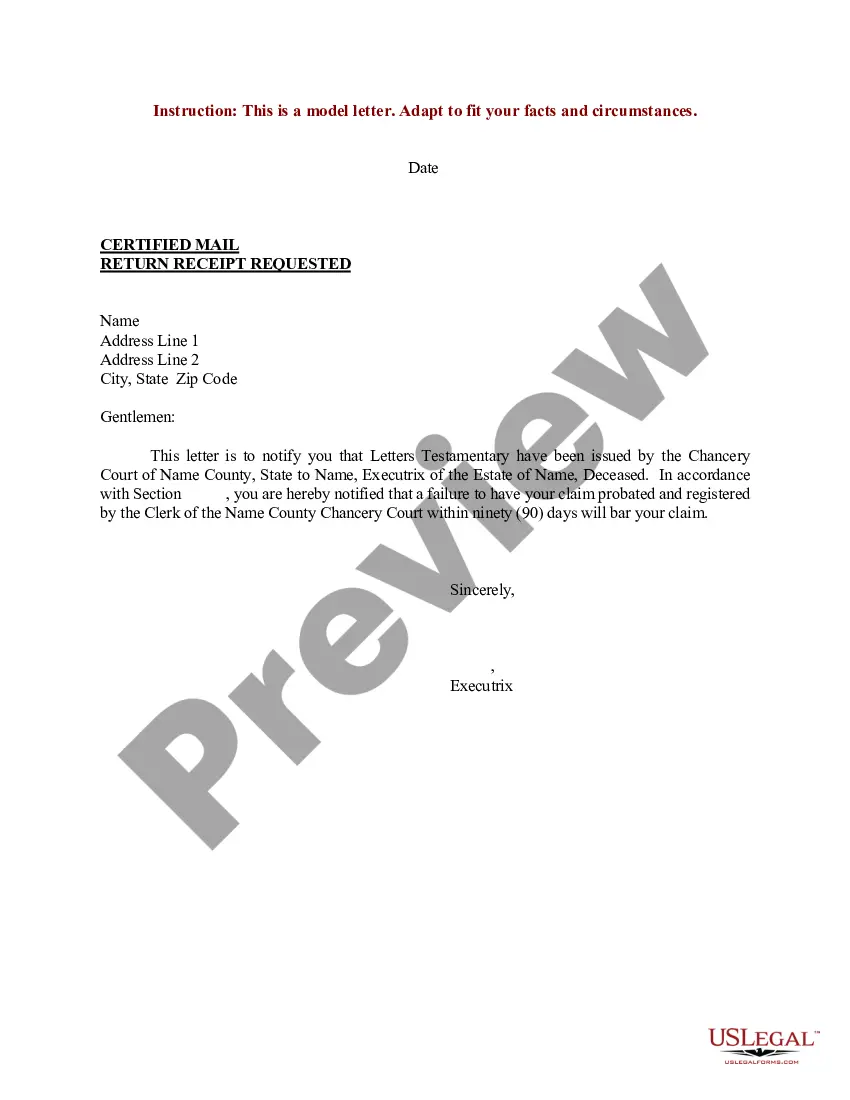

Get your form ready online
Our built-in tools help you complete, sign, share, and store your documents in one place.
Make edits, fill in missing information, and update formatting in US Legal Forms—just like you would in MS Word.
Download a copy, print it, send it by email, or mail it via USPS—whatever works best for your next step.
Sign and collect signatures with our SignNow integration. Send to multiple recipients, set reminders, and more. Go Premium to unlock E-Sign.
If this form requires notarization, complete it online through a secure video call—no need to meet a notary in person or wait for an appointment.
We protect your documents and personal data by following strict security and privacy standards.

Make edits, fill in missing information, and update formatting in US Legal Forms—just like you would in MS Word.

Download a copy, print it, send it by email, or mail it via USPS—whatever works best for your next step.

Sign and collect signatures with our SignNow integration. Send to multiple recipients, set reminders, and more. Go Premium to unlock E-Sign.

If this form requires notarization, complete it online through a secure video call—no need to meet a notary in person or wait for an appointment.

We protect your documents and personal data by following strict security and privacy standards.
Looking for another form?
How to fill out Sample Letter For Letters Testamentary?
Whether for corporate objectives or personal matters, everyone encounters legal circumstances at some moment in their life.
Filling out legal documents requires meticulous consideration, starting from selecting the appropriate form template.
With a comprehensive US Legal Forms collection available, you never have to waste time searching for the right template online. Utilize the library’s straightforward navigation to find the appropriate template for any situation.
- Locate the template you require by using the search bar or catalog browsing.
- Review the document’s details to ensure it aligns with your situation, state, and locality.
- Click on the form’s preview to inspect it.
- If it is the incorrect document, return to the search feature to locate the Letter Template With Re sample you seek.
- Download the file once it meets your needs.
- If you possess a US Legal Forms account, simply click Log in to access previously stored documents in My documents.
- If you do not yet have an account, you can obtain the form by clicking Buy now.
- Choose the corresponding pricing plan.
- Fill out the account sign-up form.
- Select your payment option: you can use a credit card or PayPal account.
- Choose the desired file format and download the Letter Template With Re.
- After downloading, you can complete the form using editing software or print it and finish it manually.
Form popularity
FAQ
To obtain a letter template in Word, you can search the built-in template library within the application. Additionally, various online platforms offer downloadable Word letter templates with re. Using a letter template with re saves you time and ensures your documents maintain a professional structure.
Be specific. Choose strong, accurate adjectives over general terms or cliches. Think about what the person reading the letter might want to know. Include details or insight that wouldn't necessarily show up on a resume or application. Your letter should help the recipient get to know the person you are recommending.
RE: Stands for regarding to/or Referring to when used in a business letter (equivalent to Subject line in emails). Was often used in business letters before emails were popular, hence the confusion. Used as a subject first line of the letter and not in the main text.
Letter of Recommendation Template I thoroughly enjoyed my time working with [Name], and came to know [him/her/them] as a truly valuable asset to our team. [He is/She is/They are] honest, dependable, and incredibly hardworking. Beyond that, [he is/she is/they are] an impressive [soft skill] who is able to [result].
You use re in business letters, faxes, or other documents to introduce a subject or item which you are going to discuss or refer to in detail. Dear Mrs Cox, Re: Household Insurance. We note from our files that we have not yet received your renewal instructions.
In a letter or written communication, the abbreviation "Re:" stands for "regarding" or "in reference to." It is often used in the subject line or at the beginning of a letter to indicate the specific topic or subject that the letter pertains to.
