Answer For Legal
Description
Get your form ready online
Our built-in tools help you complete, sign, share, and store your documents in one place.
Make edits, fill in missing information, and update formatting in US Legal Forms—just like you would in MS Word.
Download a copy, print it, send it by email, or mail it via USPS—whatever works best for your next step.
Sign and collect signatures with our SignNow integration. Send to multiple recipients, set reminders, and more. Go Premium to unlock E-Sign.
If this form requires notarization, complete it online through a secure video call—no need to meet a notary in person or wait for an appointment.
We protect your documents and personal data by following strict security and privacy standards.

Make edits, fill in missing information, and update formatting in US Legal Forms—just like you would in MS Word.

Download a copy, print it, send it by email, or mail it via USPS—whatever works best for your next step.

Sign and collect signatures with our SignNow integration. Send to multiple recipients, set reminders, and more. Go Premium to unlock E-Sign.

If this form requires notarization, complete it online through a secure video call—no need to meet a notary in person or wait for an appointment.

We protect your documents and personal data by following strict security and privacy standards.
Looking for another form?
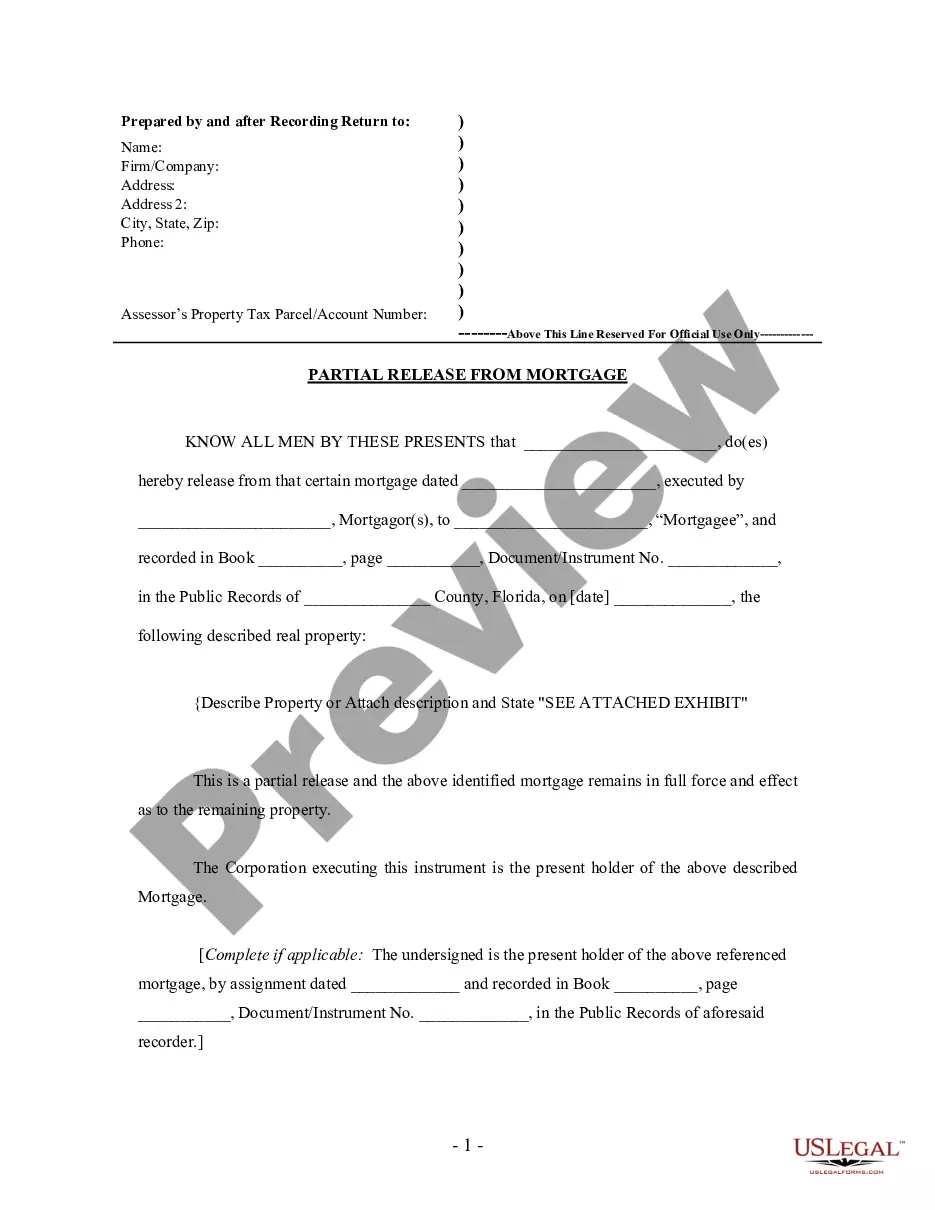



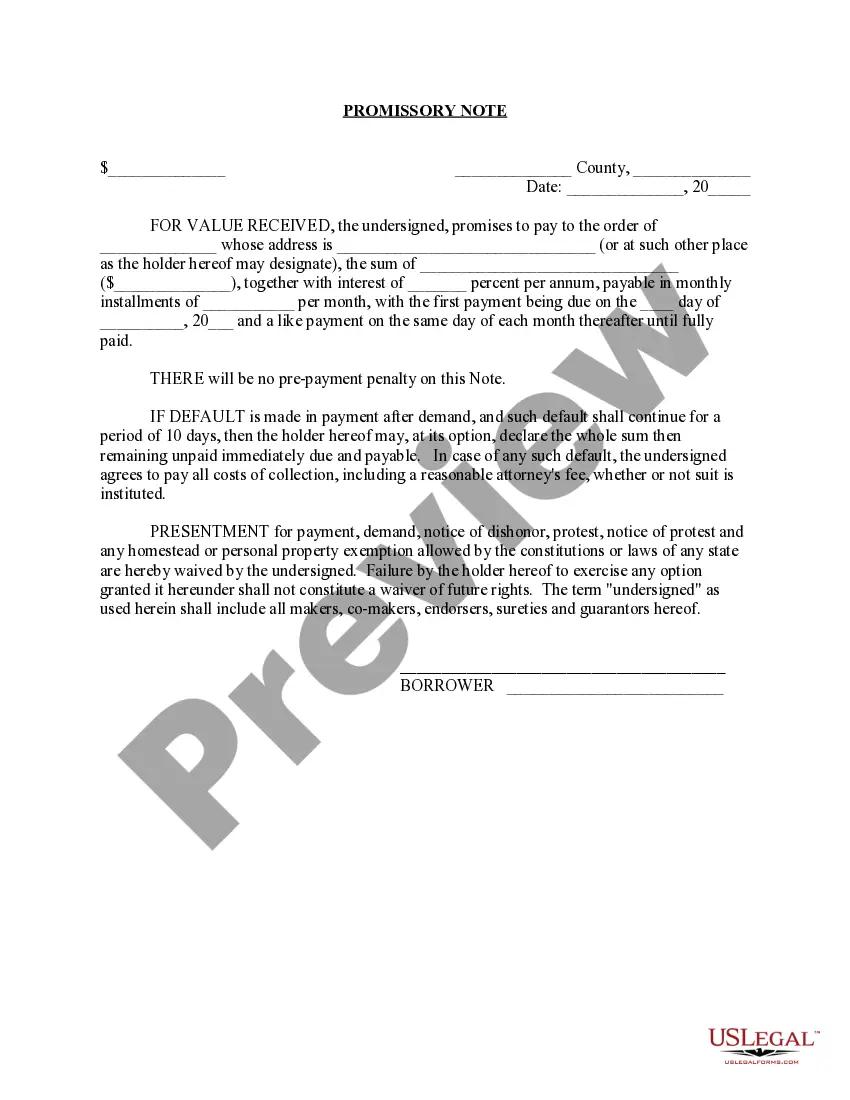




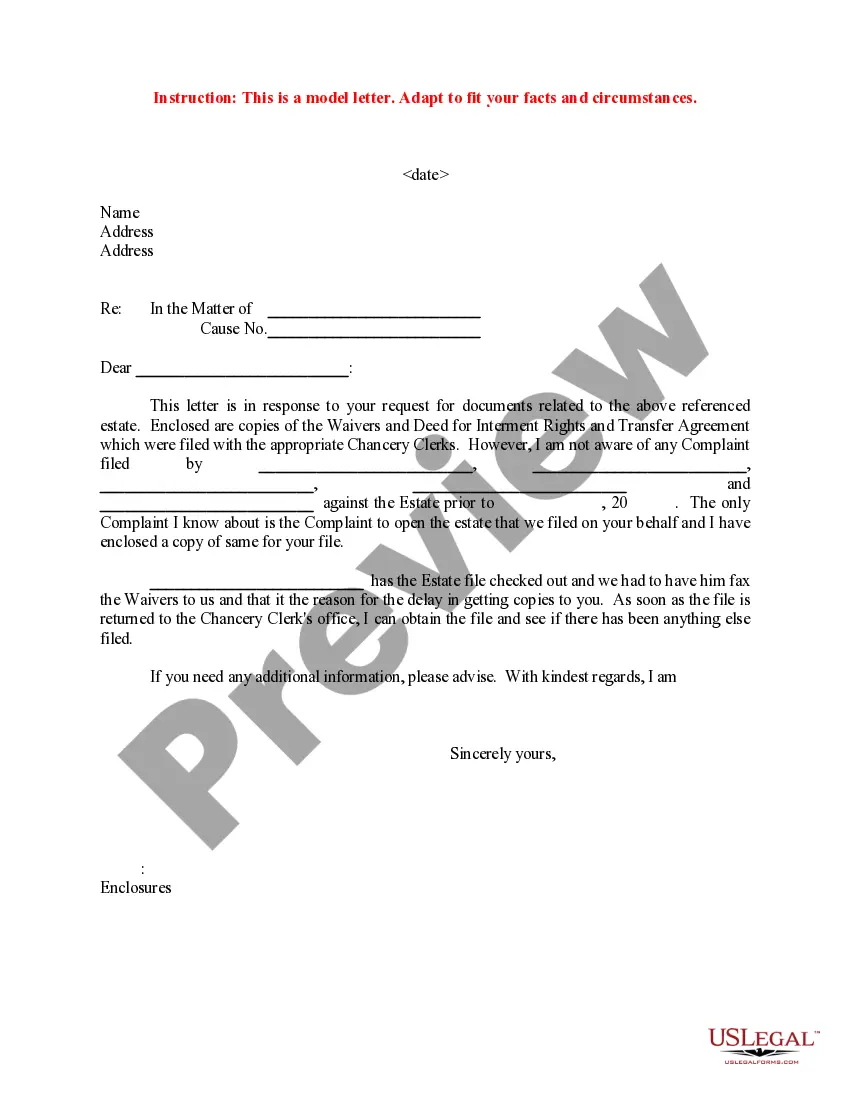
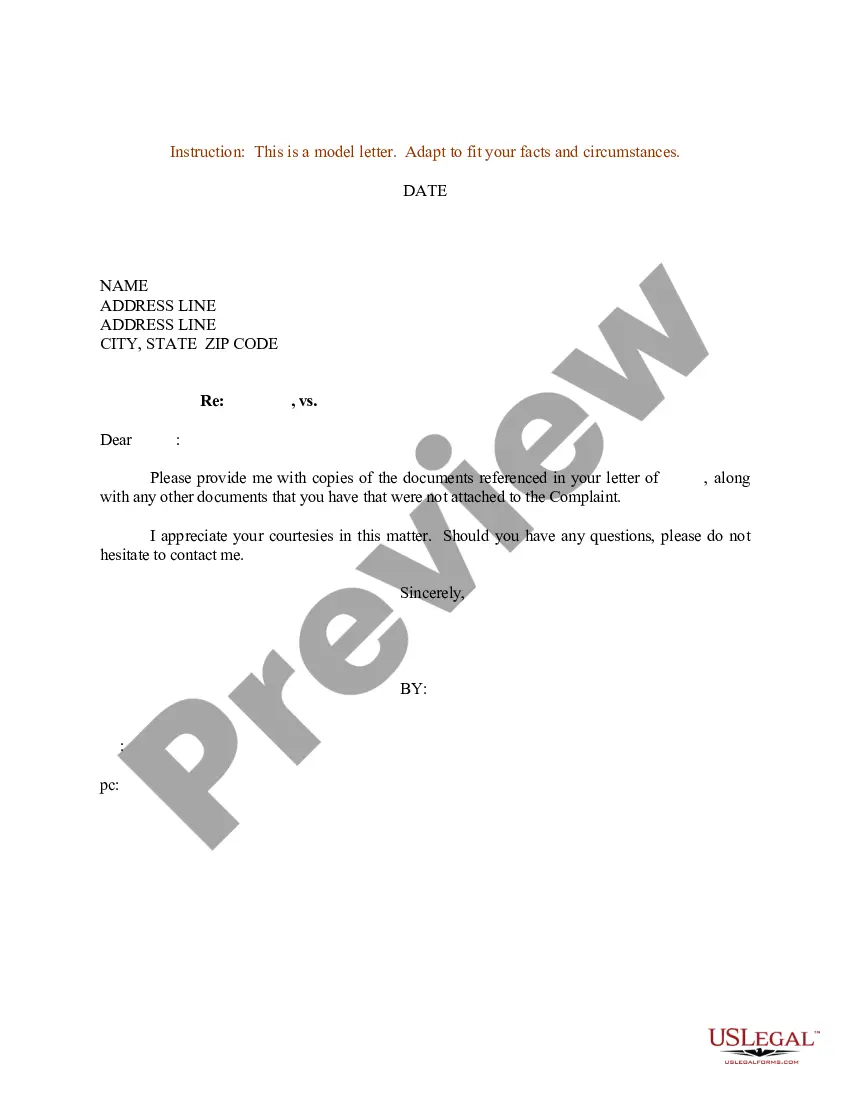
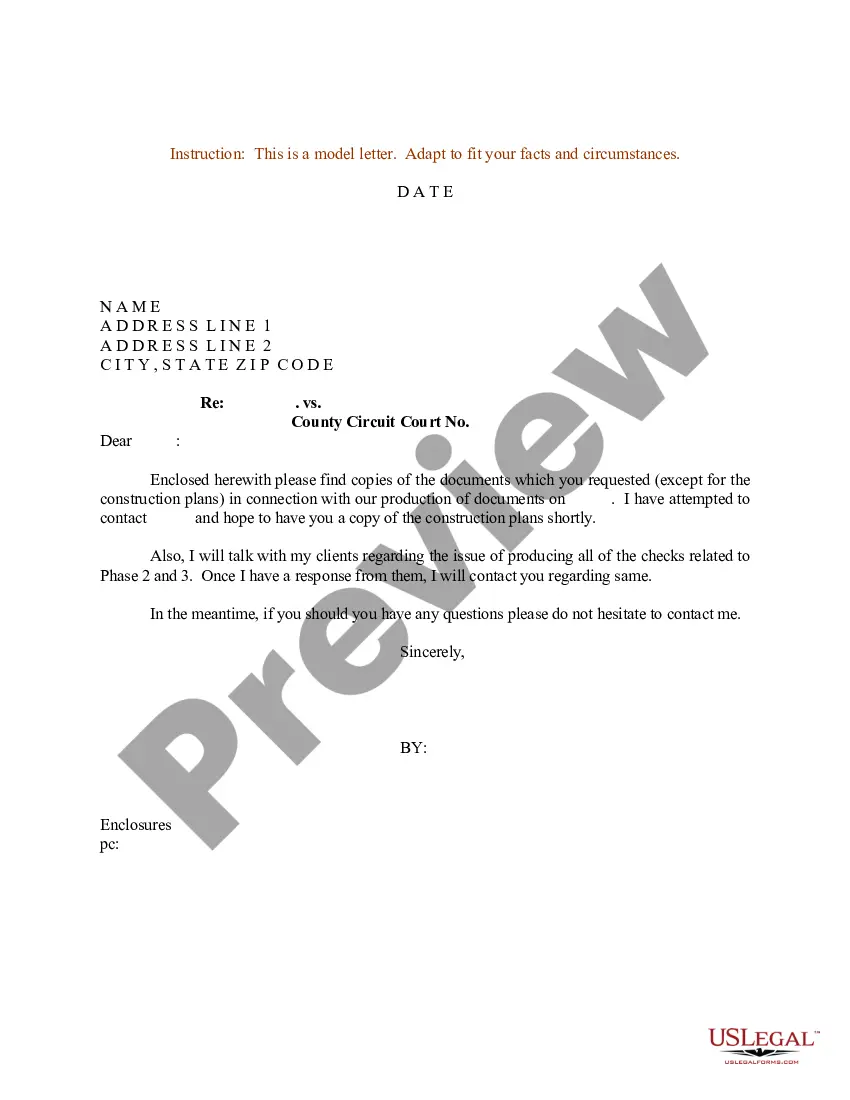
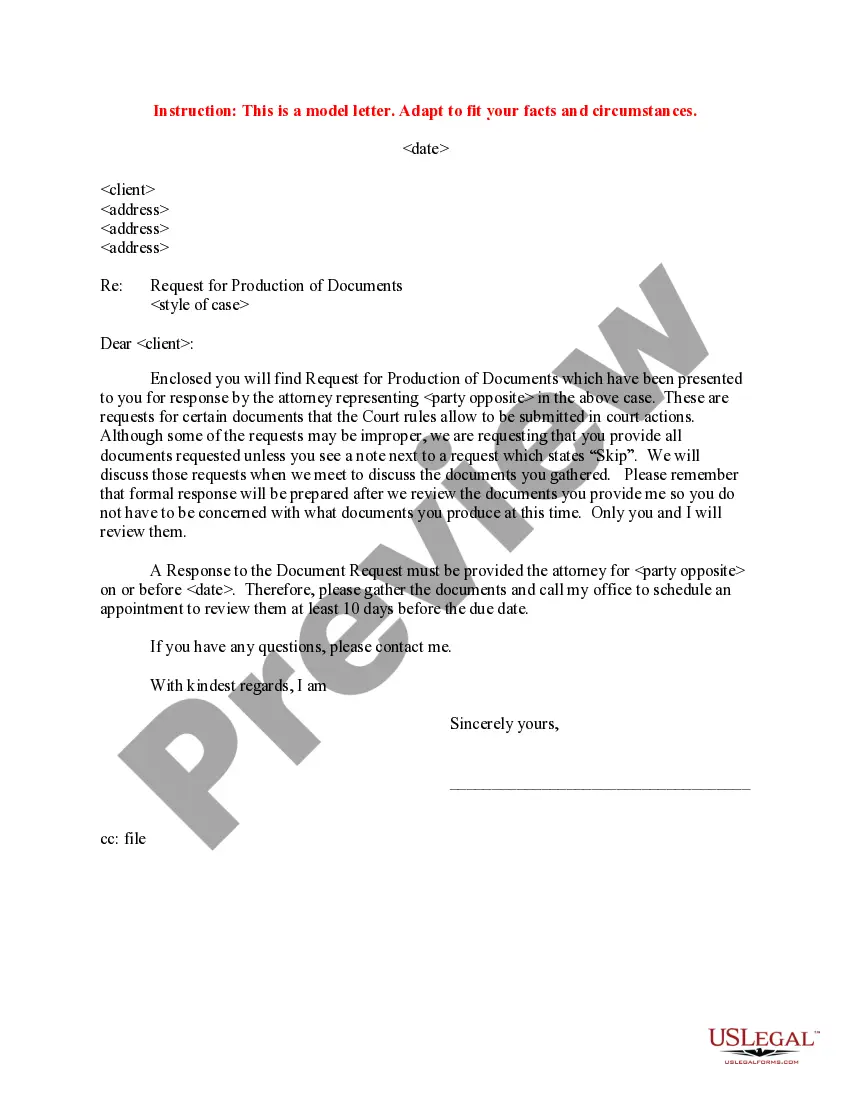
How to fill out Sample Letter For Response To Request For Documents?
Whether for business purposes or for individual affairs, everyone has to deal with legal situations sooner or later in their life. Completing legal documents demands careful attention, starting with selecting the appropriate form template. For example, when you select a wrong edition of a Answer For Legal, it will be declined once you submit it. It is therefore essential to get a reliable source of legal documents like US Legal Forms.
If you have to get a Answer For Legal template, follow these easy steps:
- Get the template you need by utilizing the search field or catalog navigation.
- Look through the form’s information to ensure it matches your situation, state, and region.
- Click on the form’s preview to see it.
- If it is the incorrect form, go back to the search function to find the Answer For Legal sample you require.
- Get the template if it matches your needs.
- If you already have a US Legal Forms profile, simply click Log in to gain access to previously saved documents in My Forms.
- If you don’t have an account yet, you may obtain the form by clicking Buy now.
- Choose the correct pricing option.
- Complete the profile registration form.
- Pick your payment method: use a credit card or PayPal account.
- Choose the file format you want and download the Answer For Legal.
- After it is saved, you can fill out the form by using editing software or print it and complete it manually.
With a vast US Legal Forms catalog at hand, you never need to spend time looking for the appropriate template across the web. Utilize the library’s simple navigation to get the appropriate form for any situation.
Form popularity
FAQ
John is seriously injured and he files a car accident lawsuit against Linda to recover additional damages that aren't covered by insurance. In this example, John is the plaintiff and Linda is the defendant. Because the plaintiff files the lawsuit, the plaintiff is responsible for drafting the complaint.
In Form 10: Answer, you tell the court: which of your partner's orders you agree with, if any, and which ones you don't agree with.
A response to civil claim lets the plaintiff know that you are going to defend the claim started against you. It also provides the plaintiff with your address for service.
Overview Step 1: Calculate your deadline to respond. Step 2: Evaluate your options. Step 3: Prepare a response. Step 4: File your response with the court. Step 5: Give plaintiff a copy of your response. Step 6: Know what to expect next.
If you want to dispute the claim, you will need to fill out a Defence [Form 9A] and make one copy for yourself and a copy for every plaintiff and defendant listed on the plaintiff's claim. You must serve a copy of your defence on every other party.