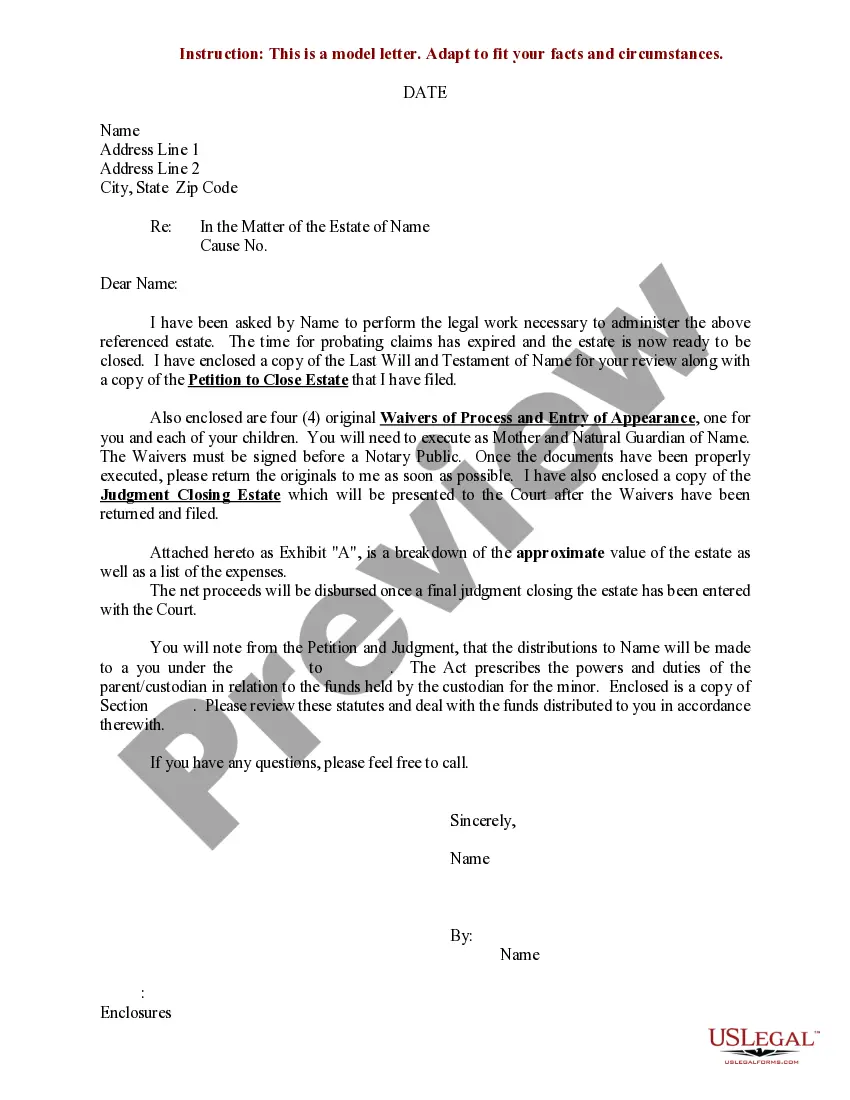
Closing Statement Real Estate Example
Description

Get your form ready online
Our built-in tools help you complete, sign, share, and store your documents in one place.
Make edits, fill in missing information, and update formatting in US Legal Forms—just like you would in MS Word.
Download a copy, print it, send it by email, or mail it via USPS—whatever works best for your next step.
Sign and collect signatures with our SignNow integration. Send to multiple recipients, set reminders, and more. Go Premium to unlock E-Sign.
If this form requires notarization, complete it online through a secure video call—no need to meet a notary in person or wait for an appointment.
We protect your documents and personal data by following strict security and privacy standards.

Make edits, fill in missing information, and update formatting in US Legal Forms—just like you would in MS Word.

Download a copy, print it, send it by email, or mail it via USPS—whatever works best for your next step.

Sign and collect signatures with our SignNow integration. Send to multiple recipients, set reminders, and more. Go Premium to unlock E-Sign.

If this form requires notarization, complete it online through a secure video call—no need to meet a notary in person or wait for an appointment.

We protect your documents and personal data by following strict security and privacy standards.
Looking for another form?
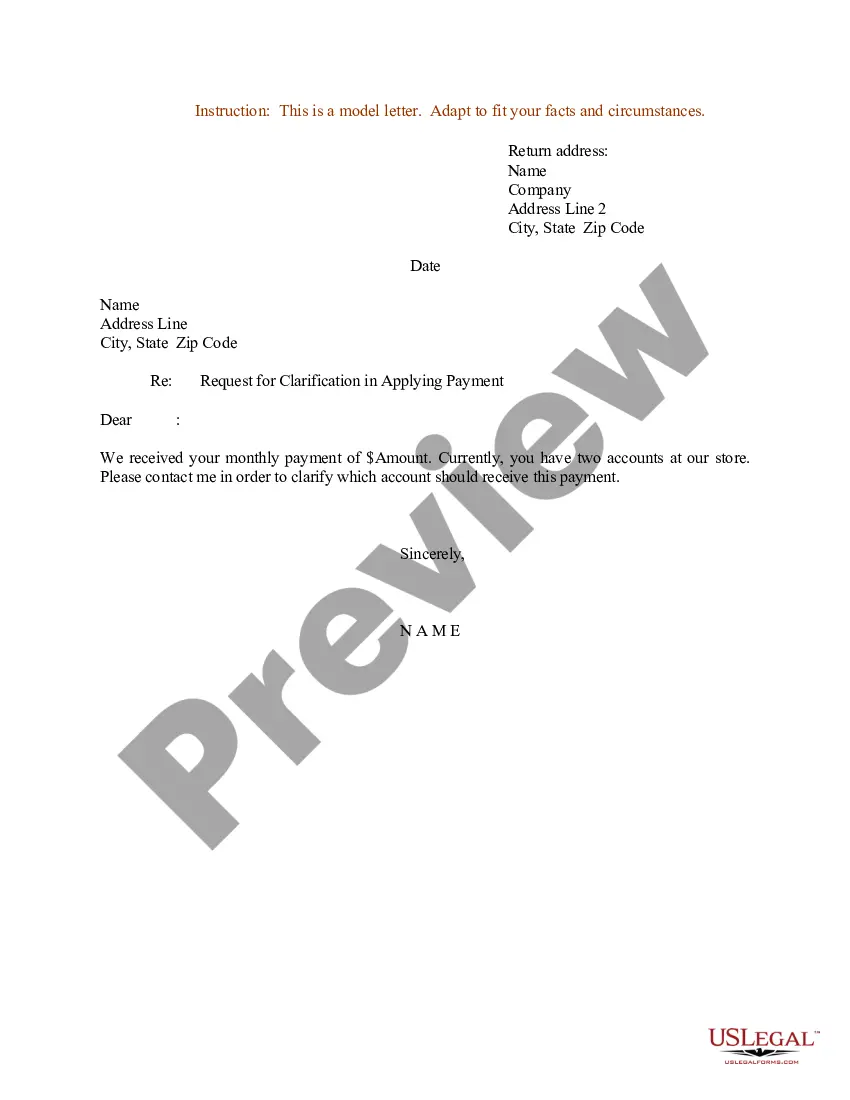
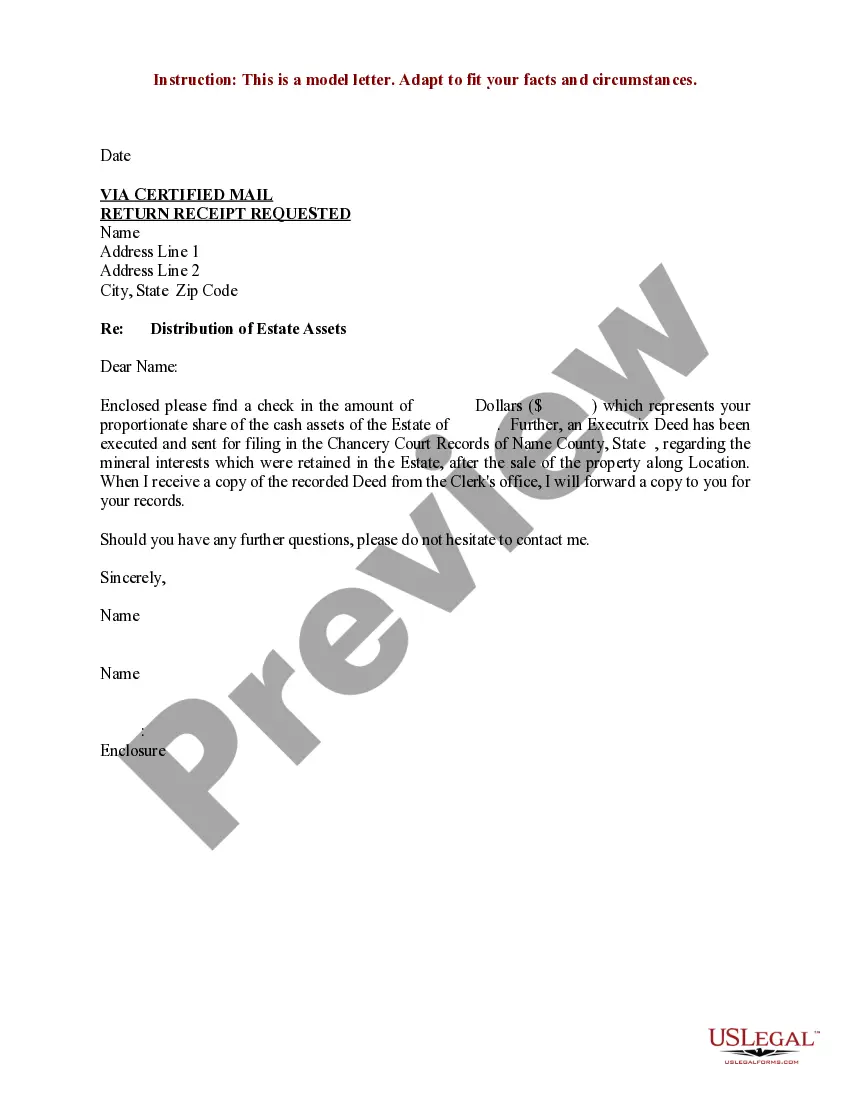
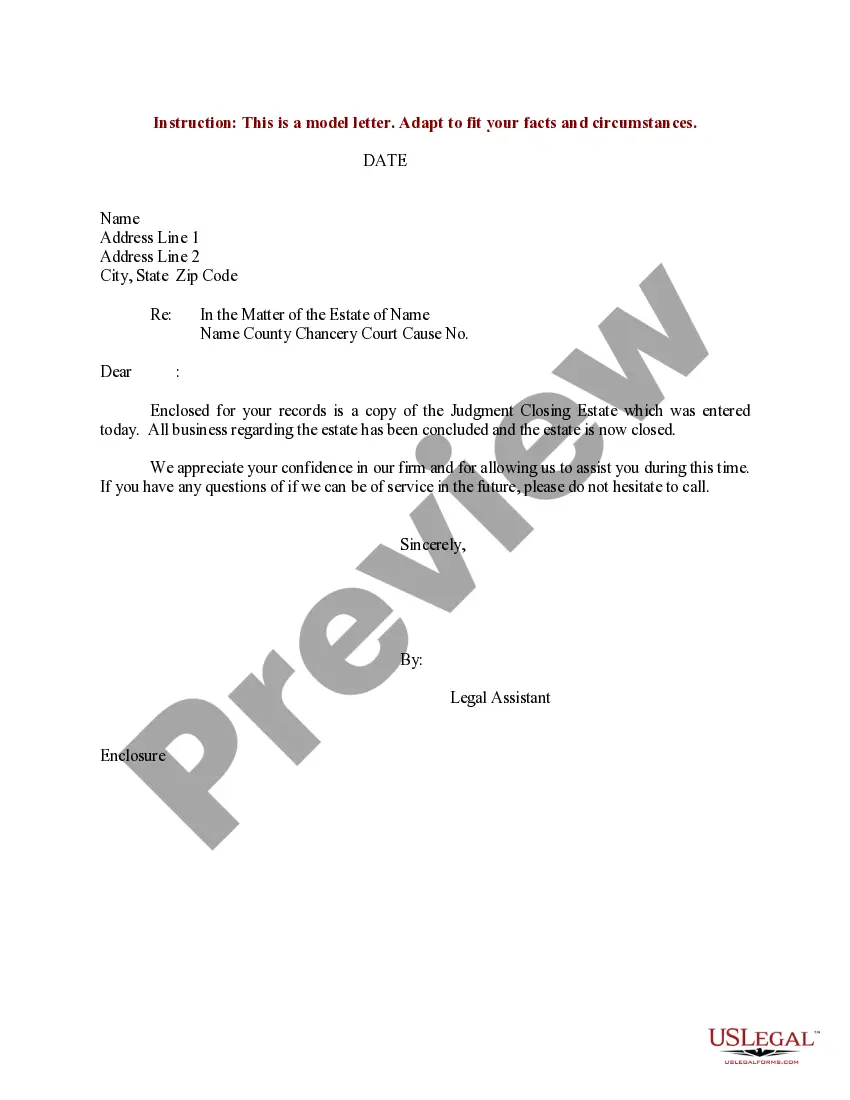
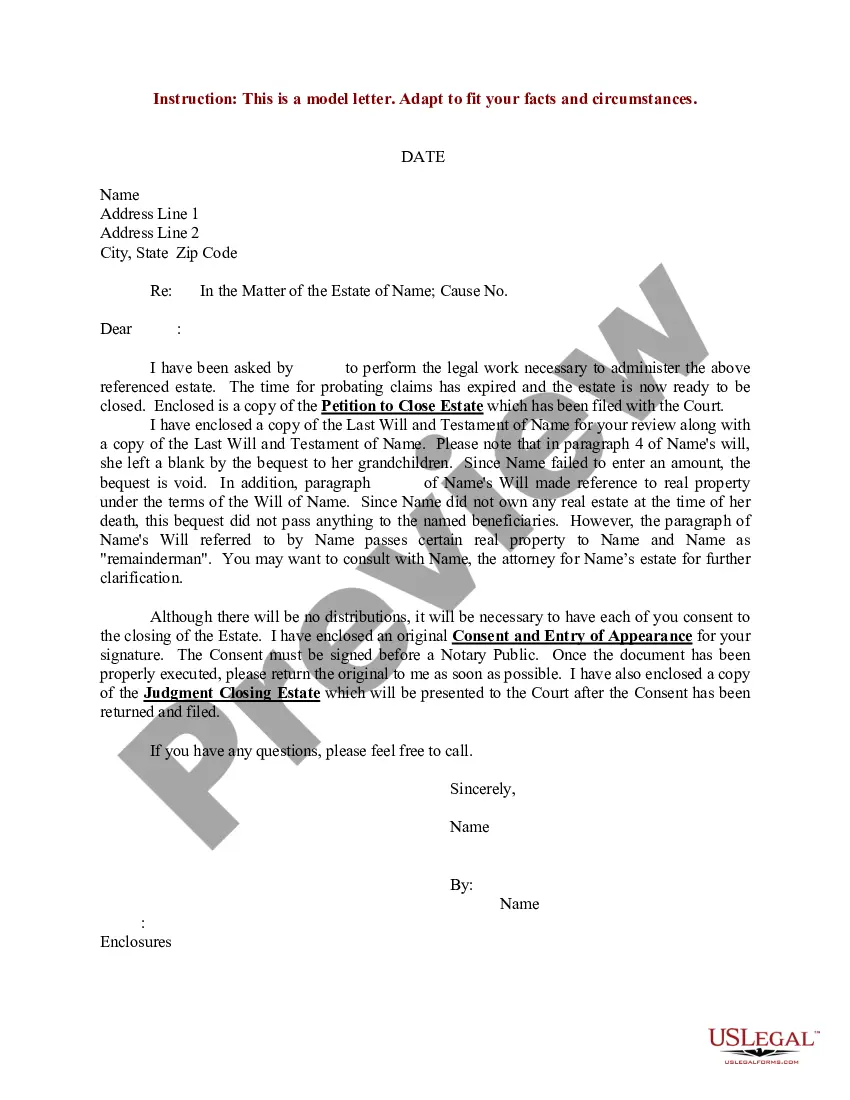
How to fill out Sample Letter For Closing Of Estate With Breakdown Of Assets And Expenses?
It’s no secret that you can’t become a legal expert immediately, nor can you grasp how to quickly draft Closing Statement Real Estate Example without the need of a specialized set of skills. Putting together legal forms is a time-consuming venture requiring a certain education and skills. So why not leave the creation of the Closing Statement Real Estate Example to the professionals?
With US Legal Forms, one of the most extensive legal template libraries, you can find anything from court papers to templates for internal corporate communication. We know how crucial compliance and adherence to federal and local laws and regulations are. That’s why, on our platform, all templates are location specific and up to date.
Here’s start off with our website and get the form you need in mere minutes:
- Find the form you need with the search bar at the top of the page.
- Preview it (if this option available) and check the supporting description to determine whether Closing Statement Real Estate Example is what you’re searching for.
- Begin your search over if you need any other template.
- Register for a free account and choose a subscription option to buy the form.
- Choose Buy now. Once the payment is through, you can get the Closing Statement Real Estate Example, fill it out, print it, and send or send it by post to the designated individuals or entities.
You can re-gain access to your documents from the My Forms tab at any time. If you’re an existing customer, you can simply log in, and find and download the template from the same tab.
No matter the purpose of your documents-be it financial and legal, or personal-our website has you covered. Try US Legal Forms now!
Form popularity
FAQ
The closing statement is the attorney's final statement to the jury before deliberation begins. The attorney reiterates the important arguments, summarizes what the evidence has and has not shown, and requests jury to consider the evidence and apply the law in his or her client's favor.
Debit and credits in real estate come up during closing in a real estate transaction. A debit is money you owe, while credit is money owed to you. Debits and credits are described in a closing statement in their sections respectfully.
Once every transaction has been recorded, the closing balance is calculated by working out the difference between your company's credits and debits. Whatever the difference is, whether it's a positive or a negative amount, that's your business' closing balance.
A debit is money you owe, and a credit is money coming to you. The debit section highlights items that are part of the total dollar amount owed at closing. This includes the amount due for closing and title costs, which are generally split between the buyer and the seller- who pays how much is generally negotiable.
A mortgage closing statement lists all of the costs and fees associated with the loan, as well as the total amount and payment schedule. A closing statement or credit agreement is provided with any type of loan, often with the application itself.