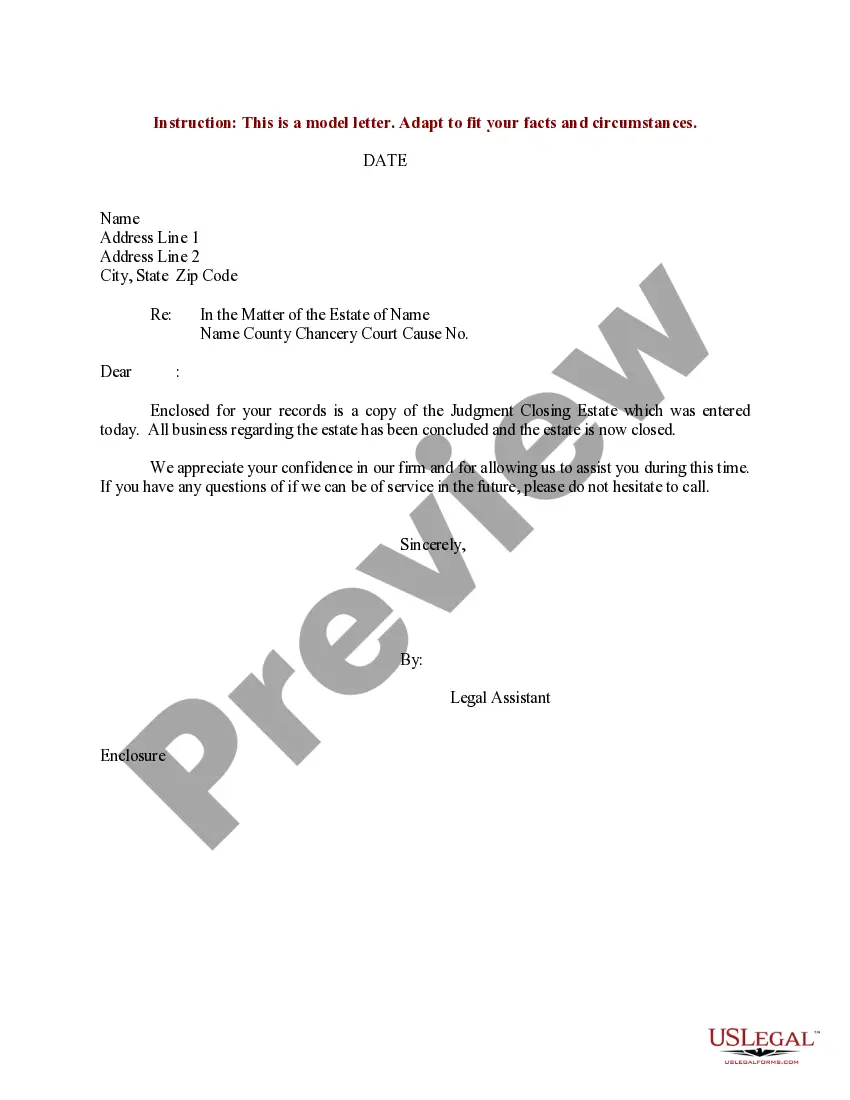
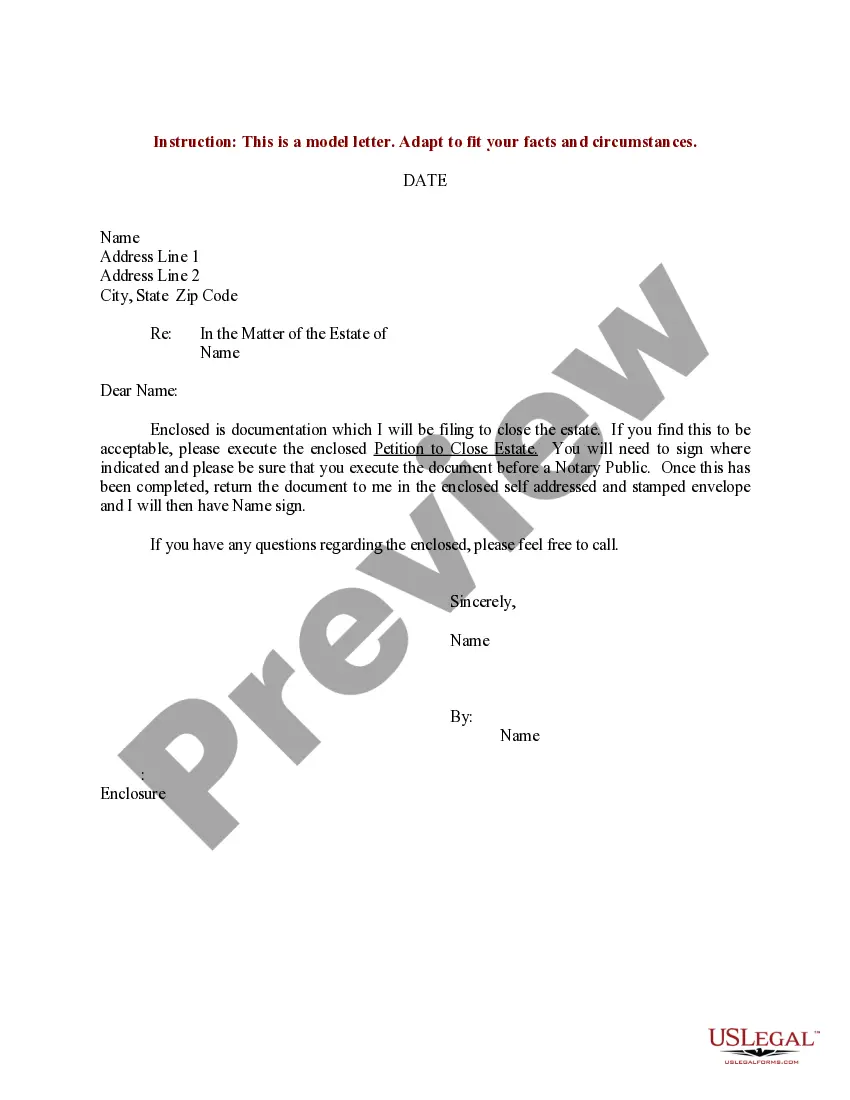
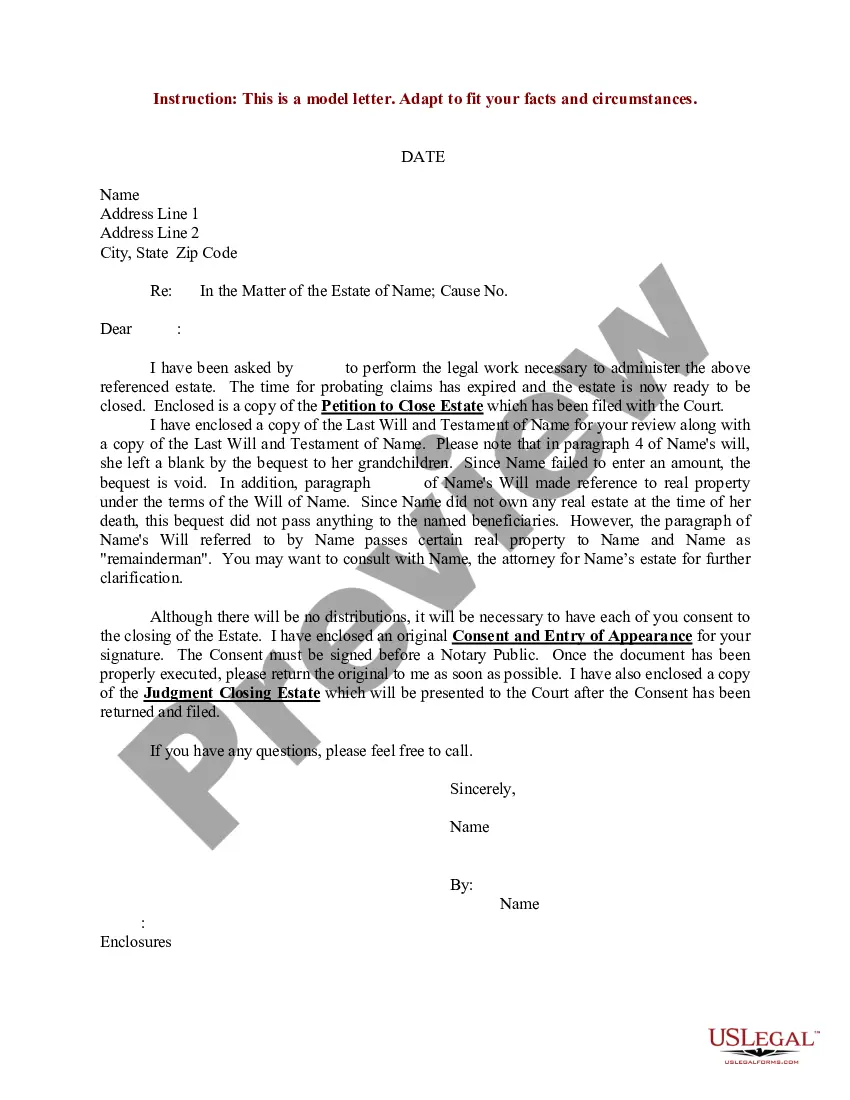
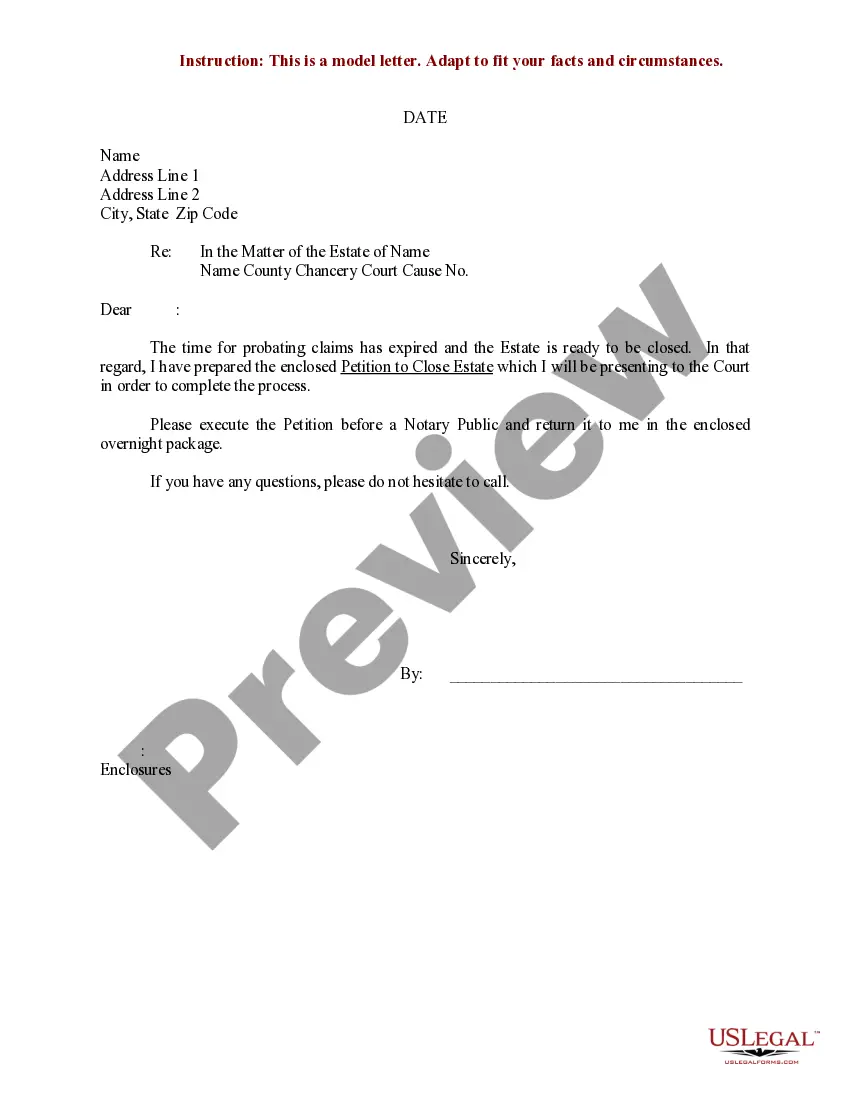
Closing Estate Document For Probate
Description
Get your form ready online
Our built-in tools help you complete, sign, share, and store your documents in one place.
Make edits, fill in missing information, and update formatting in US Legal Forms—just like you would in MS Word.
Download a copy, print it, send it by email, or mail it via USPS—whatever works best for your next step.
Sign and collect signatures with our SignNow integration. Send to multiple recipients, set reminders, and more. Go Premium to unlock E-Sign.
If this form requires notarization, complete it online through a secure video call—no need to meet a notary in person or wait for an appointment.
We protect your documents and personal data by following strict security and privacy standards.

Make edits, fill in missing information, and update formatting in US Legal Forms—just like you would in MS Word.

Download a copy, print it, send it by email, or mail it via USPS—whatever works best for your next step.

Sign and collect signatures with our SignNow integration. Send to multiple recipients, set reminders, and more. Go Premium to unlock E-Sign.

If this form requires notarization, complete it online through a secure video call—no need to meet a notary in person or wait for an appointment.

We protect your documents and personal data by following strict security and privacy standards.
Looking for another form?

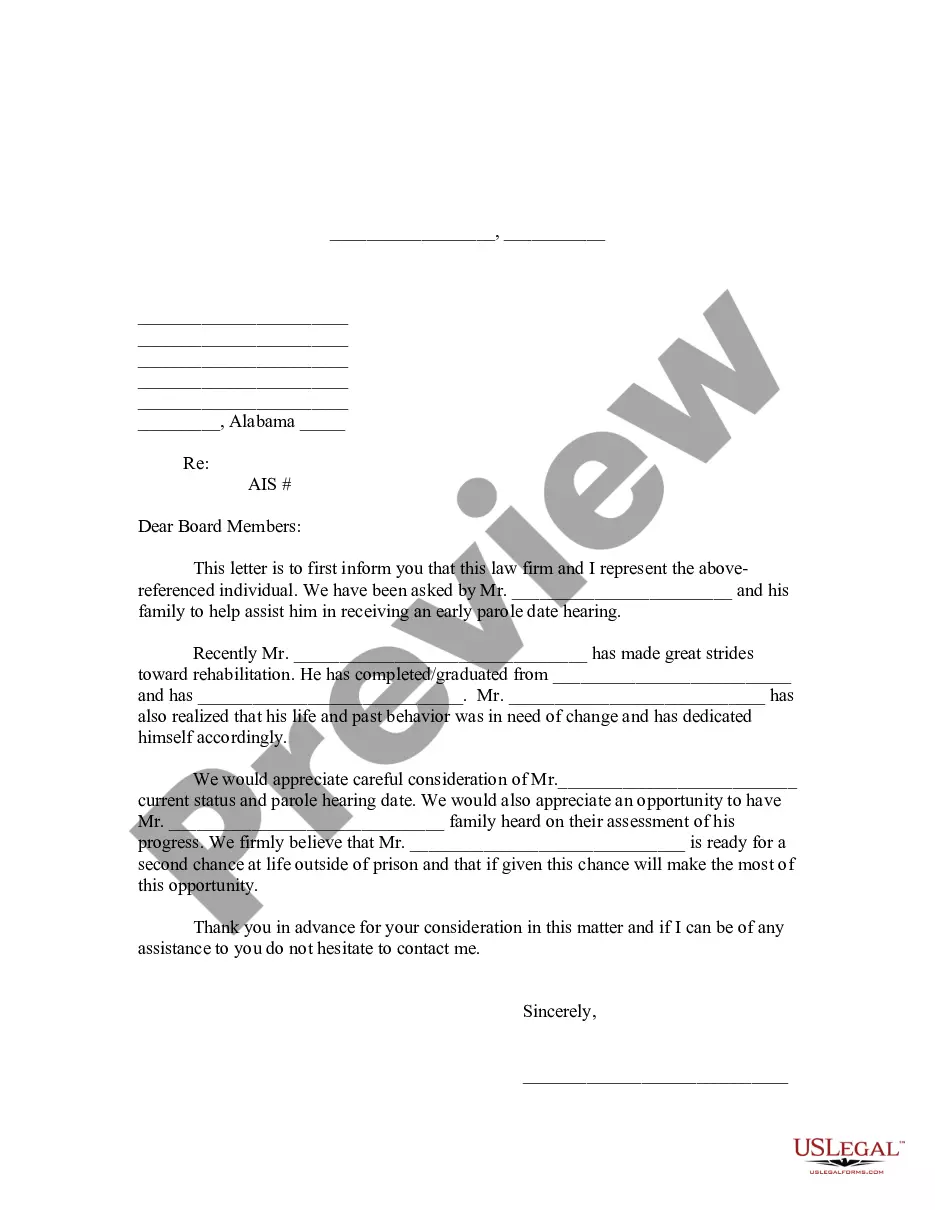
How to fill out Sample Letter For Closing Of Estate?
The Final Estate Document For Probate displayed on this page is a recyclable official template created by experienced attorneys in accordance with national and local statutes and regulations.
For over 25 years, US Legal Forms has supplied individuals, companies, and legal practitioners with over 85,000 authenticated, state-specific documents for any business or personal scenario. It’s the fastest, simplest, and most reliable method to acquire the paperwork you require, as the service ensures bank-level data protection and anti-malware safeguards.
Subscribe to US Legal Forms to have authenticated legal templates for every aspect of life available to you.
- Search for the document you require and review it.
- Examine the sample you selected and view it or assess the form description to confirm it meets your needs. If it doesn’t, utilize the search feature to find the correct one. Click Buy Now once you locate the template you seek.
- Register and Log In.
- Select the pricing option that fits you and set up an account. Use PayPal or a credit card to process a swift payment. If you already possess an account, Log In and review your subscription to proceed.
- Acquire the editable template.
- Choose the format you desire for your Final Estate Document For Probate (PDF, DOCX, RTF) and save the sample on your device.
- Complete and sign the document.
- Print the template to fill it out by hand. Alternatively, use an online all-in-one PDF editor to quickly and accurately complete and sign your form electronically.
- Download your documents again.
- Reuse the same document whenever necessary. Access the My documents tab in your profile to redownload any previously purchased forms.
Form popularity
FAQ
Recover a deleted form Go to the Deleted forms tab. This tab serves as your recycle bin. ... On the form you want to delete, select More options in the lower right corner of the form tile, and then click Restore. ... To see your recovered form, go to your All forms tab.
If you make a change you later regret, there's no way to find the version before this change. The only way to revert these changes is by doing so manually or simply clicking the Undo button a few times.
Microsoft Forms is available in the following plans: Microsoft 365 business basic, standard, and premium; Microsoft 365 A3/A5 and E3/E5; Office 365 A1/A3/A5 and E1/E3/E5; and Microsoft 365/Office 365 F3.
There is also no version history which makes it very difficult to reset the questions that have been overwritten.
Re: Restoring a prior version of your Form that has been edited and autosaved. @MarciAngela there's no way to restore a previous version of a form.
Navigate to the folder that used to contain the file or folder, right-click it, and then select Restore previous versions. If the folder was at the top level of a drive, for example C:\, right-click the drive, and then select Restore previous versions.
Currently , there is no feature to see who has access to the forms. however, at the top of the form that you've shared, you'll see icons of the initials for each person making edits to the form.