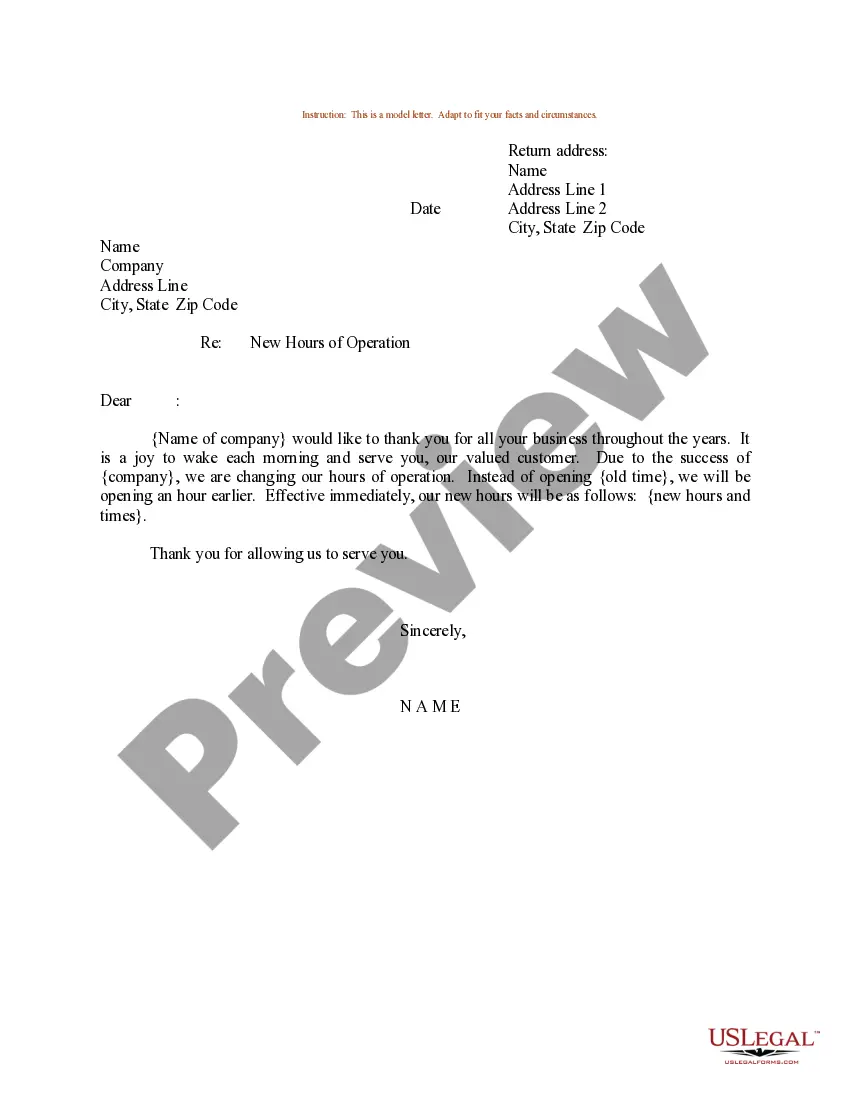
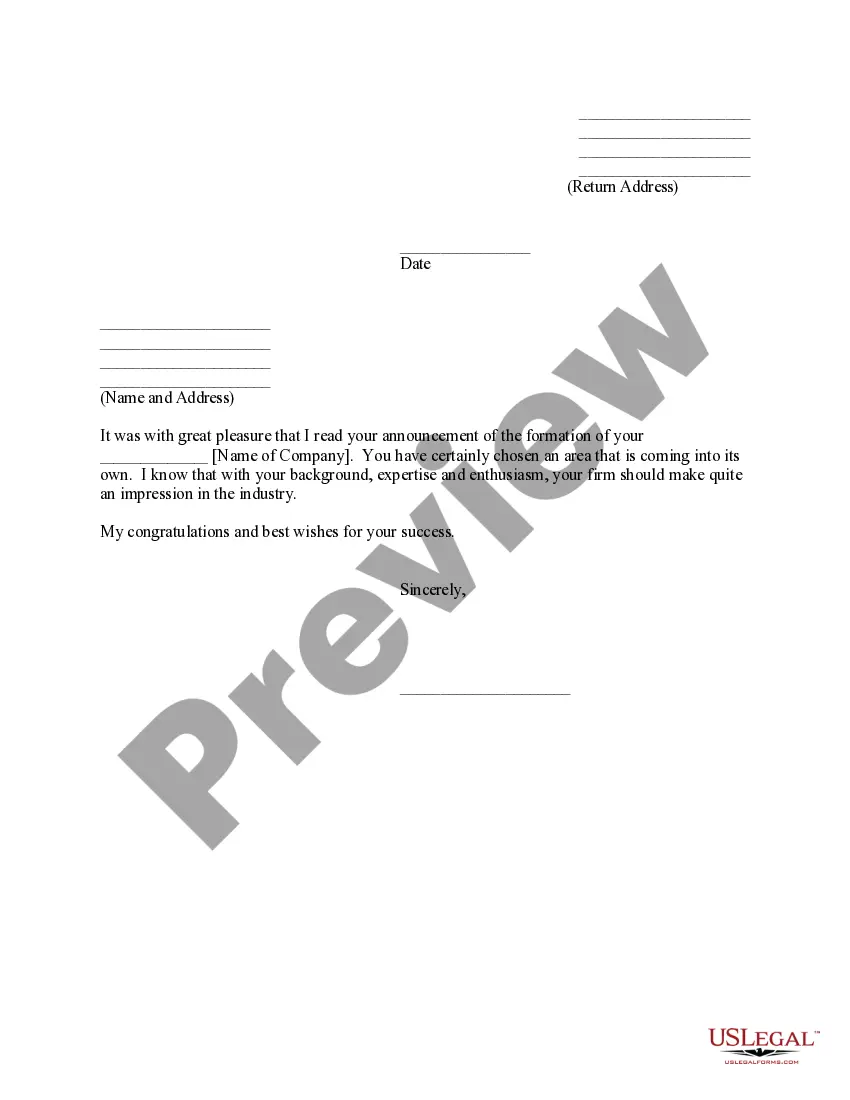
Change Of Business Hours Announcement Template With Formulas
Description
Get your form ready online
Our built-in tools help you complete, sign, share, and store your documents in one place.
Make edits, fill in missing information, and update formatting in US Legal Forms—just like you would in MS Word.
Download a copy, print it, send it by email, or mail it via USPS—whatever works best for your next step.
Sign and collect signatures with our SignNow integration. Send to multiple recipients, set reminders, and more. Go Premium to unlock E-Sign.
If this form requires notarization, complete it online through a secure video call—no need to meet a notary in person or wait for an appointment.
We protect your documents and personal data by following strict security and privacy standards.

Make edits, fill in missing information, and update formatting in US Legal Forms—just like you would in MS Word.

Download a copy, print it, send it by email, or mail it via USPS—whatever works best for your next step.

Sign and collect signatures with our SignNow integration. Send to multiple recipients, set reminders, and more. Go Premium to unlock E-Sign.

If this form requires notarization, complete it online through a secure video call—no need to meet a notary in person or wait for an appointment.

We protect your documents and personal data by following strict security and privacy standards.
Looking for another form?

How to fill out Sample Letter For New Hours Of Store Operation?
Utilizing legal document examples that adhere to federal and local regulations is crucial, and the web provides numerous options to choose from.
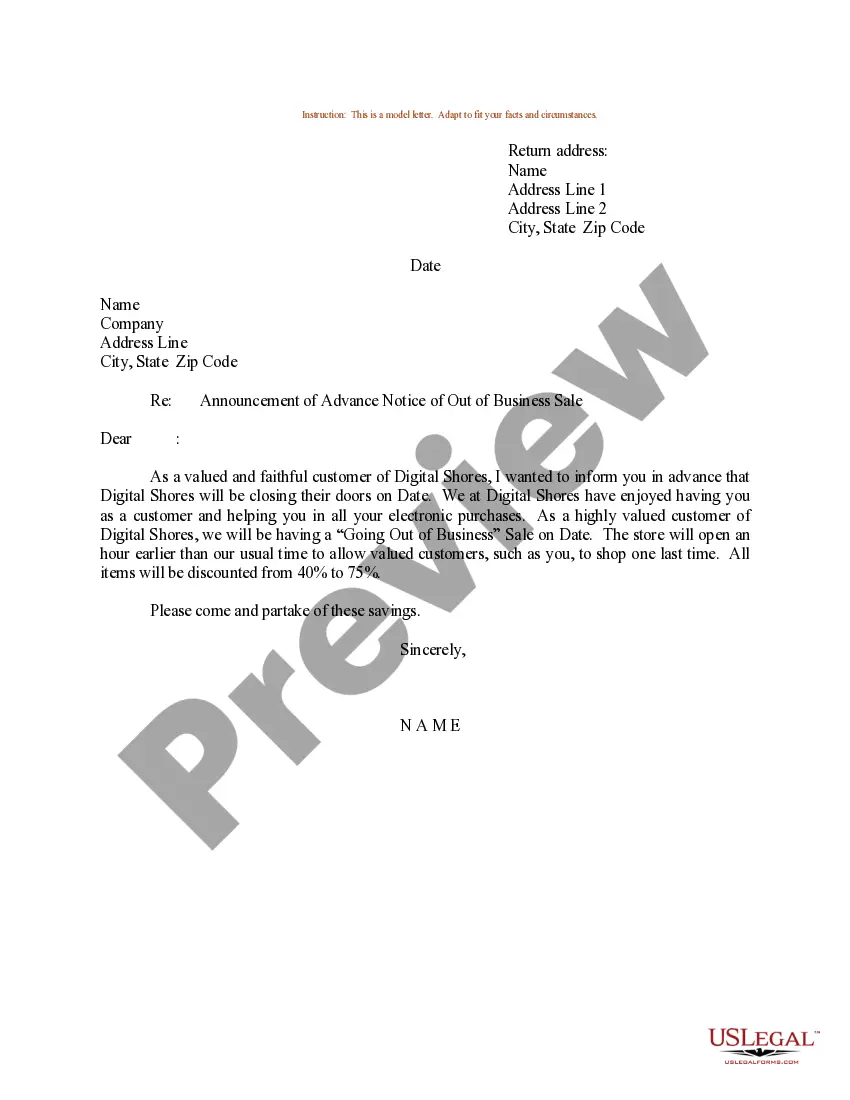
However, what’s the purpose of expending time hunting for the appropriate Change Of Business Hours Announcement Template With Formulas sample online when the US Legal Forms online repository already contains such templates consolidated in one location.
US Legal Forms is the largest digital legal repository, featuring over 85,000 fillable templates created by attorneys for various professional and personal situations. They are straightforward to navigate, with all documents organized by state and intended use. Our experts stay current with legal amendments, so you can always be assured that your documents are up to date and compliant when acquiring a Change Of Business Hours Announcement Template With Formulas from our site.
Press Buy Now once you’ve identified the correct form and select a subscription option. Register for an account or Log In and process a payment using PayPal or a credit card. Select the appropriate format for your Change Of Business Hours Announcement Template With Formulas and download it. All templates you find via US Legal Forms are reusable. To re-download and complete previously purchased forms, access the My documents section in your account. Enjoy the most extensive and user-friendly legal document service!
- Acquiring a Change Of Business Hours Announcement Template With Formulas is quick and easy for both existing and new users.
- If you already possess an account with an active subscription, Log In and save the document sample you need in your chosen format.
- If you are new to our site, follow the instructions below.
- Review the template using the Preview functionality or via the textual description to confirm it satisfies your requirements.
- Search for another sample using the search tool at the top of the page if needed.
Form popularity
FAQ
You can request your military records in any of these ways: Mail or fax a Request Pertaining to Military Records (Standard Form SF 180) to the National Personnel Records Center (NPRC). ... Write a letter to the NPRC. ... Visit the NPRC in person. Contact your state or county Veterans agency. Hire an independent researcher.
You can mail or fax your signed and dated request to the National Archives' National Personnel Record Center (NPRC). Be sure to use the address specified (either in the instructions on the SF-180 or in our online system, eVetRecs). Most, but not all records, are stored at the NPRC.
At iPERMS, DS Logon (Premium Access account required) This is the preferred method for accessing your record. To request a DS Logon account click here: DS Logon Registration. For DS Logon customer service support, contact: 800-368-3665.
Generally there is no charge for basic military personnel and medical record information provided to veterans, next of kin and authorized representatives from Federal (non-archival) records. Some companies advertise DD Form 214 research services and will charge a fee for obtaining copies.
To access military service records, requesters may: Mail a letter or Standard Form (SF) 180, Request Pertaining to Military Records to: National Personnel Records Center. 1 Archives Drive. St. Louis, MO 63138. Fax a letter or Standard Form 180 to: 314-801-9195.
Official Military Personnel Files (OMPFs) for those who served in the U.S. Armed Forces and were separated after September 30, 2002 (Army); after September 30, 2004 (Air Force); after 1994 (Navy); and after 1998 (Marine Corps) are available in electronic format via .
Visit the Request Your Military Service Records Online, by Mail, or by Fax page on the National Archives site to start a request for your paper-based OMPF information. A: The National Personnel Records Center (NPRC) in St. Louis, MO holds historical Military Personnel Records of nearly 100 million veterans.
Records for yourself or next of kin Start your records request online for recent military service. Print and fill out a Form SF 180. Mail it to the appropriate address on the form. Write a letter to request records, following the directions and using the address under number 2 on this web page.