Special Needs Trust Supplemental Withholding Rate 2018
Description





Get your form ready online
Our built-in tools help you complete, sign, share, and store your documents in one place.
Make edits, fill in missing information, and update formatting in US Legal Forms—just like you would in MS Word.
Download a copy, print it, send it by email, or mail it via USPS—whatever works best for your next step.
Sign and collect signatures with our SignNow integration. Send to multiple recipients, set reminders, and more. Go Premium to unlock E-Sign.
If this form requires notarization, complete it online through a secure video call—no need to meet a notary in person or wait for an appointment.
We protect your documents and personal data by following strict security and privacy standards.

Make edits, fill in missing information, and update formatting in US Legal Forms—just like you would in MS Word.

Download a copy, print it, send it by email, or mail it via USPS—whatever works best for your next step.

Sign and collect signatures with our SignNow integration. Send to multiple recipients, set reminders, and more. Go Premium to unlock E-Sign.

If this form requires notarization, complete it online through a secure video call—no need to meet a notary in person or wait for an appointment.

We protect your documents and personal data by following strict security and privacy standards.
Looking for another form?





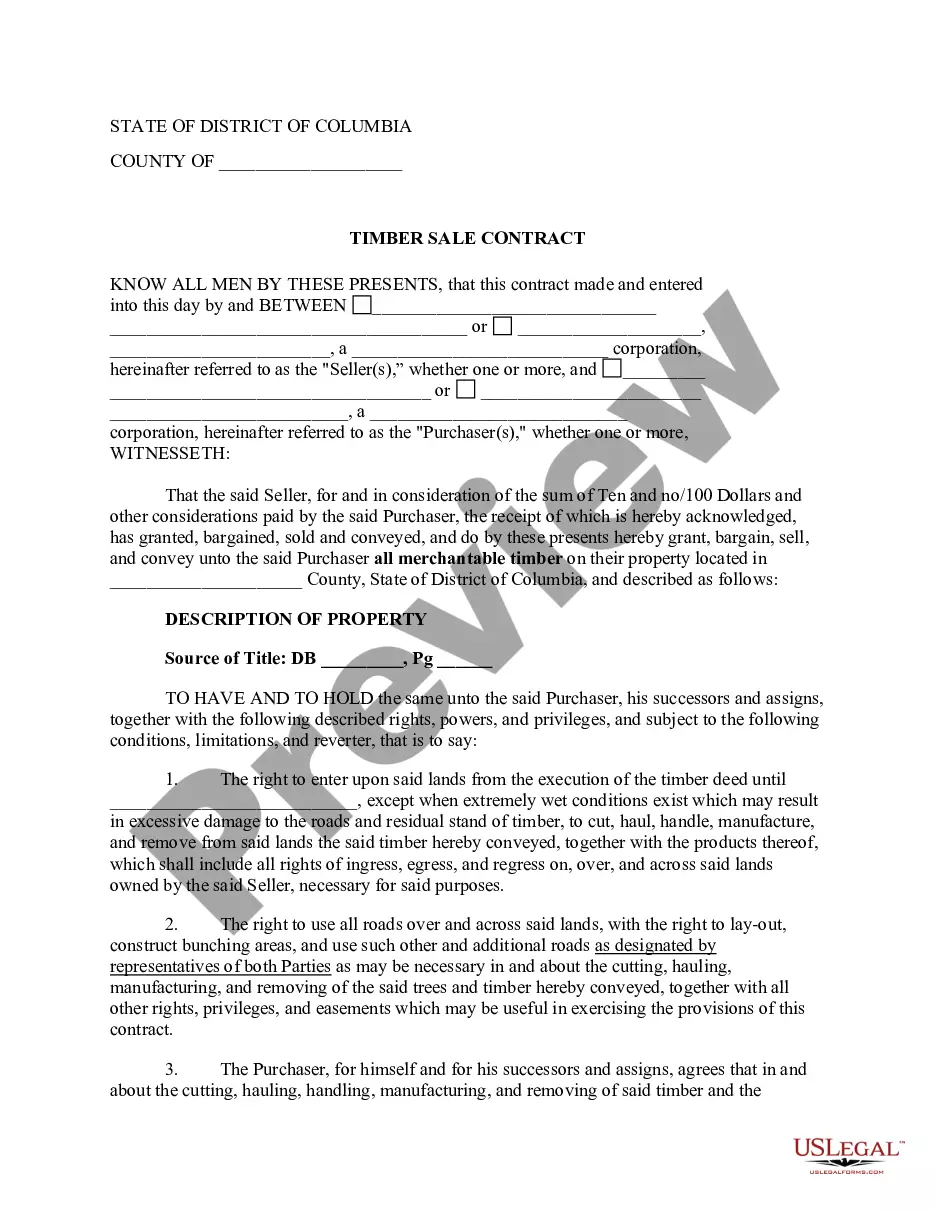
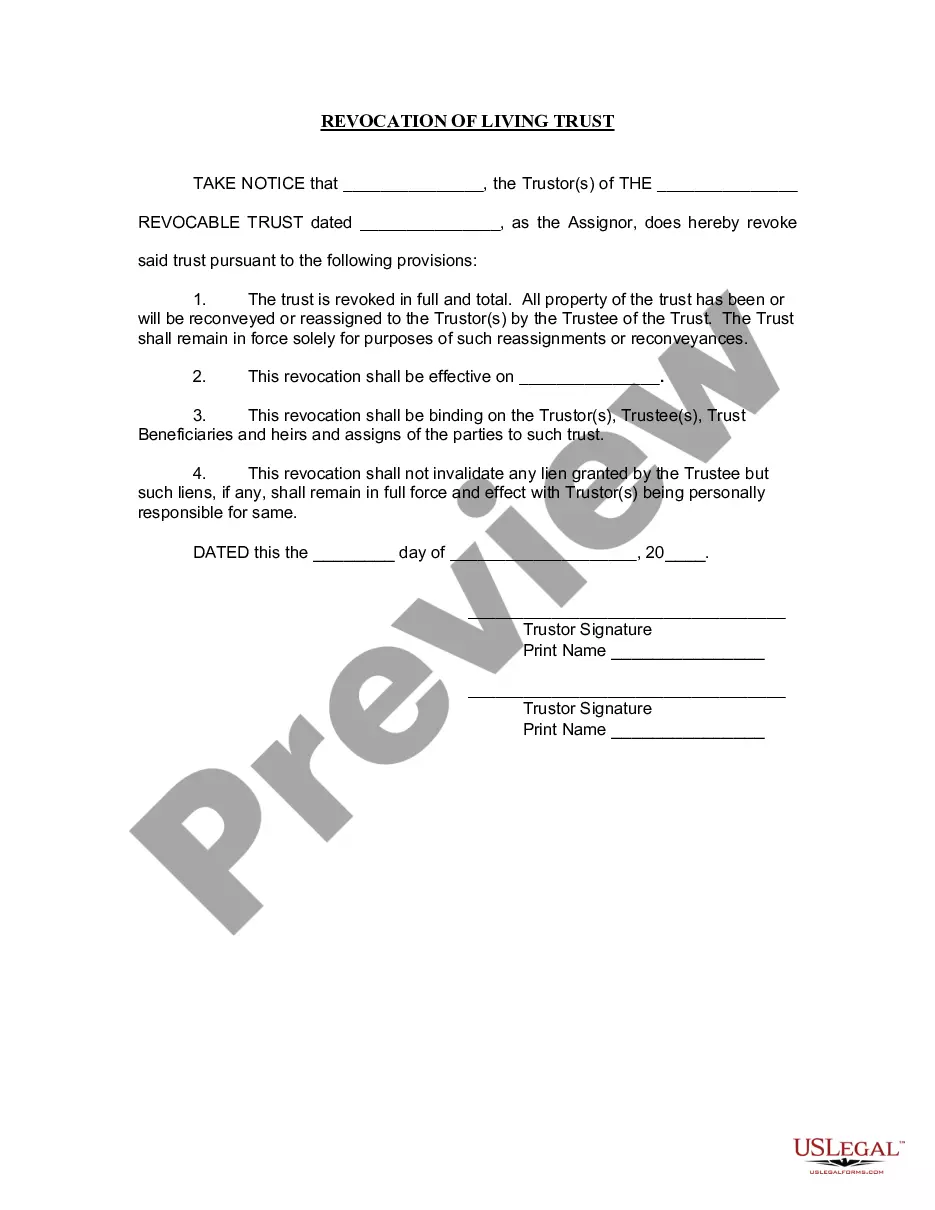
How to fill out Special Needs Irrevocable Trust Agreement For Benefit Of Disabled Child Of Trustor?
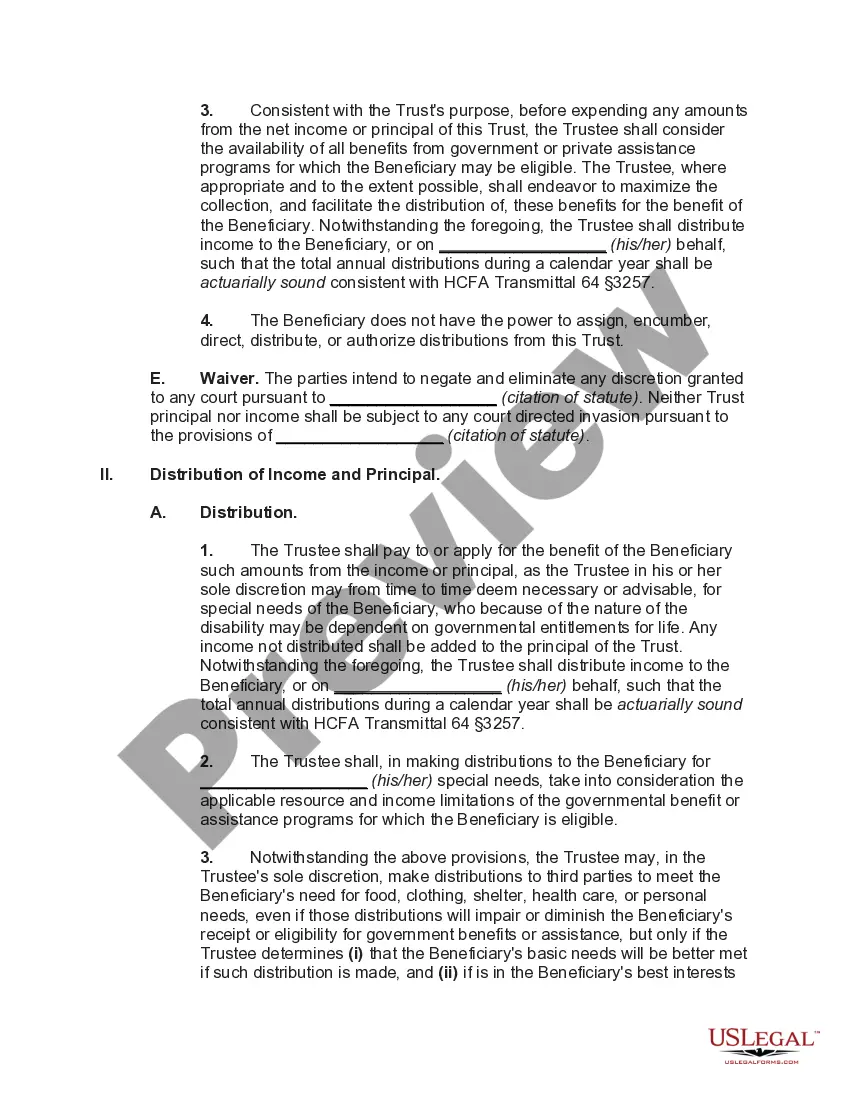
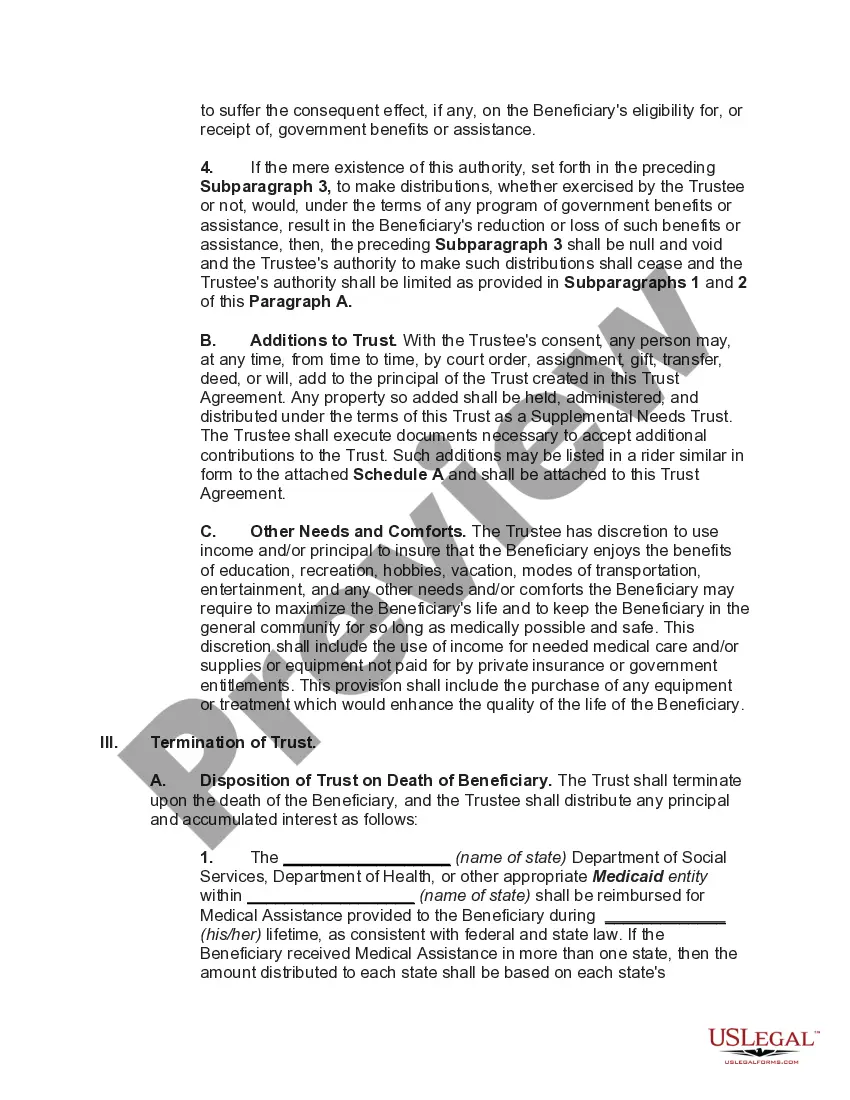
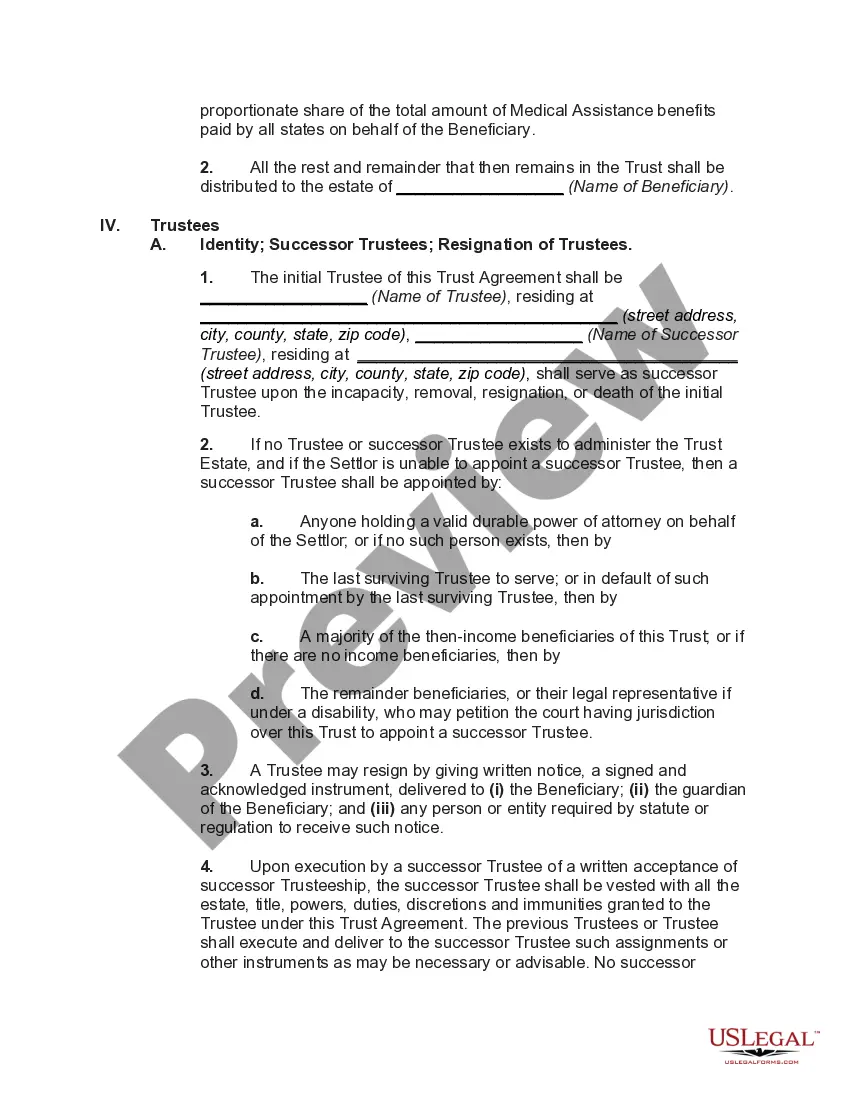
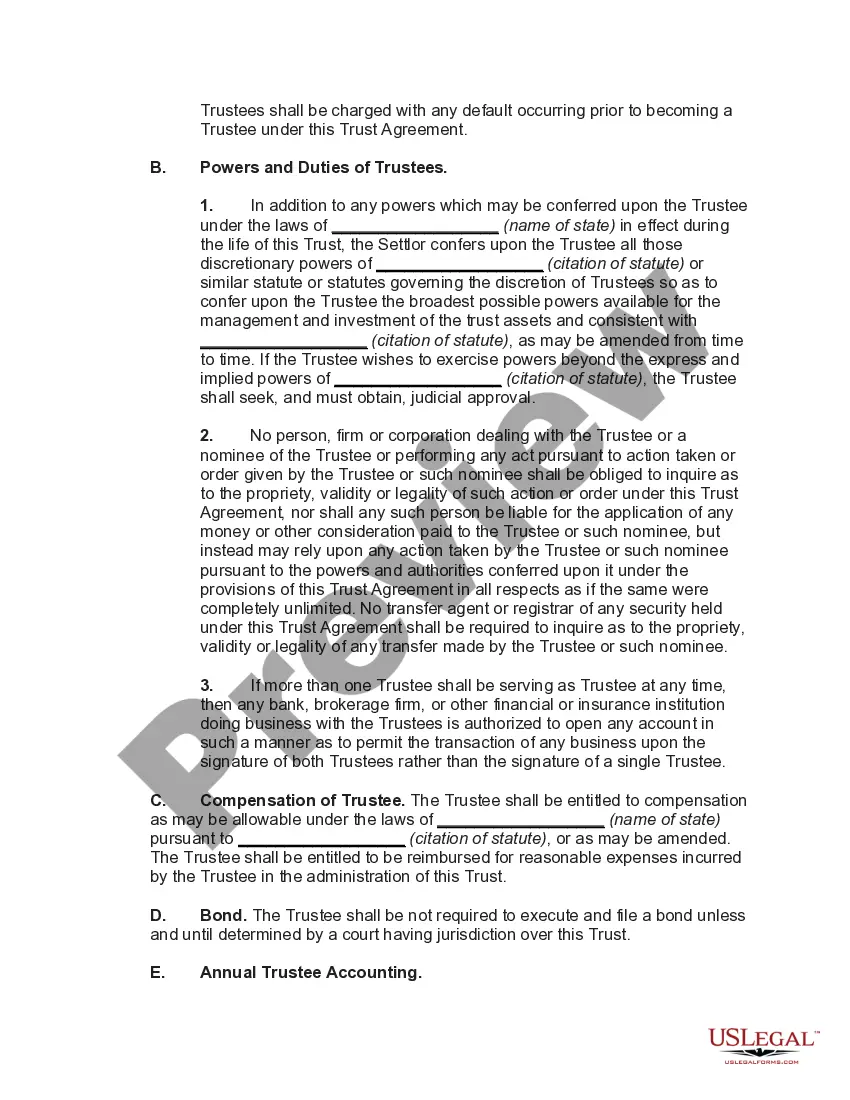
The Special Needs Trust Supplemental Withholding Rate 2018 displayed on this page is a reusable formal template crafted by professional attorneys in accordance with federal and local regulations.
For over 25 years, US Legal Forms has supplied individuals, businesses, and legal practitioners with more than 85,000 validated, state-specific documents for any commercial and personal situation. It’s the quickest, easiest, and most dependable method to acquire the paperwork you require, as the service ensures bank-level data protection and anti-malware measures.
Choose the format you prefer for your Special Needs Trust Supplemental Withholding Rate 2018 (PDF, DOCX, RTF) and store the document on your device.
- Search for the document you require and examine it.
- Browse through the sample you looked for and preview it or review the form description to confirm it meets your requirements. If it doesn’t, use the search feature to locate the correct one. Click Buy Now when you’ve identified the template you need.
- Select a subscription and Log In.
- Choose the pricing plan that fits you and set up an account. Utilize PayPal or a credit card for a swift transaction. If you already possess an account, Log In and verify your subscription to proceed.
- Acquire the editable template.
Form popularity
FAQ
Practically, with most smaller trusts, there's no real difference in the tax treatment of the two types of trusts, since they use all their annual income for the benefit of the individual with special needs. But the difference can be significant with respect to larger trusts.
Rates for Withholding on Supplemental Wages The rate is 22% (no other percentage allowed). Mandatory flat rate: 37%. The TCJA lowers that rate to 37% for tax years 2018 through 2025.
In the case of third party special needs trusts, if the trust is considered a grantor trust, all items of income, deduction and credit are generally taxed to the individual(s) who created and funded the trust (typically parents or other relatives of the individual with a disability).
Income from a QDisT is reported on Internal Revenue Service (IRS) Form 1041, with a unique Employer Identification Number (EIN), while distributions to the beneficiary will be taxed on their own Form 1040 tax return.
Rates for Withholding on Supplemental Wages The rate is 22% (no other percentage allowed). Mandatory flat rate: 37%. The TCJA lowers that rate to 37% for tax years 2018 through 2025.