Family Trust Agreement Template With Collateral
Description

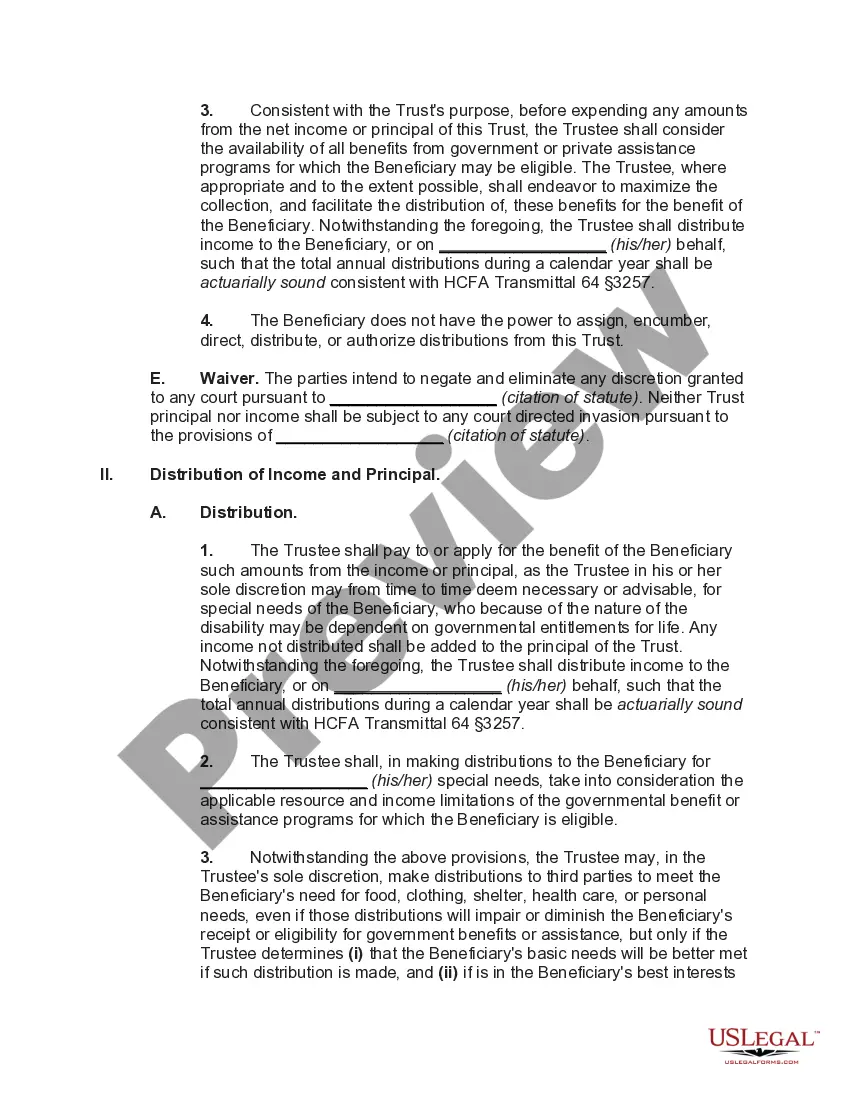
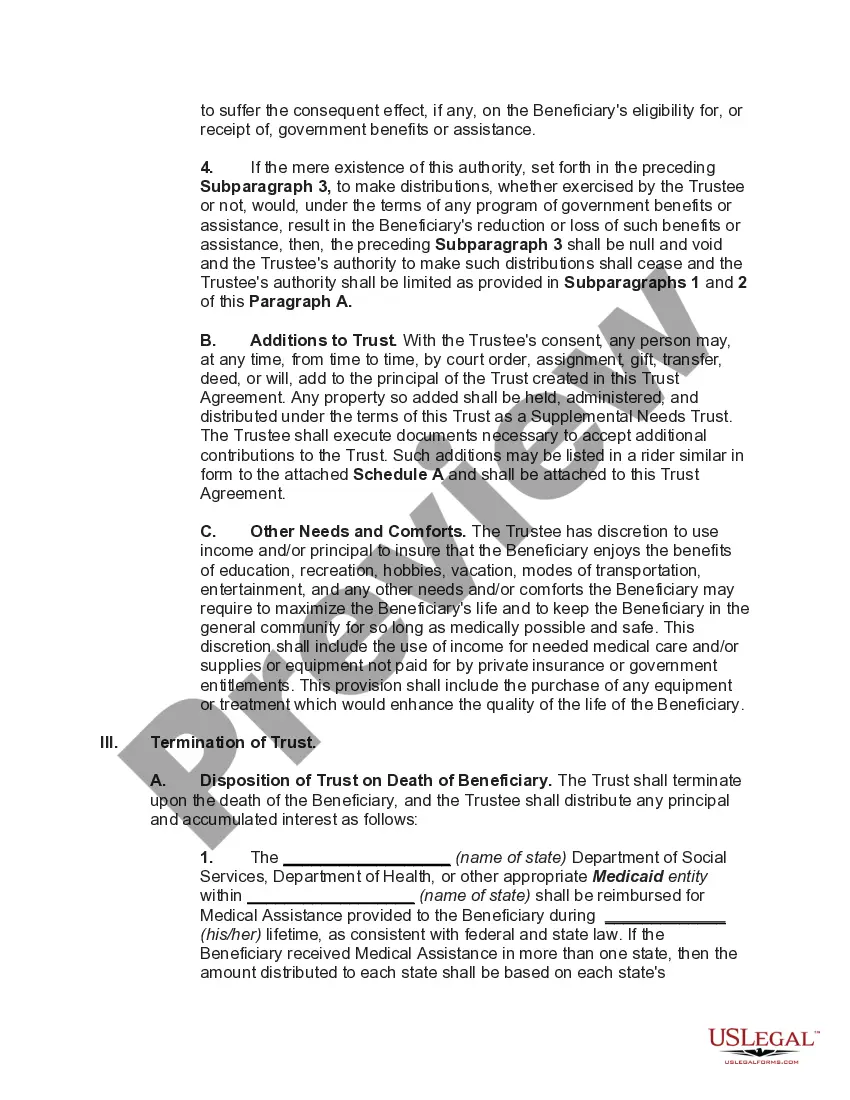
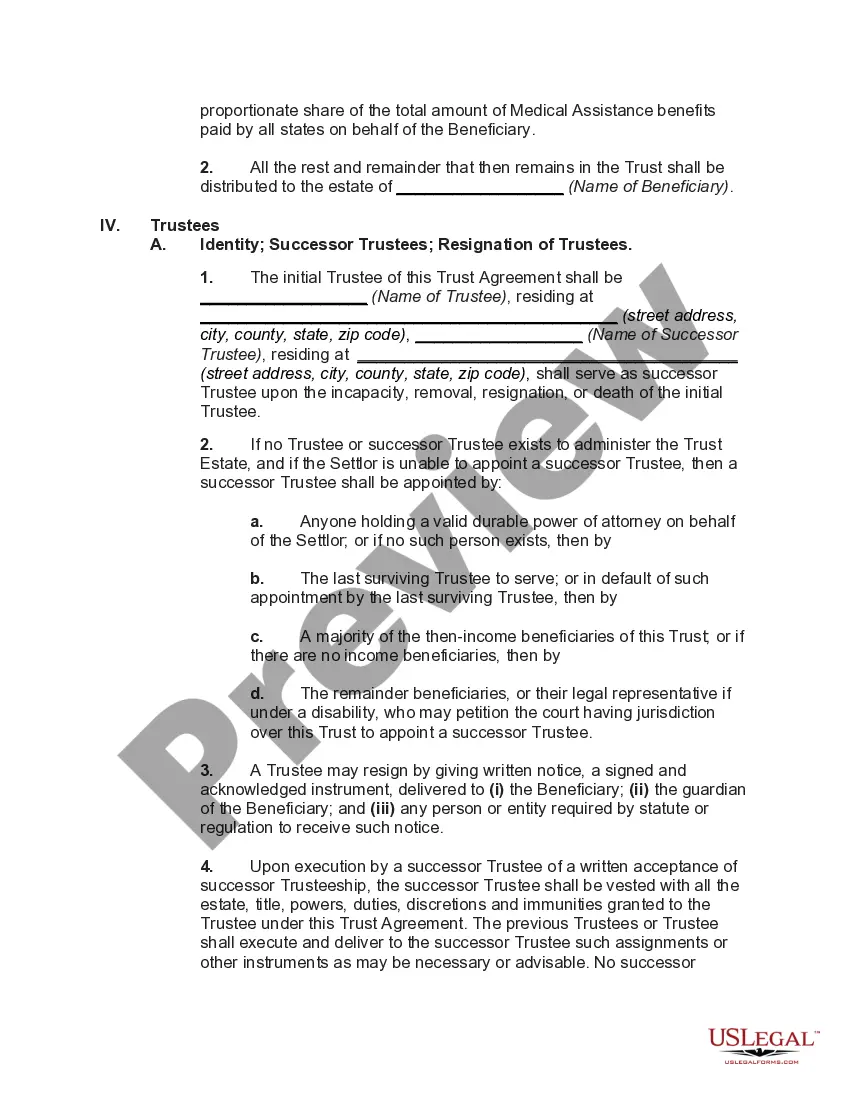
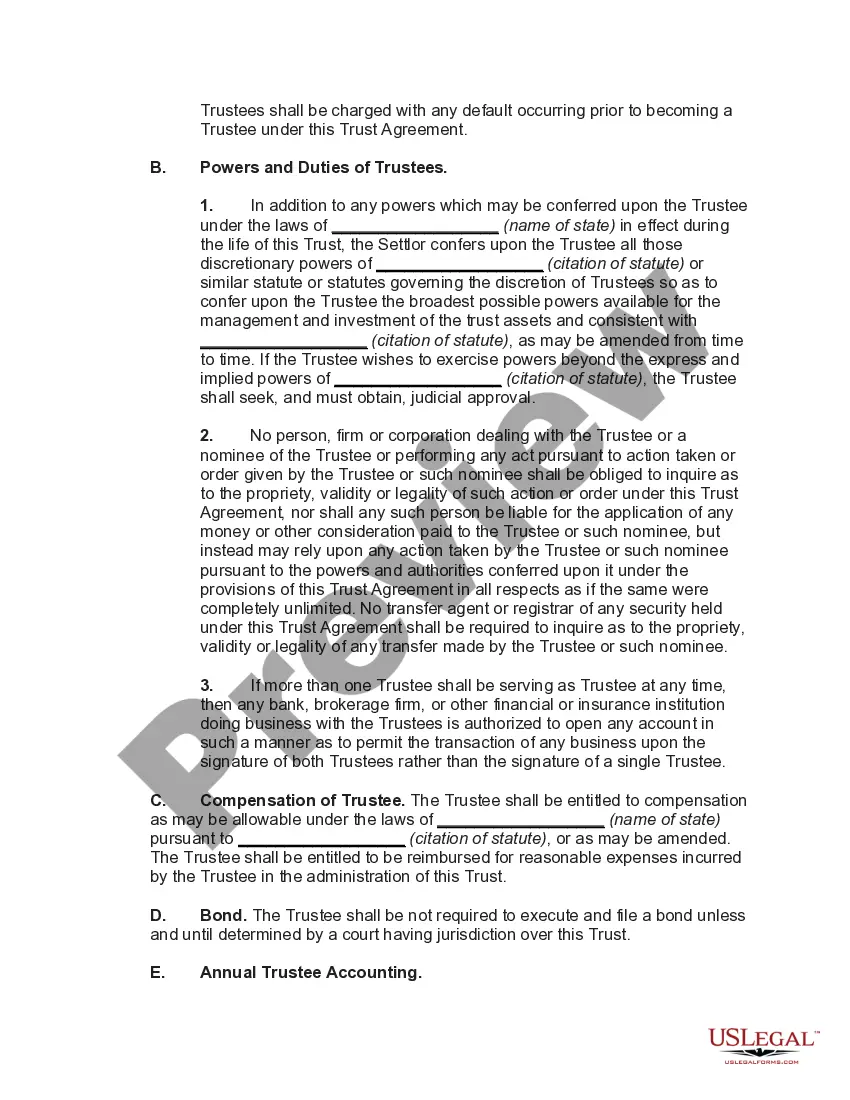




Get your form ready online
Our built-in tools help you complete, sign, share, and store your documents in one place.
Make edits, fill in missing information, and update formatting in US Legal Forms—just like you would in MS Word.
Download a copy, print it, send it by email, or mail it via USPS—whatever works best for your next step.
Sign and collect signatures with our SignNow integration. Send to multiple recipients, set reminders, and more. Go Premium to unlock E-Sign.
If this form requires notarization, complete it online through a secure video call—no need to meet a notary in person or wait for an appointment.
We protect your documents and personal data by following strict security and privacy standards.

Make edits, fill in missing information, and update formatting in US Legal Forms—just like you would in MS Word.

Download a copy, print it, send it by email, or mail it via USPS—whatever works best for your next step.

Sign and collect signatures with our SignNow integration. Send to multiple recipients, set reminders, and more. Go Premium to unlock E-Sign.

If this form requires notarization, complete it online through a secure video call—no need to meet a notary in person or wait for an appointment.

We protect your documents and personal data by following strict security and privacy standards.
Looking for another form?




How to fill out Special Needs Irrevocable Trust Agreement For Benefit Of Disabled Child Of Trustor?
Identifying a reliable source to obtain the most up-to-date and pertinent legal templates is half the battle of managing bureaucracy. Selecting the appropriate legal documents requires precision and careful attention, which is why it is essential to obtain samples of Family Trust Agreement Template With Collateral solely from credible sources, such as US Legal Forms. An incorrect template will squander your time and delay the situation you are facing. With US Legal Forms, you have minimal concerns to address. You can access and verify all the details about the document’s applicability and relevance to your situation and within your state or county.
Consider the following steps to finalize your Family Trust Agreement Template With Collateral: Utilize the library navigation or search bar to find your sample. Review the form’s details to confirm if it aligns with the requirements of your state and locality. Preview the form, if possible, to ensure the template is the one you wish to use. Return to the search if the Family Trust Agreement Template With Collateral does not meet your needs. If you are confident about the form’s appropriateness, download it. As an authorized user, click Log in to verify your identity and access your selected templates in My documents. If you do not yet have an account, click Buy now to obtain the form. Choose the pricing plan that suits your preferences. Proceed to the registration to finalize your purchase. Complete your transaction by selecting a payment method (credit card or PayPal). Choose the file format for downloading Family Trust Agreement Template With Collateral. Once the form is on your device, you can modify it with the editor or print it and fill it out by hand. Remove the hassle associated with your legal documentation. Explore the vast US Legal Forms library where you can discover legal templates, assess their relevance to your situation, and download them instantly.
Eliminate the difficulties associated with legal paperwork. Explore the extensive US Legal Forms library to find legal templates, evaluate their relevance to your needs, and download them promptly.
- Identify a reliable source for legal templates.
- Select appropriate legal documents carefully.
- Obtain samples from credible sources like US Legal Forms.
- Avoid using incorrect templates to save time.
- Access detailed information about documents.
- Utilize library navigation or search to find templates.
- Review form details for state and locality compliance.
- Preview forms to ensure they meet your needs.
- Return to search if the template is unsuitable.
- Download the form if it is appropriate.
- Log in to access selected templates.
- Register and complete the purchase process.
Form popularity
FAQ
The best structure for a family trust often depends on the specific needs and goals of your family. Generally, a revocable trust offers flexibility, allowing you to make changes as circumstances evolve. However, incorporating a family trust agreement template with collateral can help secure assets, provide financial benefits, and protect family wealth for future generations. Consulting with legal professionals can help tailor the structure to fit your family's unique situation.
Typically, an attorney with experience in estate planning prepares the family trust agreement template with collateral. They ensure that the document meets legal standards and addresses your unique needs. However, you can also use online resources, like US Legal Forms, to access professionally crafted templates that guide you through the process, making it easier to create your own agreement.
Immovable property: A private trust must be created by a non-testamentary instrument in writing. Further, the non-testamentary instrument needs to be signed by the author of the trust or the trustee and has to be registered.
The key disadvantages of placing a house in a trust include the following: Extra paperwork: Moving property in a trust requires the house owner to transfer the asset's legal title. This involves preparing and signing an additional deed, and some people may consider this cumbersome.
1. The deed should mention the name and address of the settlor and the name and address of the trust. 2. The deed should specify the date of establishment of the trust, the purpose of the trust and the period of its duration (if any).
The Delhi High Court has stated that prima facie, no trust property can be held, sold, mortgaged, or exchanged without obtaining prior permission from the court.
Using a trust as collateral for a loan is an excellent short-term option when used to help equalize a trust distribution between beneficiaries or borrowing to fix up and sell a trust-owned property.