Professional Collaboration With
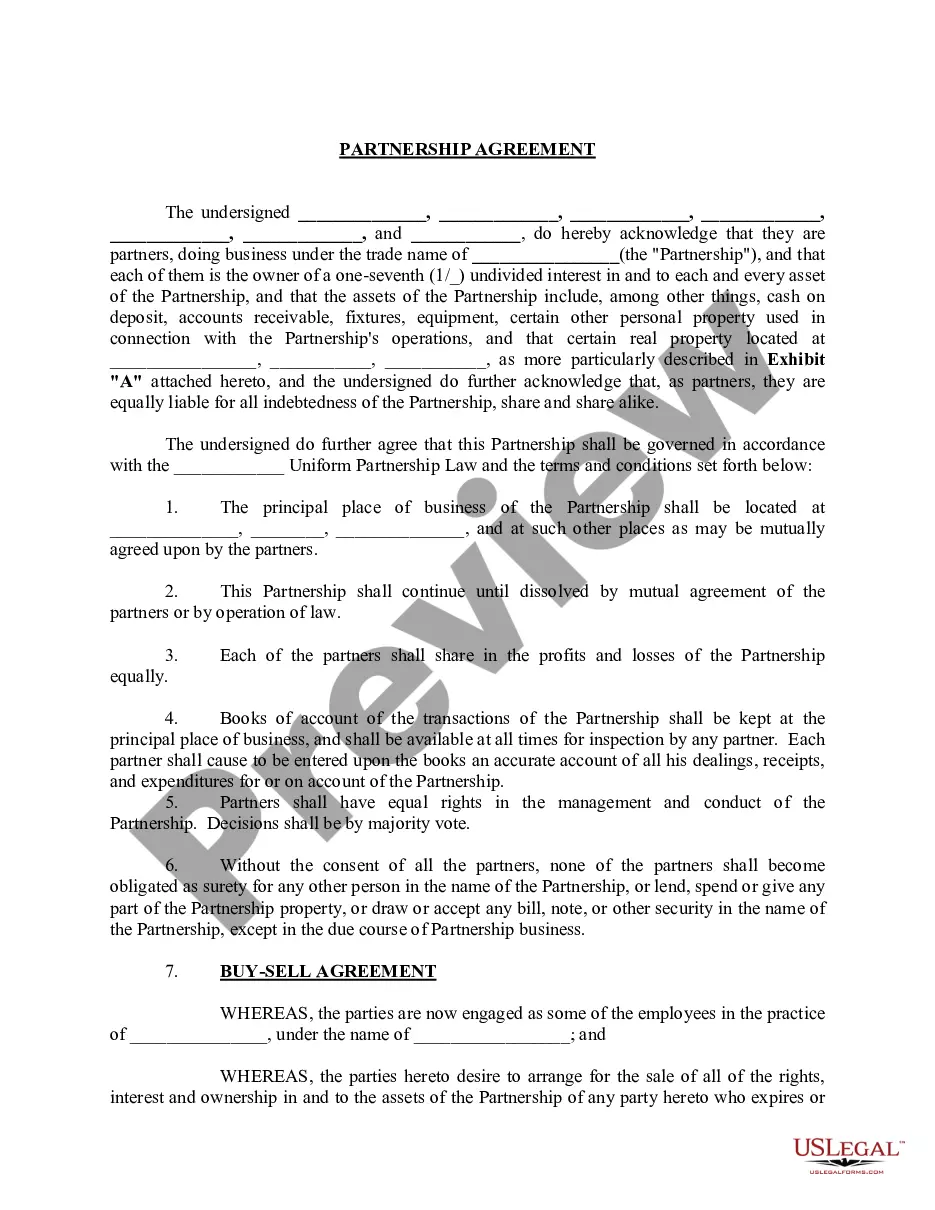
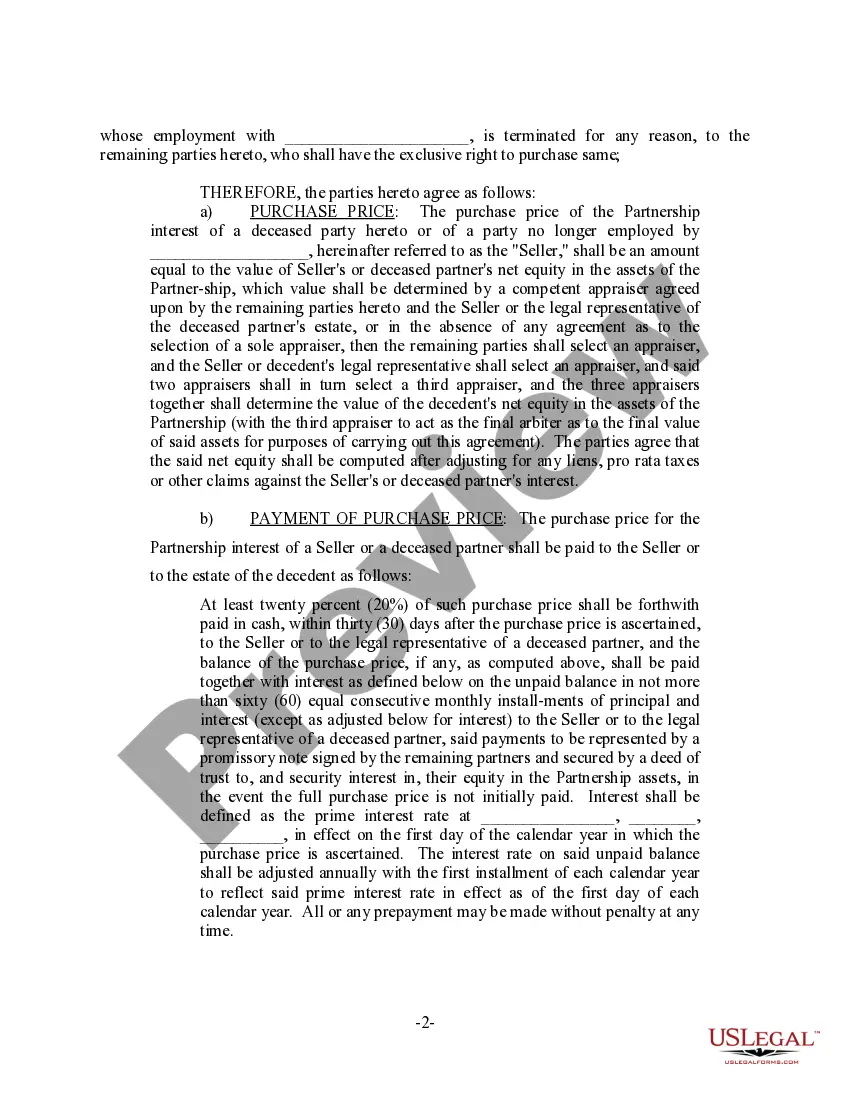
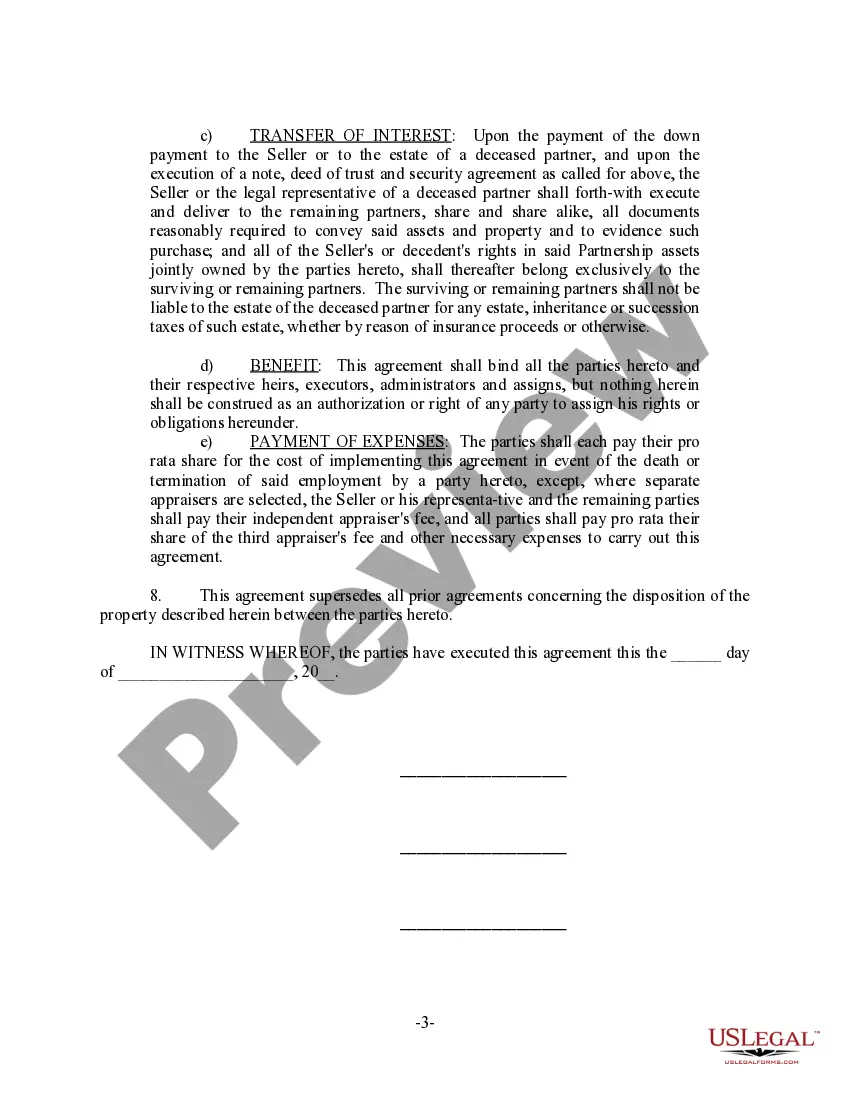
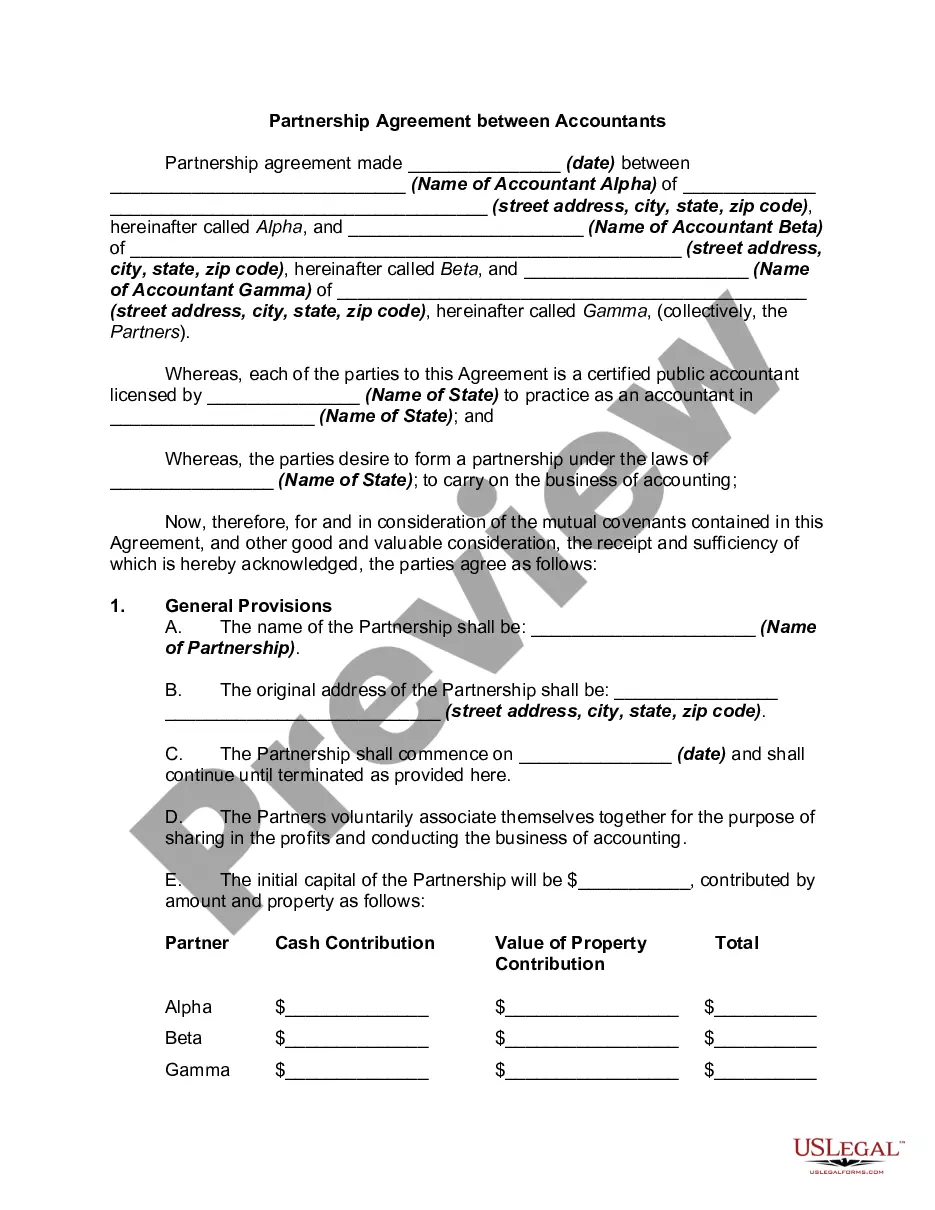
Description

Get your form ready online
Our built-in tools help you complete, sign, share, and store your documents in one place.
Make edits, fill in missing information, and update formatting in US Legal Forms—just like you would in MS Word.
Download a copy, print it, send it by email, or mail it via USPS—whatever works best for your next step.
Sign and collect signatures with our SignNow integration. Send to multiple recipients, set reminders, and more. Go Premium to unlock E-Sign.
If this form requires notarization, complete it online through a secure video call—no need to meet a notary in person or wait for an appointment.
We protect your documents and personal data by following strict security and privacy standards.

Make edits, fill in missing information, and update formatting in US Legal Forms—just like you would in MS Word.

Download a copy, print it, send it by email, or mail it via USPS—whatever works best for your next step.

Sign and collect signatures with our SignNow integration. Send to multiple recipients, set reminders, and more. Go Premium to unlock E-Sign.

If this form requires notarization, complete it online through a secure video call—no need to meet a notary in person or wait for an appointment.

We protect your documents and personal data by following strict security and privacy standards.
Looking for another form?








How to fill out Partnership Agreement For Professional Practice?
Creating legal documents from the ground up can often be daunting.
Some situations may require extensive research and significant financial investment.
If you’re looking for a simpler and more cost-effective method of producing Professional Collaboration With or any other documents without unnecessary obstacles, US Legal Forms is readily available to you.
Our online repository of over 85,000 current legal documents covers nearly every dimension of your financial, legal, and personal affairs.
- Utilize our website whenever you require a trusted and dependable service through which you can conveniently locate and acquire the Professional Collaboration With.
- If you’re familiar with our website and have already registered an account, simply Log In to your account, find the form, and download it or re-download it anytime from the My documents section.
- Not registered? No worries. It takes minimal time to sign up and browse the collection.
- Before you rush to download Professional Collaboration With, consider these suggestions.
- Review the document preview and descriptions to ensure you’ve located the form you need.
Form popularity
FAQ
When writing a DM for collaboration, keep it concise and friendly. Introduce yourself and express your interest in collaborating, stating what you both can gain from it. A clear message can set the stage for valuable professional collaboration with others.
When asked about how you engage in professional collaboration with others, you might explain that you prioritize open communication and utilize various tools to manage tasks. Describe specific methods, such as using collaborative software for real-time document editing or scheduling regular check-ins. By showcasing your organized approach, you highlight your commitment to working efficiently with others.
Some applicable examples of collaboration in the workplace include brainstorming, group discussions, reaching a consensus about processes or analyzing problems, and finding solutions.
You can point out your collaboration skills by proving that you are a good communicator, a real team-player, and someone who is willing to place group goals before individual needs.
Quick Tips on ?How to Write Collaborative Email? Start with a friendly and engaging greeting, mentioning your appreciation for their work or content. Clearly state what's in it for them. Explain how the collaboration can benefit both parties. Outline your collaboration idea or proposal with clarity.
For example: ?I am prepared to bring collaboration skills to this role to contribute as much as possible to the success of the company.? You can also list your various skills and give a brief example of when you put those skills to use to attain a successful outcome.
Tailor your resume to emphasize these skills, such as collaboration, communication, or problem-solving. Use action verbs: Start each bullet point with action verbs that demonstrate teamwork, such as ?collaborated,? ?partnered,? ?coordinated,? or ?supported.? This helps to create a more dynamic and engaging resume.