Dot With Clock
Description
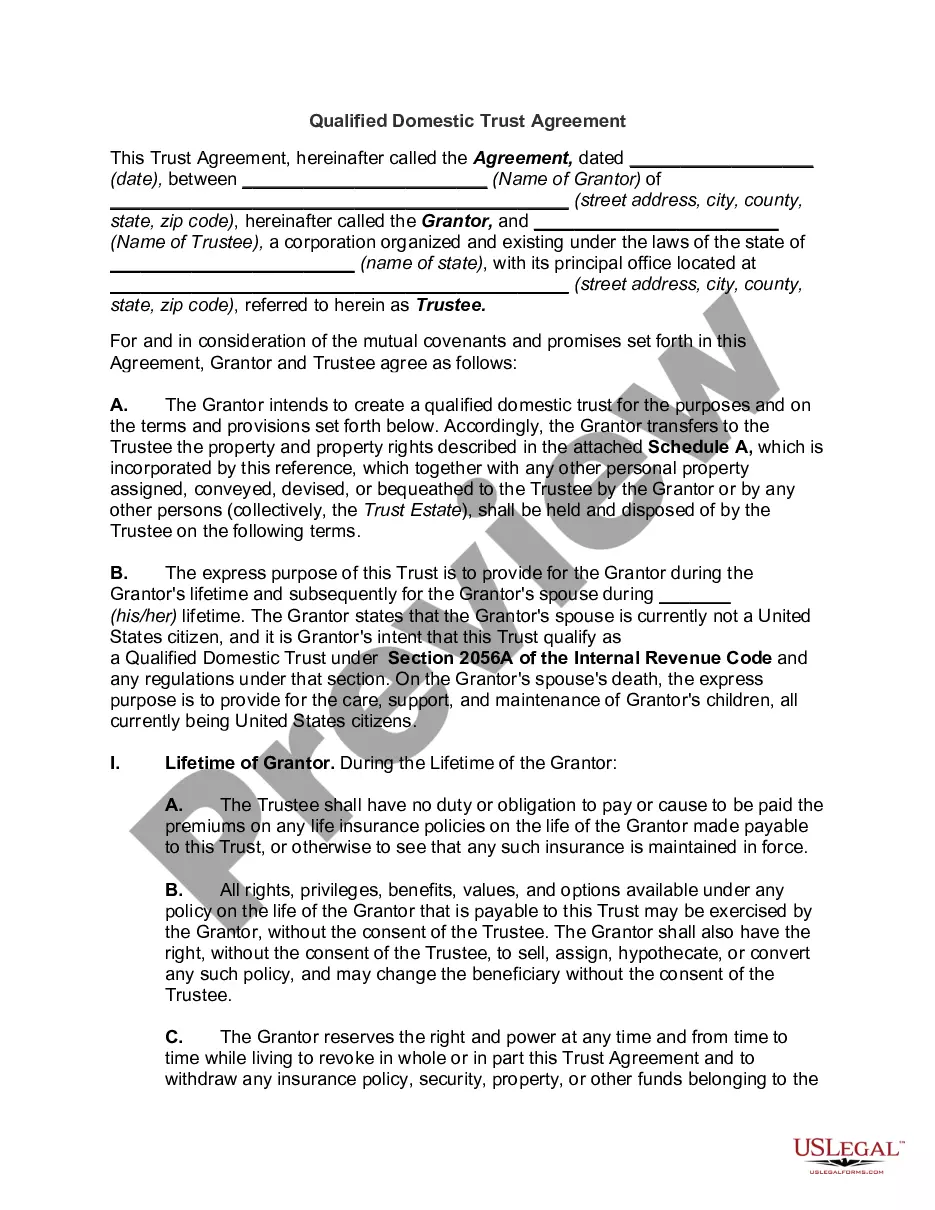
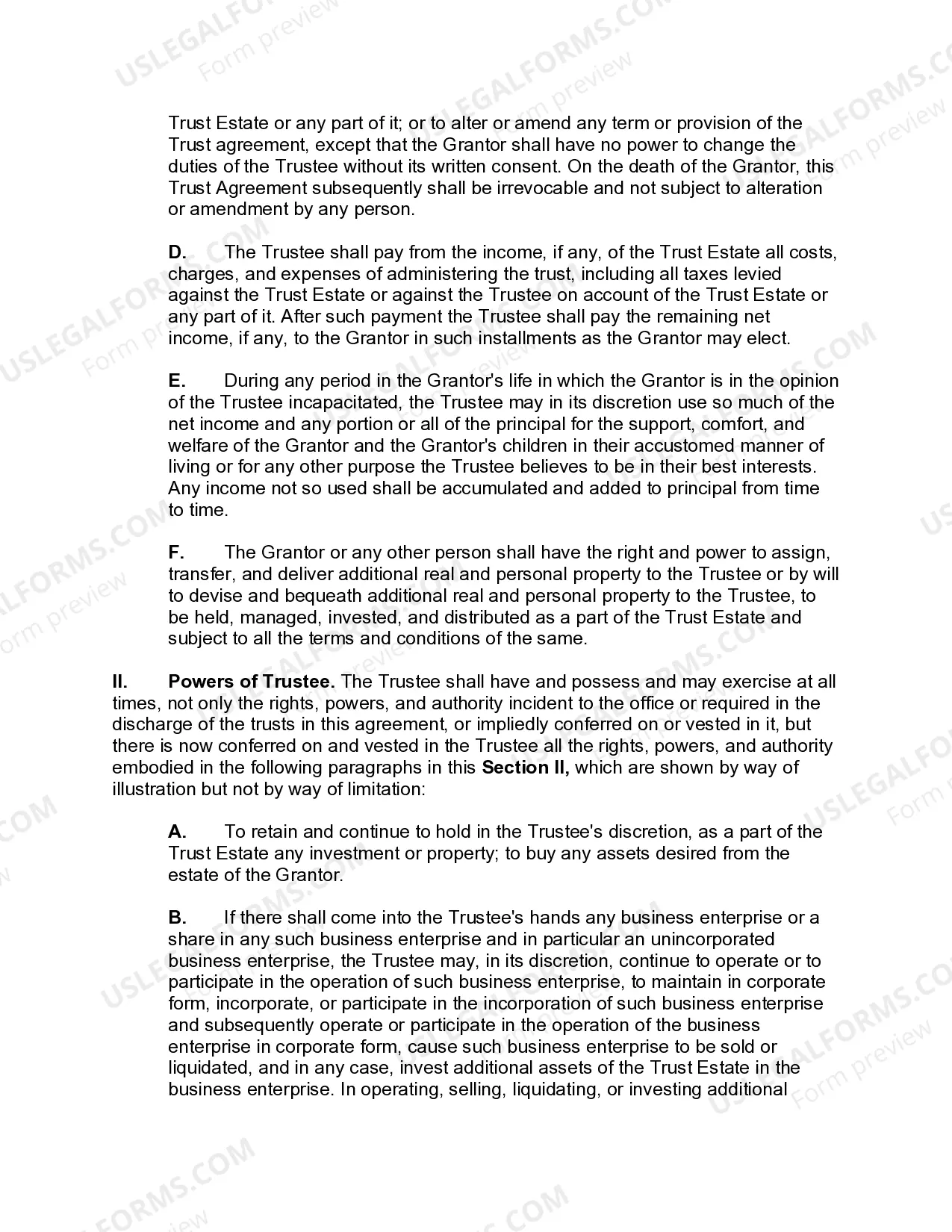
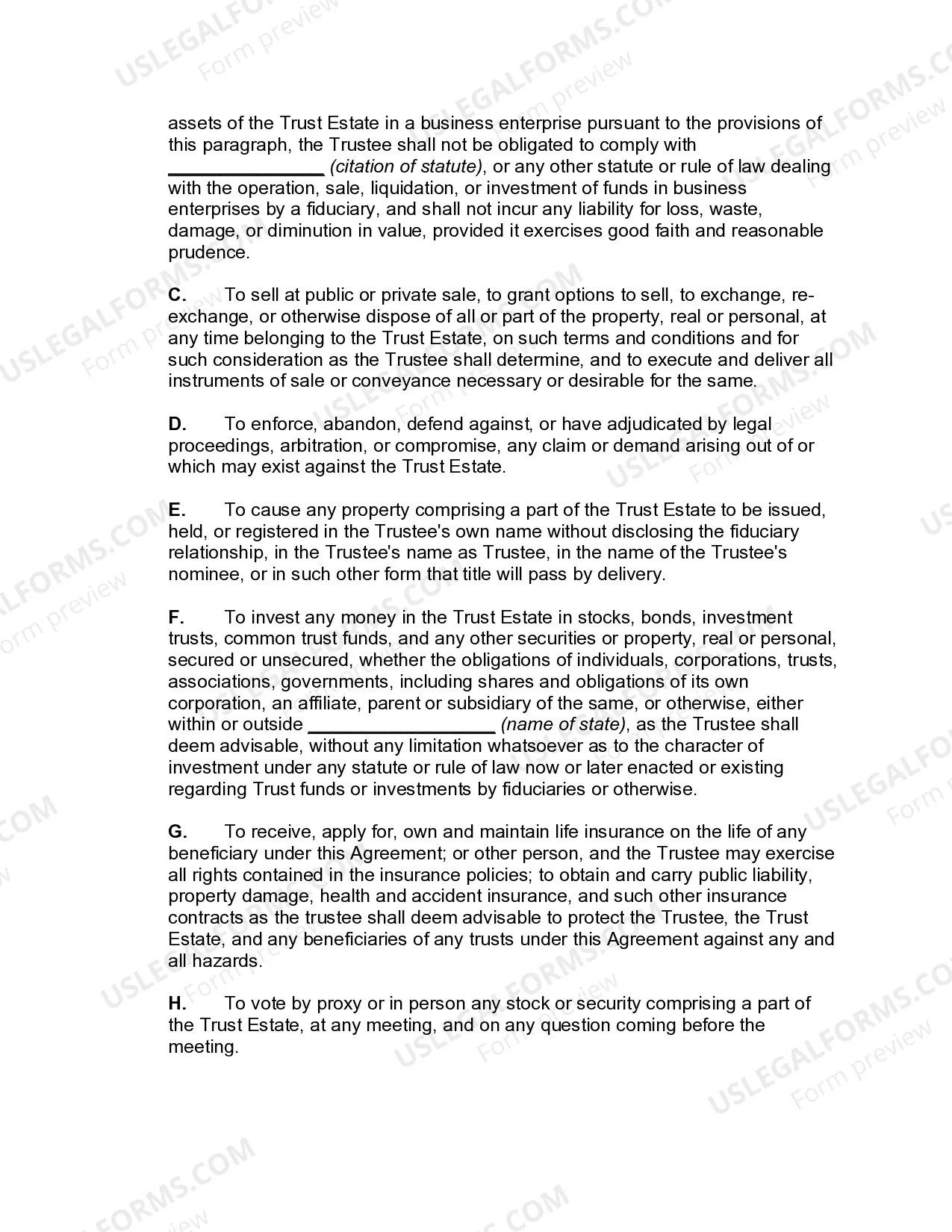
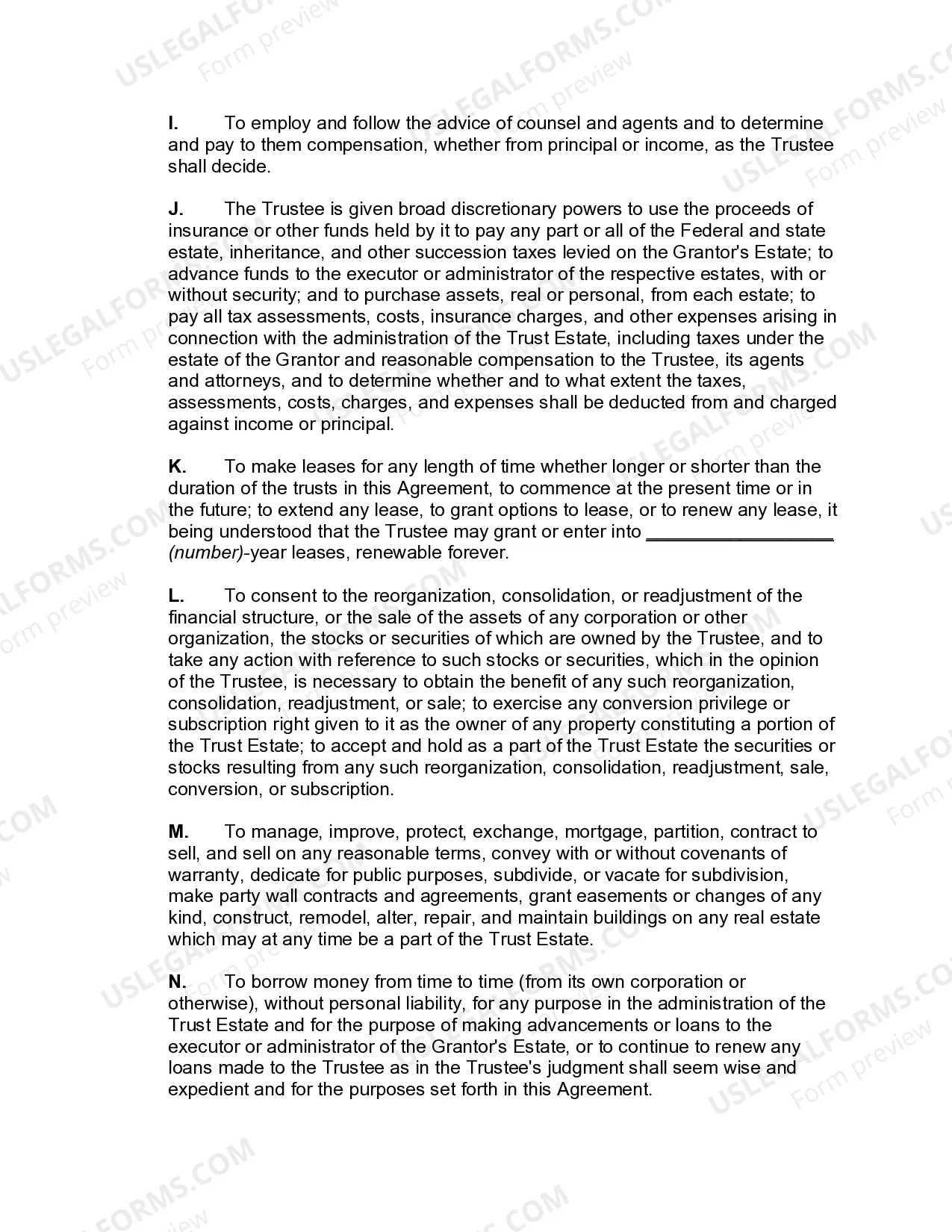
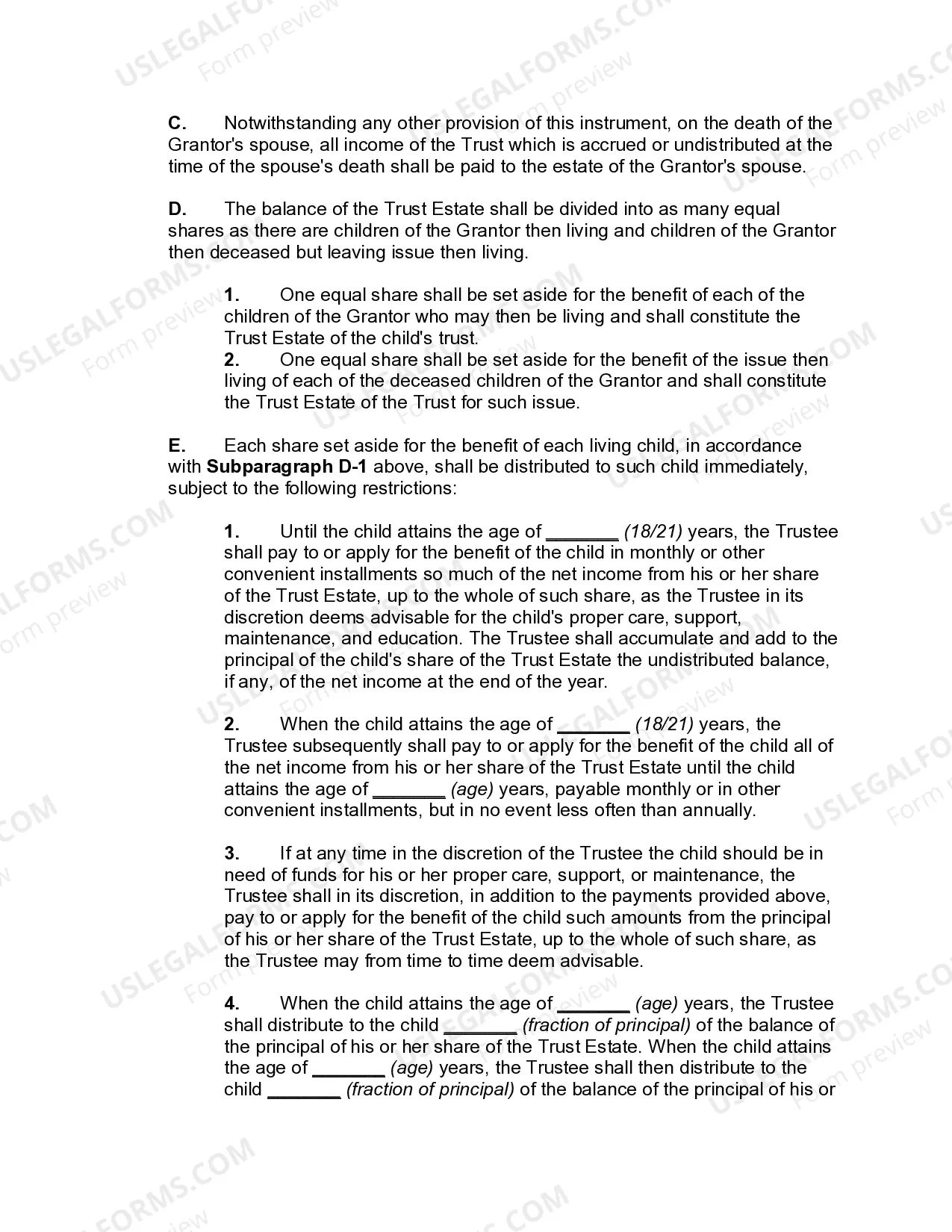
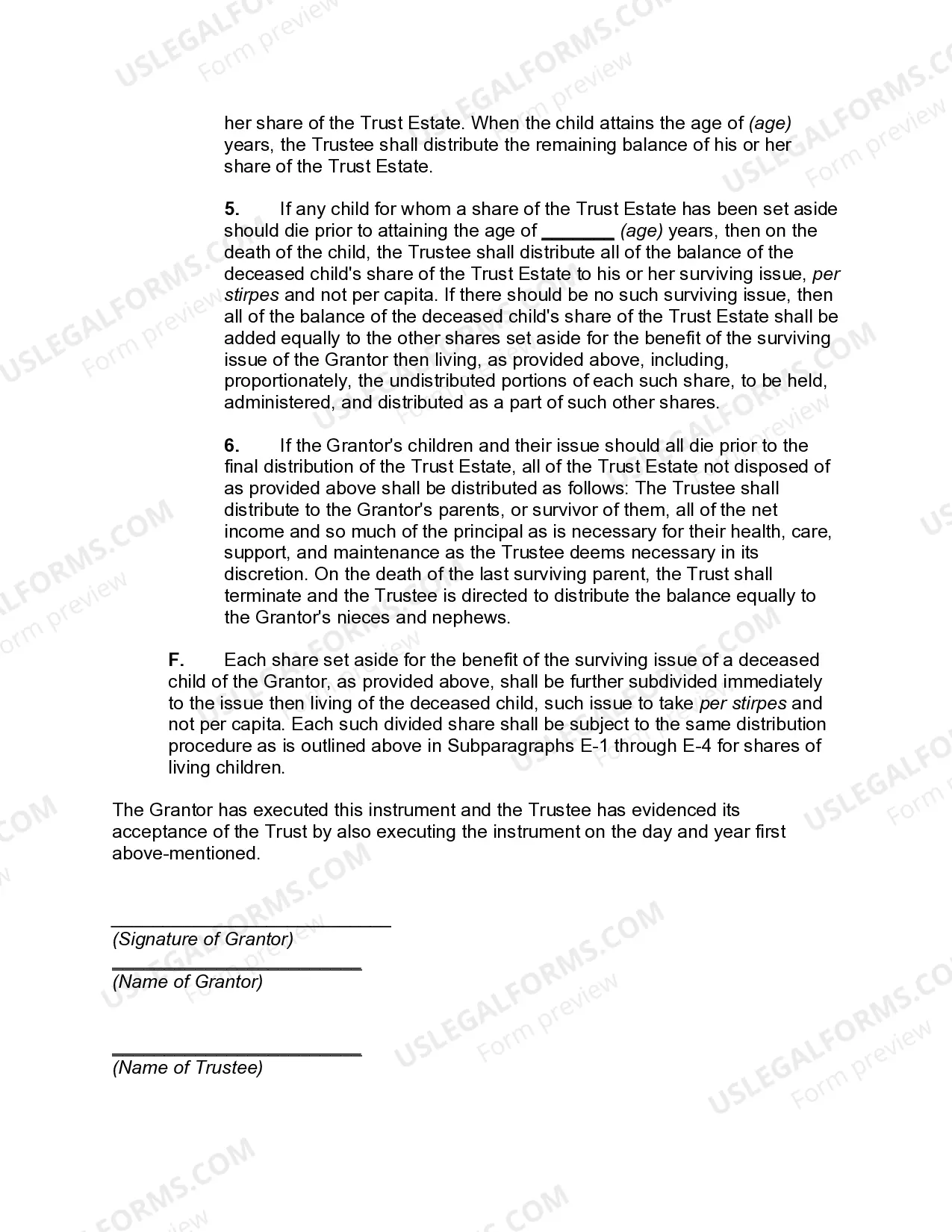

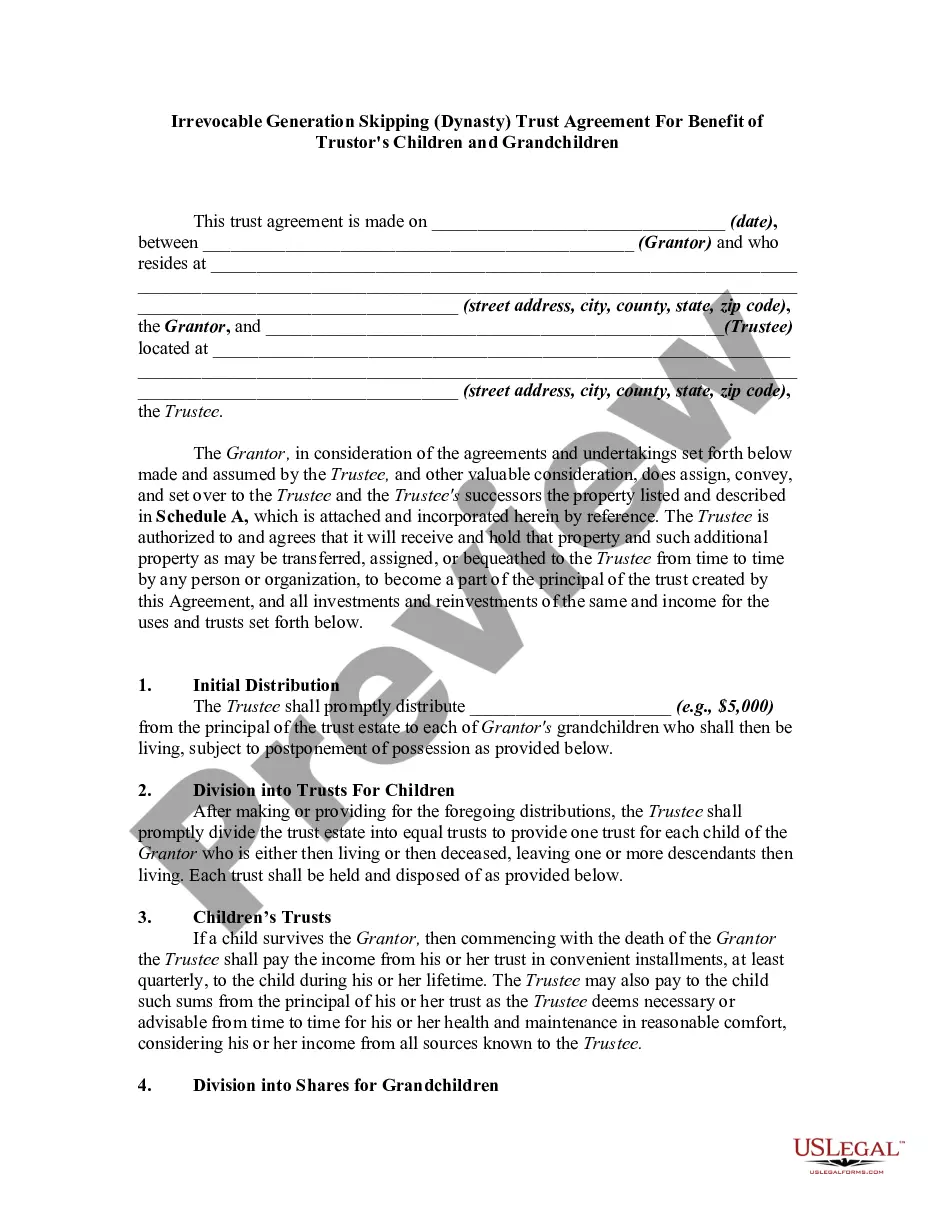

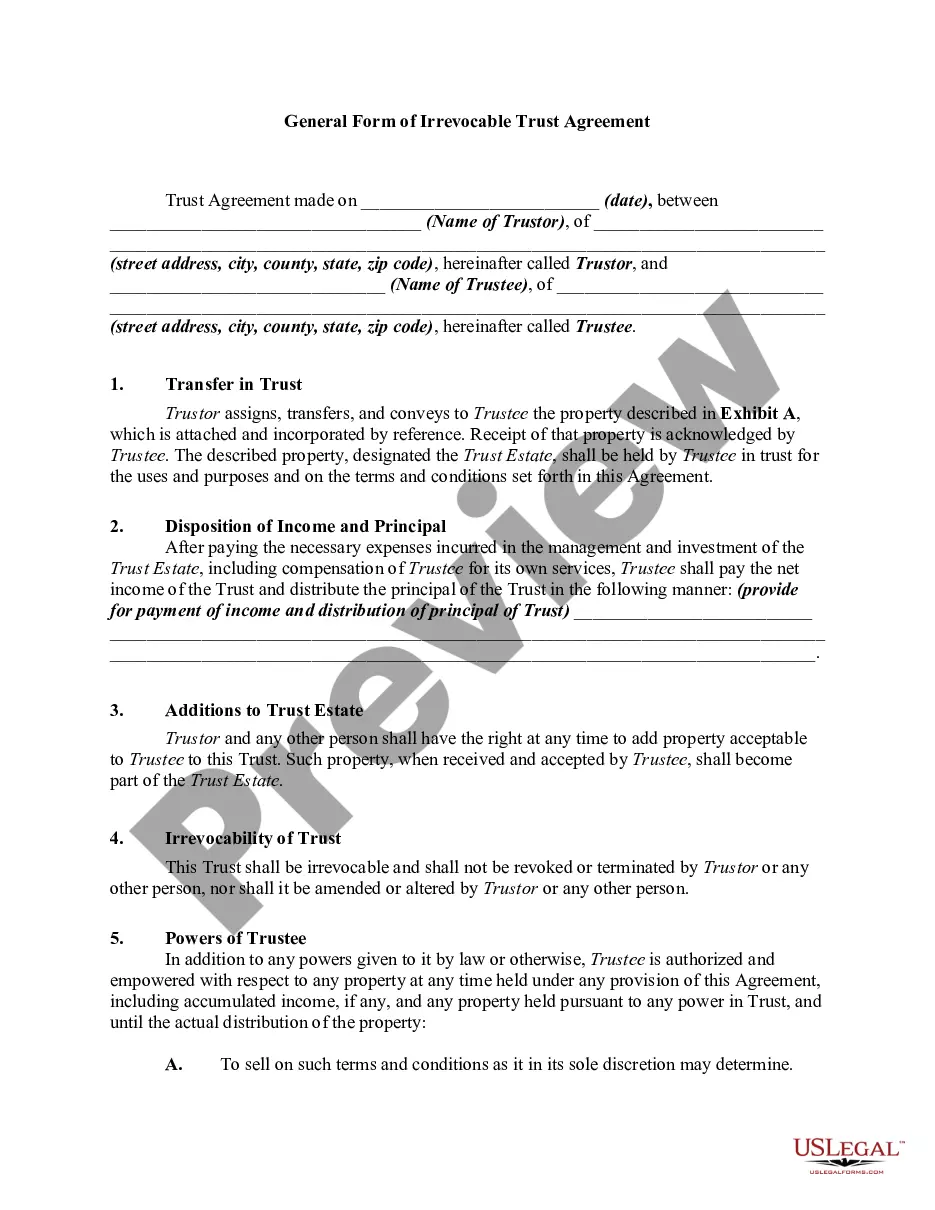

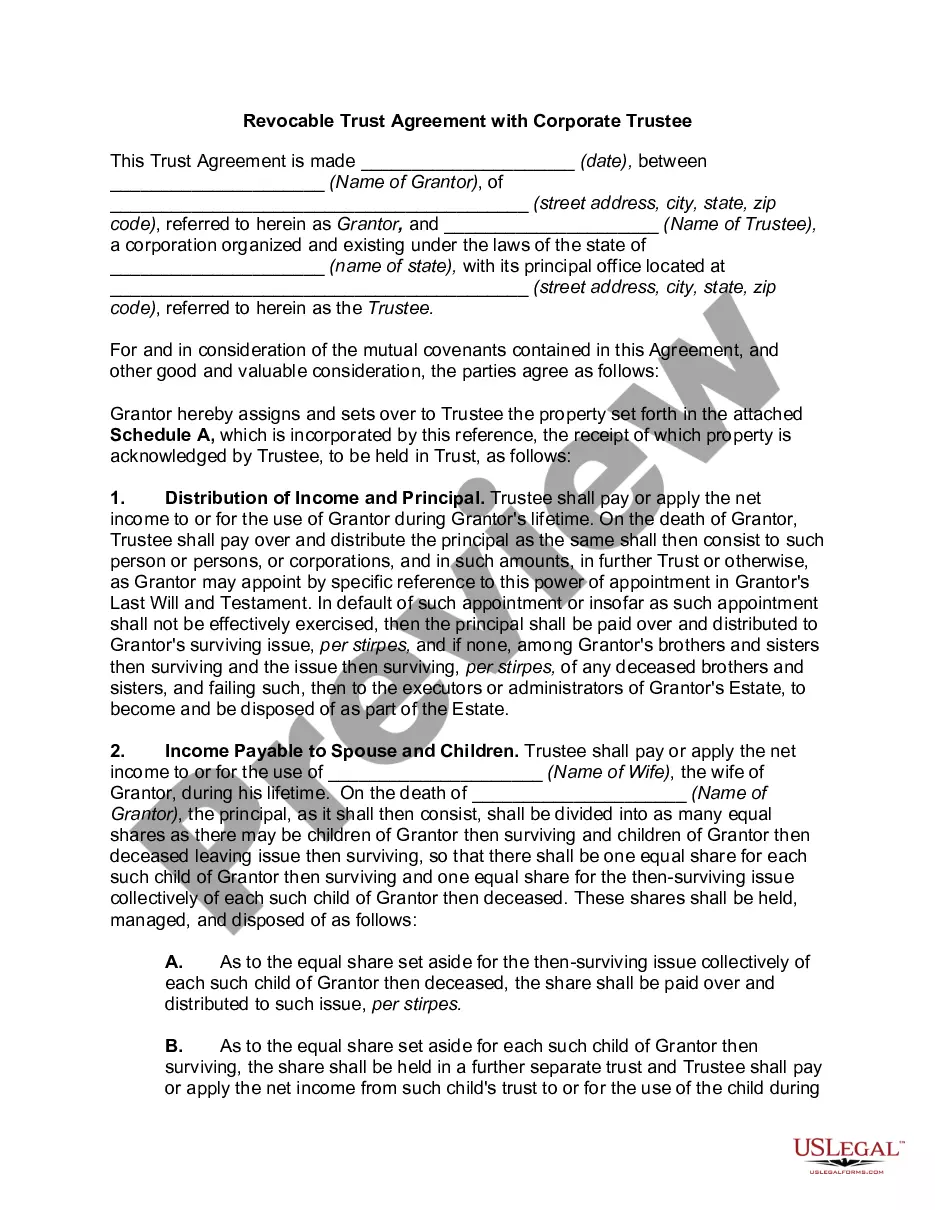
Get your form ready online
Our built-in tools help you complete, sign, share, and store your documents in one place.
Make edits, fill in missing information, and update formatting in US Legal Forms—just like you would in MS Word.
Download a copy, print it, send it by email, or mail it via USPS—whatever works best for your next step.
Sign and collect signatures with our SignNow integration. Send to multiple recipients, set reminders, and more. Go Premium to unlock E-Sign.
If this form requires notarization, complete it online through a secure video call—no need to meet a notary in person or wait for an appointment.
We protect your documents and personal data by following strict security and privacy standards.

Make edits, fill in missing information, and update formatting in US Legal Forms—just like you would in MS Word.

Download a copy, print it, send it by email, or mail it via USPS—whatever works best for your next step.

Sign and collect signatures with our SignNow integration. Send to multiple recipients, set reminders, and more. Go Premium to unlock E-Sign.

If this form requires notarization, complete it online through a secure video call—no need to meet a notary in person or wait for an appointment.

We protect your documents and personal data by following strict security and privacy standards.
Looking for another form?
How to fill out Qualified Domestic Trust Agreement?
- If you're an existing user, log into your account to access your documents. Ensure your subscription is active; if not, renew it based on your chosen plan.
- For new users, start by browsing the extensive library of over 85,000 legal forms. Use the Preview mode to check descriptions and confirm that the form meets your needs and jurisdiction requirements.
- If you find that the form doesn’t match your needs, use the Search feature above to locate the right template. Happy searching!
- Once you’ve identified the correct document, click the 'Buy Now' button. Select your desired subscription plan and create an account to gain access to the library's resources.
- Proceed to payment by entering your credit card information or utilizing your PayPal account.
- After purchase, download the form and save it to your device for easy access. You can revisit it anytime in the My Forms section in your profile.
By following these steps, you can effectively manage and complete your legal documents with the benefit of US Legal Forms’ extensive resources and expert assistance.
Start your legal journey today with US Legal Forms and experience the ease of handling your legal needs effortlessly.
Form popularity
FAQ
Reading a dot clock involves understanding its unique time representation. Each dot typically represents a specific time unit, such as seconds, and can help you gauge time at a glance. Familiarizing yourself with the clock's layout ensures you can easily interpret the time displayed.
As of now, the Echo Dot with Clock remains available and has not been discontinued. Amazon continues to support and promote this device due to its popularity and unique features. Staying updated with tech platforms or Amazon announcements ensures you have the latest information.
A red dot on a clock often signifies specific conditions, like an alarm or alert. However, its meaning can vary depending on the clock's design. Always check the user's guide for clarification, as this can help you understand your timepiece better.
Yes, there is an Echo Dot with a Clock, which provides a blend of smart speaker features and timekeeping. This device enhances your everyday life, allowing you to set alarms, control smart home devices, and enjoy music, all while displaying the time clearly. It's perfect for those looking for both functionality and aesthetics in one device.
The dot next to the time on your Android phone usually indicates an active alarm or a notification. This simple icon helps you stay organized and aware of your important reminders. It’s a great feature to monitor as it keeps you on top of your schedule.
When someone says 'clock out on the dot,' they refer to clocking out precisely at a scheduled time. This phrase emphasizes punctuality and denotes a commitment to adhering to time schedules. It's crucial for maintaining professionalism in various workplaces.
The dot on your Clock serves as a visual indicator to enhance clarity. It typically represents seconds or a specific function related to time management. Understanding these symbols can make using your timepiece more efficient.
To manually connect to your Dot with clock Wi-Fi, first put the device in setup mode by pressing the Action button until the light ring turns orange. Open the Wi-Fi settings on your phone or computer, and select the network available for your Echo Dot. Enter the Wi-Fi password to complete the connection.
To put your Dot with clock in pairing mode, just press and hold the Action button on the device until the light ring turns blue, then turns orange. This will allow you to connect the Dot to other Bluetooth devices. Make sure your smartphone or computer is ready to find and pair with the Echo.
To manually set up your Dot with clock, ensure it is plugged into a power source. Next, download the Alexa app, and create an account or log in if you already have one. Using the app, follow the step-by-step instructions to complete the setup process and connect your Dot to Wi-Fi.