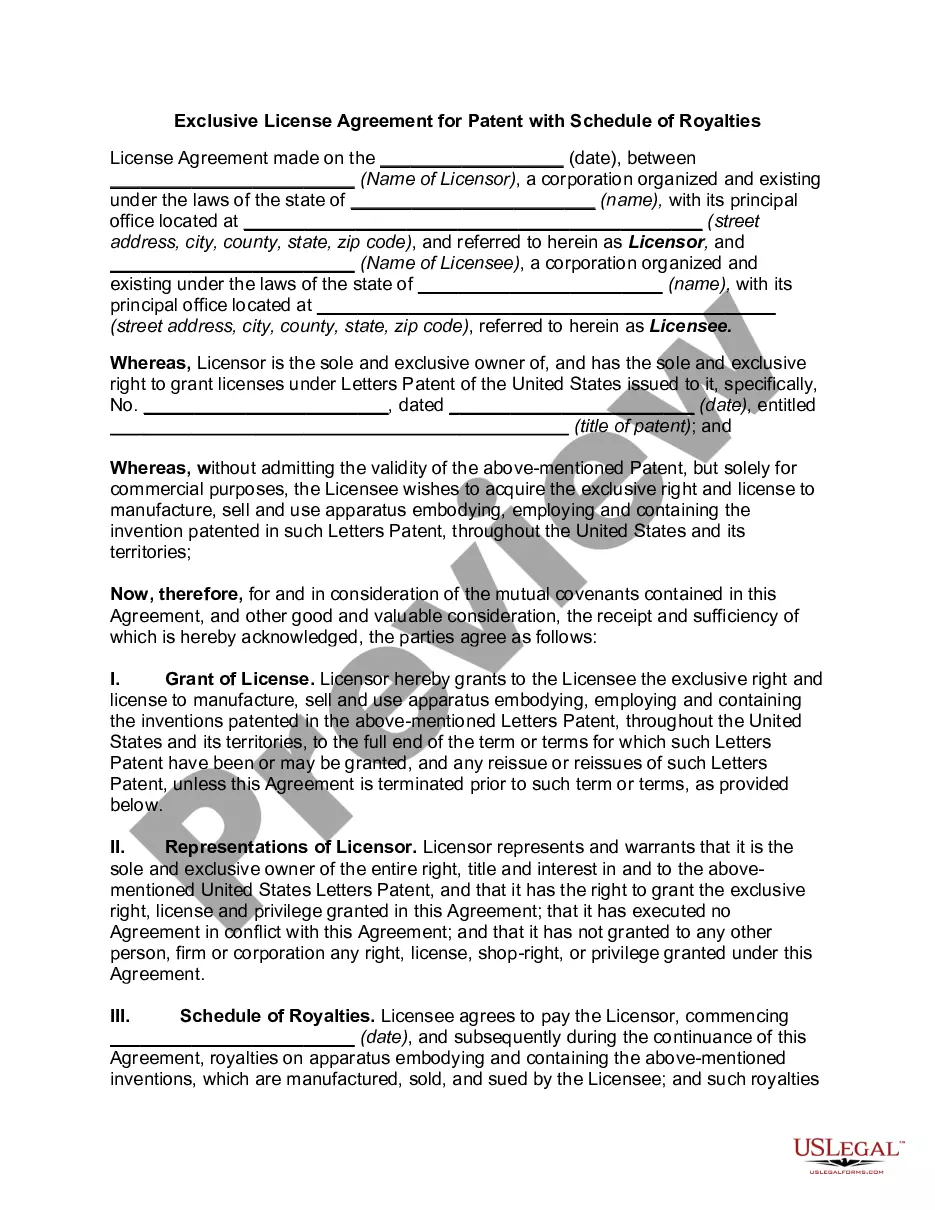
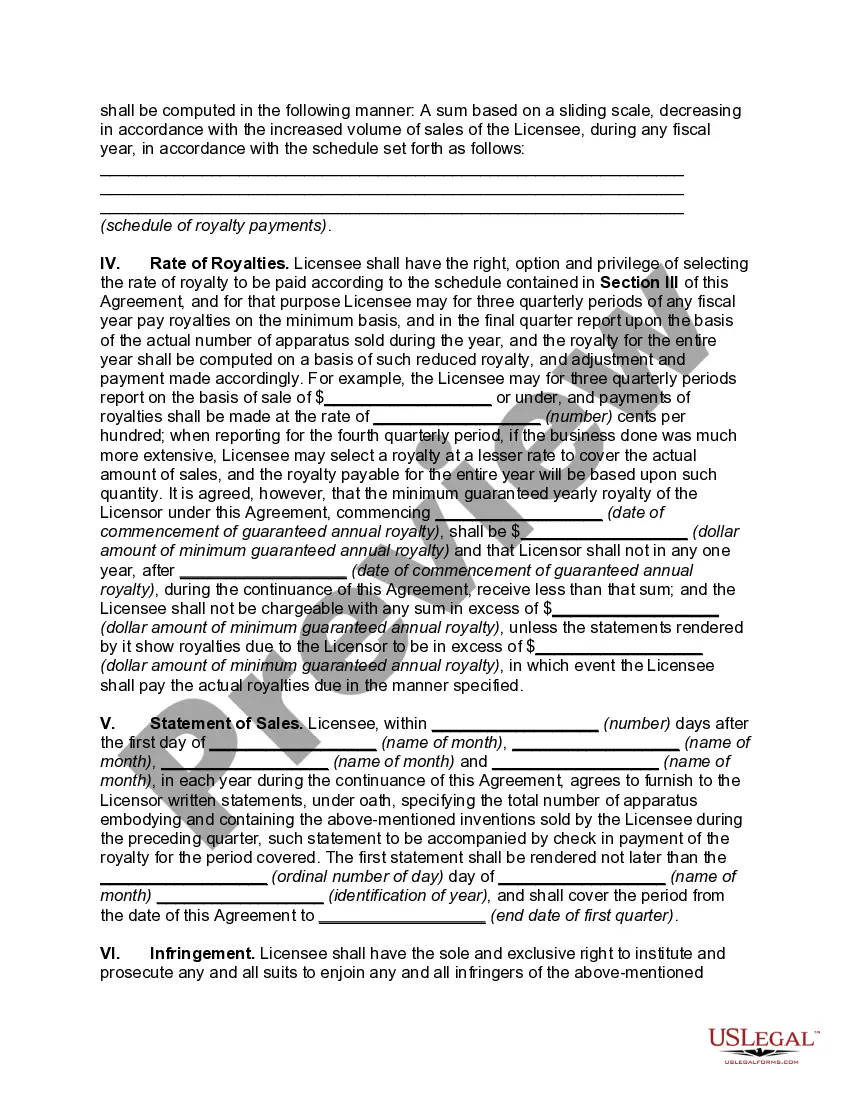
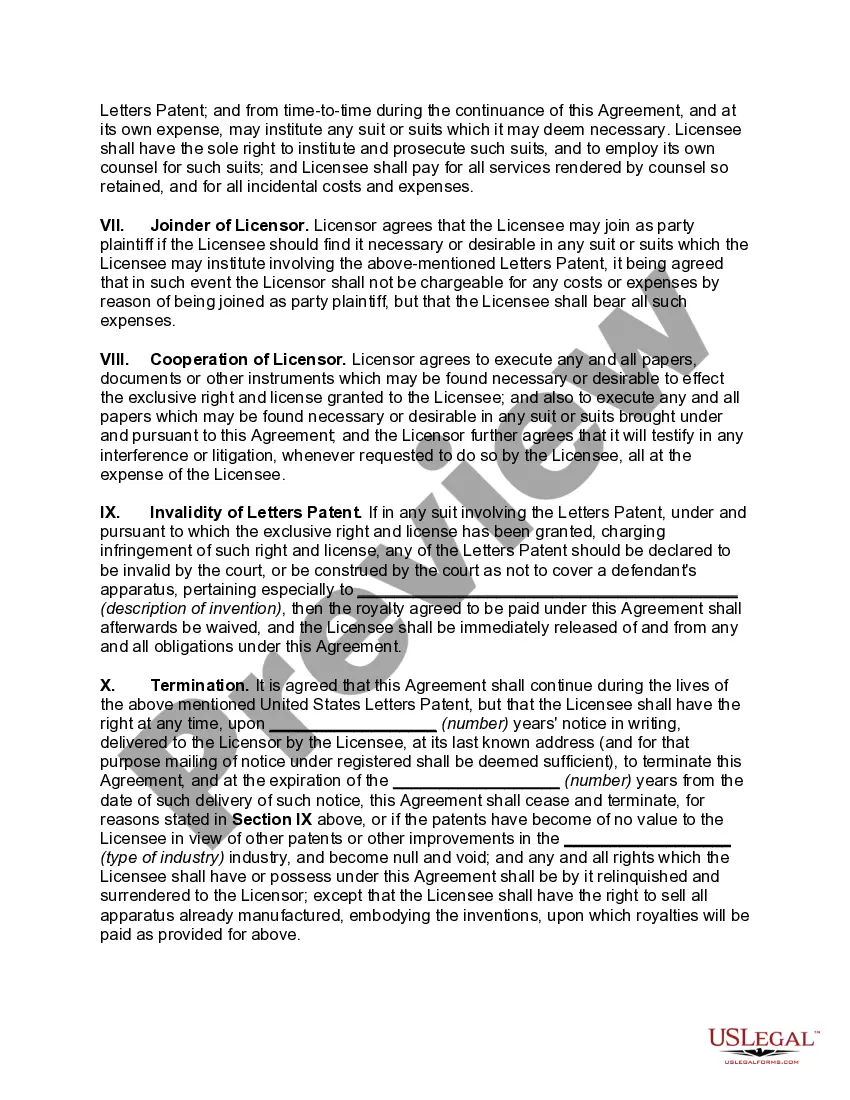
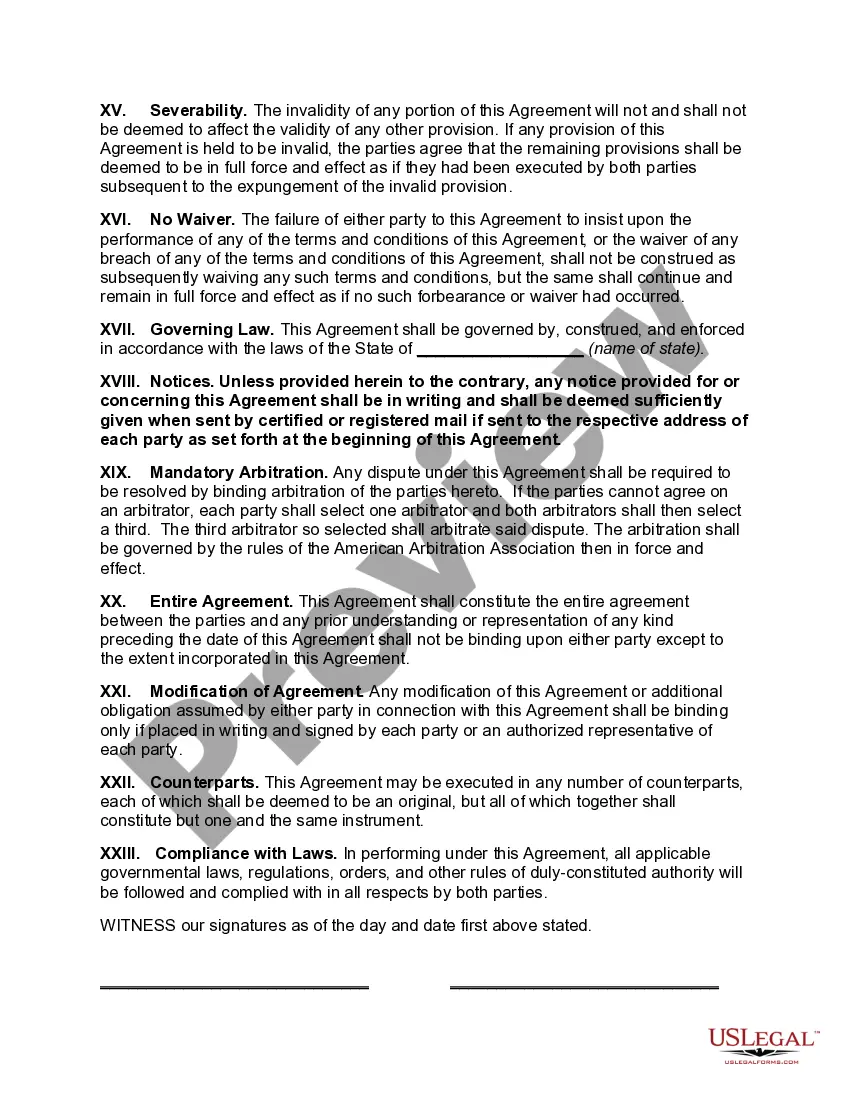
License Licensor Patent Within Canada
Description
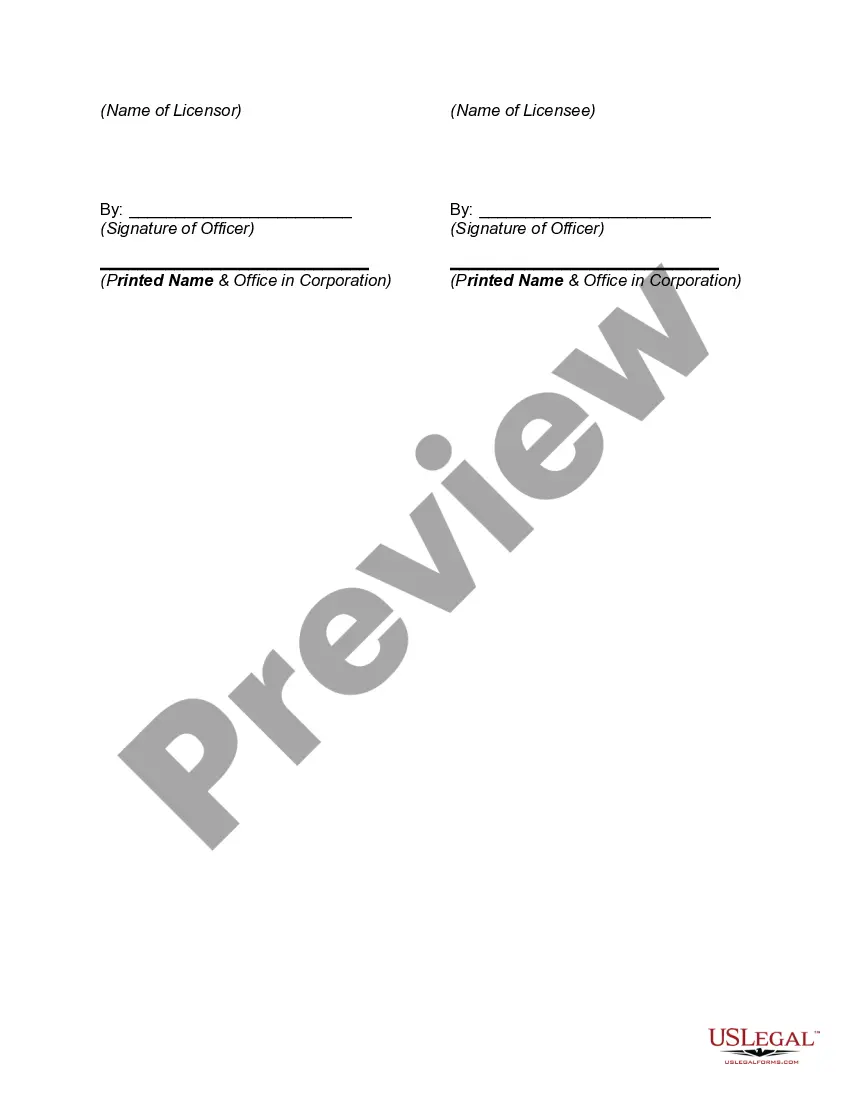
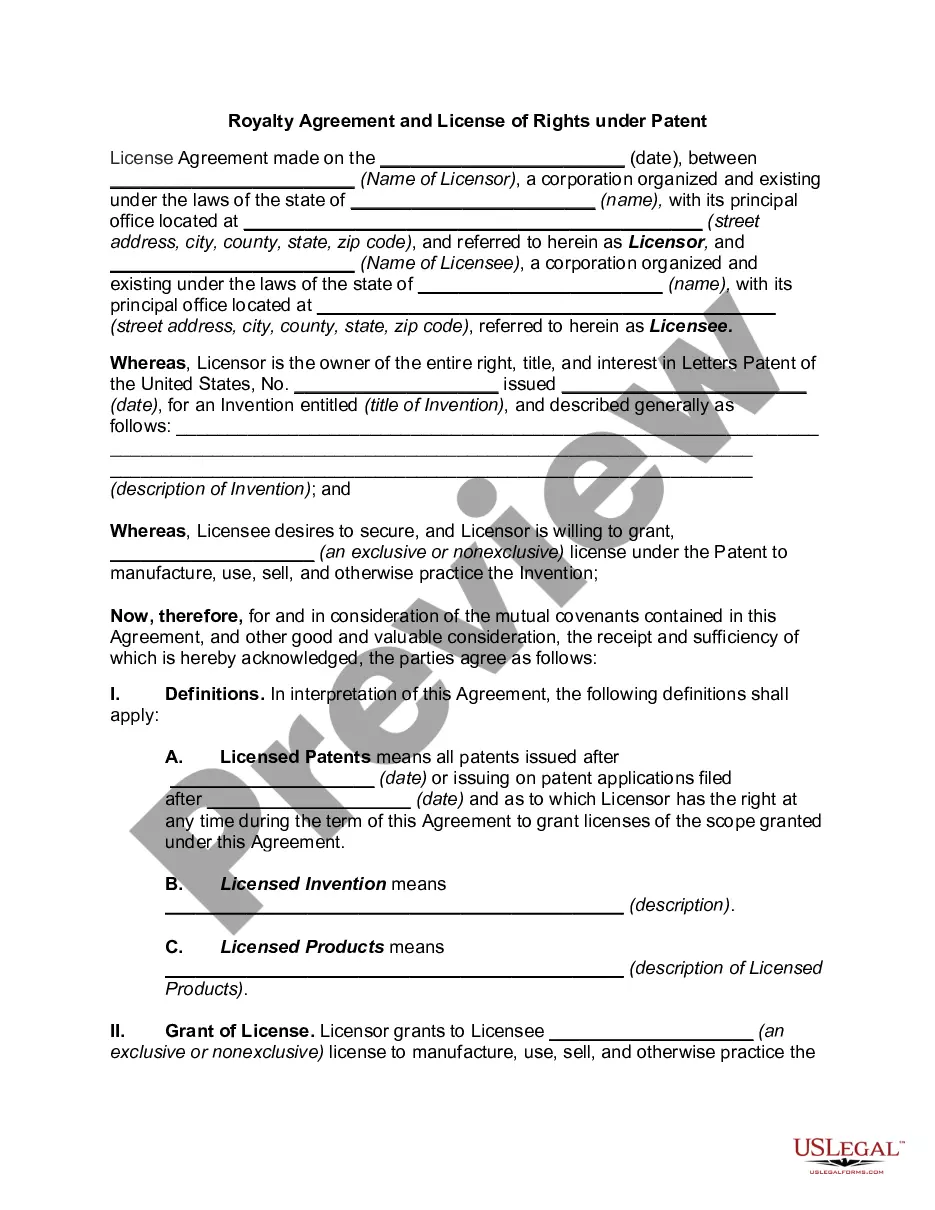
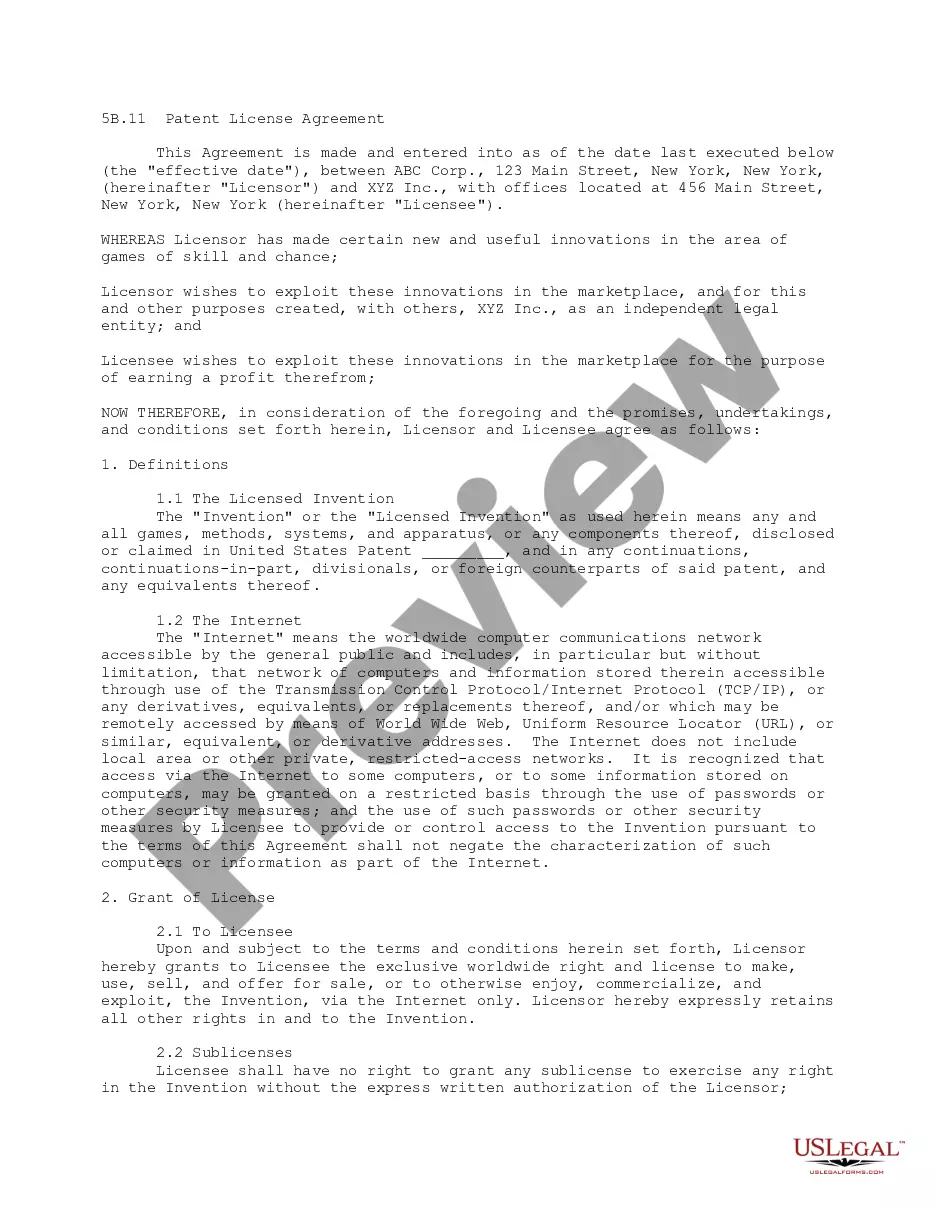
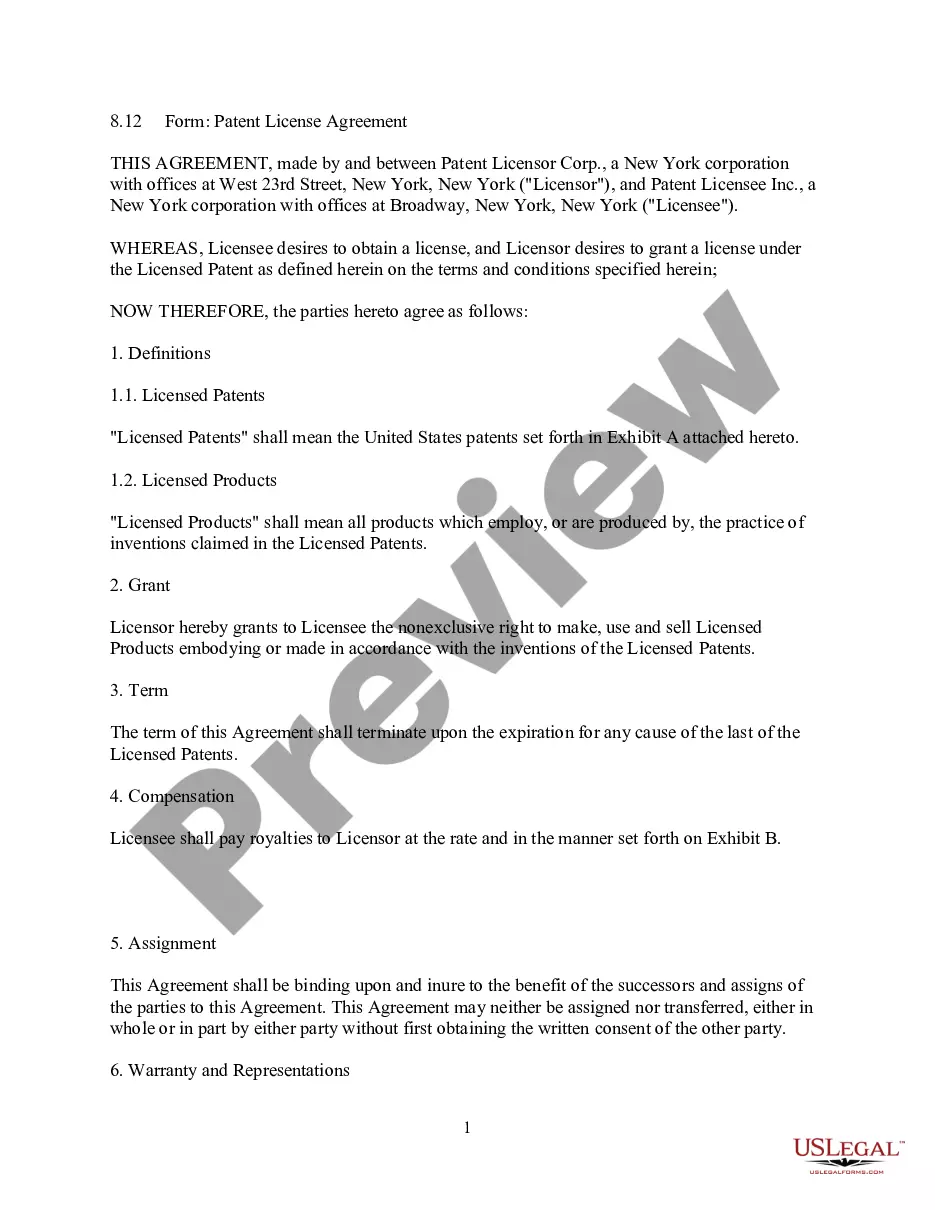
Get your form ready online
Our built-in tools help you complete, sign, share, and store your documents in one place.
Make edits, fill in missing information, and update formatting in US Legal Forms—just like you would in MS Word.
Download a copy, print it, send it by email, or mail it via USPS—whatever works best for your next step.
Sign and collect signatures with our SignNow integration. Send to multiple recipients, set reminders, and more. Go Premium to unlock E-Sign.
If this form requires notarization, complete it online through a secure video call—no need to meet a notary in person or wait for an appointment.
We protect your documents and personal data by following strict security and privacy standards.

Make edits, fill in missing information, and update formatting in US Legal Forms—just like you would in MS Word.

Download a copy, print it, send it by email, or mail it via USPS—whatever works best for your next step.

Sign and collect signatures with our SignNow integration. Send to multiple recipients, set reminders, and more. Go Premium to unlock E-Sign.

If this form requires notarization, complete it online through a secure video call—no need to meet a notary in person or wait for an appointment.

We protect your documents and personal data by following strict security and privacy standards.
Looking for another form?









How to fill out Exclusive License Agreement For Patent With Schedule Of Royalties?
Legal administration can be daunting, even for seasoned professionals.
When you are seeking a License Licensor Patent Within Canada and lack the time to look for the correct and up-to-date version, the tasks may become arduous.
US Legal Forms addresses all your requirements, ranging from personal to organizational documents, all consolidated in one location.
Utilize sophisticated tools to complete and manage your License Licensor Patent Within Canada.
Here are the steps to follow after downloading the desired form: Ensure it is the correct document by previewing it and reviewing its description. Confirm that the template is accepted in your state or county. Click Buy Now when you are prepared. Choose a monthly subscription option. Select the format you prefer, and Download, complete, sign, print, and submit your document. Take advantage of the US Legal Forms web catalog, supported by 25 years of experience and reliability. Transform your daily document management into a simple and user-friendly process today.
- Tap into a resource pool of articles, guides, handbooks, and materials pertinent to your circumstances and necessities.
- Conserve time and energy in locating the forms you require, and leverage US Legal Forms’ advanced search and Review tool to locate License Licensor Patent Within Canada and obtain it.
- If you hold a monthly subscription, Log In to your US Legal Forms account, search for the form, and acquire it.
- Visit the My documents tab to review the documents you have previously downloaded and to manage your folders as desired.
- If this is your first experience with US Legal Forms, create an account and gain unrestricted access to all the advantages of the library.
- A comprehensive web form catalog could be transformative for anyone wishing to manage these scenarios efficiently.
- US Legal Forms stands as a leader in online legal forms, providing over 85,000 state-specific legal documents available to you at any time.
- With US Legal Forms, you can access legal and business forms tailored to state or county specifications.
Form popularity
FAQ
How to file a patent Find out if you are eligible for a patent. To apply for a patent, a patent application needs to be filed with the patent office. ... Complete a patent search. ... Determine if you need to hire a patent agent. ... Gather your information. ... Create your patent application. ... Request examination. ... Receive your patent.
Filing a patent on your own in Canada involves several costs. While there is no international search fee, filing a patent in Canada requires an additional $200 to $400 for the Canadian Intellectual Property Office. This fee covers the costs involved in the application process as well as the maintenance of the patent.
A patent license is an agreement that lets someone else commercially make, use, and sell your invention for a specified period. The owner of the invention (patent) is the 'licensor,' and the person who is receiving the license is the 'licensee. ' Licensing deals involve payment for the license.
The following countries require a foreign filing receipt or foreign filing permit prior to filing a patent application in a foreign country: Canada (only for Canadian government employees) China (Article 20 of the Chinese Patent Law, Article 398 of the Chinese Criminal Law, and Rule 8 of the implementing regulations)
A foreign filing license also authorizes the export of technical data abroad for purposes related to the preparation, filing or possible filing, and prosecution of a foreign application. See 37 CFR 5.11(b).