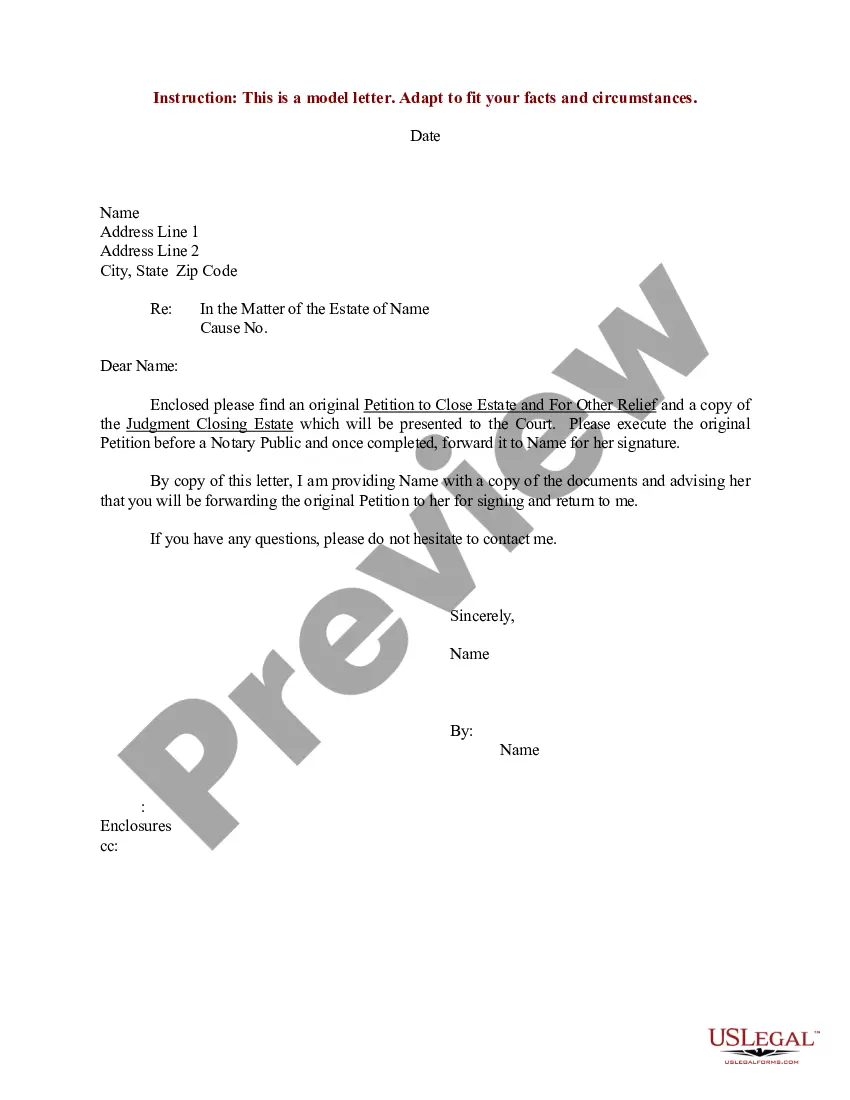
Sample Petition Document With Table Of Contents
Description

Get your form ready online
Our built-in tools help you complete, sign, share, and store your documents in one place.
Make edits, fill in missing information, and update formatting in US Legal Forms—just like you would in MS Word.
Download a copy, print it, send it by email, or mail it via USPS—whatever works best for your next step.
Sign and collect signatures with our SignNow integration. Send to multiple recipients, set reminders, and more. Go Premium to unlock E-Sign.
If this form requires notarization, complete it online through a secure video call—no need to meet a notary in person or wait for an appointment.
We protect your documents and personal data by following strict security and privacy standards.

Make edits, fill in missing information, and update formatting in US Legal Forms—just like you would in MS Word.

Download a copy, print it, send it by email, or mail it via USPS—whatever works best for your next step.

Sign and collect signatures with our SignNow integration. Send to multiple recipients, set reminders, and more. Go Premium to unlock E-Sign.

If this form requires notarization, complete it online through a secure video call—no need to meet a notary in person or wait for an appointment.

We protect your documents and personal data by following strict security and privacy standards.
Looking for another form?






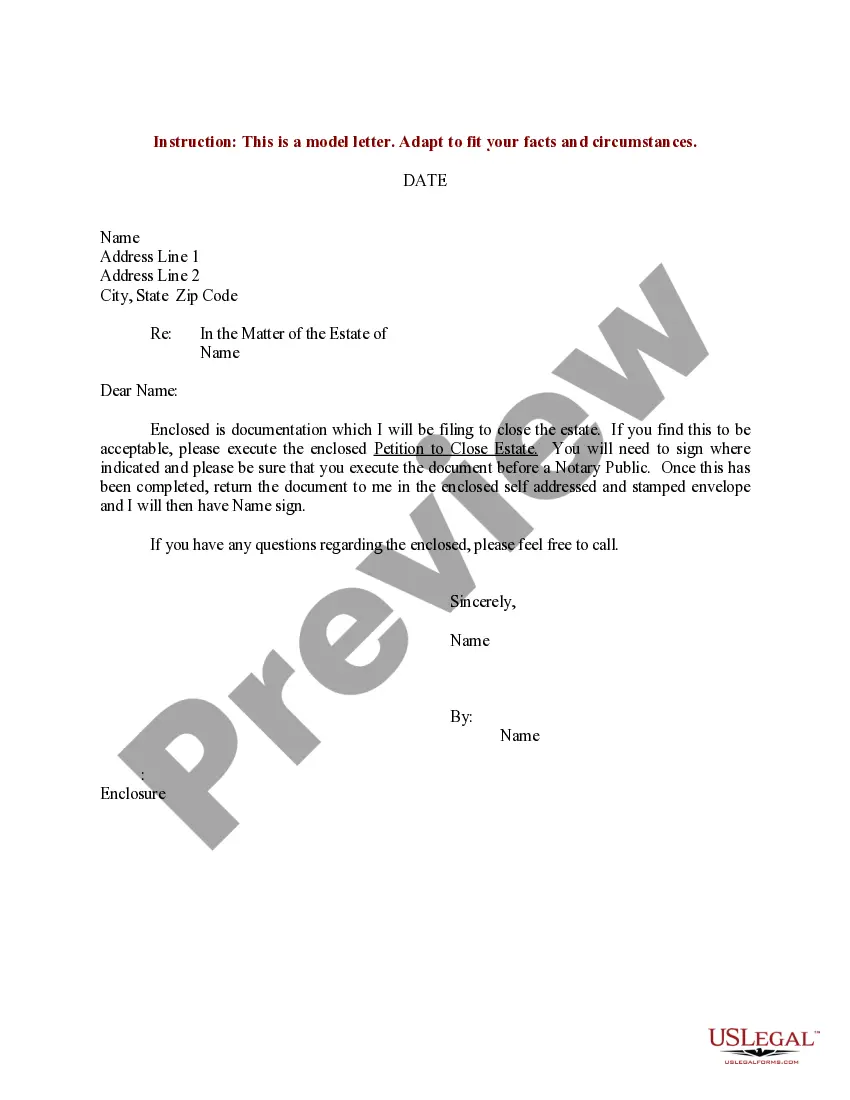
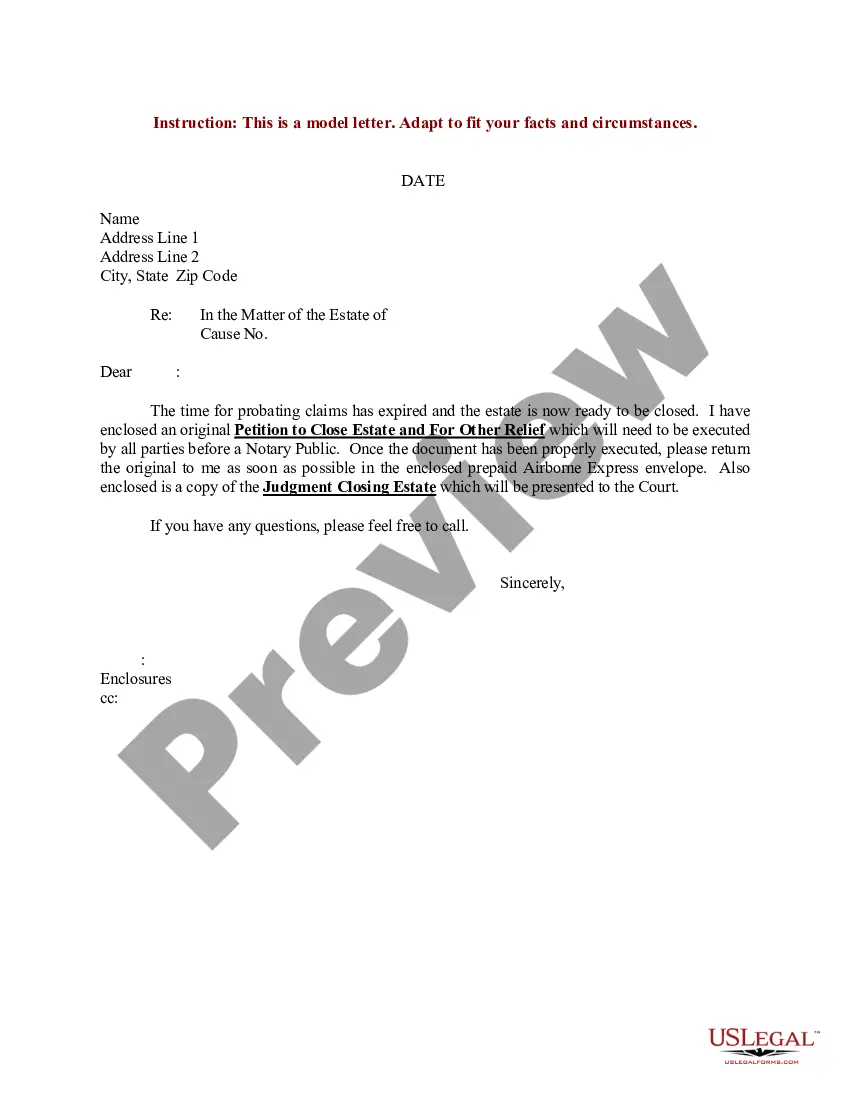
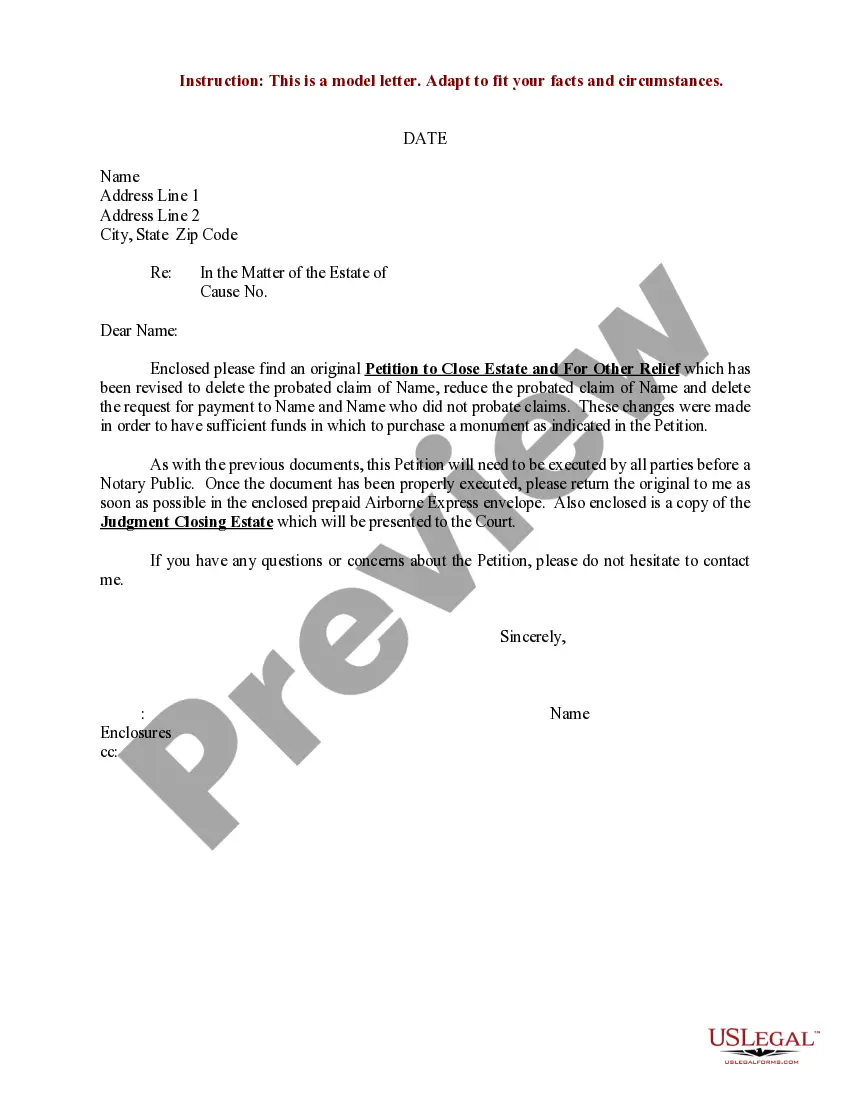
How to fill out Sample Letter For Execution Of Petition To Close Estate And For Other Relief?
The Example Petition Document With Index you observe on this page is a versatile formal blueprint created by expert attorneys in compliance with national and local laws and statutes.
For over 25 years, US Legal Forms has supplied individuals, enterprises, and legal practitioners with more than 85,000 authenticated, state-specific forms for any commercial and personal event. It’s the fastest, simplest, and most trustworthy method to acquire the documents you require, as the service ensures the utmost level of data protection and anti-malware security.
Choose the format you prefer for your Example Petition Document With Index (PDF, Word, RTF) and download the sample to your device.
- Examine the document you require and assess it.
- Browse through the sample you searched for and preview it or review the form description to verify it meets your needs. If it doesn’t, utilize the search function to find the suitable one. Click Buy Now when you have located the template you want.
- Register and Log In.
- Select the payment plan that best fits your needs and create an account. Use PayPal or a credit card to make a swift payment. If you already possess an account, Log In and verify your subscription to proceed.
- Acquire the fillable template.
Form popularity
FAQ
Put your cursor where you want to add the table of contents. Go to References > Table of Contents. and choose an automatic style. If you make changes to your document that affect the table of contents, update the table of contents by right-clicking the table of contents and choosing Update Field.
Writing a good petition State clearly what change you want to make. Make this realistic and concrete. ... Direct the demand to the right people. ... Include accurate information and evidence. ... Make sure it is a clear record of people's opinion. ... Write clearly. ... Get your timing right. ... Get your petition to the right place.
Develop a clear and specific statement of your goal. It should be precise, concise, and informative. It doesn't need to contain every target or point for your cause, but it should give potential signers a strong idea of your cause. ?We support more funding for a park? is far too weak and general.
There is also an example paper petition below. State clearly what change you want to make. ... Direct the demand to the right people. ... Include accurate information and evidence. ... Make sure it is a clear record of people's opinion. ... Write clearly. ... Get your timing right. ... Get your petition to the right place.
The petition must include the following: Day, month, and year that the petition is made. Name of the Court receiving the petition. Name, address, and workplace of an individual plaintiff or head office of a plaintiff that is an agency or organization; telephone number, fax number and email address (if any).