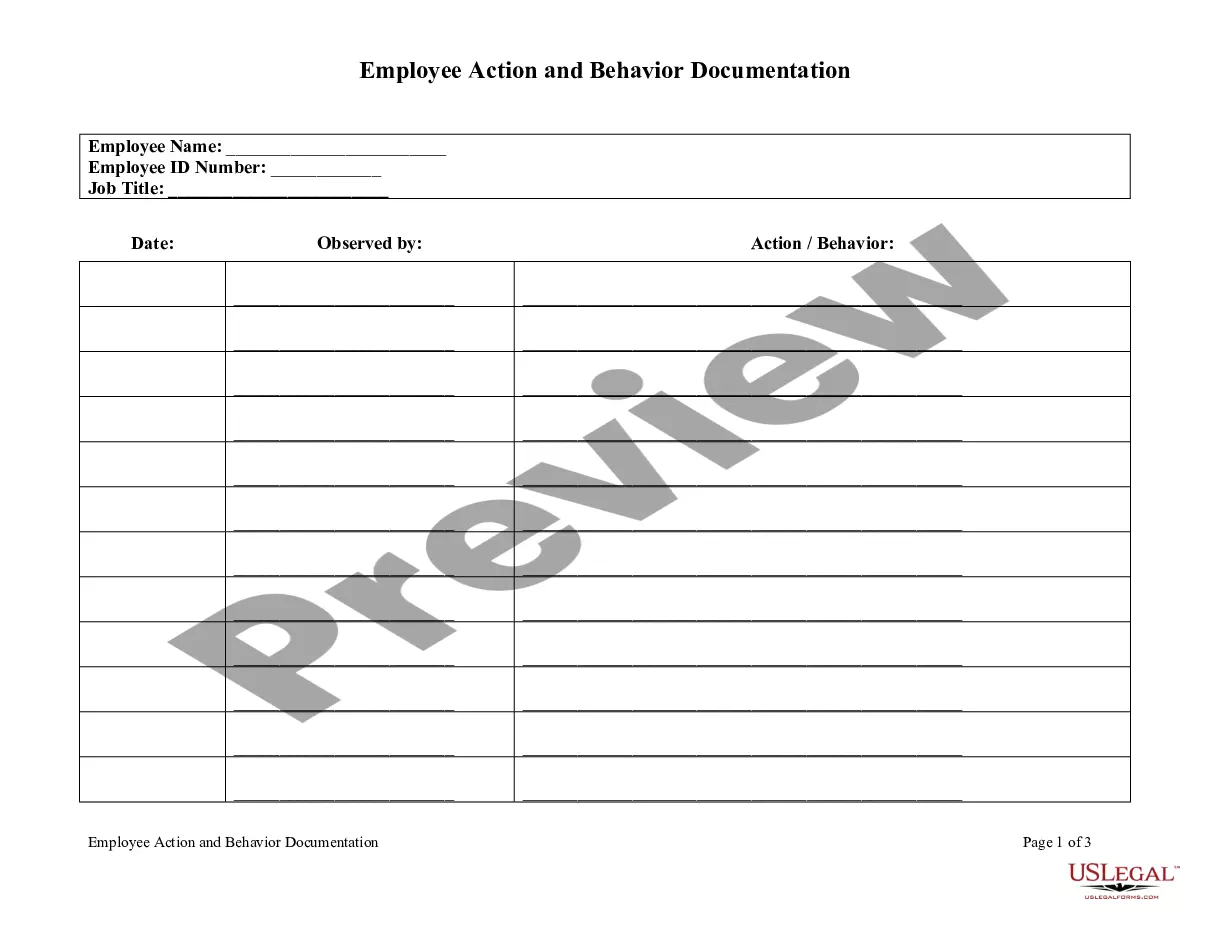
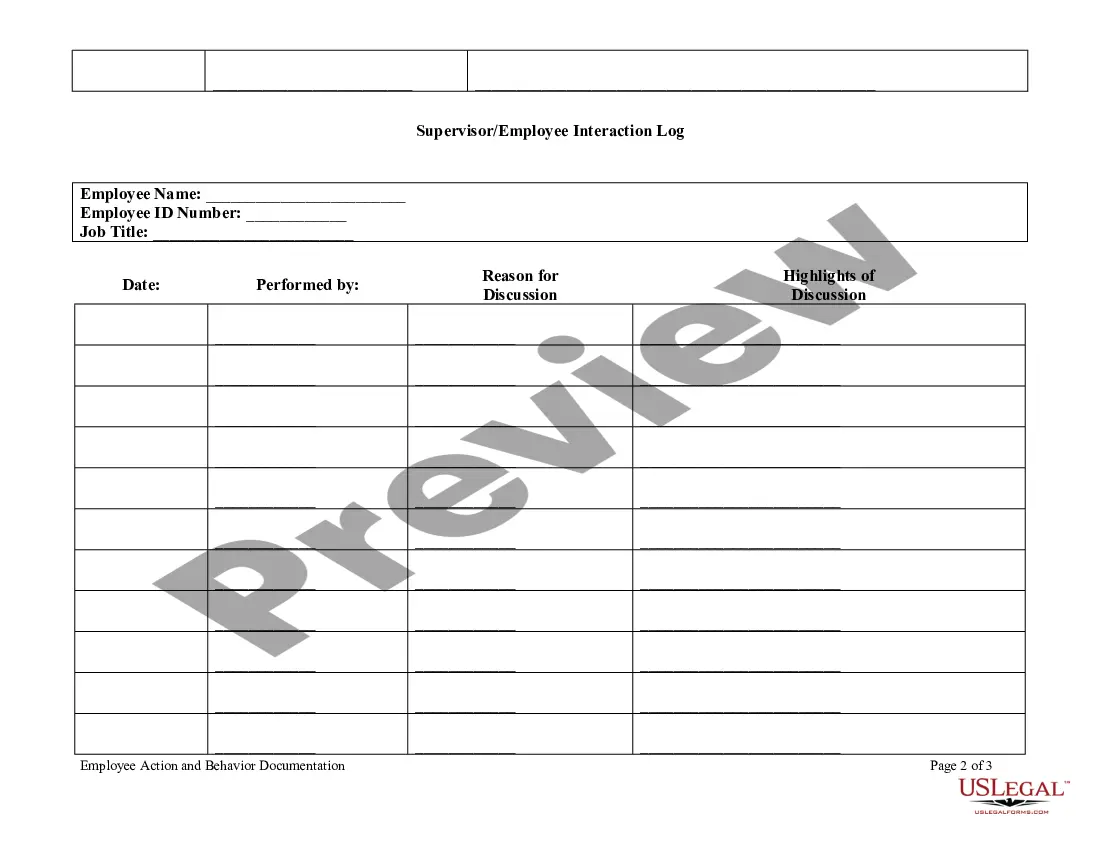
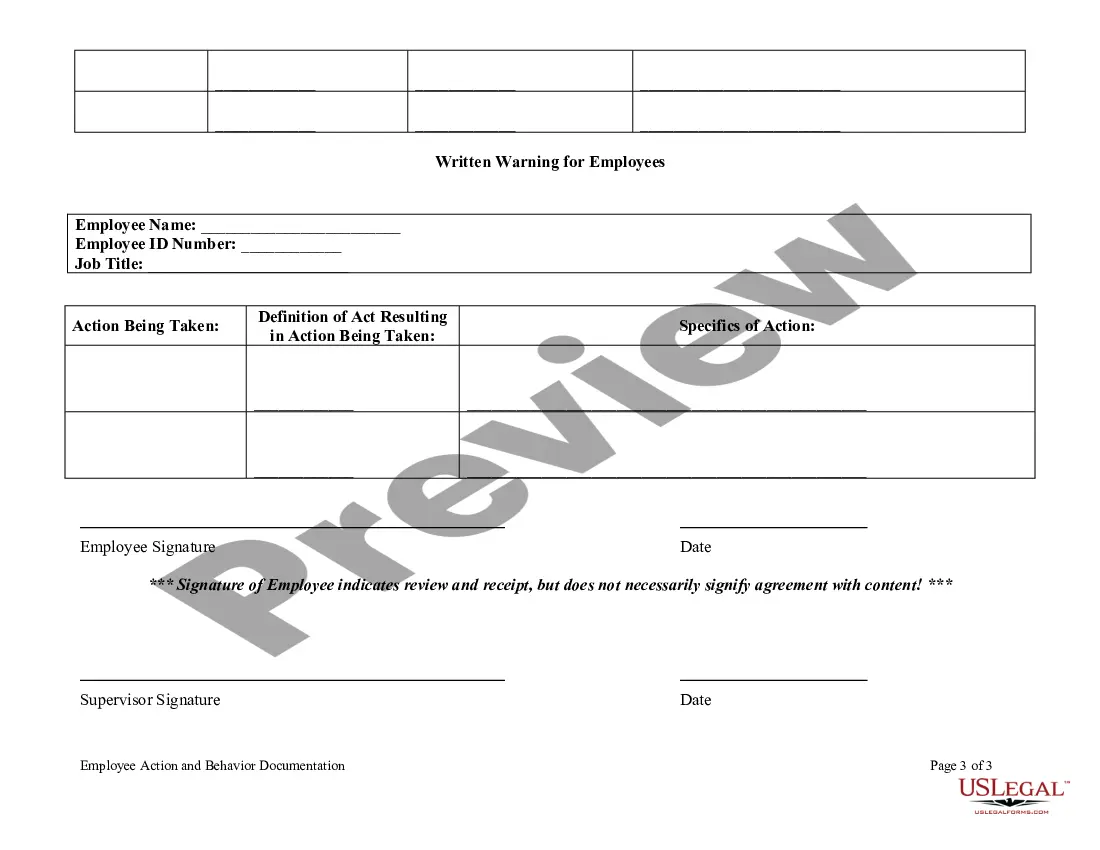
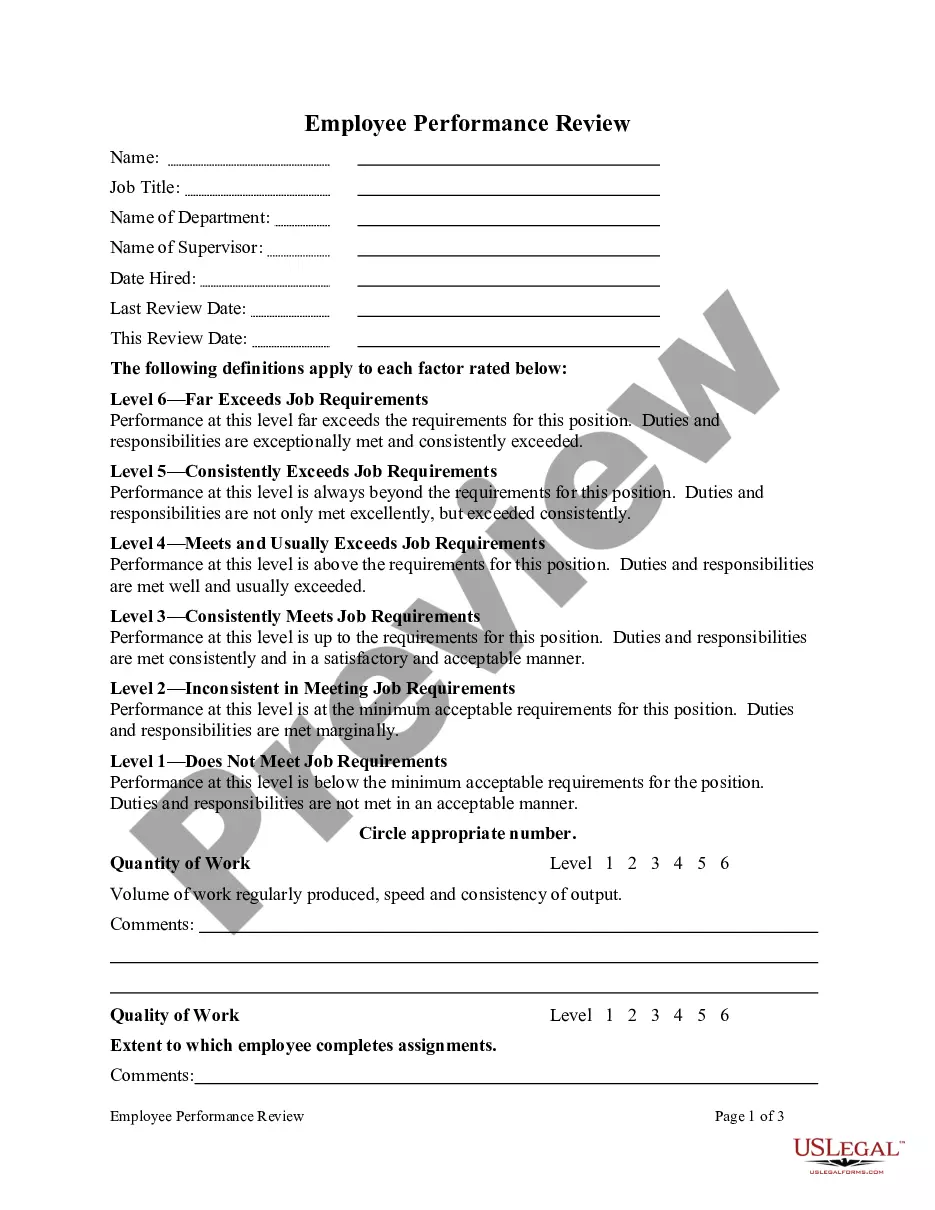
Template To Document Employee Issues With Employee Performance
Description

Get your form ready online
Our built-in tools help you complete, sign, share, and store your documents in one place.
Make edits, fill in missing information, and update formatting in US Legal Forms—just like you would in MS Word.
Download a copy, print it, send it by email, or mail it via USPS—whatever works best for your next step.
Sign and collect signatures with our SignNow integration. Send to multiple recipients, set reminders, and more. Go Premium to unlock E-Sign.
If this form requires notarization, complete it online through a secure video call—no need to meet a notary in person or wait for an appointment.
We protect your documents and personal data by following strict security and privacy standards.

Make edits, fill in missing information, and update formatting in US Legal Forms—just like you would in MS Word.

Download a copy, print it, send it by email, or mail it via USPS—whatever works best for your next step.

Sign and collect signatures with our SignNow integration. Send to multiple recipients, set reminders, and more. Go Premium to unlock E-Sign.

If this form requires notarization, complete it online through a secure video call—no need to meet a notary in person or wait for an appointment.

We protect your documents and personal data by following strict security and privacy standards.
Looking for another form?
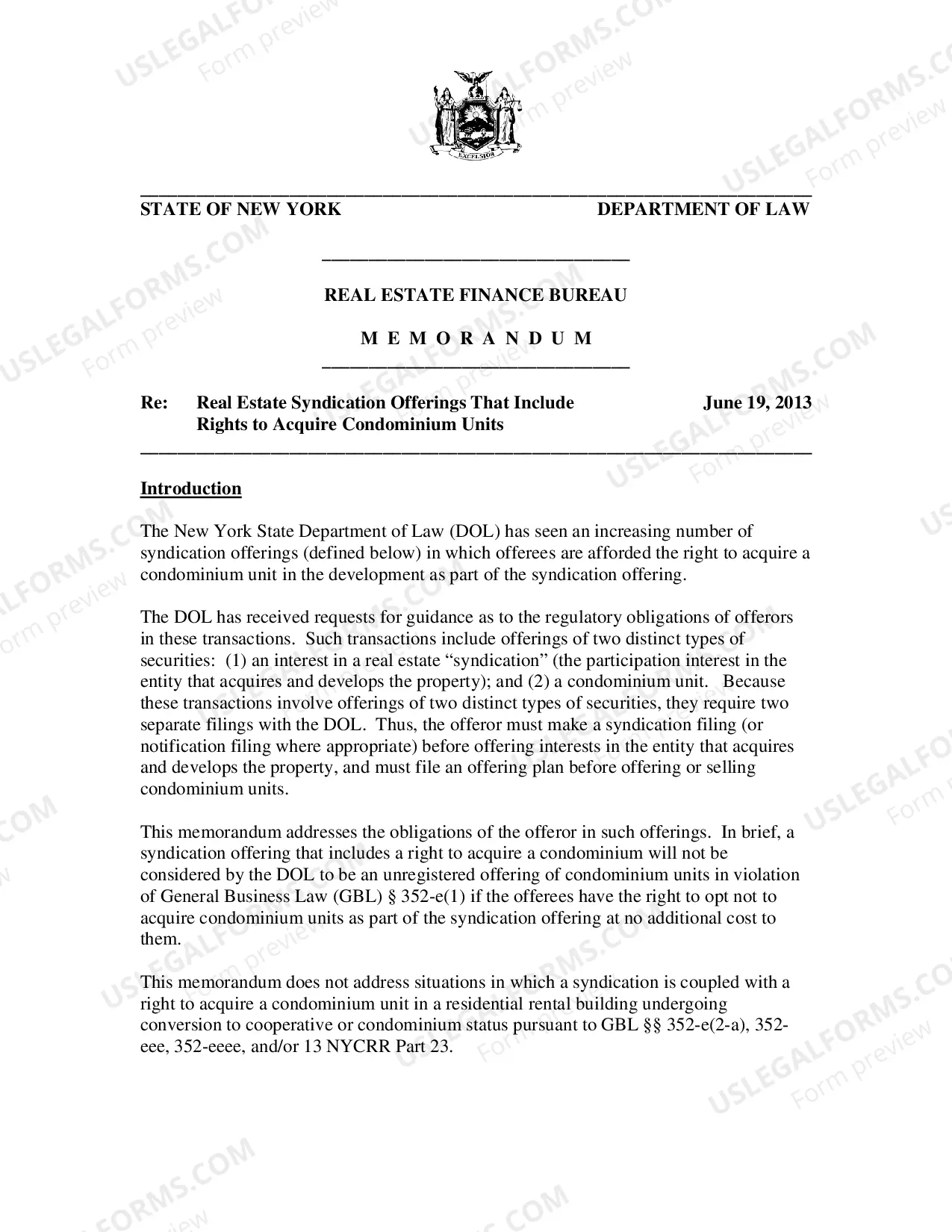


How to fill out Employee Action And Behavior Documentation?
Dealing with legal documents and processes can be an arduous addition to your schedule.
Template For Documenting Employee Concerns Regarding Employee Performance and similar forms usually require you to search for them and comprehend how to fill them out accurately.
As a result, if you are managing financial, legal, or personal issues, utilizing a comprehensive and user-friendly online library of forms readily available will greatly assist you.
US Legal Forms is the premier online platform for legal templates, offering over 85,000 state-specific forms and a wealth of resources to help you finalize your documents swiftly.
Simply Log In to your account, locate Template For Documenting Employee Concerns Regarding Employee Performance, and obtain it instantly from the My documents section. You can also access forms you have downloaded previously.
- Explore the collection of relevant documents accessible with a single click.
- US Legal Forms supplies state- and county-specific forms available for download at any time.
- Streamline your document management with a top-notch service that allows you to create any form in minutes with no extra or hidden charges.
Form popularity
FAQ
You may also conduct a trademark search by visiting the USPTO's Public Search Facility or by visiting a Patent and Trademark Resource Center near you. These resources are free to the public. For additional assistance, you may wish to hire an experienced trademark attorney.
You may conduct a free online search of the USPTO database at the Public Search Facility (Madison East, 1st Floor; 600 Dulany Street, Alexandria, Virginia) between a.m. and p.m. USPTO personnel may not conduct trademark searches for the public. Private trademark search firms will conduct searches for a fee.
Trademark Status and Document Retrieval (TSDR) To access TSDR, enter a valid trademark serial number or registration number and select either the "Status" or "Documents" buttons. If you have questions about using TSDR, contact the Trademark Assistance Center.
The Trademark Electronic Search System (TESS) contains the records of all active and inactive trademark registrations and applications. You can search this database for any applied-for or registered trademarks to see if any are conflicting with your trademark.
The Trademark Electronic Search System (TESS) is a database of every U.S. trademark that has been registered or applied for. Each record in TESS includes many important elements of the mark. Each element is a searchable piece of information.
Yes. The public may use records of trademark applications and registrations to identify the owner of a trademark and/or their attorneys/representatives. This information is valuable to the public and is often used to perform a clearance search when another party is considering whether to use a mark.
To look up trademarks for free, you can use the Trademark Electronic Search System (TESS) on the United States Patent and Trademark Office (USPTO) website. You can also visit the USPTO's Public Search Facility or a Patent and Trademark Resource Center near you.