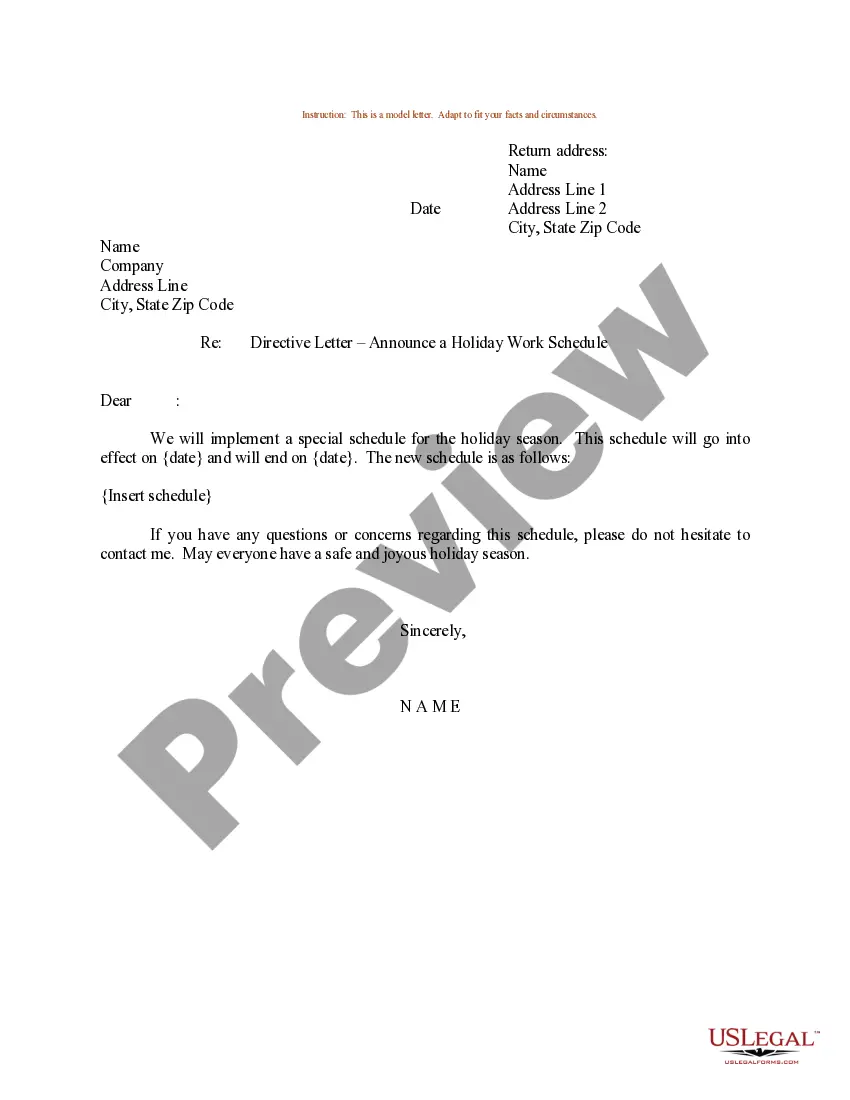
Sample Work Schedule Form With Time And Attendance
Description
Get your form ready online
Our built-in tools help you complete, sign, share, and store your documents in one place.
Make edits, fill in missing information, and update formatting in US Legal Forms—just like you would in MS Word.
Download a copy, print it, send it by email, or mail it via USPS—whatever works best for your next step.
Sign and collect signatures with our SignNow integration. Send to multiple recipients, set reminders, and more. Go Premium to unlock E-Sign.
If this form requires notarization, complete it online through a secure video call—no need to meet a notary in person or wait for an appointment.
We protect your documents and personal data by following strict security and privacy standards.

Make edits, fill in missing information, and update formatting in US Legal Forms—just like you would in MS Word.

Download a copy, print it, send it by email, or mail it via USPS—whatever works best for your next step.

Sign and collect signatures with our SignNow integration. Send to multiple recipients, set reminders, and more. Go Premium to unlock E-Sign.

If this form requires notarization, complete it online through a secure video call—no need to meet a notary in person or wait for an appointment.

We protect your documents and personal data by following strict security and privacy standards.
Looking for another form?



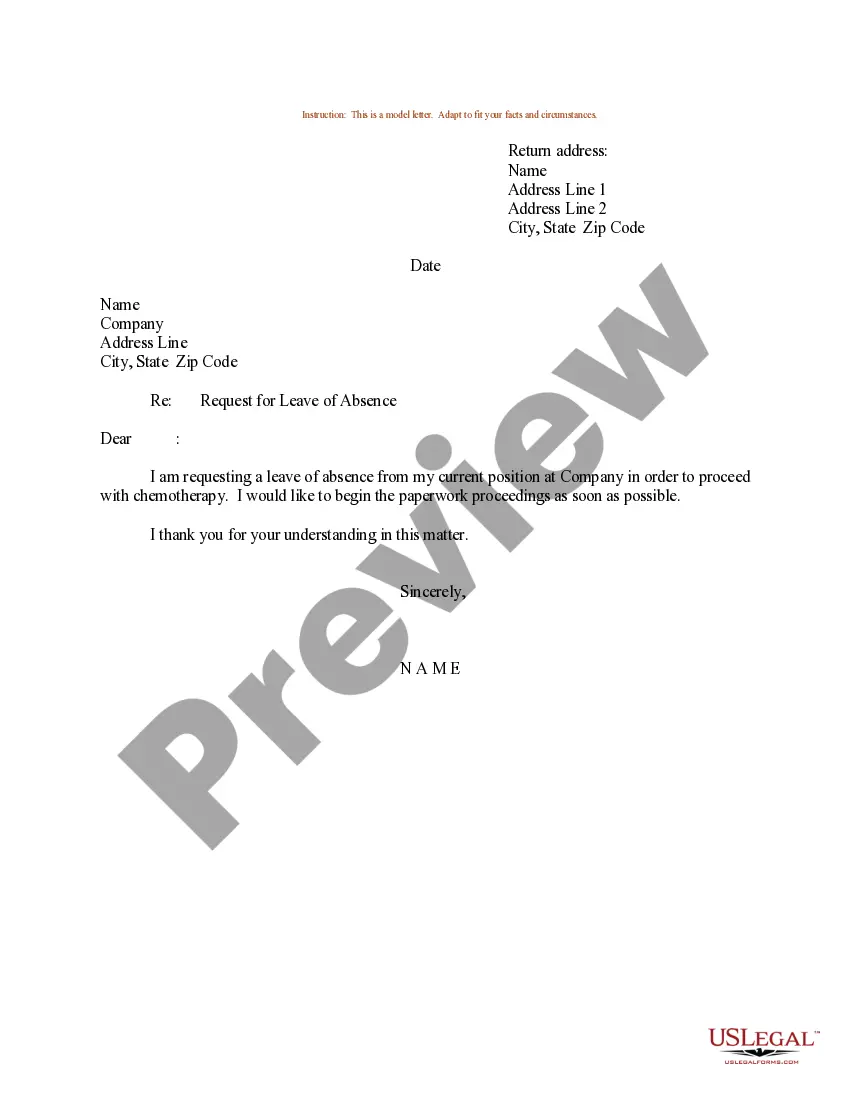
How to fill out Sample Letter For Holiday Work Schedule?
It’s no secret that you can’t become a legal professional immediately, nor can you figure out how to quickly draft Sample Work Schedule Form With Time And Attendance without the need of a specialized set of skills. Putting together legal documents is a long process requiring a certain training and skills. So why not leave the preparation of the Sample Work Schedule Form With Time And Attendance to the specialists?
With US Legal Forms, one of the most extensive legal template libraries, you can access anything from court documents to templates for in-office communication. We know how important compliance and adherence to federal and local laws and regulations are. That’s why, on our platform, all templates are location specific and up to date.
Here’s how you can get started with our website and get the form you need in mere minutes:
- Find the form you need by using the search bar at the top of the page.
- Preview it (if this option provided) and check the supporting description to determine whether Sample Work Schedule Form With Time And Attendance is what you’re looking for.
- Begin your search again if you need a different template.
- Register for a free account and select a subscription option to buy the form.
- Pick Buy now. As soon as the payment is complete, you can get the Sample Work Schedule Form With Time And Attendance, fill it out, print it, and send or mail it to the designated people or entities.
You can re-gain access to your forms from the My Forms tab at any time. If you’re an existing customer, you can simply log in, and find and download the template from the same tab.
No matter the purpose of your paperwork-be it financial and legal, or personal-our website has you covered. Try US Legal Forms now!
Form popularity
FAQ
How best to create work schedules? Make the time to understand your team. Make the time to analyze the workload. Track employee clock-in and clock-out times. Follow a set of rules to schedule employees fairly. Establish an efficient team communication system. Post the work schedule at least 7 days in advance.
A standard business schedule is one where employees work set days (usually Monday through Friday) and set hours (usually 9 a.m. to 5 p.m.). This is often referred to as a ?9-to-5 work schedule.? The standard work schedule is common enough that most employees will already be used to working those regular hours.
If you want to create a productive daily schedule that meets your specific needs, follow these steps: Write everything down. ... Identify priorities. ... Note the frequency. ... Cluster similar tasks. ... Make a weekly chart. ... Optimize your tasks. ... Order the tasks. ... Stay flexible.
The 4/10 schedule is a compressed work schedule type where employees work four 10-hour shifts instead of five eight-hour days. Although employees are still working a 40-hour week, this schedule differs from the standard workweek of that they only work for four days in every seven-day week period.
How to create a work schedule for employees Create a blank spreadsheet. If not using a prefilled template, begin by opening a new spreadsheet on your computer. ... Insert column headings. ... Fill in employee names. ... Determine work times. ... Save as a new document. ... Share the schedule.