Letter Of Assignment Template With Formulas
Description
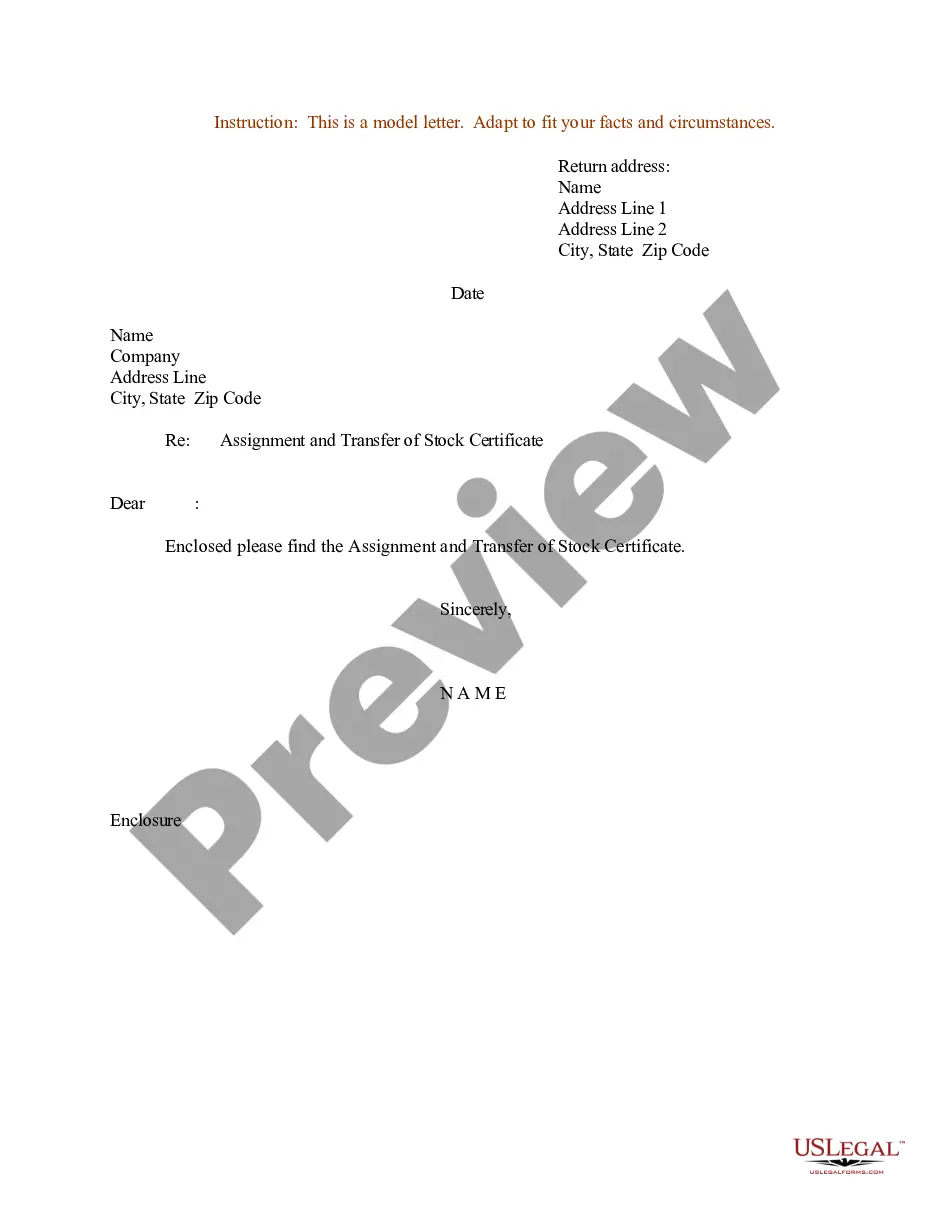
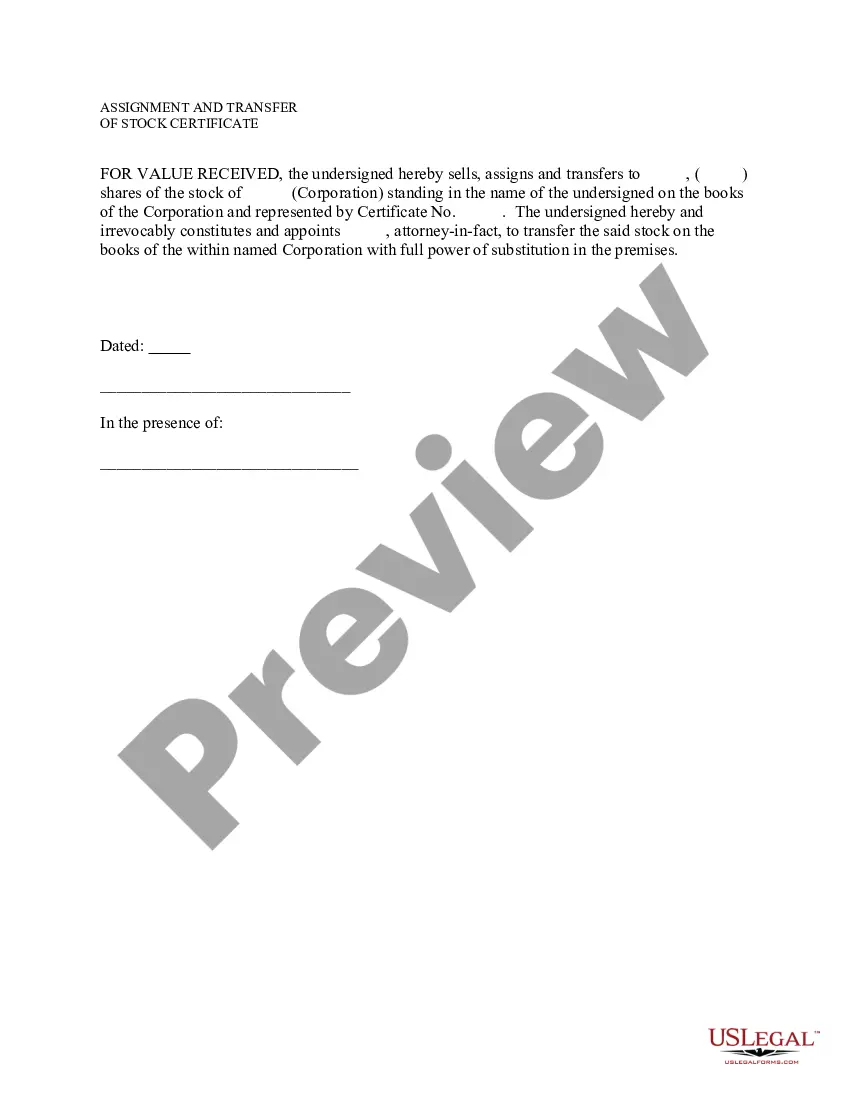
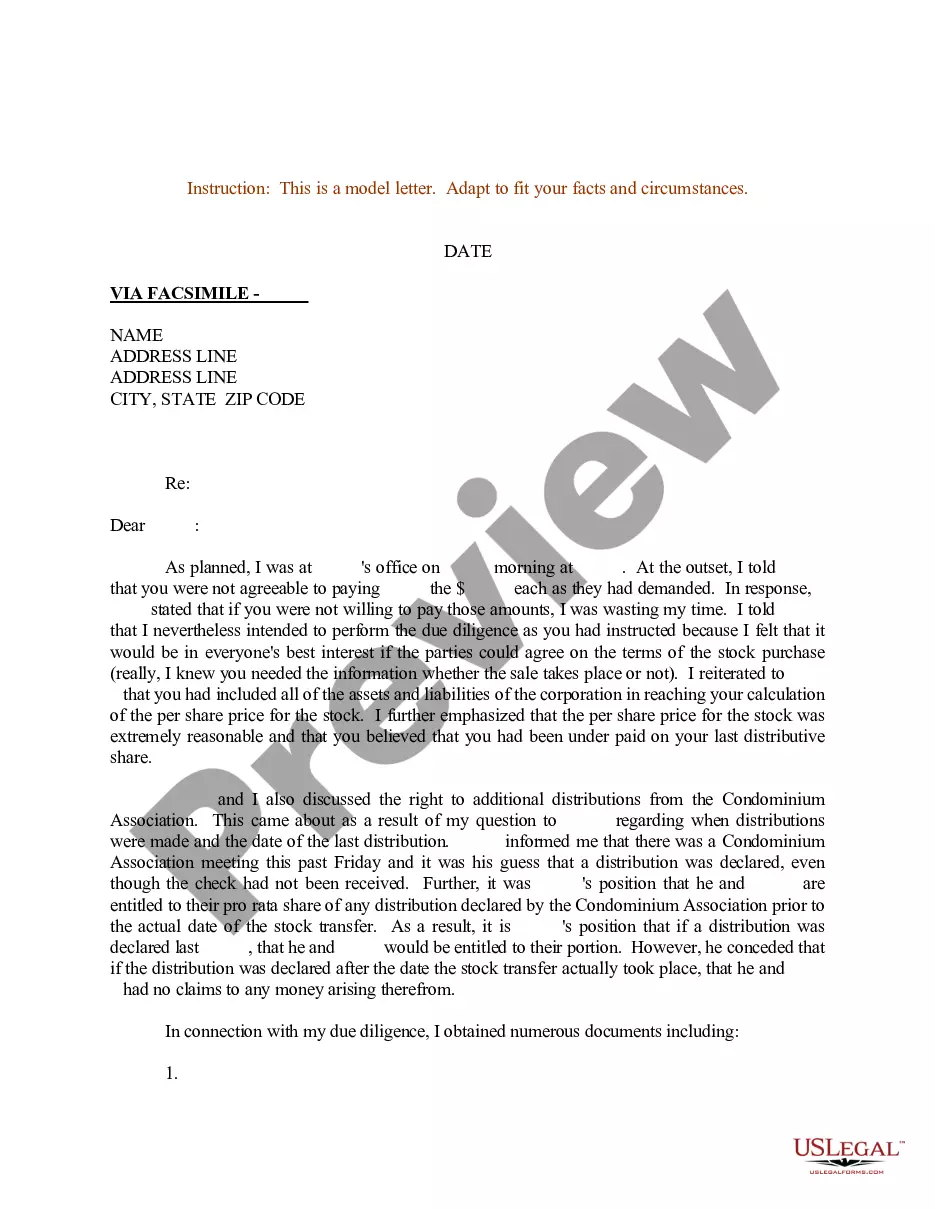
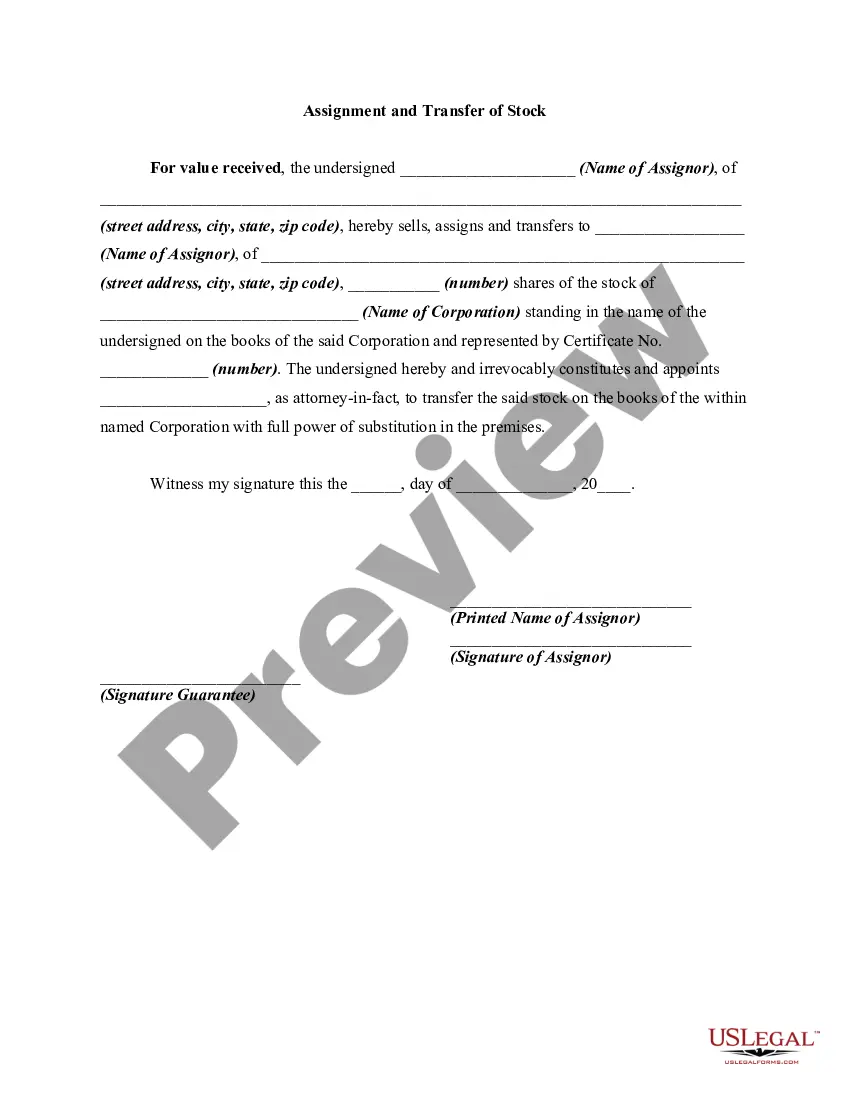
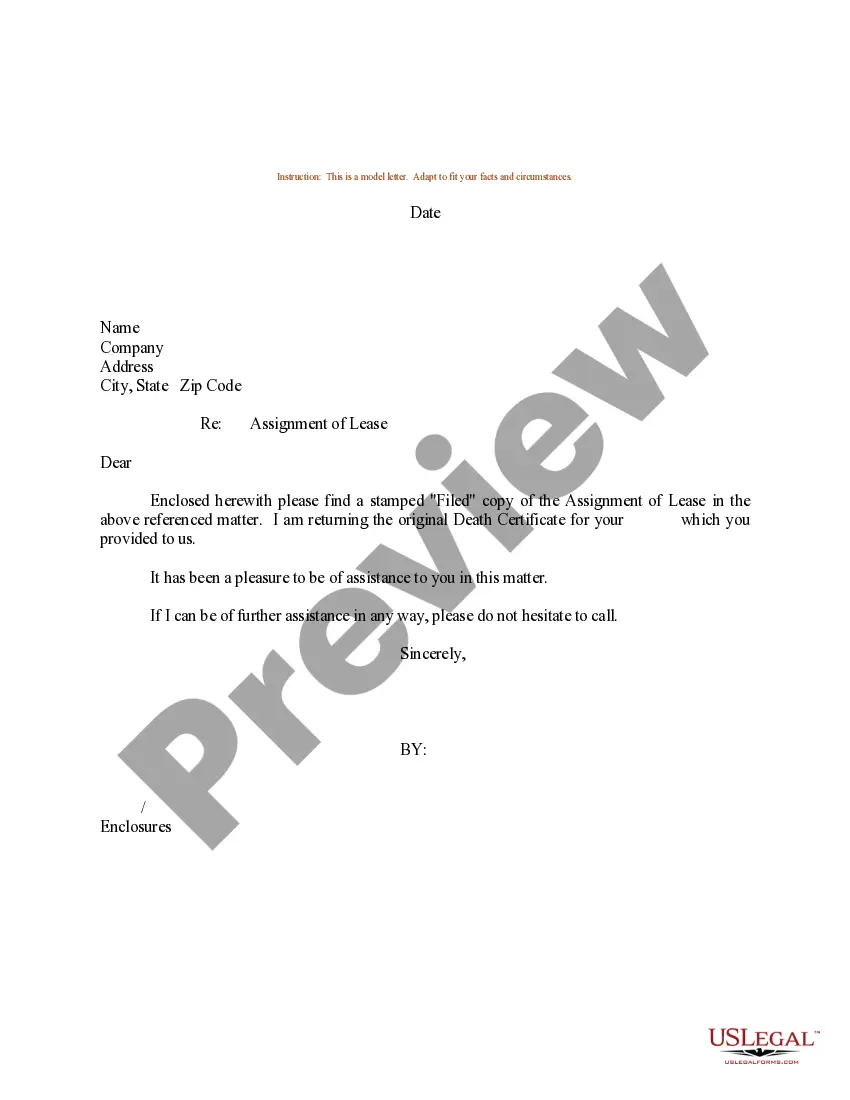
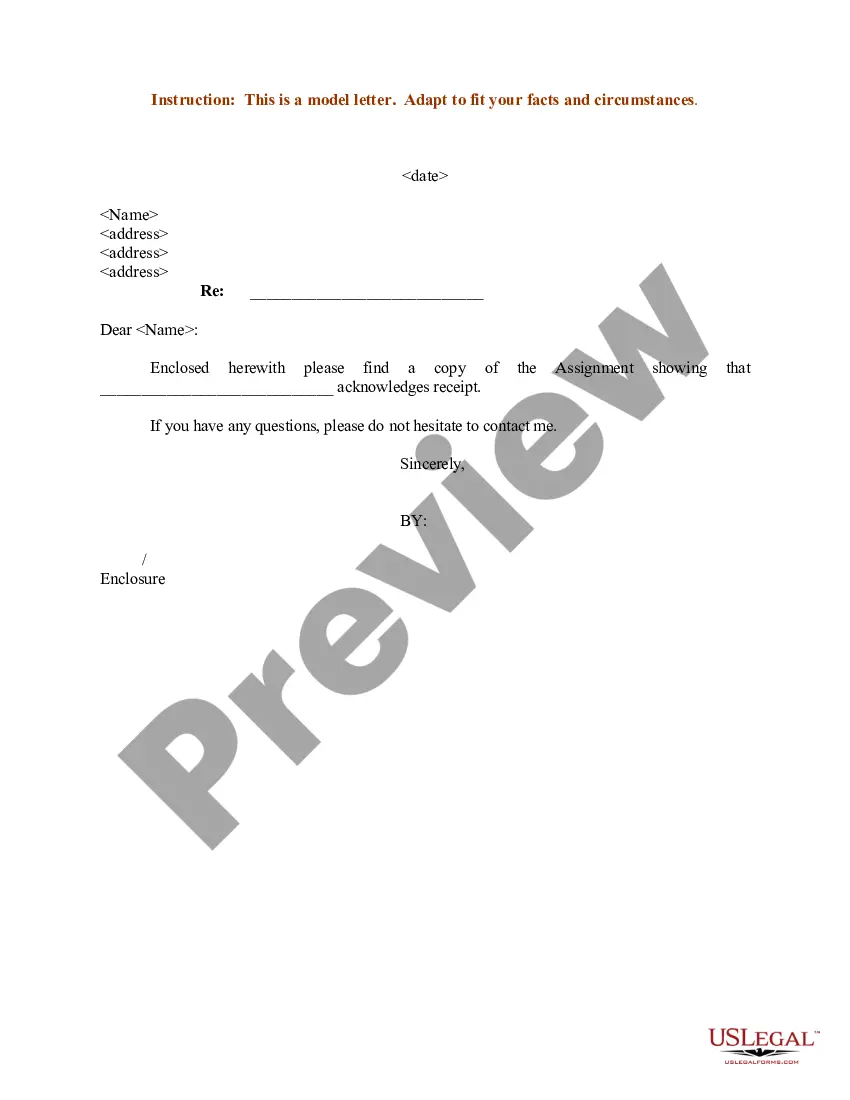
Get your form ready online
Our built-in tools help you complete, sign, share, and store your documents in one place.
Make edits, fill in missing information, and update formatting in US Legal Forms—just like you would in MS Word.
Download a copy, print it, send it by email, or mail it via USPS—whatever works best for your next step.
Sign and collect signatures with our SignNow integration. Send to multiple recipients, set reminders, and more. Go Premium to unlock E-Sign.
If this form requires notarization, complete it online through a secure video call—no need to meet a notary in person or wait for an appointment.
We protect your documents and personal data by following strict security and privacy standards.

Make edits, fill in missing information, and update formatting in US Legal Forms—just like you would in MS Word.

Download a copy, print it, send it by email, or mail it via USPS—whatever works best for your next step.

Sign and collect signatures with our SignNow integration. Send to multiple recipients, set reminders, and more. Go Premium to unlock E-Sign.

If this form requires notarization, complete it online through a secure video call—no need to meet a notary in person or wait for an appointment.

We protect your documents and personal data by following strict security and privacy standards.
Looking for another form?
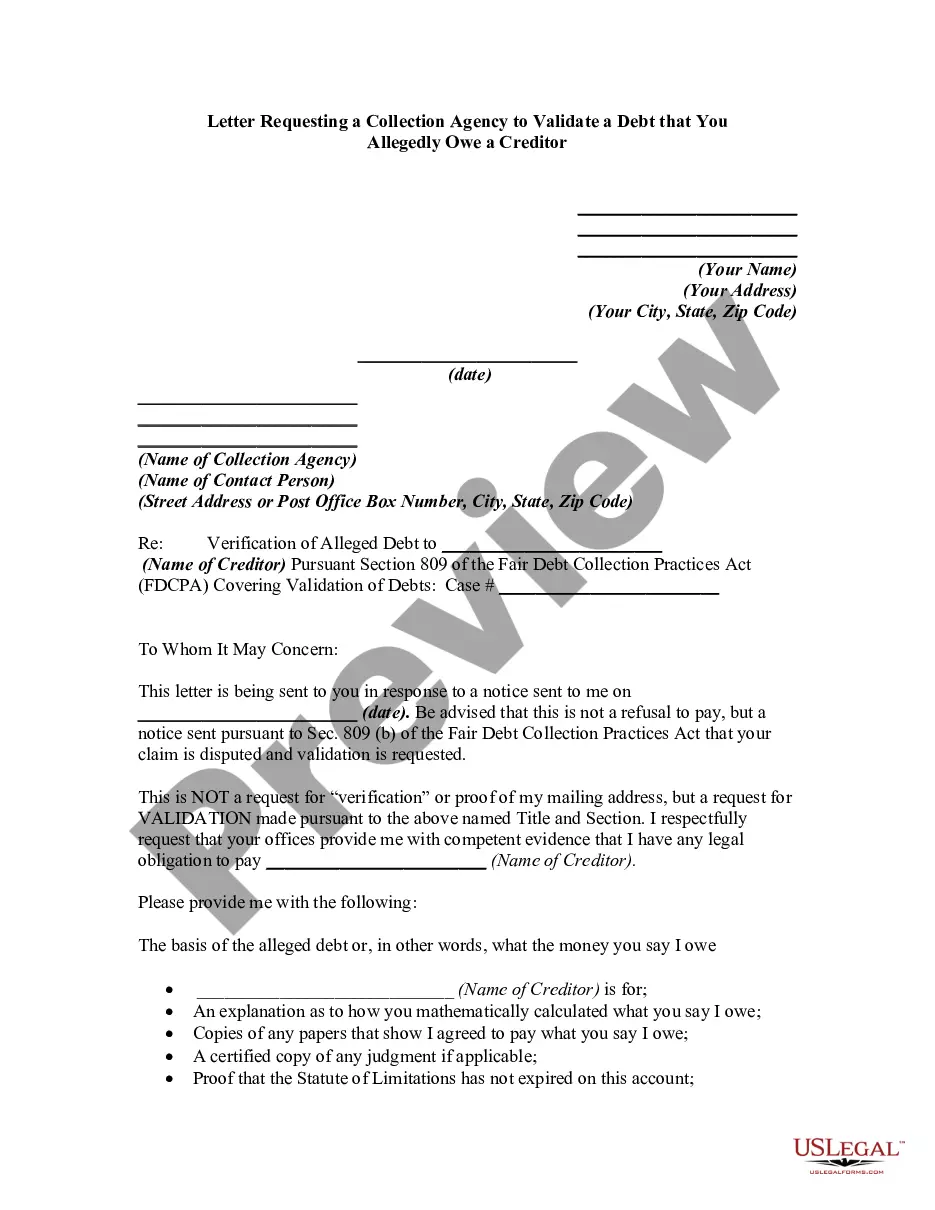
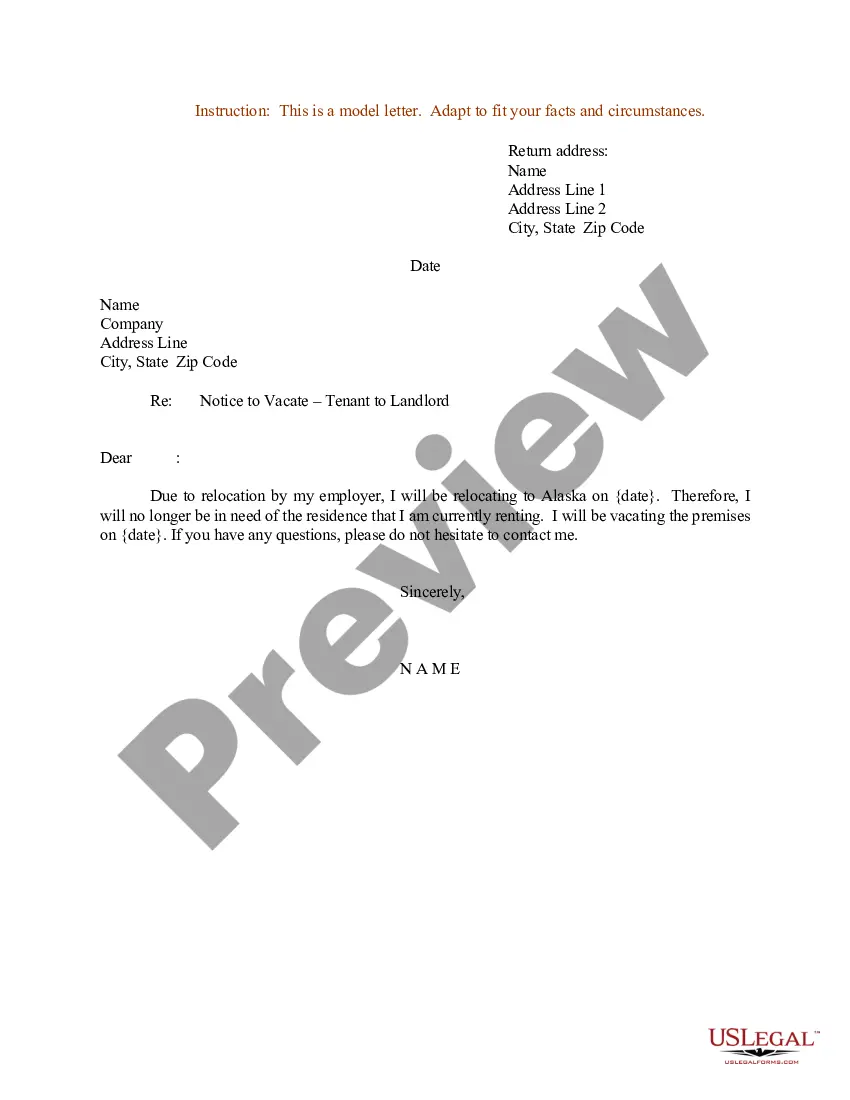
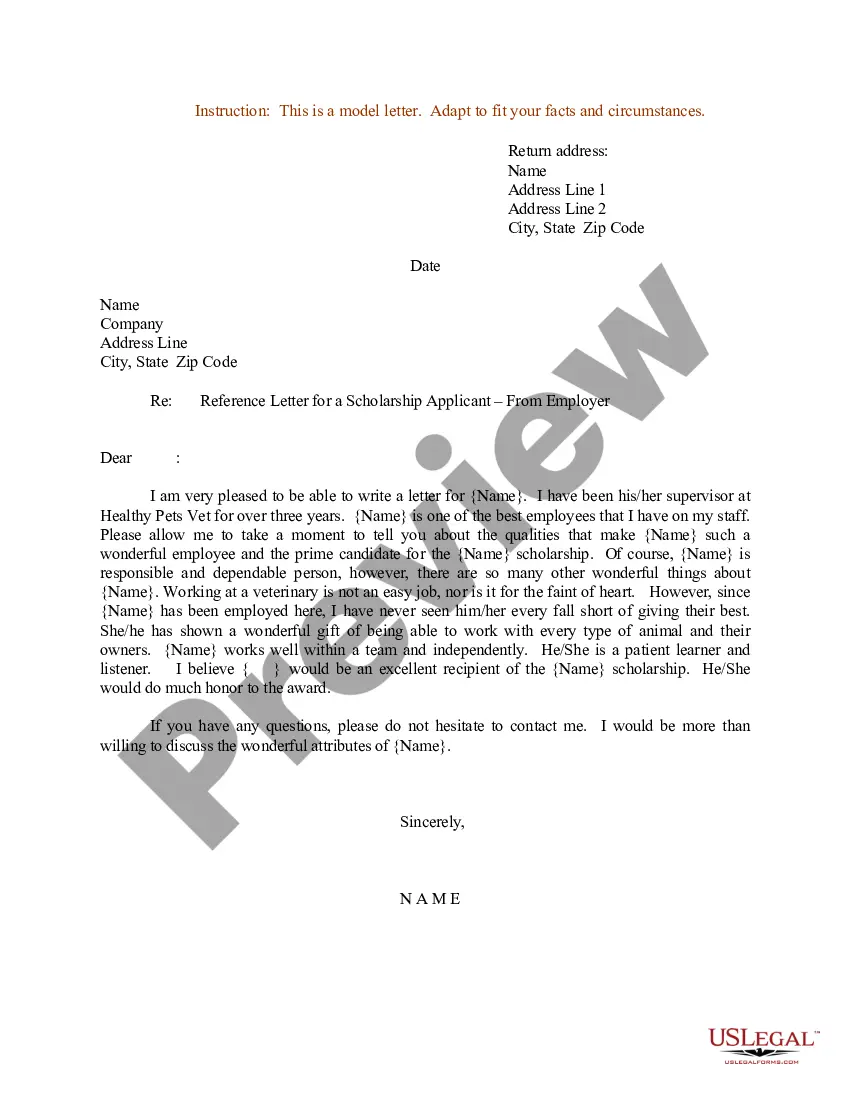
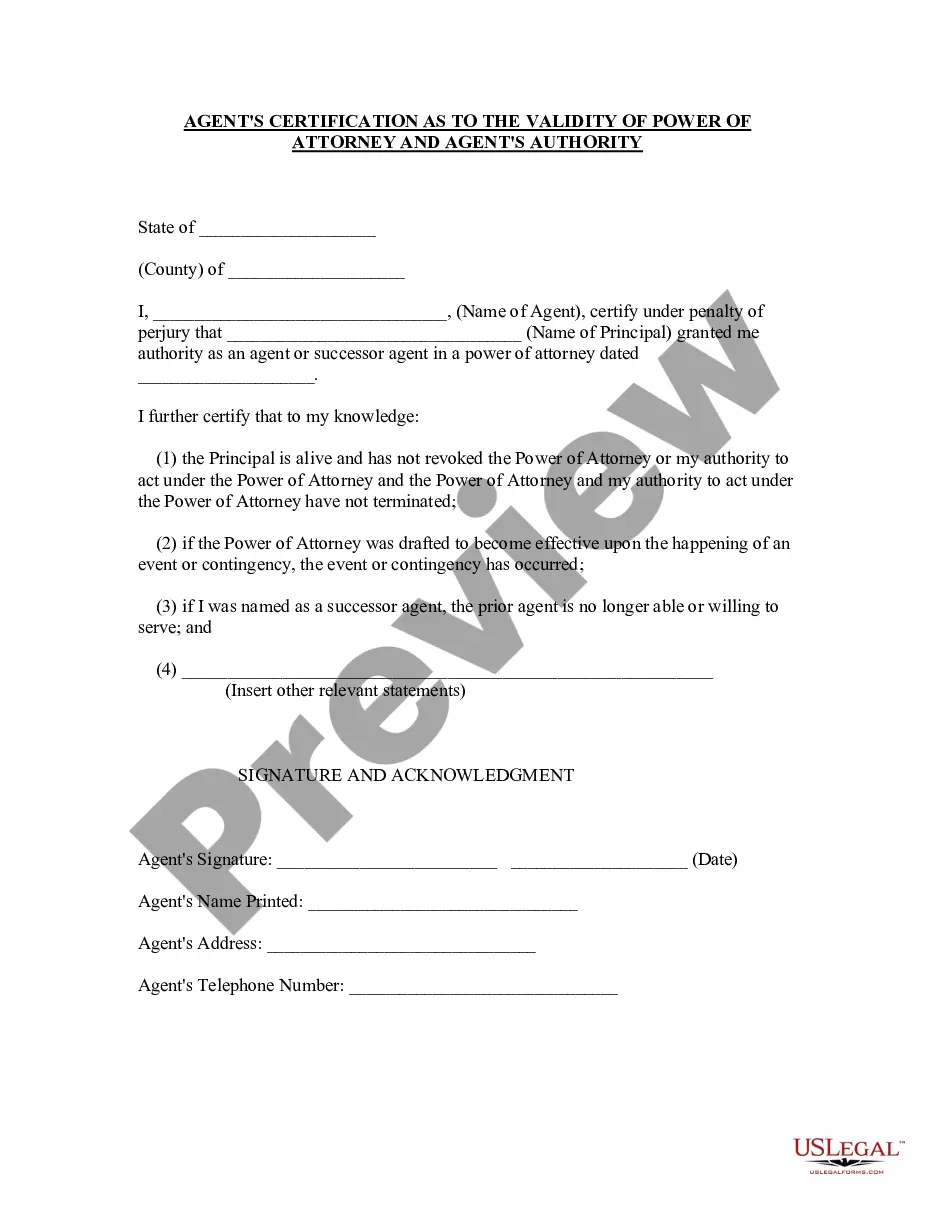

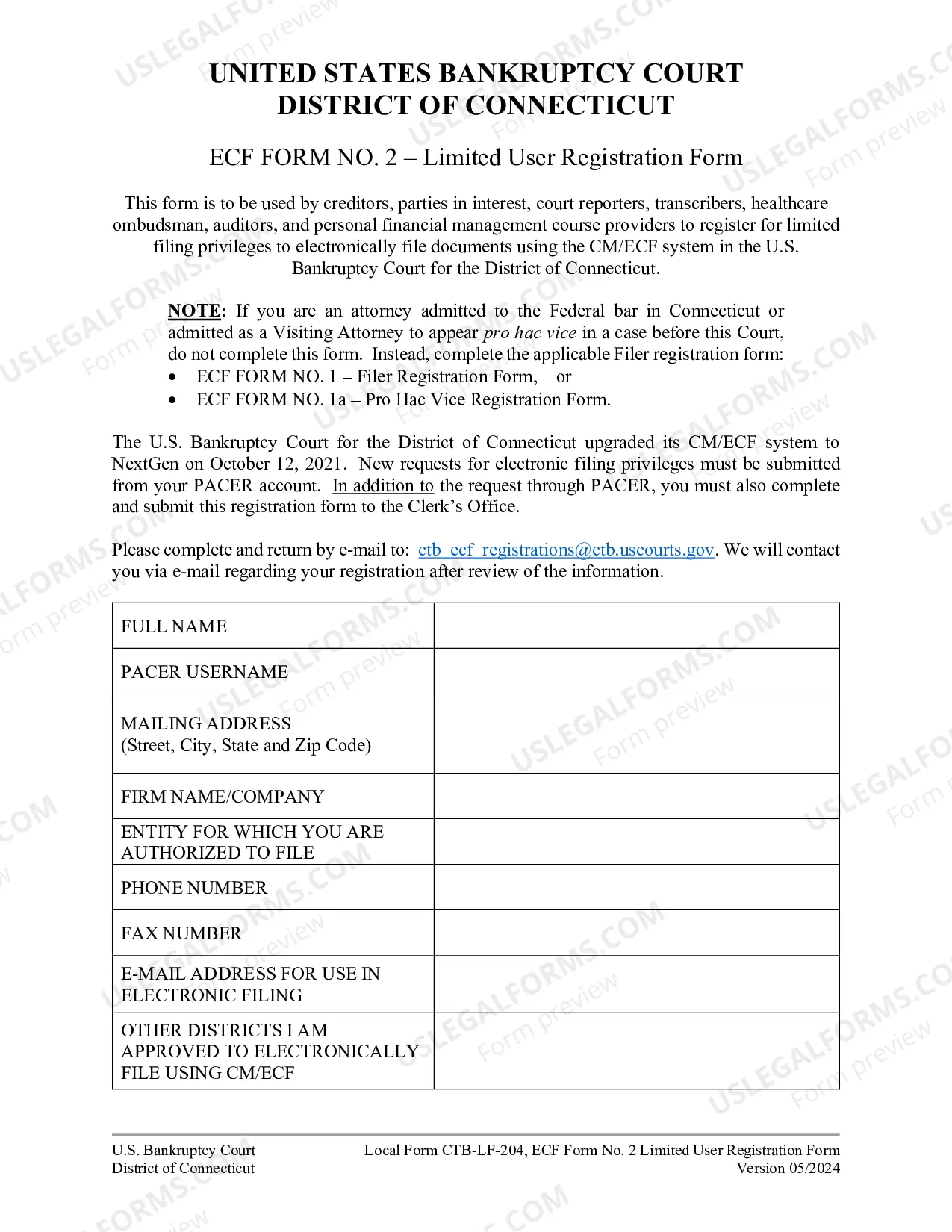
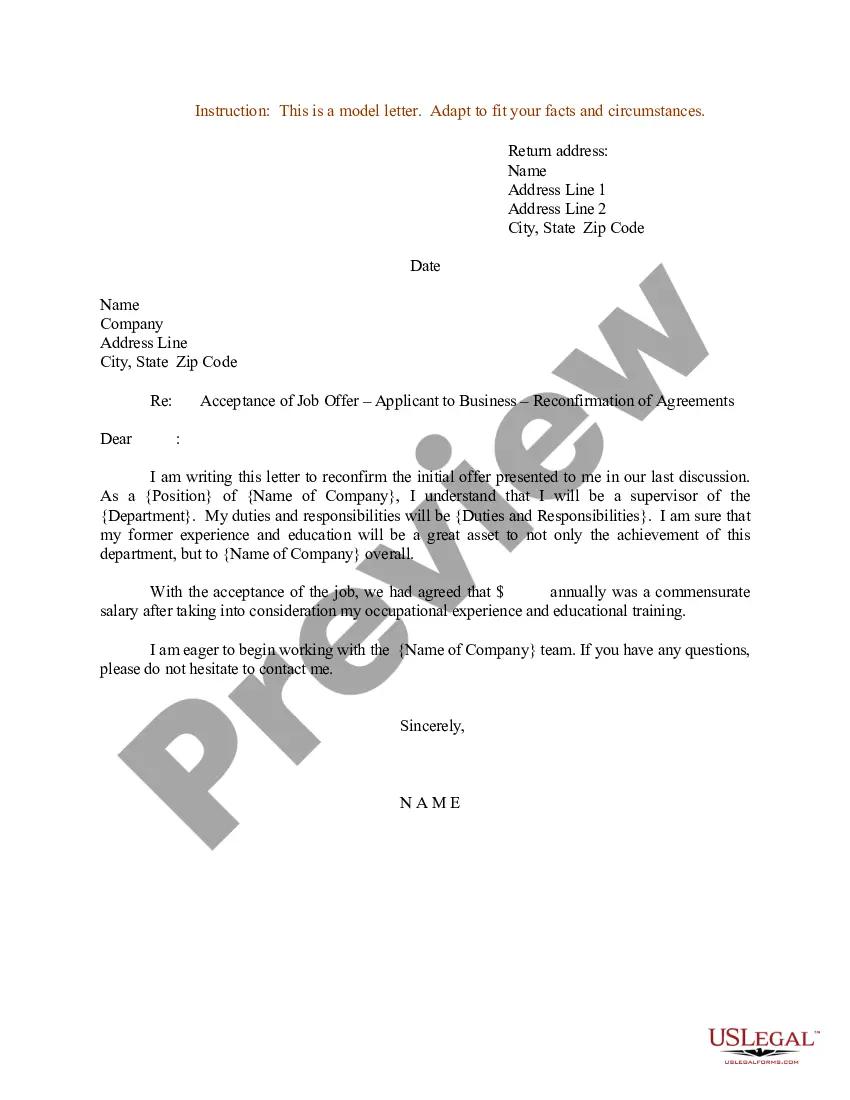
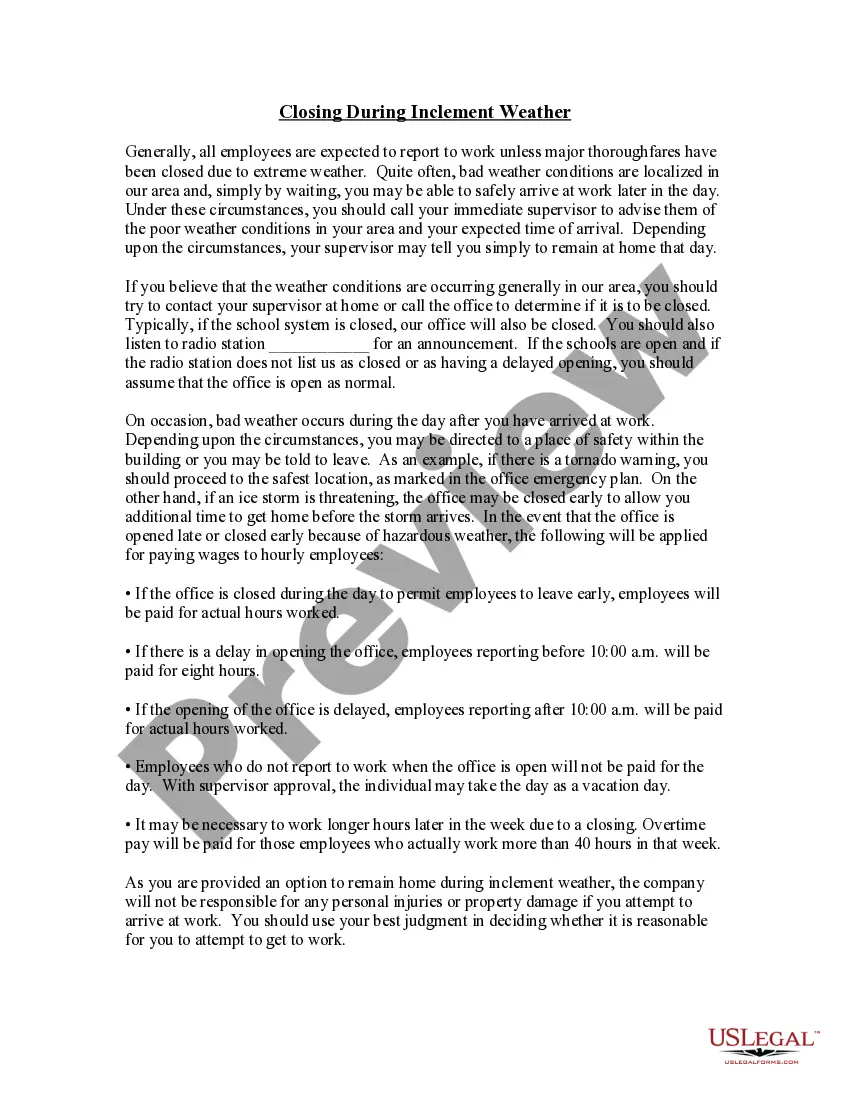
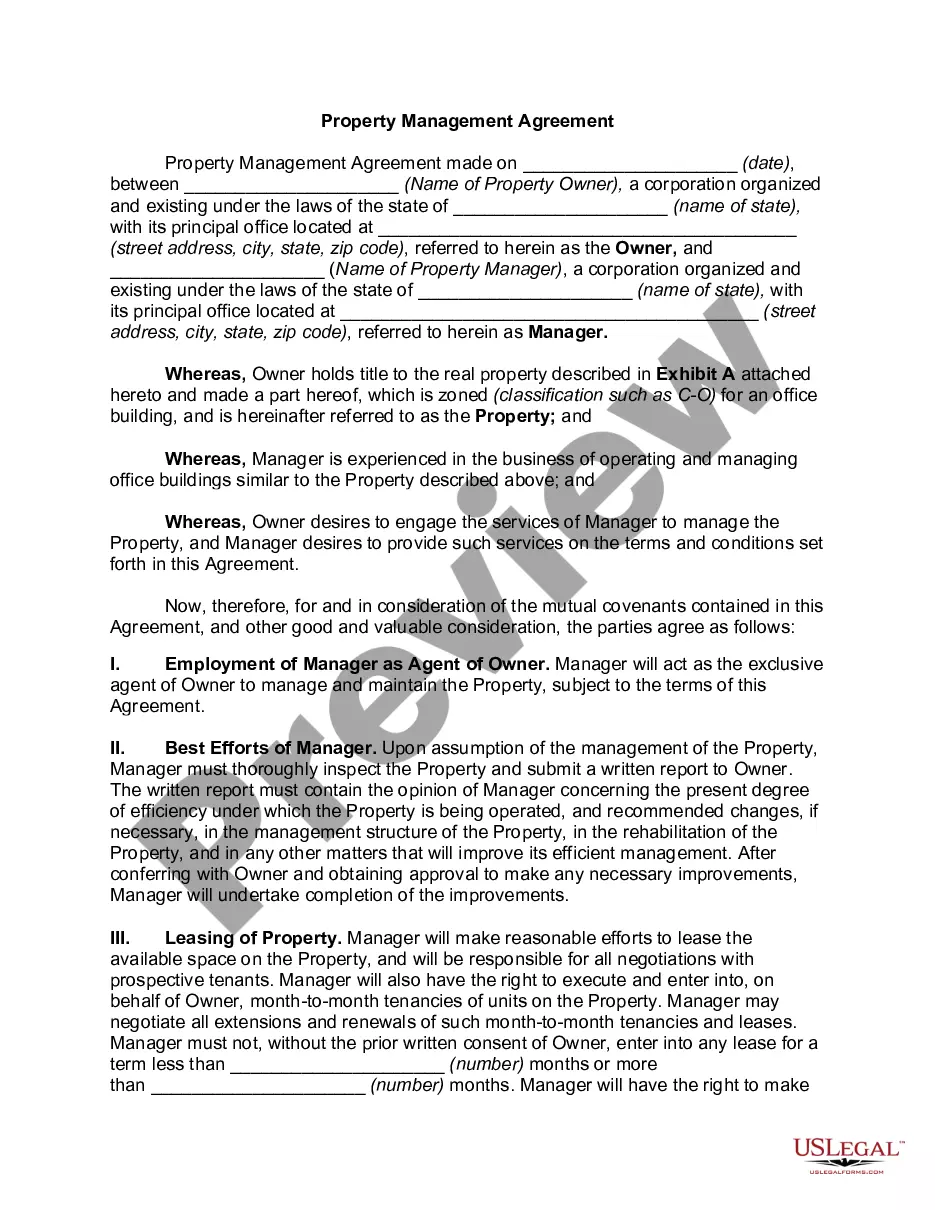
How to fill out Sample Letter For Assignment And Transfer Of Stock Certificate?
Accessing legal documents that adhere to national and local regulations is crucial, and the web provides a multitude of alternatives to select from.
However, why squander time looking for the suitable Letter Of Assignment Template With Formulas sample on the internet when the US Legal Forms online repository already compiles such documents in one location.
US Legal Forms is the premier online legal library boasting over 85,000 fillable templates crafted by attorneys for various professional and personal situations. They are easy to navigate, with all documents organized by state and intended purpose. Our specialists stay informed on legislative changes, ensuring you can trust that your document is current and compliant when retrieving a Letter Of Assignment Template With Formulas from our site.
All templates you discover through US Legal Forms are multi-usable. To re-download and finalize previously acquired forms, access the My documents section in your account. Take advantage of the most comprehensive and user-friendly legal documentation service!
- Review the template using the Preview feature or via the text description to confirm it fulfills your needs.
- Search for an alternative sample using the search bar at the top of the page if required.
- Click on Buy Now once you have found the correct document and choose a subscription plan.
- Create an account or Log In and complete the payment with PayPal or a credit card.
- Select the appropriate format for your Letter Of Assignment Template With Formulas and download it.
Form popularity
FAQ
You can write mathematical formulas in Word by using the 'Insert' tab to access the 'Equation' tool. This provides a user-friendly interface to create various mathematical structures. When you use a Letter of assignment template with formulas, you can easily incorporate these equations, enhancing the overall quality of your document.
To include formulas in a research paper, you should format them according to the style guide you are following, such as APA or MLA. Generally, place formulas in a separate line and number them for easy reference. Utilizing a Letter of assignment template with formulas can streamline this process, ensuring your mathematical expressions are clear and professional.
You can put Excel formulas in a Word document by copying the cells from Excel and pasting them into Word. Use 'Paste Special' to ensure the format remains intact. This feature allows you to enrich your Letter of assignment template with formulas, providing powerful calculations directly within your text.
To insert an automatic formula in Word, first, select the cell where you want the result. Then, go to the 'Layout' tab under 'Table Tools', and click on 'Formula'. You can enter a formula such as '=SUM(ABOVE)' to automatically calculate values, which is particularly useful for a Letter of assignment template with formulas.
The correct way to write a formula involves clearly defining the variables and following the mathematical conventions. Begin with the equals sign, followed by the expression that represents your calculation. Using a Letter of assignment template with formulas can help you maintain consistency and accuracy in your documentation.
To write mathematical equations in Google Docs, click on 'Insert', then select 'Equation'. This opens a menu where you can choose various symbols and structures. Incorporating equations into your Letter of assignment template with formulas improves clarity and professionalism in your documents.
Writing a mathematical formula in Word is straightforward. You can use the 'Insert' tab to find 'Equation', where you can either select a pre-made equation or create your own. This feature enhances your Letter of assignment template with formulas, making it easy to integrate complex calculations seamlessly into your documents.
To insert a sum formula in Word, you begin by selecting the location where you want the formula. Navigate to the 'Insert' tab, click on 'Table', and create a table if you haven't already. Then, select the cell where you want the sum to appear, go to the 'Layout' tab under 'Table Tools', and choose 'Formula'. For those using a Letter of assignment template with formulas, this method allows for easy calculations directly within your document.