Terms Of Use Agreement For Website
Description
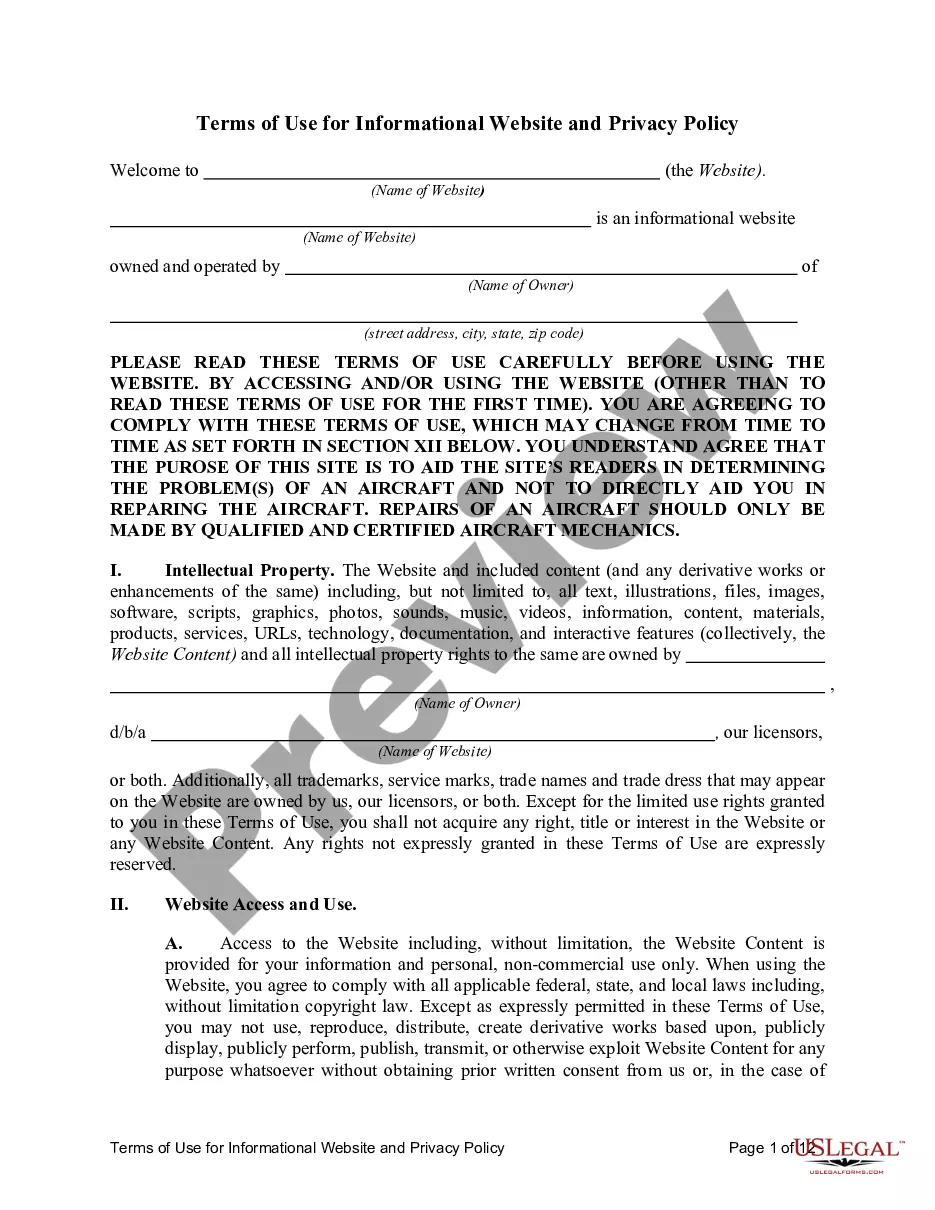
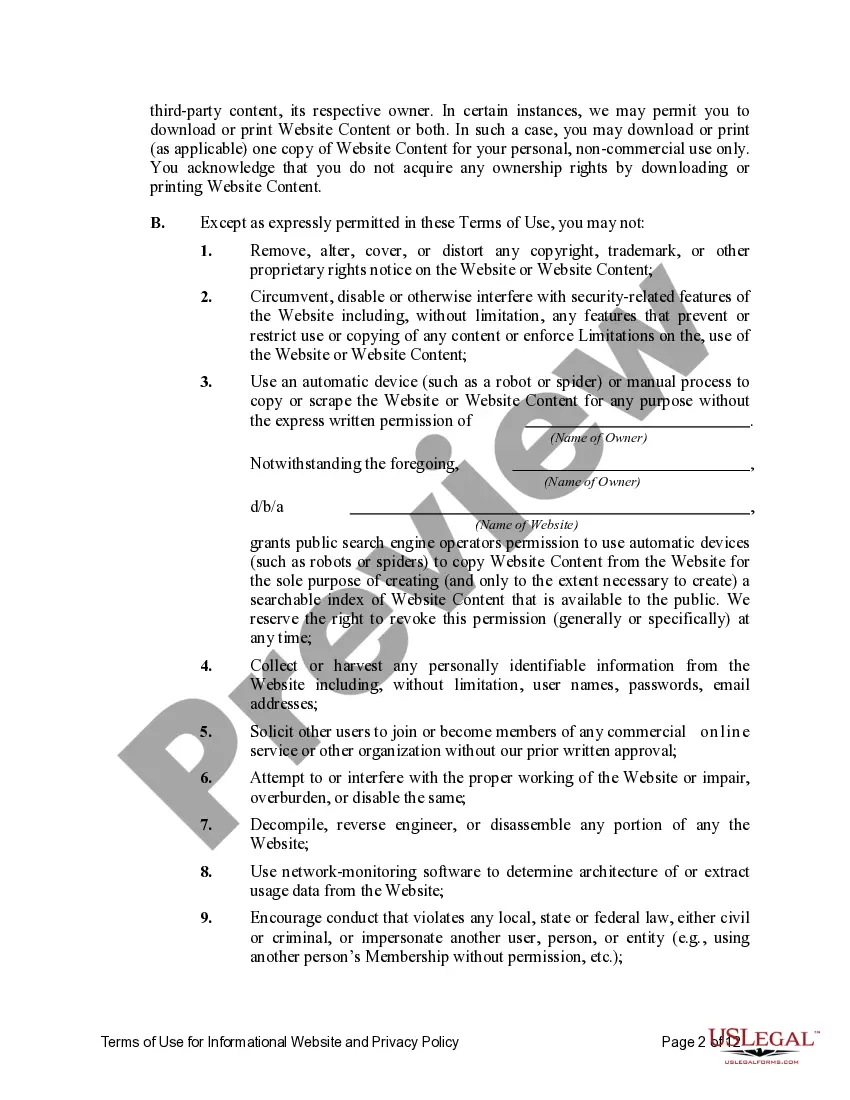
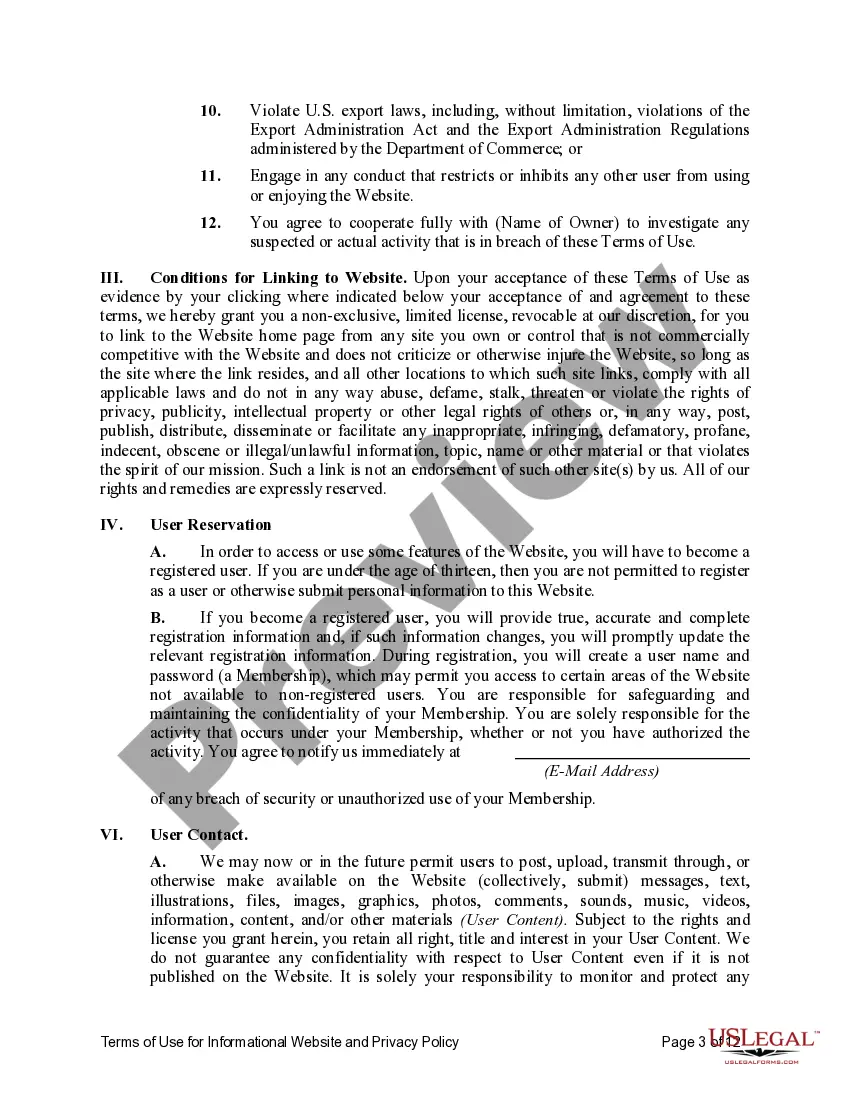
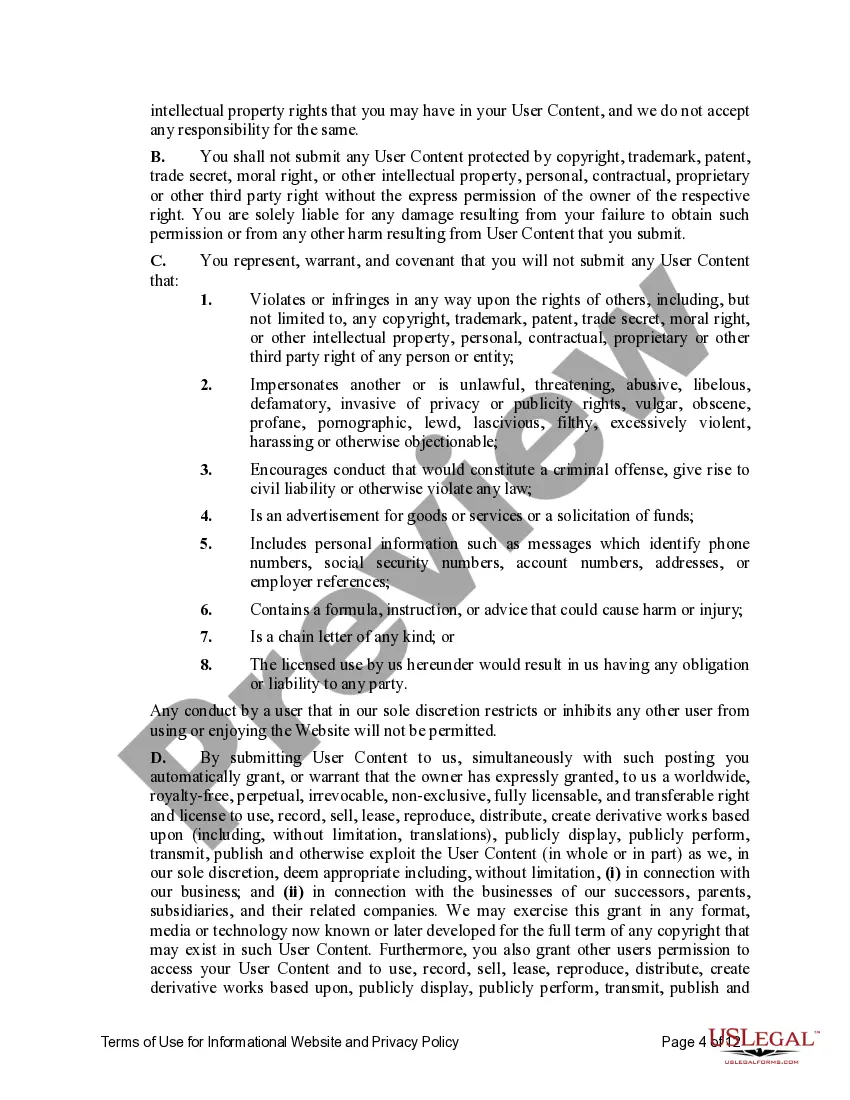
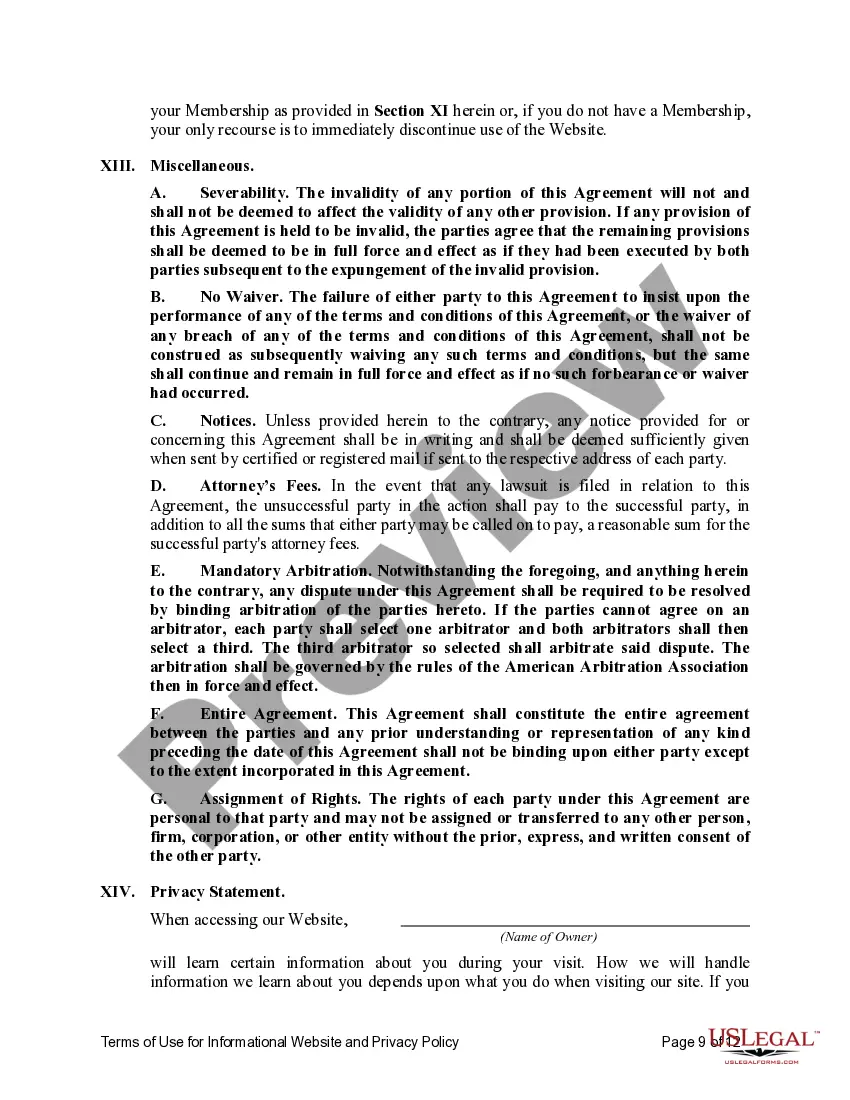
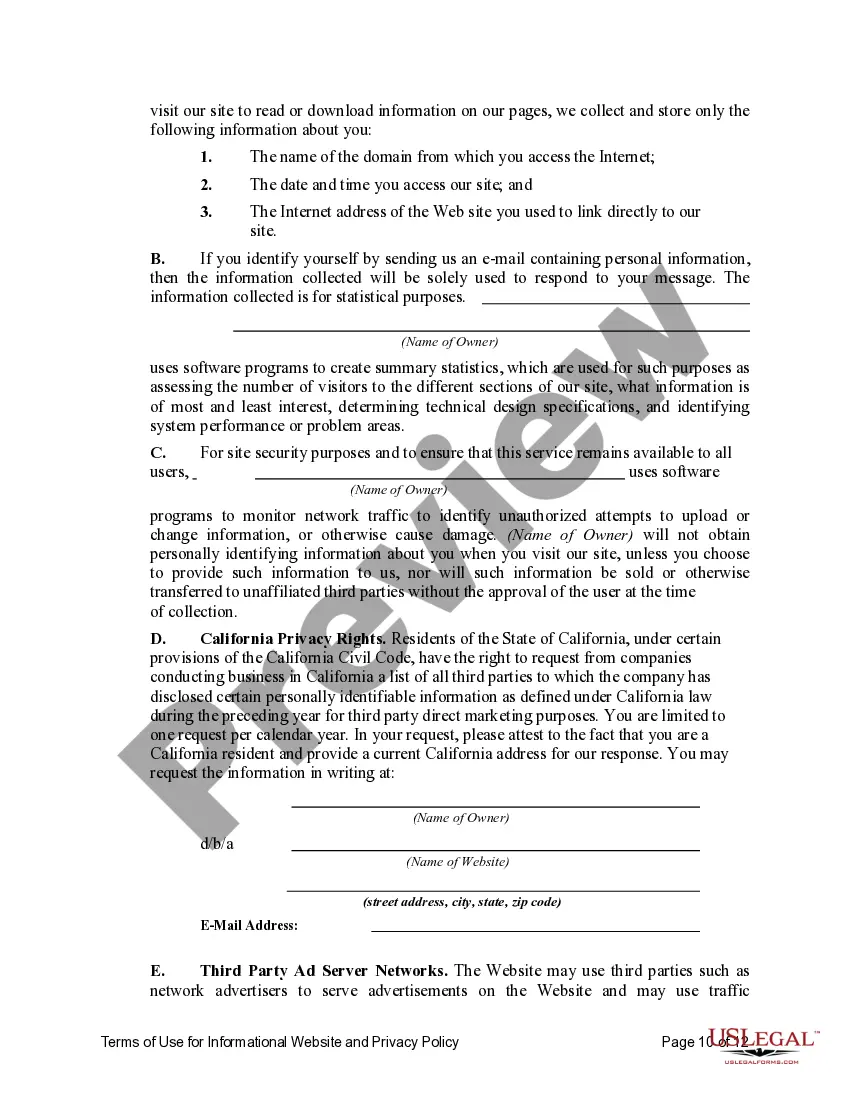

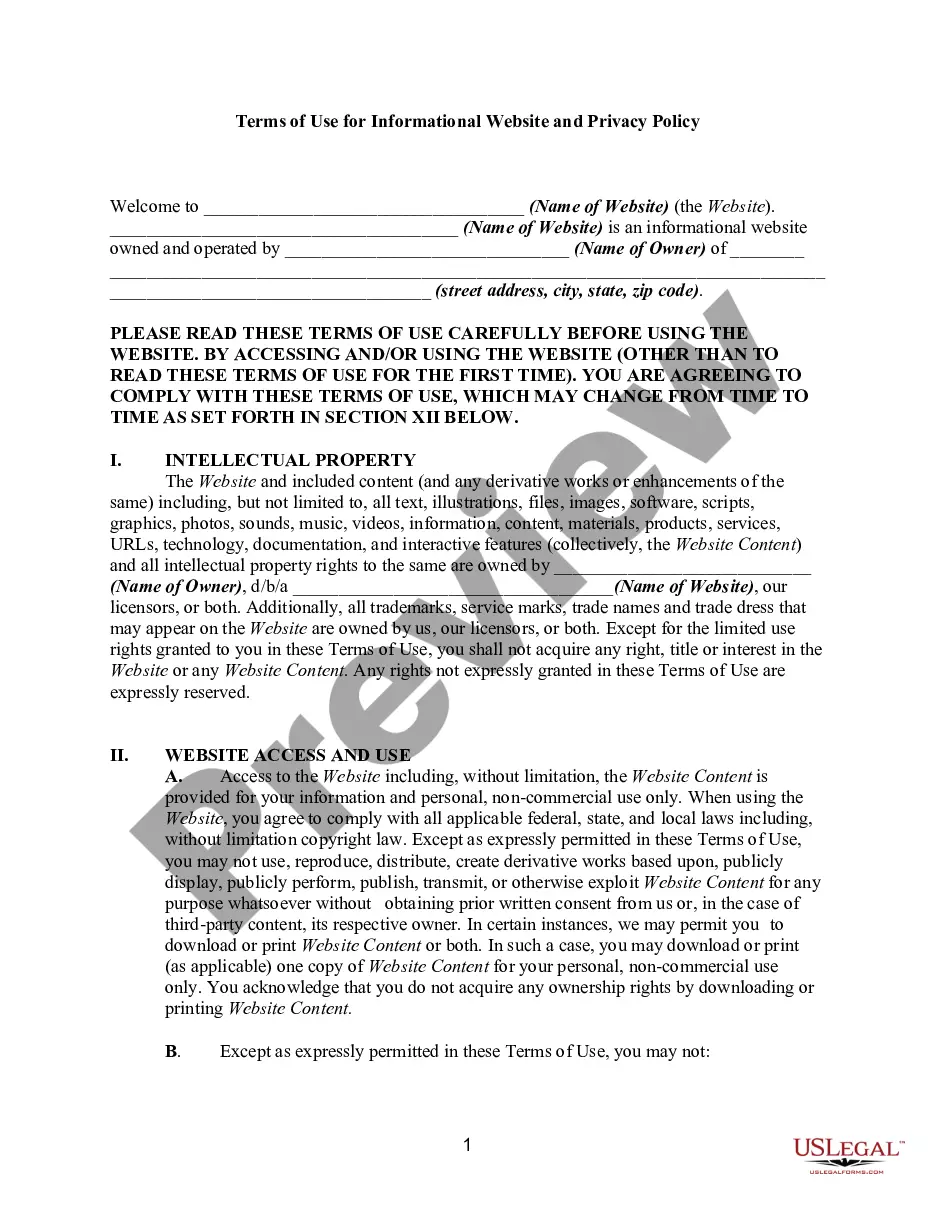
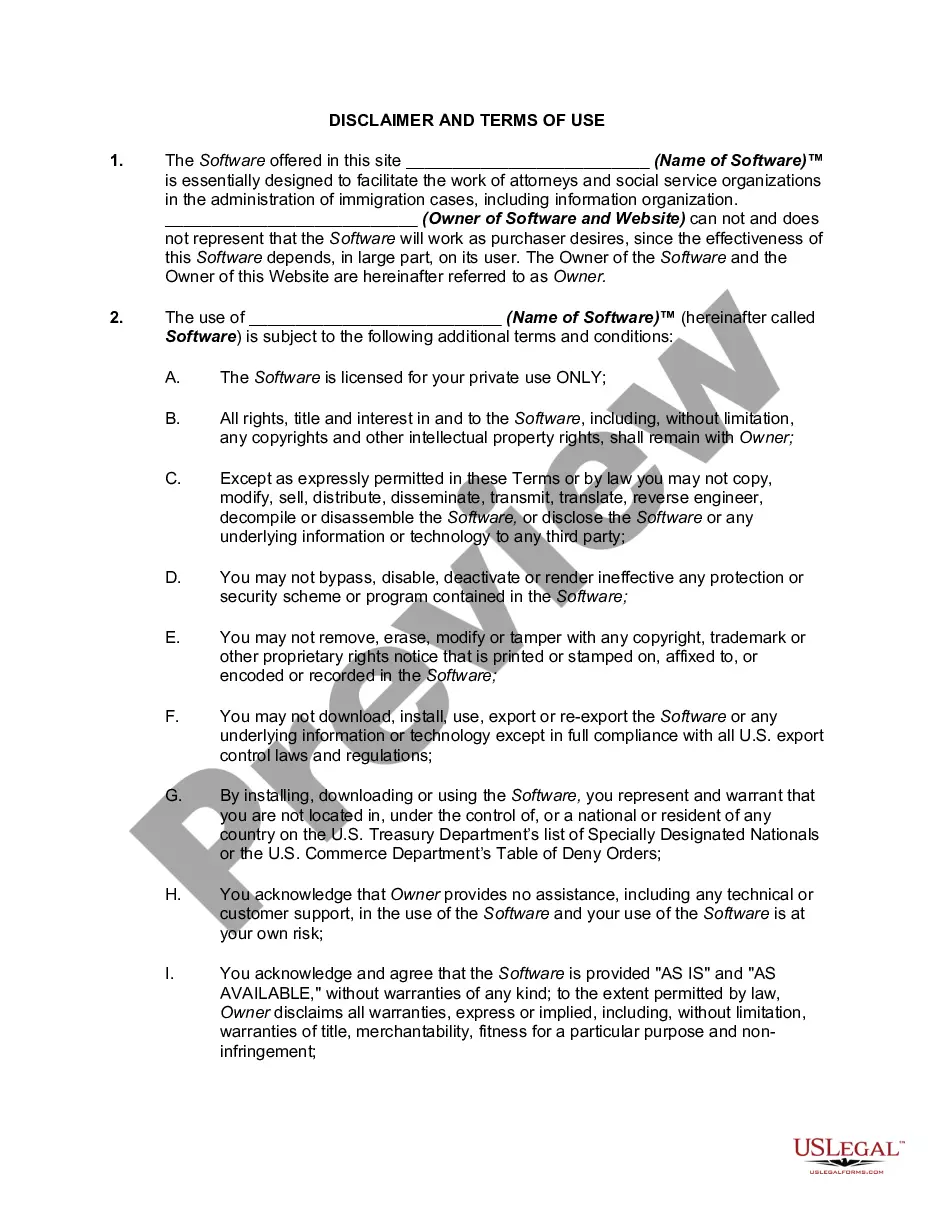
Get your form ready online
Our built-in tools help you complete, sign, share, and store your documents in one place.
Make edits, fill in missing information, and update formatting in US Legal Forms—just like you would in MS Word.
Download a copy, print it, send it by email, or mail it via USPS—whatever works best for your next step.
Sign and collect signatures with our SignNow integration. Send to multiple recipients, set reminders, and more. Go Premium to unlock E-Sign.
If this form requires notarization, complete it online through a secure video call—no need to meet a notary in person or wait for an appointment.
We protect your documents and personal data by following strict security and privacy standards.

Make edits, fill in missing information, and update formatting in US Legal Forms—just like you would in MS Word.

Download a copy, print it, send it by email, or mail it via USPS—whatever works best for your next step.

Sign and collect signatures with our SignNow integration. Send to multiple recipients, set reminders, and more. Go Premium to unlock E-Sign.

If this form requires notarization, complete it online through a secure video call—no need to meet a notary in person or wait for an appointment.

We protect your documents and personal data by following strict security and privacy standards.
Looking for another form?









How to fill out Terms Of Use For Informational Website And Privacy Policy?
Navigating through the administrative complexities of official documents and templates can be challenging, particularly for those who are not professionals in this area.
Selecting the appropriate template for the Terms Of Use Agreement For Website will be labor-intensive, as it must be precise and accurate to the last detail.
However, you will need to invest significantly less effort in locating a suitable template from a reliable source.
Acquire the correct form in a few straightforward steps: Enter the document name in the search box. Locate the suitable Terms Of Use Agreement For Website in the search results. Review the outline of the sample or open its preview. If the template meets your specifications, click Buy Now. Choose your subscription plan. Use your email and create a password to register an account at US Legal Forms. Select a credit card or PayPal payment method. Save the template document to your device in your preferred format. US Legal Forms can save you significant time determining if the form you found online meets your requirements. Establish an account and gain unlimited access to all the templates you need.
- US Legal Forms is a service that streamlines the process of locating the correct forms online.
- US Legal Forms is a centralized site where one can find the latest document samples, confirm their usage, and download these samples for completion.
- This is a repository with over 85K forms applicable across various fields.
- When searching for a Terms Of Use Agreement For Website, you need not question its validity as all forms are authenticated.
- Having an account at US Legal Forms guarantees you access to all necessary samples right at your fingertips.
- You can save them in your history or add them to your My documents collection.
- Access your saved forms from any device by simply clicking Log In on the library site.
- If you don't have an account yet, you can always search for the required template anew.
Form popularity
FAQ
How To Write Terms and Conditions Step by StepWrite the Introduction.Draft the Terms of Service.Create an Acknowledgment Statement.Limit Your Liability.List Who Owns Intellectual Property Rights.Generate a Privacy Policy.Spell Out What Happens for Non-Compliance.Add a Signature and Dateline for Both Parties.
Your Terms and Conditions should also mention where your website is operating from in the terms and conditions agreement of the governing law (state/province and country). For example, These terms and conditions are governed by the laws of the United States of America and the laws of the State of California.
When you are ready to start building your terms of use, open the generator and follow these steps:Answer questions about your business, website.Choose your method of dispute resolution (a critical piece of any terms and conditions)Give a few final details and add additional customization if needed.
A Guide to Writing Your Terms and Conditions AgreementA brief introduction.The effective date.Jurisdiction/governing law.Link to your Privacy Policy.Contact information.Limitation of liability and disclaimer of warranties.Rules of conduct.User restrictions.More items...?
While there are bound to be differences, many websites' Terms of Use contain these basic elements:Limitation of Liability. This is a disclaimer that states you can't be held responsible for any errors in the content on your website.Permitted Use.Copyright.Privacy Policy.Governing Law.
