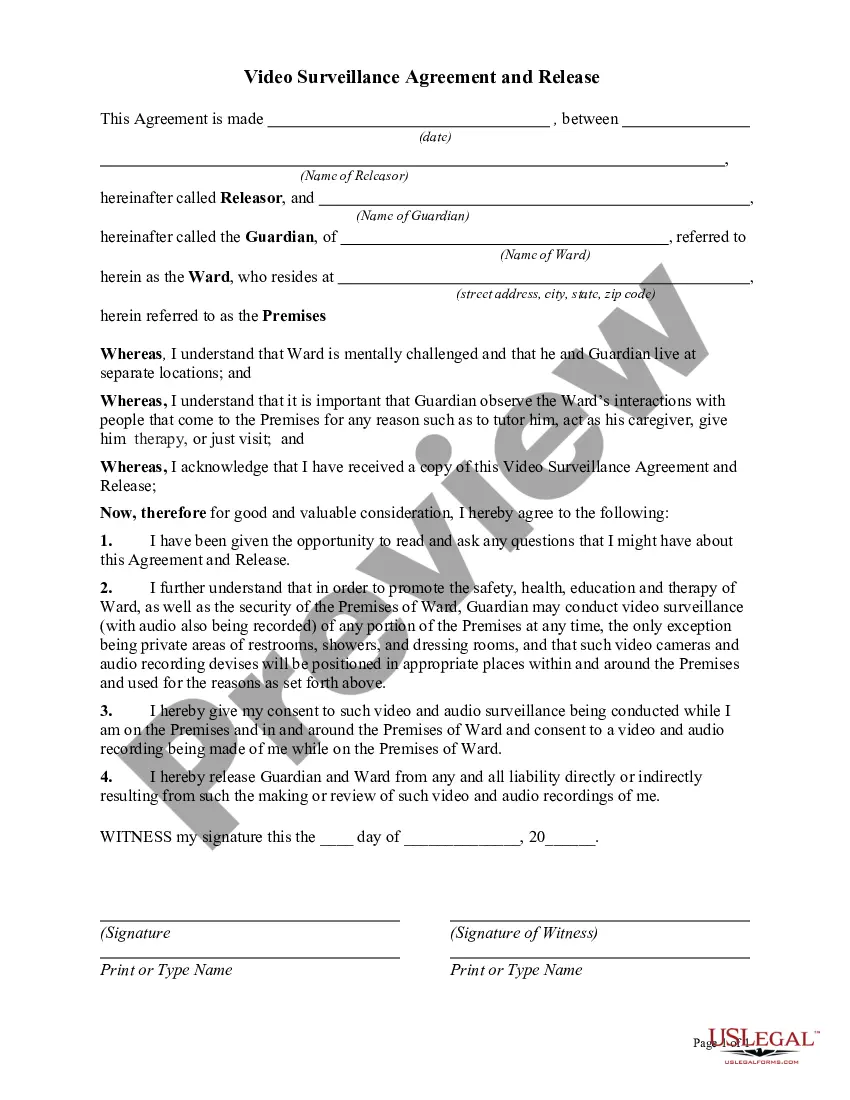
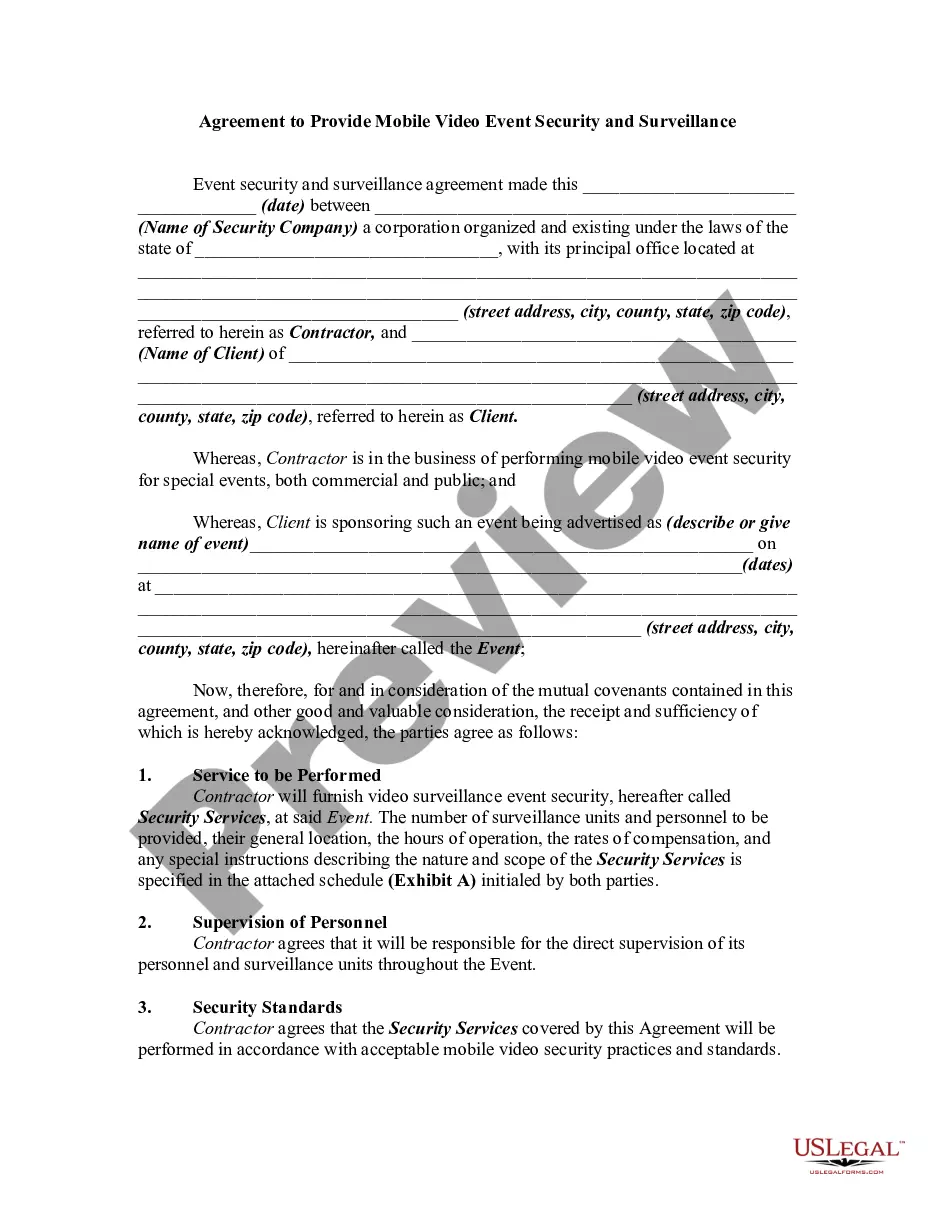
Video Surveillance Agreement With Employer
Description
Get your form ready online
Our built-in tools help you complete, sign, share, and store your documents in one place.
Make edits, fill in missing information, and update formatting in US Legal Forms—just like you would in MS Word.
Download a copy, print it, send it by email, or mail it via USPS—whatever works best for your next step.
Sign and collect signatures with our SignNow integration. Send to multiple recipients, set reminders, and more. Go Premium to unlock E-Sign.
If this form requires notarization, complete it online through a secure video call—no need to meet a notary in person or wait for an appointment.
We protect your documents and personal data by following strict security and privacy standards.

Make edits, fill in missing information, and update formatting in US Legal Forms—just like you would in MS Word.

Download a copy, print it, send it by email, or mail it via USPS—whatever works best for your next step.

Sign and collect signatures with our SignNow integration. Send to multiple recipients, set reminders, and more. Go Premium to unlock E-Sign.

If this form requires notarization, complete it online through a secure video call—no need to meet a notary in person or wait for an appointment.

We protect your documents and personal data by following strict security and privacy standards.
Looking for another form?


How to fill out Video Surveillance Agreement And Release?
Whether for corporate objectives or for individual matters, everyone must confront legal scenarios at some point in their lives.
Filling out legal documents demands meticulous focus, starting from selecting the right form template.
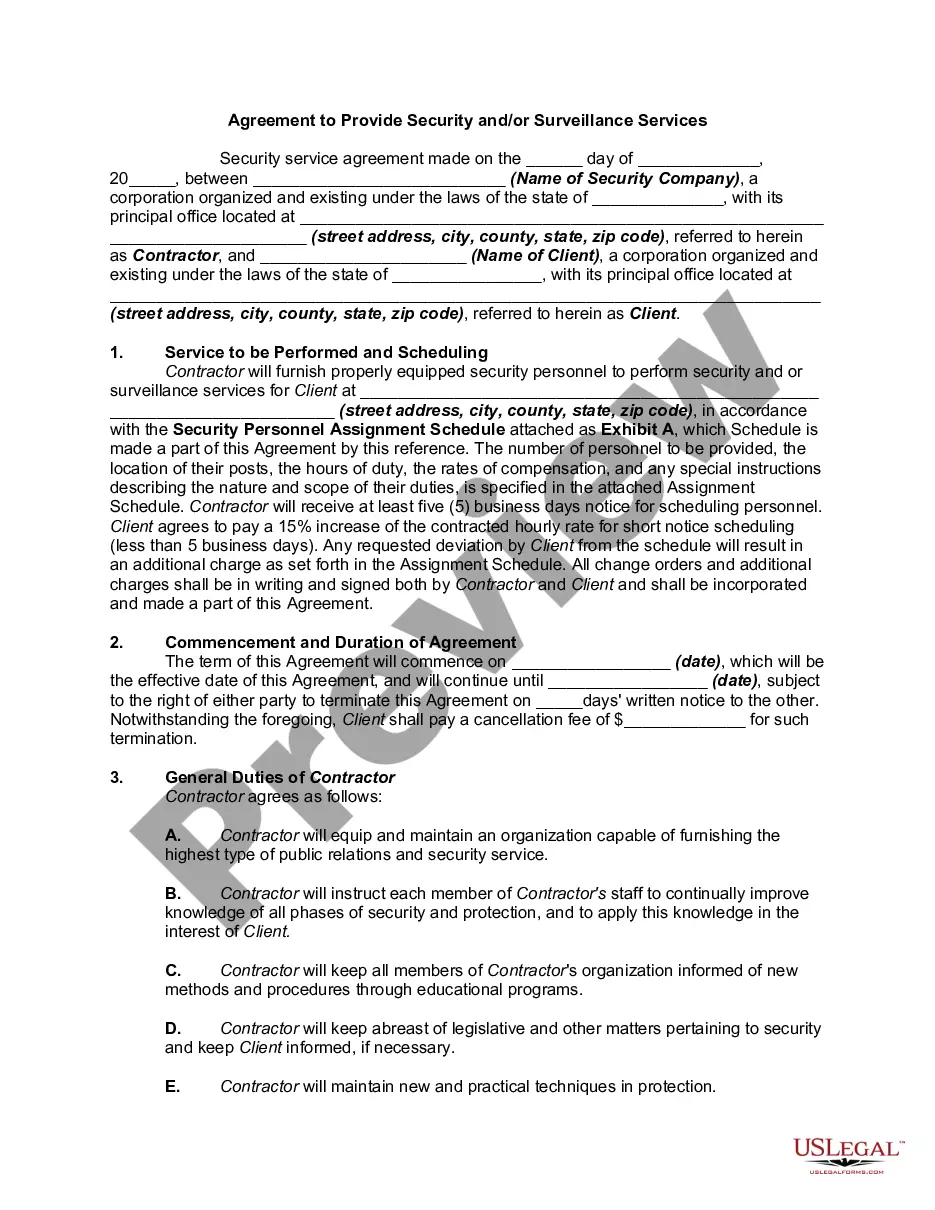
Select the desired file format and download the Video Surveillance Agreement With Employer. After downloading, you can fill out the form using editing software or print it to complete it by hand. With a comprehensive US Legal Forms catalog available, you no longer need to waste time searching for the right template online. Utilize the library’s straightforward navigation to find the correct form for any circumstance.
- For instance, if you choose an incorrect version of a Video Surveillance Agreement With Employer, it will be turned down upon submission.
- Thus, it is essential to find a reliable source of legal documents like US Legal Forms.
- If you wish to acquire a Video Surveillance Agreement With Employer template, follow these straightforward steps.
- Locate the template you require by utilizing the search bar or browsing through the catalog.
- Review the form’s details to confirm it meets your needs, jurisdiction, and locality.
- Click on the form’s preview to assess it.
- If it is not the proper form, return to the search function to discover the Video Surveillance Agreement With Employer example you seek.
- Obtain the template if it aligns with your specifications.
- If you already possess a US Legal Forms account, simply click Log in to retrieve previously stored files in My documents.
- If you do not yet have an account, you can acquire the form by selecting Buy now.
- Choose the appropriate pricing option.
- Complete the account registration form.
- Select your payment method: you can opt for a credit card or PayPal account.
Form popularity
FAQ
Potential legal issues include invasion of privacy, unfair labor practice charges, discrimination, unpaid wages and overtime and workplace injuries. Employers monitoring employees should ensure compliance with evolving federal and state laws and review their employee handbooks and applicable written policies.
If an employer wants to place a microphone in the office to listen to workers all day, that is legal. But it is not legal to place a microphone in the cafeteria, where people may be talking about personal issues. Similarly, it's not legal to place monitoring devices in locker rooms and bathrooms.
Many employers use video cameras to prevent internal theft, security purposes, and to have a record of any employee accident or injury. Most video surveillance in the workplace is permissible when the employers notify workers about the surveillance.
It is illegal to monitor employees without their knowledge and consent in California (though federal law does not require employers to inform workers they are being recorded). Employers are required to tell all people who are being recorded the extent and duration of the recording.
In most cases, it is not legal to record audio on security cameras unless all parties are aware that you may be recording audio. Businesses are required to tell you that they may be recording using video surveillance, and the same applies to audio surveillance.