Employment Agreement Executive Form For Employees
Description
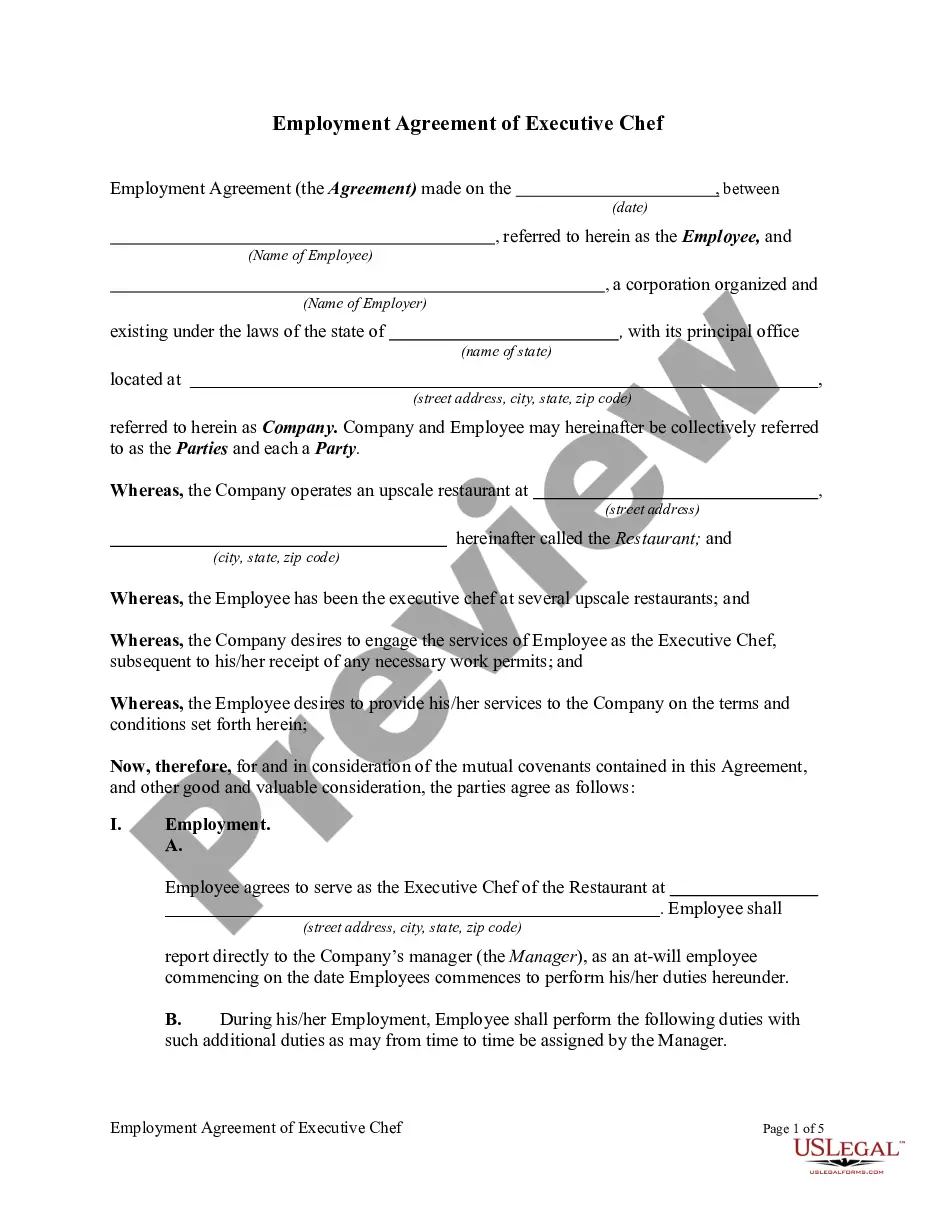
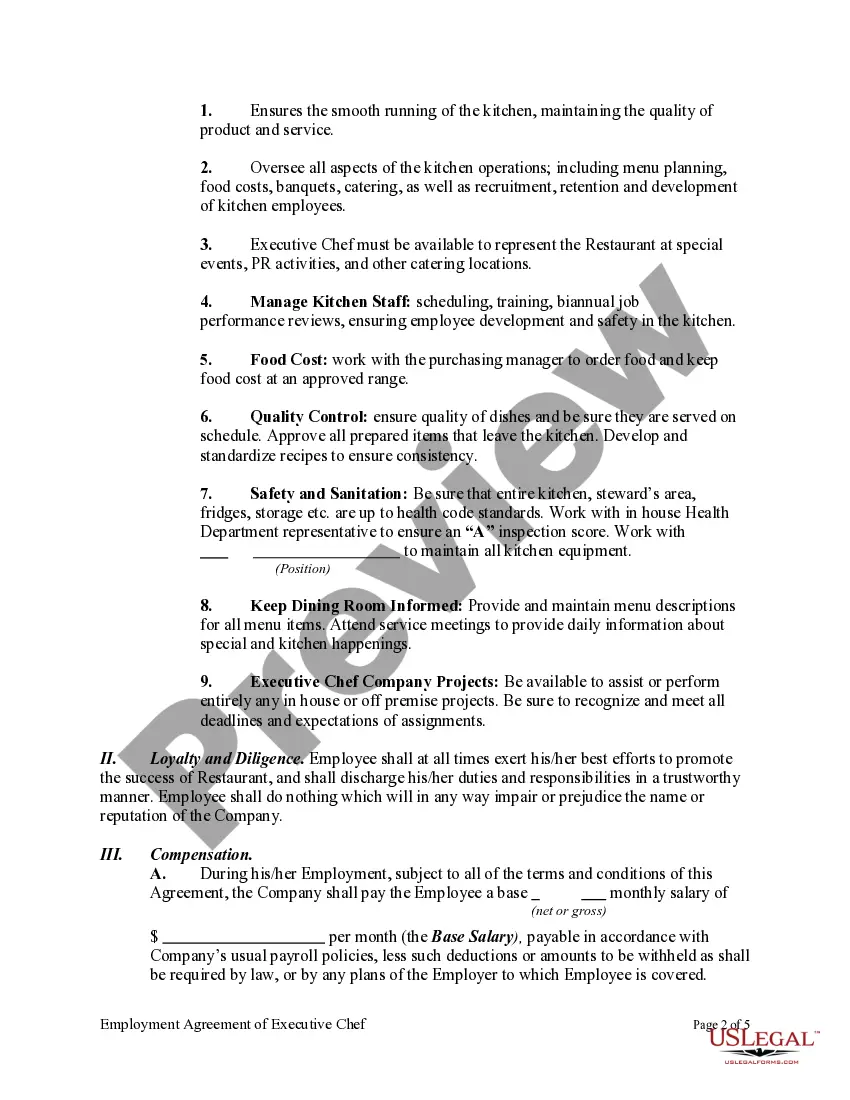
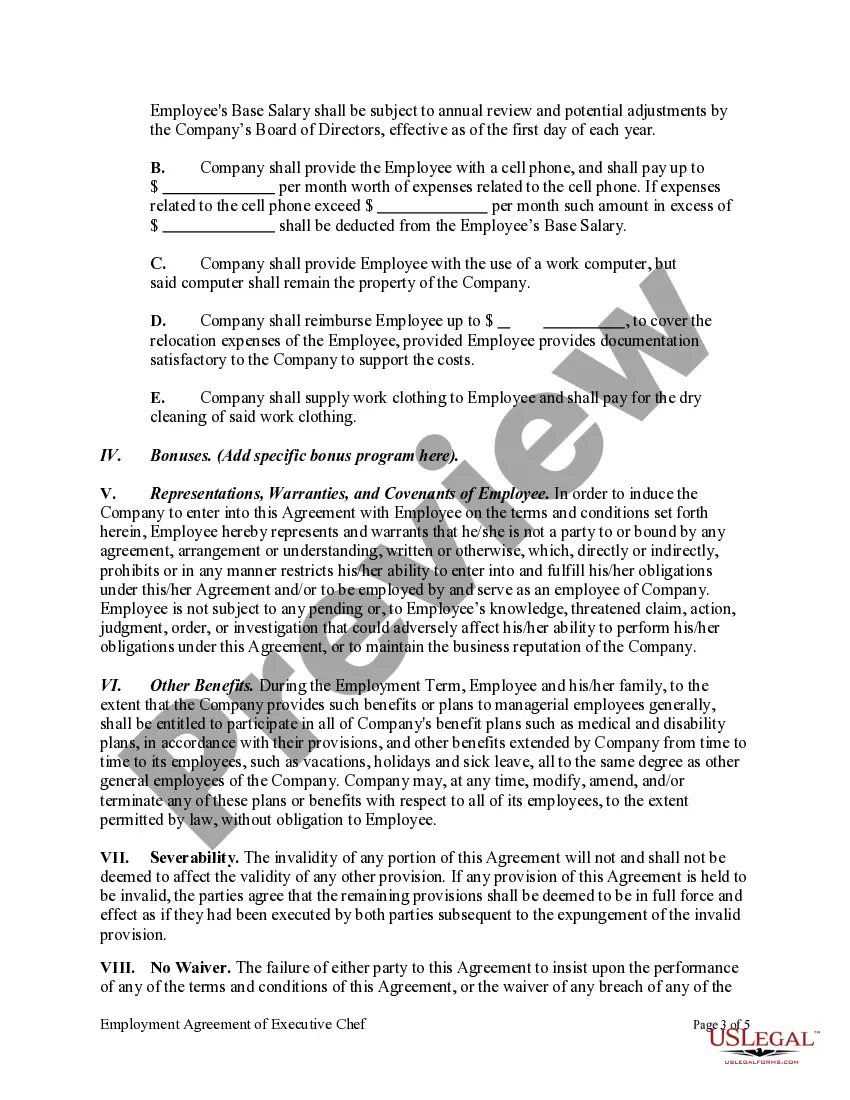
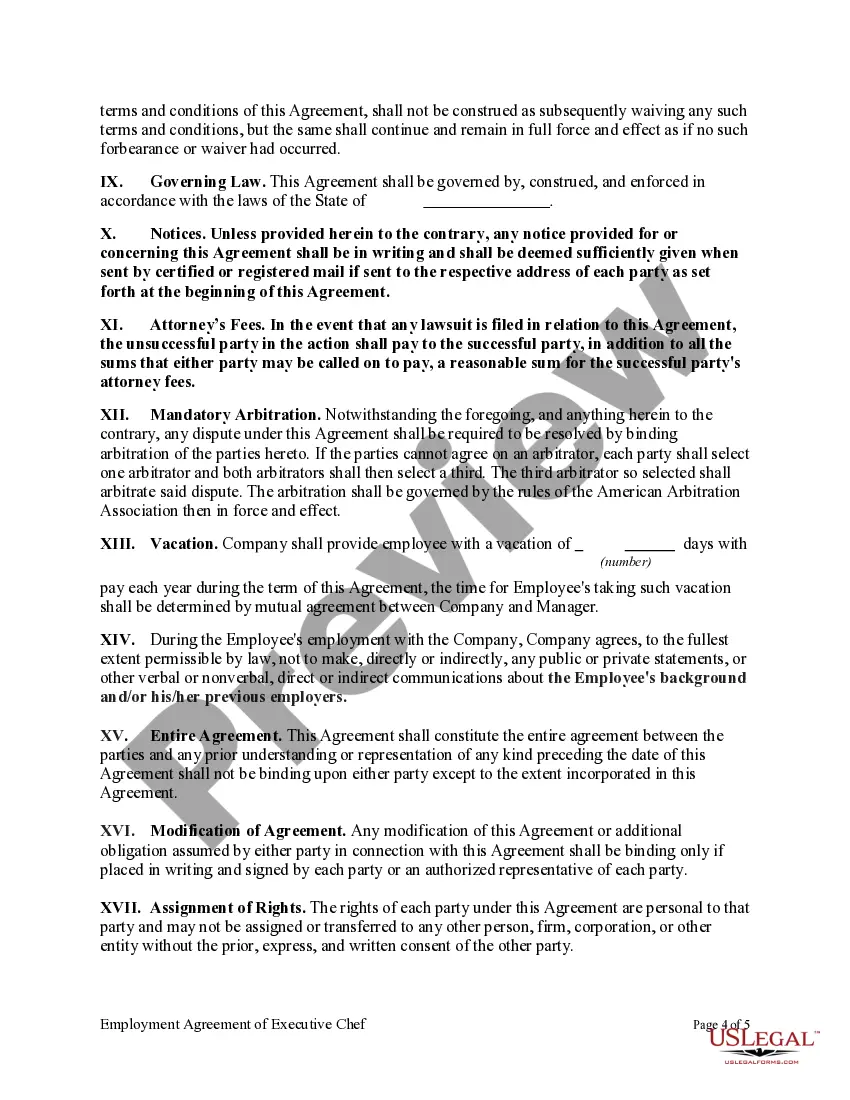
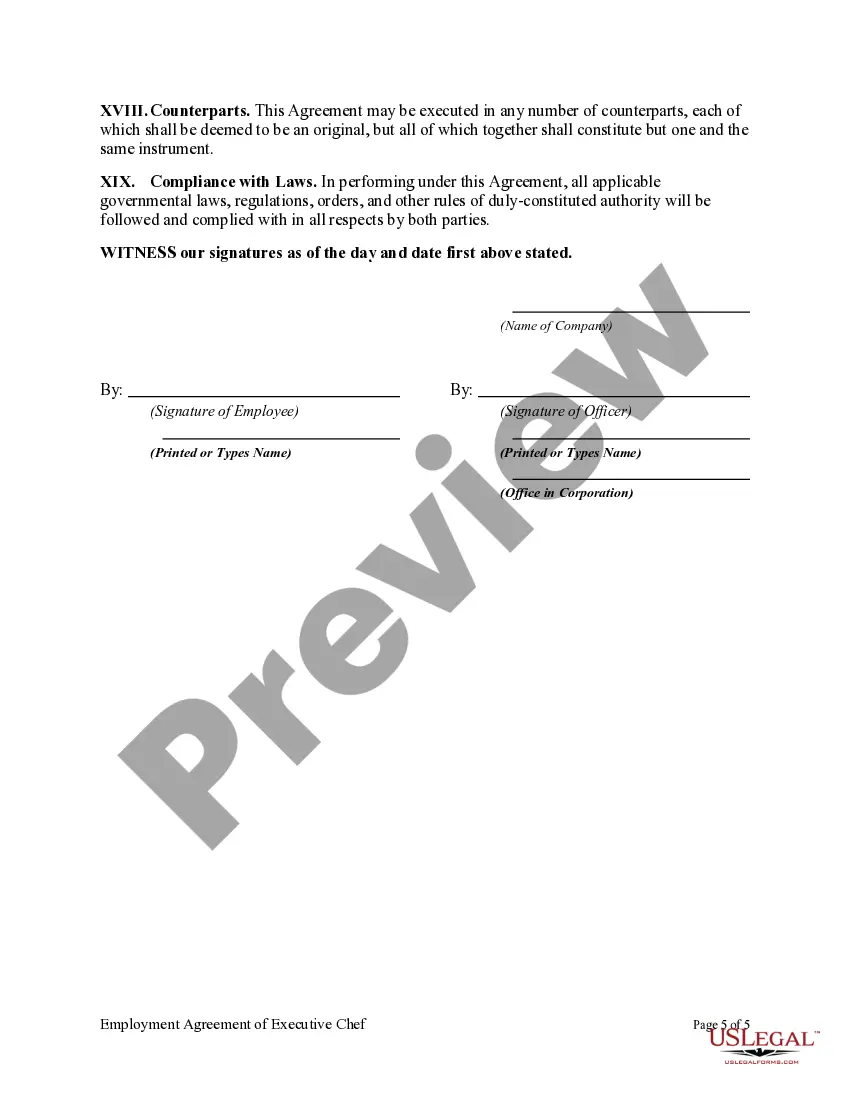
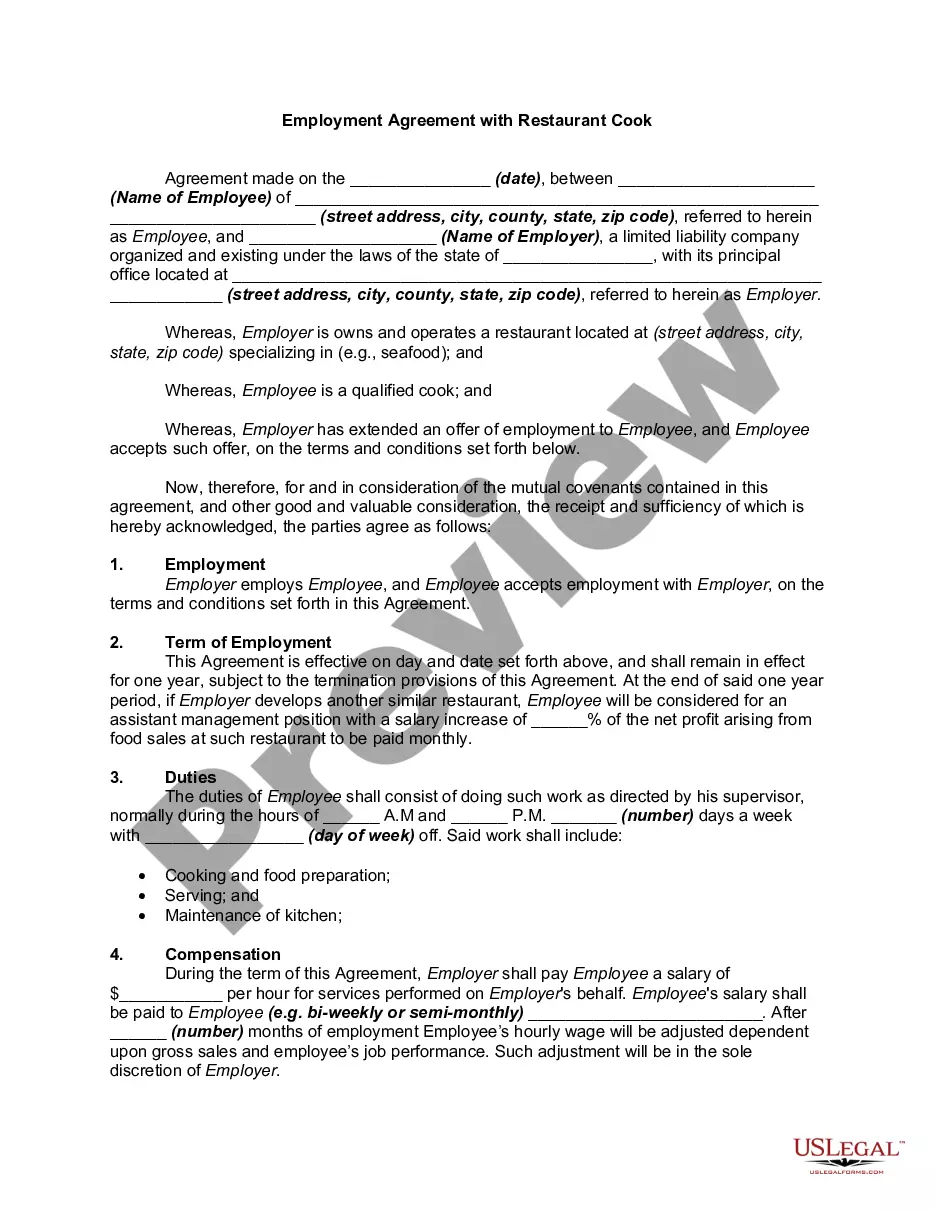
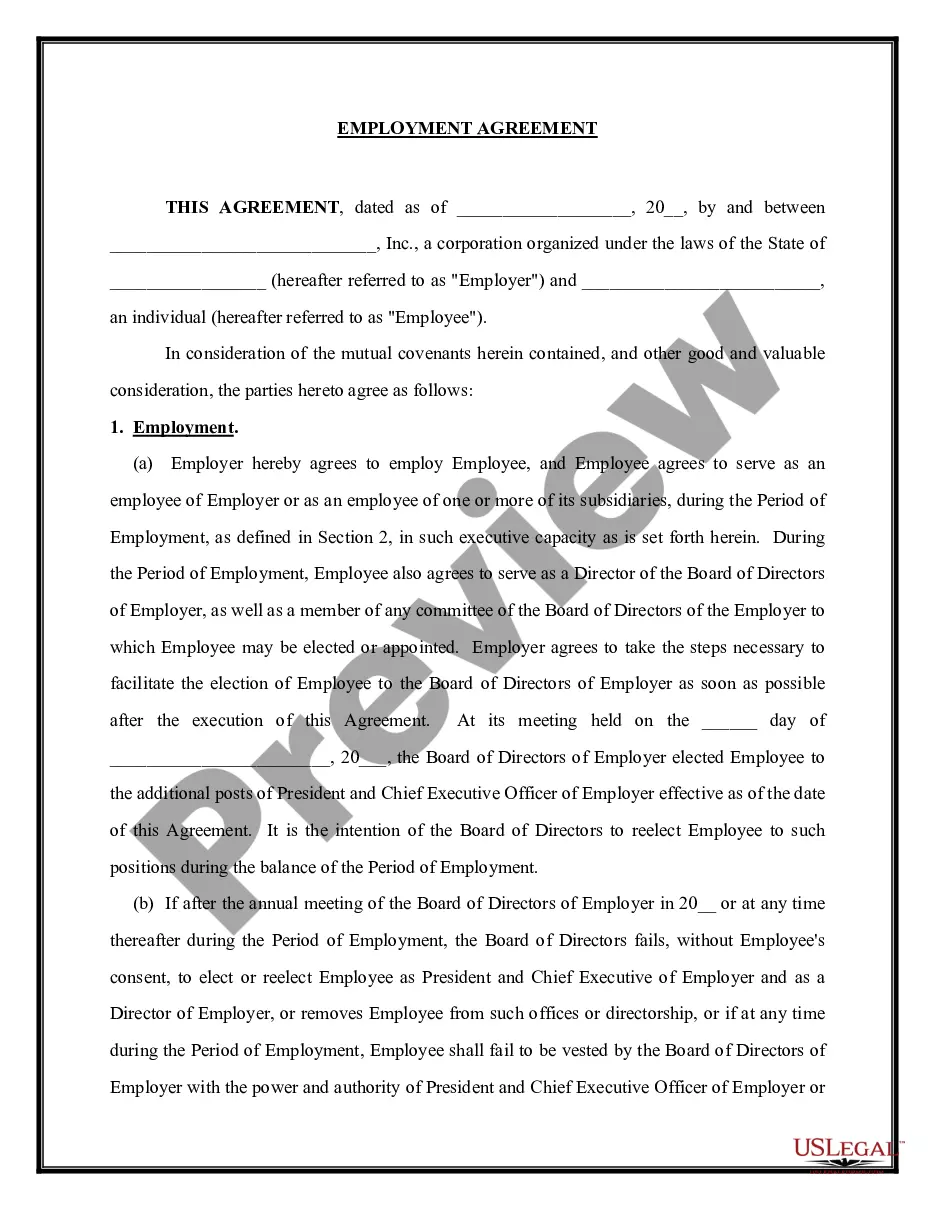
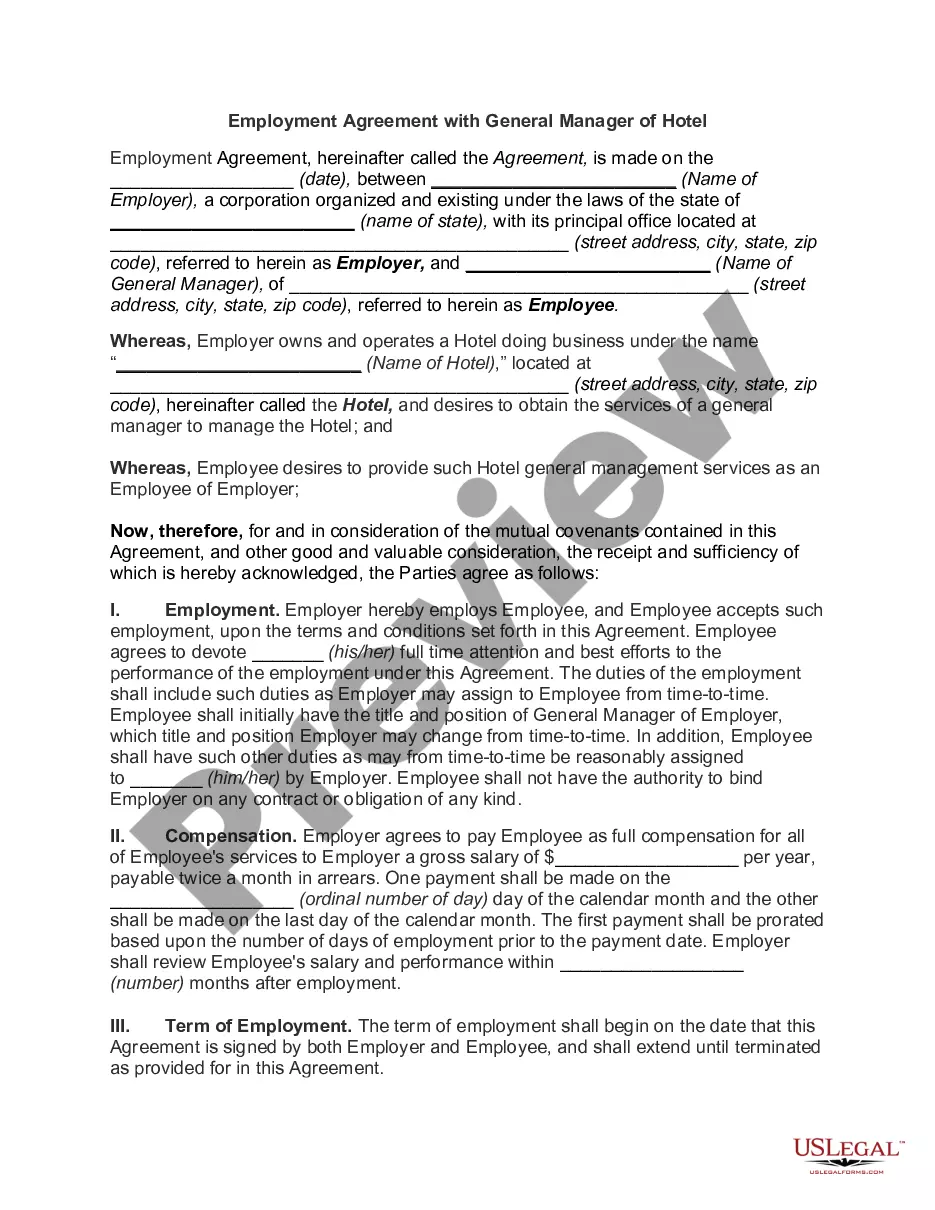
Get your form ready online
Our built-in tools help you complete, sign, share, and store your documents in one place.
Make edits, fill in missing information, and update formatting in US Legal Forms—just like you would in MS Word.
Download a copy, print it, send it by email, or mail it via USPS—whatever works best for your next step.
Sign and collect signatures with our SignNow integration. Send to multiple recipients, set reminders, and more. Go Premium to unlock E-Sign.
If this form requires notarization, complete it online through a secure video call—no need to meet a notary in person or wait for an appointment.
We protect your documents and personal data by following strict security and privacy standards.

Make edits, fill in missing information, and update formatting in US Legal Forms—just like you would in MS Word.

Download a copy, print it, send it by email, or mail it via USPS—whatever works best for your next step.

Sign and collect signatures with our SignNow integration. Send to multiple recipients, set reminders, and more. Go Premium to unlock E-Sign.

If this form requires notarization, complete it online through a secure video call—no need to meet a notary in person or wait for an appointment.

We protect your documents and personal data by following strict security and privacy standards.
Looking for another form?
How to fill out Employment Agreement Of Executive Chef?
Legal papers management might be mind-boggling, even for the most knowledgeable professionals. When you are searching for a Employment Agreement Executive Form For Employees and don’t have the a chance to devote looking for the correct and updated version, the operations may be demanding. A robust online form catalogue could be a gamechanger for anybody who wants to manage these situations efficiently. US Legal Forms is a industry leader in web legal forms, with over 85,000 state-specific legal forms accessible to you at any moment.
With US Legal Forms, it is possible to:
- Gain access to state- or county-specific legal and organization forms. US Legal Forms handles any needs you could have, from individual to business papers, all in one location.
- Employ advanced tools to accomplish and manage your Employment Agreement Executive Form For Employees
- Gain access to a resource base of articles, tutorials and handbooks and resources highly relevant to your situation and needs
Help save time and effort looking for the papers you need, and employ US Legal Forms’ advanced search and Preview tool to find Employment Agreement Executive Form For Employees and download it. If you have a membership, log in for your US Legal Forms account, search for the form, and download it. Review your My Forms tab to see the papers you previously downloaded as well as to manage your folders as you see fit.
Should it be your first time with US Legal Forms, make an account and obtain limitless access to all benefits of the library. Here are the steps for taking after accessing the form you want:
- Validate it is the correct form by previewing it and looking at its description.
- Ensure that the sample is accepted in your state or county.
- Pick Buy Now once you are ready.
- Select a monthly subscription plan.
- Pick the file format you want, and Download, complete, eSign, print and send your document.
Enjoy the US Legal Forms online catalogue, supported with 25 years of experience and reliability. Enhance your day-to-day document managing in to a smooth and intuitive process today.
Form popularity
FAQ
A Good Reason clause can be added to that agreement which lists the reasons why you can end the contract. It is the flip side of ?Good Cause,? which is the section in the contract giving the employer the right to end the contract. Various situations could arise where you may want to terminate for good reason.
Execute an Employment Agreement for Every Executive. Specify Compensation Terms and Conditions Clearly. State Termination and Severance Conditions. Protect Your Intellectual Property. Focus on Writing With Clarity and Simplicity.
An executive contract establishes key contractual obligations for the executive and the employer and typically contains more expansive terms and conditions than an ordinary employment agreement. An executive contract typically includes: Duties and responsibilities of the executive.
?Good Reason? shall mean (i)the Executive ceases to be a member of the senior management of the Company, or (ii)the Company breaches any material provision of this Agreement.
The term ?Termination for Cause? shall mean termination because of Executive's personal dishonesty, incompetence, willful misconduct, any breach of fiduciary duty involving personal profit, intentional failure to perform stated duties, willful violation of any law, rule, or regulation (other than traffic violations or ...