Charitable Remainder Trust Form 8283
Description


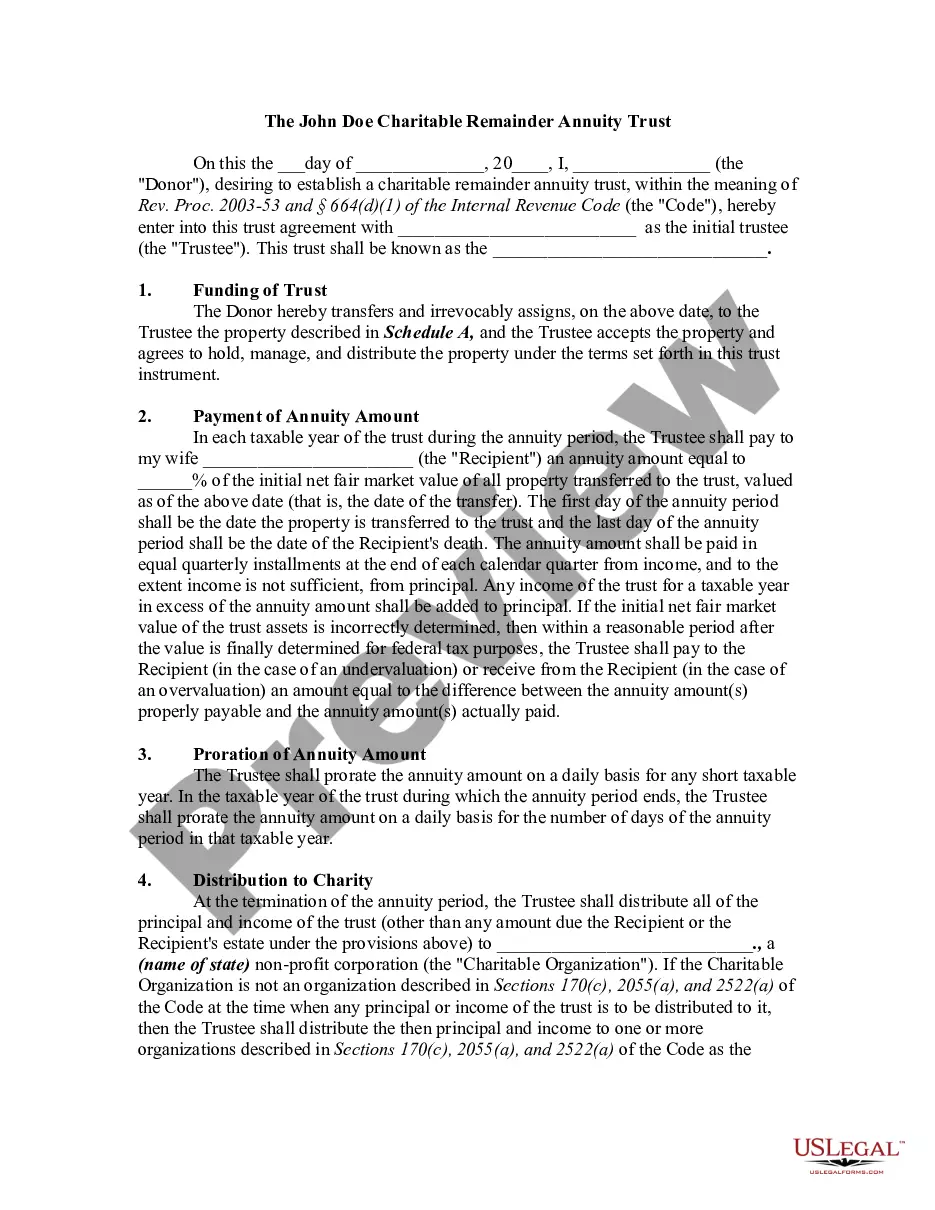


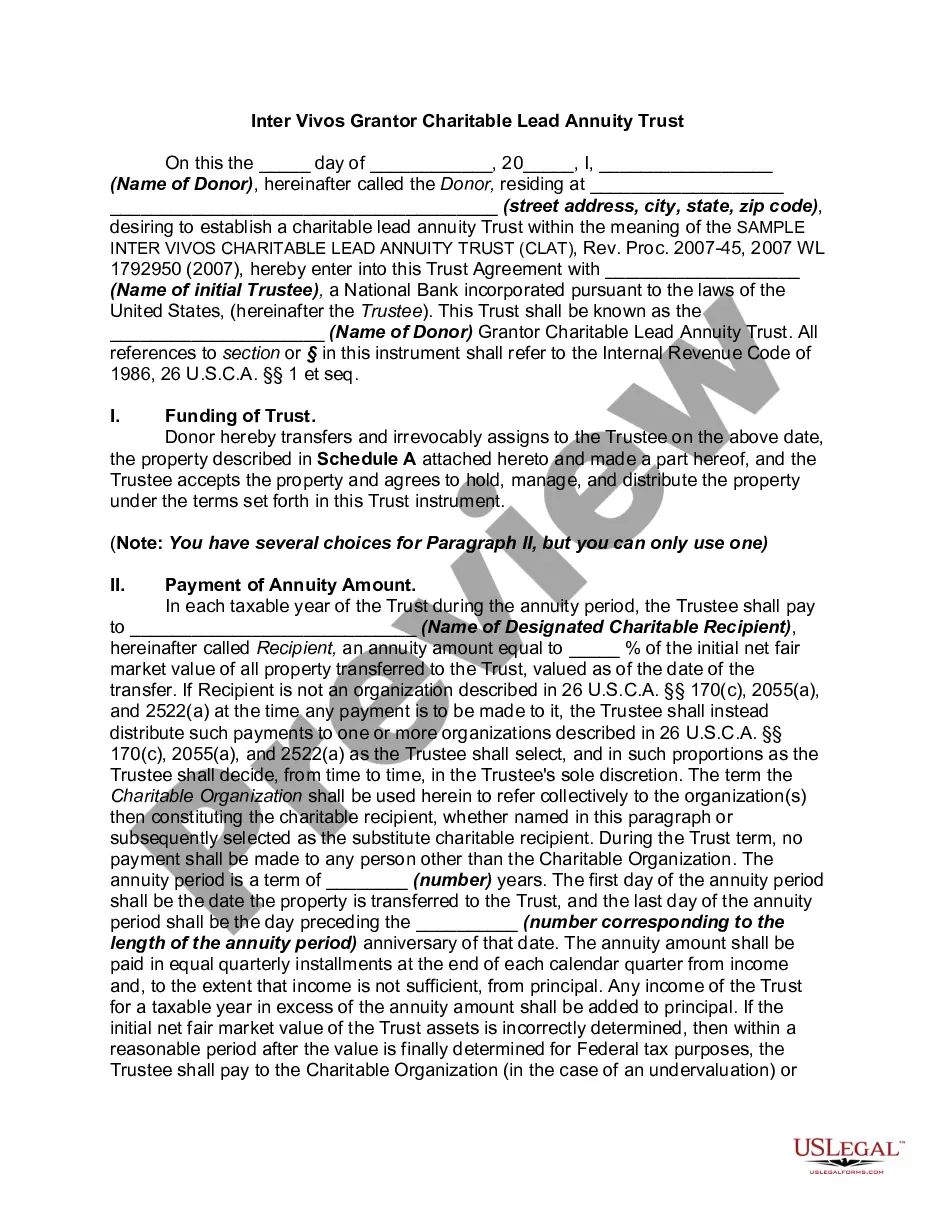

Get your form ready online
Our built-in tools help you complete, sign, share, and store your documents in one place.
Make edits, fill in missing information, and update formatting in US Legal Forms—just like you would in MS Word.
Download a copy, print it, send it by email, or mail it via USPS—whatever works best for your next step.
Sign and collect signatures with our SignNow integration. Send to multiple recipients, set reminders, and more. Go Premium to unlock E-Sign.
If this form requires notarization, complete it online through a secure video call—no need to meet a notary in person or wait for an appointment.
We protect your documents and personal data by following strict security and privacy standards.

Make edits, fill in missing information, and update formatting in US Legal Forms—just like you would in MS Word.

Download a copy, print it, send it by email, or mail it via USPS—whatever works best for your next step.

Sign and collect signatures with our SignNow integration. Send to multiple recipients, set reminders, and more. Go Premium to unlock E-Sign.

If this form requires notarization, complete it online through a secure video call—no need to meet a notary in person or wait for an appointment.

We protect your documents and personal data by following strict security and privacy standards.
Looking for another form?









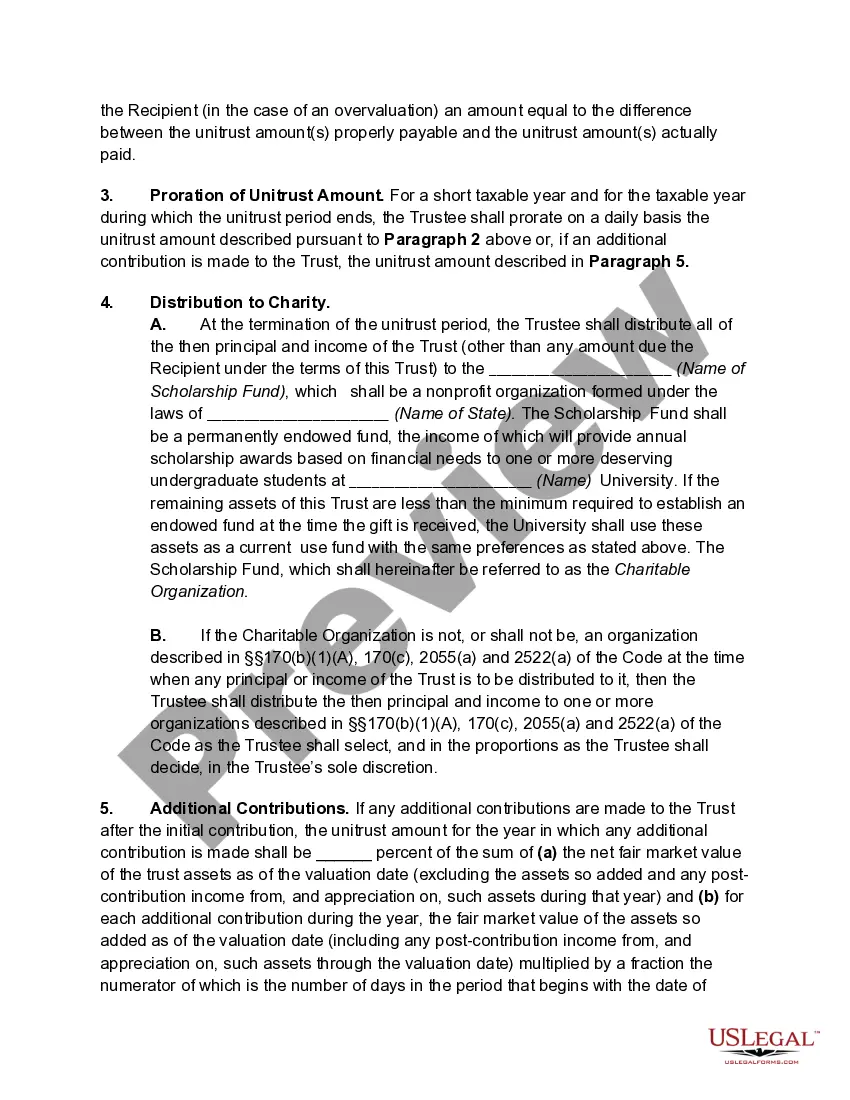
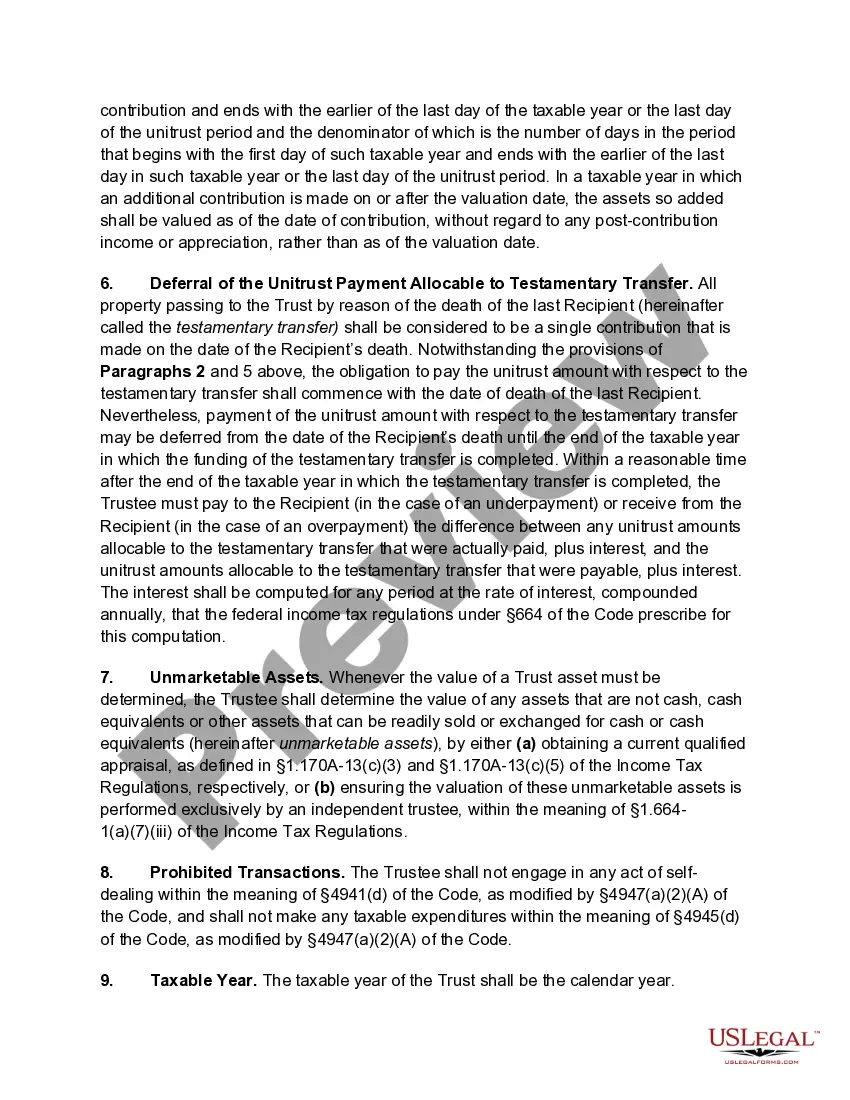
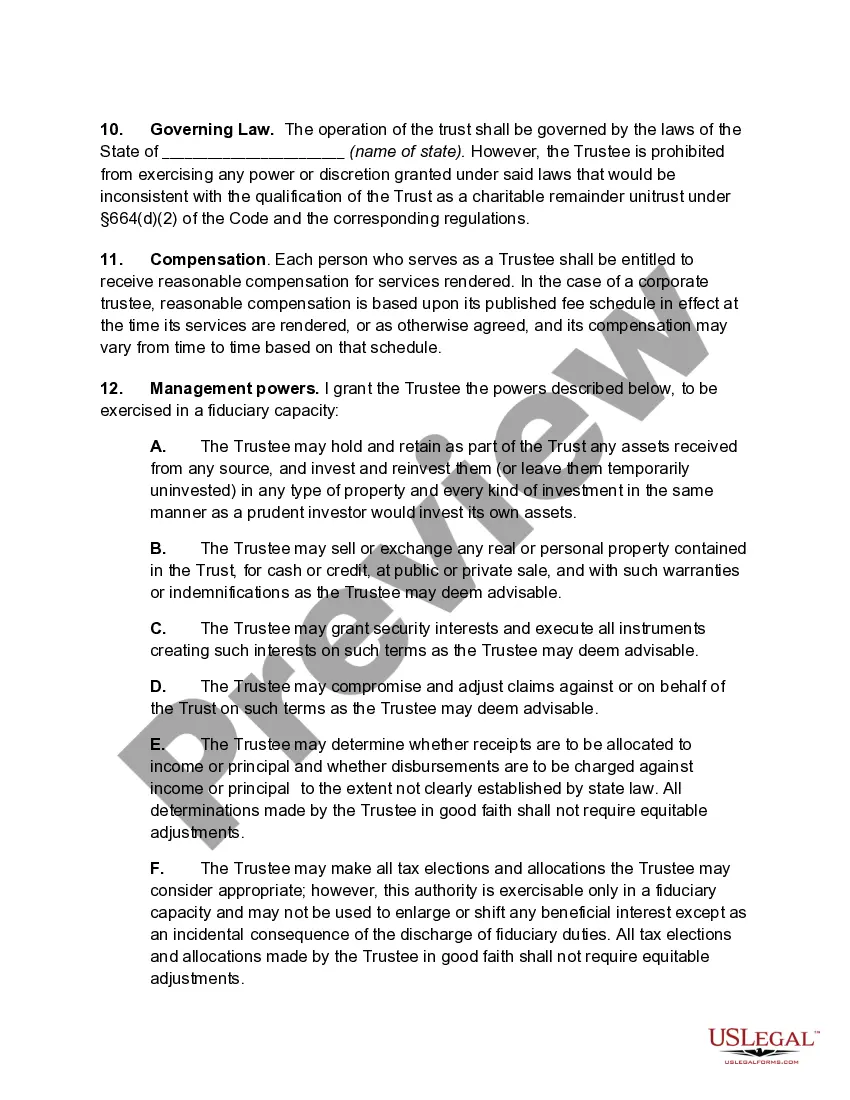
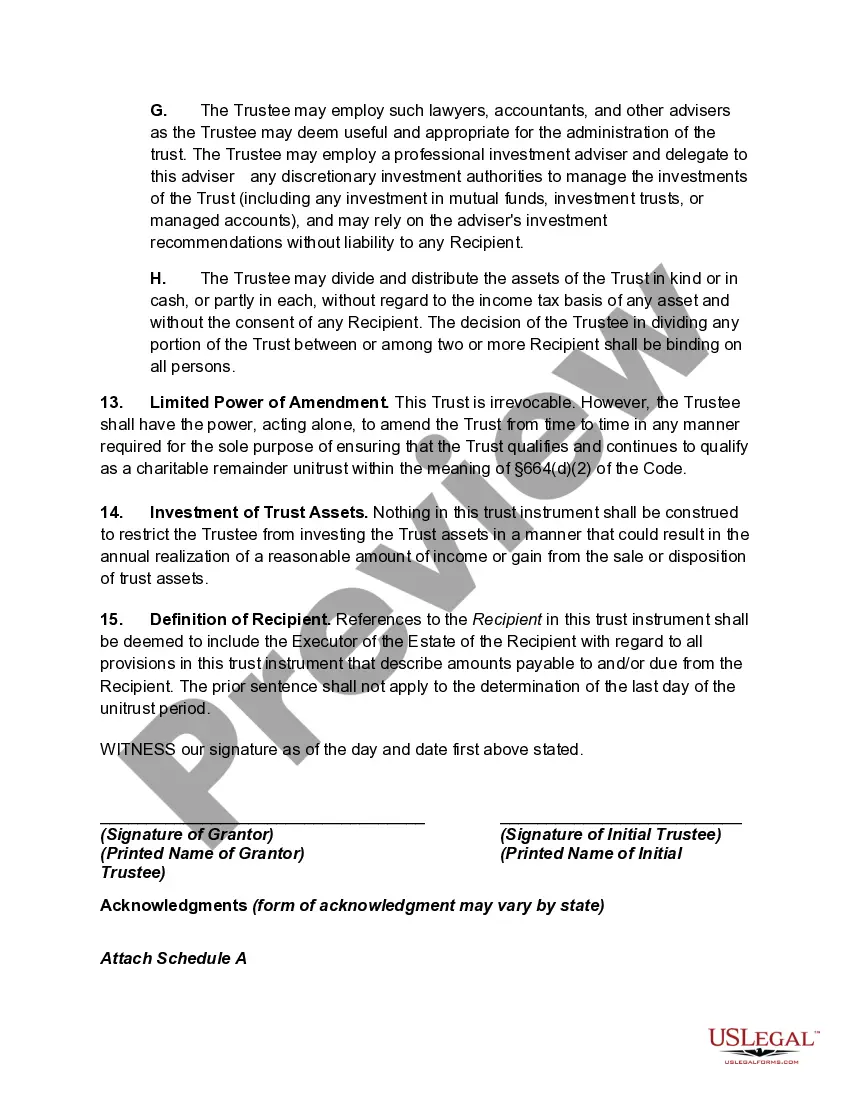
How to fill out Charitable Remainder Unitrust?
Creating legal documents from the beginning can frequently be intimidating.
Certain situations may require extensive research and significant financial investment.
If you are searching for an easier and more economical method of preparing Charitable Remainder Trust Form 8283 or any other paperwork without navigating obstacles, US Legal Forms is always available for you.
Our online repository of over 85,000 current legal documents encompasses nearly every aspect of your financial, legal, and personal matters. With just a few clicks, you can immediately access state- and county-compliant templates carefully assembled for you by our legal professionals.
Ensure the template you choose adheres to the statutes and regulations of your state and county. Pick the appropriate subscription plan to purchase the Charitable Remainder Trust Form 8283. Download the form, then complete it, sign it, and print it. US Legal Forms boasts a pristine reputation and over 25 years of expertise. Join us today and transform form completion into something straightforward and efficient!
- Utilize our platform whenever you require dependable and trustworthy services through which you can effortlessly find and download the Charitable Remainder Trust Form 8283.
- If you are already familiar with our services and have set up an account before, simply Log In to your account, choose the form, and download it or re-download it anytime from the My documents section.
- No account? No worries. It takes minimal time to create one and browse the library.
- However, before diving straight into downloading Charitable Remainder Trust Form 8283, consider these suggestions.
- Examine the document preview and descriptions to ensure you have located the document you need.
Form popularity
FAQ
Google Forms does not have version history like Google Docs or Sheets. When you delete responses in Google Forms, it will be deleted permanently. The deleted form responses cannot be restored later.
Tip: If you don't see form tiles, you might be in "list view" instead of "tile view." To restore a form within "list view," hover to the right of the form, select More options, and then select Restore.
Currently they are being stored in OneDrive > Apps > Microsoft Forms > Name of Form.
If a user account is deleted, the form data is deleted after 30 days. The form can be recovered only during this 30 day window, it is not possible to recover the data afterwards. Personal form data is not stored in Exchange or SharePoint or any accessible location, and is not held if you have retention policies.
Re: Restoring a prior version of your Form that has been edited and autosaved. @MarciAngela there's no way to restore a previous version of a form.
There is also no version history which makes it very difficult to reset the questions that have been overwritten.