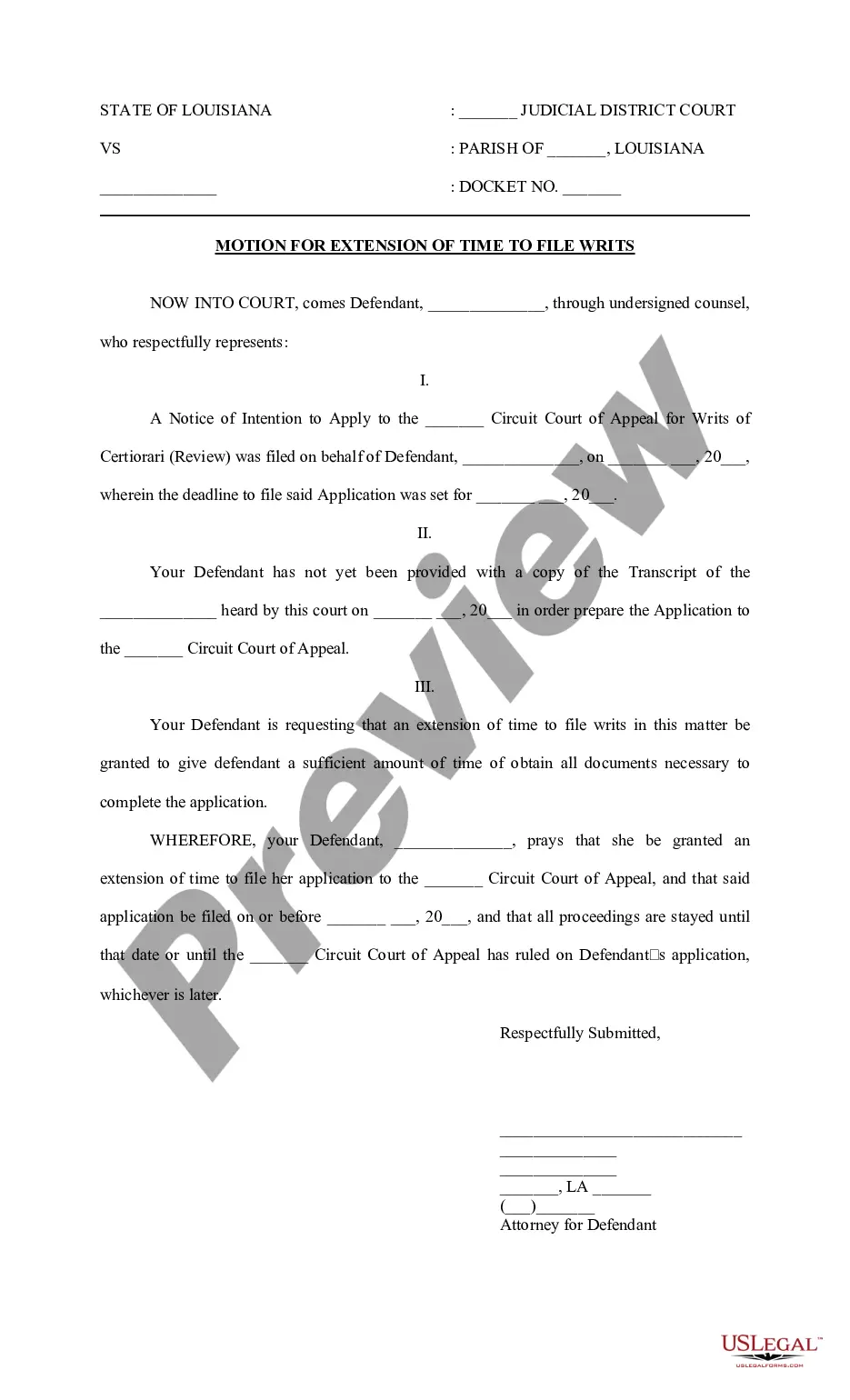
Beta Agreement Template With Collateral
Description
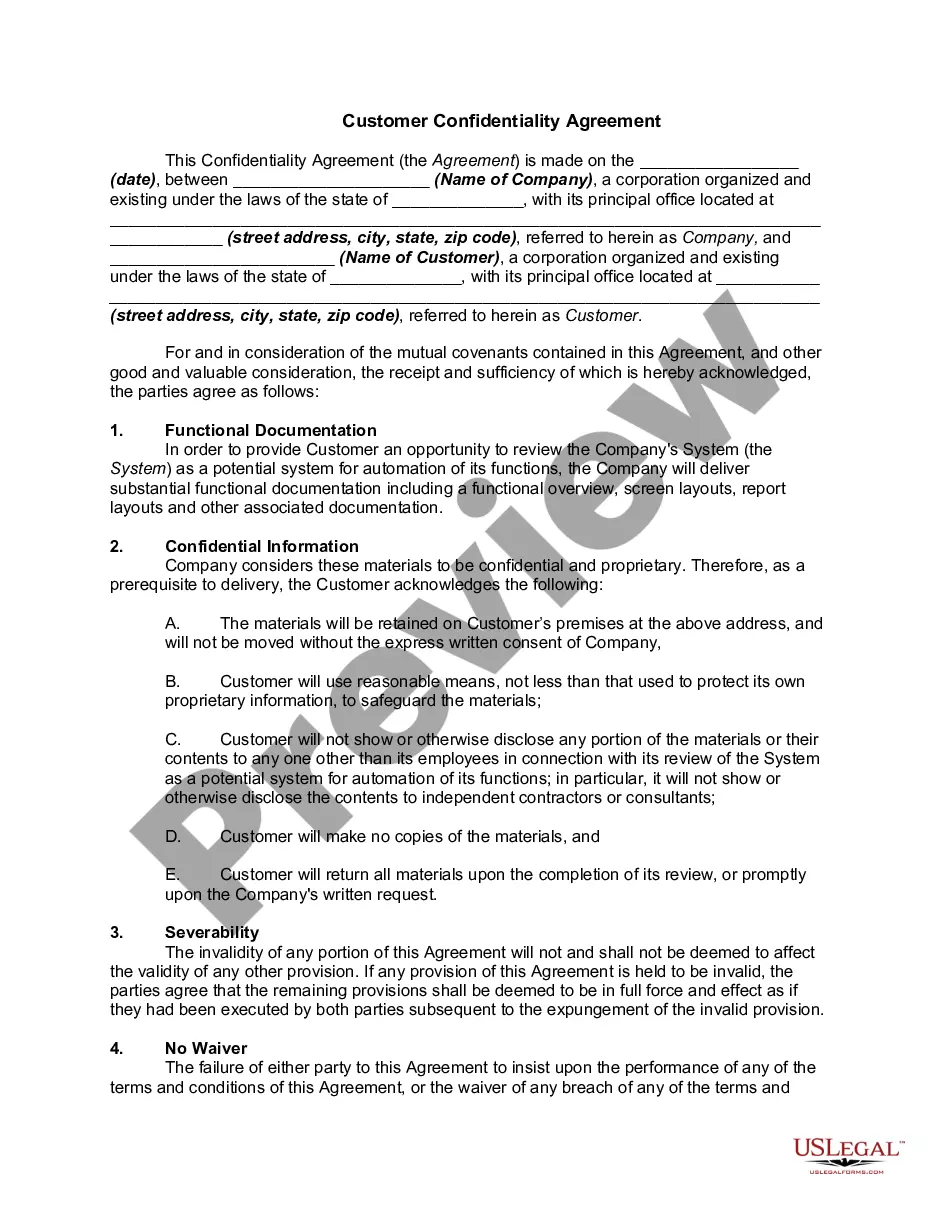
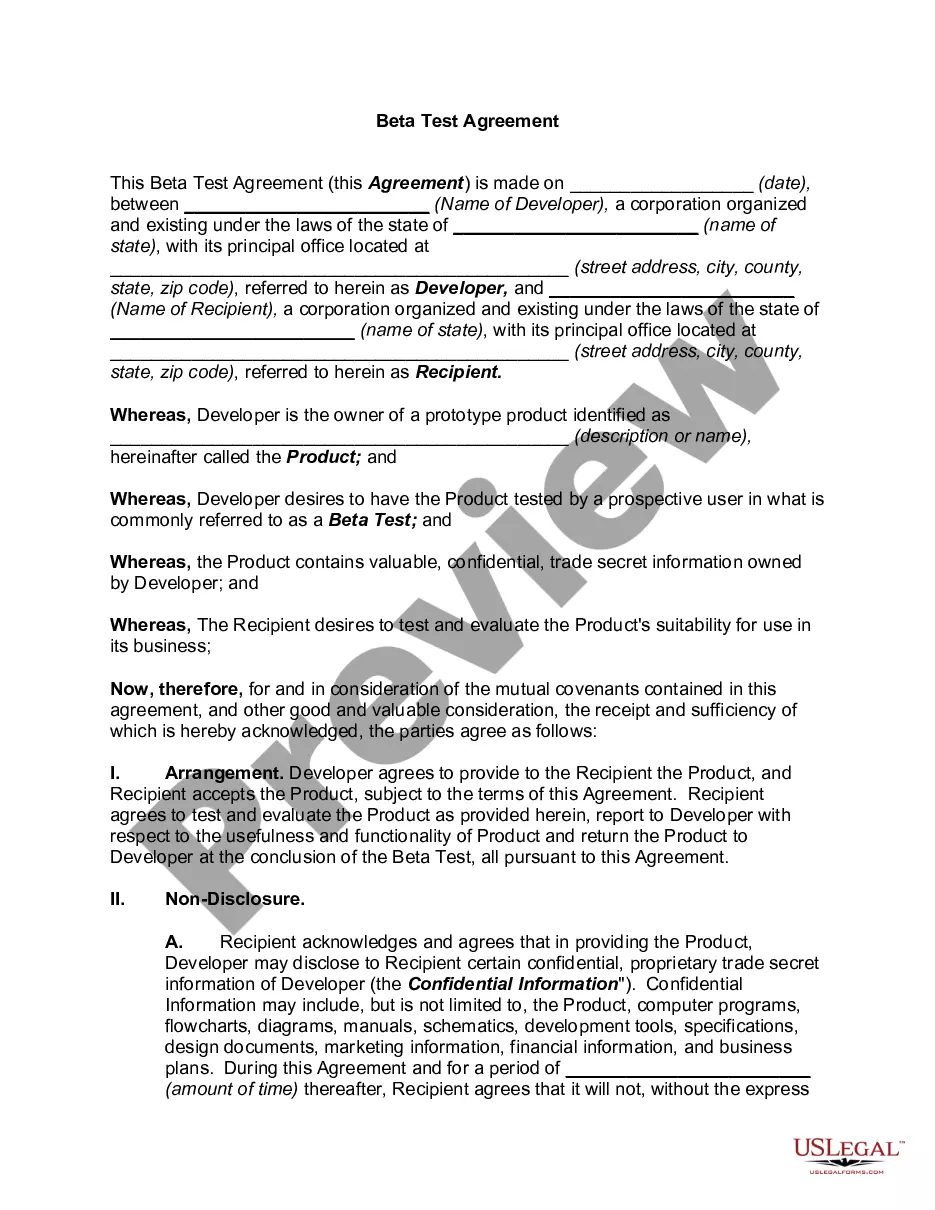
Get your form ready online
Our built-in tools help you complete, sign, share, and store your documents in one place.
Make edits, fill in missing information, and update formatting in US Legal Forms—just like you would in MS Word.
Download a copy, print it, send it by email, or mail it via USPS—whatever works best for your next step.
Sign and collect signatures with our SignNow integration. Send to multiple recipients, set reminders, and more. Go Premium to unlock E-Sign.
If this form requires notarization, complete it online through a secure video call—no need to meet a notary in person or wait for an appointment.
We protect your documents and personal data by following strict security and privacy standards.

Make edits, fill in missing information, and update formatting in US Legal Forms—just like you would in MS Word.

Download a copy, print it, send it by email, or mail it via USPS—whatever works best for your next step.

Sign and collect signatures with our SignNow integration. Send to multiple recipients, set reminders, and more. Go Premium to unlock E-Sign.

If this form requires notarization, complete it online through a secure video call—no need to meet a notary in person or wait for an appointment.

We protect your documents and personal data by following strict security and privacy standards.
Looking for another form?










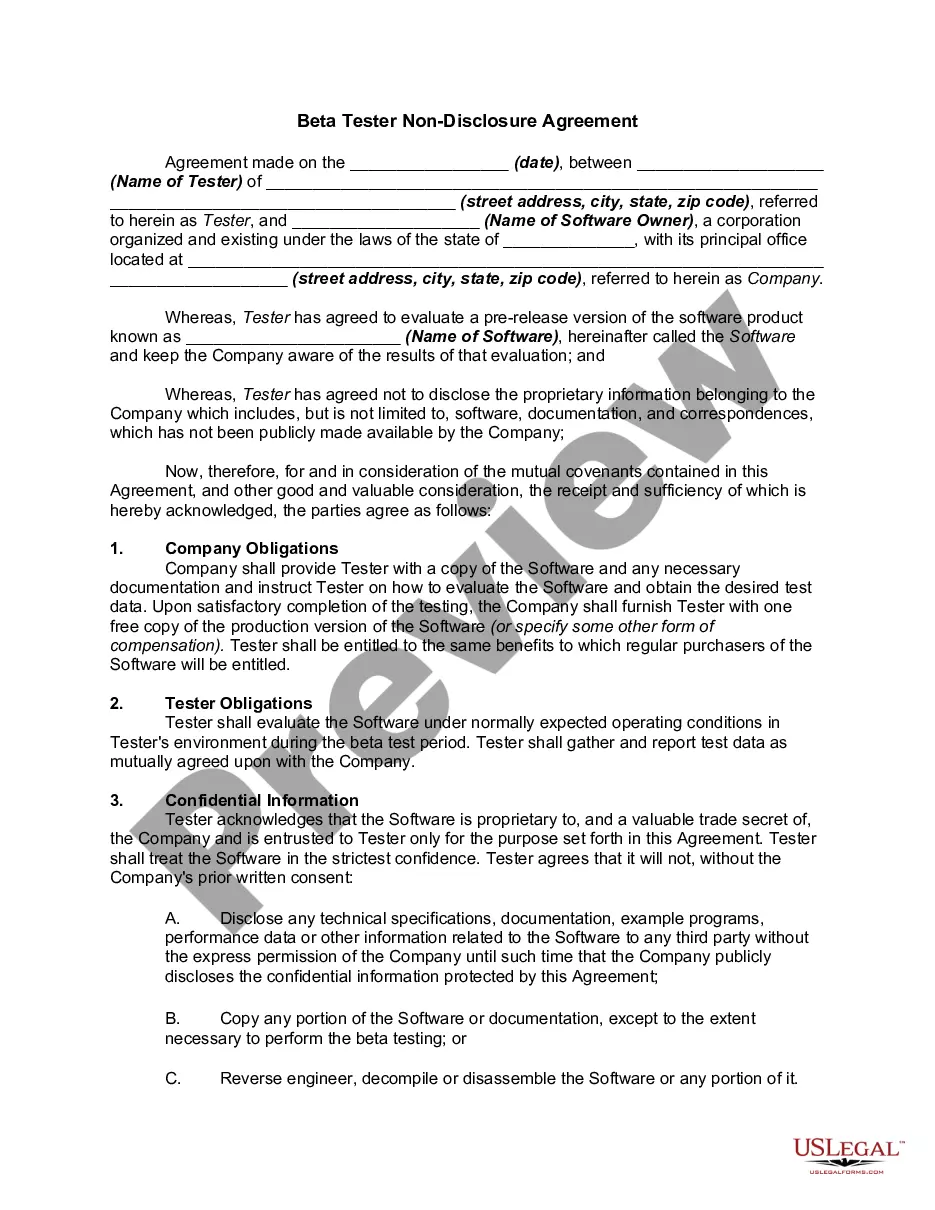
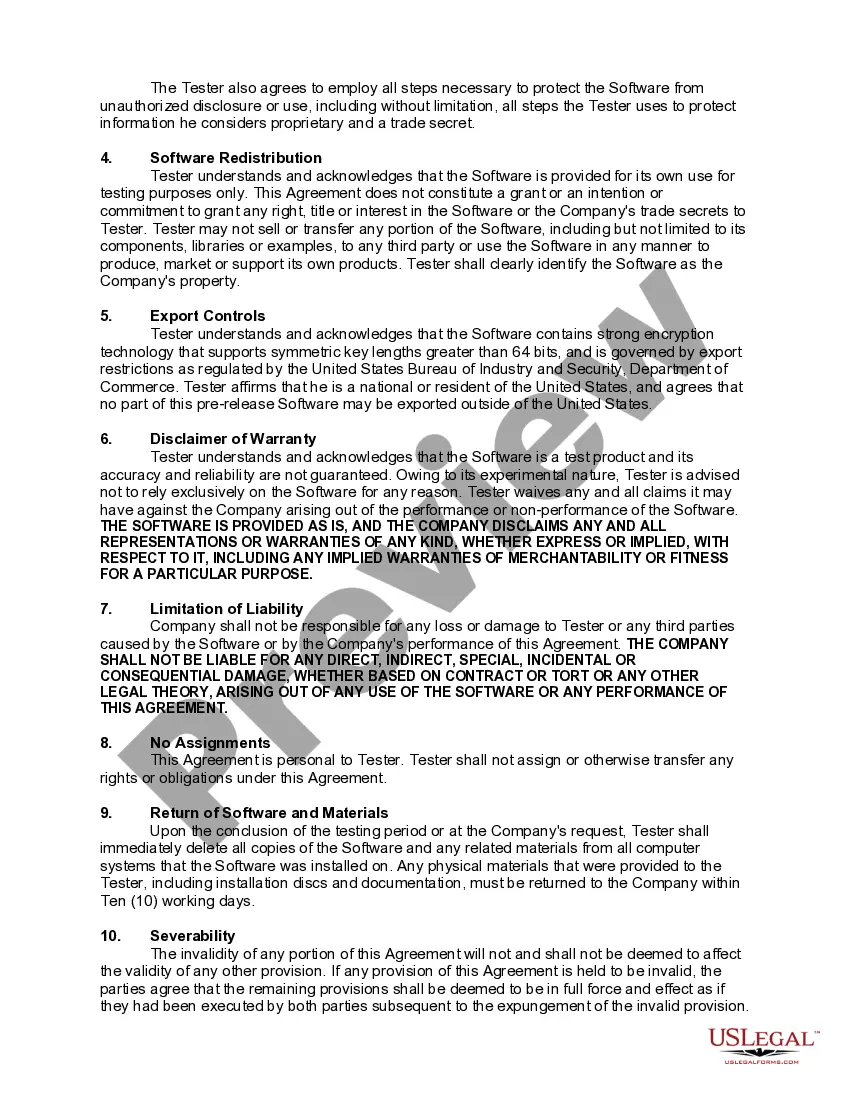
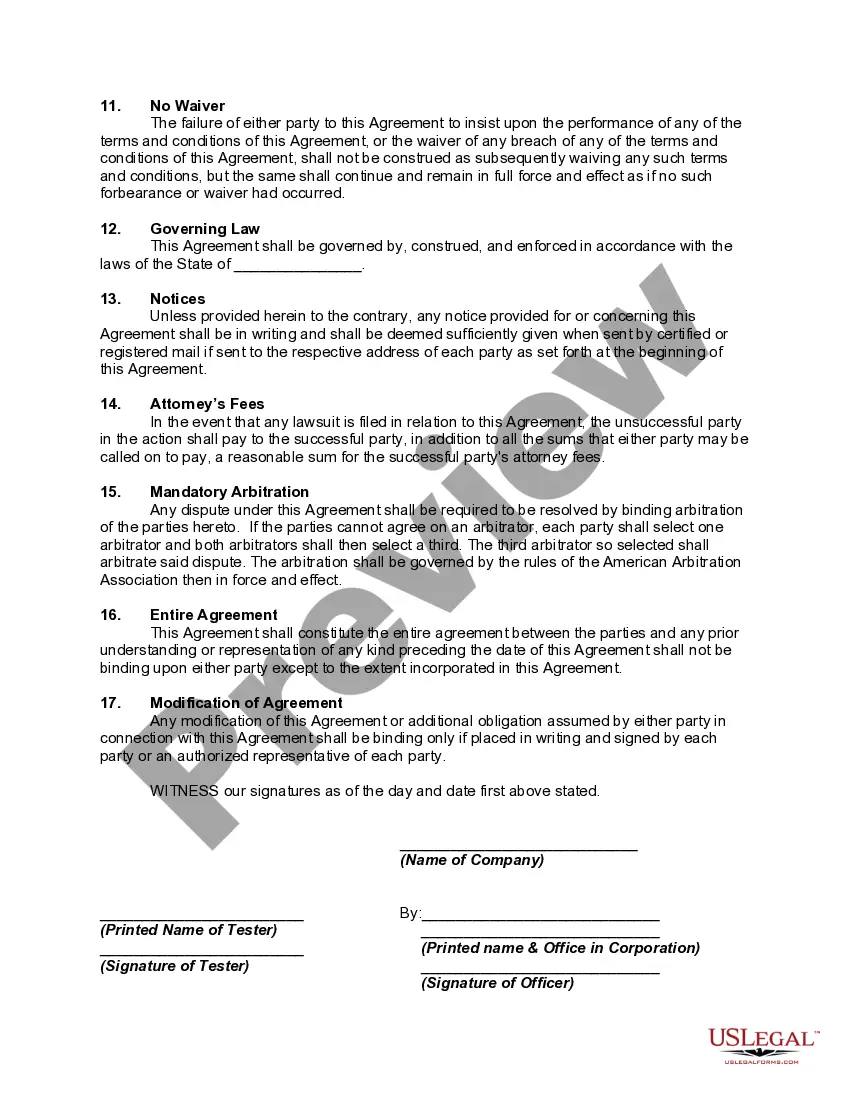
How to fill out Beta Tester Non-Disclosure Agreement?
When you are required to finalize the Beta Agreement Template With Collateral per the regulations of your local state, there may be numerous options available.
There's no necessity to examine every form to ensure it meets all the legal requirements if you are a subscriber to US Legal Forms.
It is a reliable service that can assist you in obtaining a reusable and current template on any subject.
Use the Preview mode to read the form description if available. Locate another sample using the Search field in the header if necessary. Click Buy Now once you identify the right Beta Agreement Template With Collateral. Choose the most appropriate pricing plan, sign in to your account, or create a new one. Make payment for a subscription (options for PayPal and credit card are available). Download the template in your desired file format (PDF or DOCX). Print the document or fill it out electronically in an online editor. Accessing expertly crafted official documents becomes effortless with US Legal Forms. Additionally, Premium users can also take advantage of the robust integrated tools for online PDF editing and signing. Try it today!
- US Legal Forms is the most extensive online collection with a repository of over 85k ready-to-use documents for both business and personal legal situations.
- All templates are authenticated to adhere to each state's laws and regulations.
- Consequently, when you download the Beta Agreement Template With Collateral from our platform, you can be confident that you possess a legitimate and current document.
- Acquiring the necessary sample from our platform is exceptionally simple.
- If you already have an account, just Log In to the system, verify that your subscription is valid, and save the selected file.
- In the future, you can access the My documents tab in your profile and retrieve the Beta Agreement Template With Collateral at any time.
- If this is your first experience with our site, please follow the guide below.
- Browse through the suggested page and examine it for alignment with your criteria.
Form popularity
FAQ
For example, if X agrees to buy goods from Y that will, accordingly, be manufactured by Z, and does so on the strength of Z's assurance as to the high quality of the goods, X and Z may be held to have made a collateral contract consisting of Z's promise of quality given in consideration of X's promise to enter into the
Locked marketing collateral templates allow you and your colleagues to create and publish branded content directly from your asset storage solution without any design skills. No need to upload and download different versions to edit or create material, why not just do everything from one system!
A collateral contract is usually a single term contract, made in consideration of the party for whose benefit the contract operates agreeing to enter into the principal or main contract, which sets out additional terms relating to the same subject matter as the main contract.
Generally, to be legally valid, most contracts must contain two elements:All parties must agree about an offer made by one party and accepted by the other.Something of value must be exchanged for something else of value. This can include goods, cash, services, or a pledge to exchange these items.
How To Create a Collateral Contract YourselfNames, contact information, and addresses of all parties.Terms and conditions of the collateral contract.Indication of a promissory note.Duties and responsibilities assigned to each party.The effective date of the agreement.More items...