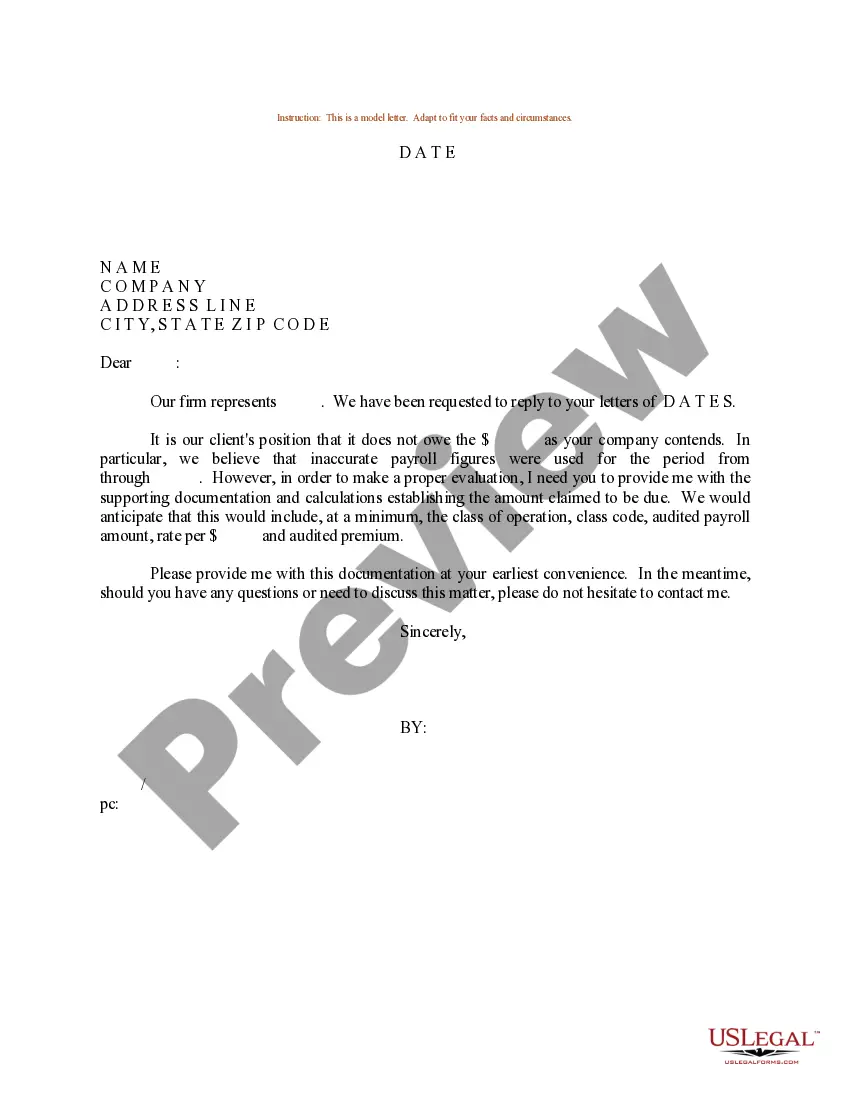
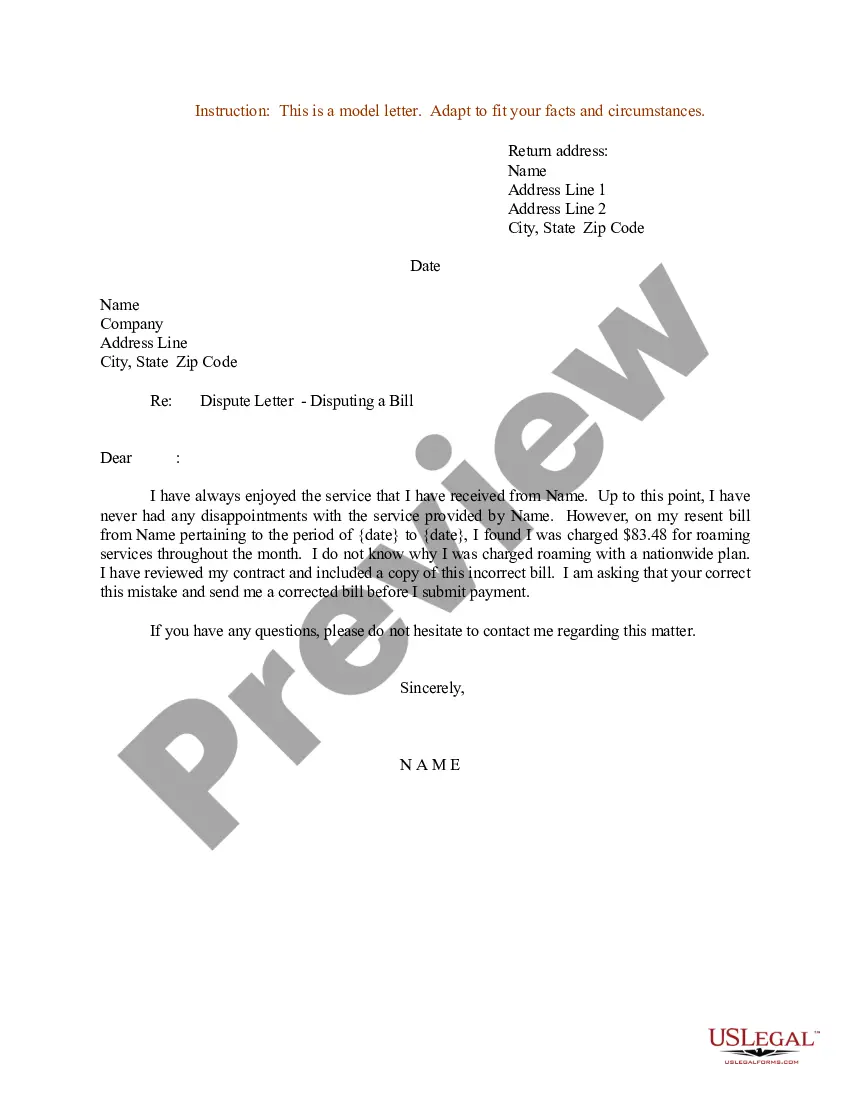
Payroll Dispute Letter For Late Payment
Description
Get your form ready online
Our built-in tools help you complete, sign, share, and store your documents in one place.
Make edits, fill in missing information, and update formatting in US Legal Forms—just like you would in MS Word.
Download a copy, print it, send it by email, or mail it via USPS—whatever works best for your next step.
Sign and collect signatures with our SignNow integration. Send to multiple recipients, set reminders, and more. Go Premium to unlock E-Sign.
If this form requires notarization, complete it online through a secure video call—no need to meet a notary in person or wait for an appointment.
We protect your documents and personal data by following strict security and privacy standards.

Make edits, fill in missing information, and update formatting in US Legal Forms—just like you would in MS Word.

Download a copy, print it, send it by email, or mail it via USPS—whatever works best for your next step.

Sign and collect signatures with our SignNow integration. Send to multiple recipients, set reminders, and more. Go Premium to unlock E-Sign.

If this form requires notarization, complete it online through a secure video call—no need to meet a notary in person or wait for an appointment.

We protect your documents and personal data by following strict security and privacy standards.
Looking for another form?
How to fill out Sample Letter For Payroll Dispute?
Managing legal paperwork can be daunting, even for seasoned professionals.
When you are looking for a Payroll Dispute Letter For Late Payment and lack the time to invest in finding the correct and updated version, the process can be challenging.
Obtain state- or county-specific legal and business documents.
US Legal Forms caters to all your requirements, whether personal or business-related, all in one platform.
If this is your first experience with US Legal Forms, create a free account for unlimited access to all platform features. Here are the procedures to follow once you have the form you need.
- Utilize cutting-edge tools to create and manage your Payroll Dispute Letter For Late Payment.
- Access a valuable repository of articles, guides, manuals, and resources pertinent to your circumstances and requirements.
- Save time and effort in locating the documents you require, and leverage US Legal Forms’ advanced search and Preview feature to find and obtain your Payroll Dispute Letter For Late Payment.
- If you possess a monthly subscription, Log In to your US Legal Forms account, search for the form, and download it.
- Check your My documents tab to view the documents you have previously retrieved and organize your files as desired.
- A robust online form directory can significantly benefit anyone aiming to handle these issues effectively.
- US Legal Forms is a frontrunner in the realm of online legal documents, boasting over 85,000 state-specific legal forms accessible at any time.
- With US Legal Forms, you can.
Form popularity
FAQ
To write a payroll processing error letter, follow these steps below: Define the error. Explain what led to the error and what you're doing to correct it. Follow up with a formal letter that documents your communication and process for handling the error.
How to Fix Payroll Errors Cancel the payroll immediately, make updates, and reprocess it. Run an additional manual payroll with the necessary adjustments for only the affected employees. Make adjustments on the next payroll to counteract previous mistakes and get things back in balance.
How long does an employer have to correct a payroll error? There is no federal law stating how long employers have to correct a paycheck mistake. However, this does not mean employers can just take their time, especially if they have underpaid an employee.
How to Handle Payroll Errors Step 1: Briefly state the error and apologize. ... Step 2: Describe what caused the error and show the employee exactly how the correct pay should have been calculated. ... Step 3: Explain what steps are being taken to fix the error and to ensure it is not repeated.
It is recommended that employers make payroll corrections immediately and not wait until the next pay period. Employers should also investigate the cause of the payroll error and make the necessary corrections to avoid future wage payment errors.