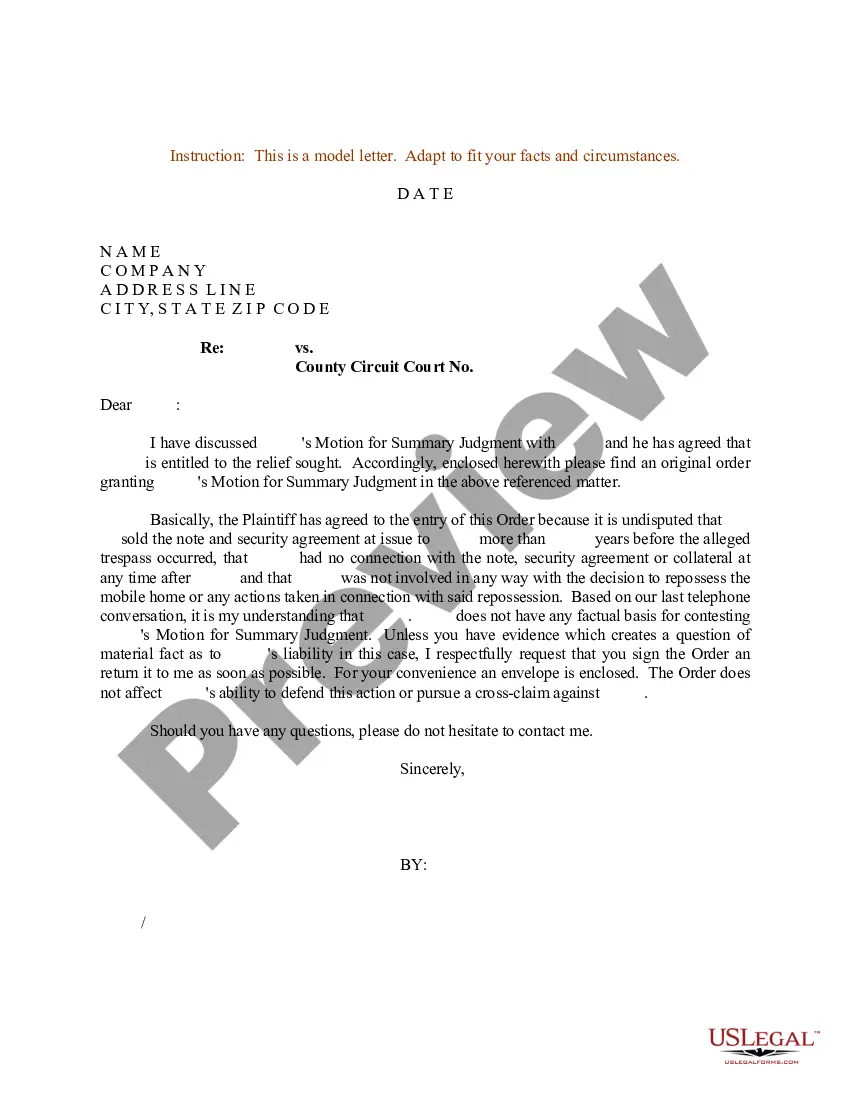
Motion To Vacate Judgment Nj Without Notice
Description
Get your form ready online
Our built-in tools help you complete, sign, share, and store your documents in one place.
Make edits, fill in missing information, and update formatting in US Legal Forms—just like you would in MS Word.
Download a copy, print it, send it by email, or mail it via USPS—whatever works best for your next step.
Sign and collect signatures with our SignNow integration. Send to multiple recipients, set reminders, and more. Go Premium to unlock E-Sign.
If this form requires notarization, complete it online through a secure video call—no need to meet a notary in person or wait for an appointment.
We protect your documents and personal data by following strict security and privacy standards.
Make edits, fill in missing information, and update formatting in US Legal Forms—just like you would in MS Word.
Download a copy, print it, send it by email, or mail it via USPS—whatever works best for your next step.
Sign and collect signatures with our SignNow integration. Send to multiple recipients, set reminders, and more. Go Premium to unlock E-Sign.

If this form requires notarization, complete it online through a secure video call—no need to meet a notary in person or wait for an appointment.
We protect your documents and personal data by following strict security and privacy standards.
Looking for another form?
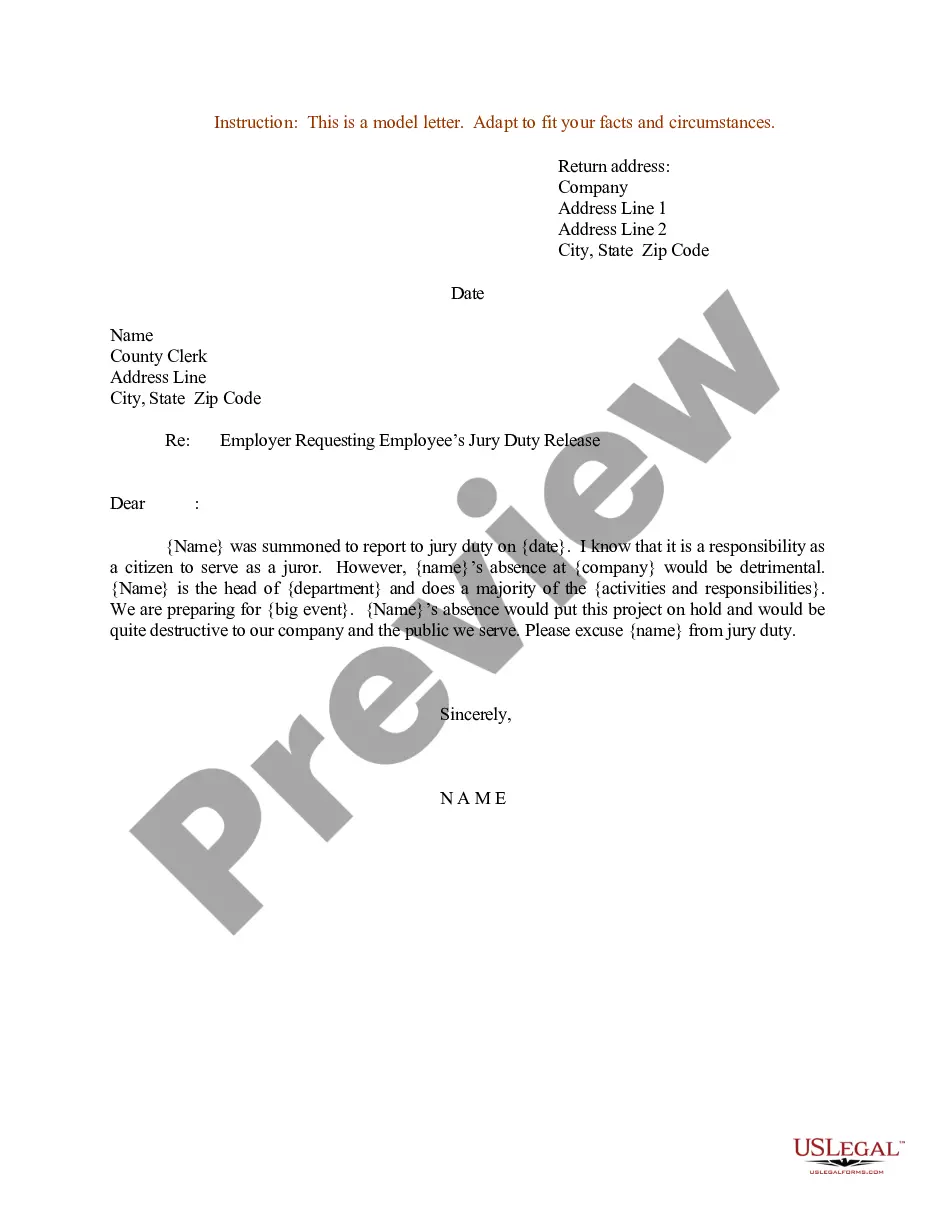
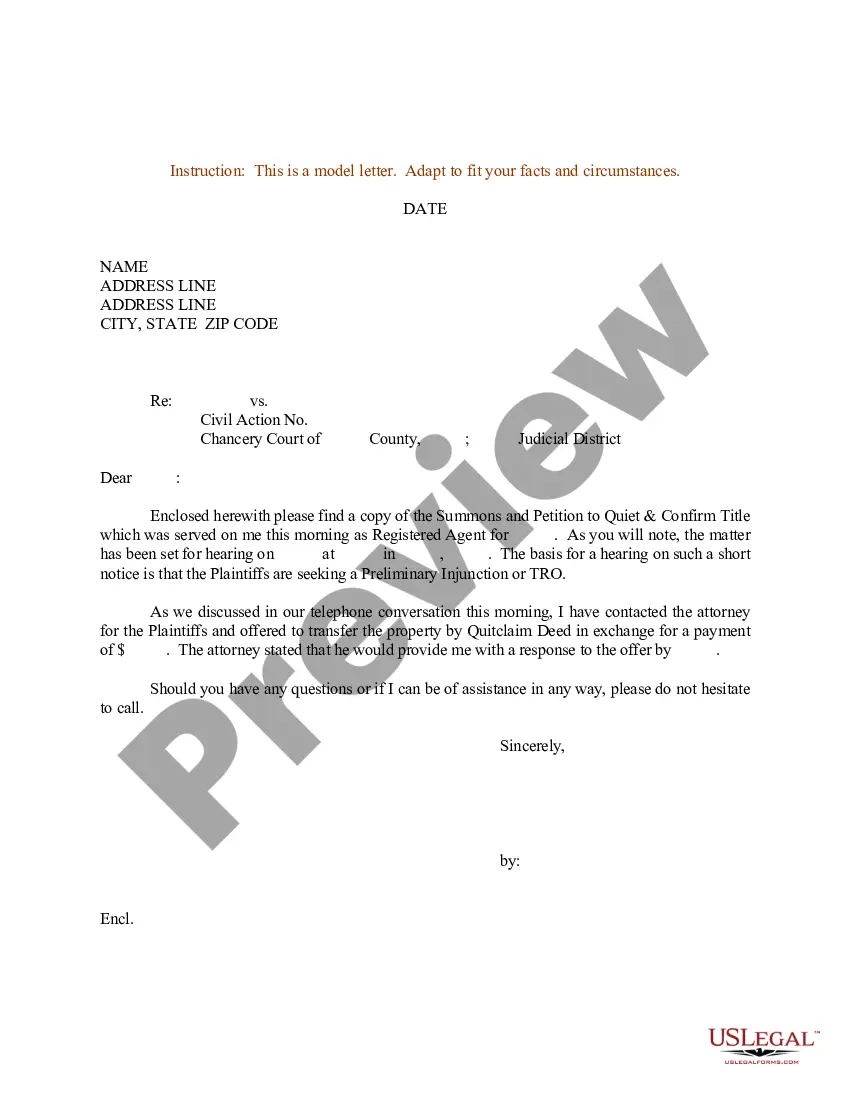
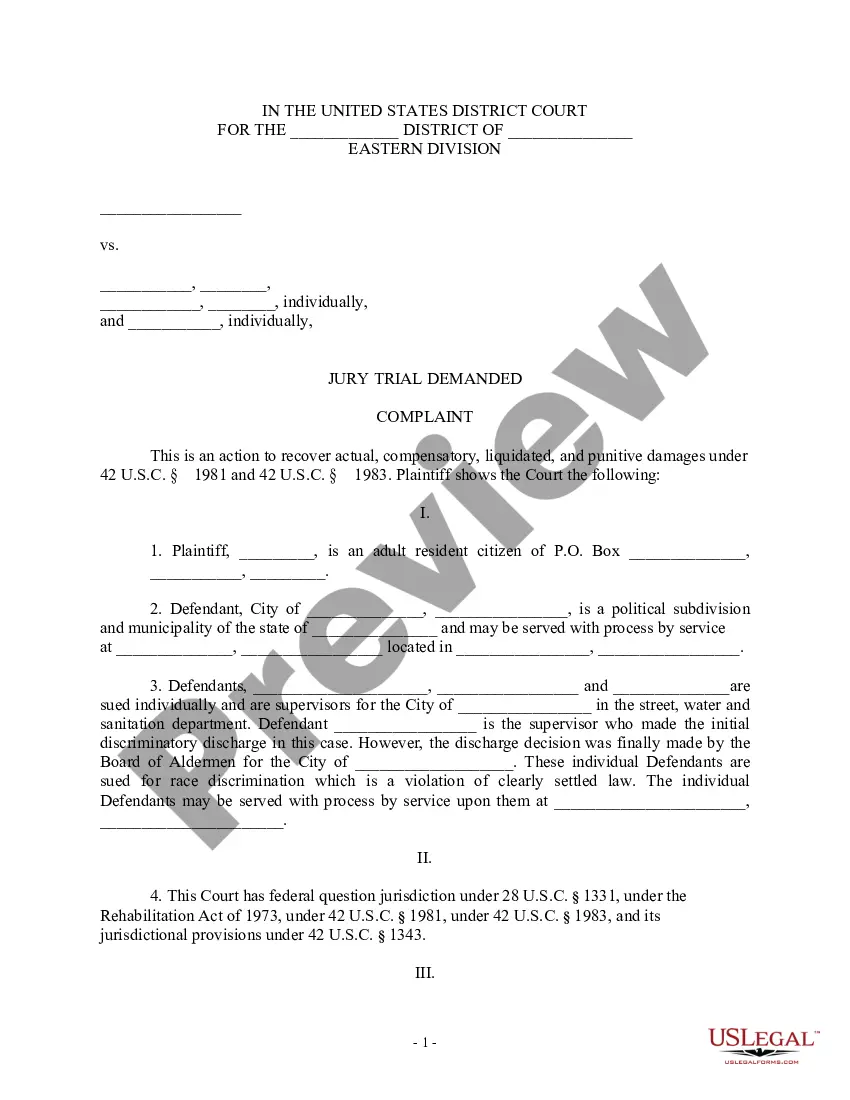

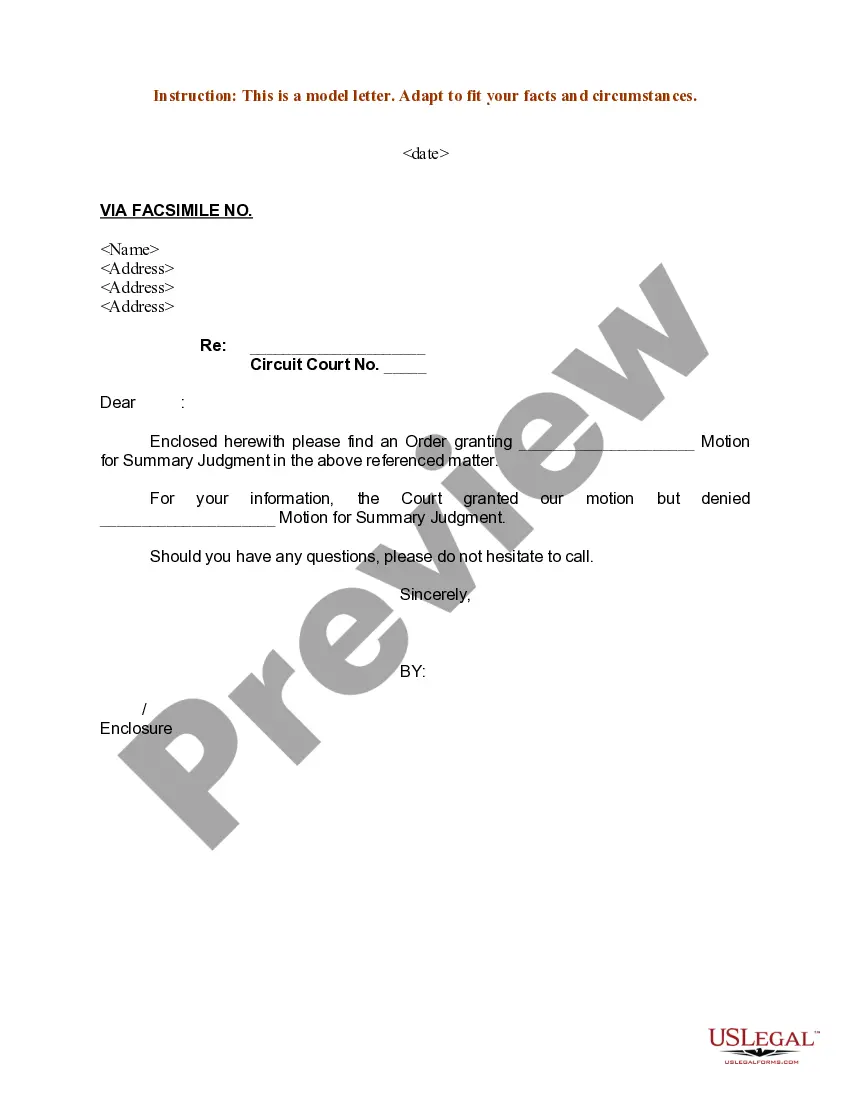
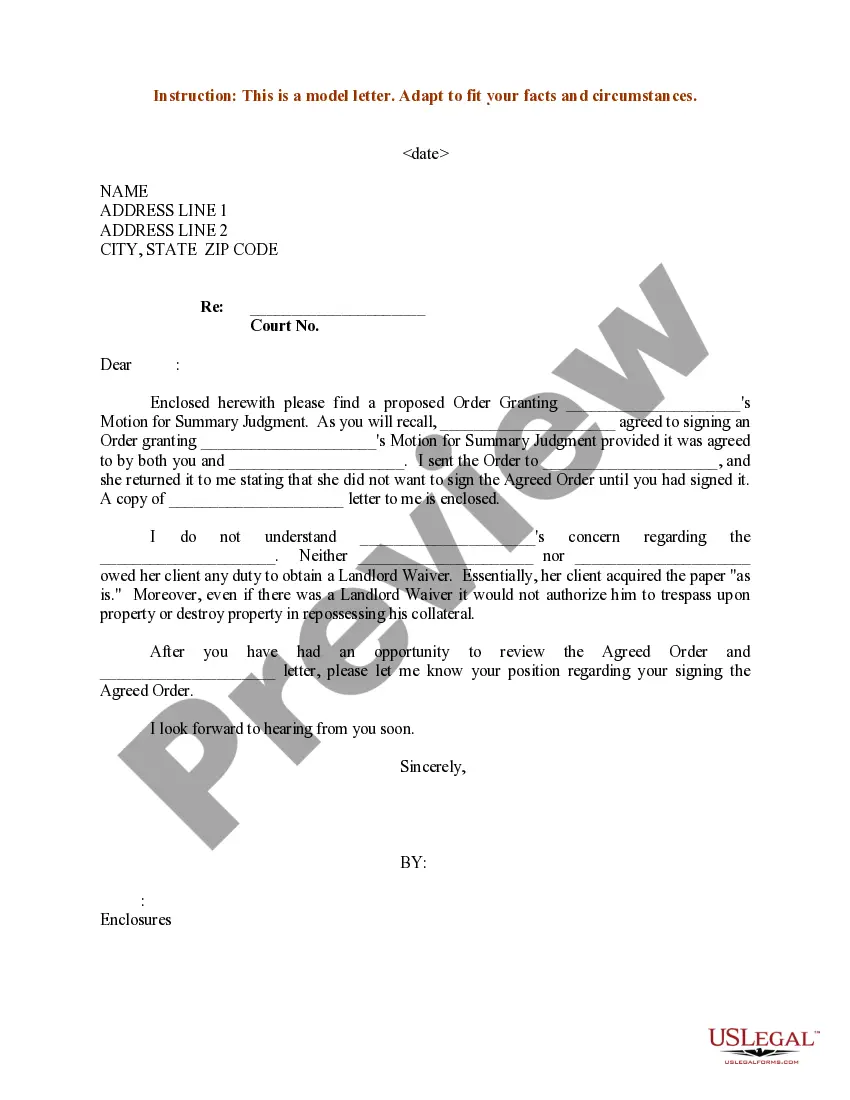
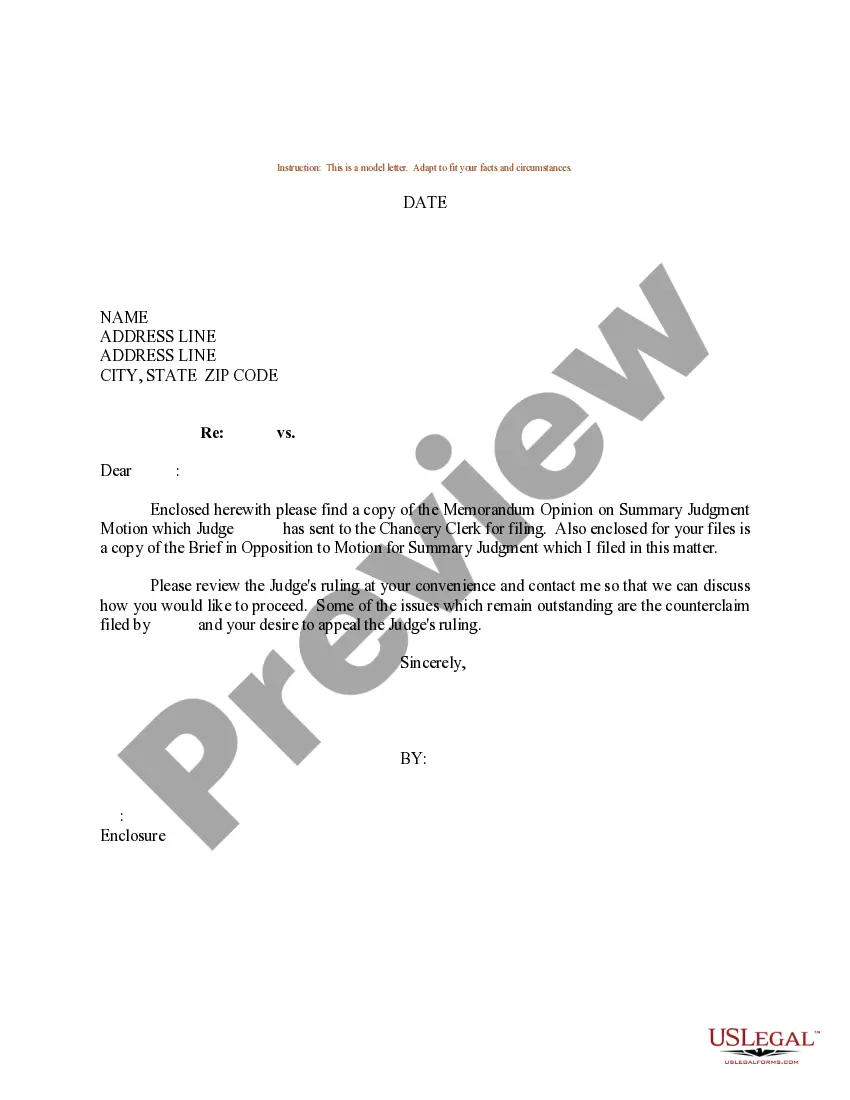
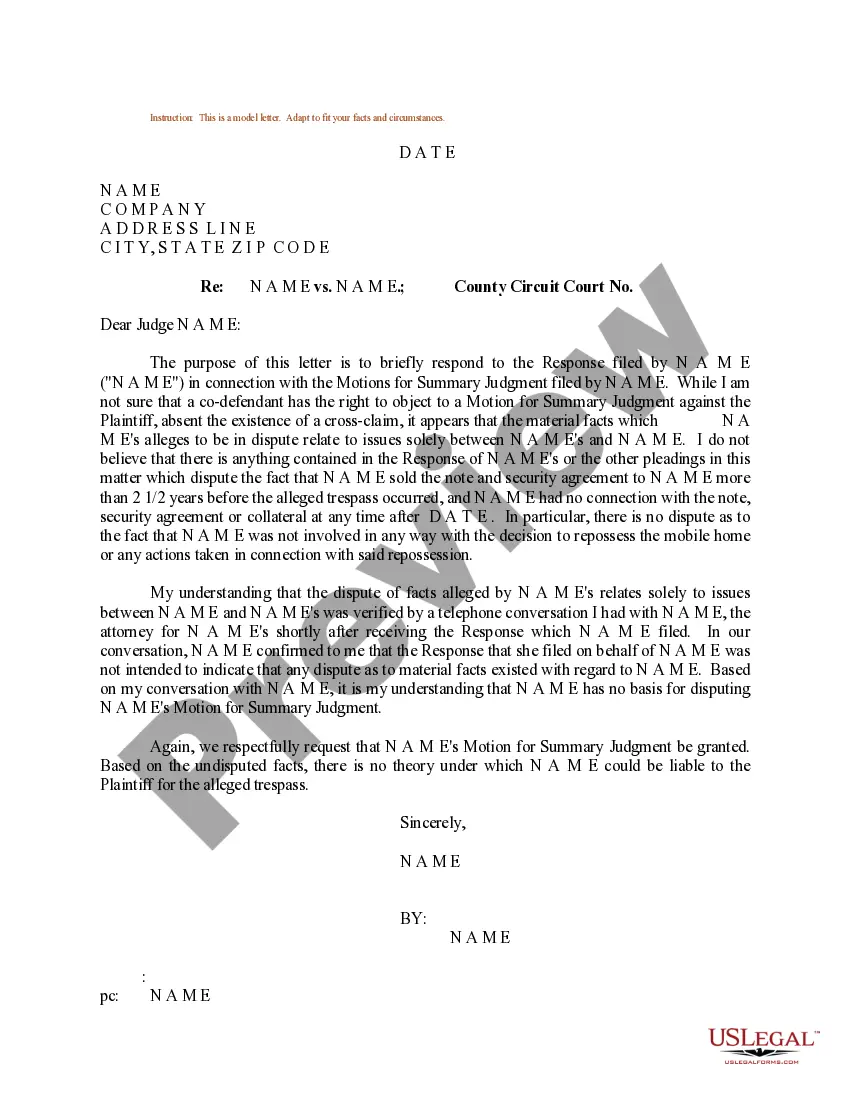
How to fill out Sample Letter For Motion For Summary Judgment?
Managing legal documents and processes can be a lengthy addition to your schedule.
Motion To Vacate Judgment Nj Without Notice and similar forms often require you to search for them and comprehend how to fill them out correctly.
Consequently, if you are dealing with financial, legal, or personal issues, having a thorough and useful online repository of forms readily available will greatly assist you.
US Legal Forms is the premier online resource for legal templates, featuring over 85,000 state-specific forms and a range of tools to help you complete your documents with ease.
Is this your first time using US Legal Forms? Register and create your account in a few minutes, and you will gain access to the form library and Motion To Vacate Judgment Nj Without Notice. Then, follow the steps below to complete your form: Ensure you have located the correct form using the Review feature and examining the form details. Choose Buy Now when ready, and select the subscription plan that fits your needs. Click Download then fill out, sign, and print the form. US Legal Forms has twenty-five years of experience assisting users manage their legal documents. Obtain the form you need today and simplify any process without breaking a sweat.
- Explore the library of pertinent documents accessible to you with just a single click.
- US Legal Forms provides you with state- and county-specific forms available at any time for download.
- Safeguard your document management processes with a top-notch service that enables you to assemble any form in minutes without any additional or concealed fees.
- Simply Log In to your account, locate Motion To Vacate Judgment Nj Without Notice and obtain it immediately in the My documents section.
- You can also retrieve previously downloaded forms.
Form popularity
FAQ
You can file your papers electronically through JEDS, by mail or in person with the court. The court address is available on the Judiciary's website, njcourts.gov. If you mail the papers, we recommend that you use certified mail, return receipt requested.
If you file a motion to vacate a default or a default judgment, you must file an answer to the original complaint along with any cross claims or counterclaims you may wish to assert, and the motion must be accompanied by the appropriate fee.
Time for Filing Motions for Summary Judgment Motions for summary judgment must be filed and served at least 28 days before the return date, and oppositions must be filed and served 10 days before the return date. The date for the reply is at least 4 days before the return date, which is the same as for regular motions.
This Note explains who may file a motion to dismiss, when they may file the motion, and the available defenses (grounds) to assert, including lack of subject matter or personal jurisdiction, insufficient process or service of process, failure to state a claim on which relief may be granted, and failure to join a ...
To set aside a default judgment, the defendant must demonstrate that its failure to answer or otherwise appear and defend was due to excusable neglect under the circumstances and that it has a meritorious defense either to the cause of action itself or the quantum of damages assessed.