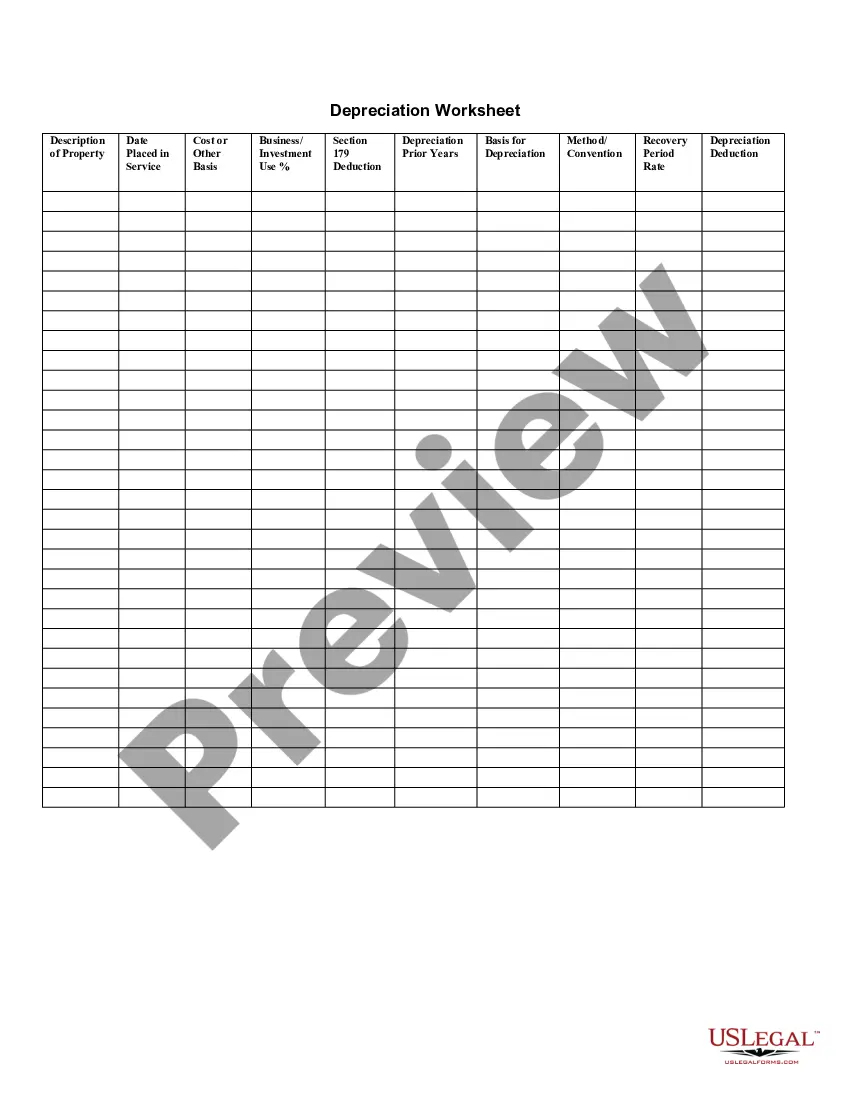
179 Depreciation Rules
Description
Get your form ready online
Our built-in tools help you complete, sign, share, and store your documents in one place.
Make edits, fill in missing information, and update formatting in US Legal Forms—just like you would in MS Word.
Download a copy, print it, send it by email, or mail it via USPS—whatever works best for your next step.
Sign and collect signatures with our SignNow integration. Send to multiple recipients, set reminders, and more. Go Premium to unlock E-Sign.
If this form requires notarization, complete it online through a secure video call—no need to meet a notary in person or wait for an appointment.
We protect your documents and personal data by following strict security and privacy standards.

Make edits, fill in missing information, and update formatting in US Legal Forms—just like you would in MS Word.

Download a copy, print it, send it by email, or mail it via USPS—whatever works best for your next step.

Sign and collect signatures with our SignNow integration. Send to multiple recipients, set reminders, and more. Go Premium to unlock E-Sign.

If this form requires notarization, complete it online through a secure video call—no need to meet a notary in person or wait for an appointment.

We protect your documents and personal data by following strict security and privacy standards.
Looking for another form?







How to fill out Depreciation Worksheet?
The 179 Depreciation Guidelines you see on this site is a reusable legal framework crafted by expert attorneys in accordance with federal and state regulations.
For over 25 years, US Legal Forms has supplied individuals, businesses, and legal practitioners with over 85,000 validated, state-specific documents for any commercial and personal event.
Register for US Legal Forms to have authenticated legal templates for every situation in life available at your convenience.
- Search for the document you require and examine it.
- Browse through the sample you searched for and preview it or check the form description to ensure it meets your needs. If it doesn’t, utilize the search bar to find the correct one. Click Buy Now when you have located the template you desire.
- Register and Log In.
- Select the pricing option that works for you and set up an account. Use PayPal or a credit card for a fast transaction. If you already possess an account, Log In and review your subscription to continue.
- Acquire the editable template.
- Pick the format you prefer for your 179 Depreciation Guidelines (PDF, Word, RTF) and store the sample on your device.
- Complete and sign the documents.
- Print the template to fill it out manually. Alternatively, utilize an online multifunctional PDF editor to quickly and accurately fill and sign your form with a valid signature.
- Re-download your documents as needed.
- Access the same document again anytime required. Open the My documents section in your profile to redownload any forms saved previously.
Form popularity
FAQ
Bonus depreciation has no annual limit on the deduction. Section 179 deductions are also limited to annual taxable business income, meaning that a business cannot deduct more money than it made. Bonus depreciation does not have this limit and can be used to create a net loss.
In 2023, the Section 179 deduction limit has been raised to $1,160,000 (an increase of $80,000 from 2022). This means your business can now deduct the entire cost of qualified equipment up to a total equipment purchase limit of $2.8 million.
A company can take both Section 179 and Bonus Depreciation allowances, but Section 179 must be applied first, and any amount over the $1,160,000 limit to Section 179 may then be taken in bonus depreciation. Effective 1/1/23, any property placed into service is no longer eligible for 100% bonus depreciation.
The maximum Section 179 expense deduction is $1,080,000. It's reduced dollar-for-dollar for qualified expenditures more than $2 million. The Section 179 deduction is limited to: The amount of taxable income from an active trade or business.
If you took the special depreciation allowance the first year you placed an item in service, enter the amount of special or "bonus" depreciation taken in the Prior Special Depreciation field. This amount is shown on the previous year's tax return (Depreciation Statement in the Bonus Depreciation column).