Tenantid Tdn
Description
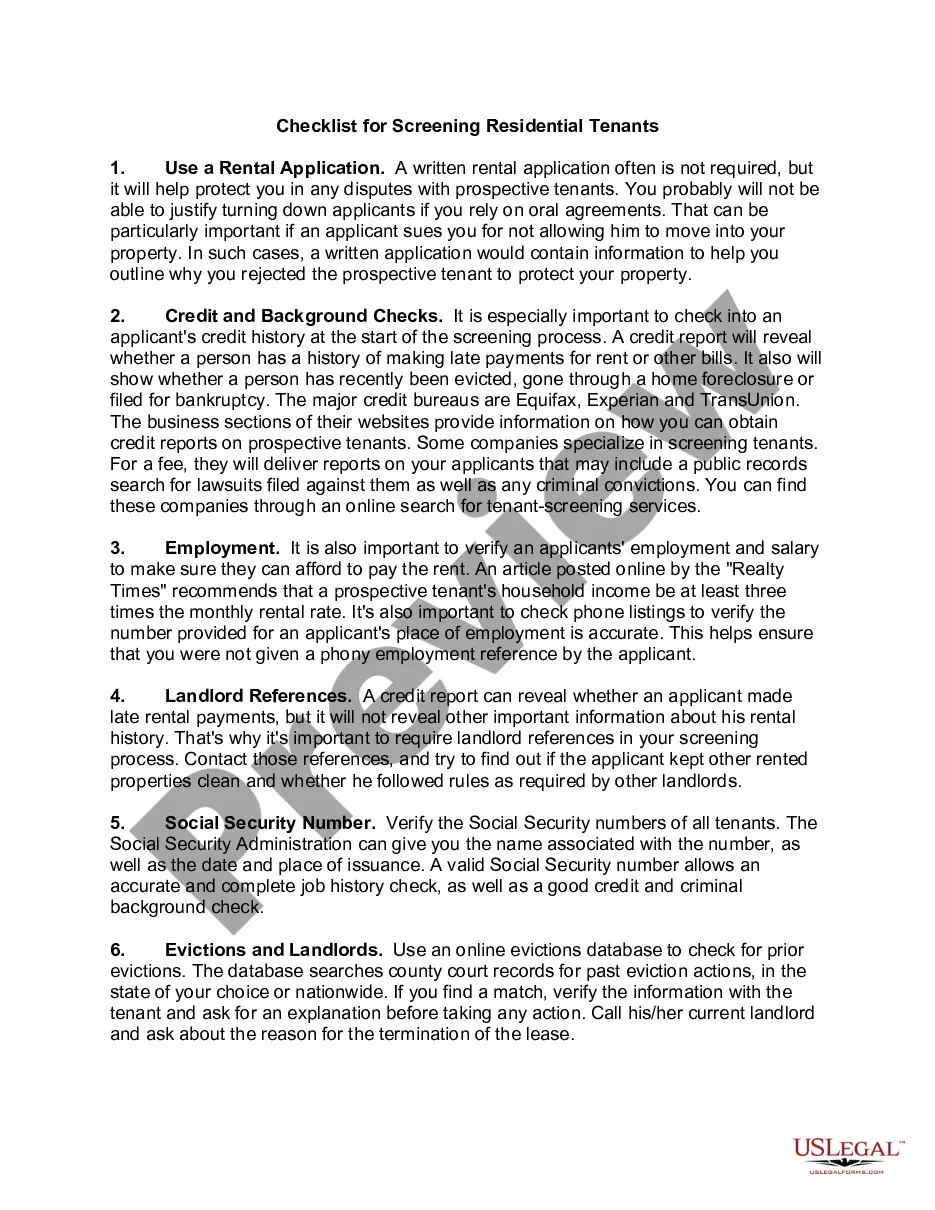
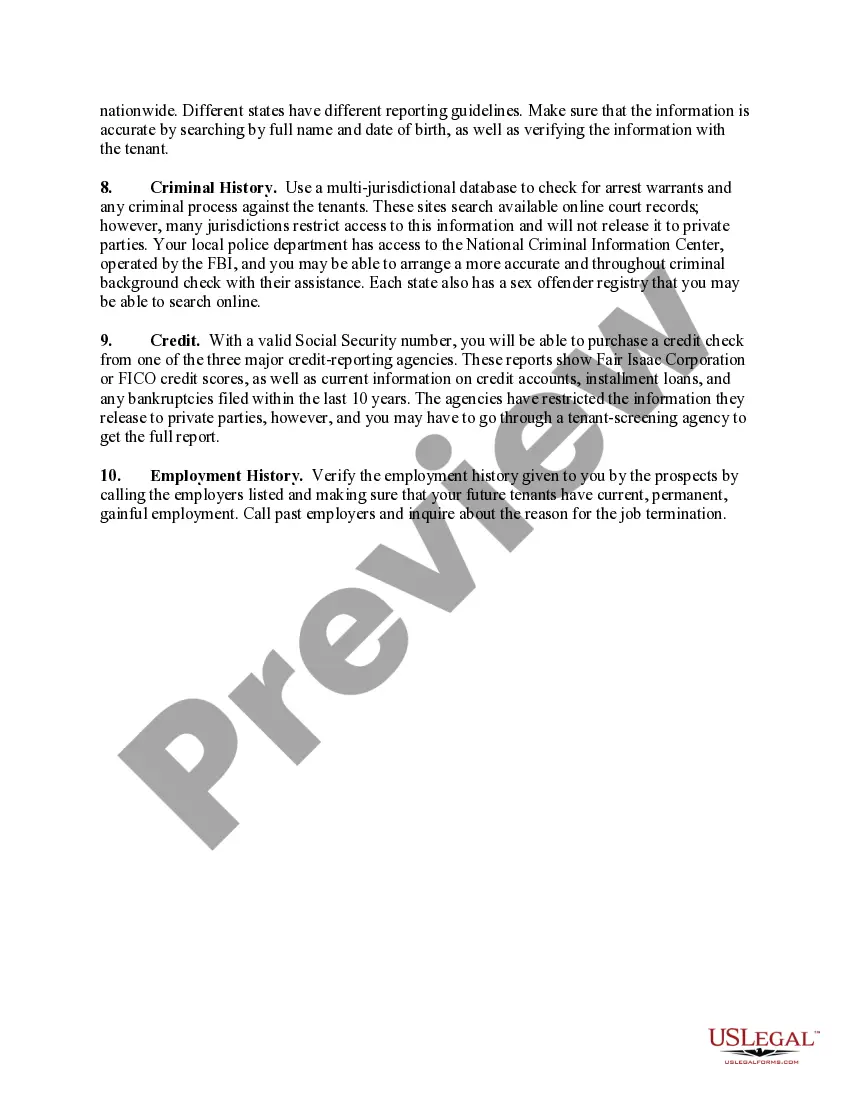
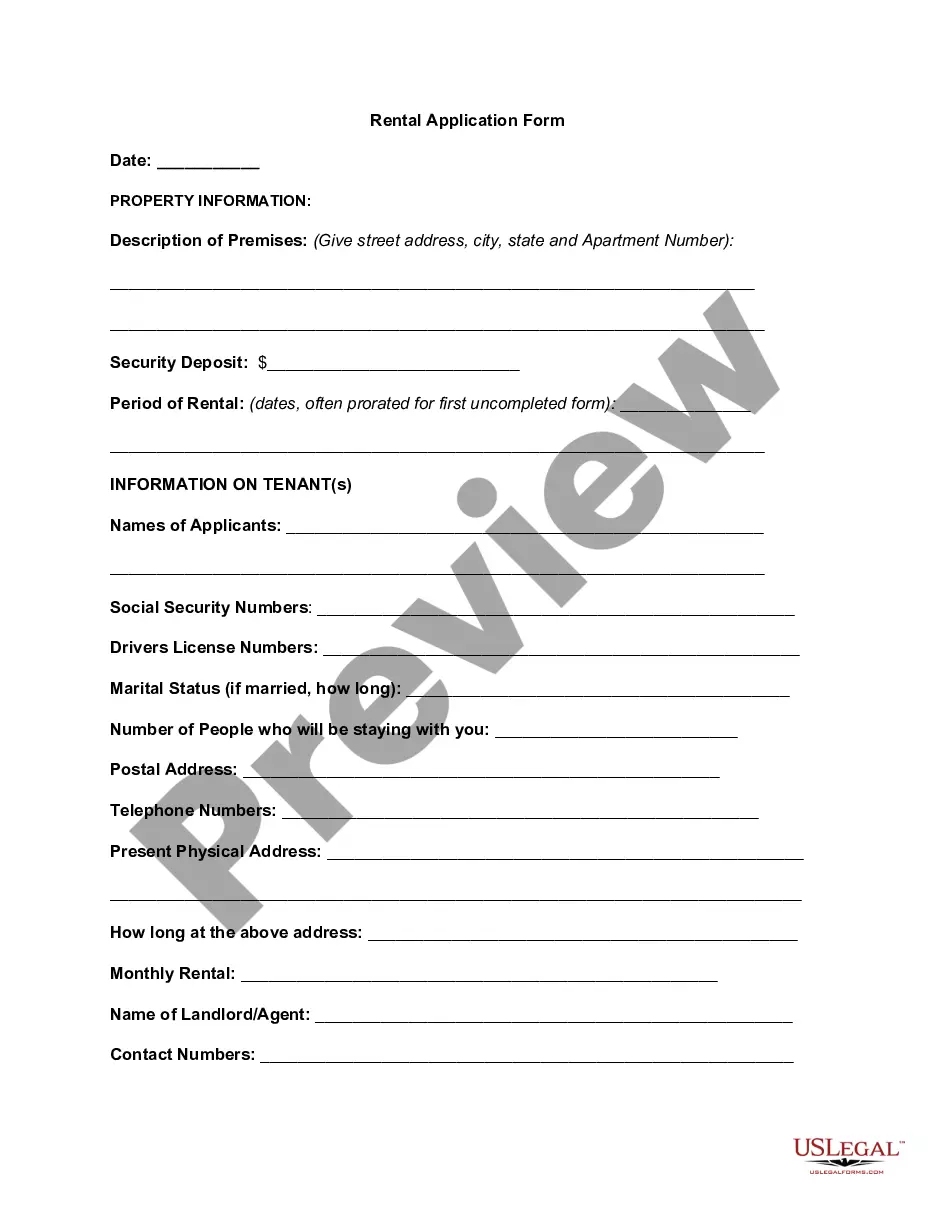
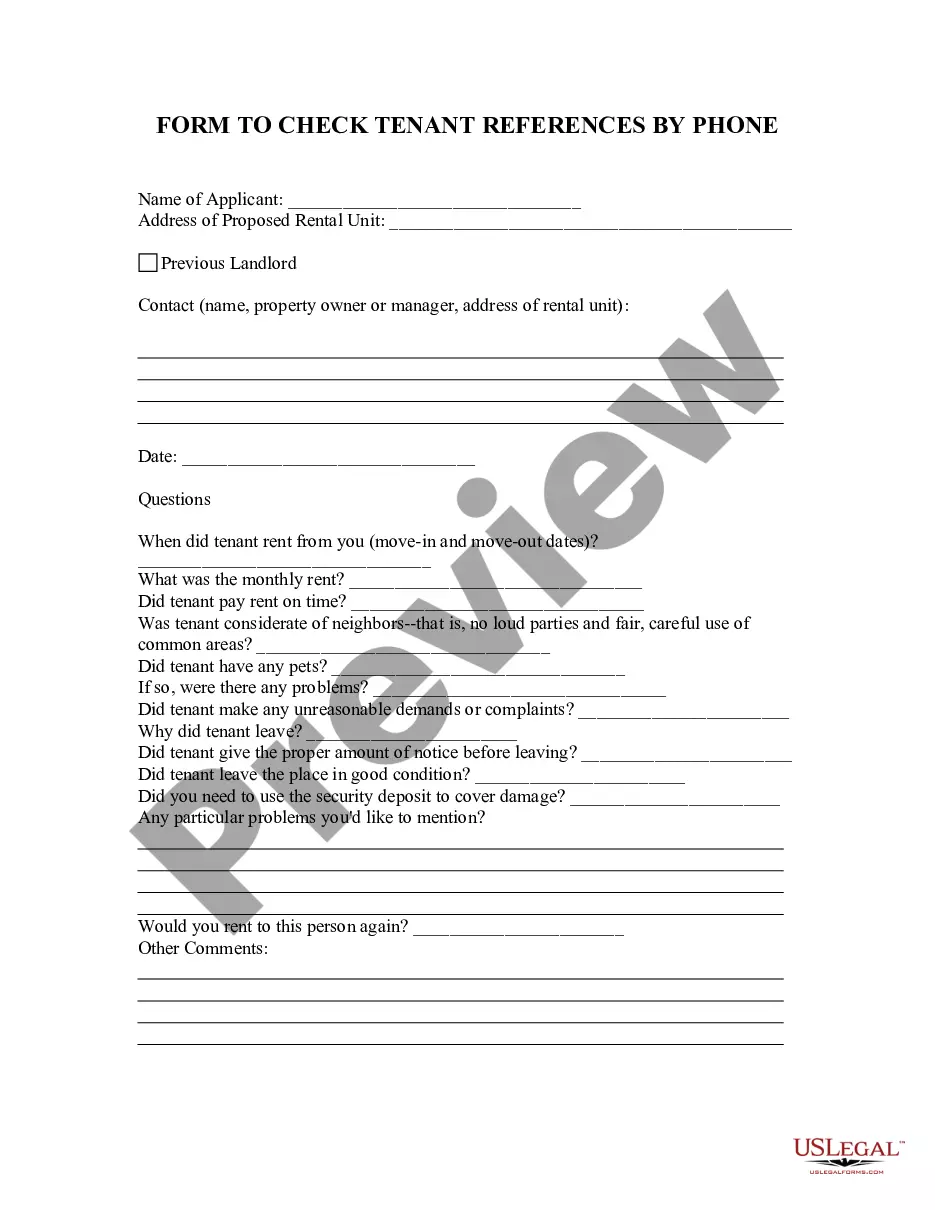
Get your form ready online
Our built-in tools help you complete, sign, share, and store your documents in one place.
Make edits, fill in missing information, and update formatting in US Legal Forms—just like you would in MS Word.
Download a copy, print it, send it by email, or mail it via USPS—whatever works best for your next step.
Sign and collect signatures with our SignNow integration. Send to multiple recipients, set reminders, and more. Go Premium to unlock E-Sign.
If this form requires notarization, complete it online through a secure video call—no need to meet a notary in person or wait for an appointment.
We protect your documents and personal data by following strict security and privacy standards.

Make edits, fill in missing information, and update formatting in US Legal Forms—just like you would in MS Word.

Download a copy, print it, send it by email, or mail it via USPS—whatever works best for your next step.

Sign and collect signatures with our SignNow integration. Send to multiple recipients, set reminders, and more. Go Premium to unlock E-Sign.

If this form requires notarization, complete it online through a secure video call—no need to meet a notary in person or wait for an appointment.

We protect your documents and personal data by following strict security and privacy standards.
Looking for another form?








How to fill out Checklist For Screening Residential Tenants?
- If you're a returning user, log in and ensure your subscription is active. If necessary, renew it to continue accessing vital resources.
- For new users, begin by searching for the needed form using the Preview mode and reviewing the description to ensure it matches your local jurisdiction requirements.
- If adjustments are needed, utilize the Search tab above to find the correct template that fits your needs.
- Proceed to purchase your selected document by clicking on the Buy Now button and choosing your desired subscription plan, which requires account registration.
- Complete the payment process through your credit card or PayPal to finalize your subscription.
- Finally, download your chosen form to your device for completion. You can also access it later from the My Forms section in your profile.
By following these steps, you will efficiently acquire the legal documents you need, supported by US Legal Forms' extensive library and user-friendly process.
Take the first step towards hassle-free legal documentation; start utilizing US Legal Forms today!
Form popularity
FAQ
Creating a new Entra ID tenant requires you to go to the Microsoft portal, select 'Azure Active Directory', and click on 'Create a new tenant'. Fill out the necessary information, and ensure you associate it with the right Tenant ID like Tenantid tdn to enhance functionality within your ecosystem.
To get the tenant ID, simply log in to your Azure portal and select 'Azure Active Directory'. In the overview section, you will find your tenant ID listed. Having your Tenant ID, like Tenantid tdn, is crucial when setting up various Microsoft services.
You can get your tenant ID by accessing the Azure portal and navigating to the 'Azure Active Directory' section. The tenant ID is shown in the overview pane, making it easy for you to retrieve it. Consider using this Tenant ID for configuring services with Tenantid tdn.
Creating a new tenant in Microsoft Entra ID is straightforward. Log in to your Microsoft Entra portal and select 'Create Tenant'. You will need to provide information like the tenant name and default domain, ensuring it aligns with the configurations you need for Tenantid tdn.
To create a new Entra ID account, navigate to the Microsoft Entra portal. Click on 'Create a new account', and follow the guided prompts to fill in the required details. Remember, associating your new account with a Tenant ID, like Tenantid tdn, will be important for future management.
Creating an Entra external ID tenant involves accessing the Azure portal and selecting 'Azure Active Directory'. From there, you can create a new tenant and configure external identities as needed. Utilizing Tenantid tdn can streamline user access and identity management within your environment.
To add a tenant to your Cloud Solution Provider (CSP) account, first log in to the Partner Center dashboard. Then, select 'Customers' and choose 'Add customer'. This process allows you to connect additional Tenant IDs, such as Tenantid tdn, enhancing your customer offerings.
You can find the directory tenant ID within your Azure Active Directory (Azure AD) portal. Simply log in, navigate to the 'Properties' section, and you will see the Tenant ID displayed prominently. This Tenant ID is essential for various integrations and configurations, including setting up services like Tenantid tdn.
A tenant ID uniquely identifies your individual presence in a multi-tenant environment, while a group ID refers to a collective or team identifier for groups within that environment. Essentially, the tenant ID is more personalized, whereas the group ID encompasses multiple tenants. Understanding this distinction helps you manage your legal affairs more effectively with uslegalforms.
To find your team tenant ID, you should check the relevant section of your administrative dashboard or team settings. This ID facilitates collaboration and sharing within your team. If you encounter difficulties, reaching out to your organization’s administrator can provide clarity, ensuring that everyone can access important legal documents through uslegalforms.