Policy Vehicle Online Without Login
Description

Get your form ready online
Our built-in tools help you complete, sign, share, and store your documents in one place.
Make edits, fill in missing information, and update formatting in US Legal Forms—just like you would in MS Word.
Download a copy, print it, send it by email, or mail it via USPS—whatever works best for your next step.
Sign and collect signatures with our SignNow integration. Send to multiple recipients, set reminders, and more. Go Premium to unlock E-Sign.
If this form requires notarization, complete it online through a secure video call—no need to meet a notary in person or wait for an appointment.
We protect your documents and personal data by following strict security and privacy standards.

Make edits, fill in missing information, and update formatting in US Legal Forms—just like you would in MS Word.

Download a copy, print it, send it by email, or mail it via USPS—whatever works best for your next step.

Sign and collect signatures with our SignNow integration. Send to multiple recipients, set reminders, and more. Go Premium to unlock E-Sign.

If this form requires notarization, complete it online through a secure video call—no need to meet a notary in person or wait for an appointment.

We protect your documents and personal data by following strict security and privacy standards.
Looking for another form?
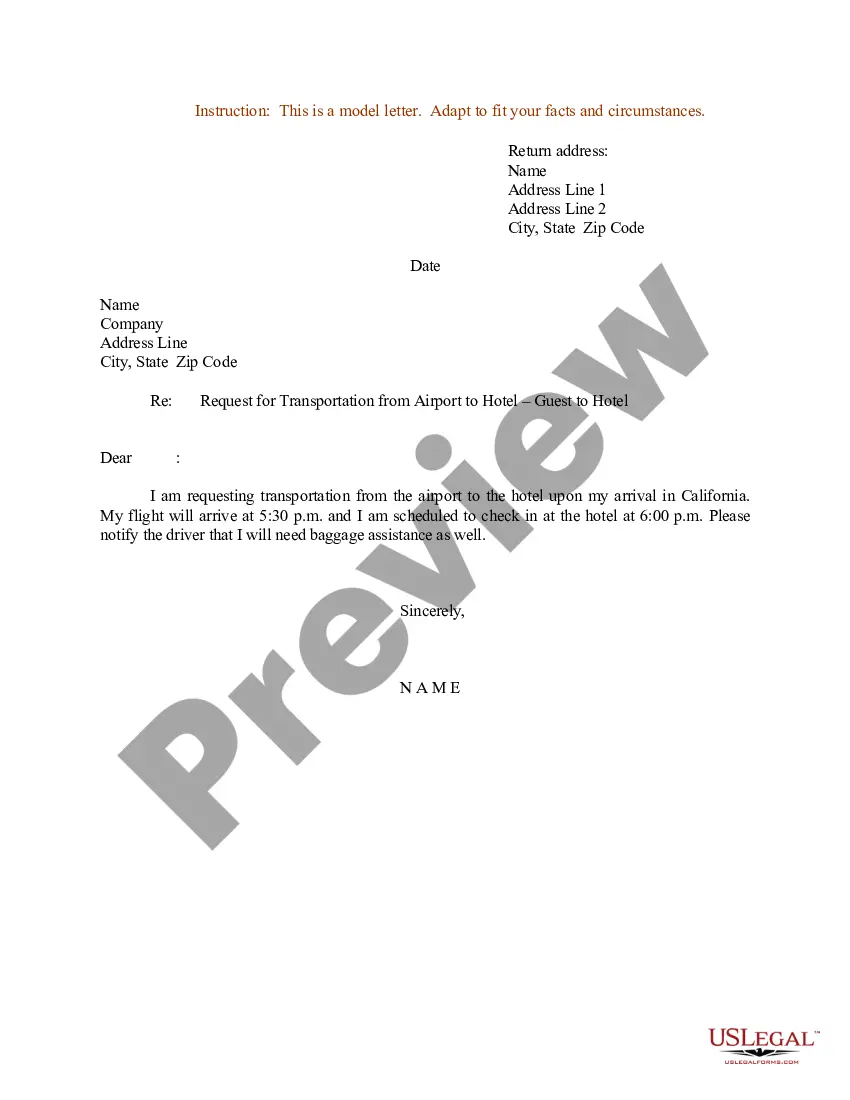
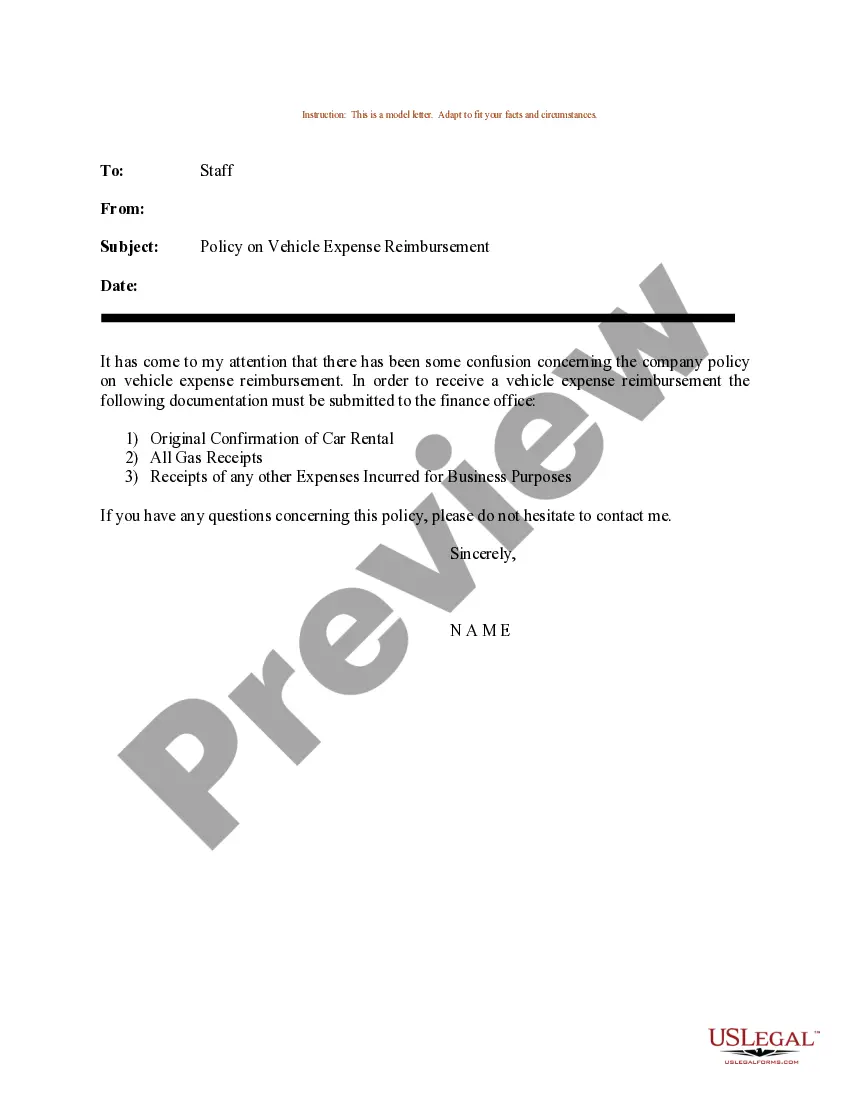
How to fill out Sample Letter For Policy On Vehicle Expense Reimbursement?
Regardless of whether it's for professional reasons or personal affairs, everyone encounters legal circumstances at some stage in their life.
Completing legal paperwork necessitates diligent care, commencing with selecting the correct form template.
With an extensive US Legal Forms library available, you no longer have to waste time looking for the correct template throughout the web. Utilize the library’s straightforward navigation to find the right form for any circumstance.
- Locate the document you require through the search bar or catalog browsing.
- Review the form’s details to confirm it is suitable for your situation, state, and area.
- Click on the form’s preview to examine it.
- If it’s the wrong document, return to the search feature to find the Policy Vehicle Online Without Log In template you need.
- Obtain the template if it aligns with your specifications.
- If you possess a US Legal Forms account, simply click Log in to access previously stored documents in My documents.
- If you do not yet have an account, you can acquire the form by clicking Buy now.
- Select the appropriate pricing option.
- Complete the account registration form.
- Choose your payment method: either a credit card or a PayPal account.
- Select the document format you desire and download the Policy Vehicle Online Without Log In.
- Once downloaded, you can fill out the form using editing software or print it to complete by hand.
Form popularity
FAQ
Yes, you can add a car that isn’t yours to your insurance under specific circumstances. With uslegalforms, you can efficiently handle these situations online without login. It is essential to have permission from the vehicle owner, and you may need to provide additional details. This feature helps broaden your insurance options and enhances your overall coverage.
Absolutely, you can add a car to your insurance policy online without login using uslegalforms. The platform is designed for your convenience, offering a streamlined experience for updating your coverage. You only need to provide some basic information, and the system will guide you through the rest. This way, you can ensure your insurance reflects your current vehicle situation without unnecessary hassle.
Yes, you can easily add a vehicle to your insurance online without login through uslegalforms. This simple process allows you to update your policy efficiently. Just follow the clear prompts on the platform, and you'll be able to include your vehicle details right away. By utilizing this feature, you save time and manage your insurance directly from home.
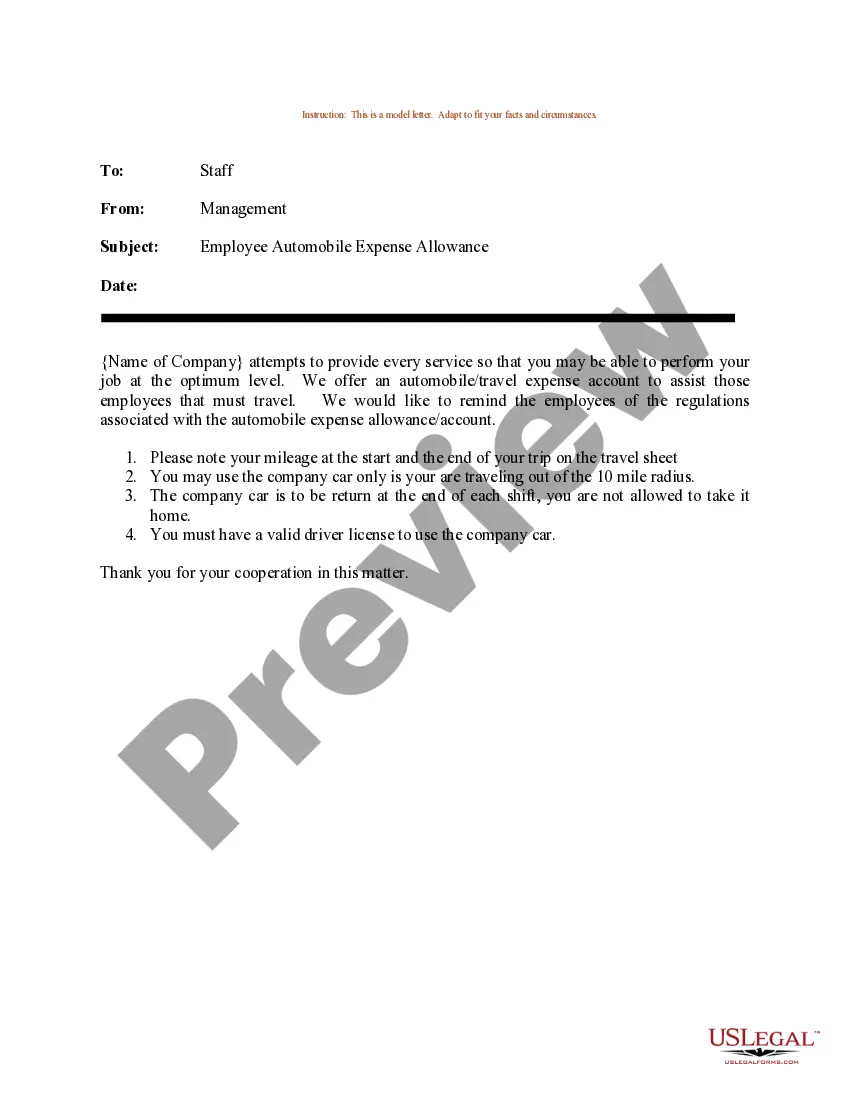
If you lose your insurance paper, you can easily obtain a new copy through your insurance provider’s website. Most companies allow you to request new documents via their online platforms. Using the Policy vehicle online without login option can expedite this process, ensuring you get your documentation without unnecessary delays.
Yes, you can have a digital copy of your insurance policy. Most insurance companies provide digital formats of your documents that you can store on your device. Utilizing the Policy vehicle online without login option enhances your access to these digital copies conveniently and securely.
You can access your car insurance card online by logging into your insurance company’s platform. Many providers allow you to view and download your insurance card. If you choose to explore the Policy vehicle online without login feature, you might find instant access options that do not require any login details.
To obtain quick proof of insurance, visit your insurance provider's online platform. Most companies offer instant access to your insurance card or proof of coverage. With the Policy vehicle online without login option, you can easily download or print your proof of insurance for immediate use.
To obtain a copy of your car insurance online, simply visit your insurance provider's website. Look for a section dedicated to policy documents or customer support. If available, using the Policy vehicle online without login feature may allow you to view or download your insurance documents quickly.
Yes, you can look up an insurance policy number by visiting your insurance provider's website. Most companies provide a secure portal where you can find your policy details. By using the Policy vehicle online without login option, you can access essential information seamlessly without needing credentials.
To add a vehicle to your State Farm policy online, log in to your account on their website, navigate to the 'Add Vehicle' section, and enter the necessary details about your vehicle. This process streamlines the addition of coverage for your new or existing vehicle. Keeping your insurance updated is essential, and with uslegalforms, you can manage your policy vehicle online without login, ensuring you're always covered.