Partnership Agreement Template In Word
Description
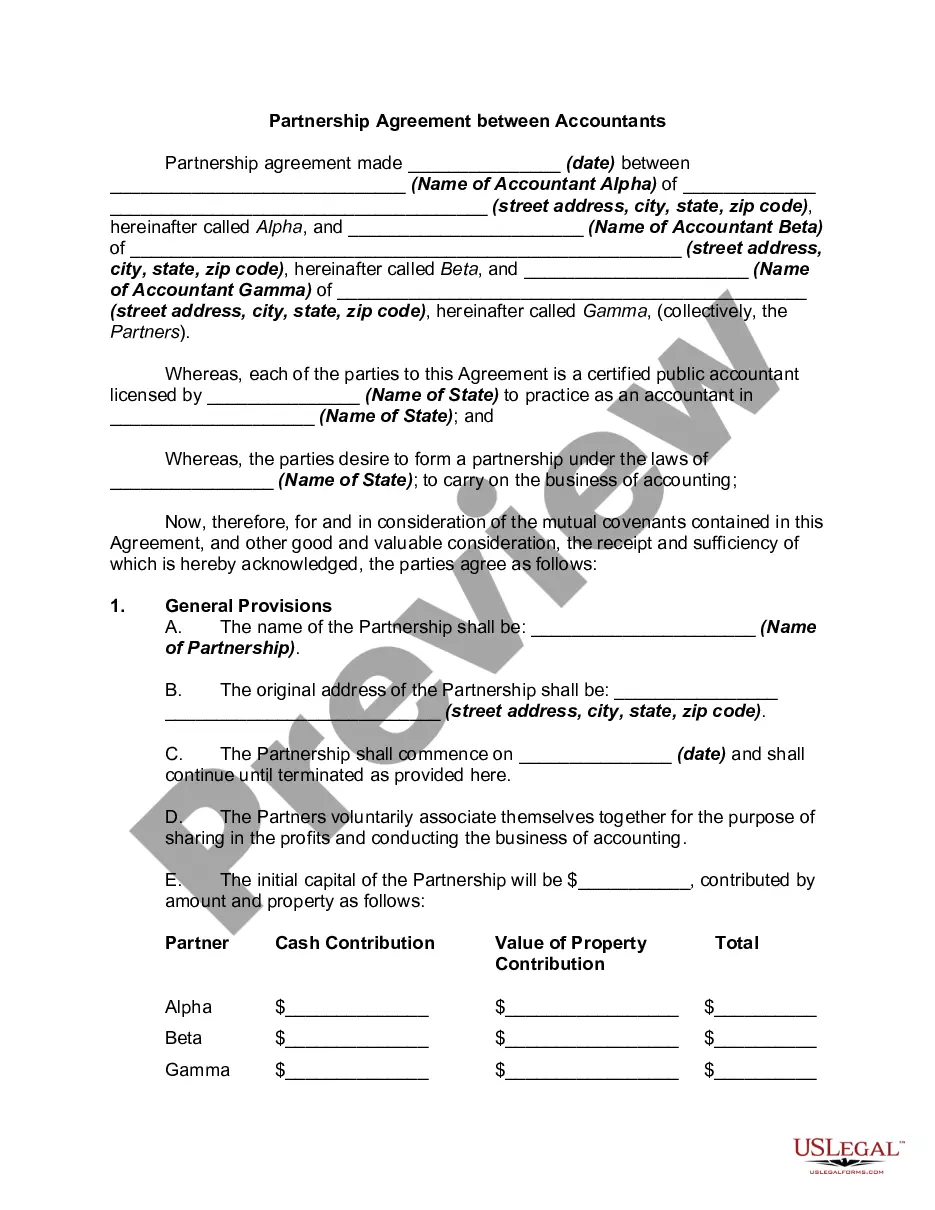
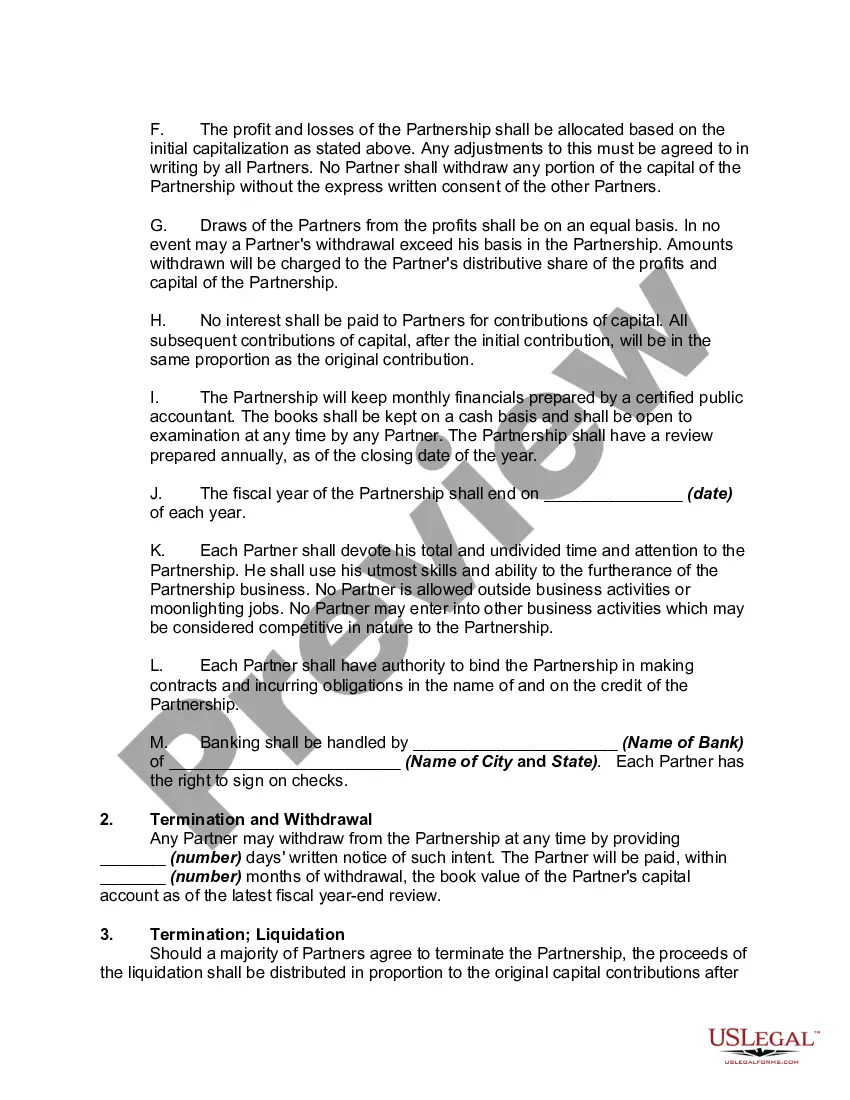
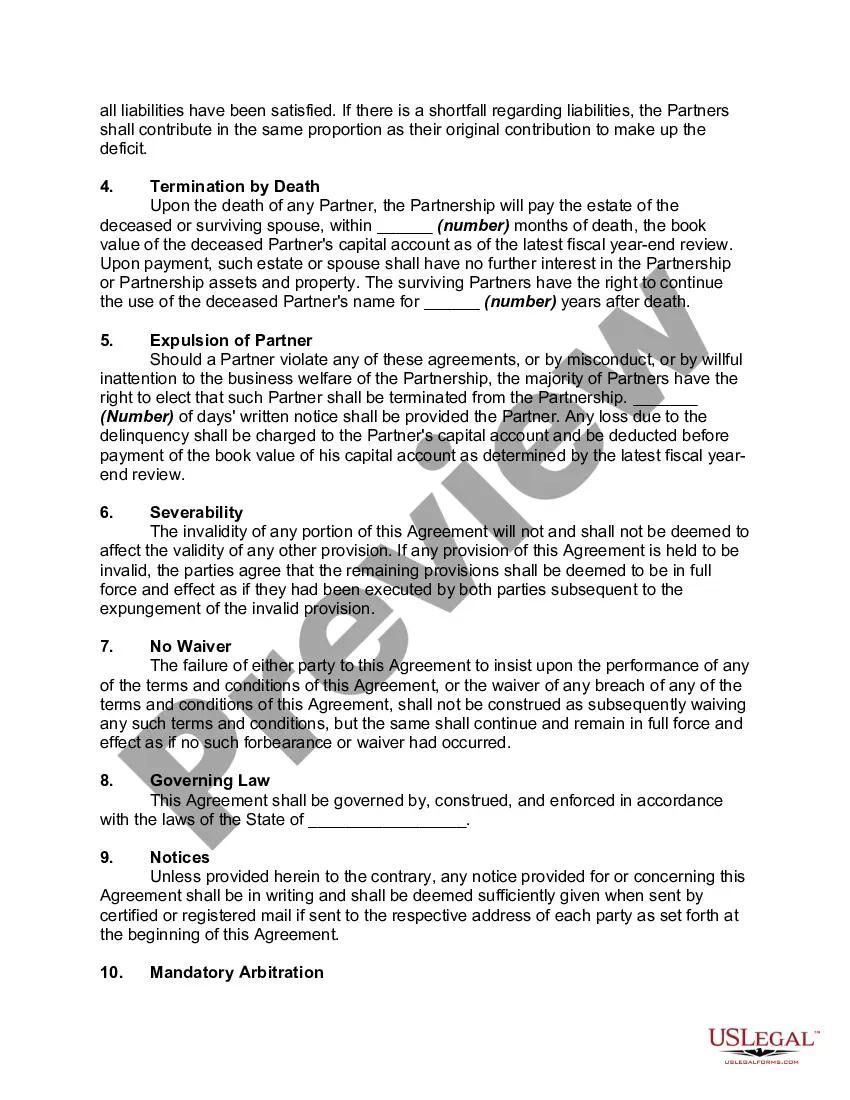
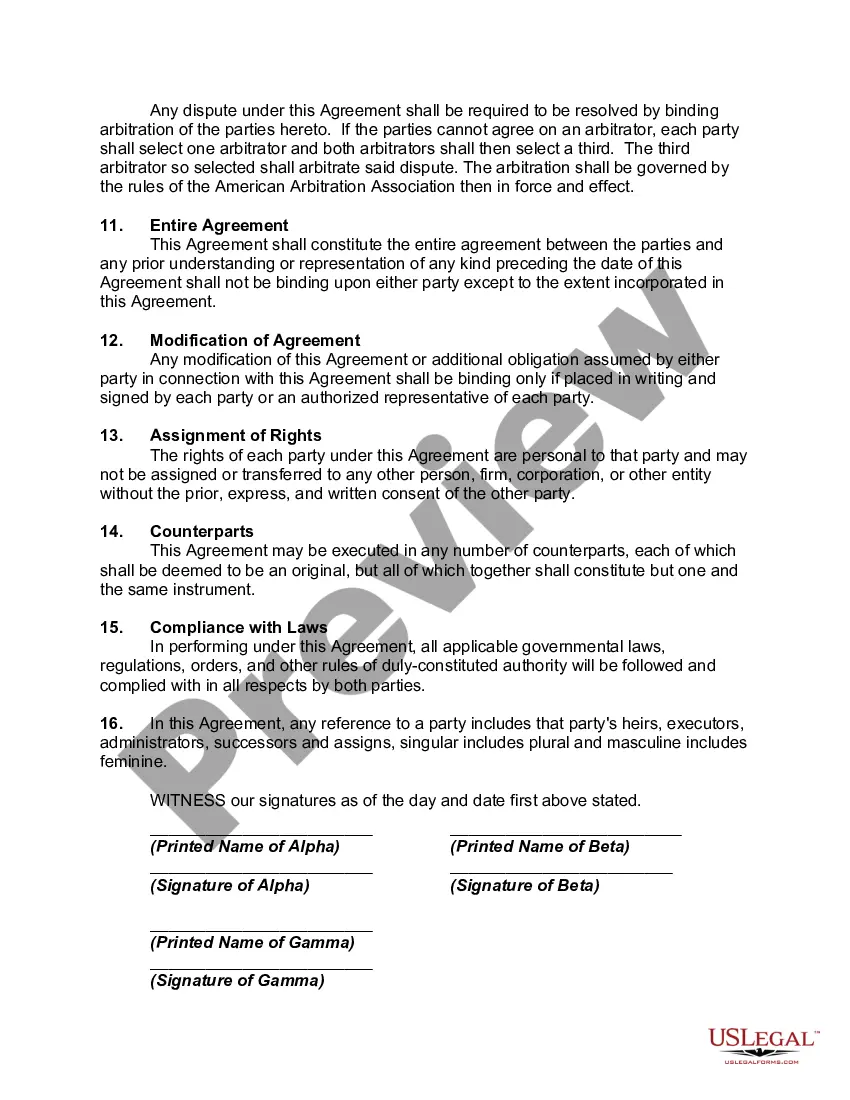
Get your form ready online
Our built-in tools help you complete, sign, share, and store your documents in one place.
Make edits, fill in missing information, and update formatting in US Legal Forms—just like you would in MS Word.
Download a copy, print it, send it by email, or mail it via USPS—whatever works best for your next step.
Sign and collect signatures with our SignNow integration. Send to multiple recipients, set reminders, and more. Go Premium to unlock E-Sign.
If this form requires notarization, complete it online through a secure video call—no need to meet a notary in person or wait for an appointment.
We protect your documents and personal data by following strict security and privacy standards.

Make edits, fill in missing information, and update formatting in US Legal Forms—just like you would in MS Word.

Download a copy, print it, send it by email, or mail it via USPS—whatever works best for your next step.

Sign and collect signatures with our SignNow integration. Send to multiple recipients, set reminders, and more. Go Premium to unlock E-Sign.

If this form requires notarization, complete it online through a secure video call—no need to meet a notary in person or wait for an appointment.

We protect your documents and personal data by following strict security and privacy standards.
Looking for another form?

How to fill out Partnership Agreement Between Accountants?
There's no more justification to squander time looking for legal documents to adhere to your local state statutes.
US Legal Forms has compiled all of them in one location and improved their availability.
Our platform provides over 85,000 templates for any business and personal legal situations categorized by state and purpose.
Use the search bar above to look for another template if the previous one did not suit you.
- All forms are expertly drafted and validated for accuracy, so you can be confident in obtaining the latest Partnership Agreement Template in Word.
- If you are acquainted with our service and already possess an account, ensure your subscription is active before acquiring any templates.
- Log In to your account, select the document, and click Download.
- You can also revisit all saved documents at any time by accessing the My documents tab in your profile.
- For those unfamiliar with our service, completing the process will involve additional steps.
- Here's how new users can access the Partnership Agreement Template in Word from our catalog.
- Examine the page contents thoroughly to confirm it has the sample you need.
- Use the form description and preview options if available.
Form popularity
FAQ
Launch Word. If Word is already open, click the File tab and select New. Type contract in the Search For Online Templates field. Scroll through the results to find a template that suits your needs or click on any of the categories in the left menu to filter your search results.
It's ultimately up to you and the partners to decide how to create the partnership agreement. It's a legal contract, so it should be worded as such, and signed by all parties. You can choose an online template, create one yourself or speak to an attorney to draw up the contract.
These are the steps you can follow to write a partnership agreement:Step 1 : Give your partnership agreement a title.Step 2 : Outline the goals of the partnership agreement.Step 3 : Mention the duration of the partnership.Step 4 : Define the contribution amounts of each partner (cash, property, services, etc.).More items...?
How to Write a Business Partnership Agreementname of the partnership.goals of the partnership.duration of the partnership.contribution amounts of each partner (cash, property, services, future contributions)ownership interests of each partner (assets)management roles and terms of authority of each partner.More items...
Here are five clauses every partnership agreement should include:Capital contributions.Duties as partners.Sharing and assignment of profits and losses.Acceptance of liabilities.Dispute resolution.
