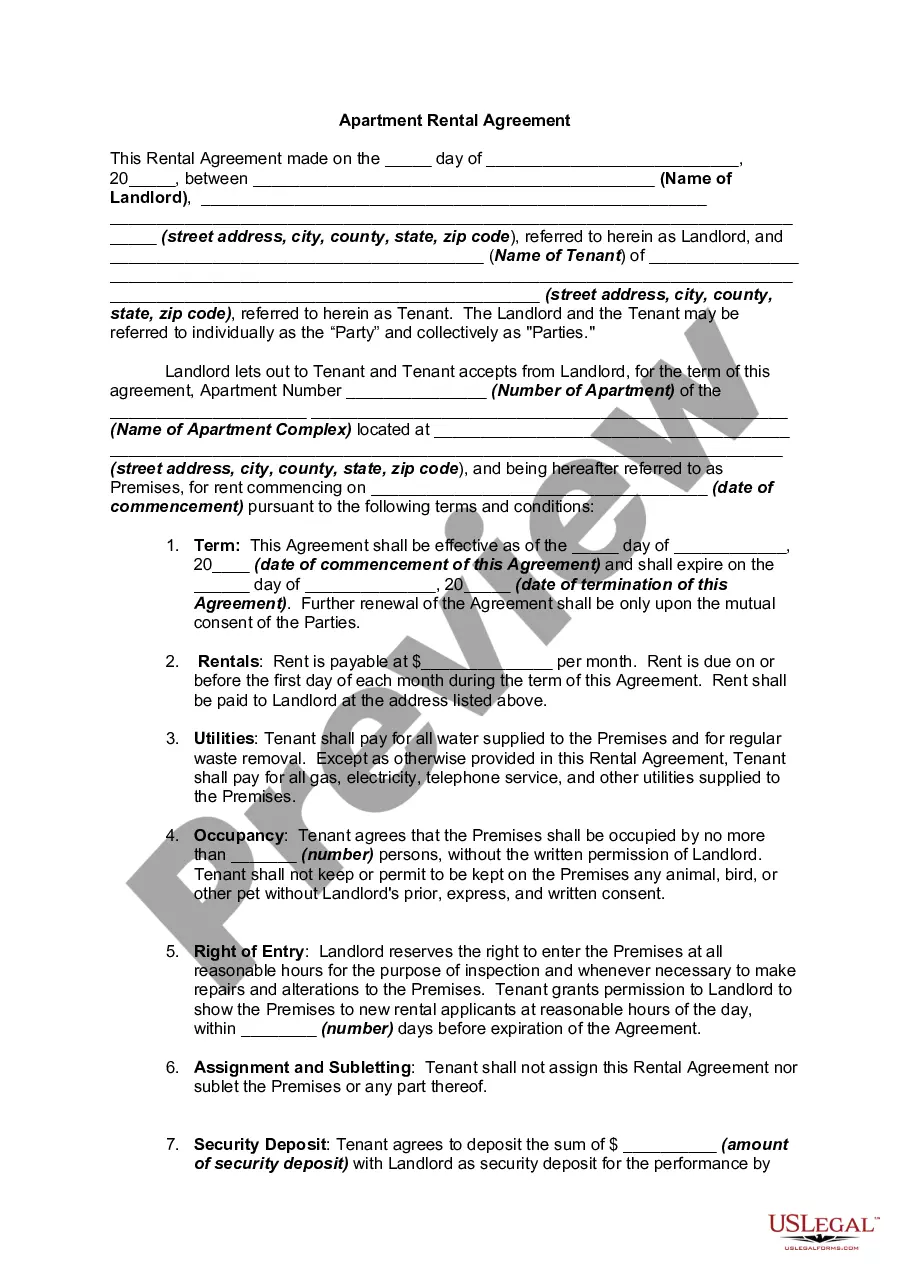
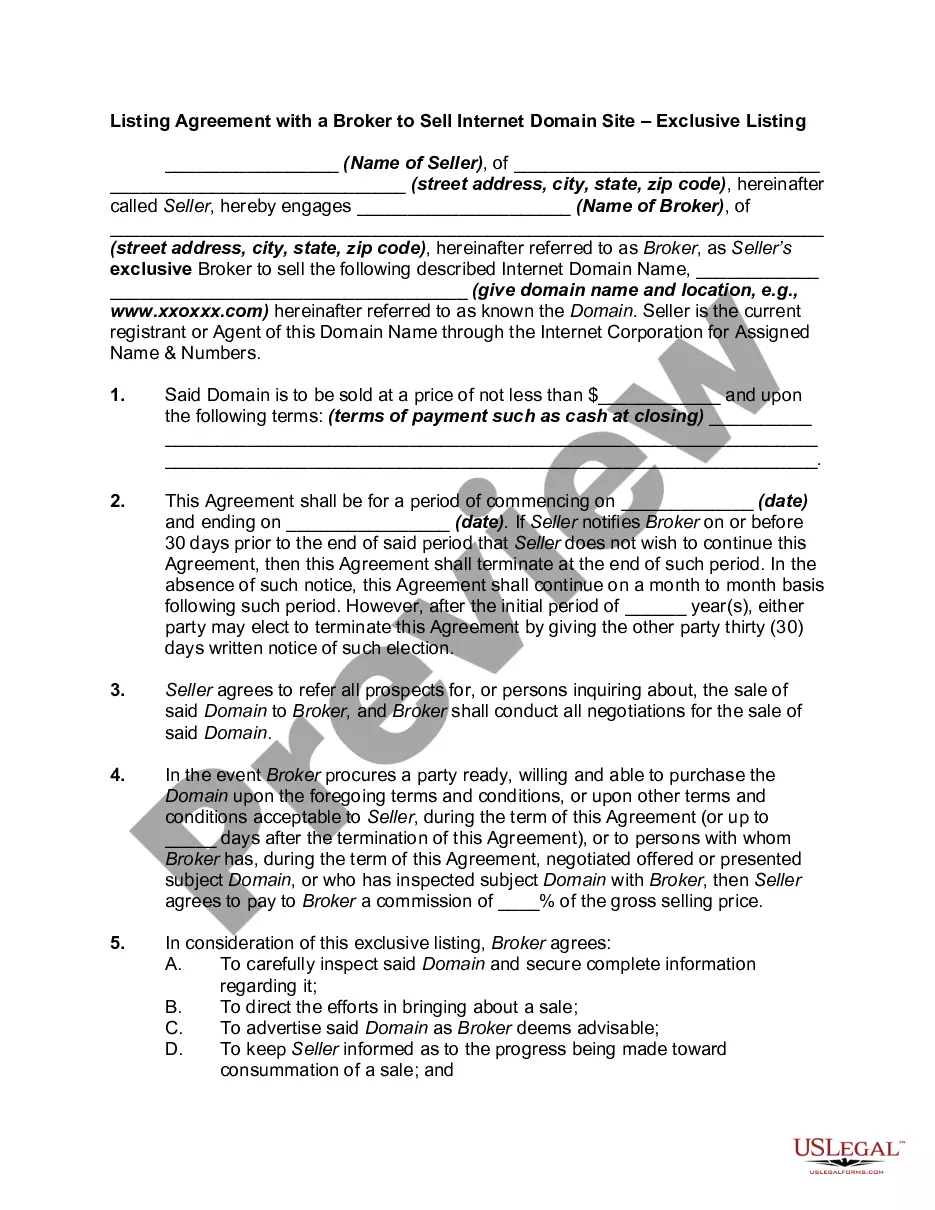
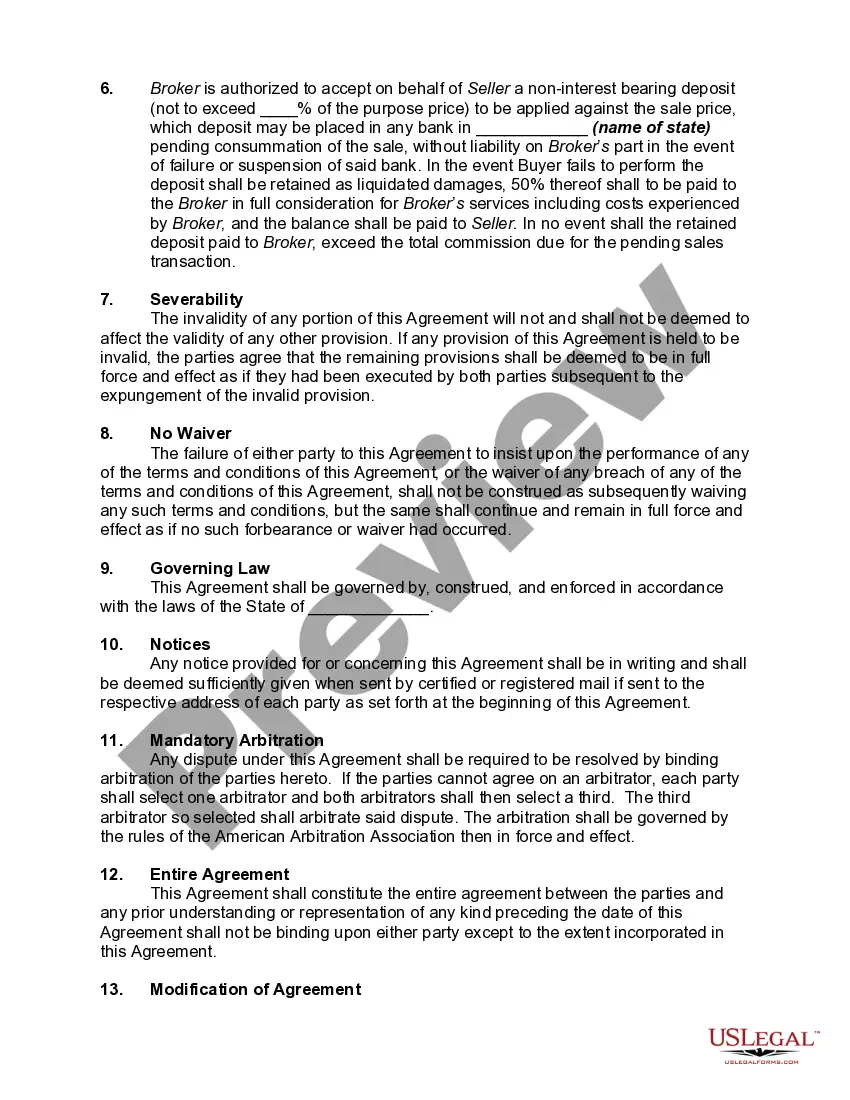
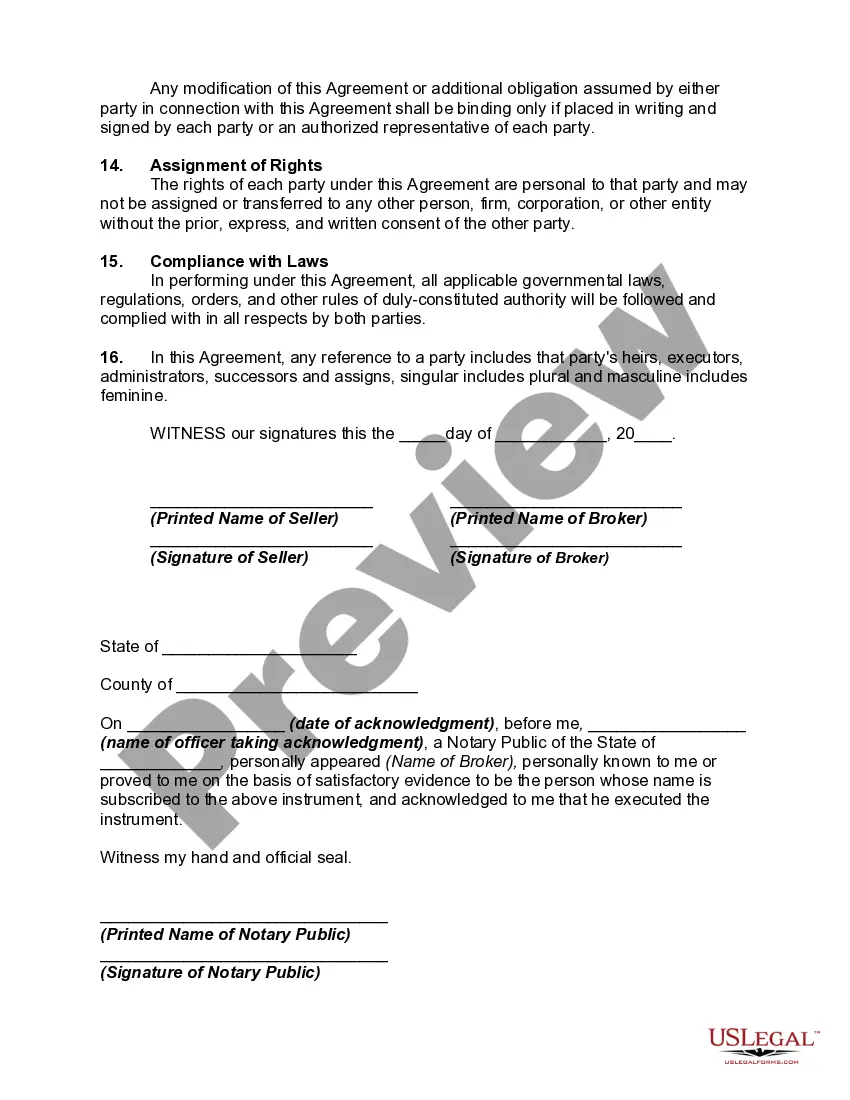
Listing Agreement With Withdrawal
Description

Get your form ready online
Our built-in tools help you complete, sign, share, and store your documents in one place.
Make edits, fill in missing information, and update formatting in US Legal Forms—just like you would in MS Word.
Download a copy, print it, send it by email, or mail it via USPS—whatever works best for your next step.
Sign and collect signatures with our SignNow integration. Send to multiple recipients, set reminders, and more. Go Premium to unlock E-Sign.
If this form requires notarization, complete it online through a secure video call—no need to meet a notary in person or wait for an appointment.
We protect your documents and personal data by following strict security and privacy standards.

Make edits, fill in missing information, and update formatting in US Legal Forms—just like you would in MS Word.

Download a copy, print it, send it by email, or mail it via USPS—whatever works best for your next step.

Sign and collect signatures with our SignNow integration. Send to multiple recipients, set reminders, and more. Go Premium to unlock E-Sign.

If this form requires notarization, complete it online through a secure video call—no need to meet a notary in person or wait for an appointment.

We protect your documents and personal data by following strict security and privacy standards.
Looking for another form?







How to fill out Listing Agreement With A Broker To Sell Internet Domain Site - Exclusive Listing?
When you need to finalize a Listing Agreement With Withdrawal in accordance with your local state's laws, there may be numerous options to choose from.
There's no necessity to review each form to ensure it meets all the legal criteria if you are a subscriber to US Legal Forms.
It is a reliable source that can assist you in obtaining a reusable and current template on any topic.
Browse the recommended page and verify its compliance with your requirements.
- US Legal Forms boasts the largest online collection with over 85,000 ready-to-use documents for both business and personal legal situations.
- All templates are verified to comply with each state's regulations.
- Thus, when downloading the Listing Agreement With Withdrawal from our platform, you can be assured of a valid and current document.
- Obtaining the required template from our platform is incredibly easy.
- If you already possess an account, simply Log In, check that your subscription is active, and save the chosen file.
- In the future, you can access the My documents section in your profile and have access to the Listing Agreement With Withdrawal whenever needed.
- If this is your first time using our library, please follow the steps outlined below.
Form popularity
FAQ
I'll first explain that a "temporary withdrawal" of a property listing is when listing agreement is still in place with the listing agent, but the property is removed from all active marketing for a period of time with the expectation that the listing will become active again in the near future.
Sam DeBord, CEO of RESO, explains: Withdrawn means the property listing has been removed from the available listings for agents and consumers to show/buy via the MLS. It's not listed for sale on the MLS anymore, and although it's possible that the seller is regrouping for a little bit to assess strategy, the more
Withdrawing a listing is easy. Members can remove their listings by going to the Change Listing screen for the property and then selecting Withdraw Listing. Regardless of the property is active or withdrawn, Days On Market (DOM) will accumulate. Withdrawn is still an active listing type.
What is a withdrawn listing? It's when home sellers decide they no longer want to sell their home, so they ask their real estate agent to withdraw the listing so it's no longer active on the multiple listing service on websites such as realtor.com®. Nonetheless, it may still appear when buyers search for homes.
Click the "Resume Sale" button below the property that you want to cancel the MLS listing for. In the new screen that appears, click MLS Listing. In the new screen that appears, you will see the form to submit changes. Check the Status checkbox and select the cancellation status from the dropdown that appears.