Window Contract With Google
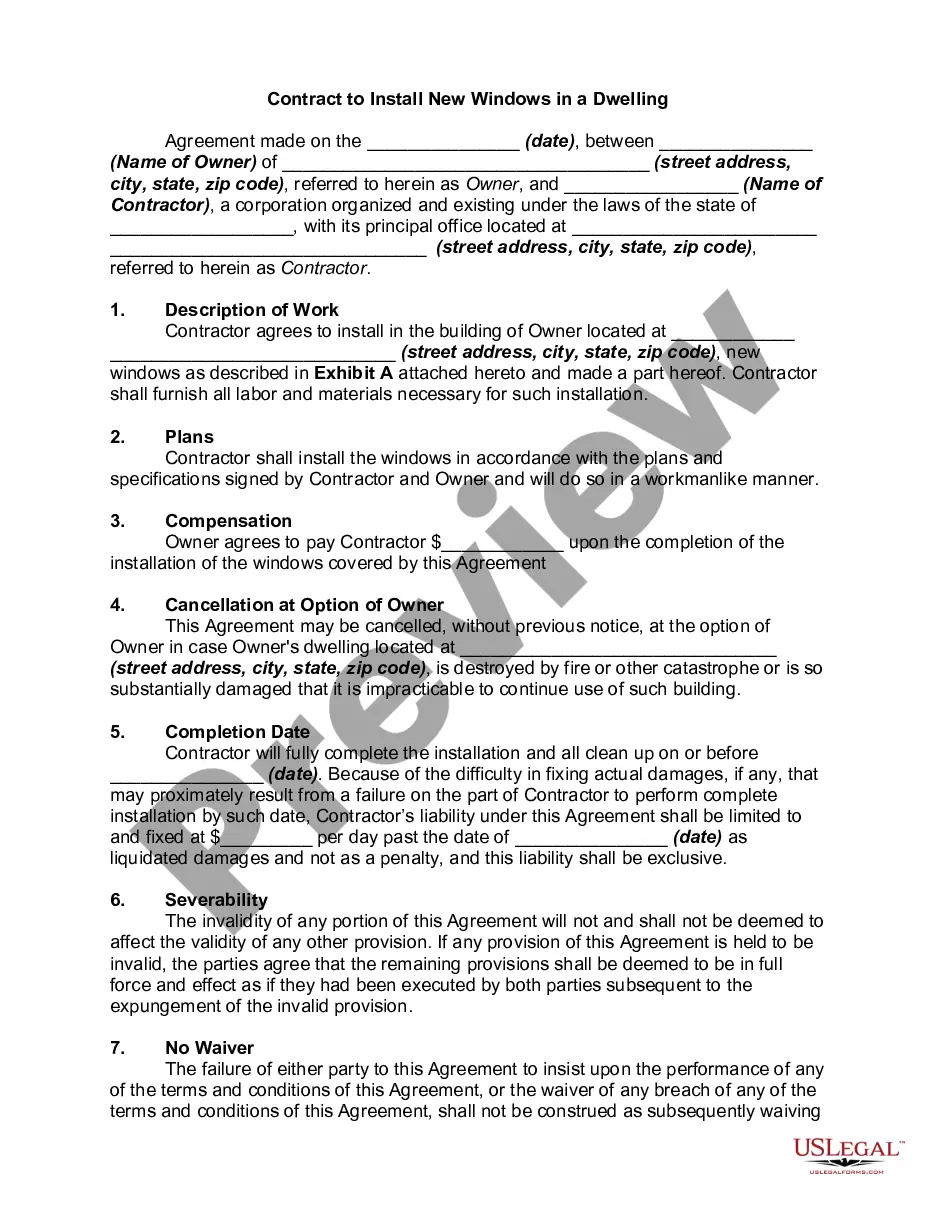
Description
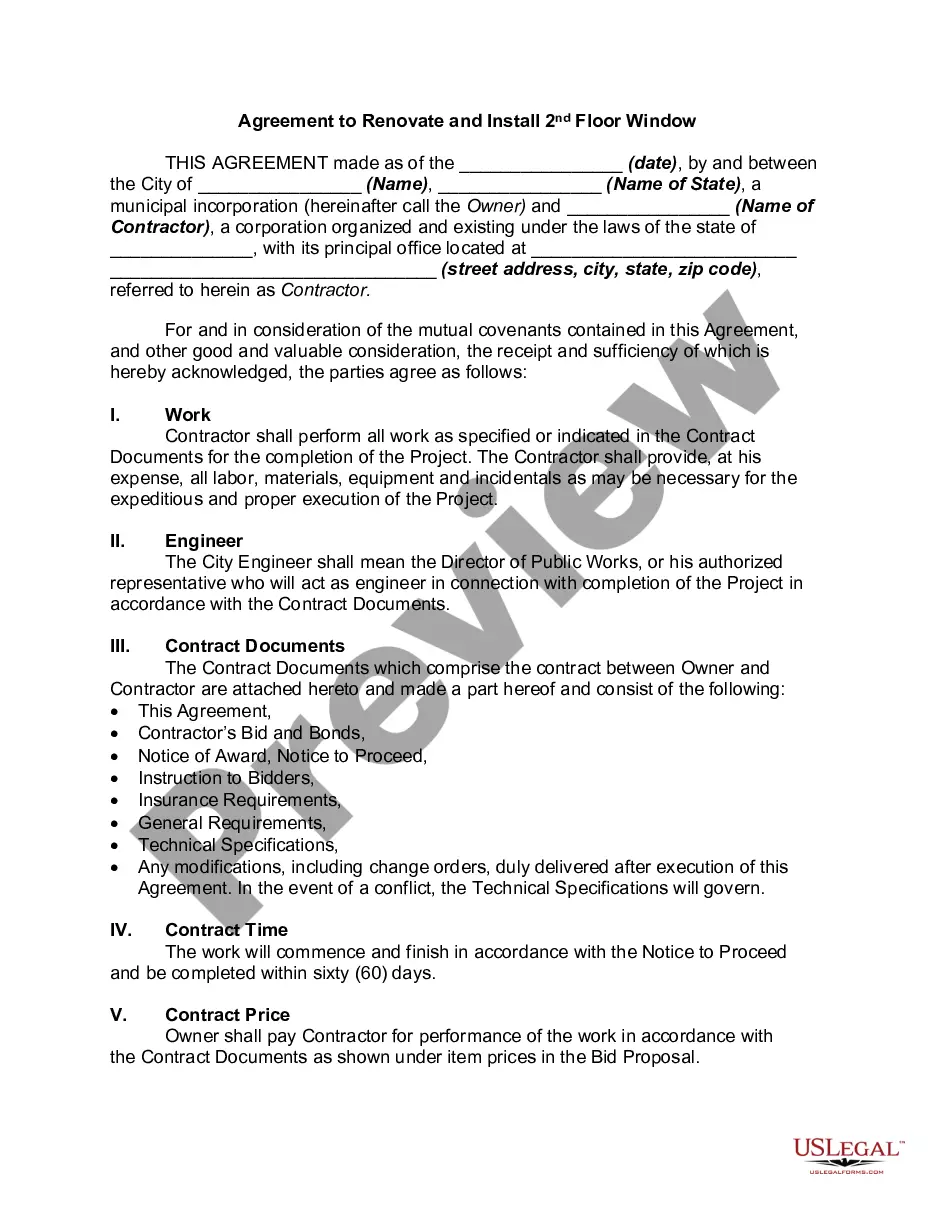
Get your form ready online
Our built-in tools help you complete, sign, share, and store your documents in one place.
Make edits, fill in missing information, and update formatting in US Legal Forms—just like you would in MS Word.
Download a copy, print it, send it by email, or mail it via USPS—whatever works best for your next step.
Sign and collect signatures with our SignNow integration. Send to multiple recipients, set reminders, and more. Go Premium to unlock E-Sign.
If this form requires notarization, complete it online through a secure video call—no need to meet a notary in person or wait for an appointment.
We protect your documents and personal data by following strict security and privacy standards.

Make edits, fill in missing information, and update formatting in US Legal Forms—just like you would in MS Word.

Download a copy, print it, send it by email, or mail it via USPS—whatever works best for your next step.

Sign and collect signatures with our SignNow integration. Send to multiple recipients, set reminders, and more. Go Premium to unlock E-Sign.

If this form requires notarization, complete it online through a secure video call—no need to meet a notary in person or wait for an appointment.

We protect your documents and personal data by following strict security and privacy standards.
Looking for another form?
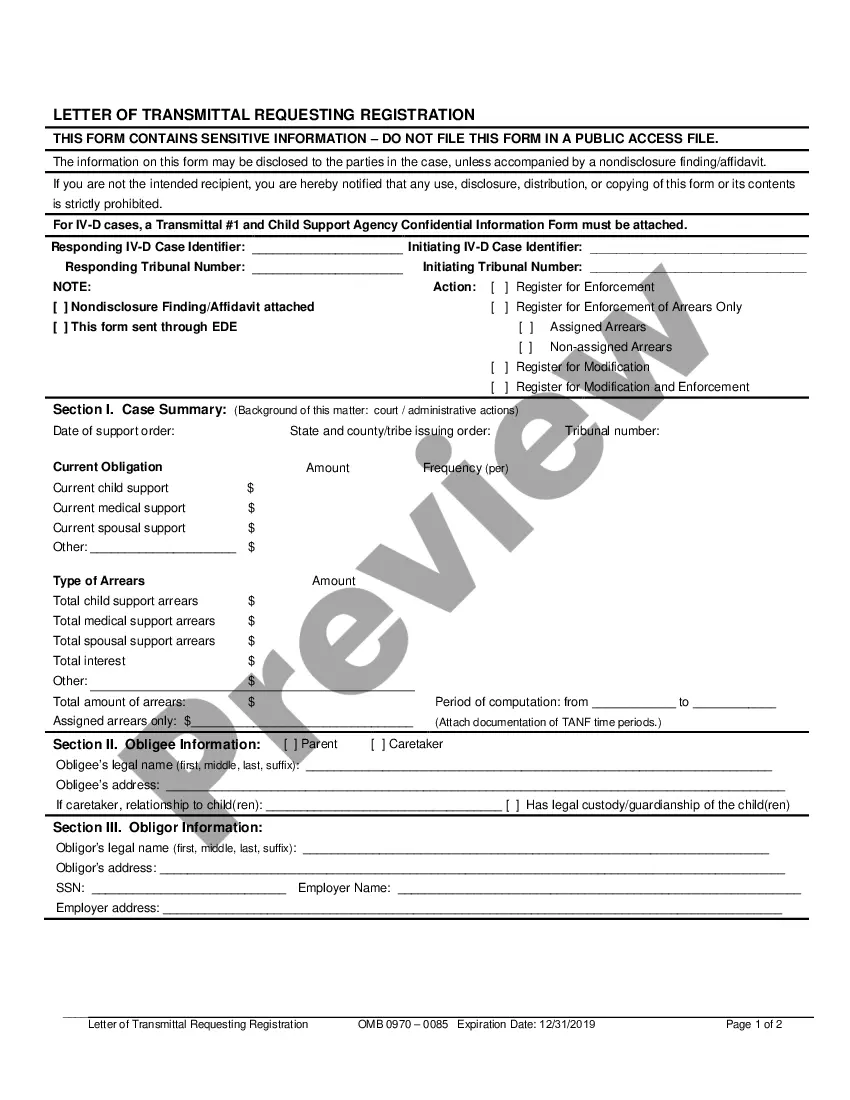
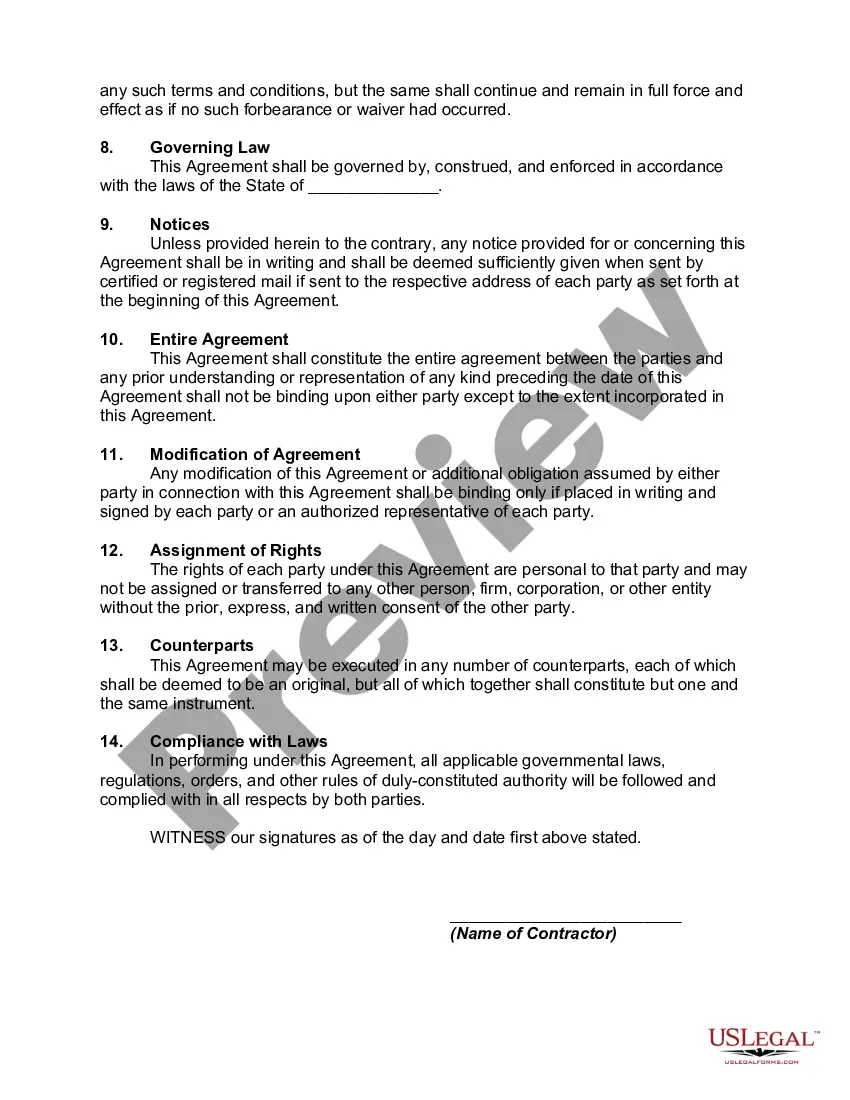
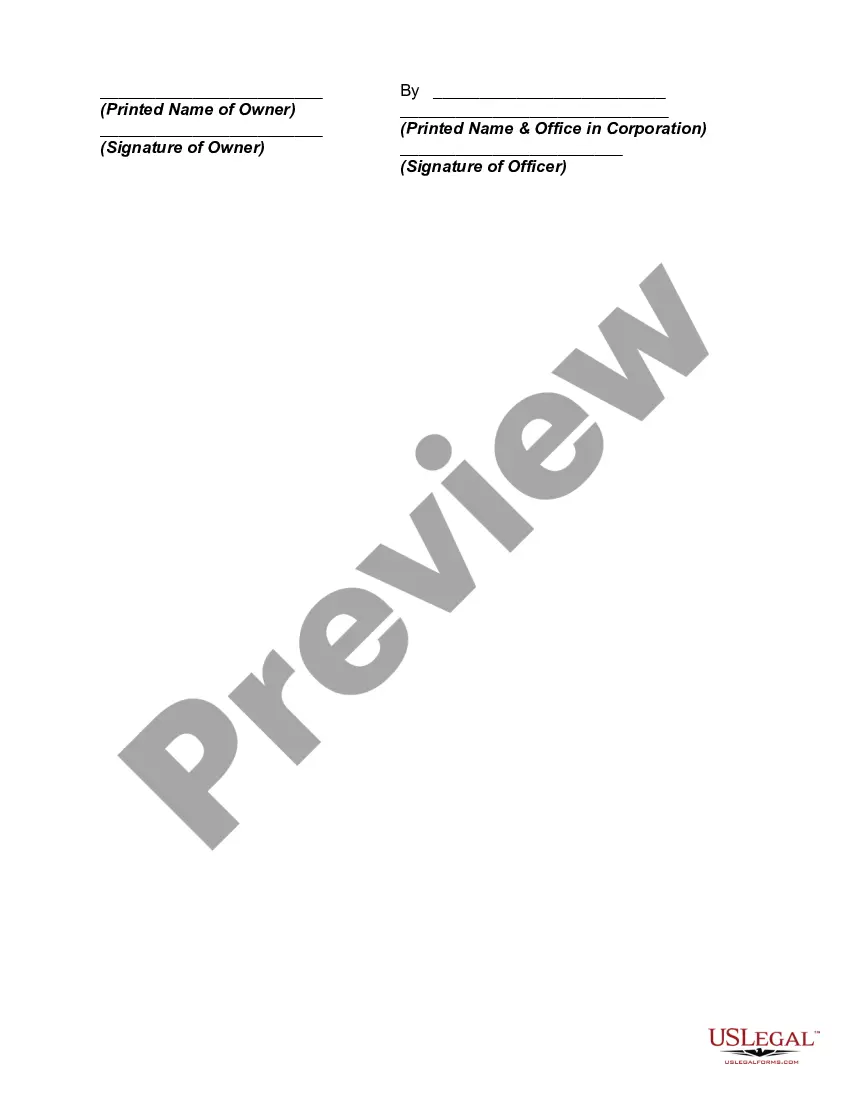
How to fill out Contract To Install New Windows In A Dwelling?
Acquiring a reliable source for the latest and pertinent legal templates is a significant portion of navigating bureaucracy. Locating the appropriate legal documents requires precision and meticulousness, which is why it is crucial to source Window Contract With Google samples exclusively from trustworthy providers, such as US Legal Forms. An incorrect template can squander your time and delay your current situation. With US Legal Forms, you have minimal concerns. You can access and review all the specifics regarding the document's applicability and significance for your circumstances and in your jurisdiction.
Consider the following steps to finalize your Window Contract With Google.
Eliminate the hassle that comes with your legal paperwork. Explore the extensive US Legal Forms collection to discover legal templates, verify their applicability to your situation, and download them immediately.
- Use the directory navigation or search bar to locate your template.
- Examine the document's details to confirm it meets the criteria of your state and locality.
- Preview the document, if possible, to ensure the template is indeed the one you require.
- Return to the search and find the suitable document if the Window Contract With Google does not align with your needs.
- Once you are confident about the document's relevance, download it.
- If you are a registered user, click Log in to verify and access your chosen forms in My documents.
- If you do not yet have an account, click Buy now to acquire the form.
- Select the pricing option that fits your requirements.
- Proceed to register to complete your transaction.
- Conclude your purchase by selecting a payment option (credit card or PayPal).
- Choose the file format for downloading Window Contract With Google.
- Once you have the document on your device, you can edit it using the editor or print it and fill it out by hand.
Form popularity
FAQ
Creating a fillable form in Google is straightforward. Start by using Google Forms, which allows you to design interactive forms for your audience. You can add various fields to collect information relevant to your window contract with Google. After designing, share the form link with your intended recipients for easy access.
Yes, Google offers various templates that can help you create a window contract with Google. You can access these templates through Google Docs or their business services. These templates provide a structured format, making it easier to draft a contract that meets your needs. However, for customized solutions, consider exploring platforms like US Legal Forms.
To make a window contract with Google, first, outline the terms and conditions you want to include. Next, visit the Google services or products page relevant to your contract. You may need to follow specific guidelines provided by Google for creating contracts. Finally, ensure all your details are accurate before submission.
A Terms and Conditions agreement acts as a legal contract between you (the company) and the user. It's where you maintain your rights to exclude users from your app in the event that they abuse your website/app, set out the rules for using your service and note other important details and disclaimers.
What To Include In Your Terms and Conditions Introduction. Effective Date. Changes to the Agreement. User Guidelines and Acceptable Uses. Prohibited Behaviors and Activities. User Contributions Clause. Digital Millennium Copyright Act (DMCA) Notice and Policy. Intellectual Property Disclosure.
Those seven elements are: Identification (Defining all the parties involved) Offer (The agreement) Acceptance (Agreement mirrored by other parties) Mutual consent (Signatory consent of all parties) Consideration (The value exchanged for the offer) Capacity (Legal/mental competence of all parties)
Here are a few examples of what you can include in yours: Establish and clarify your intellectual property rights. Limit your liabilities. Outline your dispute resolution options. Disclose your governing laws. Establish payment terms. Include shipping policy and return and refund details.
Terms and conditions are aimed at protecting the business (you). They give business owners the opportunity to set their rules (within applicable law) of how their service or product may be used including, but not limited to, things like copyright conditions, age limits, and the governing law of the contract.