Unlawful Detainer Over Form Interrogatories
Description
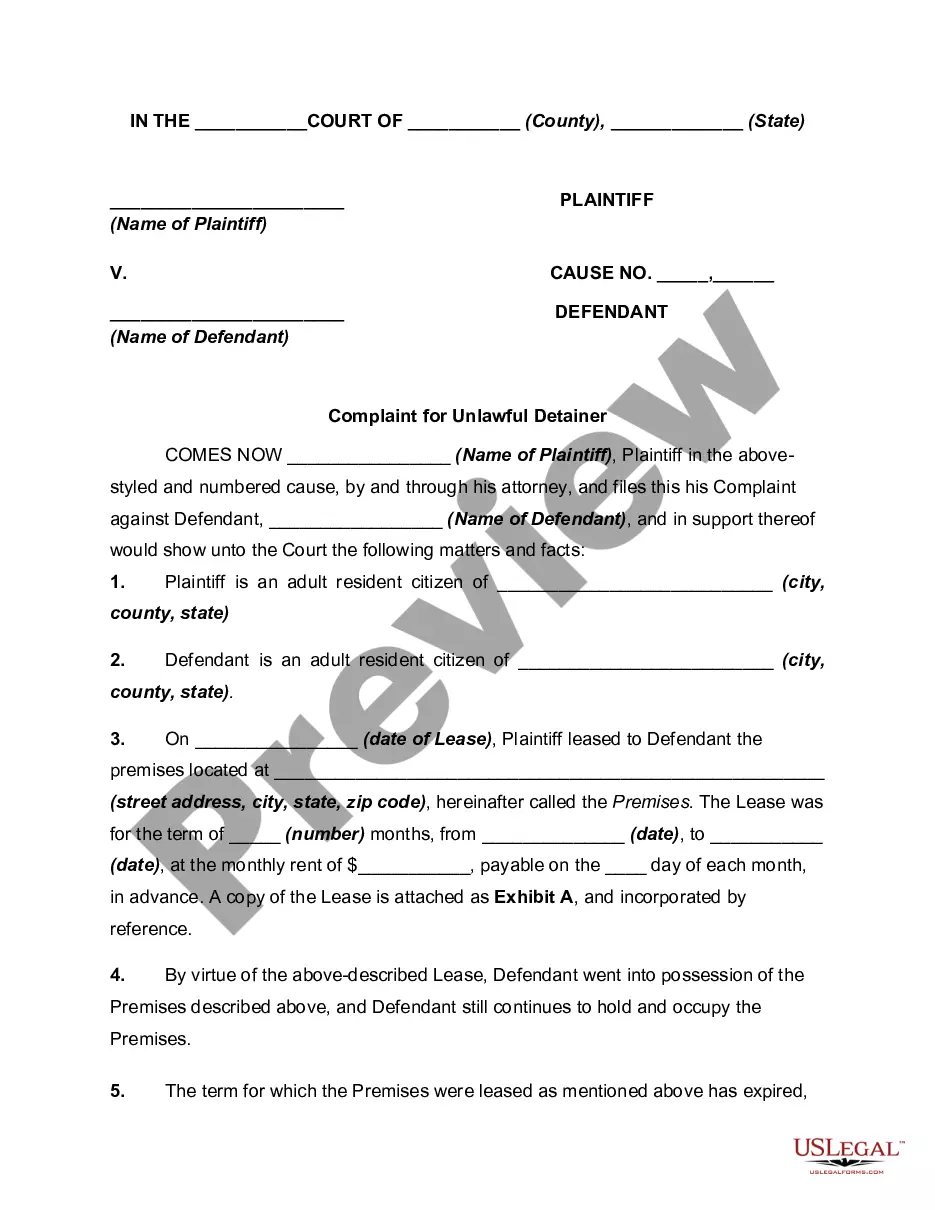
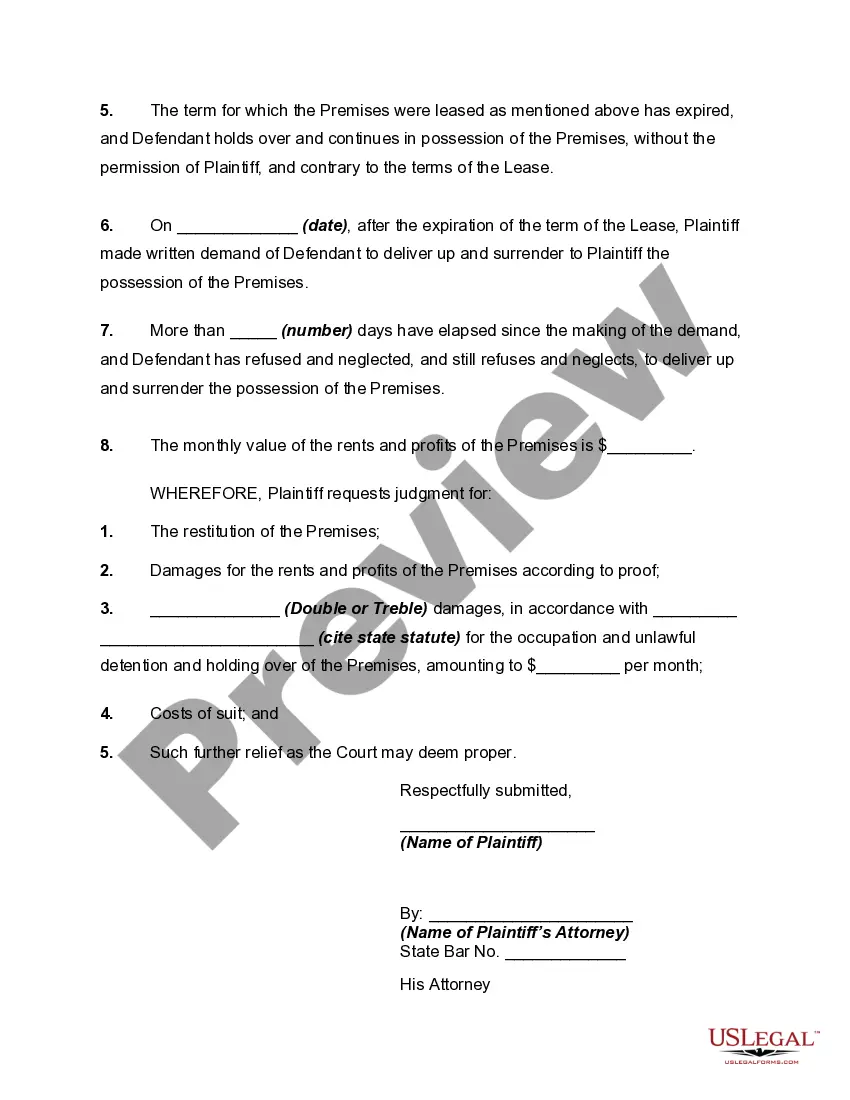
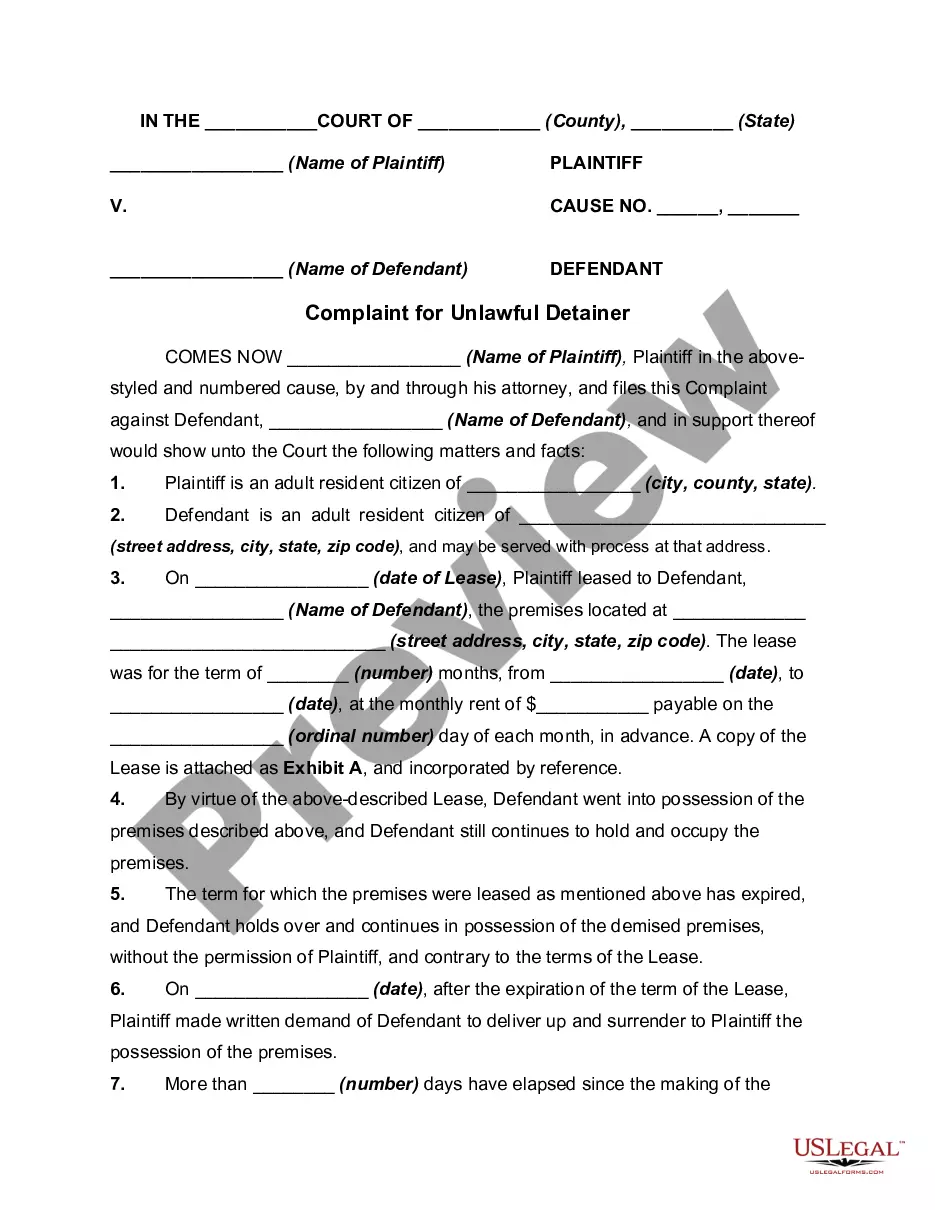
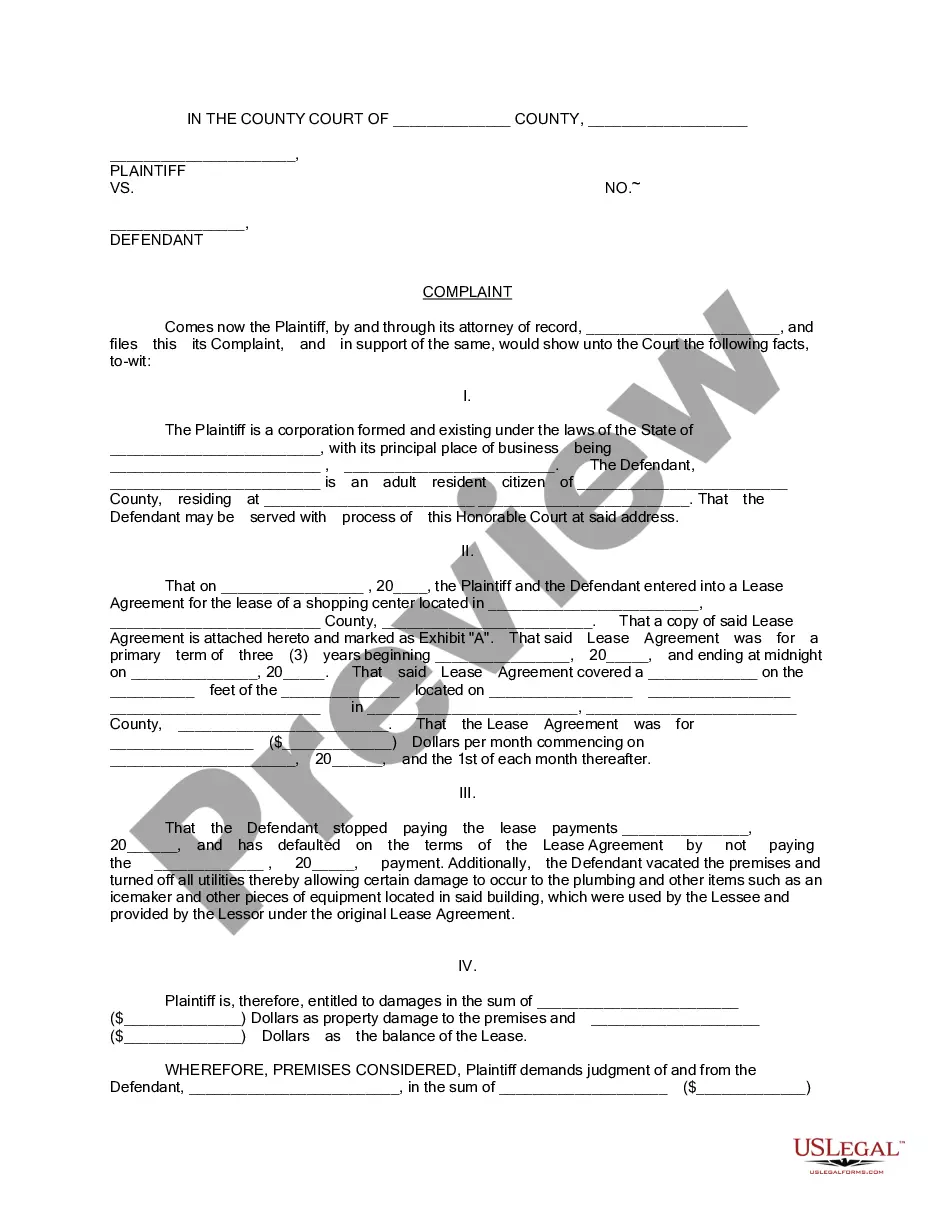
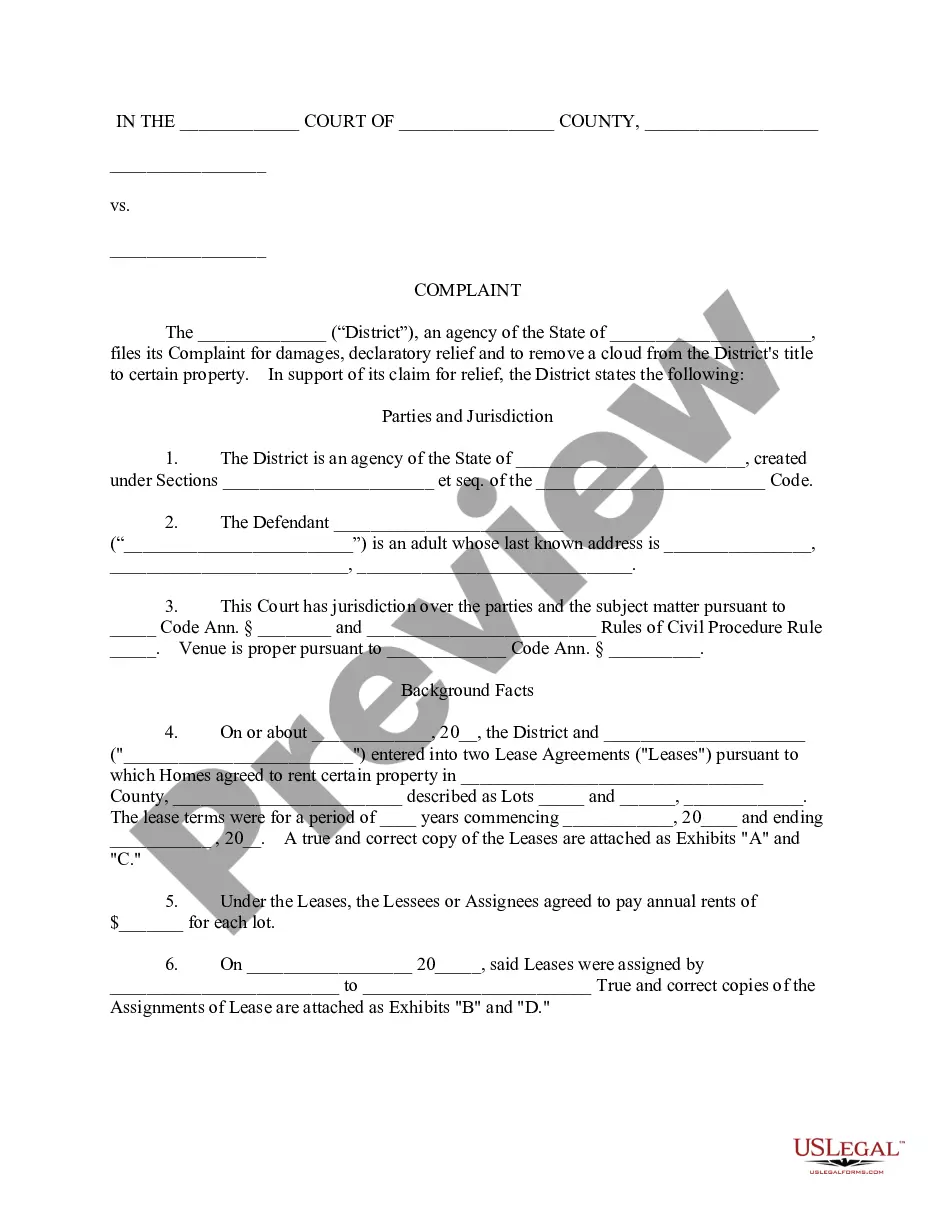
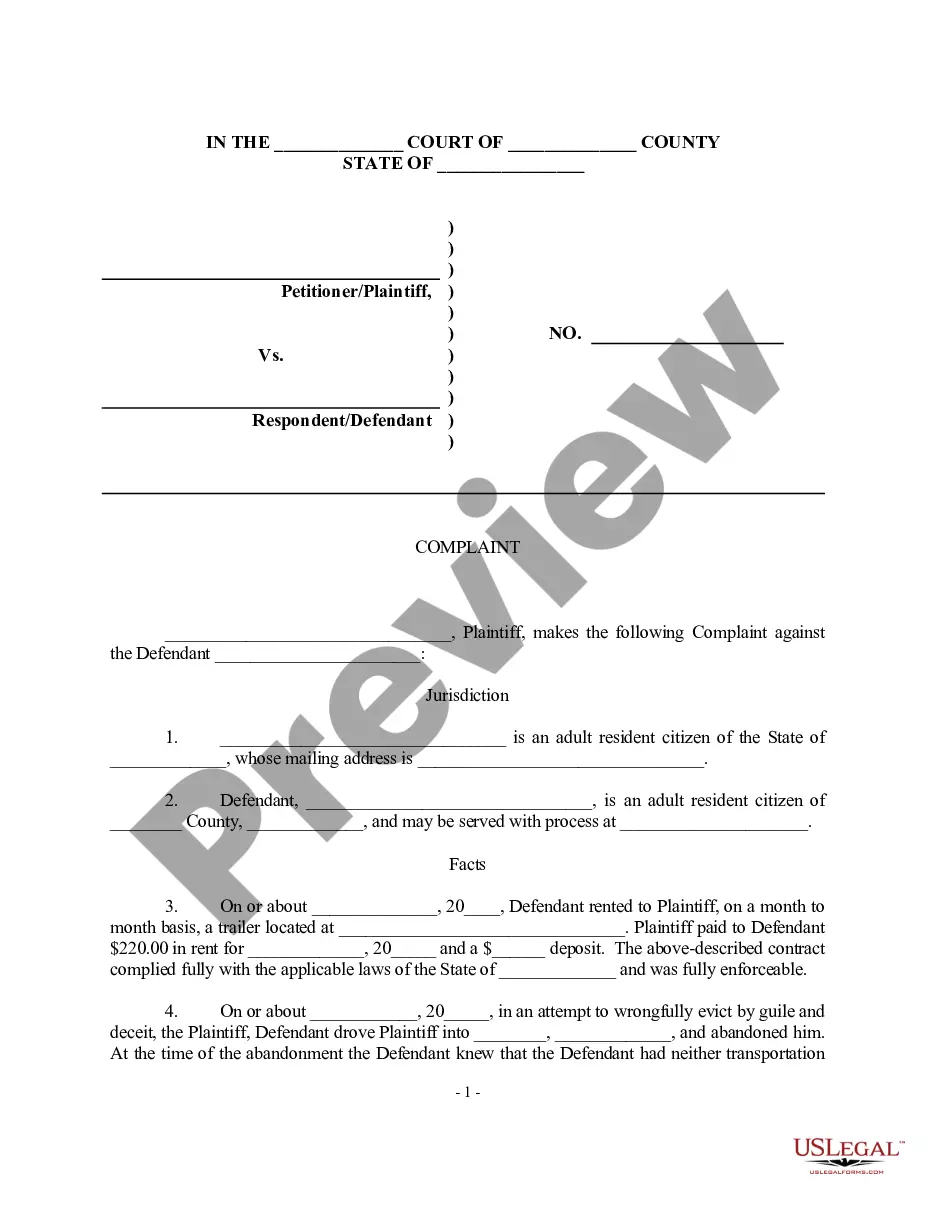
Get your form ready online
Our built-in tools help you complete, sign, share, and store your documents in one place.
Make edits, fill in missing information, and update formatting in US Legal Forms—just like you would in MS Word.
Download a copy, print it, send it by email, or mail it via USPS—whatever works best for your next step.
Sign and collect signatures with our SignNow integration. Send to multiple recipients, set reminders, and more. Go Premium to unlock E-Sign.
If this form requires notarization, complete it online through a secure video call—no need to meet a notary in person or wait for an appointment.
We protect your documents and personal data by following strict security and privacy standards.

Make edits, fill in missing information, and update formatting in US Legal Forms—just like you would in MS Word.

Download a copy, print it, send it by email, or mail it via USPS—whatever works best for your next step.

Sign and collect signatures with our SignNow integration. Send to multiple recipients, set reminders, and more. Go Premium to unlock E-Sign.

If this form requires notarization, complete it online through a secure video call—no need to meet a notary in person or wait for an appointment.

We protect your documents and personal data by following strict security and privacy standards.
Looking for another form?


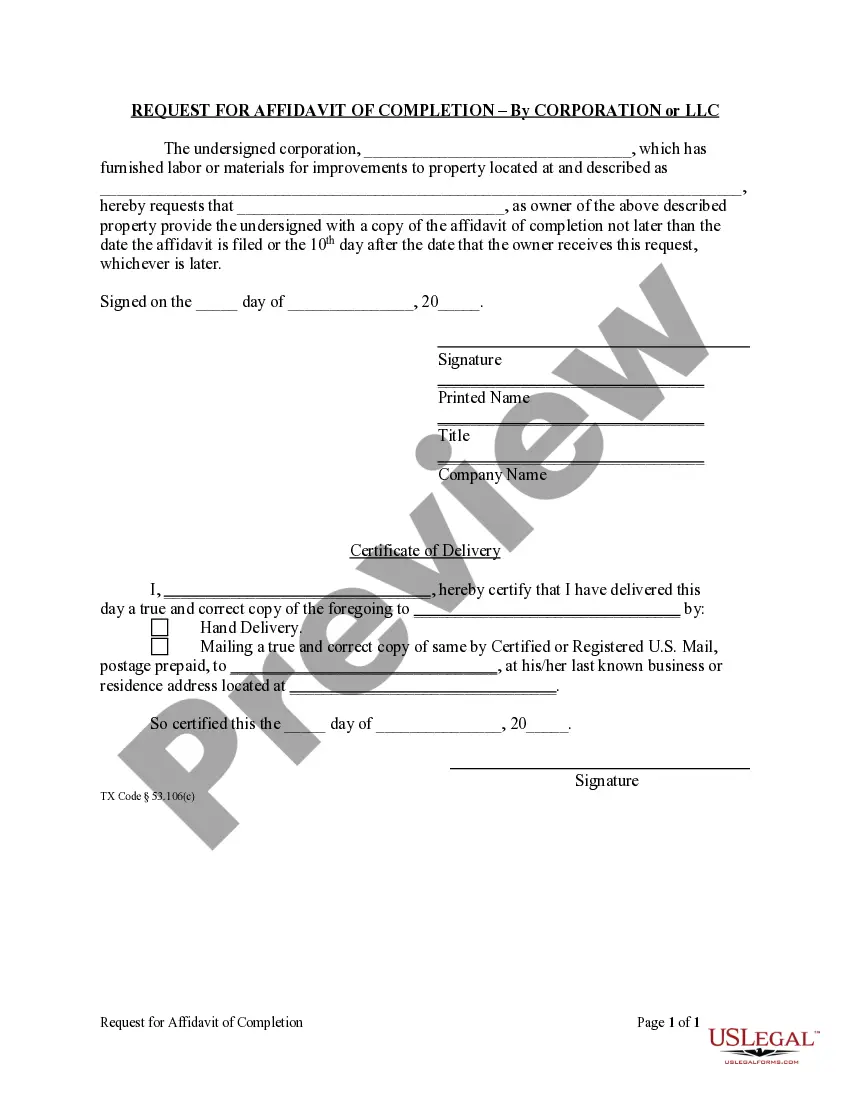






How to fill out Complaint For Unlawful Detainer - Residential Tenant Holding Over After Expiration Of Term?
Whether for commercial reasons or for personal matters, everyone must navigate legal issues at some point in their lives.
Completing legal documents demands meticulous attention, beginning with choosing the right sample form.
With an extensive catalog from US Legal Forms available, you do not need to waste time searching for the correct sample online. Use the library’s straightforward navigation to find the suitable form for any scenario.
- Locate the sample you require by using the search bar or browsing the catalog.
- Review the form’s details to ensure it fits your situation, state, and county.
- Click on the form’s preview to examine it.
- If it is the wrong form, return to the search functionality to find the Unlawful Detainer Over Form Interrogatories sample you need.
- Download the file if it aligns with your needs.
- If you already have a US Legal Forms account, click Log in to access previously saved documents in My documents.
- If you don't have an account yet, you can obtain the form by clicking Buy now.
- Select the appropriate pricing option.
- Complete the profile registration form.
- Select your payment method: use a credit card or PayPal account.
- Choose the document format you prefer and download the Unlawful Detainer Over Form Interrogatories.
- Once saved, you can fill out the form using editing software or print it and complete it by hand.
Form popularity
FAQ
How to fill out Form Interrogatories Fill in basic information at the top of the form. Provide basic information about your case. ... Select the questions. On Page 2, check the box next to each question you want to ask your spouse to answer. ... Make copies. Make 1 copy of the completed Form Interrogatories ? Family Law.
There is no form for your answer, but you typically have to respond in a specified format, using paper with numbers down the left-hand side, with your name and address at the top left, the name of the court and of the case, and the case number.
You can use interrogatories to find out facts about a case but they cannot be used for questions that draw a legal conclusion.
How to respond to form interrogatories Download the blank response template and fill in basic information. ... Prepare the template for your responses. ... Read and answer the questions. ... Sign the document.
Fill out the basic information You are the Asking Party. The other side is the Answering Party. Set No. refers to the number of times you've sent form interrogatories. ... On the form, check the box at the bottom of page 1 next to the word INCIDENT if your case is about a single event.