Benefits Of Special Needs Trust
Description
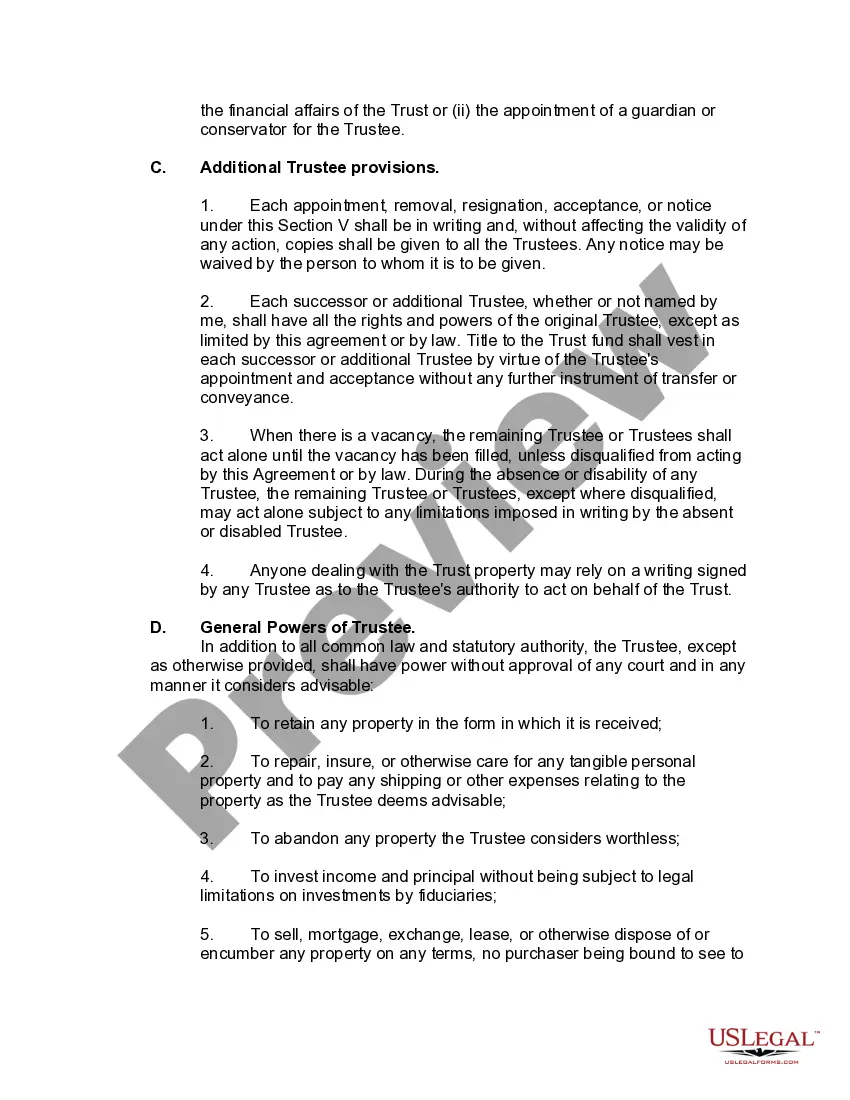
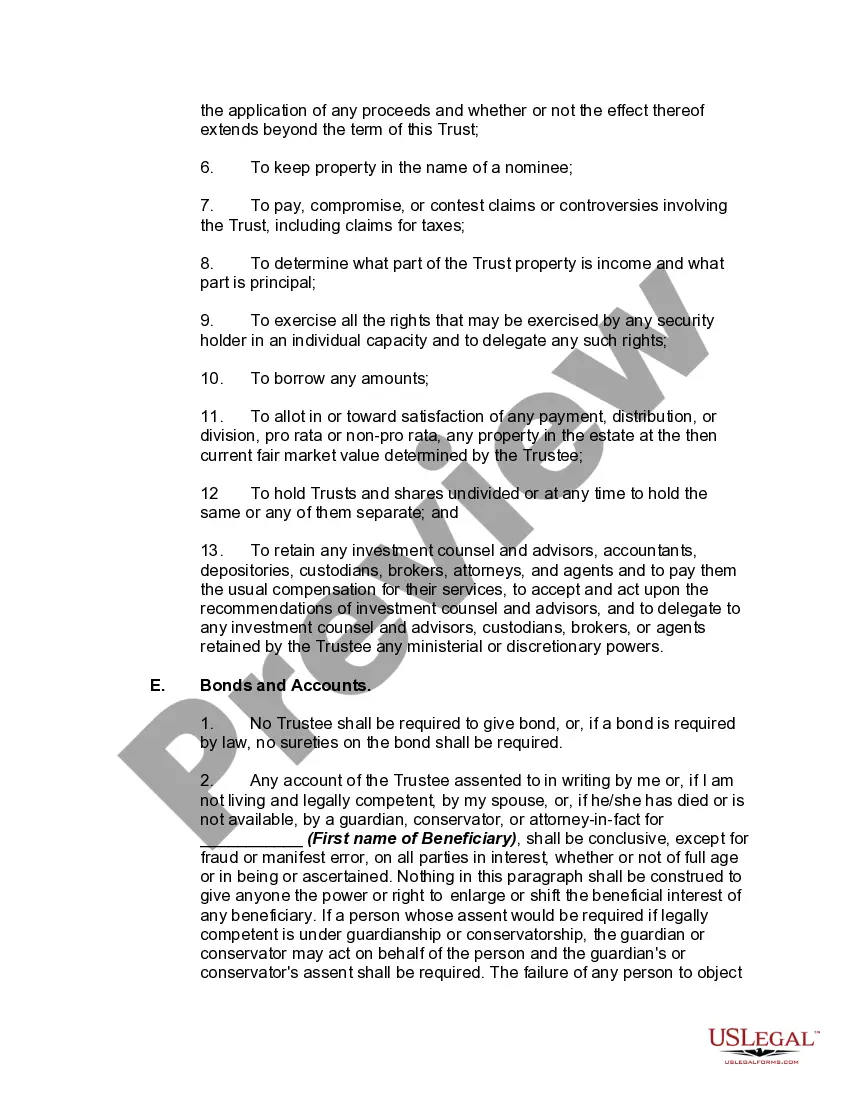
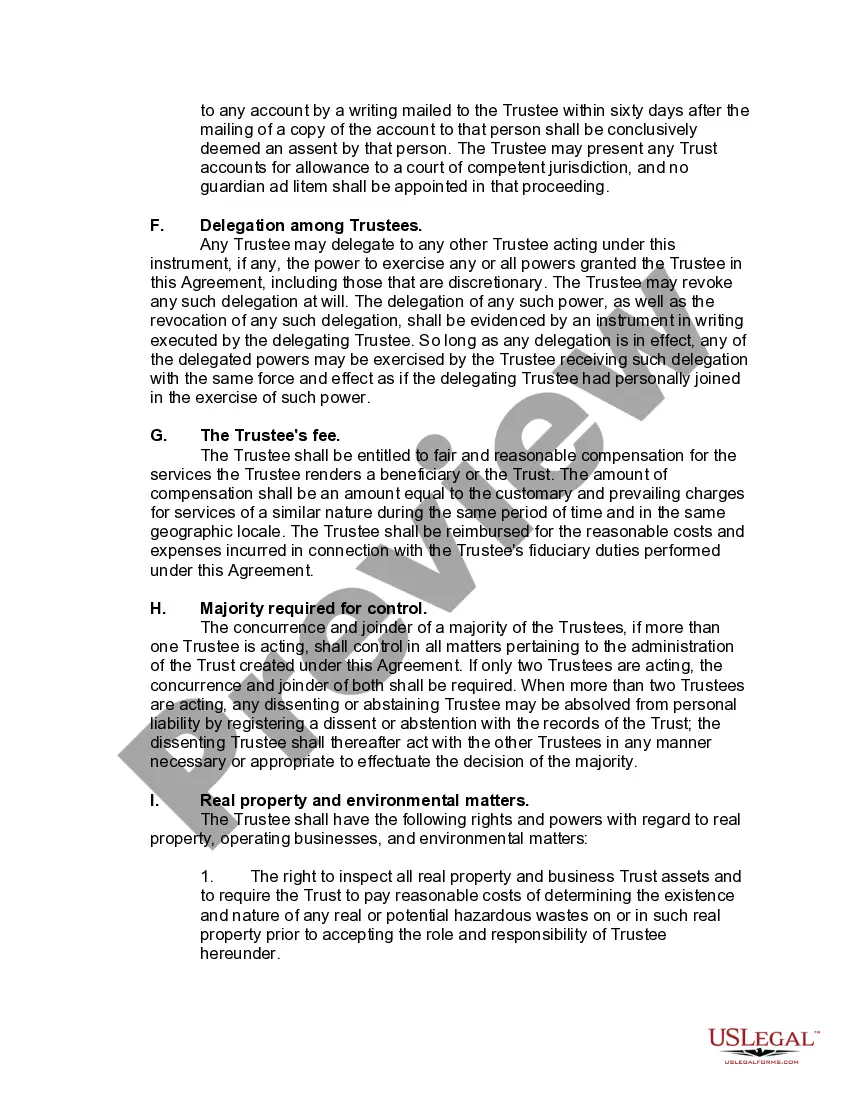
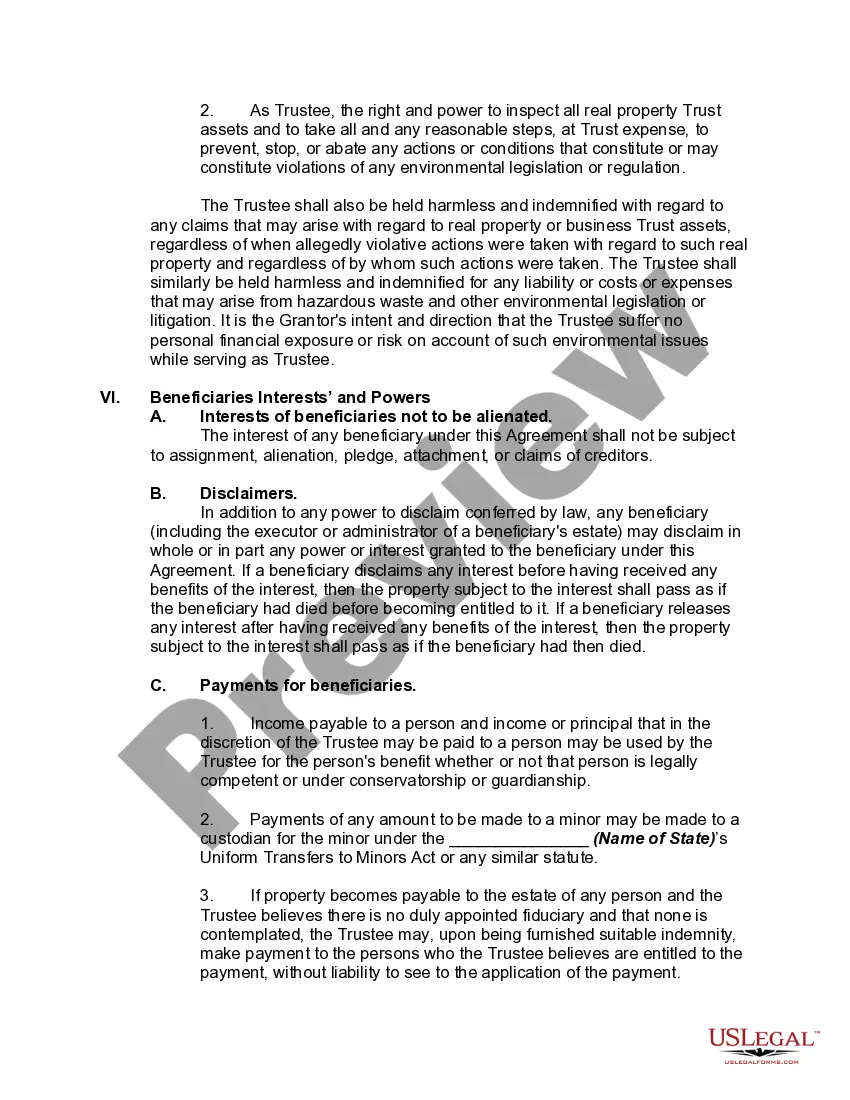
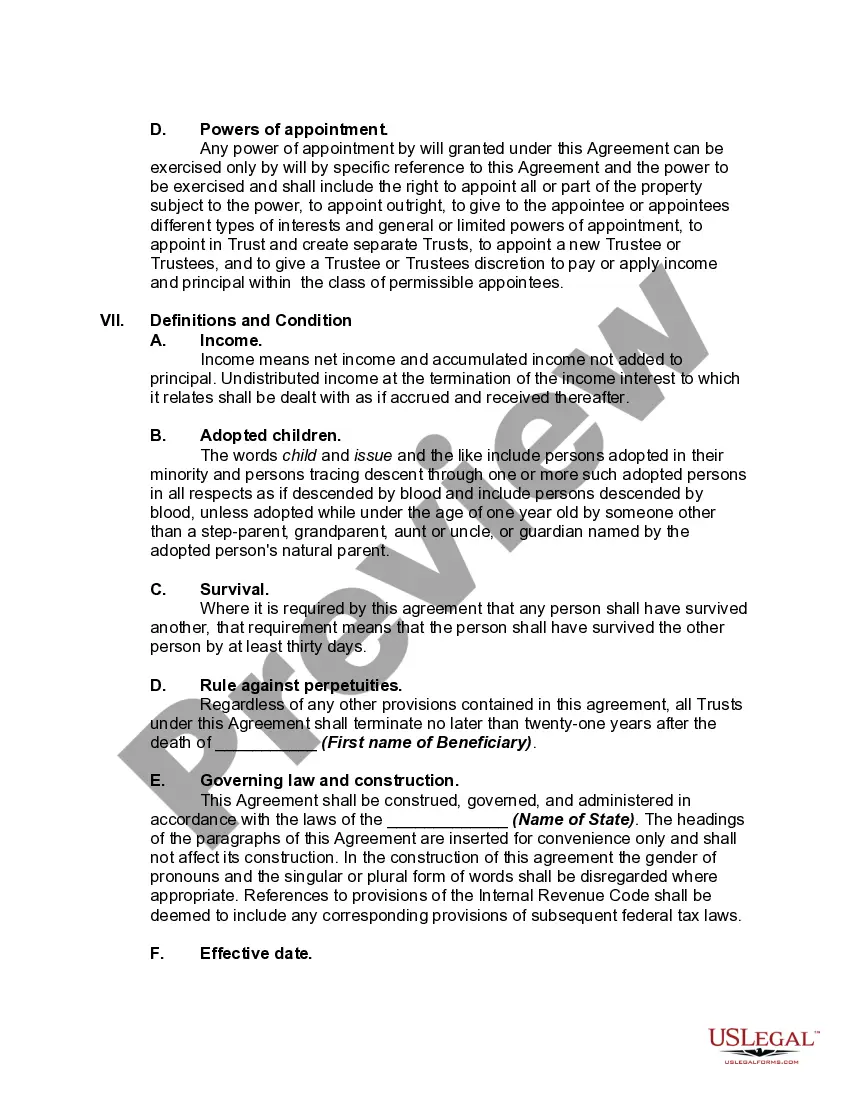
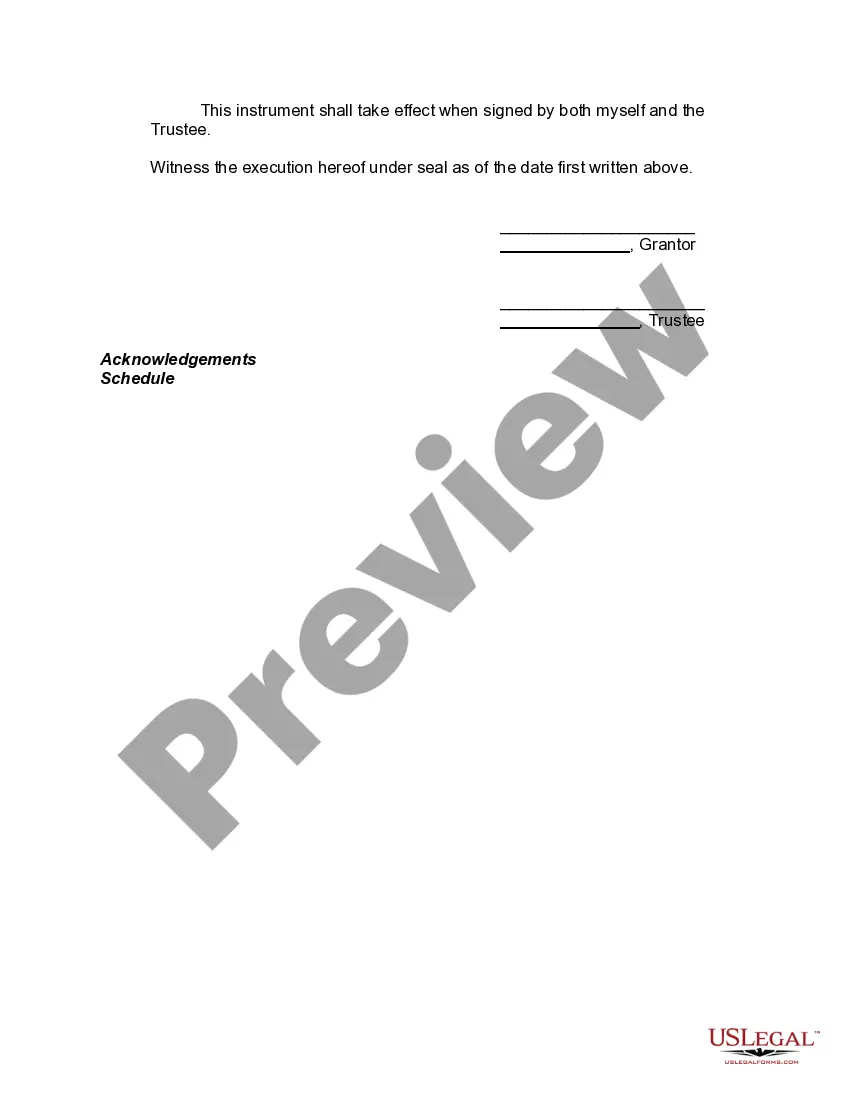

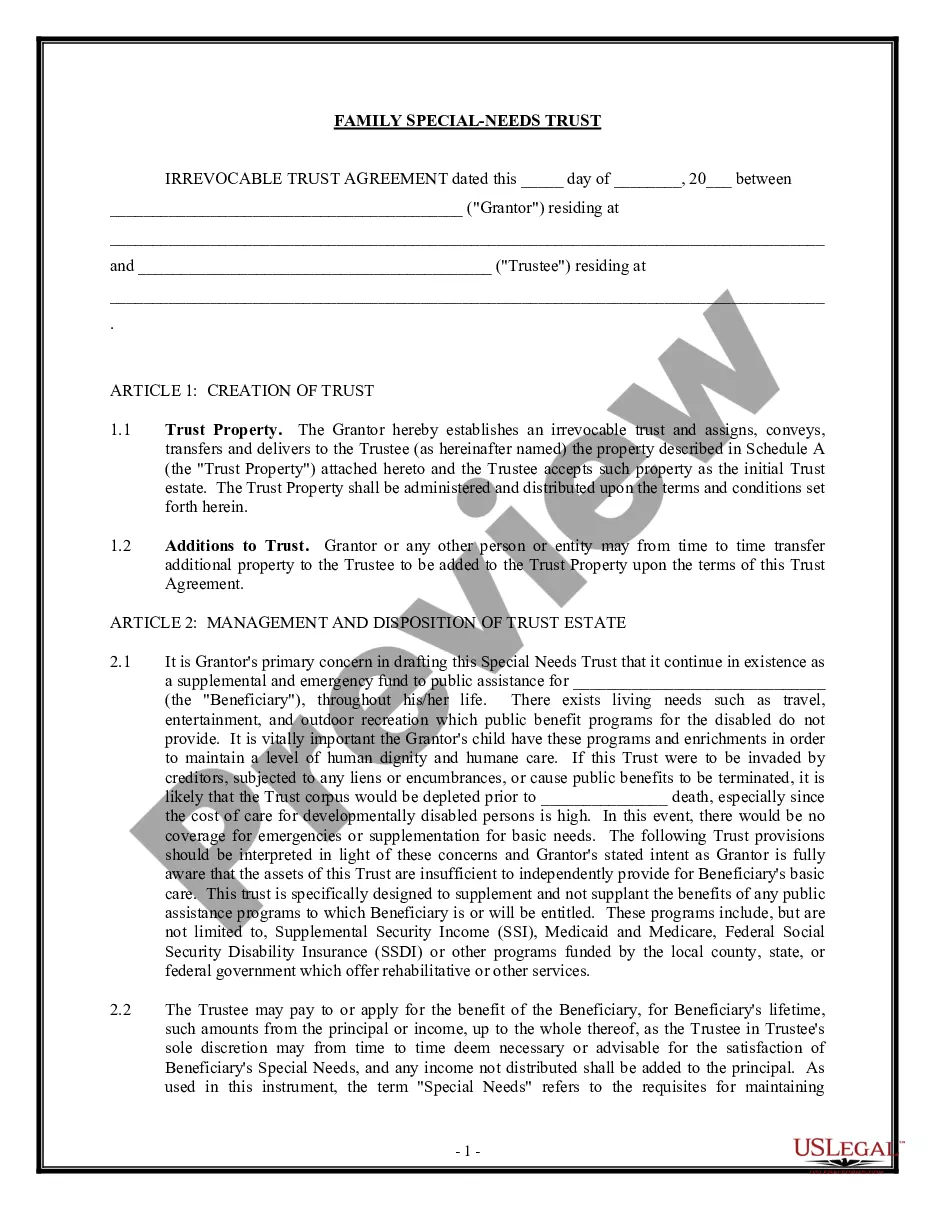
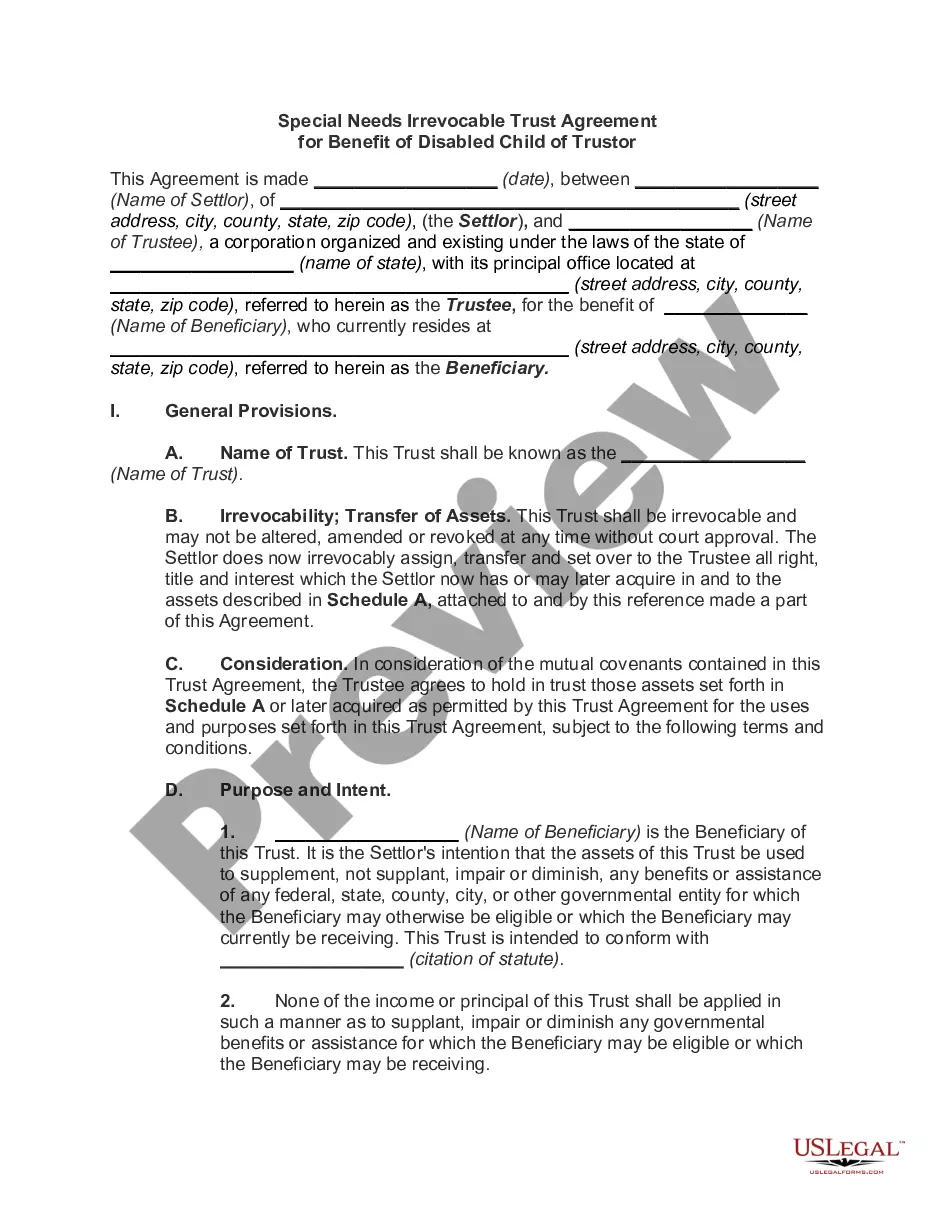
Get your form ready online
Our built-in tools help you complete, sign, share, and store your documents in one place.
Make edits, fill in missing information, and update formatting in US Legal Forms—just like you would in MS Word.
Download a copy, print it, send it by email, or mail it via USPS—whatever works best for your next step.
Sign and collect signatures with our SignNow integration. Send to multiple recipients, set reminders, and more. Go Premium to unlock E-Sign.
If this form requires notarization, complete it online through a secure video call—no need to meet a notary in person or wait for an appointment.
We protect your documents and personal data by following strict security and privacy standards.

Make edits, fill in missing information, and update formatting in US Legal Forms—just like you would in MS Word.

Download a copy, print it, send it by email, or mail it via USPS—whatever works best for your next step.

Sign and collect signatures with our SignNow integration. Send to multiple recipients, set reminders, and more. Go Premium to unlock E-Sign.

If this form requires notarization, complete it online through a secure video call—no need to meet a notary in person or wait for an appointment.

We protect your documents and personal data by following strict security and privacy standards.
Looking for another form?
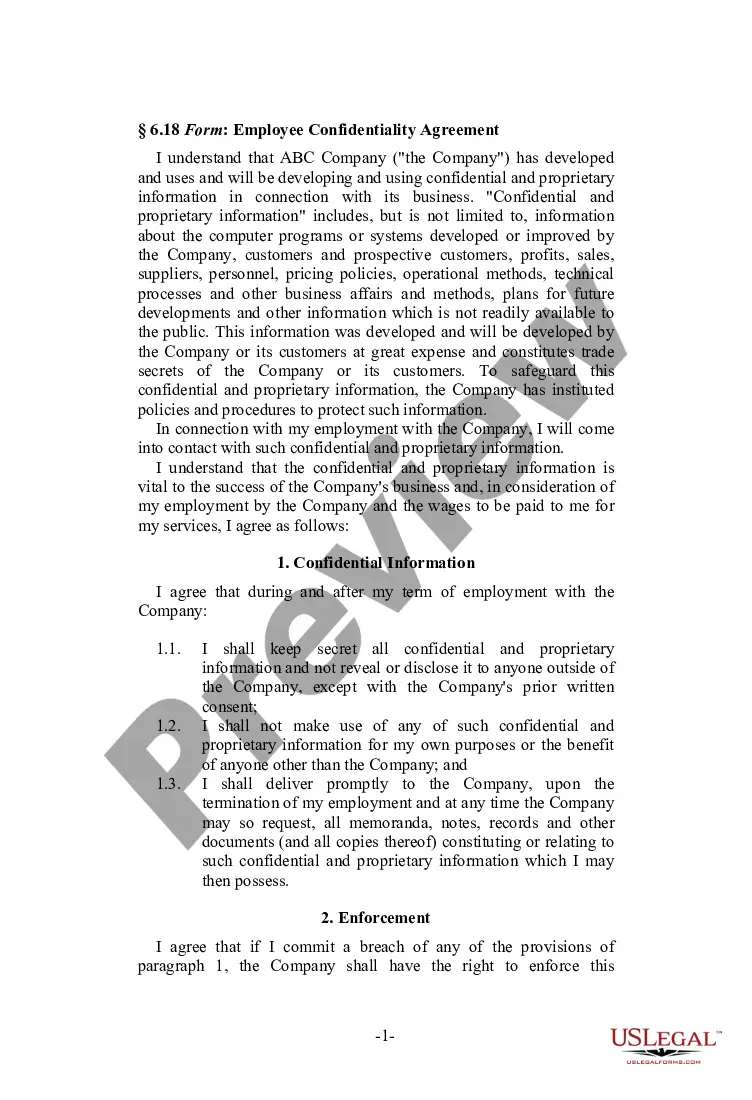






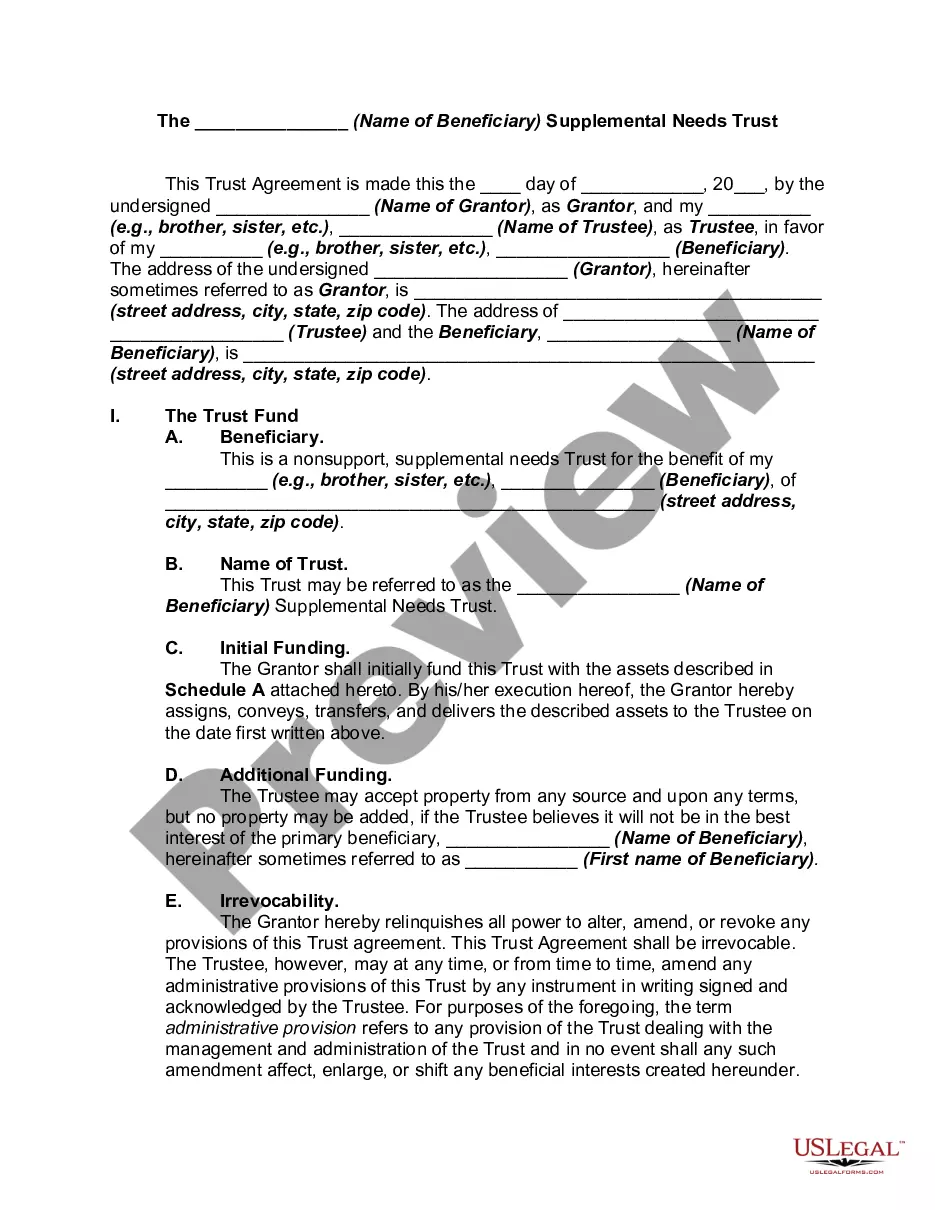
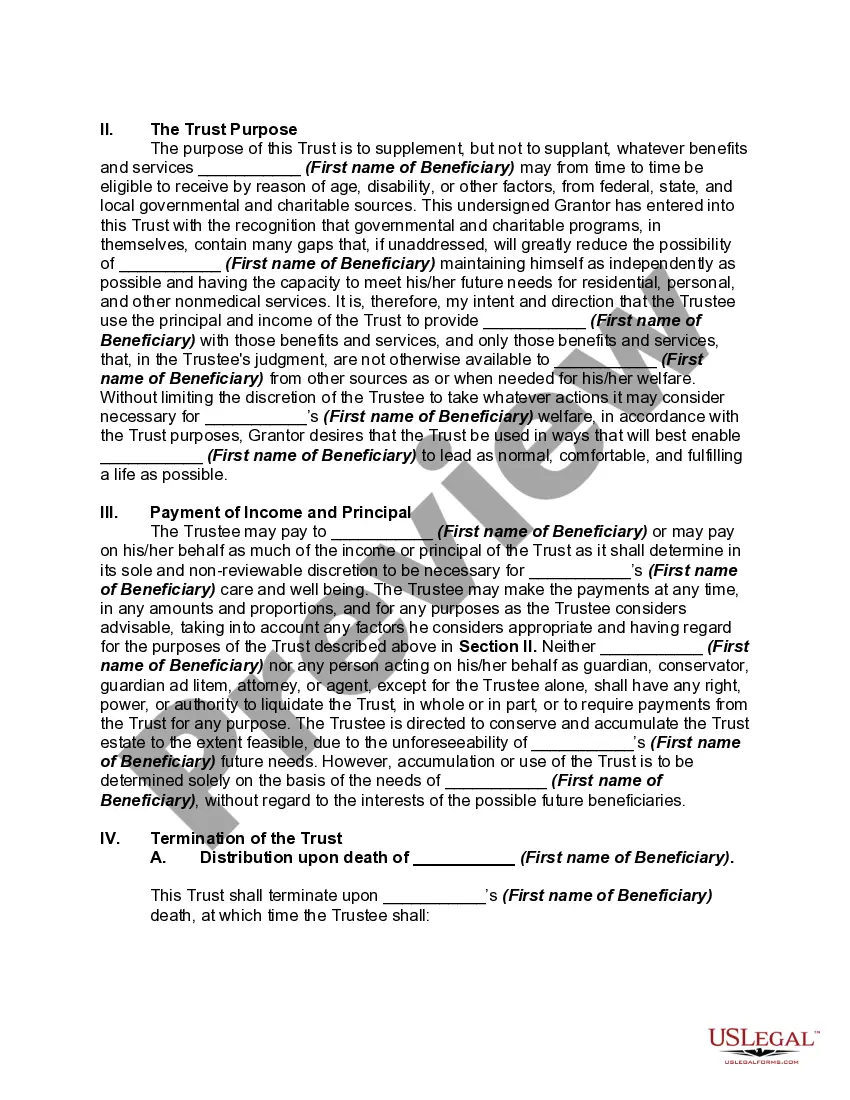
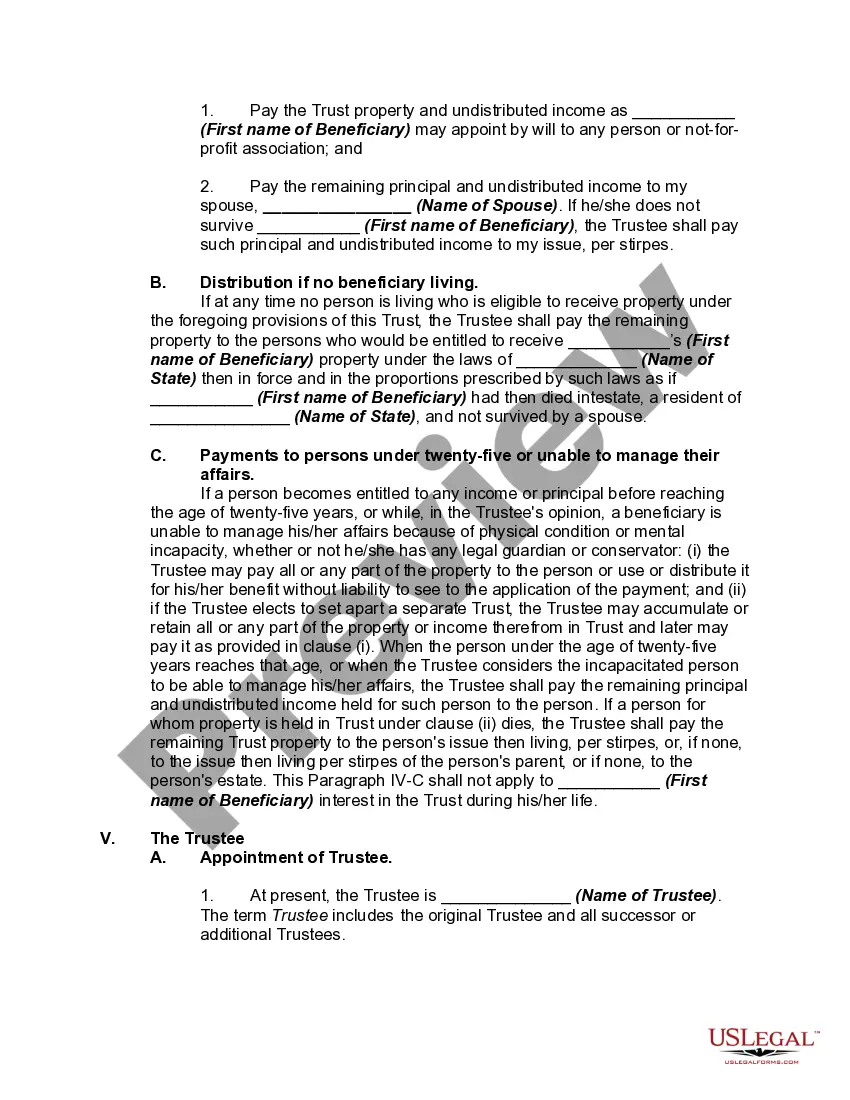
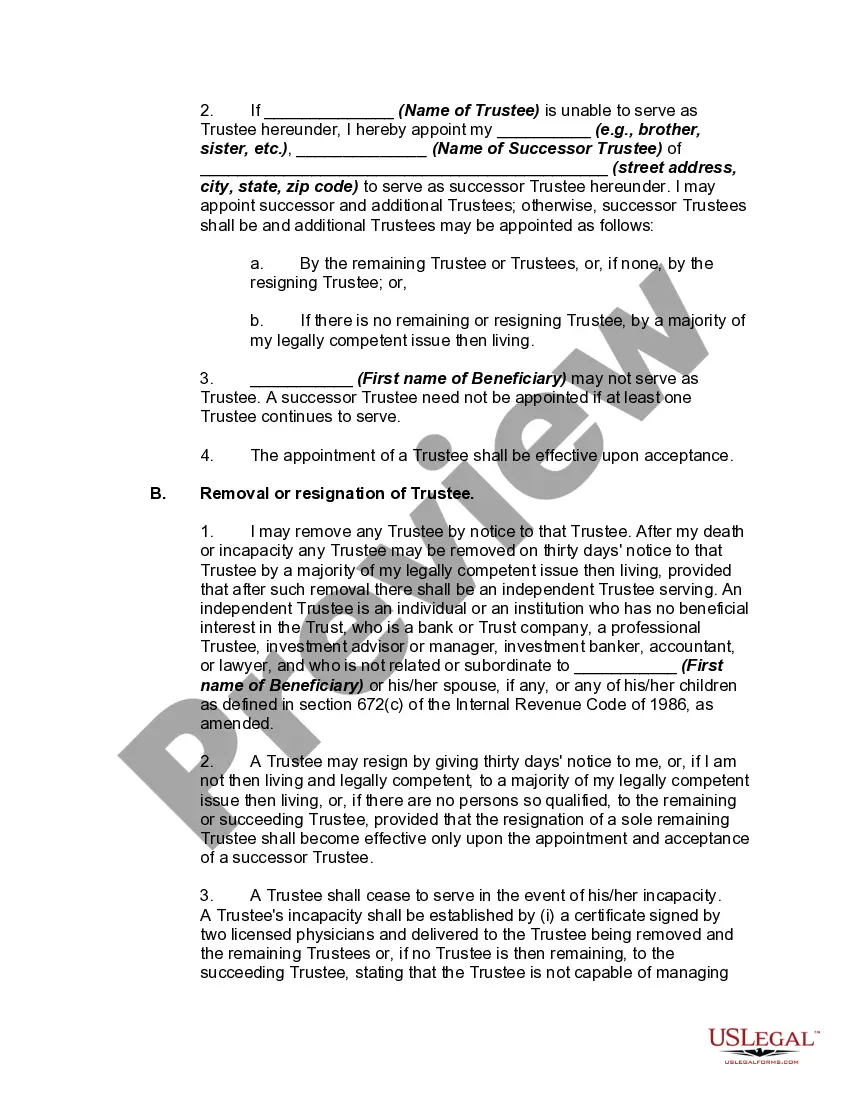
How to fill out Supplemental Needs Trust For Third Party - Disabled Beneficiary?
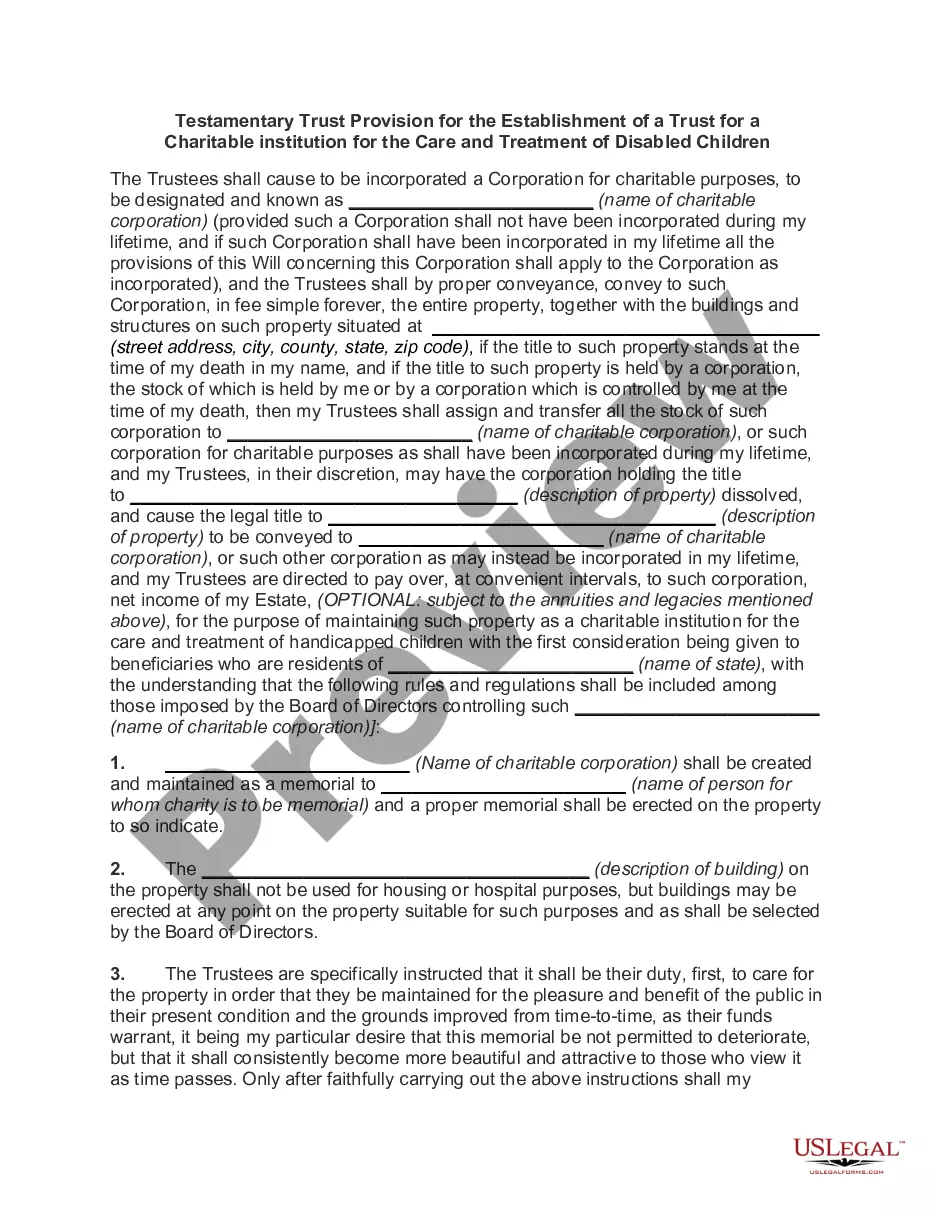
It’s well-known that you can't instantly become a legal expert, nor can you swiftly learn how to prepare the Benefits Of Special Needs Trust without a specialized education. Compiling legal documents is an extensive process that demands specific training and abilities. So why not entrust the formulation of the Benefits Of Special Needs Trust to the professionals.
With US Legal Forms, one of the most extensive collections of legal documents, you can find anything from court forms to templates for internal communications. We recognize how crucial compliance and observance of federal and state laws are. That’s the reason all forms on our site are location-specific and current.
Here’s how you can begin using our website to obtain the form you need in just a few minutes.
You can access your forms again from the My documents section at any time. If you’re already a client, you can simply Log In, and find and download the template from the same section.
Regardless of the purpose of your forms—whether financial, legal, or personal—our website has what you need. Experience US Legal Forms today!
- Locate the document you require using the search feature at the top of the page.
- Preview it (if this option is available) and read the accompanying description to see if the Benefits Of Special Needs Trust is what you're looking for.
- If you need another template, start your search again.
- Create a free account and choose a subscription plan to buy the template.
- Click Buy now. Once the payment is processed, you can obtain the Benefits Of Special Needs Trust, fill it out, print it, and send it or mail it to the appropriate individuals or organizations.
Form popularity
FAQ
What Is a Beneficiary of Trust? A beneficiary of trust is the individual or group of individuals for whom a trust is created. The trust creator or grantor designates beneficiaries and a trustee, who has a fiduciary duty to manage trust assets in the best interests of beneficiaries as outlined in the trust agreement.
What are the main benefits of an SDT? The asset value limit of $781,250 (indexed annually on 1 July) and income from the trust may be disregarded for the purposes of the principal beneficiary's income support payment. Assets above that limit are added to the assessable assets of the principal beneficiary.
Complexity and Cost: Creating and administering a special needs trust involves legal expertise and ongoing management, which may result in higher costs compared to simpler estate planning options. Families should weigh the benefits against the associated expenses.
SSDI does not depend upon having limited assets, and it is not affected by distributions from a Disability Trust.
The income beneficiary is the surviving spouse who wants you to make significant distributions to him or her and invest trust assets in his or her business. The remainder beneficiaries want less income to go the surviving spouse and do not want a risky investment to be made in the business of the income beneficiary.