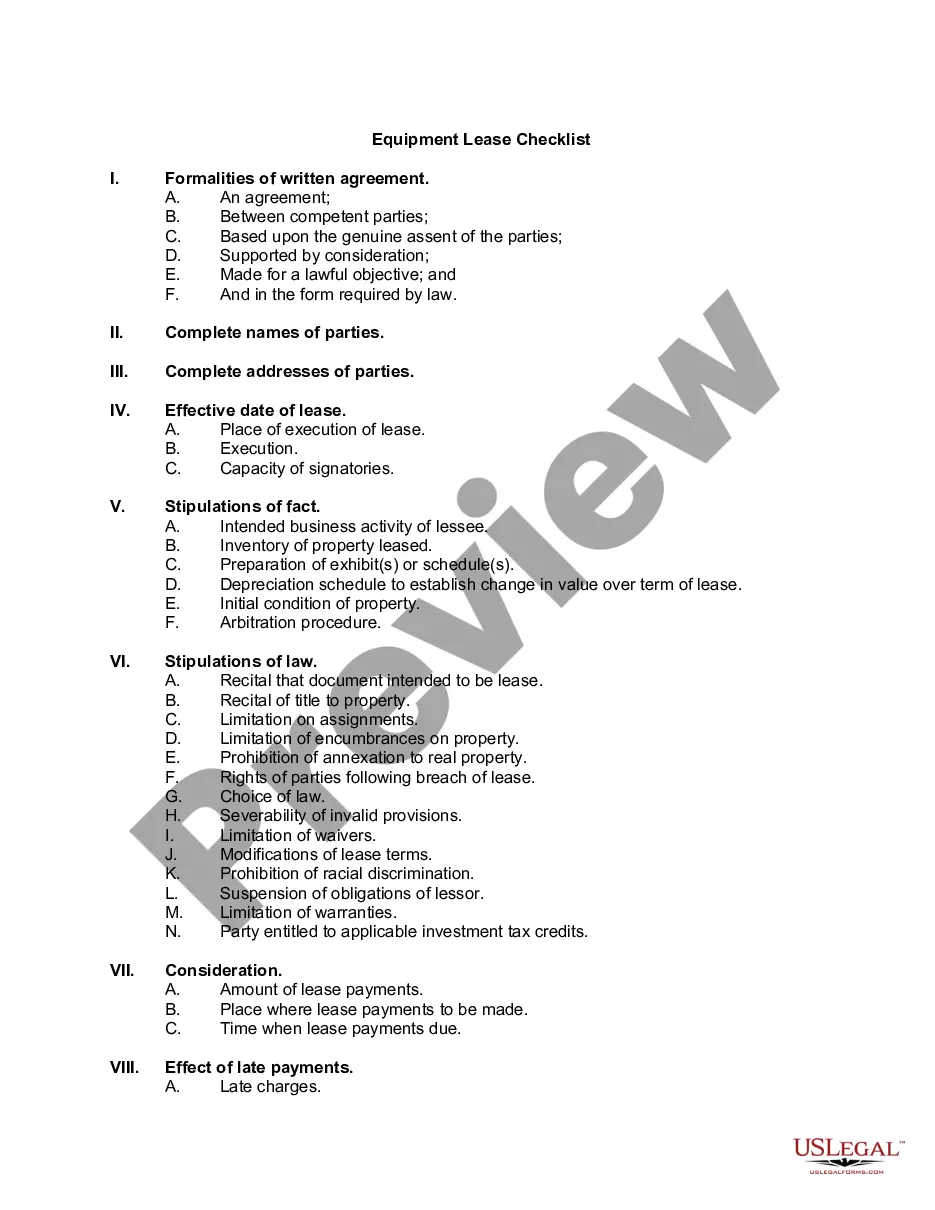
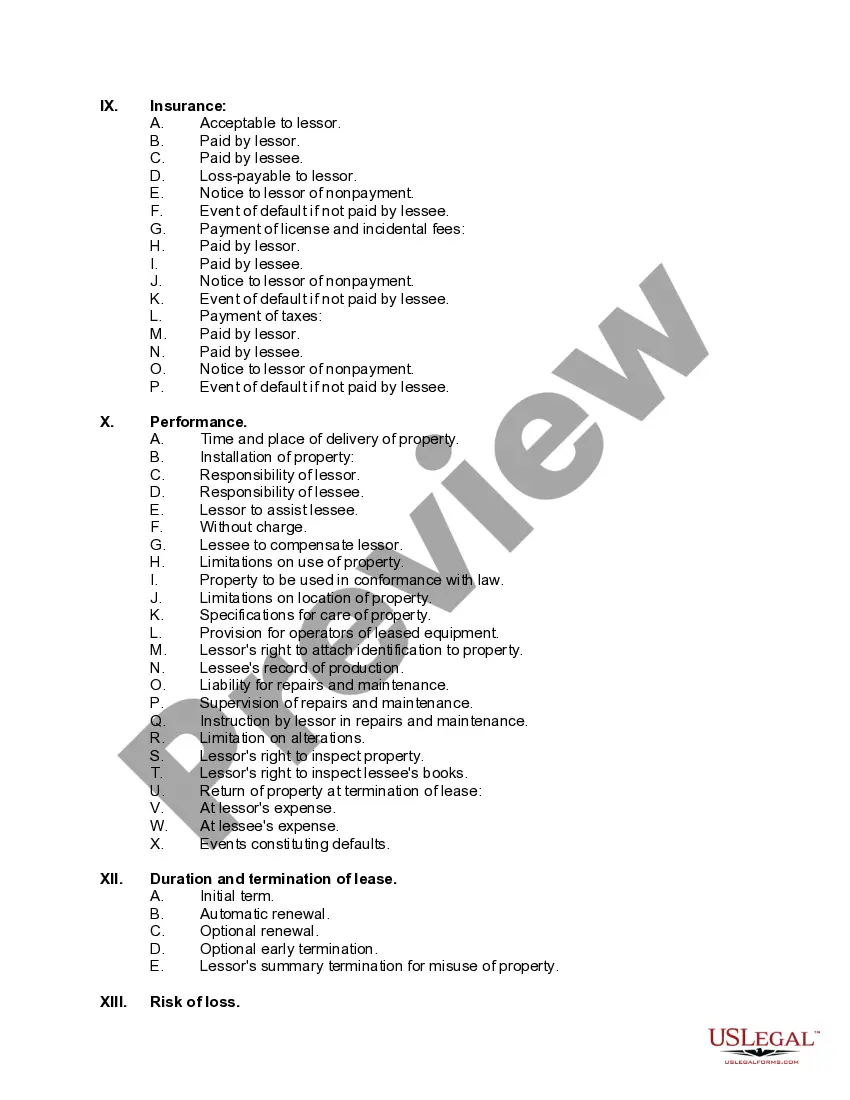
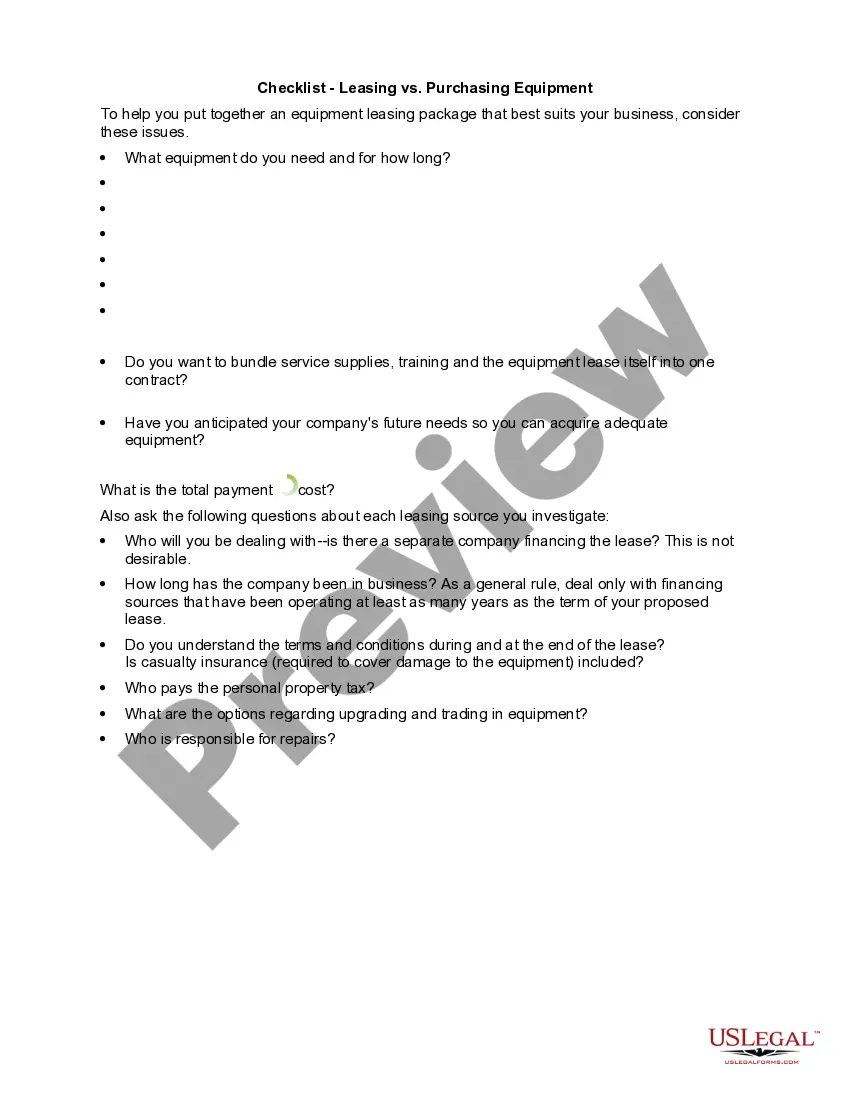
Equipment Checklist With Time
Description
Get your form ready online
Our built-in tools help you complete, sign, share, and store your documents in one place.
Make edits, fill in missing information, and update formatting in US Legal Forms—just like you would in MS Word.
Download a copy, print it, send it by email, or mail it via USPS—whatever works best for your next step.
Sign and collect signatures with our SignNow integration. Send to multiple recipients, set reminders, and more. Go Premium to unlock E-Sign.
If this form requires notarization, complete it online through a secure video call—no need to meet a notary in person or wait for an appointment.
We protect your documents and personal data by following strict security and privacy standards.

Make edits, fill in missing information, and update formatting in US Legal Forms—just like you would in MS Word.

Download a copy, print it, send it by email, or mail it via USPS—whatever works best for your next step.

Sign and collect signatures with our SignNow integration. Send to multiple recipients, set reminders, and more. Go Premium to unlock E-Sign.

If this form requires notarization, complete it online through a secure video call—no need to meet a notary in person or wait for an appointment.

We protect your documents and personal data by following strict security and privacy standards.
Looking for another form?










How to fill out Equipment Lease Checklist?
Regardless of whether it’s for professional reasons or individual matters, everyone must confront legal issues eventually in their lifetime.
Filling out legal documents requires meticulous focus, starting with selecting the correct form template.
With a vast collection of US Legal Forms at your disposal, there's no need to waste time searching for the suitable template on the internet. Leverage the library’s user-friendly navigation to find the right template for any situation.
- Search for the required template by using the search bar or browsing the catalog.
- Review the form’s details to confirm it aligns with your circumstances, state, and locality.
- Select the form’s preview to examine it.
- If it is not the right form, return to the search feature to find the Equipment Checklist With Time template you need.
- Acquire the document if it fulfills your requirements.
- If you hold a US Legal Forms account, click Log in to access previously stored templates in My documents.
- If you haven’t created an account yet, you can purchase the form by clicking Buy now.
- Choose the suitable pricing option.
- Fill out the account registration form.
- Select your method of payment: either credit card or PayPal.
- Choose the desired document format and download the Equipment Checklist With Time.
- Once downloaded, you can complete the form using editing software or print it out and fill it out by hand.
Form popularity
FAQ
To create an equipment inventory list in Excel, open a new spreadsheet and set up columns for key details like item name, specifications, quantity, and location. Input your data, and take advantage of Excel’s formatting and filtering features to organize it effectively. This method allows for easy adjustments and data tracking. An equipment checklist with time can seamlessly integrate with your Excel inventory, making management more efficient.
The easiest way to create a checklist is to use digital tools or templates that simplify the process. You can start with a simple outline of tasks or items, and gradually add details as needed. Digital solutions can automatically update your checklist whenever tasks are completed. An equipment checklist with time provides a straightforward method to keep track of important activities efficiently.
To create an equipment checklist, start by listing all items that need to be inspected or maintained. For each item, define criteria for evaluation, such as condition and usability. This structure will help you systematically assess each piece of equipment. Incorporating an equipment checklist with time can improve your attention to detail and keep maintenance timely.
Creating an equipment list begins with identifying all items you need to include. List down each piece of equipment, along with its specifications, such as make, model, and serial number. A structured approach ensures you capture all necessary data. Utilizing an equipment checklist with time can help you keep this list organized and updated regularly.
The five essentials of a quality control checklist include item description, specification verification, quantity checks, status updates, and safety compliance. Each of these factors helps to ensure that your equipment meets the required standards. An equipment checklist with time can help streamline this process, making it easier to track quality consistently.
To create an effective inventory checklist, start by determining what items you need to track. Organize the items into categories for easier management. For each item, specify details such as quantity, condition, and location. Using an equipment checklist with time ensures that your inventory remains updated and accurate.
An equipment schedule outlines when and how equipment will be used over a specific period. This schedule helps you optimize your resources and plan maintenance effectively, ensuring everything runs smoothly. Incorporating an equipment checklist with time into your schedule allows you to track usage and avoid conflicts. For comprehensive solutions, consider using the US Legal Forms platform, which offers tools to help you create and manage your equipment schedules efficiently.
Creating an equipment list in Excel is straightforward. Start by opening a new spreadsheet and labeling the first row with headings such as item name, quantity, and location. Next, input the equipment details under each heading, ensuring to include columns that track the time associated with each item use. This method serves as an effective equipment checklist with time, making it easy to manage and update your inventory.
To automatically update your inventory in Excel, consider using formulas and links to consolidate data from multiple sheets. Tools like macros can automate routine updates, saving you time. Integrate your equipment checklist with time framework to streamline the process and prevent discrepancies. This way, you maintain accuracy and efficiency throughout your inventory management.
To prepare an effective equipment checklist with time, start by identifying all necessary items relevant to your project or task. Utilize a simple format, such as a spreadsheet, to categorize equipment by type, quantity, and usage time. This ensures clarity and aids in tracking. You can also consult previous projects to refine your list further.