Equipment Checklist Format
Description
Get your form ready online
Our built-in tools help you complete, sign, share, and store your documents in one place.
Make edits, fill in missing information, and update formatting in US Legal Forms—just like you would in MS Word.
Download a copy, print it, send it by email, or mail it via USPS—whatever works best for your next step.
Sign and collect signatures with our SignNow integration. Send to multiple recipients, set reminders, and more. Go Premium to unlock E-Sign.
If this form requires notarization, complete it online through a secure video call—no need to meet a notary in person or wait for an appointment.
We protect your documents and personal data by following strict security and privacy standards.

Make edits, fill in missing information, and update formatting in US Legal Forms—just like you would in MS Word.

Download a copy, print it, send it by email, or mail it via USPS—whatever works best for your next step.

Sign and collect signatures with our SignNow integration. Send to multiple recipients, set reminders, and more. Go Premium to unlock E-Sign.

If this form requires notarization, complete it online through a secure video call—no need to meet a notary in person or wait for an appointment.

We protect your documents and personal data by following strict security and privacy standards.
Looking for another form?






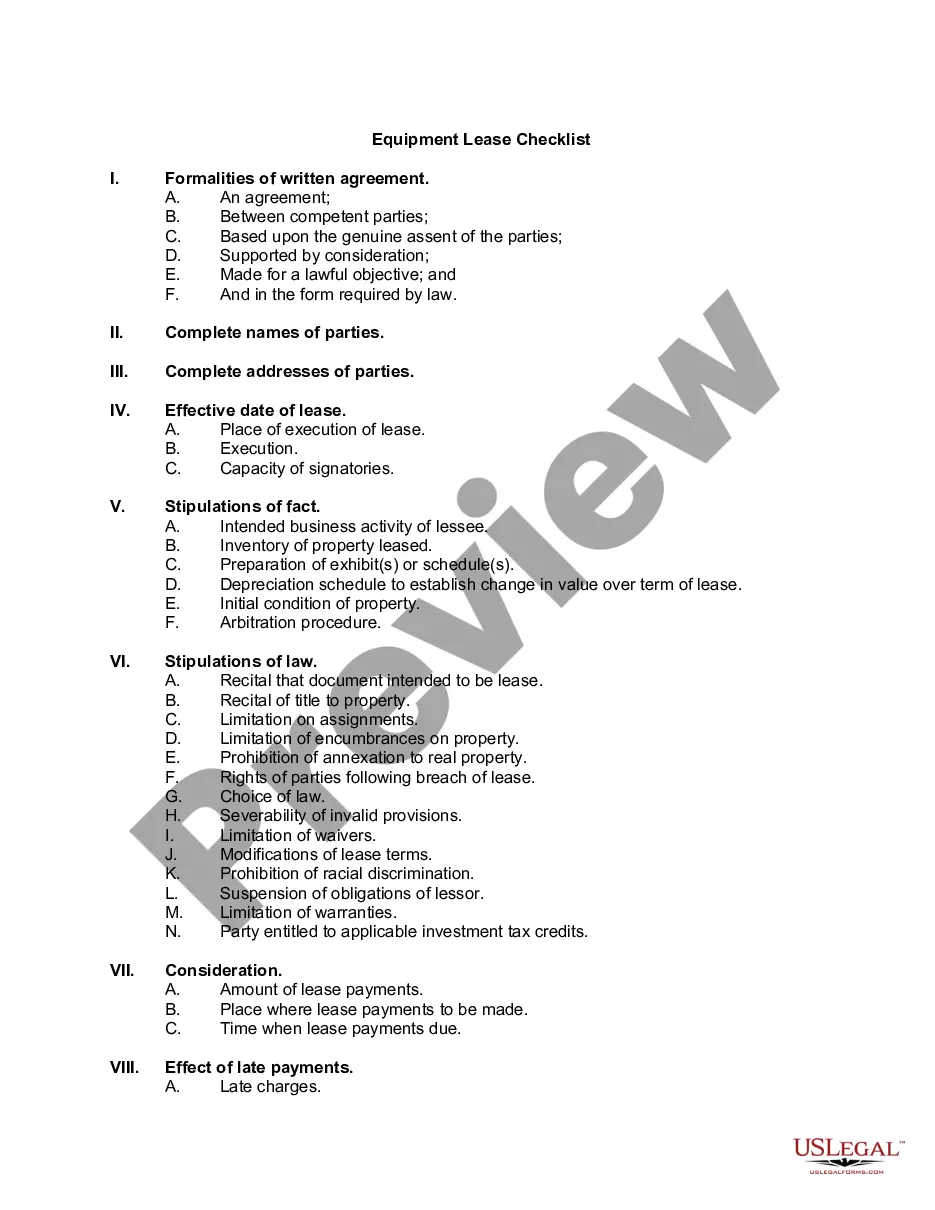
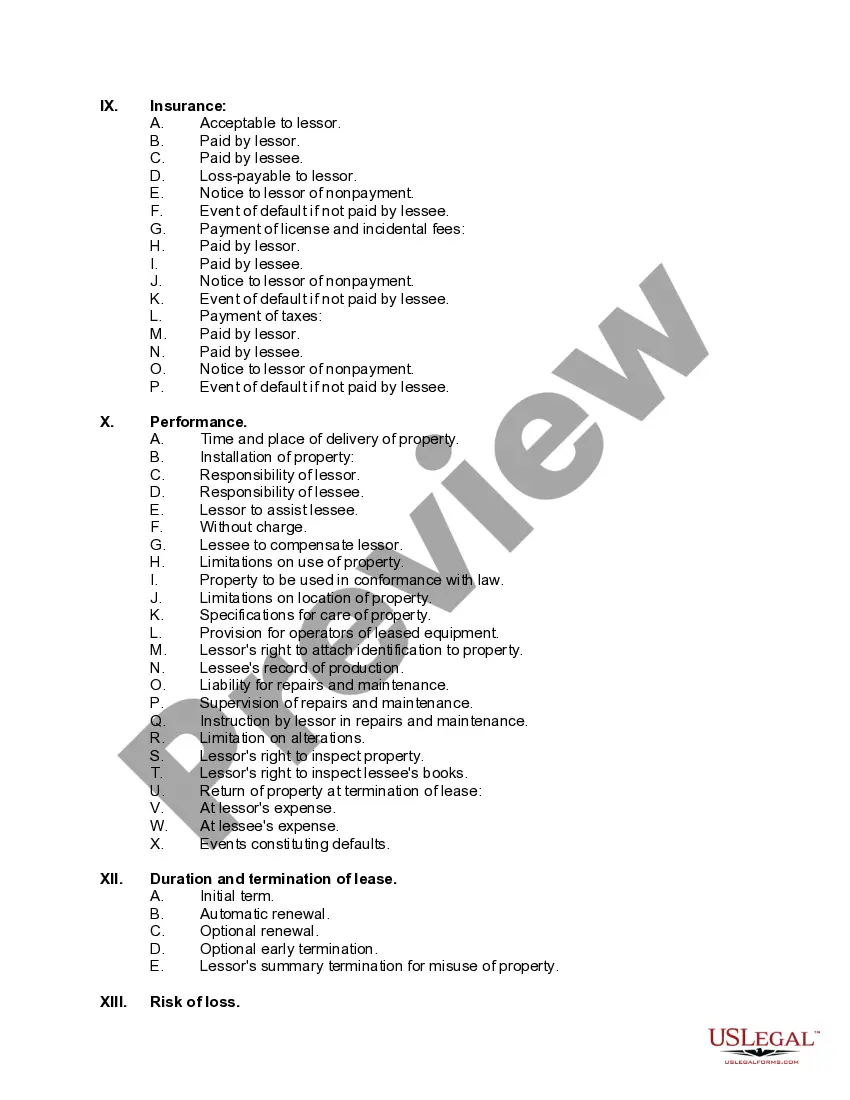
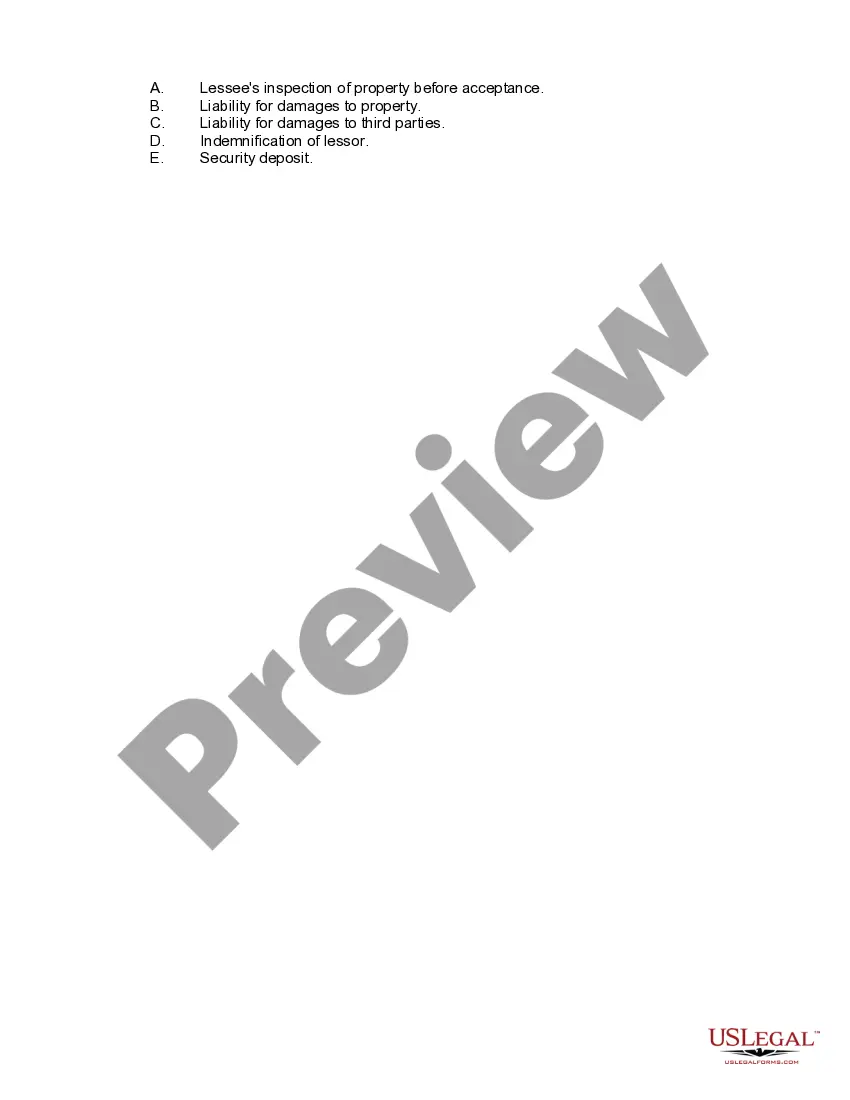
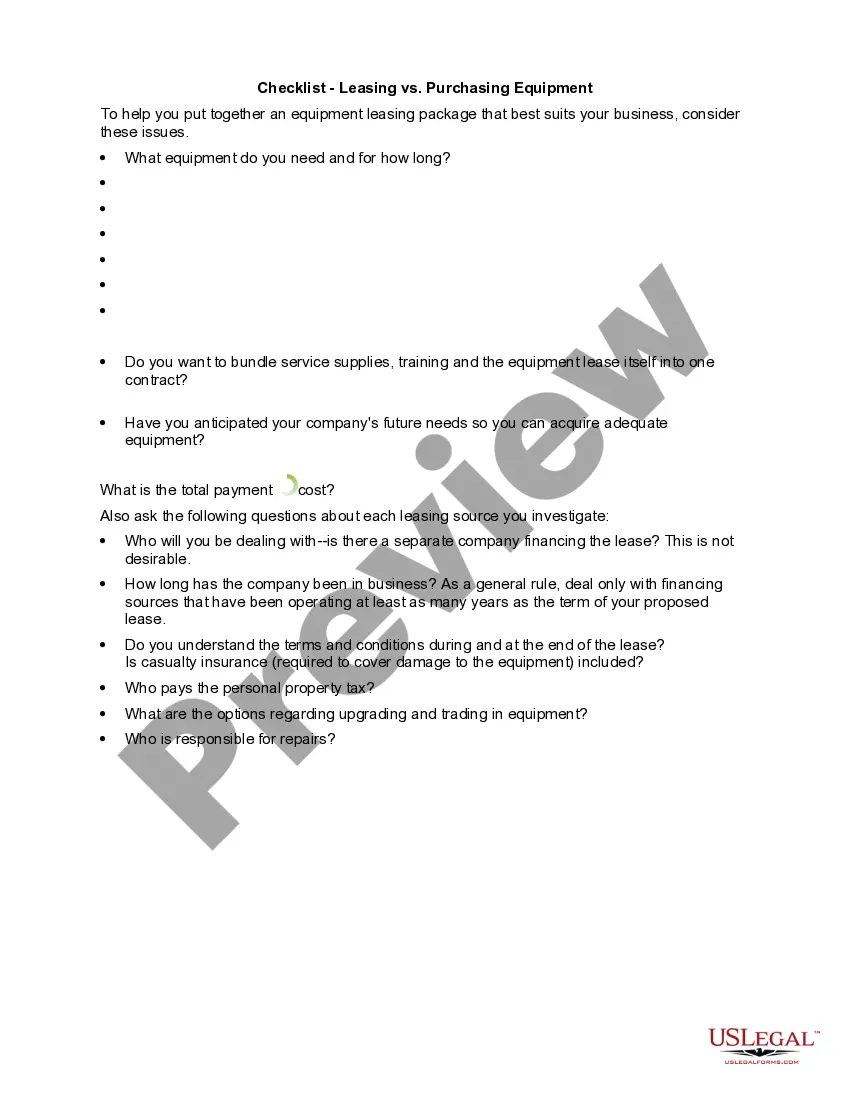
How to fill out Equipment Lease Checklist?
The Equipment Checklist Template you view on this page is a versatile legal document created by experienced attorneys in accordance with federal and state laws.
For over 25 years, US Legal Forms has delivered individuals, companies, and legal professionals with more than 85,000 authenticated, state-specific documents for any business or personal need. It is the quickest, easiest, and most dependable way to acquire the materials you require, as the service ensures the utmost level of data privacy and malware protection.
Subscribe to US Legal Forms to have authenticated legal templates available for every situation in life.
- Examine the document you require and assess it.
- Browse through the example you sought and view it or check the form description to confirm it meets your needs. If it doesn't, utilize the search function to discover the right one. Click Buy Now once you have identified the template you require.
- Choose and sign in.
- Select the payment plan that best fits you and establish an account. Use PayPal or a credit card for a swift transaction. If you already possess an account, Log In and verify your subscription to continue.
- Obtain the editable template.
- Select the format you prefer for your Equipment Checklist Template (PDF, Word, RTF) and download the file onto your device.
- Fill out and sign the documents.
- Print the template to fill it out manually. Alternatively, utilize an online comprehensive PDF editor to swiftly and accurately complete and sign your form with validity.
- Re-download your documents once again.
- Access the same document whenever necessary. Open the My documents section in your profile to retrieve any previously saved forms.
Form popularity
FAQ
An example of a checklist is a simple to-do list or a detailed equipment checklist format. You could include items like tools, safety gear, and supplies needed for a particular job. By using this format, you can ensure that all necessary equipment is accounted for, which enhances organization and reduces the risk of overlooking essential items. Having a well-structured checklist can significantly improve your workflow.
To make a list of equipment, begin by identifying the specific items you need for your project or task. Use a structured equipment checklist format to categorize your items based on their purpose. Make sure to include quantities and any necessary specifications to ensure you have everything you need. This organized approach will help you stay efficient and avoid missing important tools.
Creating a checklist form in PDF is a straightforward process. Begin by designing your checklist in a word processor or PDF editor, ensuring that you organize the items clearly. After you finalize your content, simply export or save your document as a PDF file. By using an Equipment checklist format, you can produce a professional-looking form that is easy to share and fill out.
To create a checklist on your PC, start by selecting a word processing or spreadsheet program. You can easily format your checklist by using bullet points or tables. Arrange your tasks in a clear layout, ensuring that everything aligns well for easy reading. Utilizing an Equipment checklist format will help you stay organized and ensure that your list is functional and effective.
To create an effective checklist, start by defining the purpose clearly. Next, list the tasks in a logical order, breaking down larger tasks into smaller, manageable steps. Use the equipment checklist format to ensure you cover all necessary items without missing anything important. Finally, review and revise the checklist for clarity, accuracy, and completeness, making it easy for users to follow.
To make a checklist file, decide on the information you need to track and organize it accordingly. Use spreadsheet software or checklist applications to create a structured format, focusing on clarity. Save your document in an equipment checklist format for easy future access and edits.
An equipment list should typically include the item name, description, quantity, location, and condition. Additionally, you might include ownership details and maintenance schedules. Using an organized equipment checklist format makes this data easier to reference and update over time.
To create an equipment list, first gather all equipment you use, including its specifications and usage instructions. Organize this data into categories for better navigation, and format it as an equipment checklist format to make it easily readable. This structured approach helps ensure nothing is overlooked.
The easiest way to create a checklist is to use digital tools like spreadsheets or productivity apps. Choose an application that allows you to format your items clearly in an equipment checklist format, and simply add your tasks or items. This approach not only simplifies updates but also enhances sharing and team collaboration.
Creating an equipment checklist starts with listing all the items you need to assess. You can organize them by categories like maintenance or operation. Once you have your list, format it into an easy-to-follow equipment checklist format and share it with your team for use during inspections.