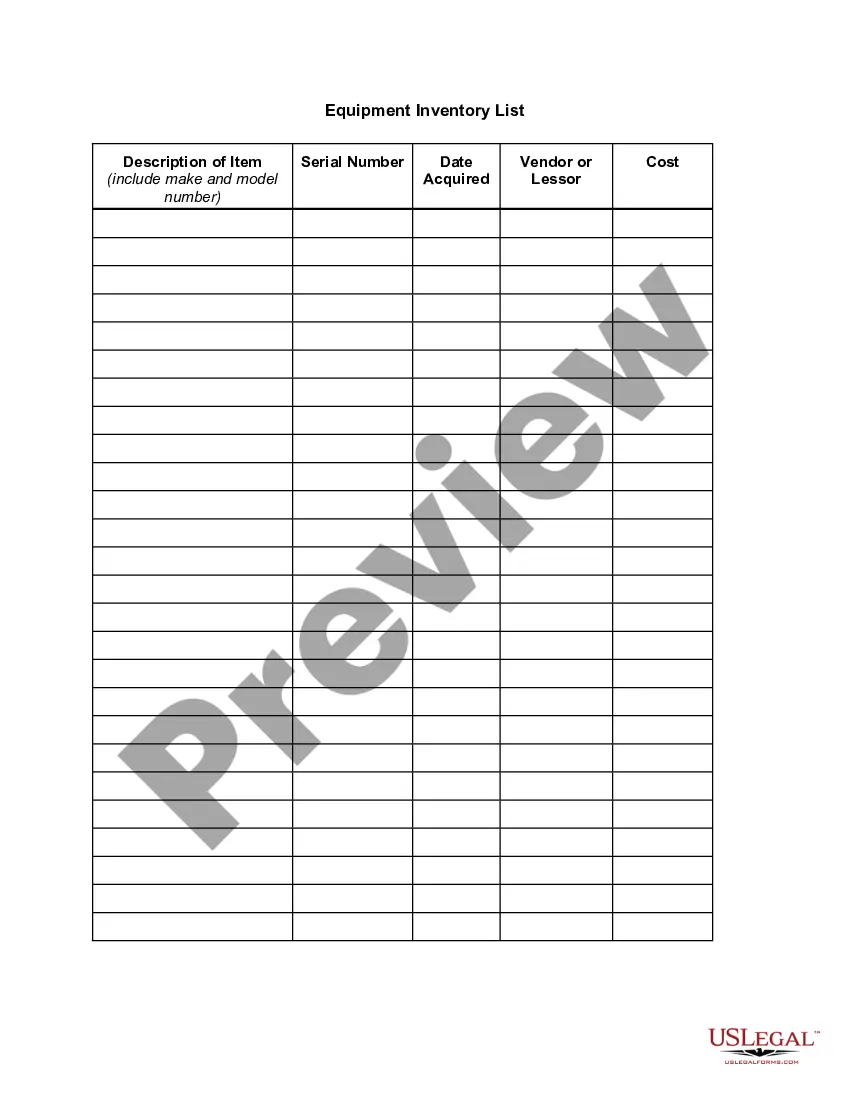
Construction Inventory List For Grocery Store
Description
Get your form ready online
Our built-in tools help you complete, sign, share, and store your documents in one place.
Make edits, fill in missing information, and update formatting in US Legal Forms—just like you would in MS Word.
Download a copy, print it, send it by email, or mail it via USPS—whatever works best for your next step.
Sign and collect signatures with our SignNow integration. Send to multiple recipients, set reminders, and more. Go Premium to unlock E-Sign.
If this form requires notarization, complete it online through a secure video call—no need to meet a notary in person or wait for an appointment.
We protect your documents and personal data by following strict security and privacy standards.

Make edits, fill in missing information, and update formatting in US Legal Forms—just like you would in MS Word.

Download a copy, print it, send it by email, or mail it via USPS—whatever works best for your next step.

Sign and collect signatures with our SignNow integration. Send to multiple recipients, set reminders, and more. Go Premium to unlock E-Sign.

If this form requires notarization, complete it online through a secure video call—no need to meet a notary in person or wait for an appointment.

We protect your documents and personal data by following strict security and privacy standards.
Looking for another form?








How to fill out Equipment Inventory List?
Individuals frequently link legal documentation with a concept that is intricate and manageable solely by an expert.
In a way, this is accurate, as creating a Construction Inventory List for a Grocery Store necessitates a profound comprehension of subject-related criteria, encompassing state and municipal regulations.
However, with US Legal Forms, everything has turned more attainable: pre-made legal templates for any personal and business scenario pertinent to state statutes are gathered in a single online repository and are now accessible to all.
All templates in our collection are reusable: once obtained, they remain stored in your profile. You can access them whenever needed via the My documents tab. Discover all the benefits of utilizing the US Legal Forms platform. Subscribe now!
- Scrutinize the page content carefully to ensure it fulfills your requirements.
- Examine the form description or review it through the Preview option.
- Search for another template using the Search bar in the header if the earlier one does not suit your needs.
- Click Buy Now when you identify the appropriate Construction Inventory List for Grocery Store.
- Choose a pricing plan that aligns with your requirements and budget.
- Create an account or Log In to move on to the payment page.
- Complete your payment via PayPal or with your credit card.
- Select the format for your document and click Download.
- Print your file or upload it to an online editor for a faster completion.
Form popularity
FAQ
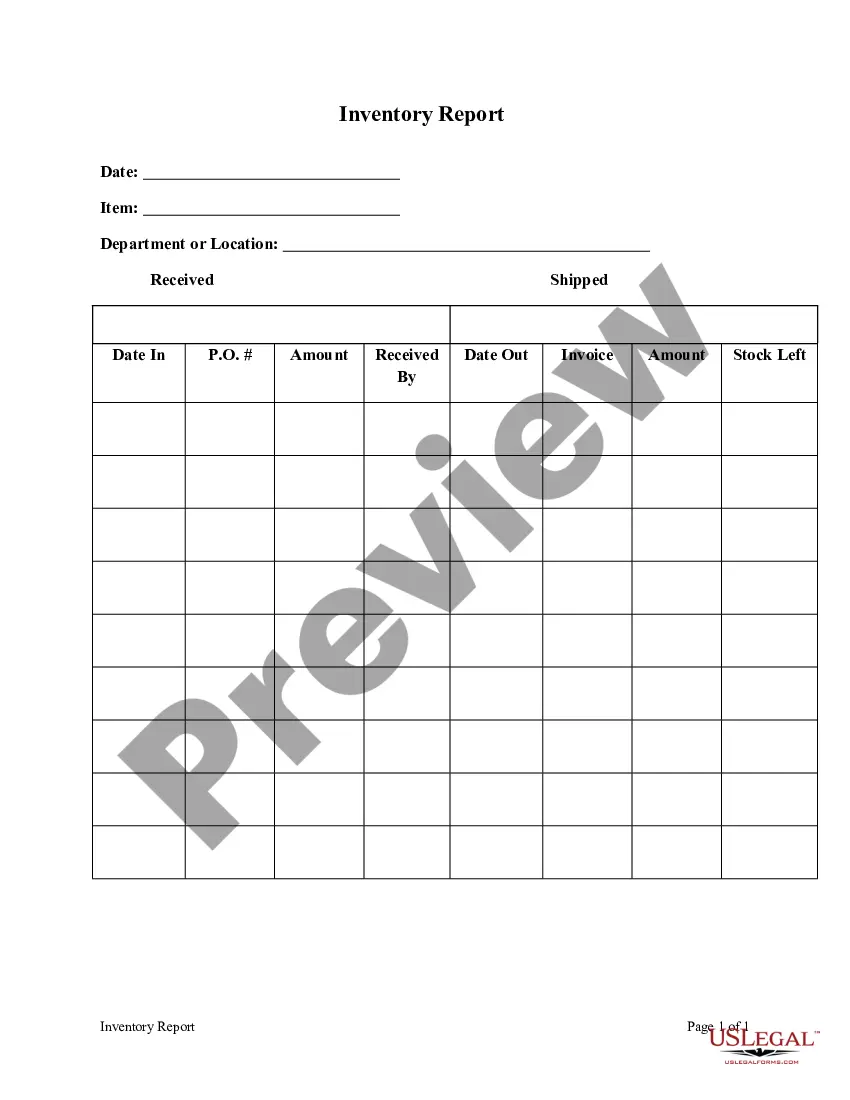
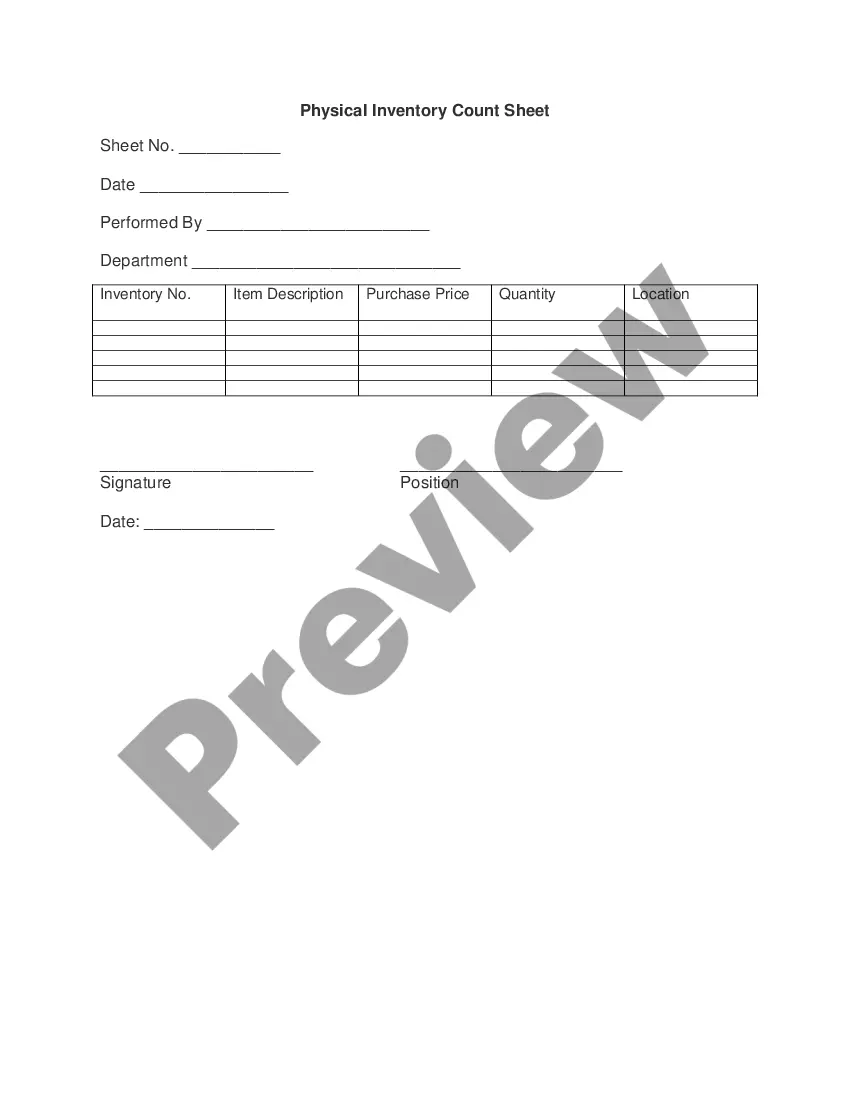
How to Create an Inventory Sheet:Open a new spreadsheet in Microsoft Excel, Google Sheets, Numbers or another program. You can use whichever spreadsheet program you feel comfortable with.Name your headings.Enter items and their corresponding information.Save the sheet and update during inventory.
The following are the key elements to a well organized inventory tracking system.Create well designed location names and clearly label all locations where items may be stored.Use well organized, consistent, and unique descriptions of your items, starting with nouns.Keep item identifiers (part numbers, sku's, etc..)More items...
Method 2: Creating an inventory list in Excel from scratchLaunch the Microsoft Excel program.Create a blank workbook by clicking on the File tab. It is on the upper-left side of the window.Create your inventory list headers.Enter the inventory information.Save your File.
You have more than one option for storing inventory sheets.Create a master inventory report.Use a row for each item in each section and create column headers above the rows.Enter the first item name in the first row and column.Add the total value columns of inventory for each of the three sections.More items...
An inventory list is a complete, itemized list of every product your business has in stock. This includes your raw materials, work-in-progress, and finished goods. An inventory list should include each item's SKU number, name, description, cost, and quantity in stock.