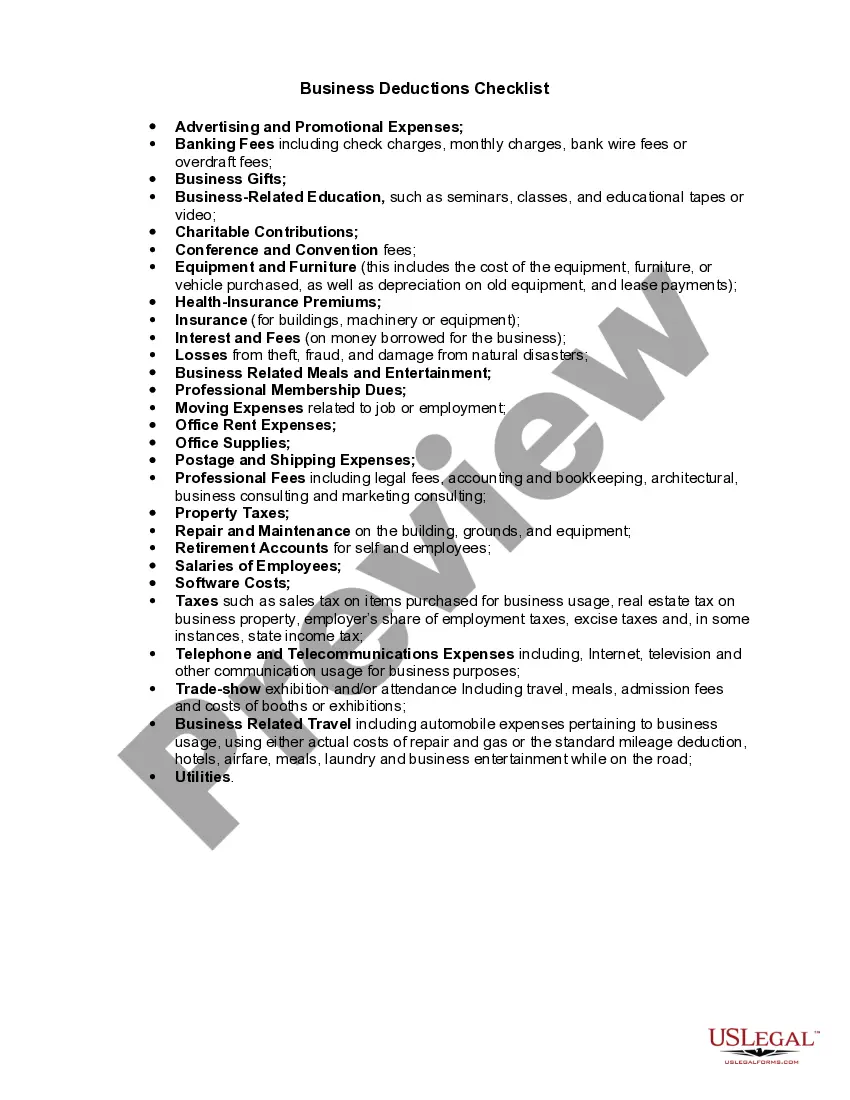
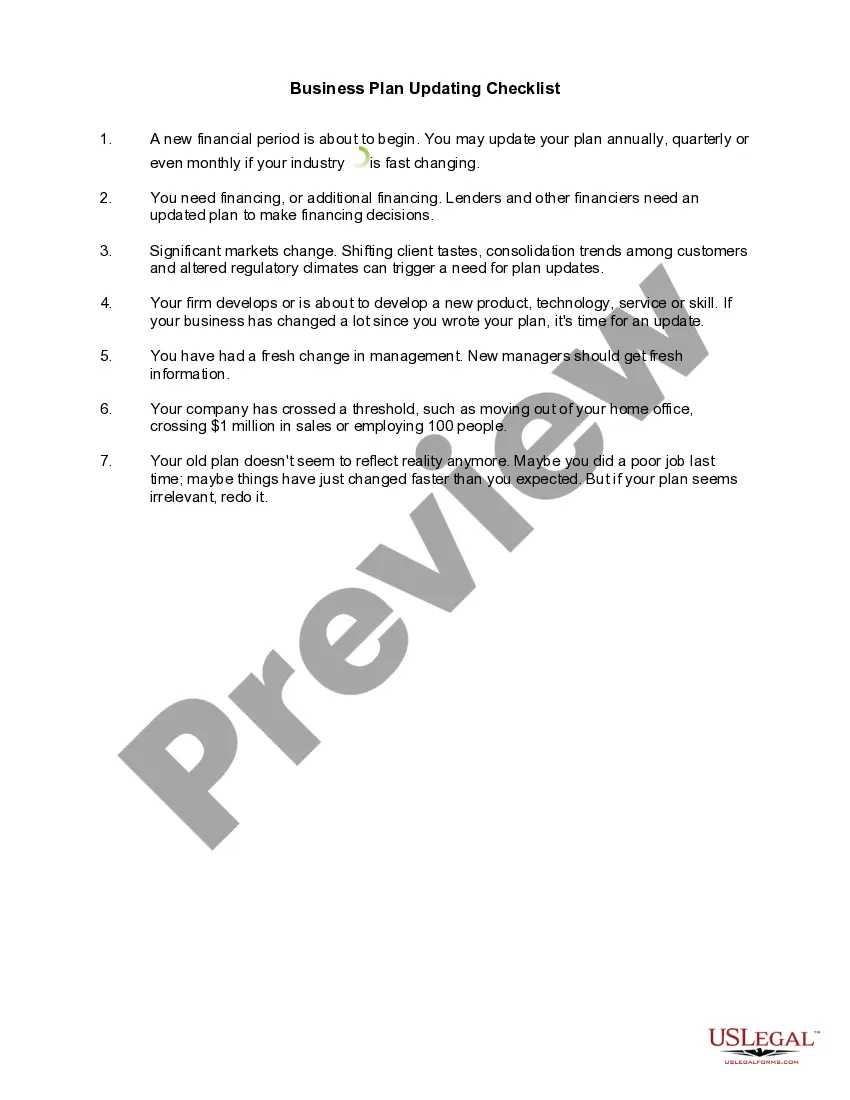
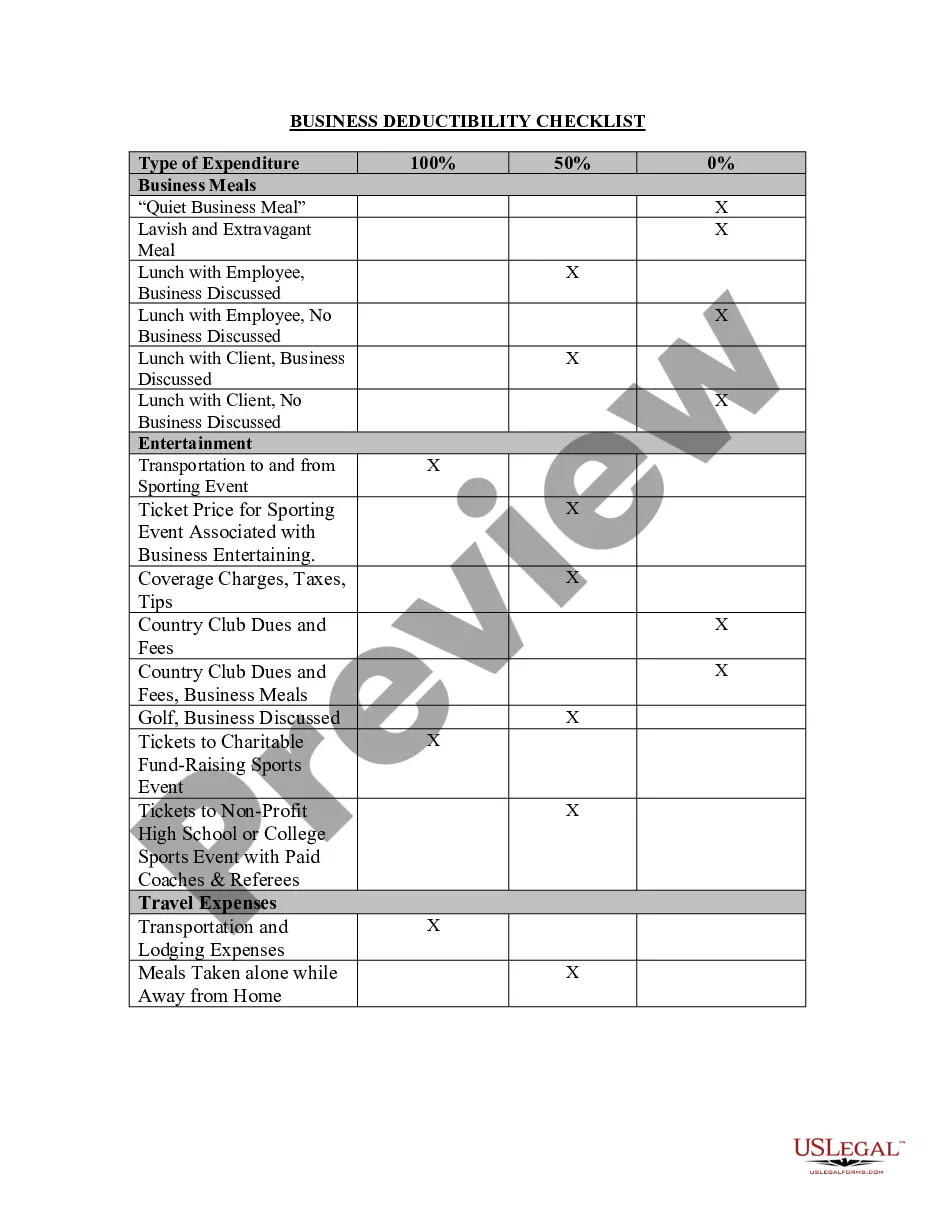
Business Expense Checklist For Taxes
Description
Get your form ready online
Our built-in tools help you complete, sign, share, and store your documents in one place.
Make edits, fill in missing information, and update formatting in US Legal Forms—just like you would in MS Word.
Download a copy, print it, send it by email, or mail it via USPS—whatever works best for your next step.
Sign and collect signatures with our SignNow integration. Send to multiple recipients, set reminders, and more. Go Premium to unlock E-Sign.
If this form requires notarization, complete it online through a secure video call—no need to meet a notary in person or wait for an appointment.
We protect your documents and personal data by following strict security and privacy standards.

Make edits, fill in missing information, and update formatting in US Legal Forms—just like you would in MS Word.

Download a copy, print it, send it by email, or mail it via USPS—whatever works best for your next step.

Sign and collect signatures with our SignNow integration. Send to multiple recipients, set reminders, and more. Go Premium to unlock E-Sign.

If this form requires notarization, complete it online through a secure video call—no need to meet a notary in person or wait for an appointment.

We protect your documents and personal data by following strict security and privacy standards.
Looking for another form?







How to fill out Business Deductions Checklist?
Creating legal documents from the ground up can occasionally feel somewhat daunting.
Certain situations might require extensive research and significant financial investment.
If you’re looking for a simpler and more economical method of crafting a Business Expense Checklist For Taxes or any other document without unnecessary complications, US Legal Forms is always accessible.
Our online repository of more than 85,000 current legal documents encompasses nearly every aspect of your financial, legal, and personal affairs.
However, before diving straight into downloading the Business Expense Checklist For Taxes, please adhere to the following recommendations: Review the form preview and descriptions to ensure you have located the form that meets your needs. Ensure that the form you select aligns with the laws and regulations of your state and county. Choose the appropriate subscription plan to purchase the Business Expense Checklist For Taxes. Download the form, then complete, sign, and print it. US Legal Forms has an excellent reputation and over 25 years of experience. Join us now and simplify the process of executing forms!
- With just a few clicks, you can quickly obtain state- and county-compliant documents meticulously prepared by our legal experts.
- Utilize our platform whenever you require dependable services to effortlessly locate and download the Business Expense Checklist For Taxes.
- If you’re already familiar with our website and have set up an account before, simply Log In to your account, choose the template and download it immediately or re-download it at any later time from the My documents section.
- Not registered yet? No problem. Establishing an account takes just a few minutes and allows you to browse the catalog.
Form popularity
FAQ
You may also file a written complaint by emailing JUD.VermontGAL@vermont.gov. You will receive a response to any written complaint filed with the VT GAL Program once a review or investigation is complete.
A civil violation complaint includes traffic violations, municipal ordinance violations, and fish and wildlife violations. Responding to a Civil Violation Complaint. Before you answer a complaint, please read all the information the complaint ticket issued by the law enforcement officer.
The Vermont Bar Association has a Committee for the Arbitration of Fee Complaints. For information on how to file a fee dispute complaint, contact the Vermont Bar Association at 802-223-2020. The Committee will not review a fee dispute if there is a complaint pending with Bar Counsel or Disciplinary Counsel.
Use the Request for Access to Court Record form on the bottom of this web page. General questions about court processes and procedures. Contact the Information Center at 802-652-1900.
A backlog of cases has plagued Vermont courtrooms since long before Covid-19 was first detected in the state, but the pandemic and its ensuing lockdowns exacerbated the issue. Jury trials shut down completely for more than a year, and courthouses scrambled in 2020 to pivot to online proceedings.
Visit the Vermont Judiciary website at judiciary.vermont.gov. Look for the "Public Portal" or "Case Search" option on the website's homepage and click on it.
You can contact the court by phone, in writing, in person, or by sending an email to JUD.VJB@vermont.gov. A motion is a request in writing asking the court to consider doing something specific in your case. All motions must identify the request and give specific reasons for the request.
The Public Portal is a web-based platform that offers court users and members of the general public customized role-based access to court records, hearing calendars and other data.