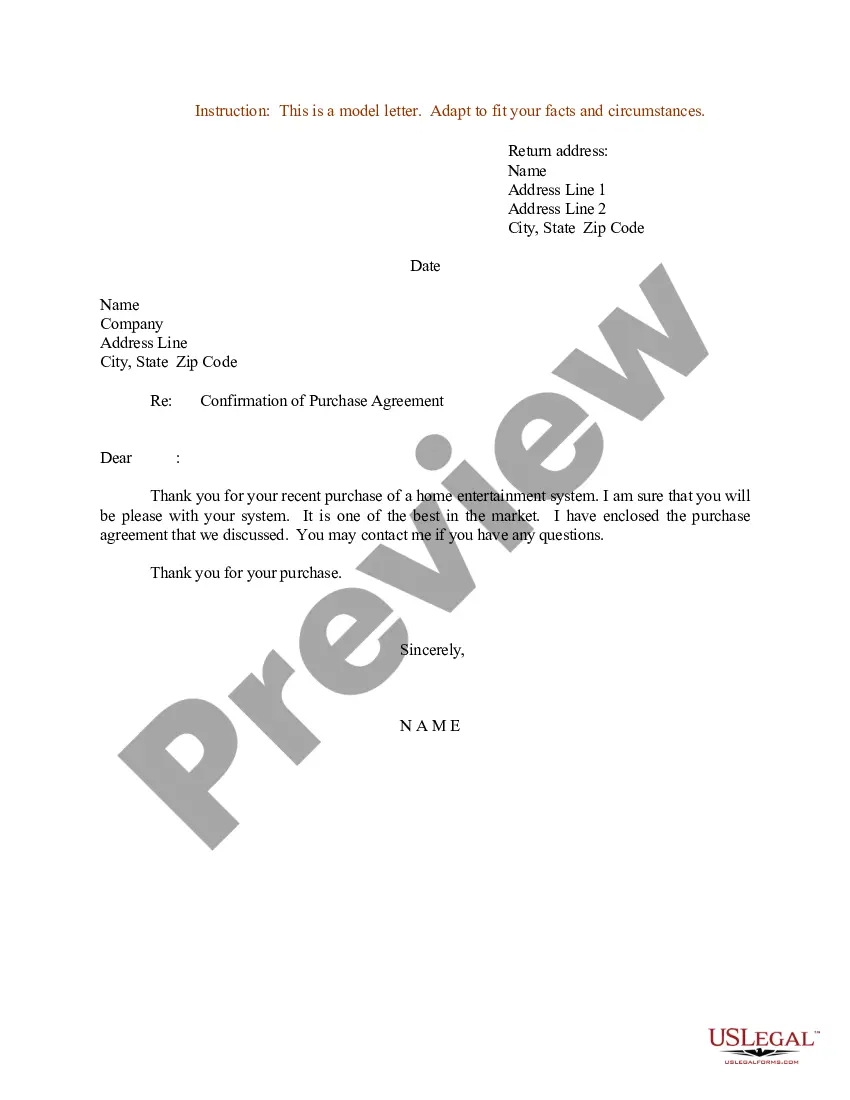
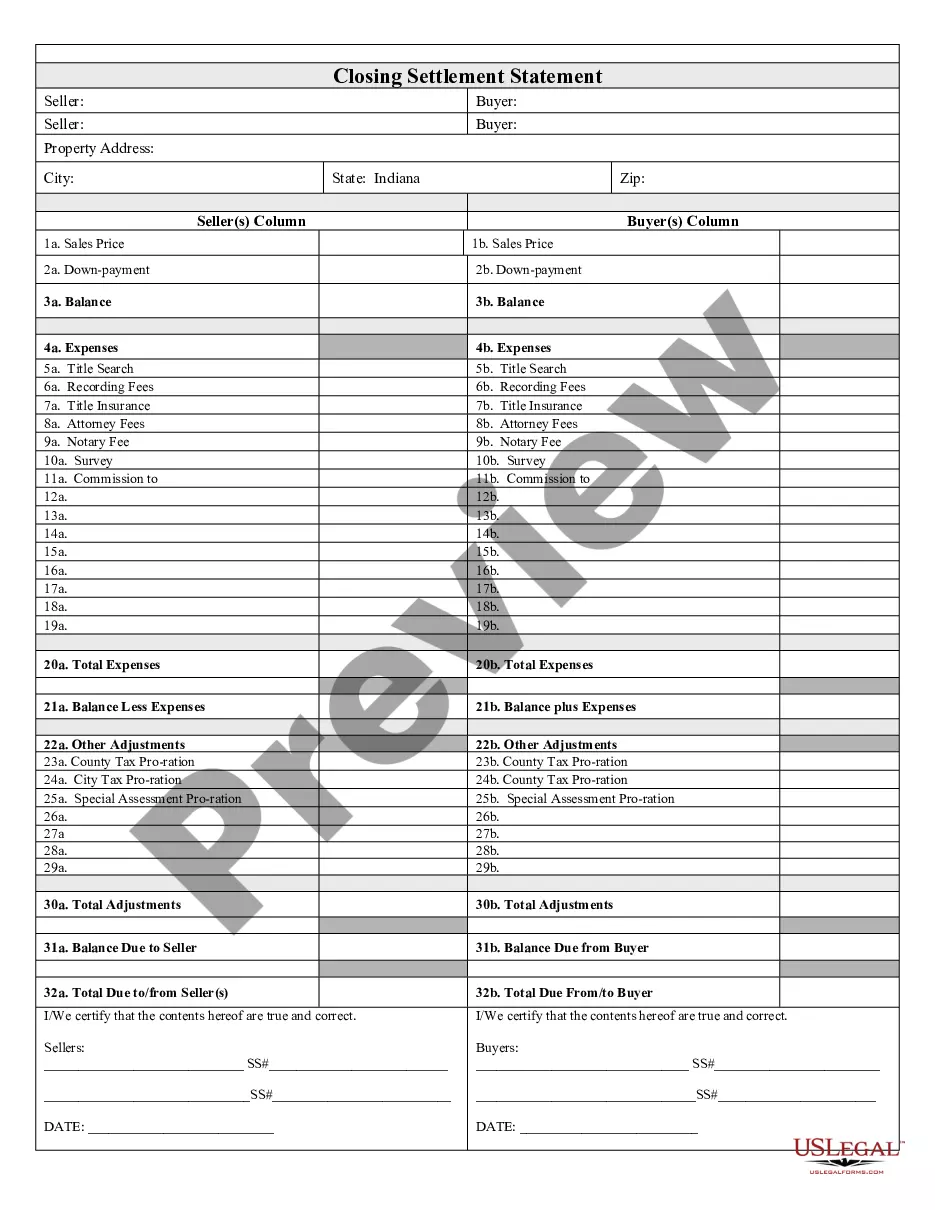
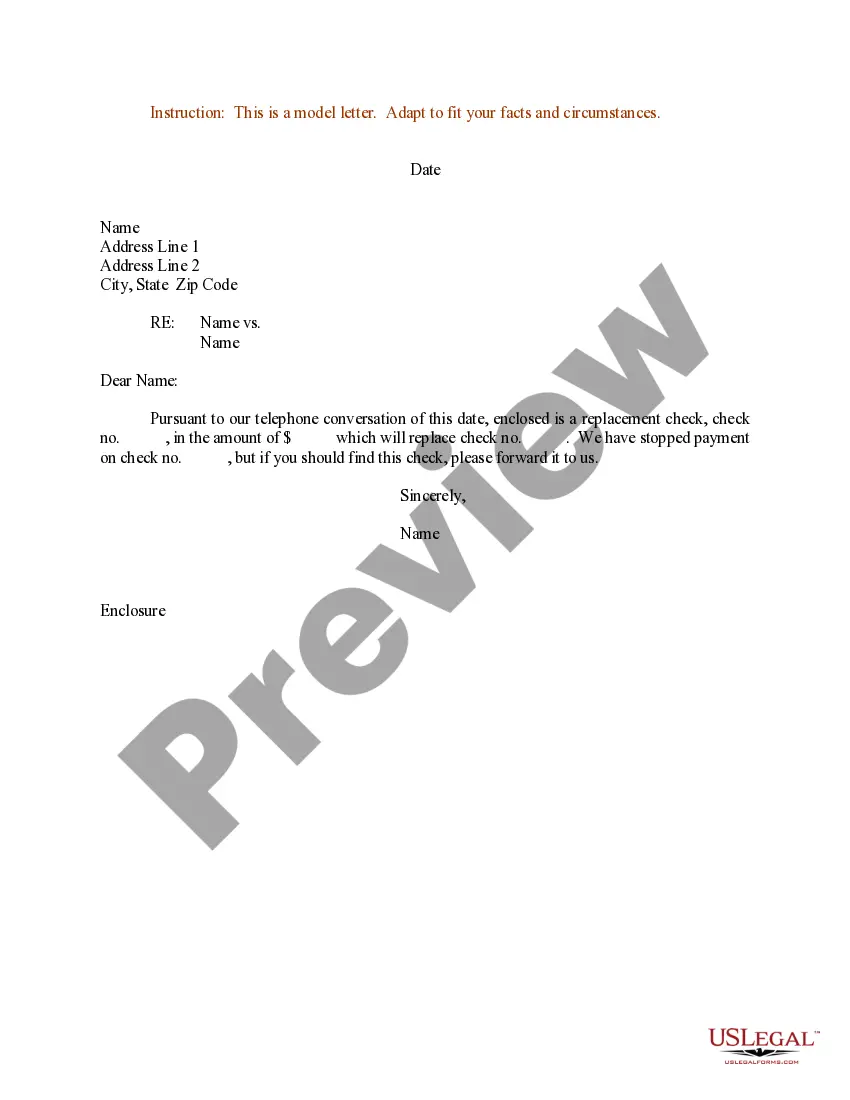
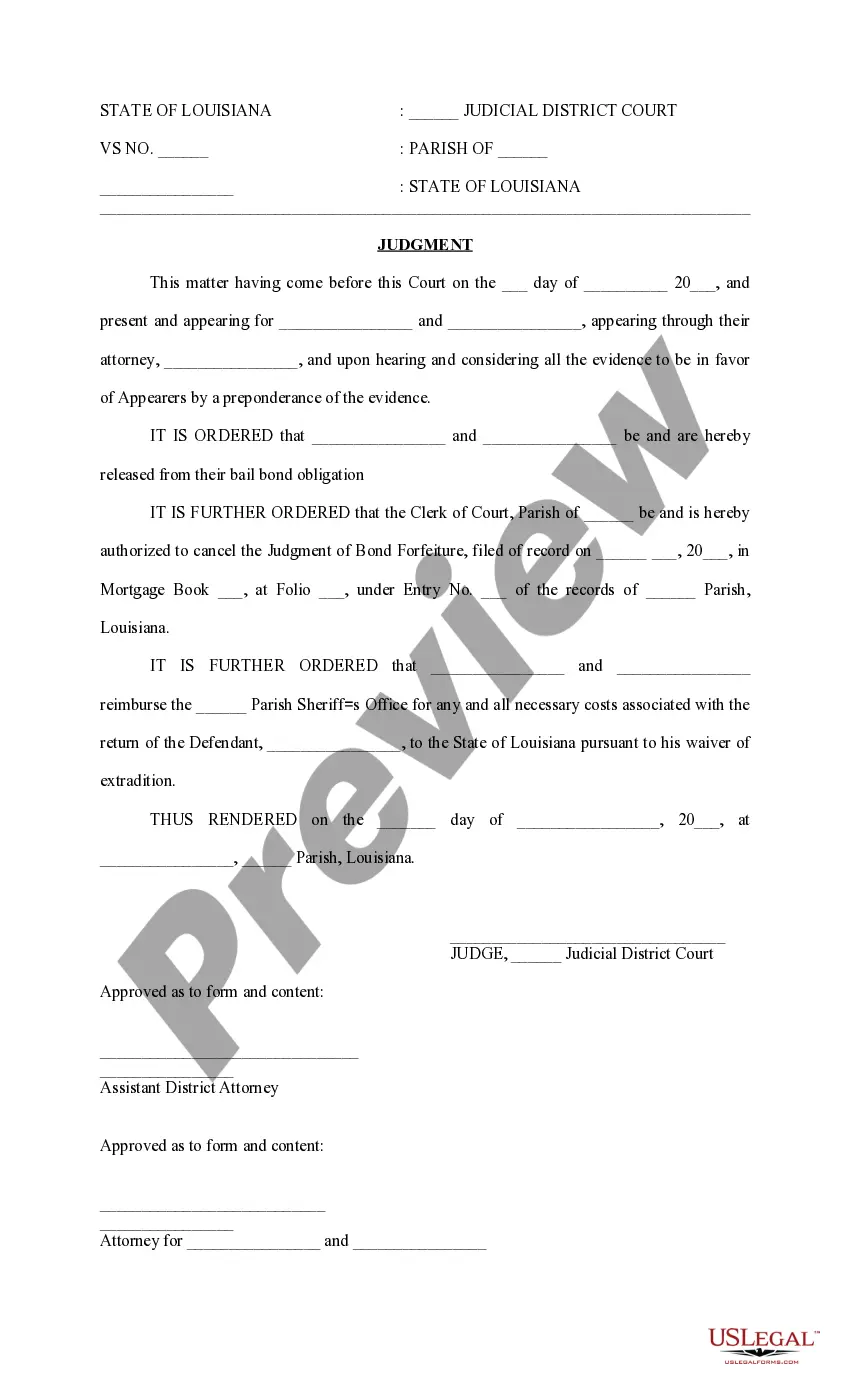
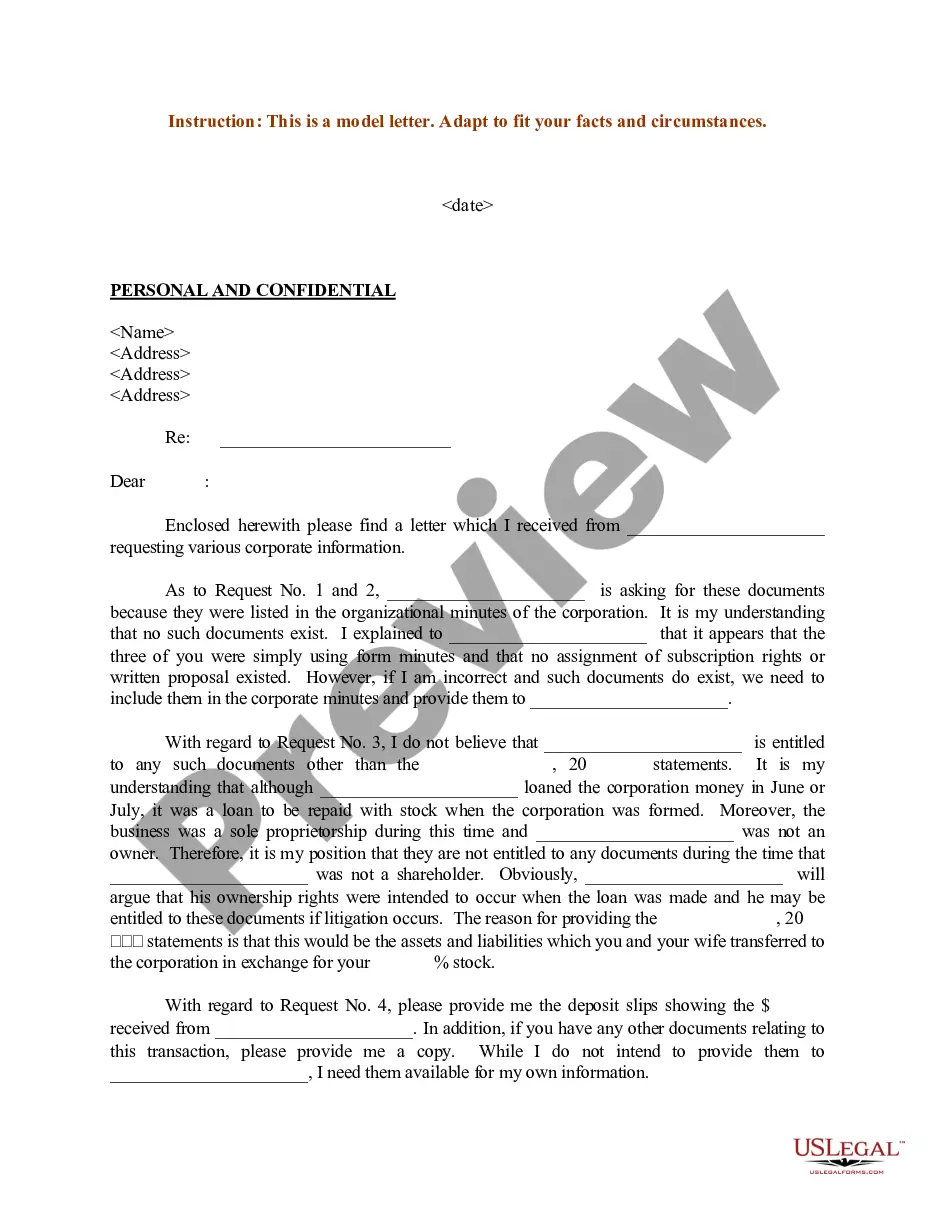
Sample Agreement Document With Watermark
Description


Get your form ready online
Our built-in tools help you complete, sign, share, and store your documents in one place.
Make edits, fill in missing information, and update formatting in US Legal Forms—just like you would in MS Word.
Download a copy, print it, send it by email, or mail it via USPS—whatever works best for your next step.
Sign and collect signatures with our SignNow integration. Send to multiple recipients, set reminders, and more. Go Premium to unlock E-Sign.
If this form requires notarization, complete it online through a secure video call—no need to meet a notary in person or wait for an appointment.
We protect your documents and personal data by following strict security and privacy standards.

Make edits, fill in missing information, and update formatting in US Legal Forms—just like you would in MS Word.

Download a copy, print it, send it by email, or mail it via USPS—whatever works best for your next step.

Sign and collect signatures with our SignNow integration. Send to multiple recipients, set reminders, and more. Go Premium to unlock E-Sign.

If this form requires notarization, complete it online through a secure video call—no need to meet a notary in person or wait for an appointment.

We protect your documents and personal data by following strict security and privacy standards.
Looking for another form?
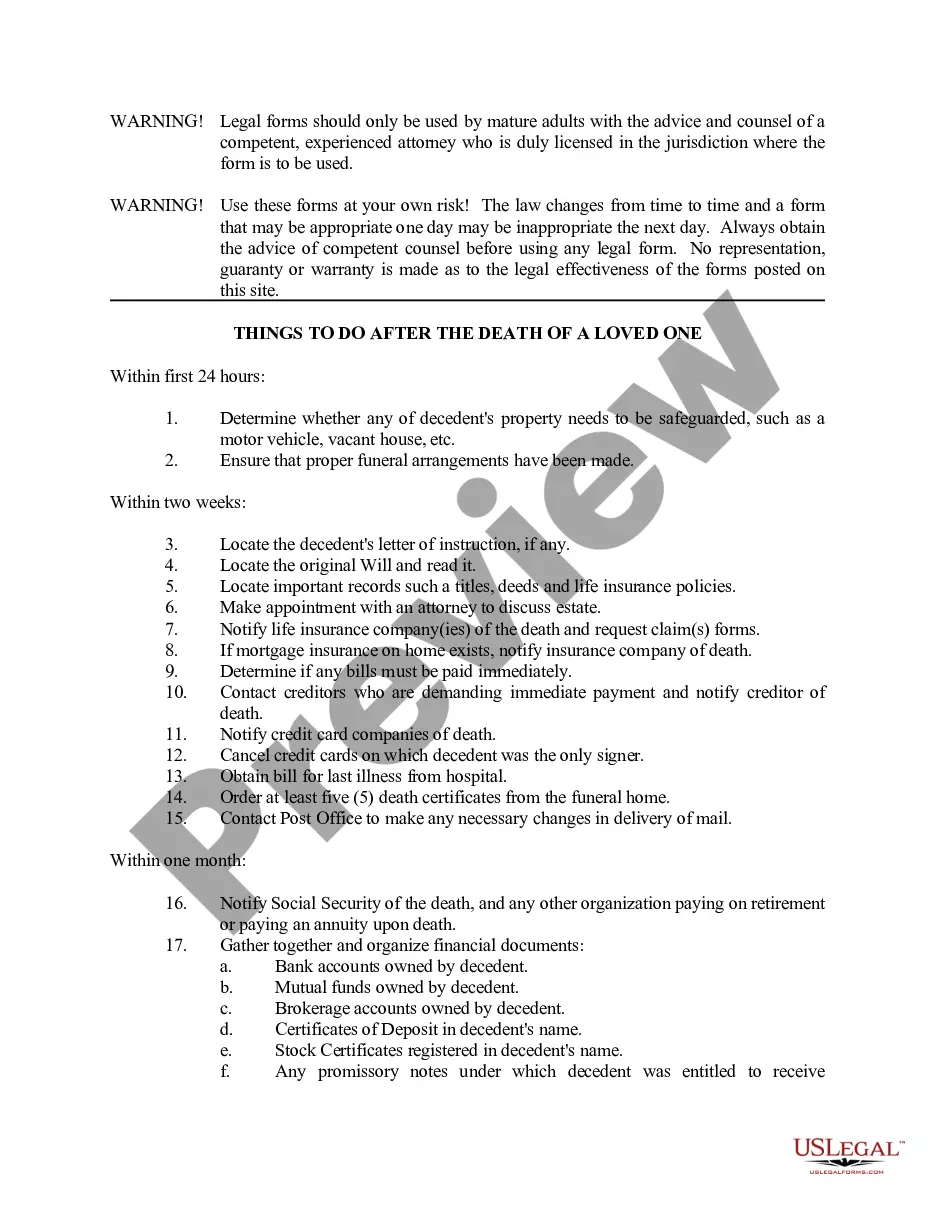
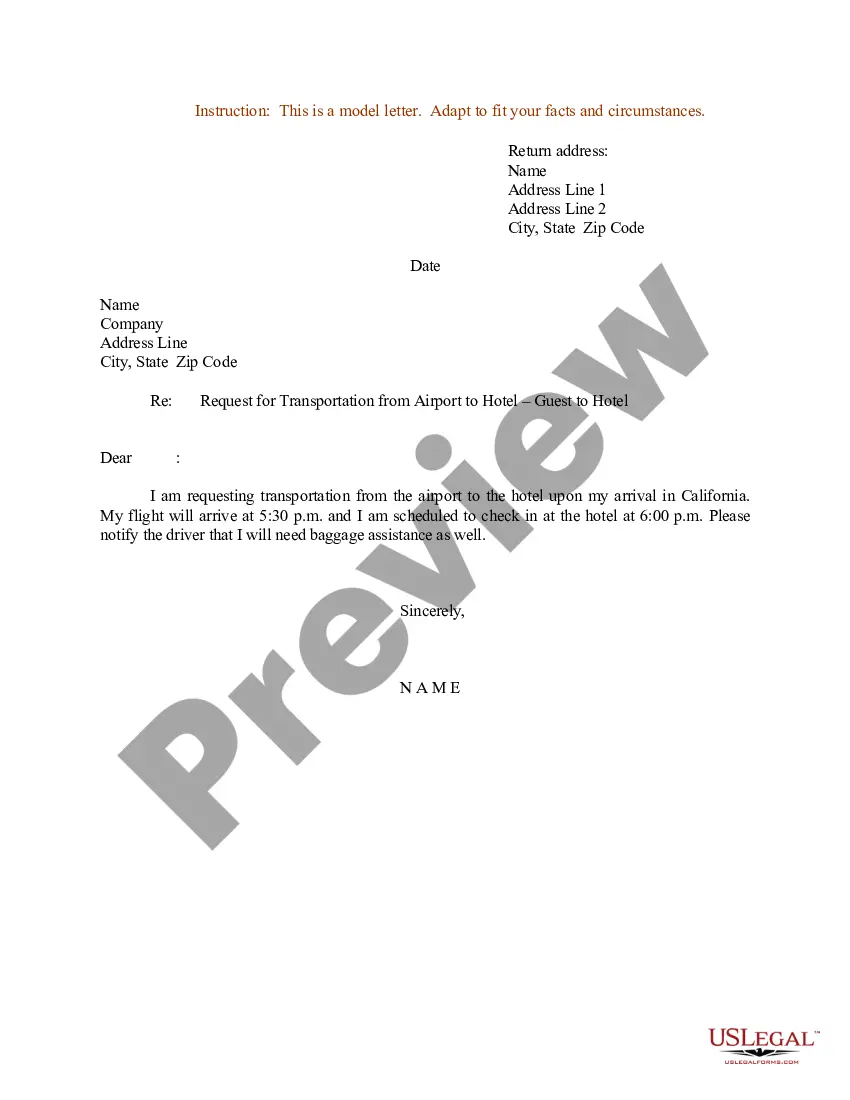


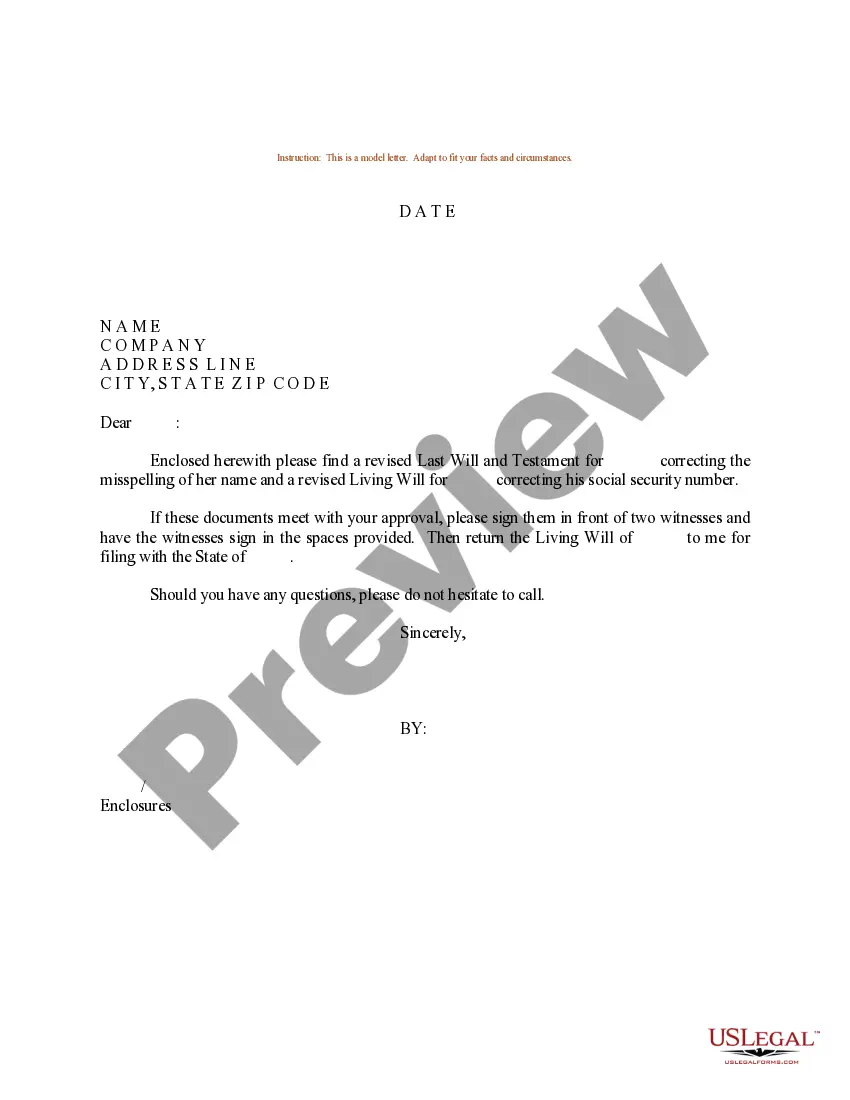
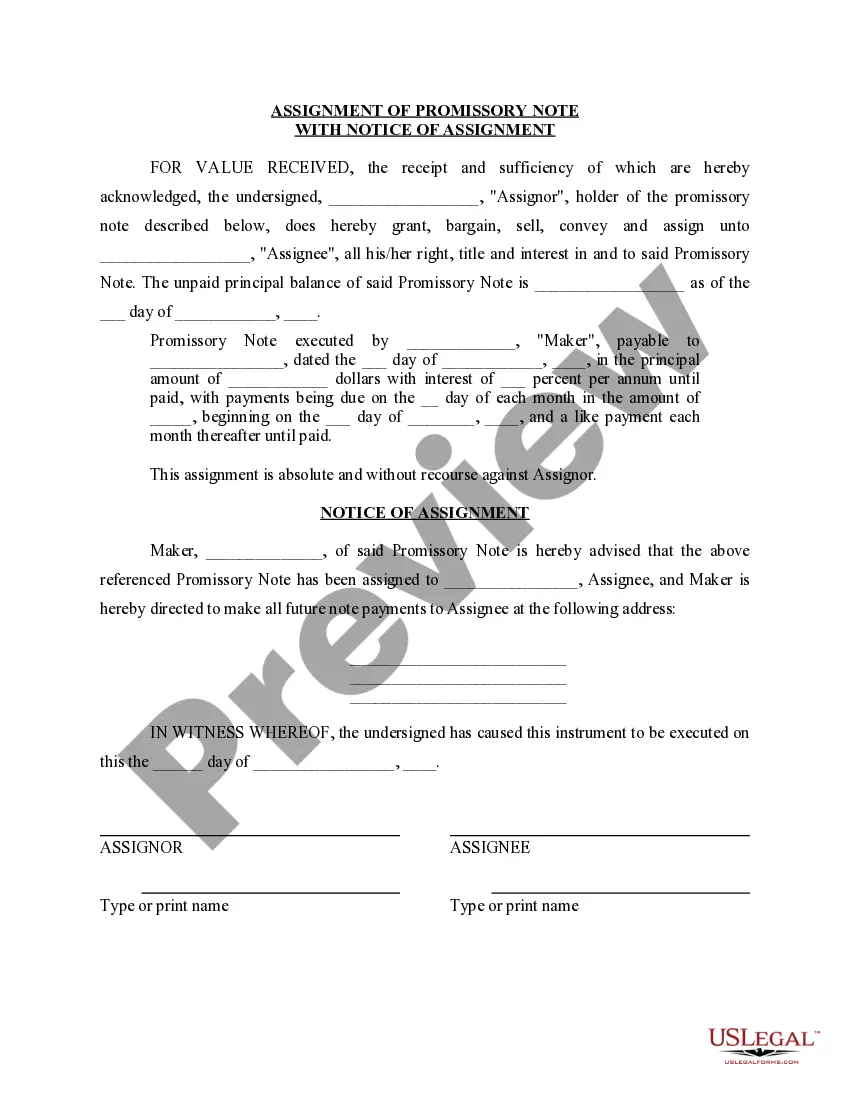
How to fill out Sample Letter For Confirmation Of Purchase Agreement?
Managing legal documents can be daunting, even for the most experienced professionals.
When you are searching for a Sample Agreement Document With Watermark and don’t have the time to locate the correct and updated edition, the process can become stressful.
US Legal Forms caters to all your requirements, from personal to business paperwork, all in one location.
Utilize advanced tools to complete and manage your Sample Agreement Document With Watermark.
Here are the steps to follow after obtaining the form you require: Validate that this is the correct document by previewing it and reviewing its details. Confirm that the sample is authorized in your state or county. Click Buy Now when you are ready. Choose a monthly subscription plan. Select the format you need, and Download, complete, sign, print, and send your document. Enjoy the US Legal Forms online catalog, supported by 25 years of experience and reliability. Streamline your everyday document management into a seamless and user-friendly experience today.
- Access a resource hub of articles, guides, and manuals related to your circumstances and requirements.
- Save time and effort searching for the documents you need, and use US Legal Forms’ sophisticated search and Preview feature to find Sample Agreement Document With Watermark and obtain it.
- If you have a monthly subscription, Log In to your US Legal Forms account, find the form, and download it.
- Check your My documents tab to view the documents you’ve previously saved and manage your folders as needed.
- If this is your first time with US Legal Forms, create an account and gain unlimited access to all the platform's benefits.
- A robust online form database can be a transformative solution for anyone wanting to handle these situations effectively.
- US Legal Forms is a frontrunner in online legal forms, offering over 85,000 state-specific legal documents available to you at any time.
- With US Legal Forms, you can access state- or county-specific legal and business documents.
Form popularity
FAQ
Watermark examples that you can often come across on the Internet: Copyright symbol with the words ?All Rights Reserved?. Company logo. Quite a lot of brand owners and companies prefer to use their logos as watermarks since it acts not just as a tool for protection but also for promotion. A string of text.
Add or edit an image watermark On your computer, open a document in Google Docs. Go to Insert. Watermark. In the panel on the right, click Image. Click Select image . Select an image from Drive, Photos, a URL, or your camera. ... Optional: In the panel on the right, you can format your watermark. Click Done.
However, one question that perpetually lingers in everyone's mind is, 'Is document watermarking legal?' The short answer is yes, but the details can be complex and context-dependent.
Insert a watermark On the Design tab, select Watermark. Choose a pre-configured watermark, like DRAFT, CONFIDENTIAL, or DO NOT COPY. For placing a logo or image, Select Watermark > Custom Watermark > Picture watermark > Select Picture. On the same menu you can create a custom text watermark.
Obvious examples of watermarks include shaded text phrases like ?Top Secret?, ?Confidential?, and ?Internal Use Only?. A watermark saying ?Test? is one that is often overlooked. Yet it can be very useful in safeguarding information in perhaps a different way.