Employee Certificate With Salary
Description
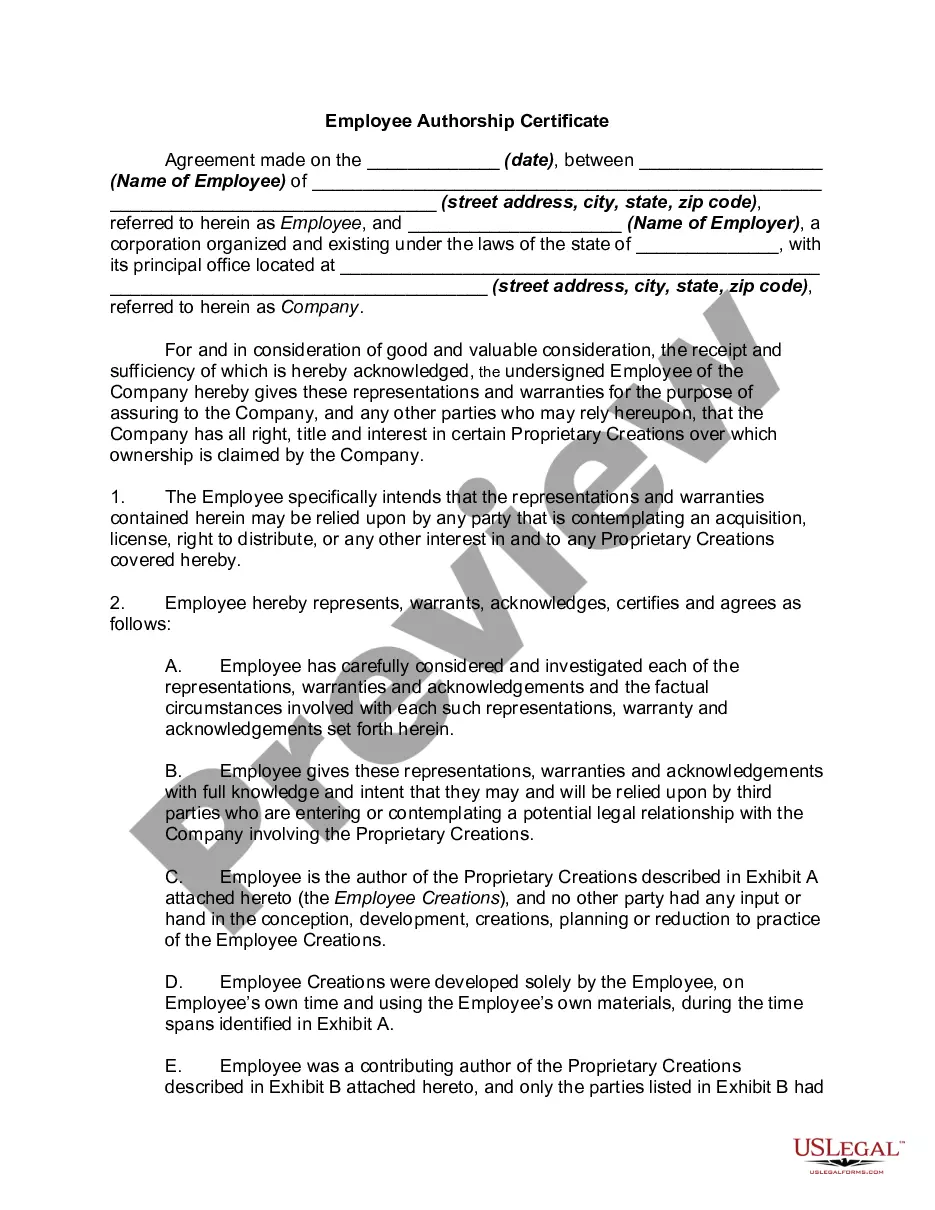
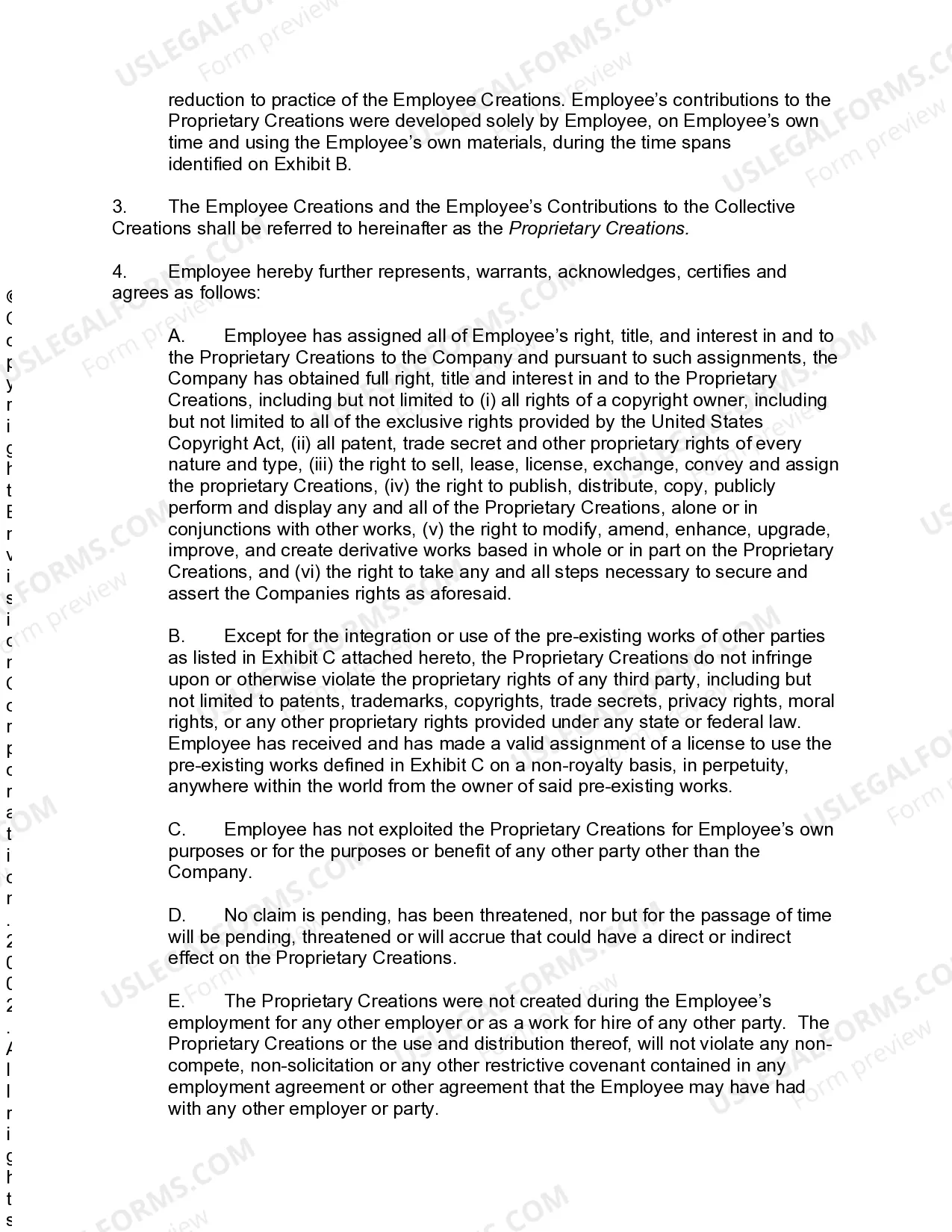
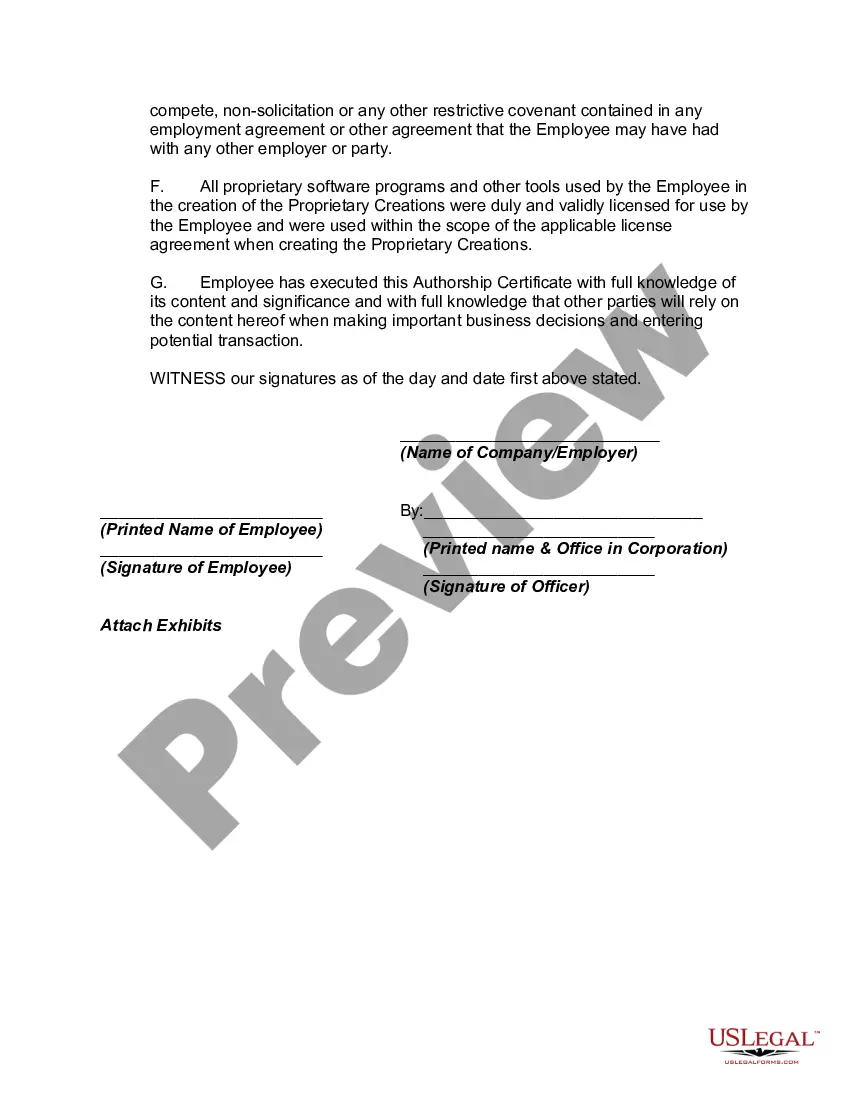
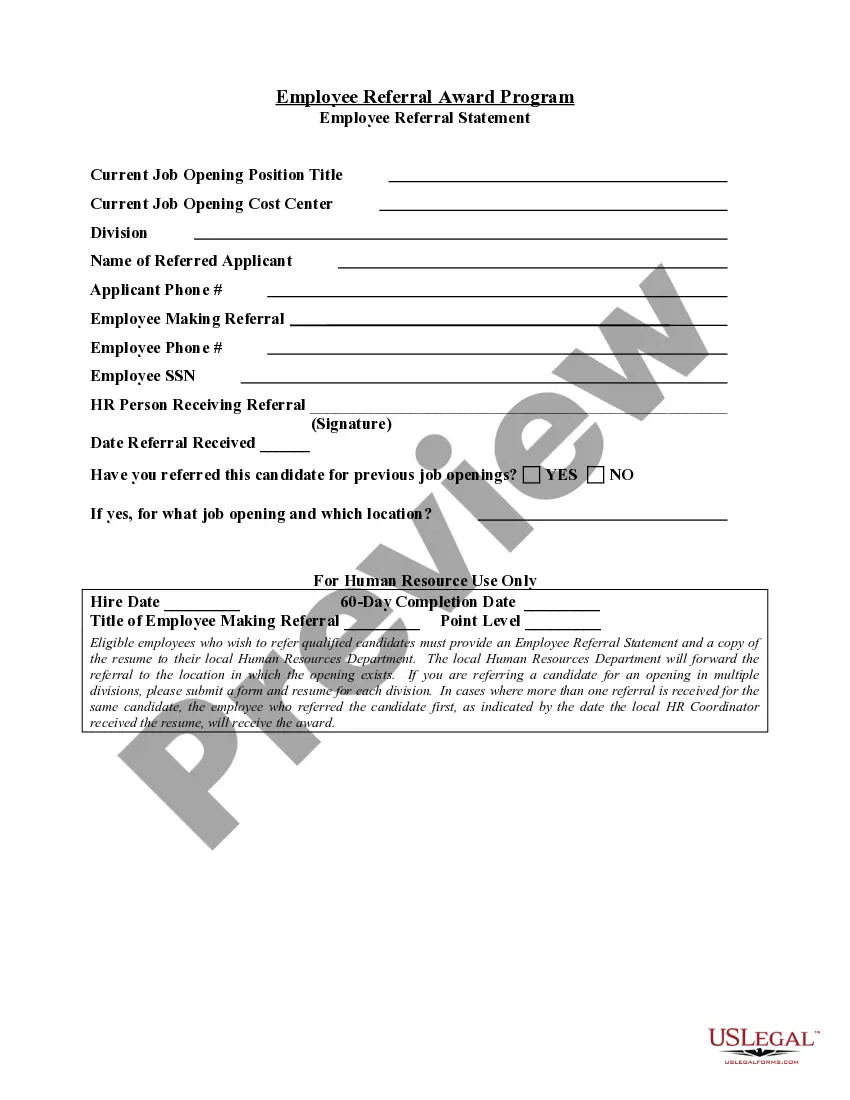

Get your form ready online
Our built-in tools help you complete, sign, share, and store your documents in one place.
Make edits, fill in missing information, and update formatting in US Legal Forms—just like you would in MS Word.
Download a copy, print it, send it by email, or mail it via USPS—whatever works best for your next step.
Sign and collect signatures with our SignNow integration. Send to multiple recipients, set reminders, and more. Go Premium to unlock E-Sign.
If this form requires notarization, complete it online through a secure video call—no need to meet a notary in person or wait for an appointment.
We protect your documents and personal data by following strict security and privacy standards.

Make edits, fill in missing information, and update formatting in US Legal Forms—just like you would in MS Word.

Download a copy, print it, send it by email, or mail it via USPS—whatever works best for your next step.

Sign and collect signatures with our SignNow integration. Send to multiple recipients, set reminders, and more. Go Premium to unlock E-Sign.

If this form requires notarization, complete it online through a secure video call—no need to meet a notary in person or wait for an appointment.

We protect your documents and personal data by following strict security and privacy standards.
Looking for another form?








Form popularity
FAQ
Formatting a certificate in Word involves choosing a suitable layout and adjusting settings like font style and size for clarity. Use borders and colors to enhance the visual appeal, while ensuring important information stands out. A well-formatted certificate, especially when representing an employee certificate with salary, can elevate the professional impression it conveys.
To make certificates for employees, begin by selecting a professional design template that reflects your company's branding. Include key details such as the employee’s name, designation, and the purpose of the certificate. Ensure that you accurately represent any awards or achievements; an employee certificate with salary can serve to underscore their value and experience.
The word format for a working certificate for an employee should clearly state the employee’s name, position, and duration of service. Including details about their performance can enhance the certificate's value. Additionally, this document can be paired with an employee certificate with salary to provide comprehensive evidence of the employee’s contributions.
To write proof of work experience, start by including the employee’s job title and dates of employment. Describe their responsibilities and contributions during their tenure, making sure to quantify results when possible. A well-crafted proof of work experience works effectively as an employee certificate with salary, making it a valuable document for professional growth.
The word format for an experience certificate typically includes essential details about the employee's role, tenure, and contributions. You can easily create a template that highlights their skills and achievements. Remember to include the company name, logo, and the necessary signatures. This ensures the experience certificate with salary clearly communicates the employee’s value.
Requesting a tax residency certificate in the USA involves filling out specific forms available on the IRS website. You may need to provide supporting documents that validate your residency status. If you require proof of income for the application, consider obtaining an employee certificate with salary as it might strengthen your case.
To obtain a salary certificate from a freezone company, contact the HR department directly or check their official website for procedures. They can guide you on the specific documents you need to provide, which usually includes identification and proof of employment. If allowed, you may receive an employee certificate with salary to facilitate your requirements.
To get a salary certificate in the USA, contact your human resources department or payroll office. They can provide you with an official document that outlines your employment and salary details. If you prefer a more structured approach, platforms like US Legal Forms can guide you through the process of obtaining an employee certificate with salary efficiently.
You can obtain your salary slip online through your company's payroll portal. Typically, you will need to log in with your employee credentials to access the section containing your financial documents. If your employer provides an employee certificate with salary, it may also be downloadable directly from the portal. Make sure to save a digital copy for your records.
To obtain a freezone salary certificate, you typically need to contact the HR department of your company operating in the freezone. They can provide you with the employee certificate with salary, ensuring it meets any specific format required by the freezone authority. If you need assistance in drafting or obtaining this certificate, platforms like uslegalforms can help simplify the process and provide templates to ensure compliance.
