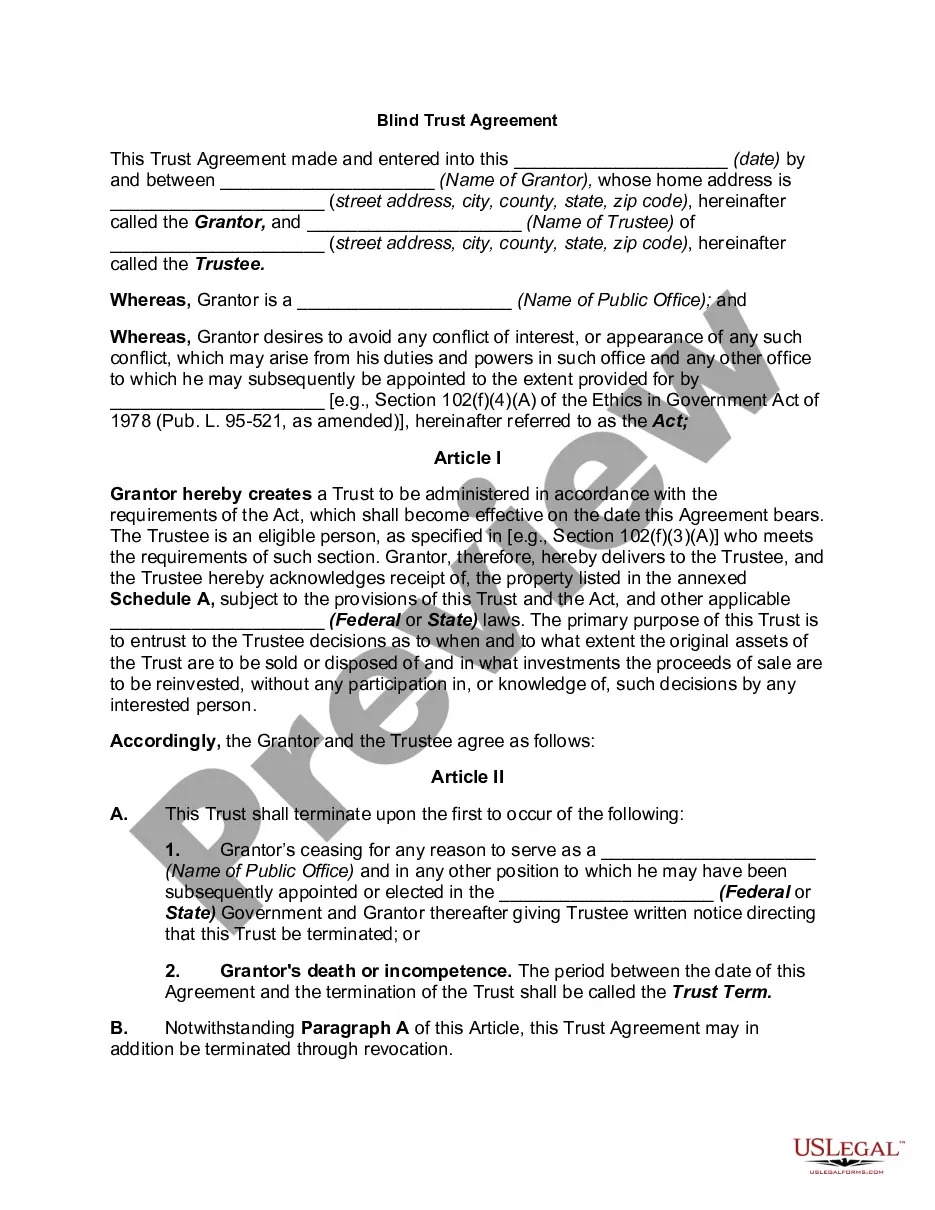
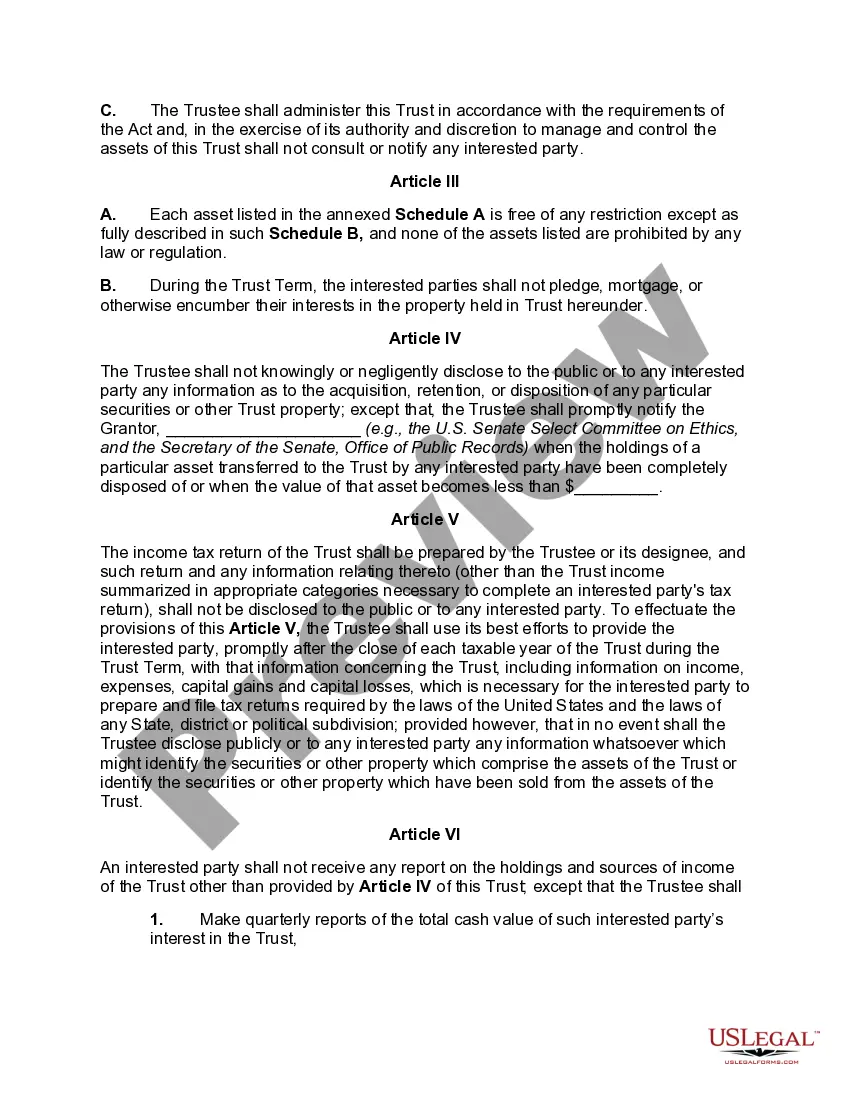
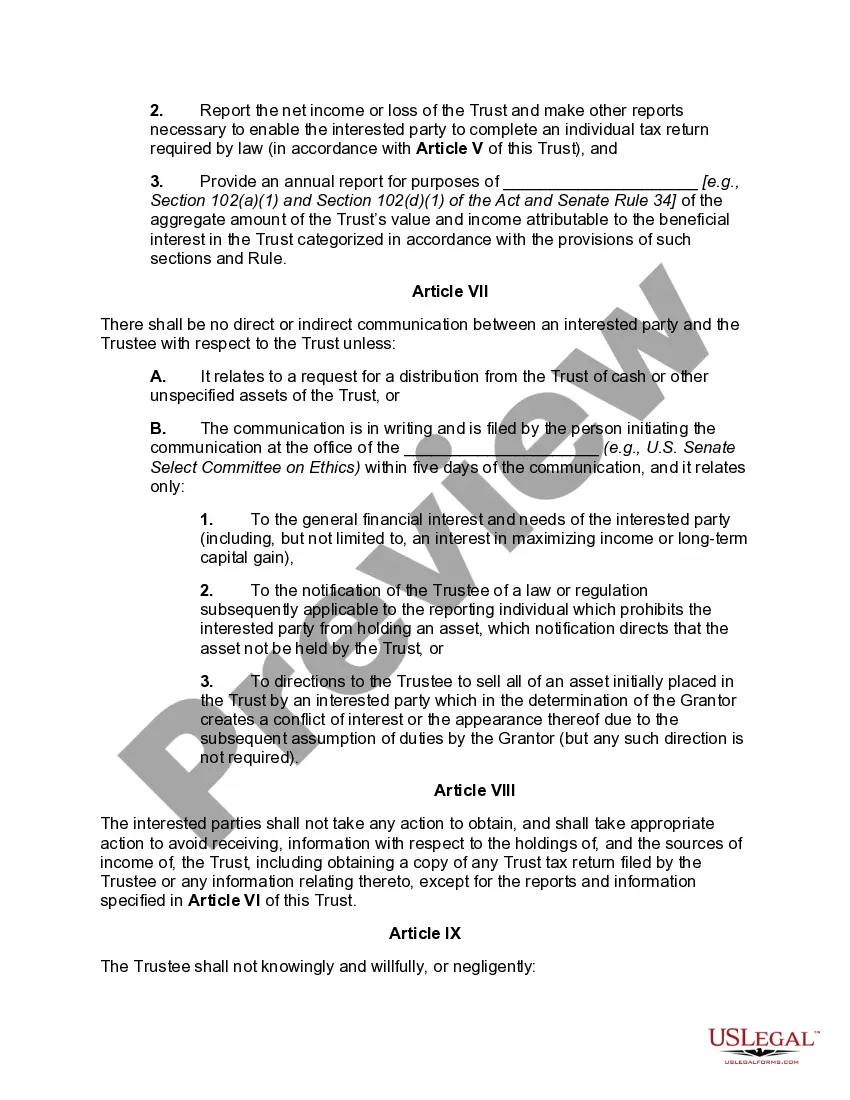
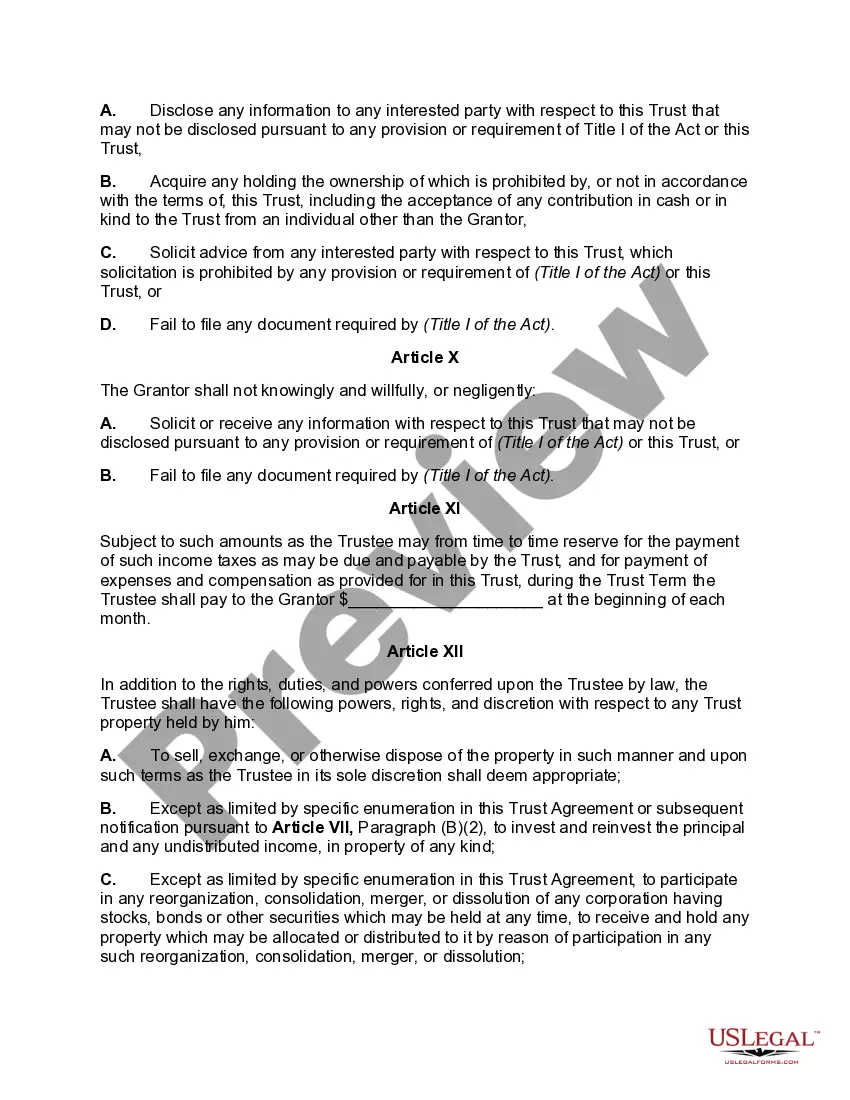
Blind Trust Account For A Minor
Description
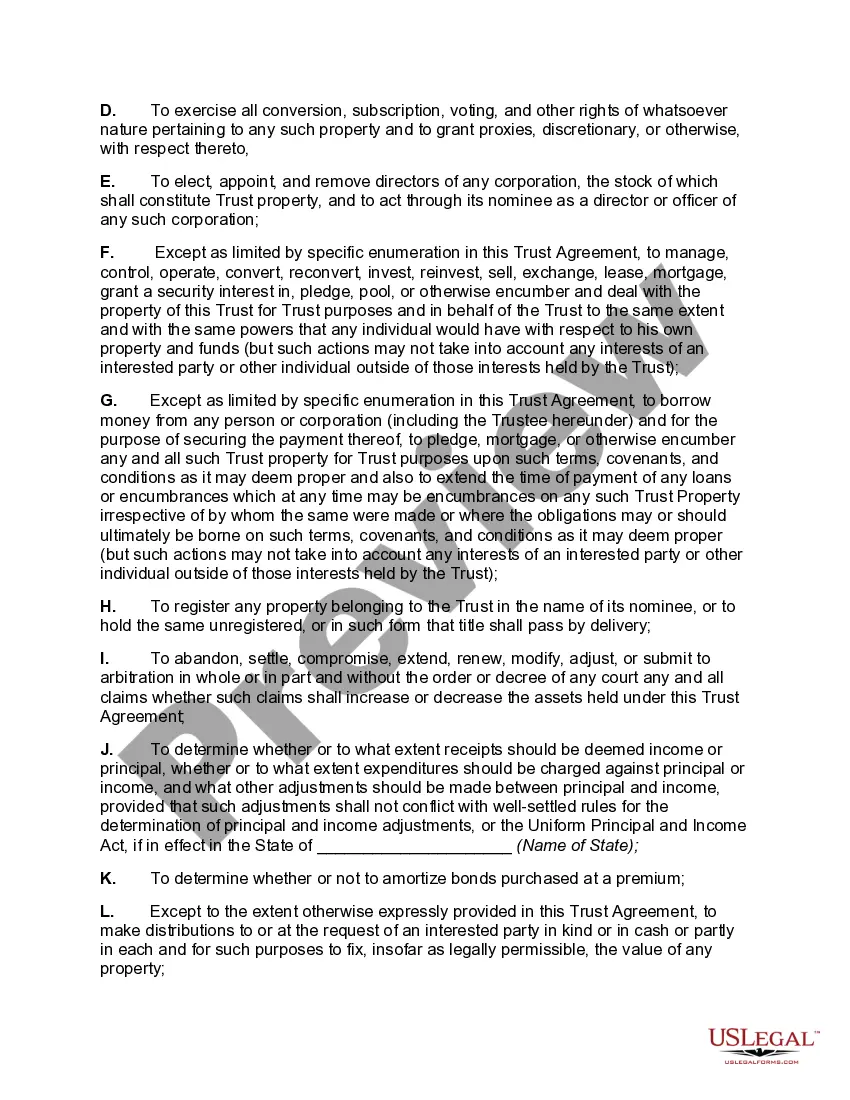
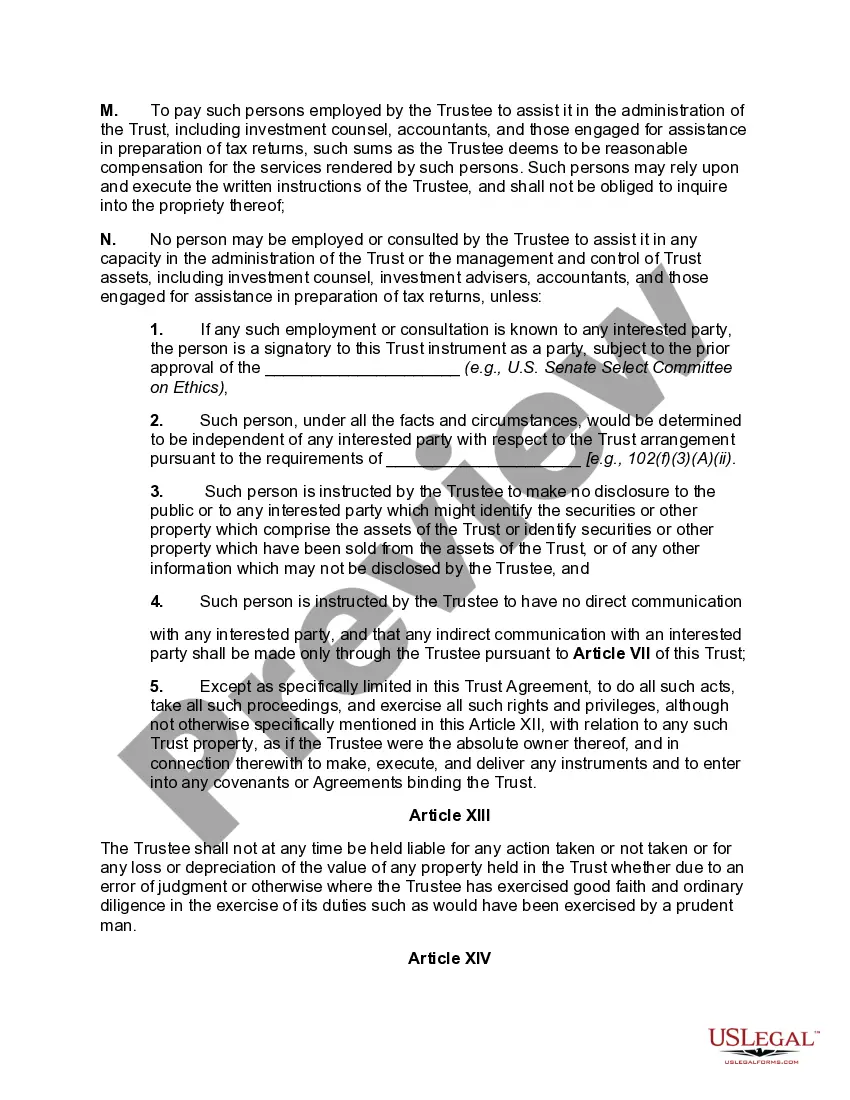
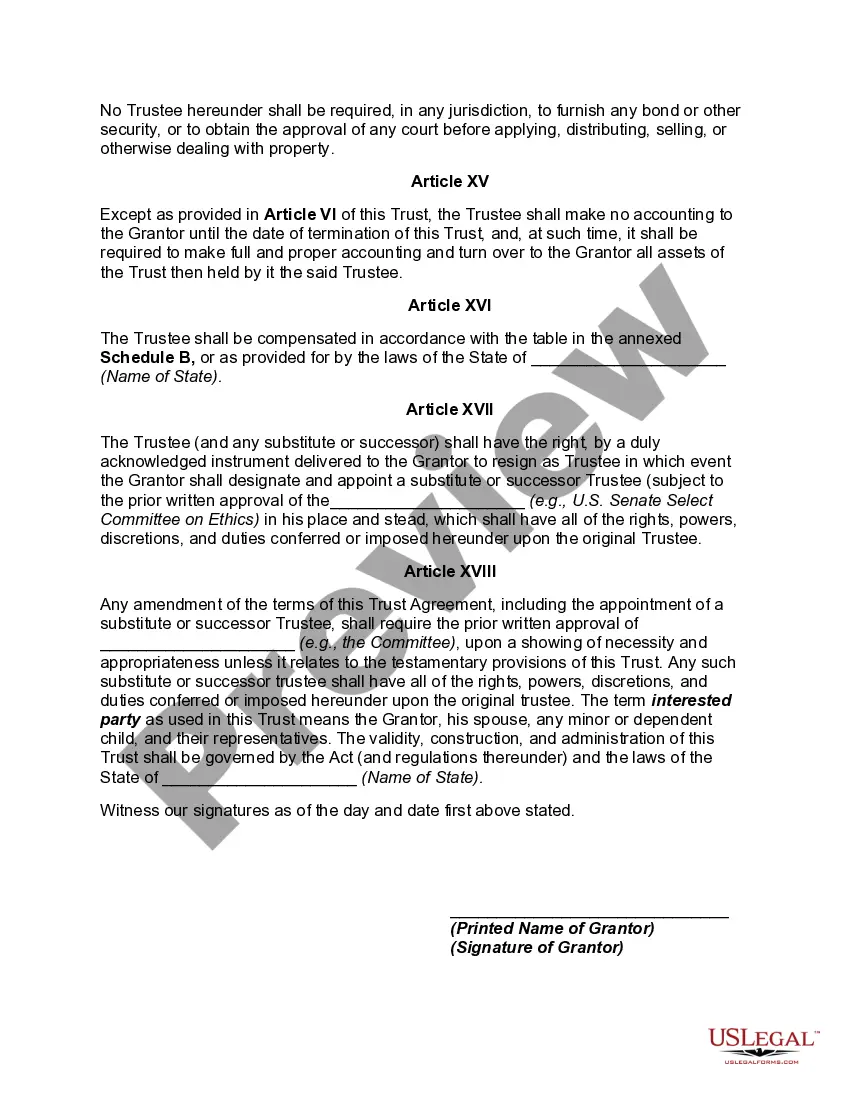
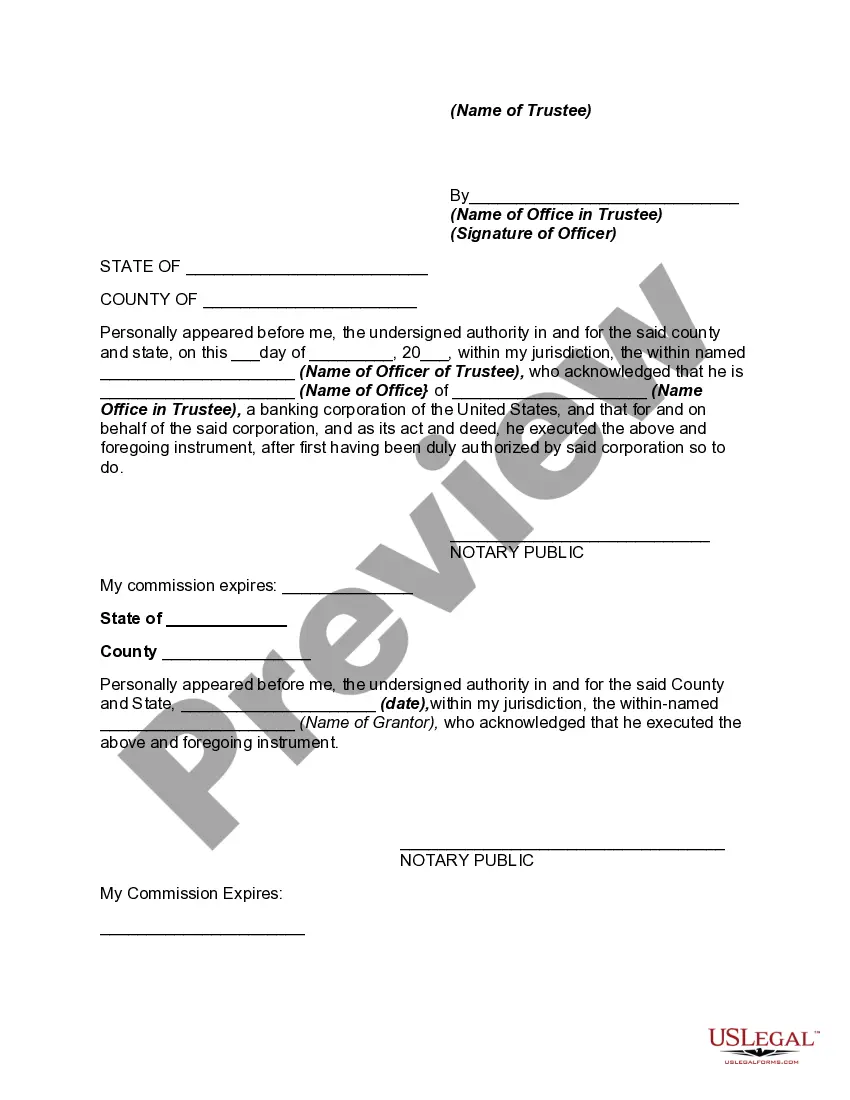
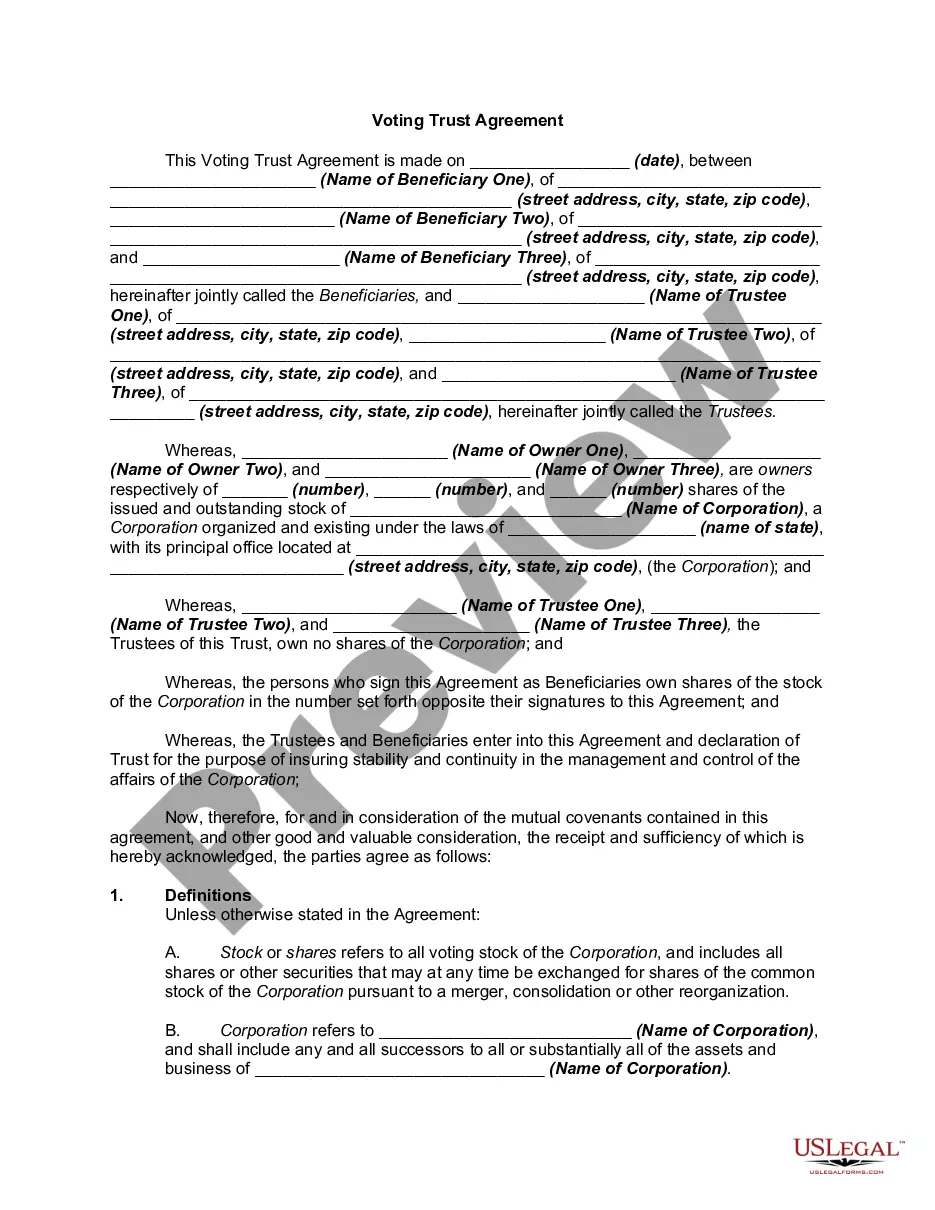
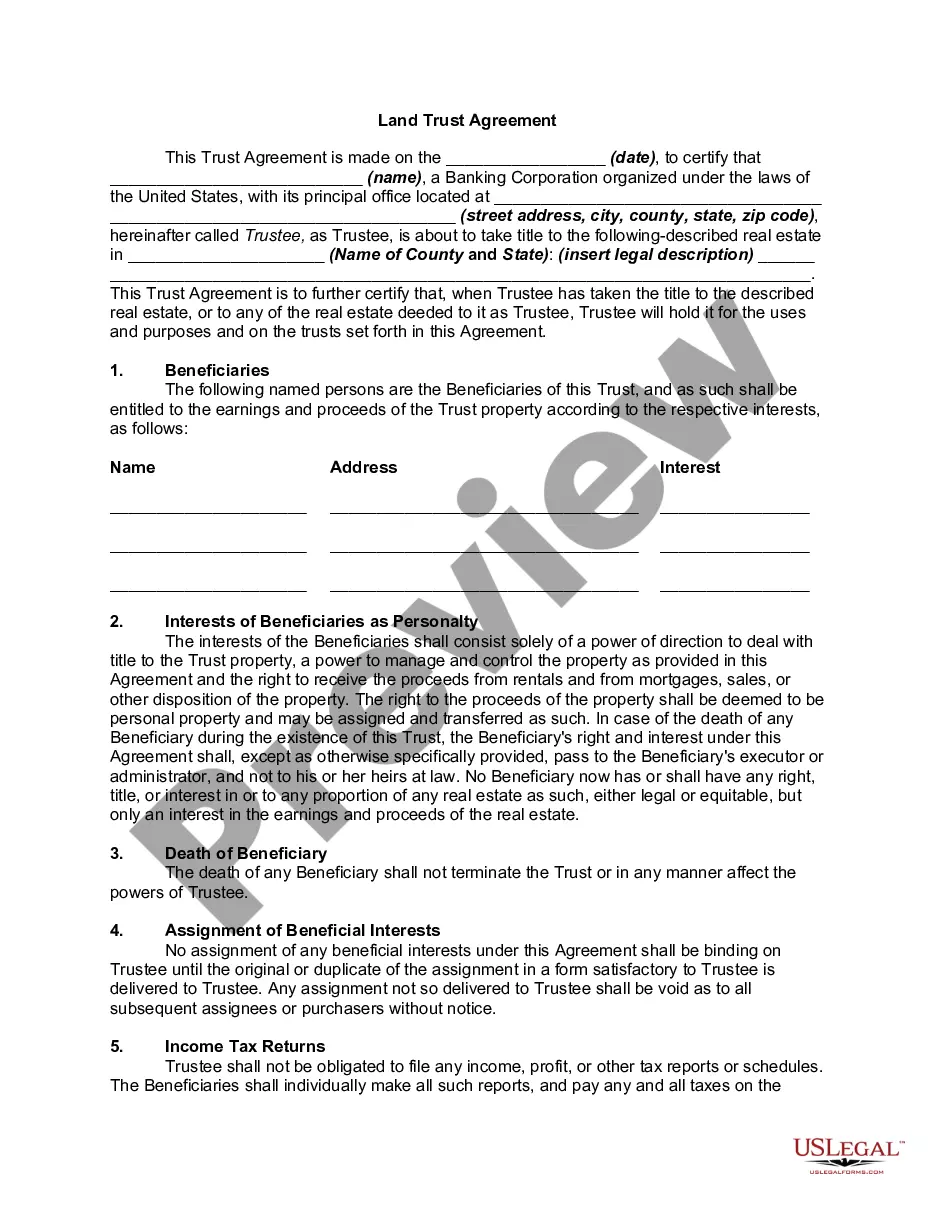
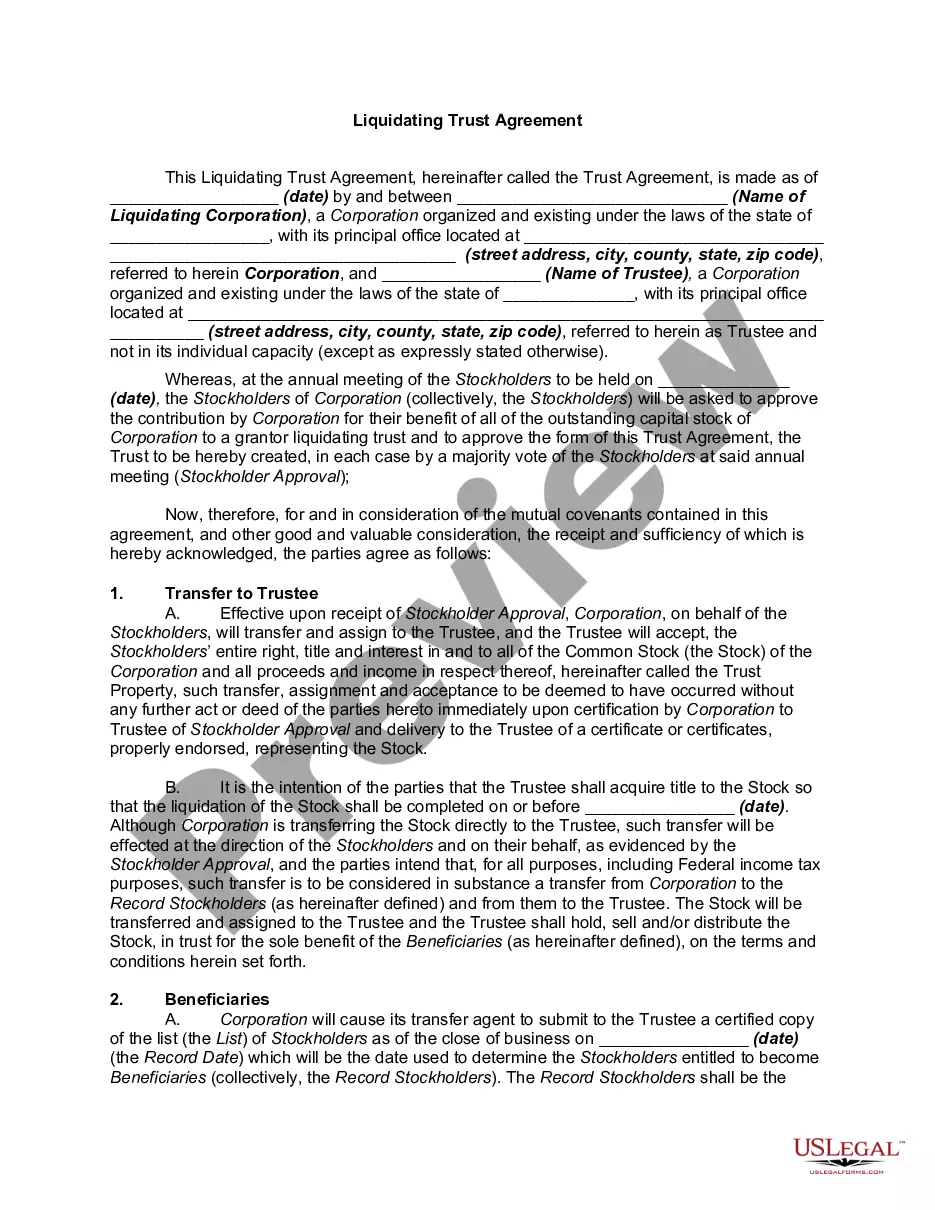
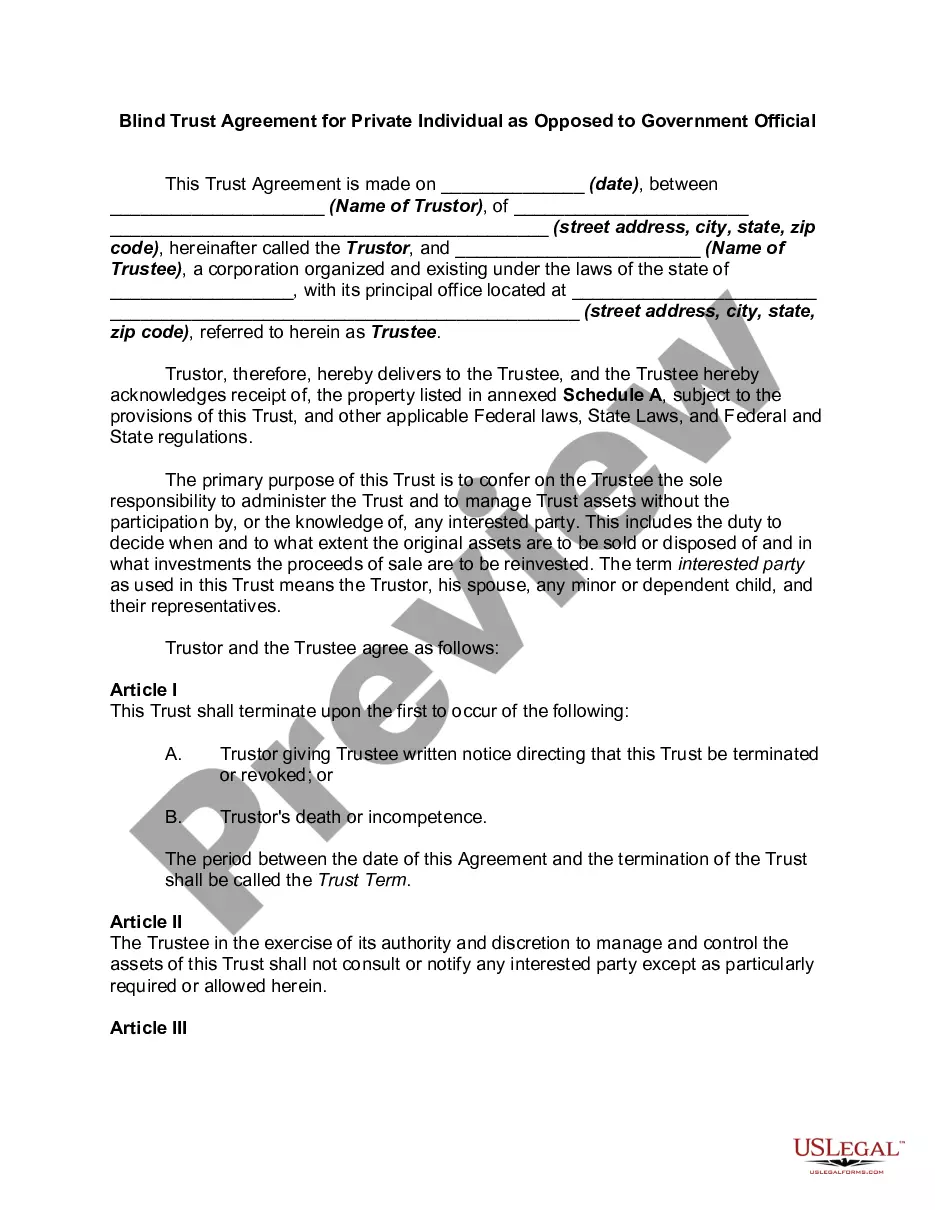
Get your form ready online
Our built-in tools help you complete, sign, share, and store your documents in one place.
Make edits, fill in missing information, and update formatting in US Legal Forms—just like you would in MS Word.
Download a copy, print it, send it by email, or mail it via USPS—whatever works best for your next step.
Sign and collect signatures with our SignNow integration. Send to multiple recipients, set reminders, and more. Go Premium to unlock E-Sign.
If this form requires notarization, complete it online through a secure video call—no need to meet a notary in person or wait for an appointment.
We protect your documents and personal data by following strict security and privacy standards.

Make edits, fill in missing information, and update formatting in US Legal Forms—just like you would in MS Word.

Download a copy, print it, send it by email, or mail it via USPS—whatever works best for your next step.

Sign and collect signatures with our SignNow integration. Send to multiple recipients, set reminders, and more. Go Premium to unlock E-Sign.

If this form requires notarization, complete it online through a secure video call—no need to meet a notary in person or wait for an appointment.

We protect your documents and personal data by following strict security and privacy standards.
Looking for another form?







How to fill out Blind Trust Agreement?
Legal document managing may be overpowering, even for the most experienced professionals. When you are interested in a Blind Trust Account For A Minor and don’t have the time to devote searching for the correct and up-to-date version, the processes could be demanding. A robust web form library could be a gamechanger for everyone who wants to deal with these situations successfully. US Legal Forms is a industry leader in online legal forms, with more than 85,000 state-specific legal forms available anytime.
With US Legal Forms, you are able to:
- Gain access to state- or county-specific legal and organization forms. US Legal Forms handles any demands you could have, from individual to business documents, all-in-one place.
- Use advanced tools to accomplish and deal with your Blind Trust Account For A Minor
- Gain access to a useful resource base of articles, tutorials and handbooks and resources connected to your situation and requirements
Help save time and effort searching for the documents you need, and utilize US Legal Forms’ advanced search and Preview tool to get Blind Trust Account For A Minor and download it. If you have a subscription, log in for your US Legal Forms account, look for the form, and download it. Review your My Forms tab to view the documents you previously saved and also to deal with your folders as you can see fit.
Should it be the first time with US Legal Forms, make an account and acquire unrestricted use of all advantages of the library. Listed below are the steps to consider after getting the form you need:
- Validate this is the correct form by previewing it and looking at its description.
- Ensure that the sample is recognized in your state or county.
- Choose Buy Now once you are ready.
- Select a subscription plan.
- Find the file format you need, and Download, complete, sign, print out and deliver your document.
Enjoy the US Legal Forms web library, backed with 25 years of experience and trustworthiness. Enhance your everyday document management in a smooth and user-friendly process right now.
Form popularity
FAQ
A blind trust is most common with public officials whose decisions can directly affect the financial markets, but another example would be creating a blind trust to hide its monetary value from an individual whose behavior and actions would change if they were privy to it.
You can name a legal minor as the beneficiary of a trust. That's particularly important because, if you want to leave assets to a minor, a trust is how you'll do it.
You can name a legal minor as the beneficiary of a trust. That's particularly important because, if you want to leave assets to a minor, a trust is how you'll do it.
The grantor usually does not have tax liability for the income generated within the trust. However, the trust may be subject to income tax, and distributions to beneficiaries may also be taxed.
How to Set Up a Blind Trust Gather the documentation for the assets that you want put into the blind trust. ... Appoint a trustee. ... Create the trust agreement. ... Sign the trust and have it notarized, taking care to follow any recording laws that your state has. Officially transfer the relevant assets into the trust.